Java Doc CECS 277 Mimi Opkins The Plan
- Slides: 14
Java. Doc CECS 277 Mimi Opkins
The Plan What is Javadoc? Writing Javadoc comments Using the Javadoc tool
What is Javadoc? Javadoc is a way to comment your code that enables automatic generation of web pages that document your code. Why use Javadoc? It's much faster than generating webpages documenting your code. It's standard documentation which means it's easy to use and the structure is given.
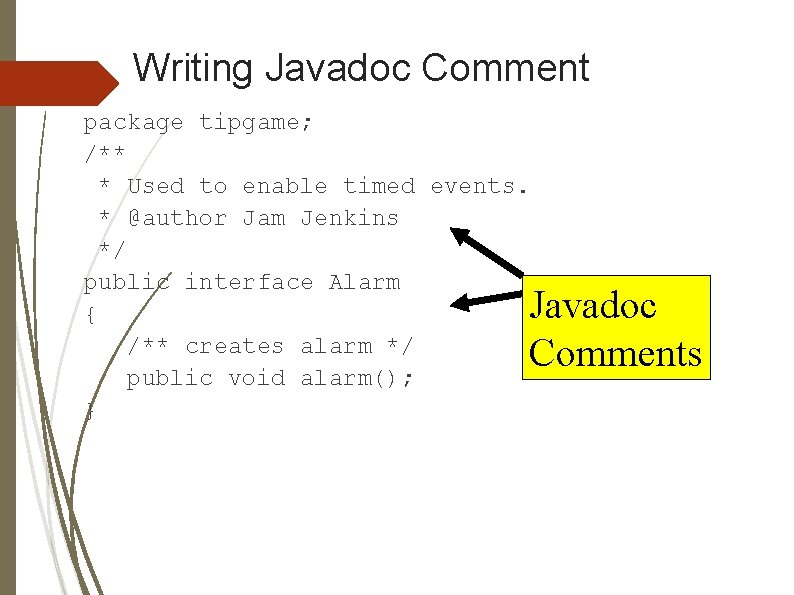
Writing Javadoc Comment Javadoc comments start with /** and end with */ The placement of the comment is important. The following can be commented: classes methods instance variables static variables
Writing Javadoc Comment package tipgame; /** * Used to enable timed events. * @author Jam Jenkins */ public interface Alarm { /** creates alarm */ public void alarm(); } Javadoc Comments
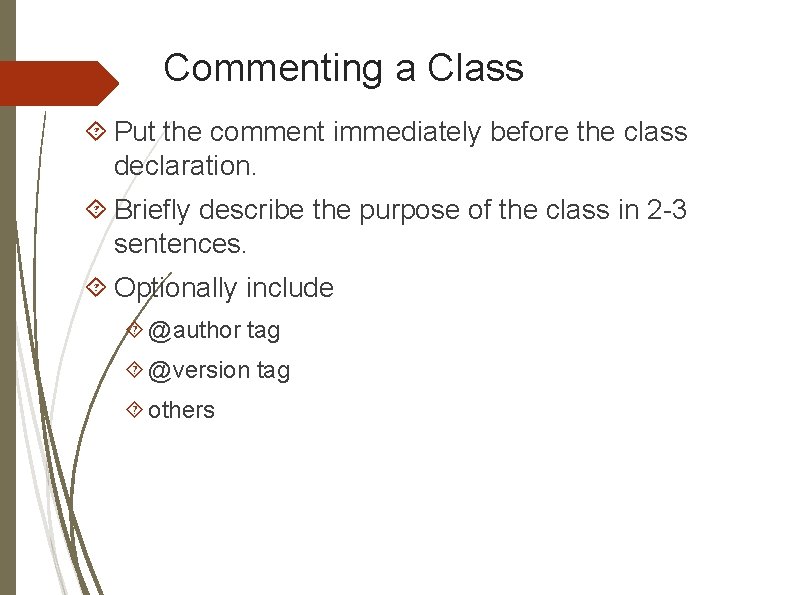
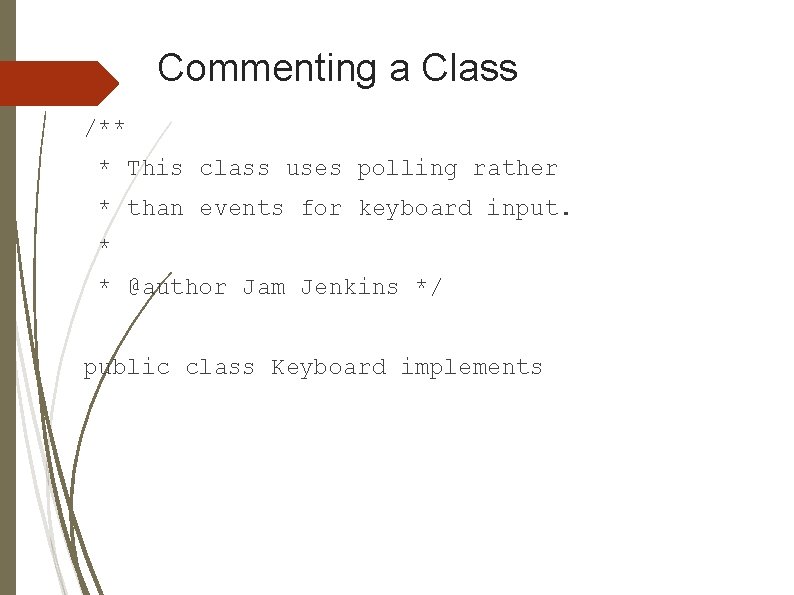
Commenting a Class Put the comment immediately before the class declaration. Briefly describe the purpose of the class in 2 -3 sentences. Optionally include @author tag @version tag others
Commenting a Class /** * This class uses polling rather * than events for keyboard input. * * @author Jam Jenkins */ public class Keyboard implements
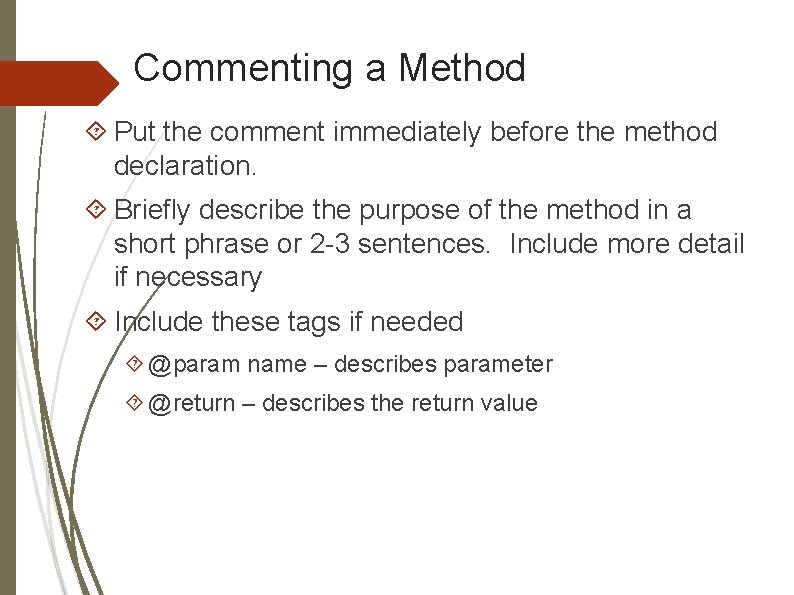
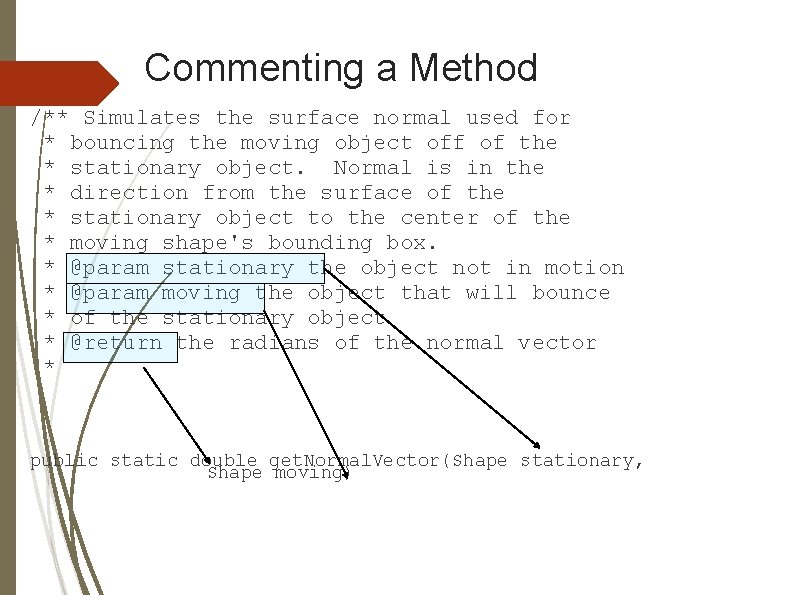
Commenting a Method Put the comment immediately before the method declaration. Briefly describe the purpose of the method in a short phrase or 2 -3 sentences. Include more detail if necessary Include these tags if needed @param name – describes parameter @return – describes the return value
Commenting a Method /** Simulates the surface normal used for * bouncing the moving object off of the * stationary object. Normal is in the * direction from the surface of the * stationary object to the center of the * moving shape's bounding box. * @param stationary the object not in motion * @param moving the object that will bounce * of the stationary object * @return the radians of the normal vector * public static double get. Normal. Vector(Shape stationary, Shape moving)
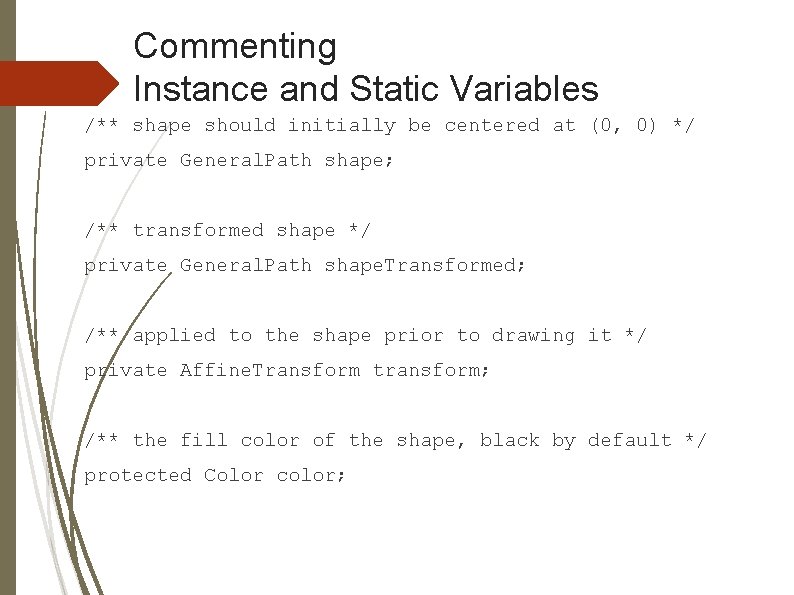
Commenting Instance and Static Variables Put the comment immediately before the variable declaration. Briefly describe the purpose of the variable in a short phrase. Include more detail only if absolutely necessary. No tags needed.
Commenting Instance and Static Variables /** shape should initially be centered at (0, 0) */ private General. Path shape; /** transformed shape */ private General. Path shape. Transformed; /** applied to the shape prior to drawing it */ private Affine. Transform transform; /** the fill color of the shape, black by default */ protected Color color;
For more information. . . Visit the article: How to Write Doc Comments for the Javadoc Tool http: //www. oracle. com/technetwork/javase/documentation/in dex-137868. html
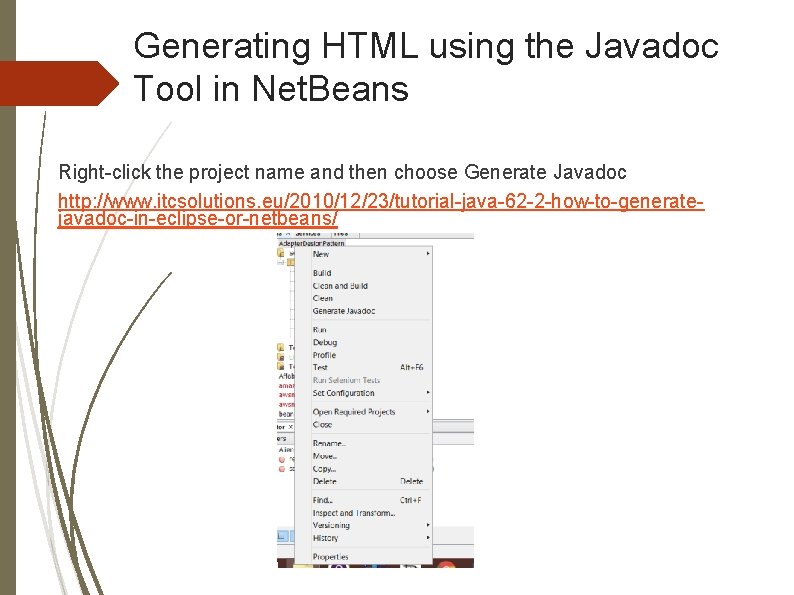
Generating HTML using the Javadoc Tool in Net. Beans Right-click the project name and then choose Generate Javadoc http: //www. itcsolutions. eu/2010/12/23/tutorial-java-62 -2 -how-to-generatejavadoc-in-eclipse-or-netbeans/
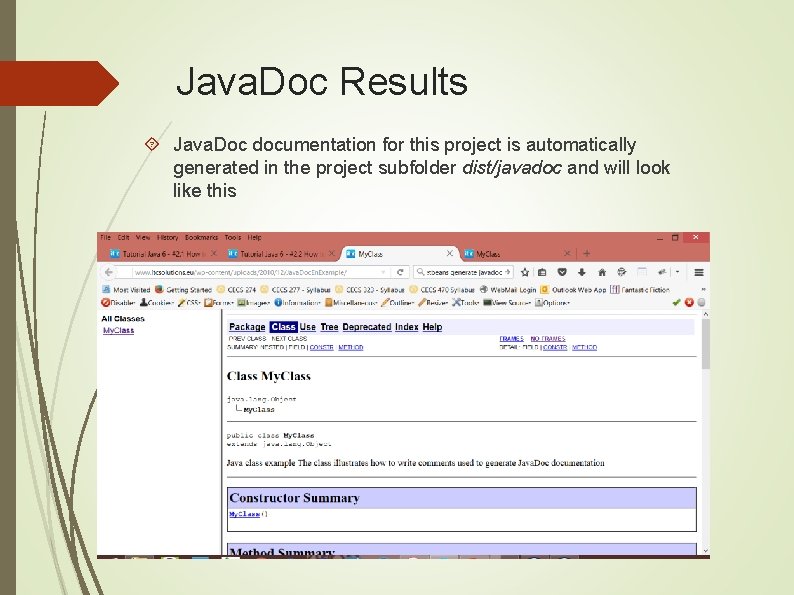
Java. Doc Results Java. Doc documentation for this project is automatically generated in the project subfolder dist/javadoc and will look like this