
URL Programming Mimi Opkins CECS 277 What is
- Slides: 8
URL Programming Mimi Opkins CECS 277
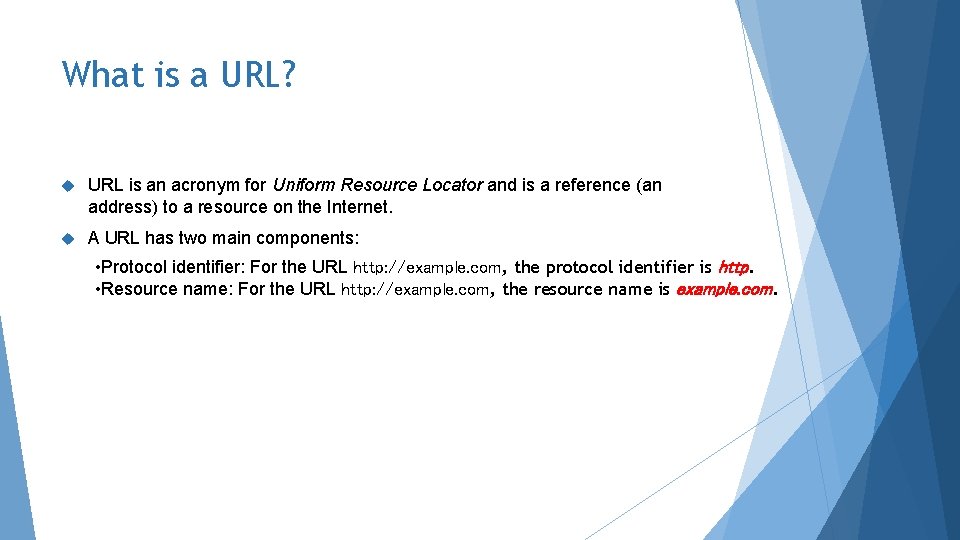
What is a URL? URL is an acronym for Uniform Resource Locator and is a reference (an address) to a resource on the Internet. A URL has two main components: • Protocol identifier: For the URL http: //example. com, the protocol identifier is http. • Resource name: For the URL http: //example. com, the resource name is example. com.
Protocol Identifier Note that the protocol identifier and the resource name are separated by a colon and two forward slashes. The protocol identifier indicates the name of the protocol to be used to fetch the resource. The example uses the Hypertext Transfer Protocol (HTTP), which is typically used to serve up hypertext documents. HTTP is just one of many different protocols used to access different types of resources on the net. Other protocols include File Transfer Protocol (FTP), Gopher, File, and News.
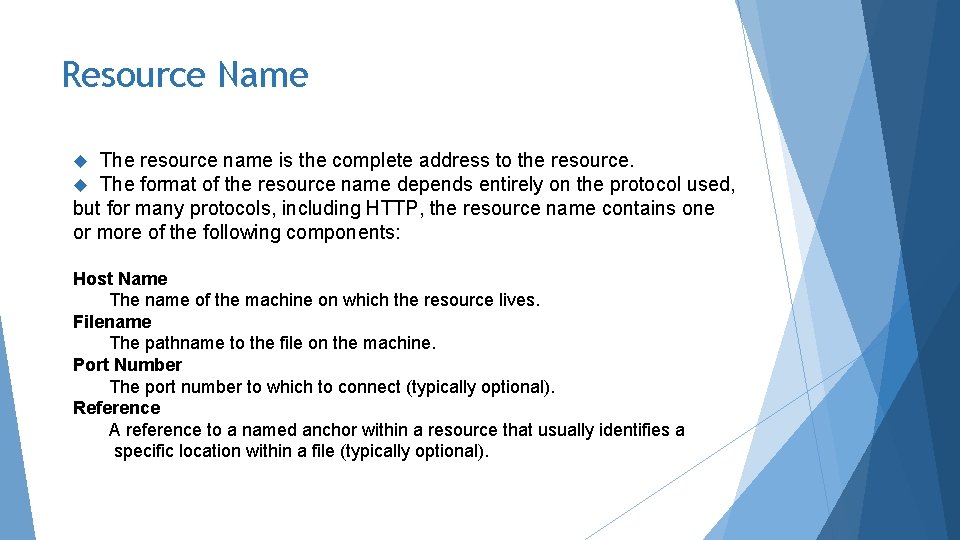
Resource Name The resource name is the complete address to the resource. The format of the resource name depends entirely on the protocol used, but for many protocols, including HTTP, the resource name contains one or more of the following components: Host Name The name of the machine on which the resource lives. Filename The pathname to the file on the machine. Port Number The port number to which to connect (typically optional). Reference A reference to a named anchor within a resource that usually identifies a specific location within a file (typically optional).
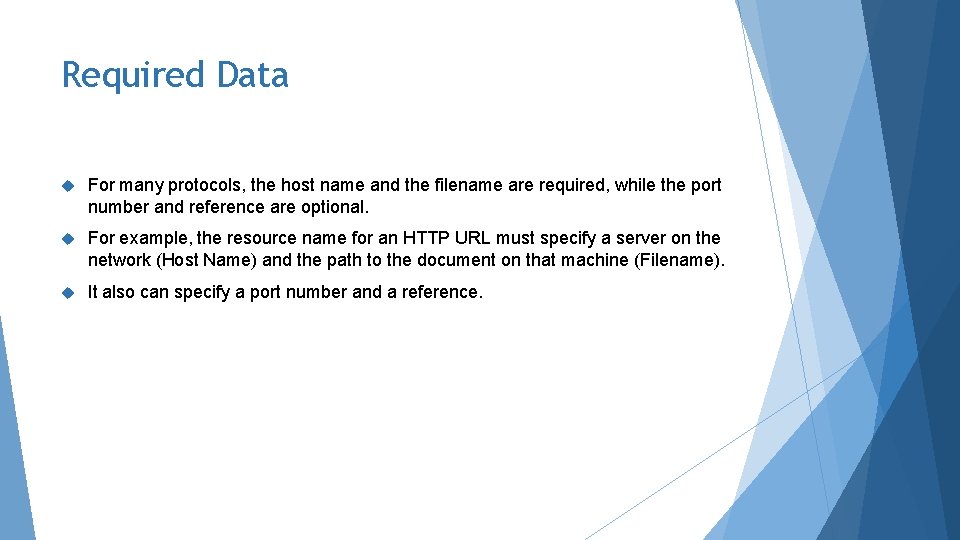
Required Data For many protocols, the host name and the filename are required, while the port number and reference are optional. For example, the resource name for an HTTP URL must specify a server on the network (Host Name) and the path to the document on that machine (Filename). It also can specify a port number and a reference.
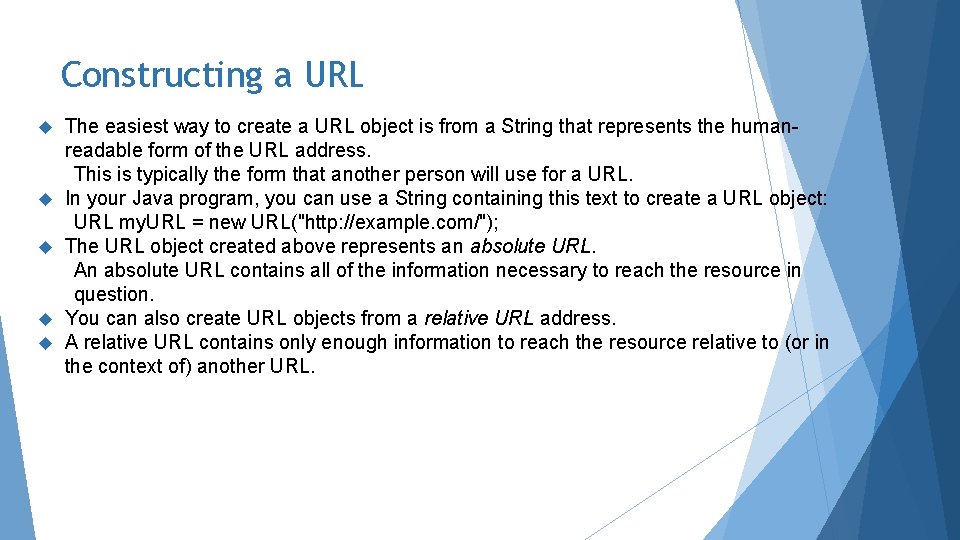
Constructing a URL The easiest way to create a URL object is from a String that represents the humanreadable form of the URL address. This is typically the form that another person will use for a URL. In your Java program, you can use a String containing this text to create a URL object: URL my. URL = new URL("http: //example. com/"); The URL object created above represents an absolute URL. An absolute URL contains all of the information necessary to reach the resource in question. You can also create URL objects from a relative URL address. A relative URL contains only enough information to reach the resource relative to (or in the context of) another URL.
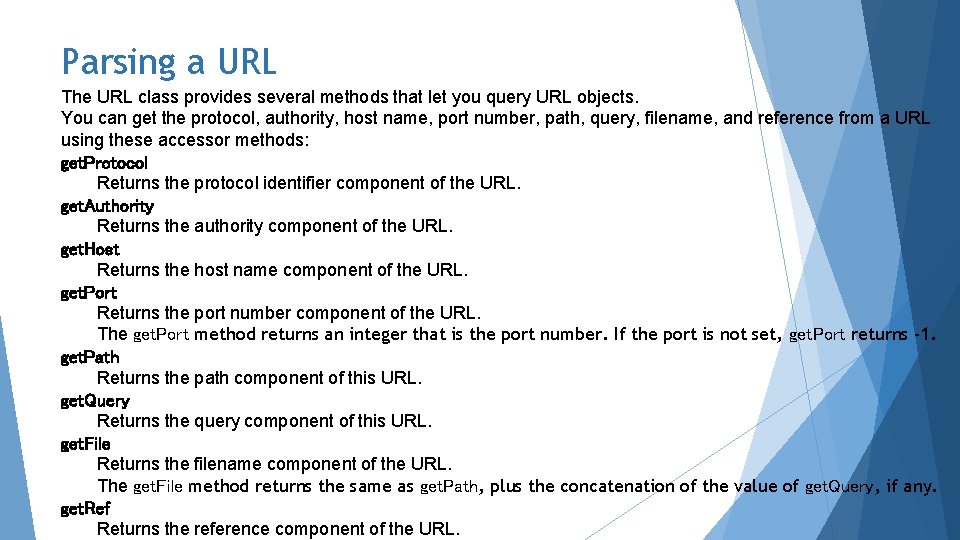
Parsing a URL The URL class provides several methods that let you query URL objects. You can get the protocol, authority, host name, port number, path, query, filename, and reference from a URL using these accessor methods: get. Protocol Returns the protocol identifier component of the URL. get. Authority Returns the authority component of the URL. get. Host Returns the host name component of the URL. get. Port Returns the port number component of the URL. The get. Port method returns an integer that is the port number. If the port is not set, get. Port returns -1. get. Path Returns the path component of this URL. get. Query Returns the query component of this URL. get. File Returns the filename component of the URL. The get. File method returns the same as get. Path, plus the concatenation of the value of get. Query, if any. get. Ref Returns the reference component of the URL.
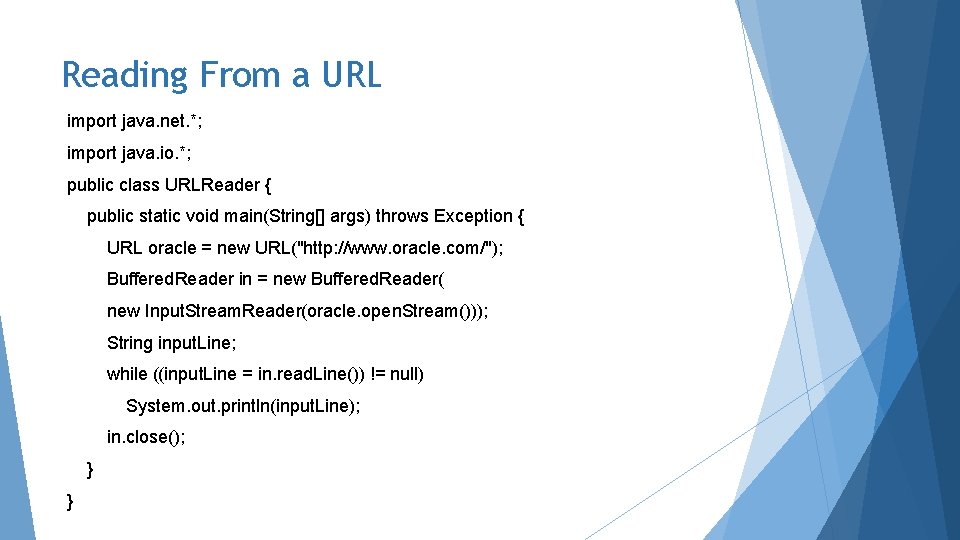
Reading From a URL import java. net. *; import java. io. *; public class URLReader { public static void main(String[] args) throws Exception { URL oracle = new URL("http: //www. oracle. com/"); Buffered. Reader in = new Buffered. Reader( new Input. Stream. Reader(oracle. open. Stream())); String input. Line; while ((input. Line = in. read. Line()) != null) System. out. println(input. Line); in. close(); } }