
Java Persistence API JPA Internet Course Hadassah Academic
- Slides: 13
Java Persistence API (JPA) Internet Course Hadassah Academic College S. Karsenty
What is JPA? • a specification that defines the management of relational data in a Java application • There are several implementations available, most commonly Hibernate’s and Eclipse’s
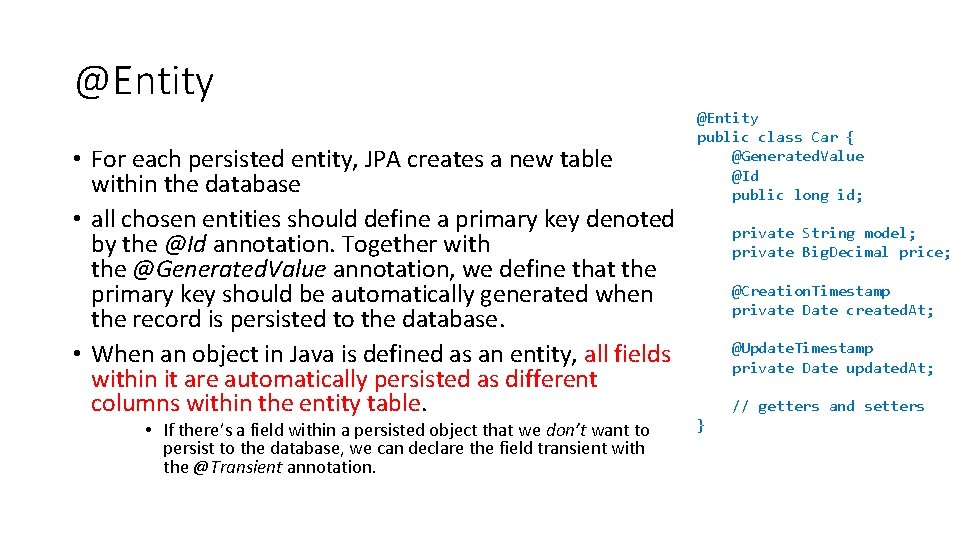
@Entity • For each persisted entity, JPA creates a new table within the database • all chosen entities should define a primary key denoted by the @Id annotation. Together with the @Generated. Value annotation, we define that the primary key should be automatically generated when the record is persisted to the database. • When an object in Java is defined as an entity, all fields within it are automatically persisted as different columns within the entity table. • If there’s a field within a persisted object that we don’t want to persist to the database, we can declare the field transient with the @Transient annotation. @Entity public class Car { @Generated. Value @Id public long id; private String model; private Big. Decimal price; @Creation. Timestamp private Date created. At; @Update. Timestamp private Date updated. At; // getters and setters }
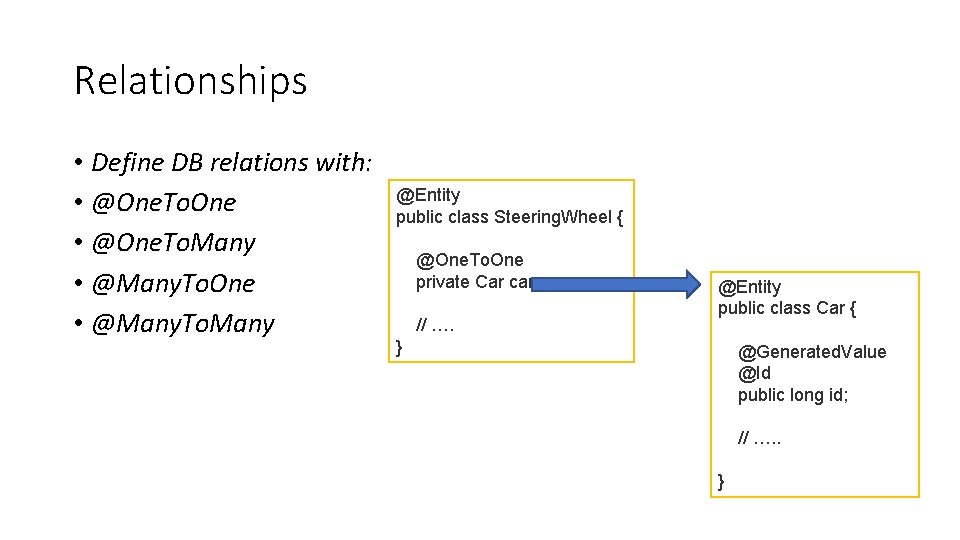
Relationships • Define DB relations with: • @One. To. One • @One. To. Many • @Many. To. One • @Many. To. Many @Entity public class Steering. Wheel { @One. To. One private Car car // …. } @Entity public class Car { @Generated. Value @Id public long id; // …. . }
Entity manager • the javax. persistence. Entity. Manager class specifies operations to and from the database • Create, Read, Update and Delete (commonly named CRUD) operations
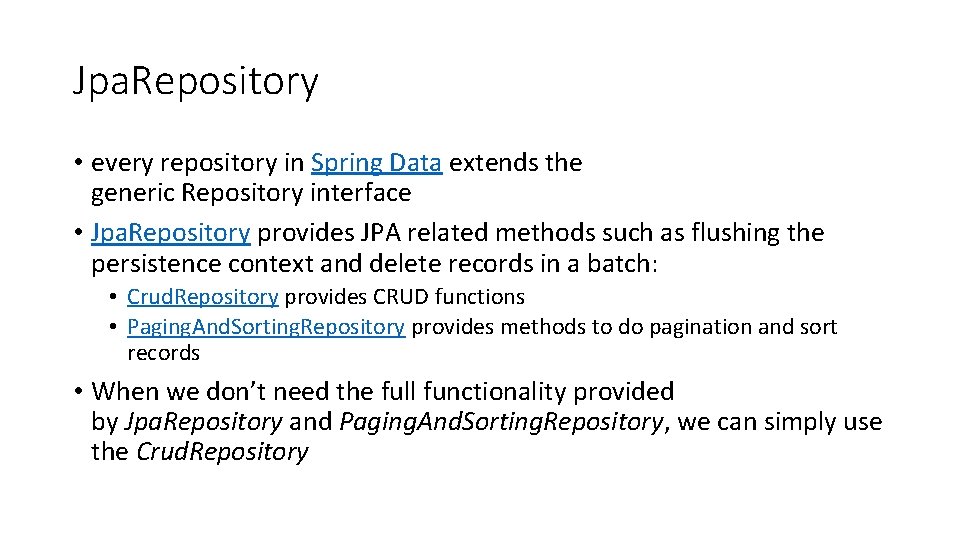
Jpa. Repository • every repository in Spring Data extends the generic Repository interface • Jpa. Repository provides JPA related methods such as flushing the persistence context and delete records in a batch: • Crud. Repository provides CRUD functions • Paging. And. Sorting. Repository provides methods to do pagination and sort records • When we don’t need the full functionality provided by Jpa. Repository and Paging. And. Sorting. Repository, we can simply use the Crud. Repository
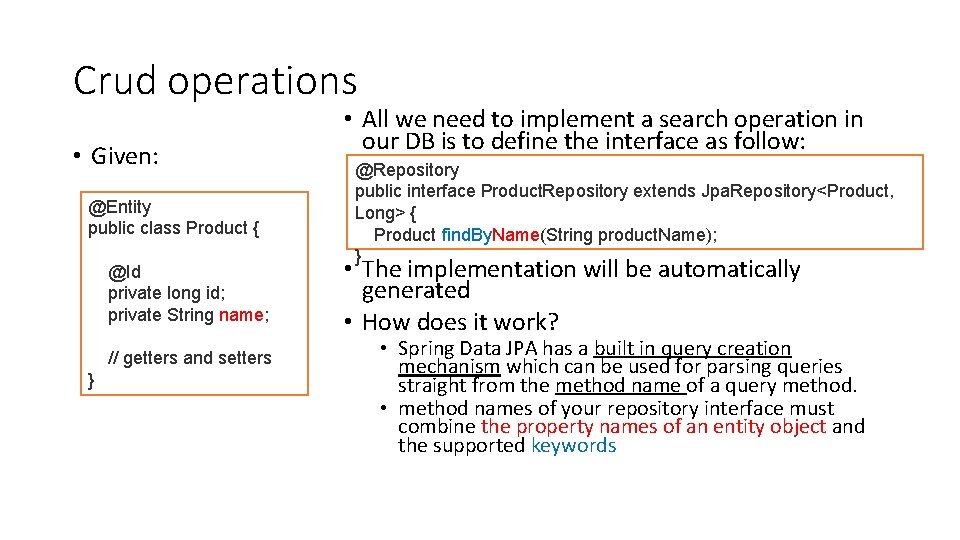
Crud operations • Given: @Entity public class Product { @Id private long id; private String name; // getters and setters } • All we need to implement a search operation in our DB is to define the interface as follow: @Repository public interface Product. Repository extends Jpa. Repository<Product, Long> { Product find. By. Name(String product. Name); } • The implementation will be automatically generated • How does it work? • Spring Data JPA has a built in query creation mechanism which can be used for parsing queries straight from the method name of a query method. • method names of your repository interface must combine the property names of an entity object and the supported keywords
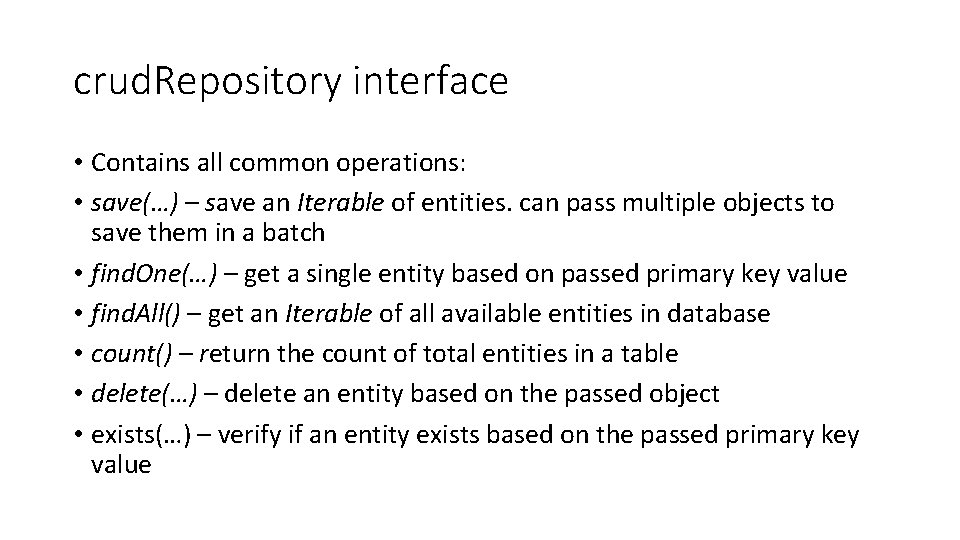
crud. Repository interface • Contains all common operations: • save(…) – save an Iterable of entities. can pass multiple objects to save them in a batch • find. One(…) – get a single entity based on passed primary key value • find. All() – get an Iterable of all available entities in database • count() – return the count of total entities in a table • delete(…) – delete an entity based on the passed object • exists(…) – verify if an entity exists based on the passed primary key value
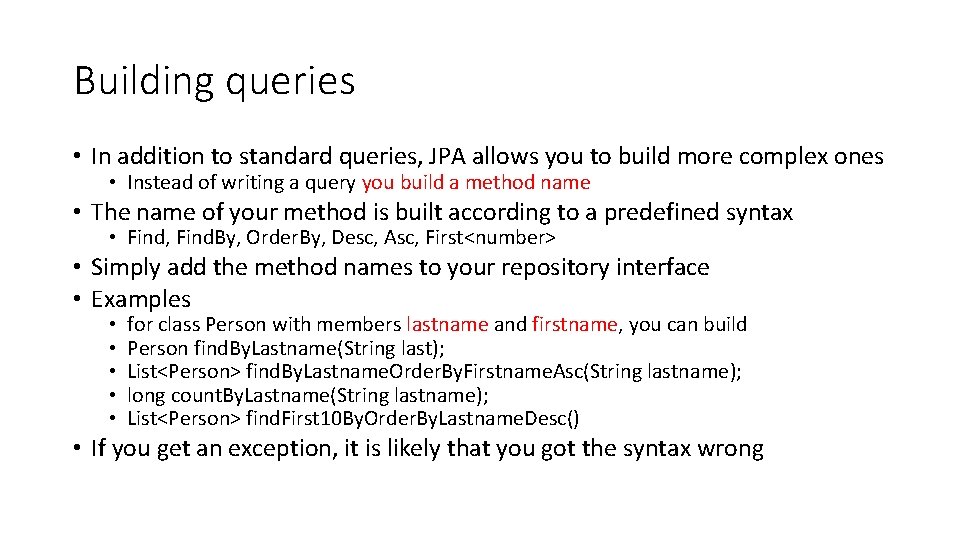
Building queries • In addition to standard queries, JPA allows you to build more complex ones • Instead of writing a query you build a method name • The name of your method is built according to a predefined syntax • Find, Find. By, Order. By, Desc, Asc, First<number> • Simply add the method names to your repository interface • Examples • • • for class Person with members lastname and firstname, you can build Person find. By. Lastname(String last); List<Person> find. By. Lastname. Order. By. Firstname. Asc(String lastname); long count. By. Lastname(String lastname); List<Person> find. First 10 By. Order. By. Lastname. Desc() • If you get an exception, it is likely that you got the syntax wrong
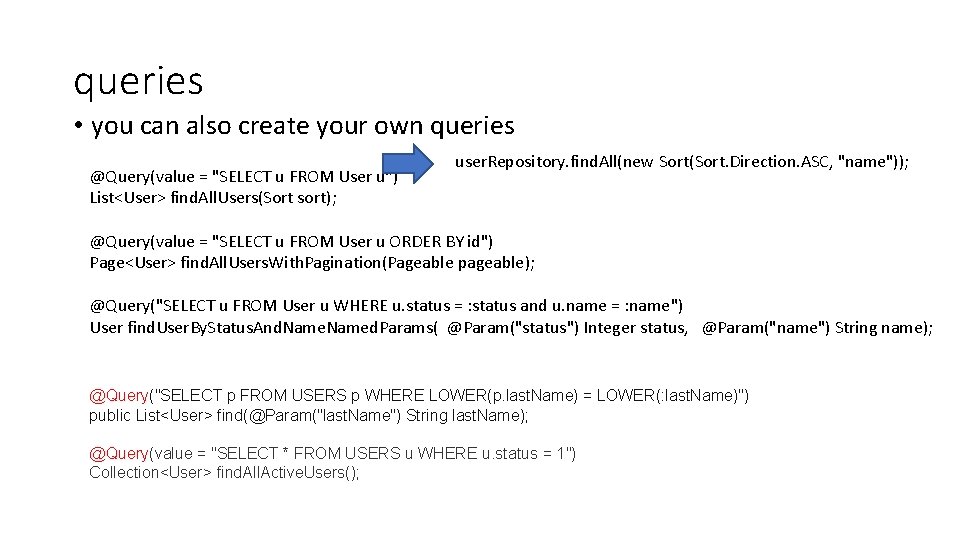
queries • you can also create your own queries @Query(value = "SELECT u FROM User u") List<User> find. All. Users(Sort sort); user. Repository. find. All(new Sort(Sort. Direction. ASC, "name")); @Query(value = "SELECT u FROM User u ORDER BY id") Page<User> find. All. Users. With. Pagination(Pageable pageable); @Query("SELECT u FROM User u WHERE u. status = : status and u. name = : name") User find. User. By. Status. And. Named. Params( @Param("status") Integer status, @Param("name") String name); @Query("SELECT p FROM USERS p WHERE LOWER(p. last. Name) = LOWER(: last. Name)") public List<User> find(@Param("last. Name") String last. Name); @Query(value = "SELECT * FROM USERS u WHERE u. status = 1") Collection<User> find. All. Active. Users();
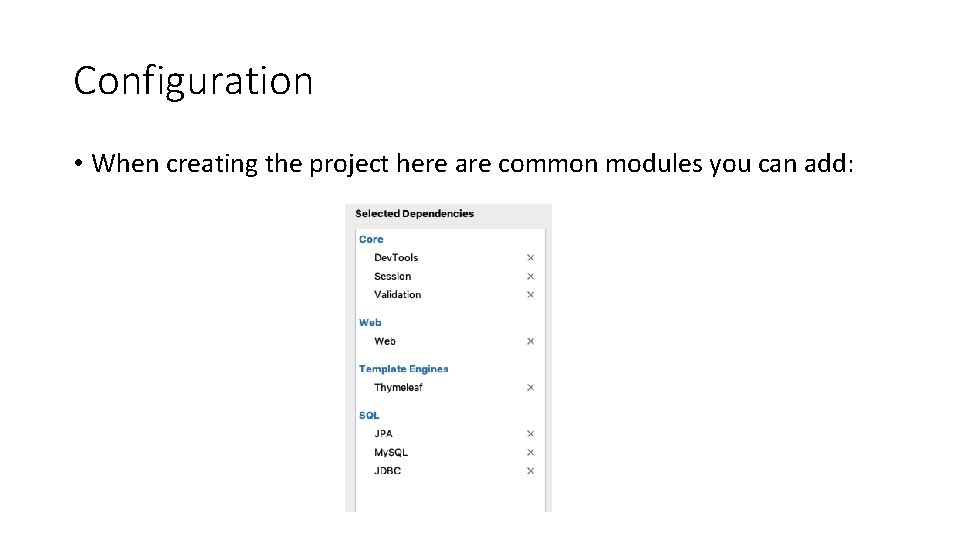
Configuration • When creating the project here are common modules you can add:
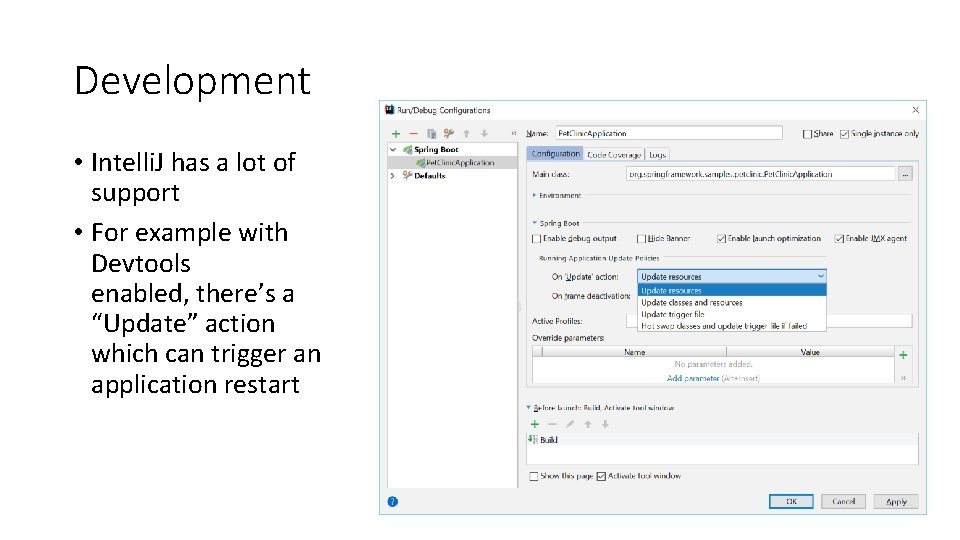
Development • Intelli. J has a lot of support • For example with Devtools enabled, there’s a “Update” action which can trigger an application restart
more • Full JPS/my. SQL example in course website • Need to add the module JPA in Intelli. J projects • Useful tutorials: • • https: //www. baeldung. com/the-persistence-layer-with-spring-and-jpa https: //www. baeldung. com/spring-data-jpa-query https: //www. baeldung. com/spring-data-repositories https: //www. baeldung. com/persistence-with-spring-series