InMemory Columnstore IndexesMake Your Data Warehouse Fly Joey









- Slides: 25
In-Memory Columnstore Indexes--Make Your Data Warehouse Fly Joey D’Antoni PASS DBA Virtual Chapter 8 January 2014
About Me Solution Architect, Anexinet @jdanton – Twitter jdanton 1@yahoo. com Joedantoni. wordpress. com – Blog, Slides http: //bit. ly/SQLColumnstore -- Slides, Resources
Agenda Indexes—a basic overview Columnstore—an introduction Query Performance—Demo 2012 and 2014—What’s Changing? 2014—Demo Questions
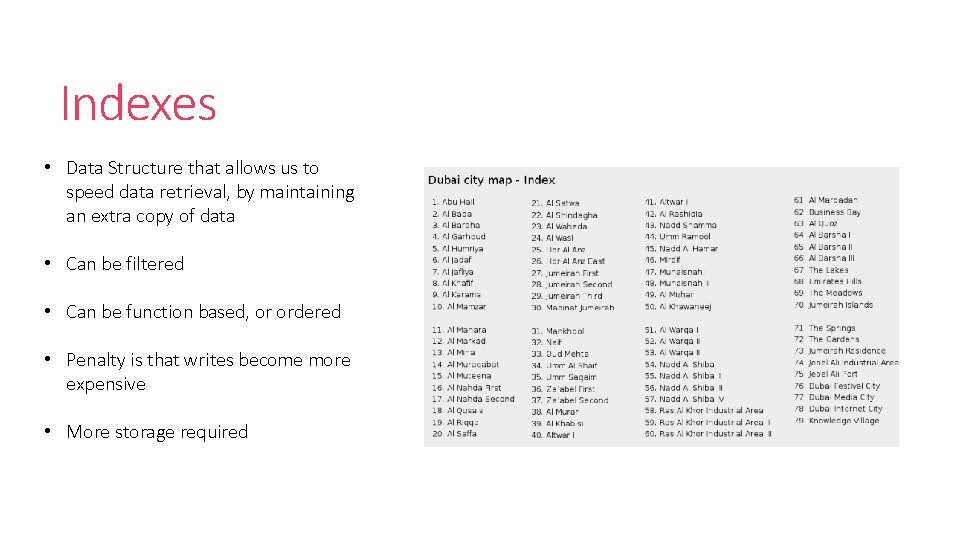
Indexes • Data Structure that allows us to speed data retrieval, by maintaining an extra copy of data • Can be filtered • Can be function based, or ordered • Penalty is that writes become more expensive • More storage required
Indexes in SQL Server • Clustered vs. Nonclustered • Clustered Index—Index Organized Table • Non-clustered index “just an index”
Clustered Index • Data is ordered as is inserted into pages • Data in clustered index is only stored on disk once (it’s the data from the tables) • Table without a clustered index is called a heap—no order at all
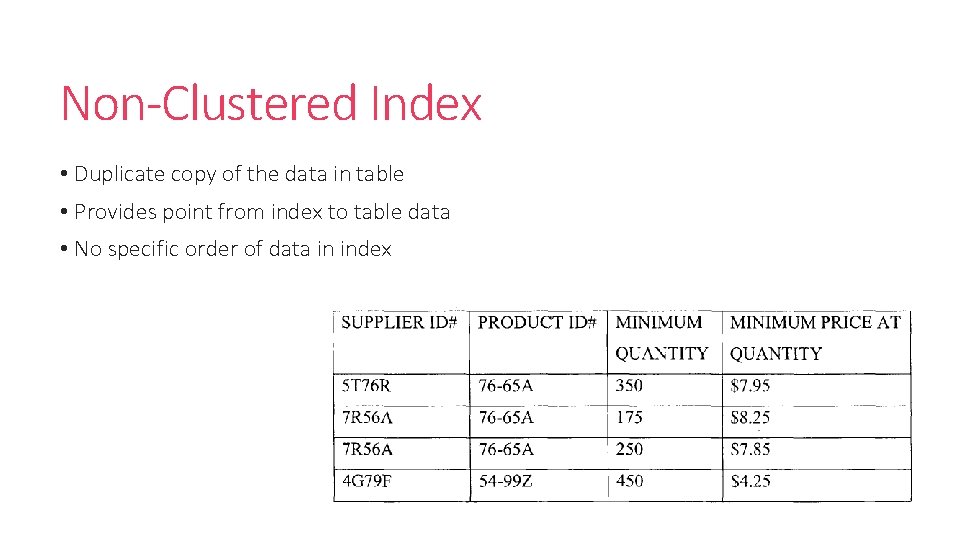
Non-Clustered Index • Duplicate copy of the data in table • Provides point from index to table data • No specific order of data in index
So Why All This Talk About Indexes?
Data Warehouse Queries • Data Warehouses have a lot of data • Querying lots of a data can take a really long time • Processing data row by row—may not be the most efficient way to perform aggregations
Traditional Approaches To Improving Performance • Partitioned Tables • Indexed Views • Data Compression
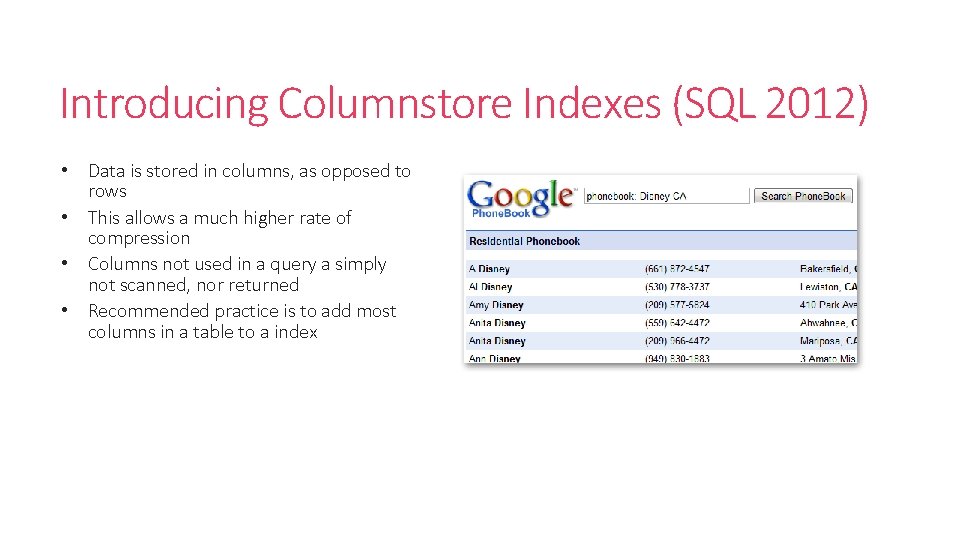
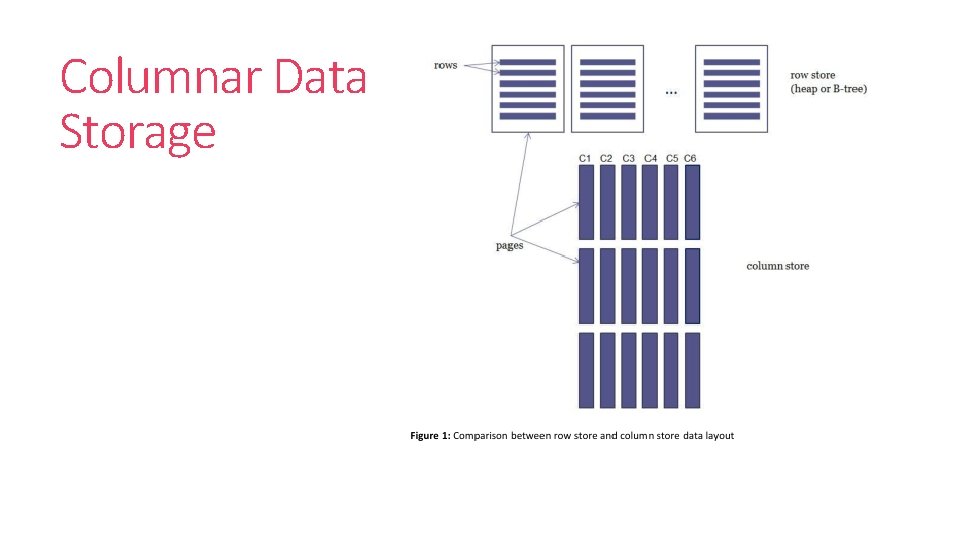
Introducing Columnstore Indexes (SQL 2012) • Data is stored in columns, as opposed to rows • This allows a much higher rate of compression • Columns not used in a query a simply not scanned, nor returned • Recommended practice is to add most columns in a table to a index
Columnar Data Storage
Columnstore 2012 Demo
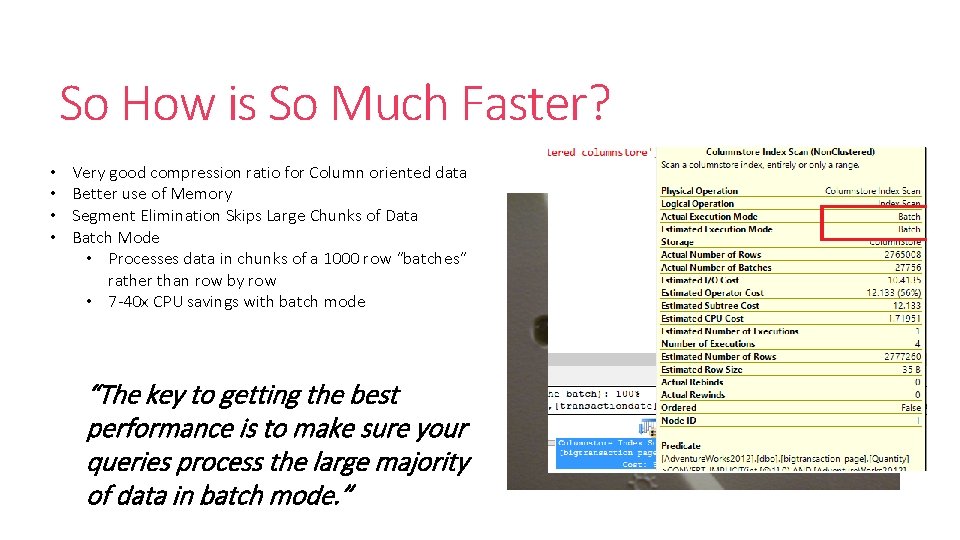
So How is So Much Faster? • • Very good compression ratio for Column oriented data Better use of Memory Segment Elimination Skips Large Chunks of Data Batch Mode • Processes data in chunks of a 1000 row “batches” rather than row by row • 7 -40 x CPU savings with batch mode “The key to getting the best performance is to make sure your queries process the large majority of data in batch mode. ”
Columnstore All The Things? • Awesome performance—so what’s the negative? • Can’t update/insert in 2012 • Can only be nonclustered index—so we are storing more data on disk • Data types are somewhat limited • One index per table • Can’t be a sorted index
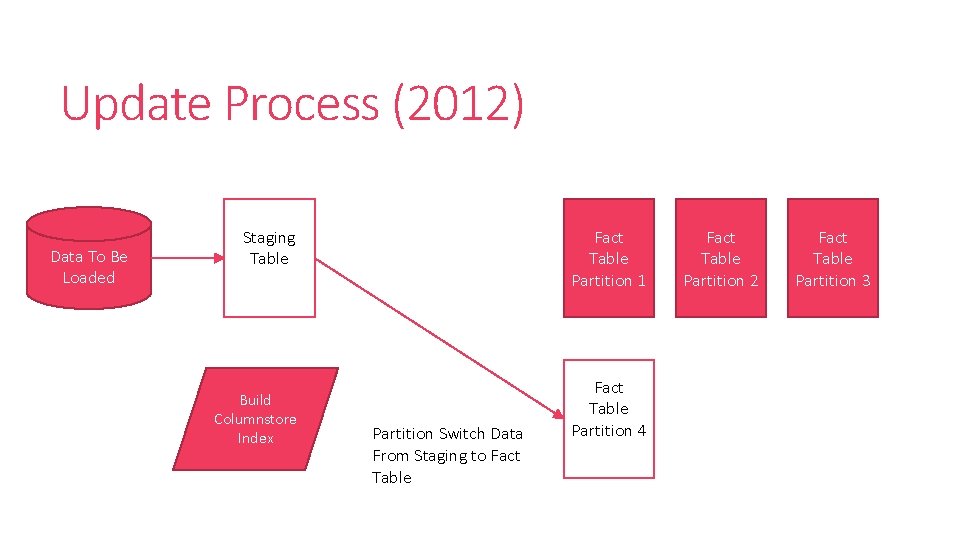
Update Process (2012) Data To Be Loaded Staging Table Build Columnstore Index Fact Table Partition 1 Partition Switch Data From Staging to Fact Table Partition 4 Fact Table Partition 2 Fact Table Partition 3
So Where To Use Columnstore Indexes? • Only on Large Tables—Fact tables and Dimension Tables > 3 Million Rows • Include Every Column • Structure Queries as star joins with grouping and aggregation More details here
Columnstore 2014
Columnstore in 2014 • Fewer Data Type Limitations • Updateable • Can be Clustered Index • New Archival Compression Mode • Batch Mode Improvements
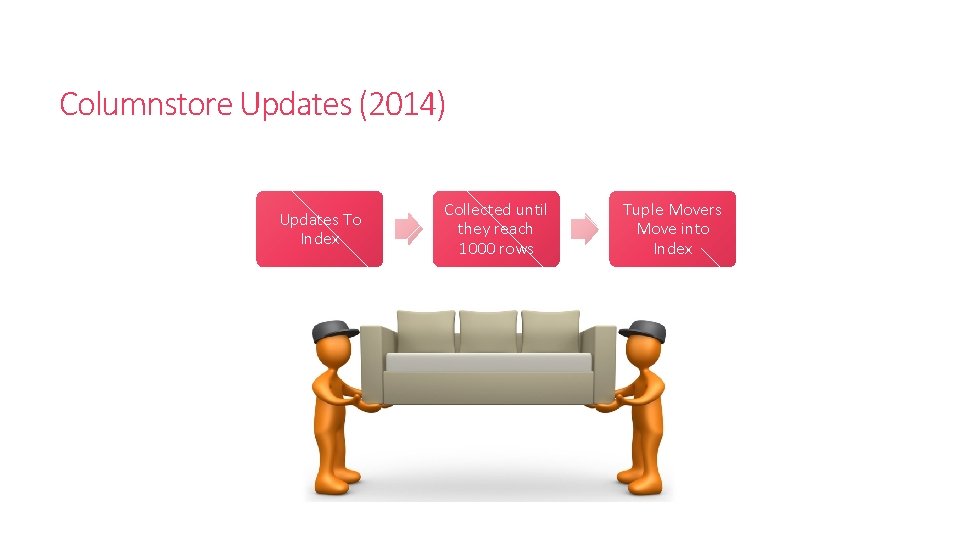
Columnstore Updates (2014) Updates To Index Collected until they reach 1000 rows Tuple Movers Move into Index
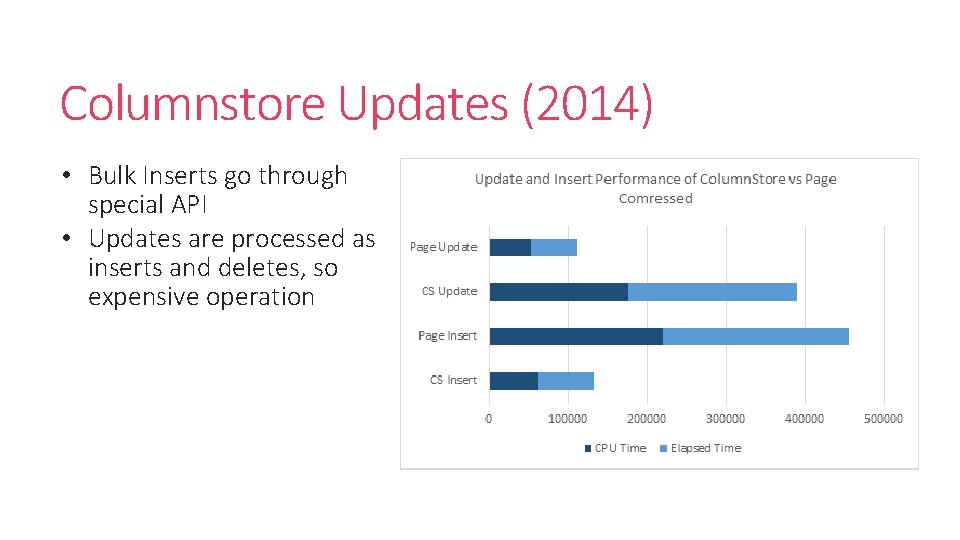
Columnstore Updates (2014) • Bulk Inserts go through special API • Updates are processed as inserts and deletes, so expensive operation
Columnstore 2014 Demo
What Do We Do Differently in 2014 • Best Practices are mostly the same • Batch mode gets enhanced and gains more query types • No need to worry about dropping and rebuilding indexes—just append data • Still focus on large tables where data is not frequently updated • Archival Compression Good for old unused data
Questions
Contact jdanton 1@yahoo. com Joedantoni. wordpress. com @jdanton http: //bit. ly/SQLColumnstore -- Slides, Resources