How To Compute Like A Grad Student http
- Slides: 36
How To Compute Like A Grad Student http: //www. cs. cmu. edu/~mahim/ic 05/ Mahim Mishra Featuring slides stolen from cache, josullvn, colohan
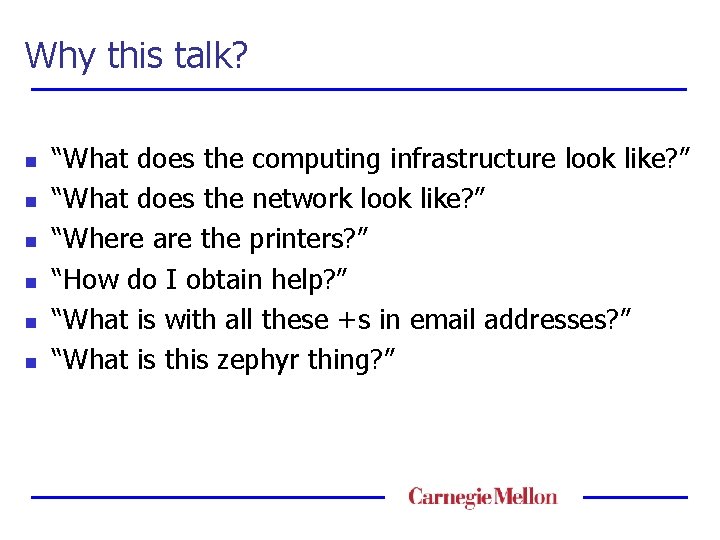
Why this talk? n n n “What does the computing infrastructure look like? ” “What does the network look like? ” “Where are the printers? ” “How do I obtain help? ” “What is with all these +s in email addresses? ” “What is this zephyr thing? ”
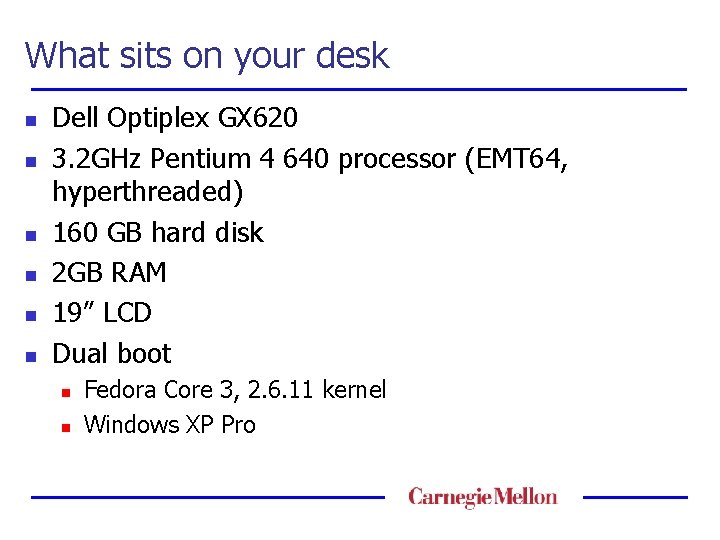
What sits on your desk n n n Dell Optiplex GX 620 3. 2 GHz Pentium 4 640 processor (EMT 64, hyperthreaded) 160 GB hard disk 2 GB RAM 19” LCD Dual boot n n Fedora Core 3, 2. 6. 11 kernel Windows XP Pro
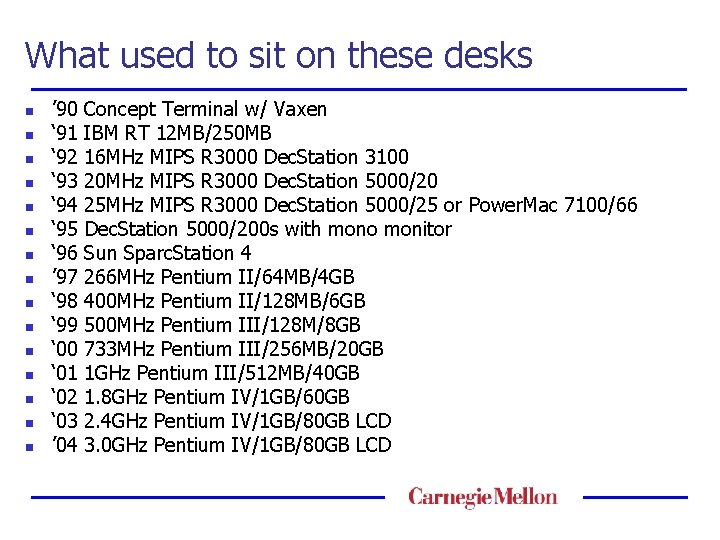
What used to sit on these desks n n n n ’ 90 ‘ 91 ‘ 92 ‘ 93 ‘ 94 ‘ 95 ‘ 96 ’ 97 ‘ 98 ‘ 99 ‘ 00 ‘ 01 ‘ 02 ‘ 03 ’ 04 Concept Terminal w/ Vaxen IBM RT 12 MB/250 MB 16 MHz MIPS R 3000 Dec. Station 3100 20 MHz MIPS R 3000 Dec. Station 5000/20 25 MHz MIPS R 3000 Dec. Station 5000/25 or Power. Mac 7100/66 Dec. Station 5000/200 s with mono monitor Sun Sparc. Station 4 266 MHz Pentium II/64 MB/4 GB 400 MHz Pentium II/128 MB/6 GB 500 MHz Pentium III/128 M/8 GB 733 MHz Pentium III/256 MB/20 GB 1 GHz Pentium III/512 MB/40 GB 1. 8 GHz Pentium IV/1 GB/60 GB 2. 4 GHz Pentium IV/1 GB/80 GB LCD 3. 0 GHz Pentium IV/1 GB/80 GB LCD
What the network looks like n n Switched network, 10/100 Mbps to offices We connect to CMU, they connect to PSC, they connect to the world n n You will hear a lot of griping about PSC Network service needs to be paid for (magic money) n Do not plug computers in without registering
What the network looks like (cont) n Wireless network n n n Run by the Andrew folks Free, look at https: //netreg. net. cmu. edu/ Connecting from home n Cable or DSL broadband service n n Department subsidy of $400/yr n n http: /www. broadbandreports. com and zephyr for comparisons Contact maverick@cs for details When traveling n Learn about i. Pass
SCS Community n Facilidudes n n Your friends Overworked Could make more in industry Keep them your friends n Bake them cookies!
SCS Community n Users n Many platforms n n Volunteers n n n Linux, Windows, Solaris, Mac. OS, IRIX, net. BSD, free. BSD, Plan 9… Maintain critical/useful software Help facilities serve other students Savvy users have unique problems
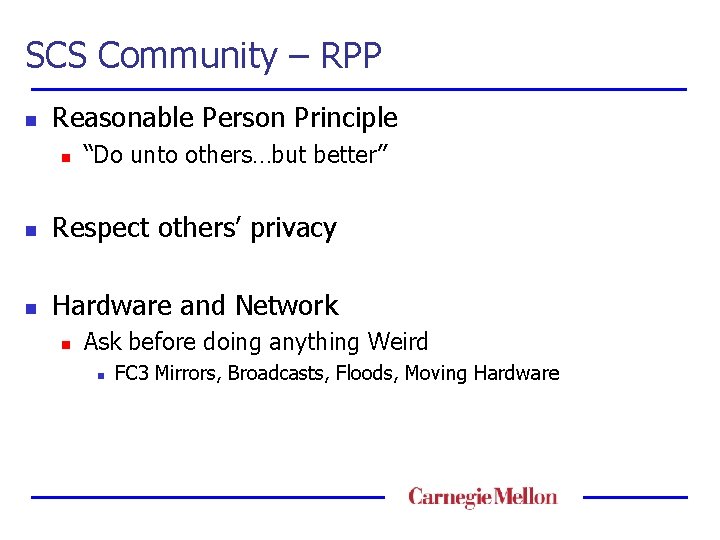
SCS Community – RPP n Reasonable Person Principle n “Do unto others…but better” n Respect others’ privacy n Hardware and Network n Ask before doing anything Weird n FC 3 Mirrors, Broadcasts, Floods, Moving Hardware
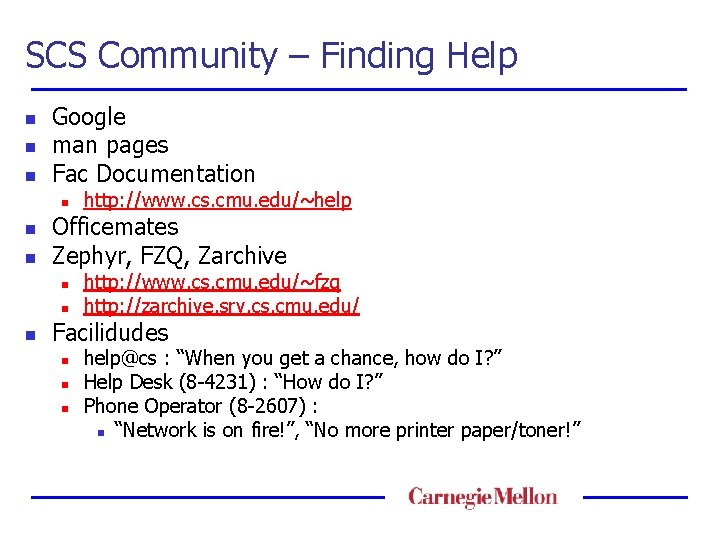
SCS Community – Finding Help n n n Google man pages Fac Documentation n Officemates Zephyr, FZQ, Zarchive n n n http: //www. cs. cmu. edu/~help http: //www. cs. cmu. edu/~fzq http: //zarchive. srv. cs. cmu. edu/ Facilidudes n n n help@cs : “When you get a chance, how do I? ” Help Desk (8 -4231) : “How do I? ” Phone Operator (8 -2607) : n “Network is on fire!”, “No more printer paper/toner!”
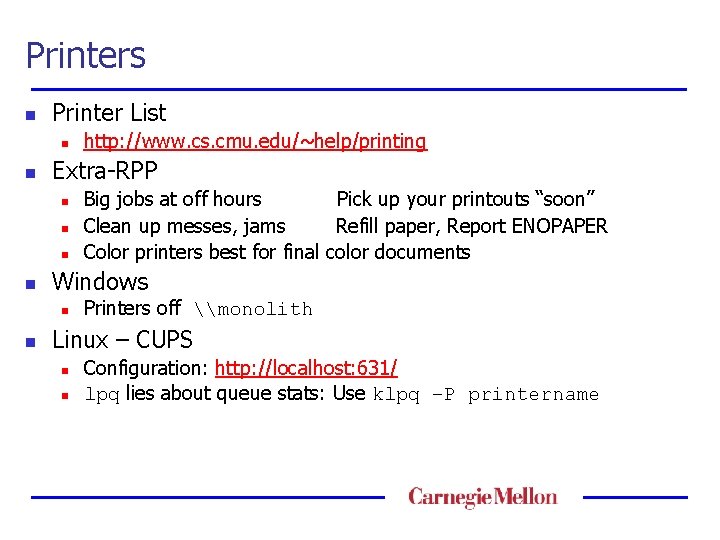
Printers n Printer List n n Extra-RPP n n Big jobs at off hours Pick up your printouts “soon” Clean up messes, jams Refill paper, Report ENOPAPER Color printers best for final color documents Windows n n http: //www. cs. cmu. edu/~help/printing Printers off \monolith Linux – CUPS n n Configuration: http: //localhost: 631/ lpq lies about queue stats: Use klpq –P printername
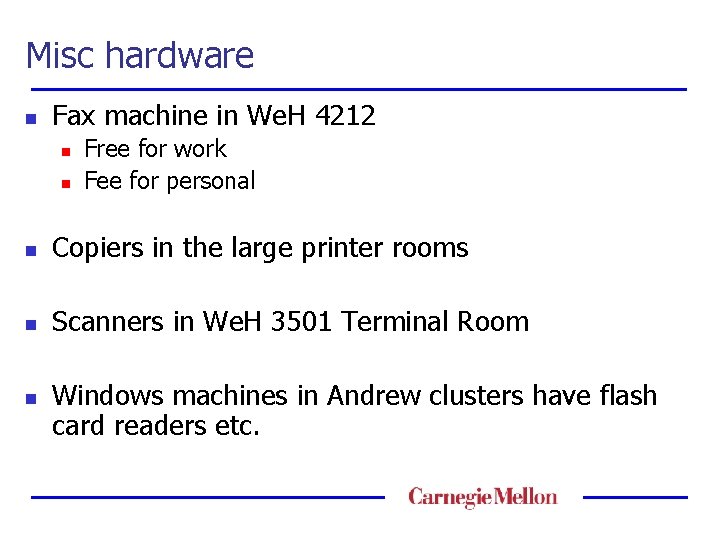
Misc hardware n Fax machine in We. H 4212 n n Free for work Fee for personal n Copiers in the large printer rooms n Scanners in We. H 3501 Terminal Room n Windows machines in Andrew clusters have flash card readers etc.
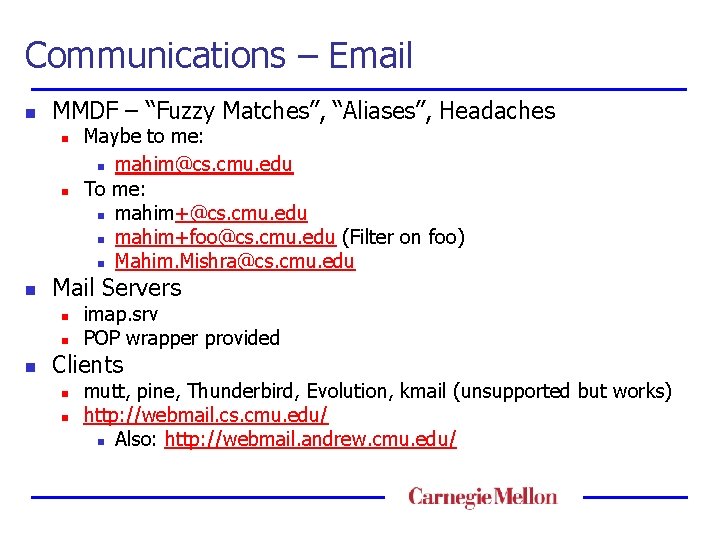
Communications – Email n MMDF – “Fuzzy Matches”, “Aliases”, Headaches n n n Mail Servers n n n Maybe to me: n mahim@cs. cmu. edu To me: n mahim+@cs. cmu. edu n mahim+foo@cs. cmu. edu (Filter on foo) n Mahim. Mishra@cs. cmu. edu imap. srv POP wrapper provided Clients n n mutt, pine, Thunderbird, Evolution, kmail (unsupported but works) http: //webmail. cs. cmu. edu/ n Also: http: //webmail. andrew. cmu. edu/
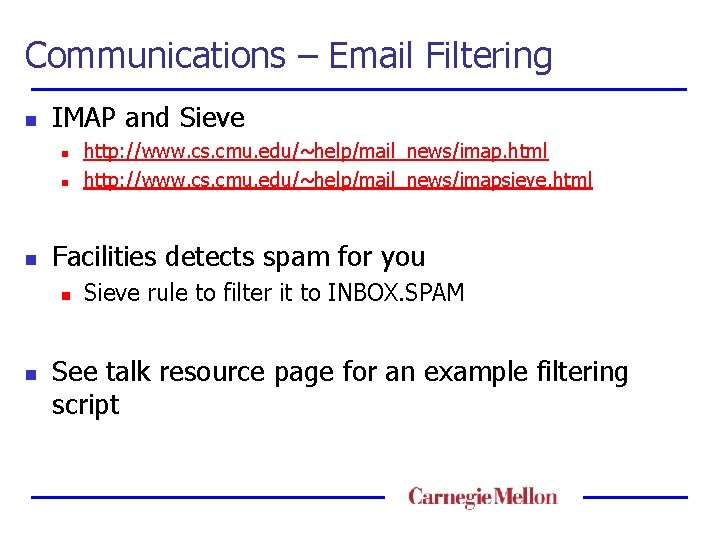
Communications – Email Filtering n IMAP and Sieve n n n Facilities detects spam for you n n http: //www. cs. cmu. edu/~help/mail_news/imap. html http: //www. cs. cmu. edu/~help/mail_news/imapsieve. html Sieve rule to filter it to INBOX. SPAM See talk resource page for an example filtering script
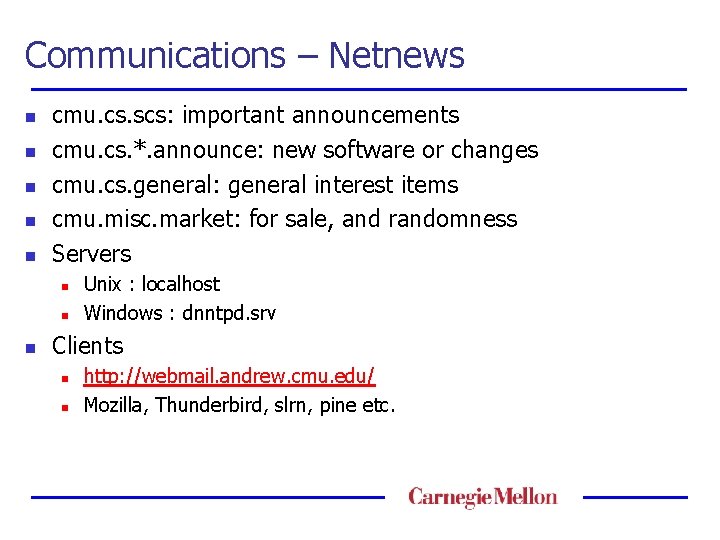
Communications – Netnews n n n cmu. cs. scs: important announcements cmu. cs. *. announce: new software or changes cmu. cs. general: general interest items cmu. misc. market: for sale, and randomness Servers n n n Unix : localhost Windows : dnntpd. srv Clients n n http: //webmail. andrew. cmu. edu/ Mozilla, Thunderbird, slrn, pine etc.
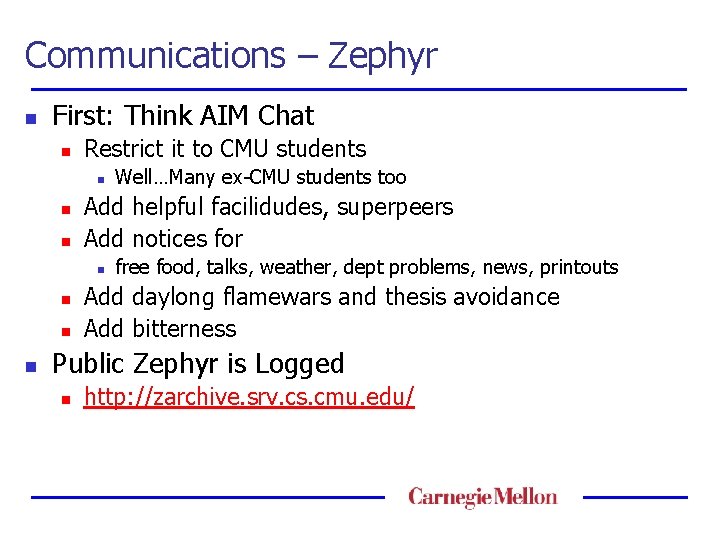
Communications – Zephyr n First: Think AIM Chat n Restrict it to CMU students n n n Add helpful facilidudes, superpeers Add notices for n n Well…Many ex-CMU students too free food, talks, weather, dept problems, news, printouts Add daylong flamewars and thesis avoidance Add bitterness Public Zephyr is Logged n http: //zarchive. srv. cs. cmu. edu/
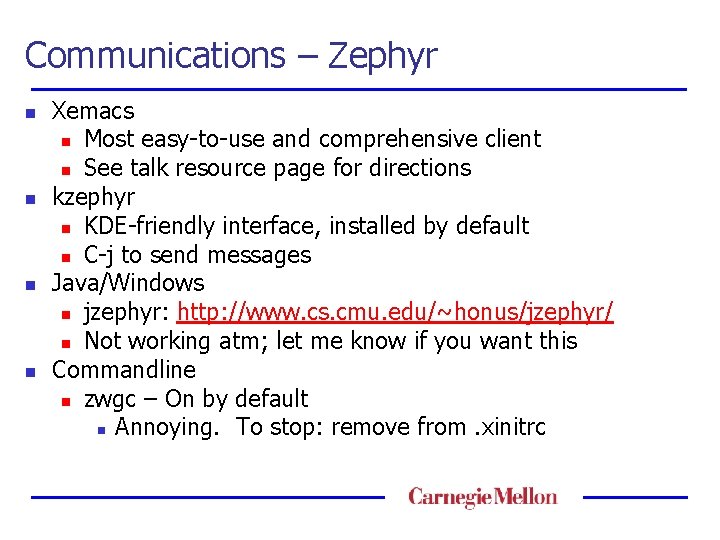
Communications – Zephyr n n Xemacs n Most easy-to-use and comprehensive client n See talk resource page for directions kzephyr n KDE-friendly interface, installed by default n C-j to send messages Java/Windows n jzephyr: http: //www. cs. cmu. edu/~honus/jzephyr/ n Not working atm; let me know if you want this Commandline n zwgc – On by default n Annoying. To stop: remove from. xinitrc
Communications – Zephyr Demo n Zephyrites live for this moment
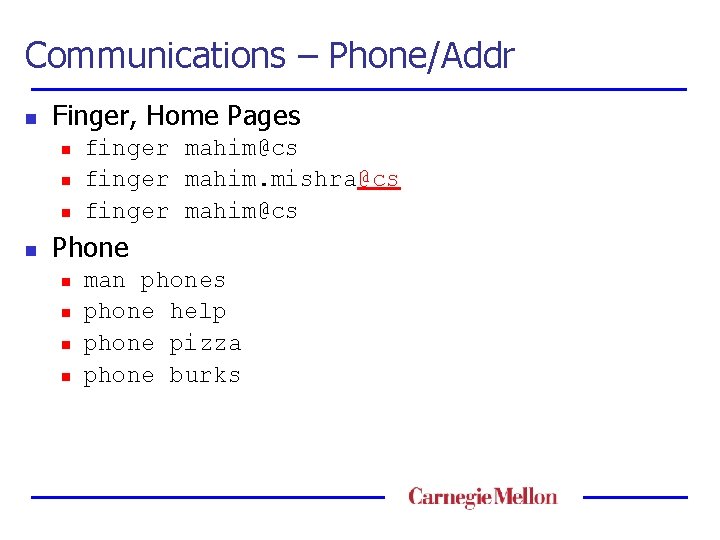
Communications – Phone/Addr n Finger, Home Pages n n finger mahim@cs finger mahim. mishra@cs finger mahim@cs Phone n n man phones phone help phone pizza phone burks
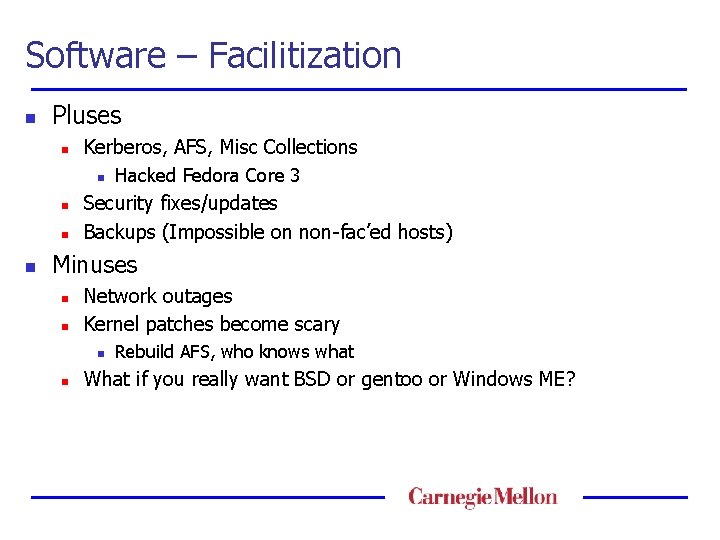
Software – Facilitization n Pluses n Kerberos, AFS, Misc Collections n n Hacked Fedora Core 3 Security fixes/updates Backups (Impossible on non-fac’ed hosts) Minuses n n Network outages Kernel patches become scary n n Rebuild AFS, who knows what What if you really want BSD or gentoo or Windows ME?
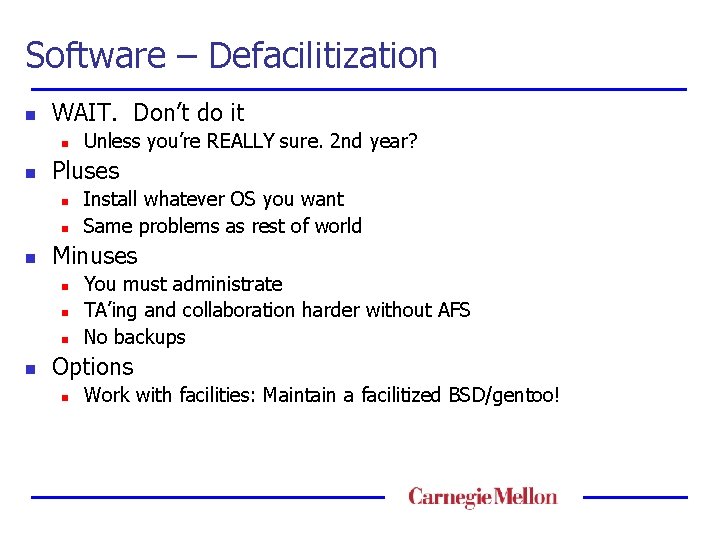
Software – Defacilitization n WAIT. Don’t do it n n Pluses n n n Install whatever OS you want Same problems as rest of world Minuses n n Unless you’re REALLY sure. 2 nd year? You must administrate TA’ing and collaboration harder without AFS No backups Options n Work with facilities: Maintain a facilitized BSD/gentoo!
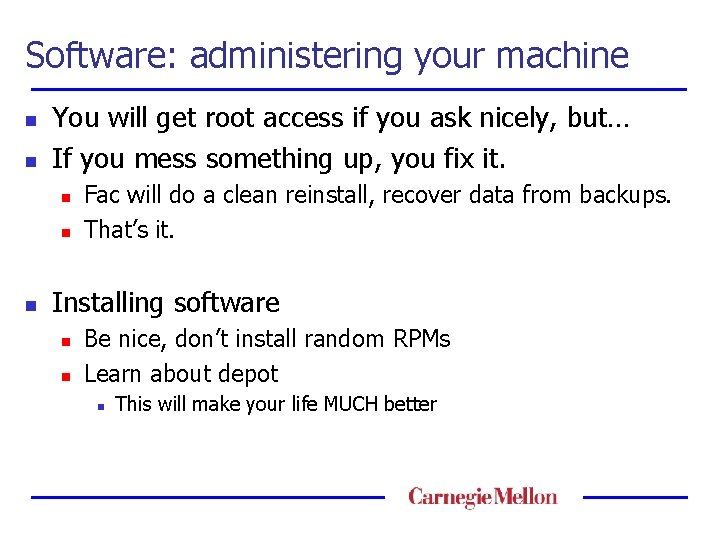
Software: administering your machine n n You will get root access if you ask nicely, but… If you mess something up, you fix it. n n n Fac will do a clean reinstall, recover data from backups. That’s it. Installing software n n Be nice, don’t install random RPMs Learn about depot n This will make your life MUCH better
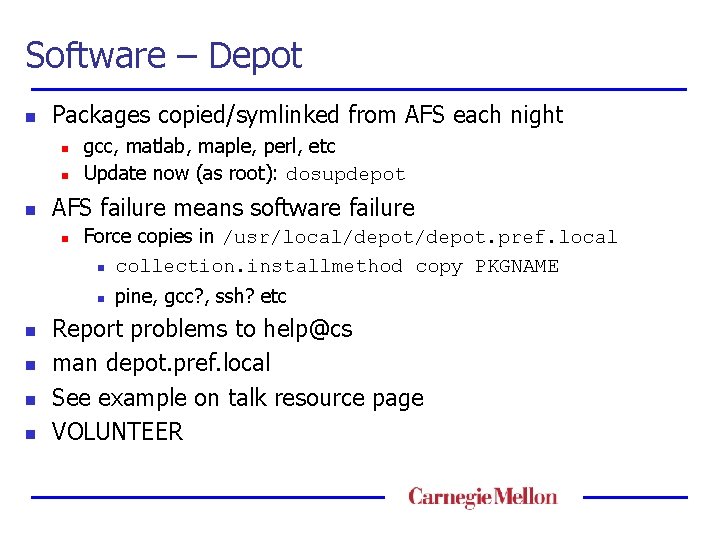
Software – Depot n Packages copied/symlinked from AFS each night n n n gcc, matlab, maple, perl, etc Update now (as root): dosupdepot AFS failure means software failure n Force copies in /usr/local/depot. pref. local n collection. installmethod copy PKGNAME n n n pine, gcc? , ssh? etc Report problems to help@cs man depot. pref. local See example on talk resource page VOLUNTEER
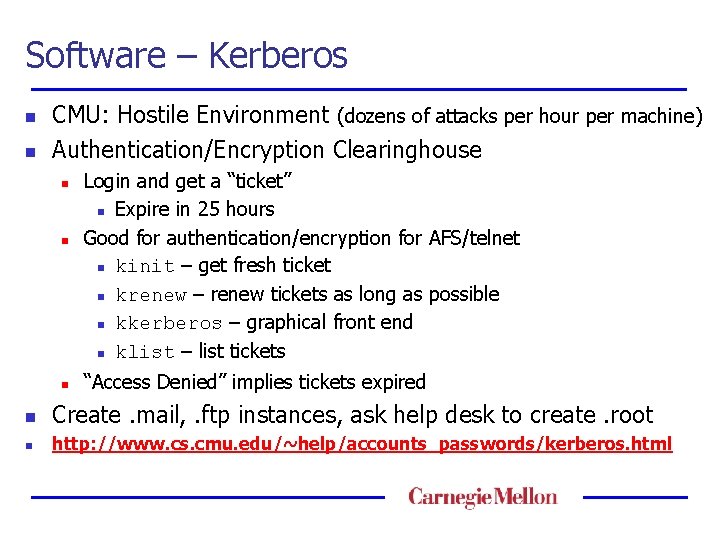
Software – Kerberos n n CMU: Hostile Environment (dozens of attacks per hour per machine) Authentication/Encryption Clearinghouse n n n Login and get a “ticket” n Expire in 25 hours Good for authentication/encryption for AFS/telnet n kinit – get fresh ticket n krenew – renew tickets as long as possible n kkerberos – graphical front end n klist – list tickets “Access Denied” implies tickets expired n Create. mail, . ftp instances, ask help desk to create. root n http: //www. cs. cmu. edu/~help/accounts_passwords/kerberos. html
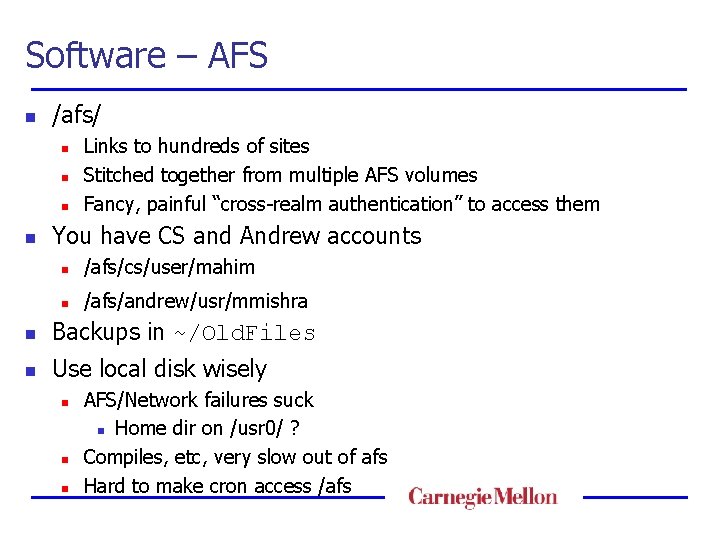
Software – AFS n /afs/ n n Links to hundreds of sites Stitched together from multiple AFS volumes Fancy, painful “cross-realm authentication” to access them You have CS and Andrew accounts n /afs/cs/user/mahim n /afs/andrew/usr/mmishra n Backups in ~/Old. Files n Use local disk wisely n n n AFS/Network failures suck n Home dir on /usr 0/ ? Compiles, etc, very slow out of afs Hard to make cron access /afs
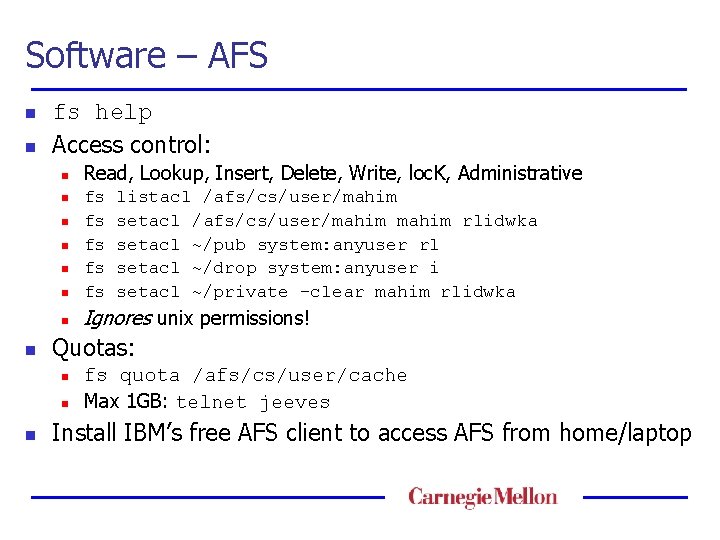
Software – AFS n n fs help Access control: n n fs fs fs n Ignores unix permissions! n n n listacl /afs/cs/user/mahim setacl /afs/cs/user/mahim rlidwka setacl ~/pub system: anyuser rl setacl ~/drop system: anyuser i setacl ~/private –clear mahim rlidwka Quotas: n n n Read, Lookup, Insert, Delete, Write, loc. K, Administrative fs quota /afs/cs/user/cache Max 1 GB: telnet jeeves Install IBM’s free AFS client to access AFS from home/laptop
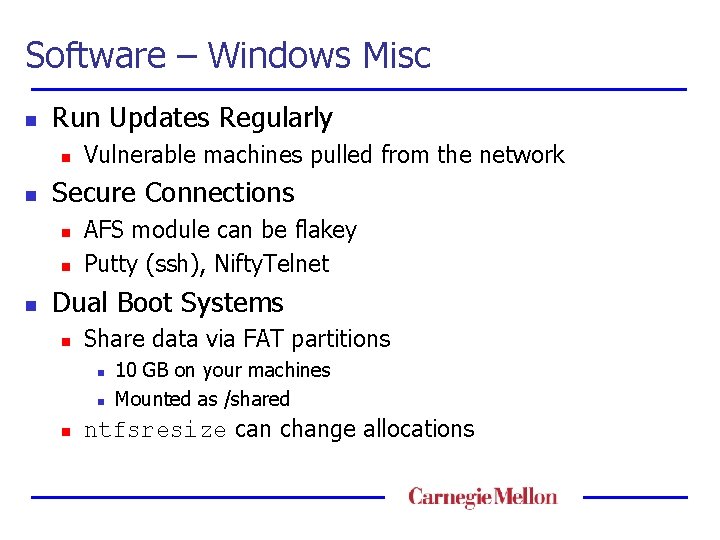
Software – Windows Misc n Run Updates Regularly n n Secure Connections n n n Vulnerable machines pulled from the network AFS module can be flakey Putty (ssh), Nifty. Telnet Dual Boot Systems n Share data via FAT partitions n n n 10 GB on your machines Mounted as /shared ntfsresize can change allocations
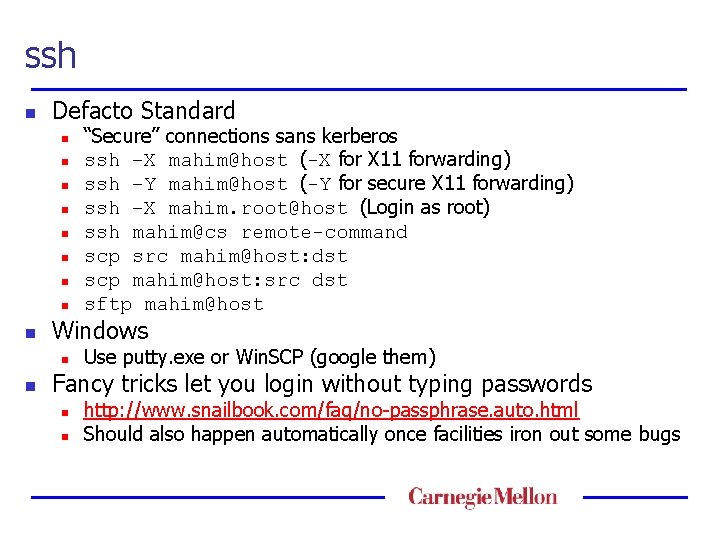
ssh n Defacto Standard n n n n n Windows n n “Secure” connections sans kerberos ssh –X mahim@host (-X for X 11 forwarding) ssh –Y mahim@host (-Y for secure X 11 forwarding) ssh –X mahim. root@host (Login as root) ssh mahim@cs remote-command scp src mahim@host: dst scp mahim@host: src dst sftp mahim@host Use putty. exe or Win. SCP (google them) Fancy tricks let you login without typing passwords n n http: //www. snailbook. com/faq/no-passphrase. auto. html Should also happen automatically once facilities iron out some bugs
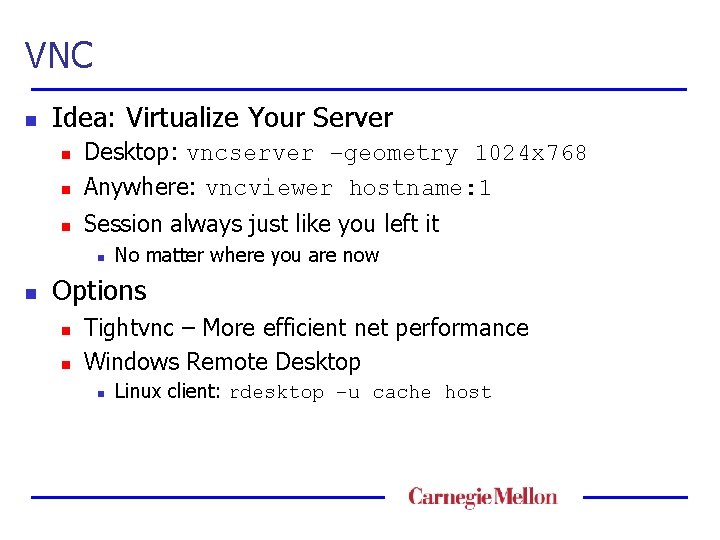
VNC n Idea: Virtualize Your Server n Desktop: vncserver –geometry 1024 x 768 Anywhere: vncviewer hostname: 1 n Session always just like you left it n n n No matter where you are now Options n n Tightvnc – More efficient net performance Windows Remote Desktop n Linux client: rdesktop –u cache host
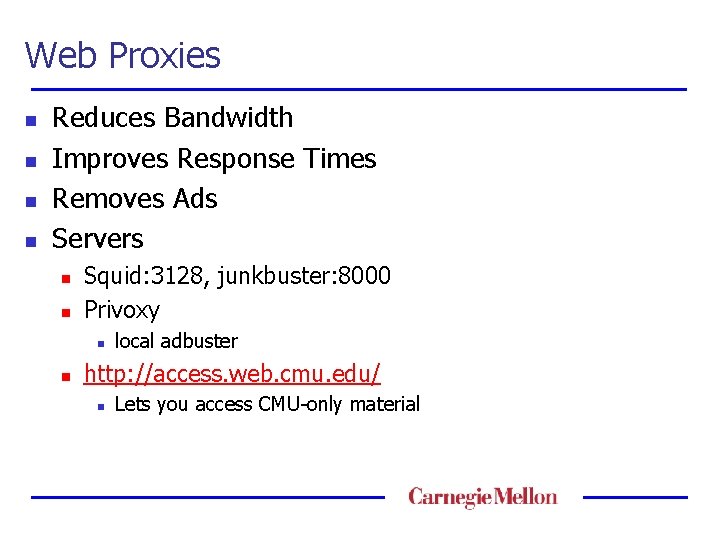
Web Proxies n n Reduces Bandwidth Improves Response Times Removes Ads Servers n n Squid: 3128, junkbuster: 8000 Privoxy n n local adbuster http: //access. web. cmu. edu/ n Lets you access CMU-only material
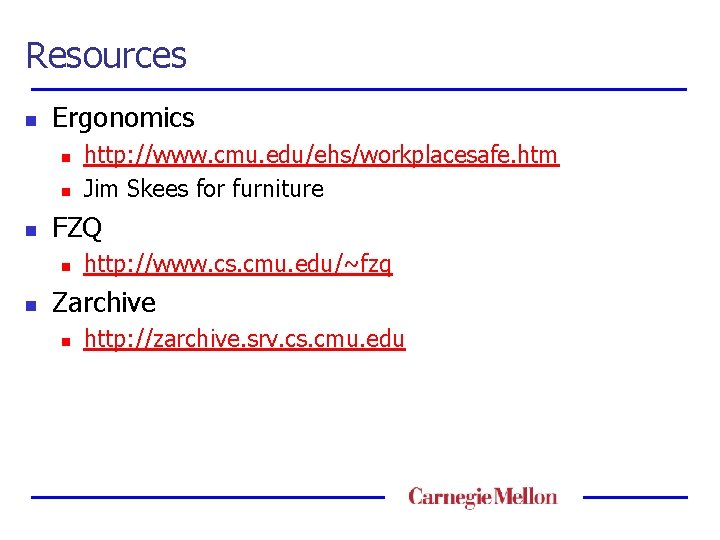
Resources n Ergonomics n n n FZQ n n http: //www. cmu. edu/ehs/workplacesafe. htm Jim Skees for furniture http: //www. cs. cmu. edu/~fzq Zarchive n http: //zarchive. srv. cs. cmu. edu
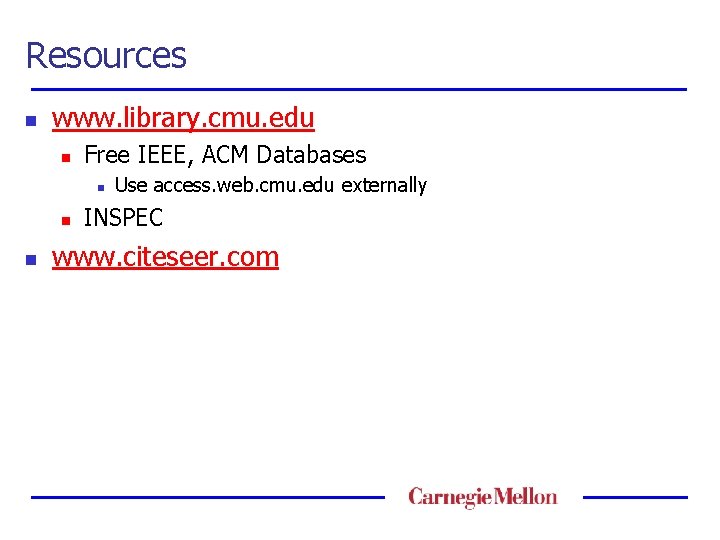
Resources n www. library. cmu. edu n Free IEEE, ACM Databases n n n Use access. web. cmu. edu externally INSPEC www. citeseer. com
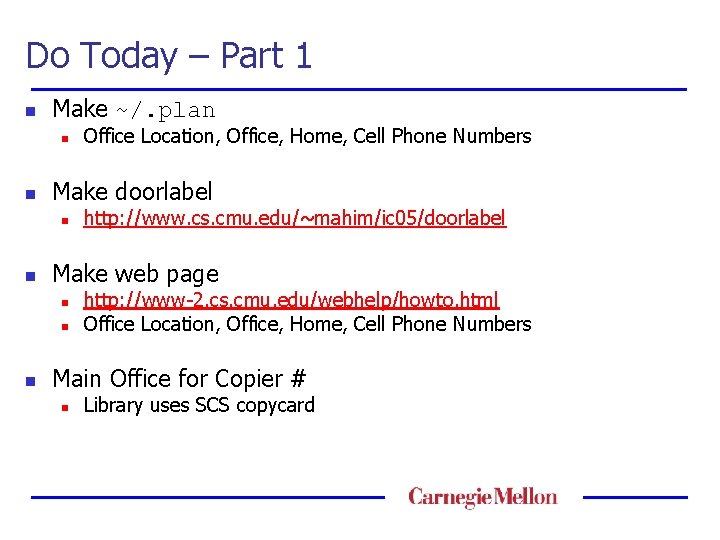
Do Today – Part 1 n Make ~/. plan n n Make doorlabel n n http: //www. cs. cmu. edu/~mahim/ic 05/doorlabel Make web page n n n Office Location, Office, Home, Cell Phone Numbers http: //www-2. cs. cmu. edu/webhelp/howto. html Office Location, Office, Home, Cell Phone Numbers Main Office for Copier # n Library uses SCS copycard
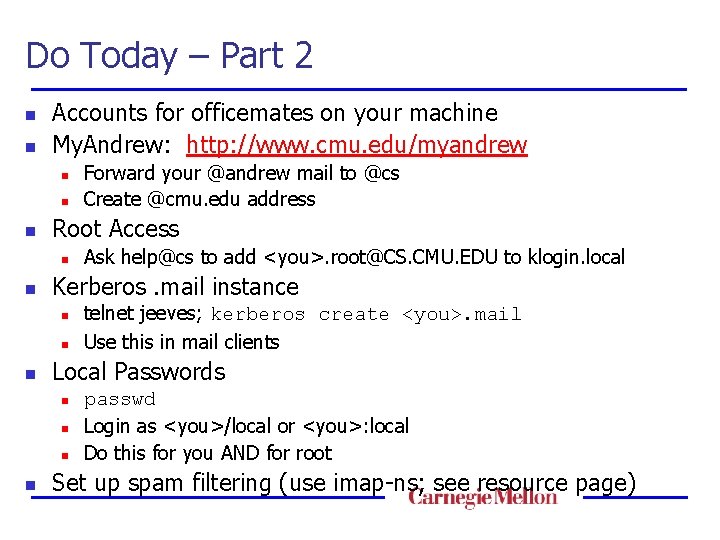
Do Today – Part 2 n n Accounts for officemates on your machine My. Andrew: http: //www. cmu. edu/myandrew n n n Root Access n n n telnet jeeves; kerberos create <you>. mail Use this in mail clients Local Passwords n n Ask help@cs to add <you>. root@CS. CMU. EDU to klogin. local Kerberos. mail instance n n Forward your @andrew mail to @cs Create @cmu. edu address passwd Login as <you>/local or <you>: local Do this for you AND for root Set up spam filtering (use imap-ns; see resource page)
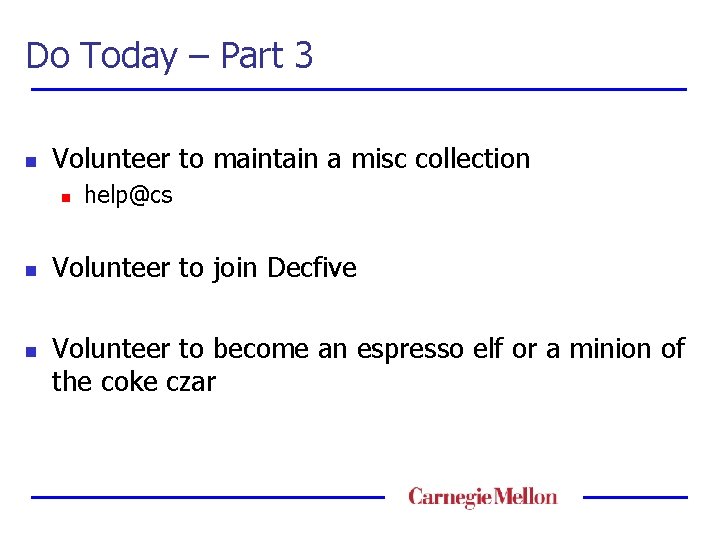
Do Today – Part 3 n Volunteer to maintain a misc collection n help@cs Volunteer to join Decfive Volunteer to become an espresso elf or a minion of the coke czar
Conclusion n http: //www. cs. cmu. edu/~mahim/ic 05 n Be reasonable n Be healthy n Volunteer