ECS 174 Computer Vision April 2 nd 2019
- Slides: 31
ECS 174: Computer Vision April 2 nd, 2019 Yong Jae Lee Assistant Professor CS, UC Davis
Plan for today • Course overview • Introduction to computer vision research • Logistics and requirements 2
Introductions • Instructor – Yong Jae Lee – yongjaelee@ucdavis. edu – Assistant Professor in CS, UC Davis since July 2014 – Research areas: Computer vision and machine learning • Visual Recognition 3
Introductions • TAs: – Xueyan Zou – zxyzou@ucdavis. edu – Ph. D student in CS – Yangming Wen – ymnwen@ucdavis. edu – MS student in CS 4
This course • ECS 174 (4 -units) • Lecture: Tues & Thurs 4: 40 -6: 00 pm, Giedt Hall 1001 • Discussion section: Mon 12: 10 -1 pm, Hunt 100 • Office hours: Academic Surge 1044/2075 – Yangming: Wed 11 am - 1 pm (AS 1044) – Xueyan: Thurs 11 am- 1 pm (AS 1044) – Yong Jae: Fri 3 -5 pm (AS 2075) 5
This course • Course webpage https: //sites. google. com/a/ucdavis. edu/ecs-174 computer-vision---spring-2019/ • Canvas (assignment submission, grades)https: //canvas. ucdavis. edu/courses/349152 • Piazza piazza. com/uc_davis/spring 2019/ecs 174 6
Goals of this course • Introduction to primary topics in Computer Vision • Basics and fundamentals • Practical experience through assignments • Views of computer vision as a research area 7
Prerequisites • Upper-division undergrad course • Basic knowledge of probability and linear algebra • Data structures, algorithms • Programming experience • Experience with image processing or Matlab will help but is not necessary 8
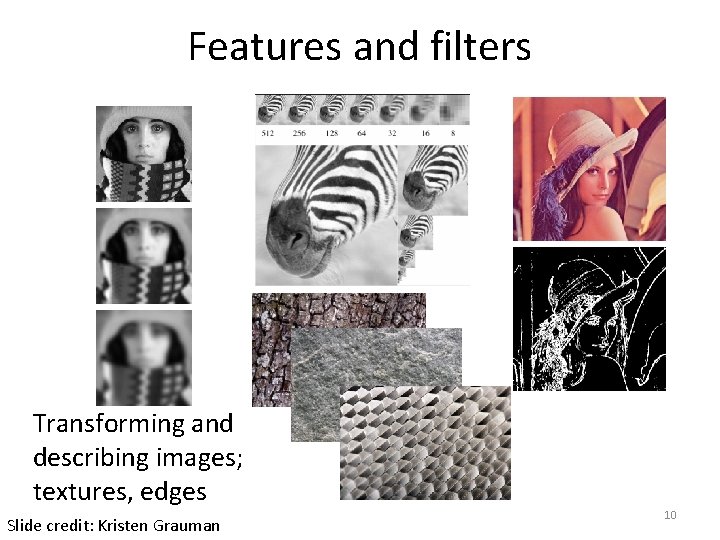
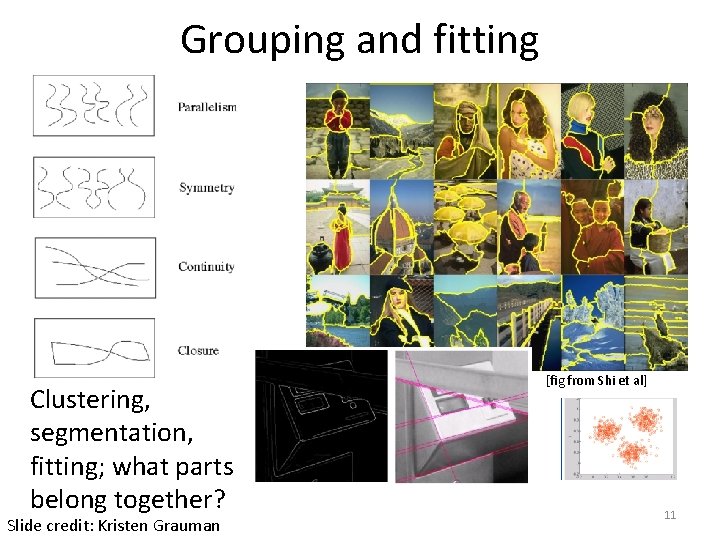
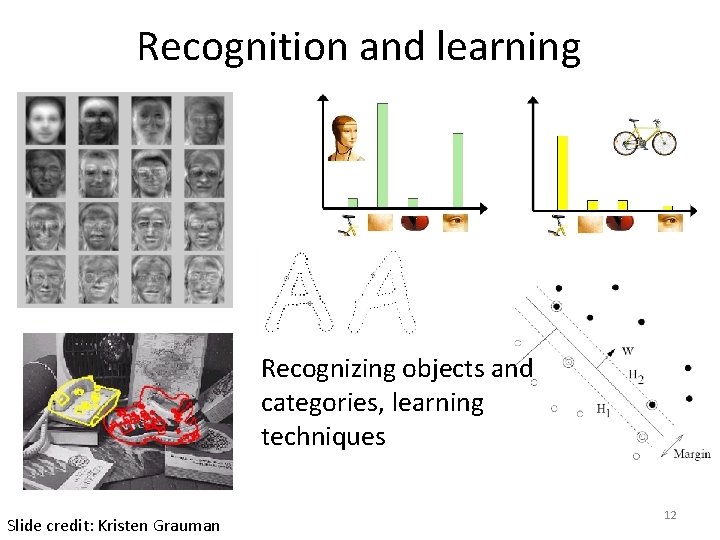
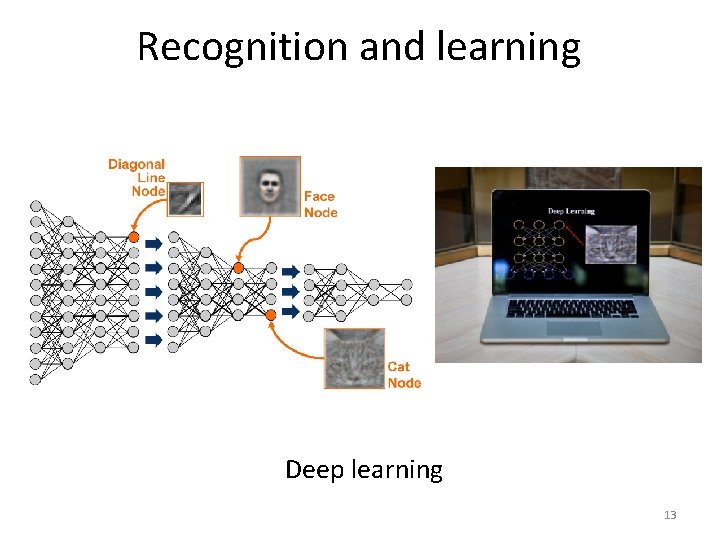
Topics overview • Features and filters • Grouping and fitting • Recognition and learning Focus is on algorithms, rather than specific systems 9
Features and filters Transforming and describing images; textures, edges Slide credit: Kristen Grauman 10
Grouping and fitting Clustering, segmentation, fitting; what parts belong together? Slide credit: Kristen Grauman [fig from Shi et al] 11
Recognition and learning Recognizing objects and categories, learning techniques Slide credit: Kristen Grauman 12
Recognition and learning Deep learning 13
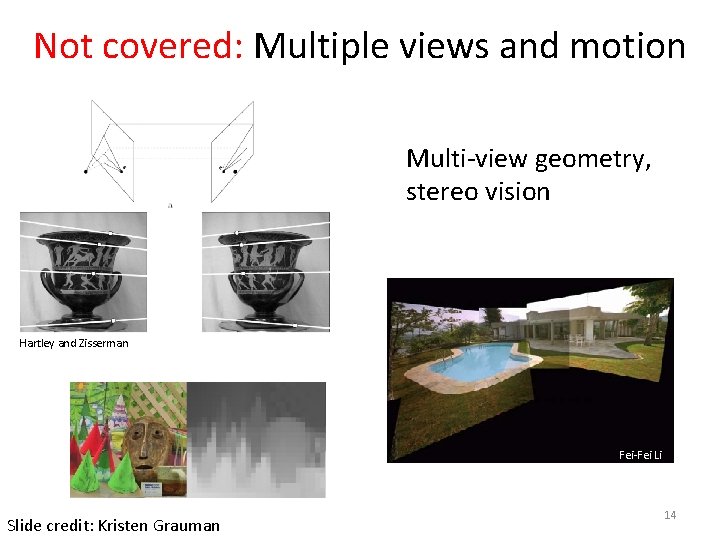
Not covered: Multiple views and motion Multi-view geometry, stereo vision Lowe Hartley and Zisserman Fei-Fei Li Slide credit: Kristen Grauman 14
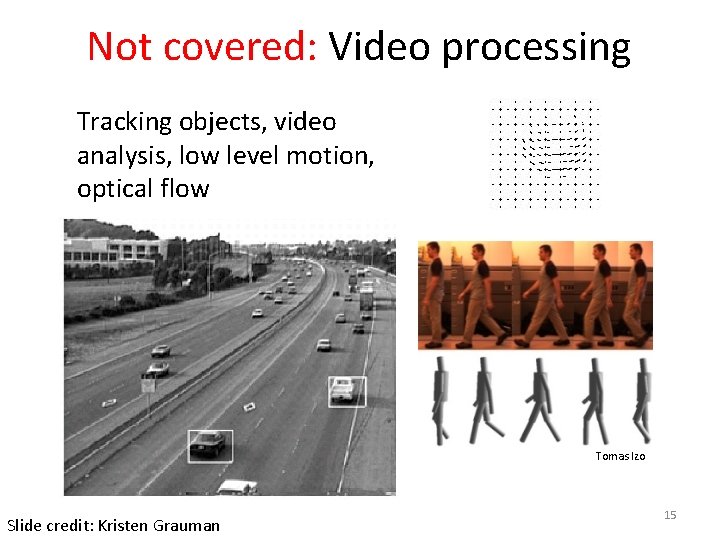
Not covered: Video processing Tracking objects, video analysis, low level motion, optical flow Tomas Izo Slide credit: Kristen Grauman 15
Plan for today • Course overview • Introduction to computer vision research • Logistics and requirements 16
Plan for today • Course overview • Introduction to computer vision research • Logistics and requirements 17
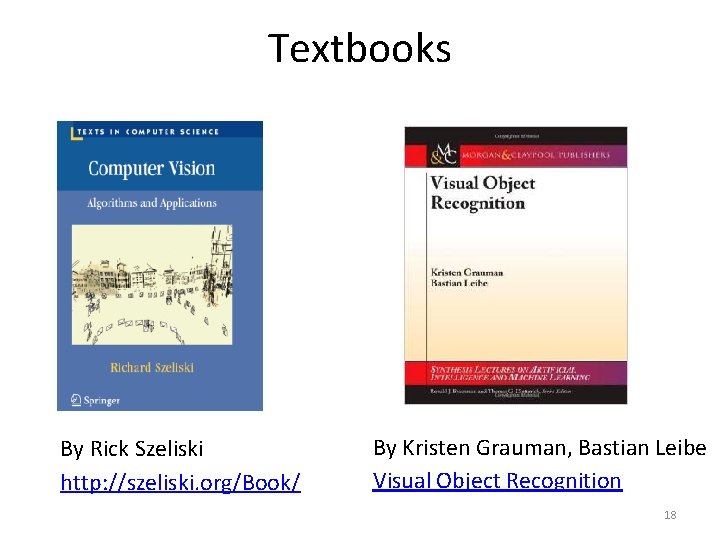
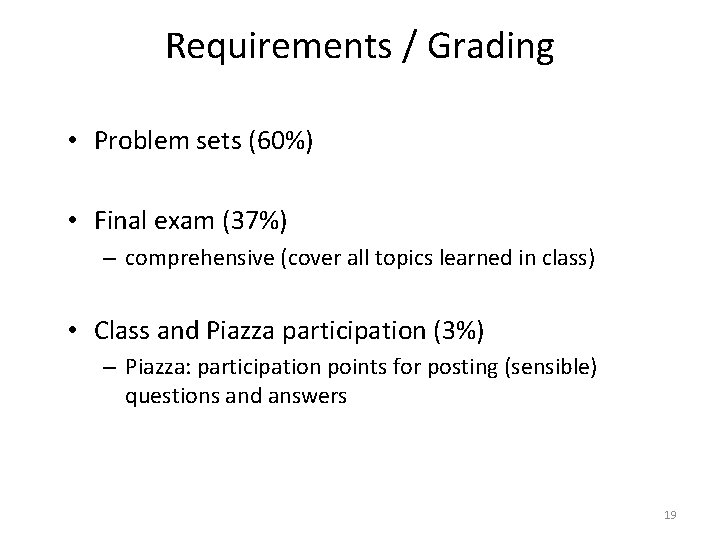
Textbooks By Rick Szeliski http: //szeliski. org/Book/ By Kristen Grauman, Bastian Leibe Visual Object Recognition 18
Requirements / Grading • Problem sets (60%) • Final exam (37%) – comprehensive (cover all topics learned in class) • Class and Piazza participation (3%) – Piazza: participation points for posting (sensible) questions and answers 19
Problem sets • Some short answer concept questions • Matlab programming problems – Implementation – Explanation, results • Follow instructions; points will be deducted if we can’t run your code out of the box • Ask questions on Piazza first • Submit to Canvas • The assignments will take significant time to do • Start early • TA will go over problem set during discussion sections after release (others will be used as extra office hours) 20
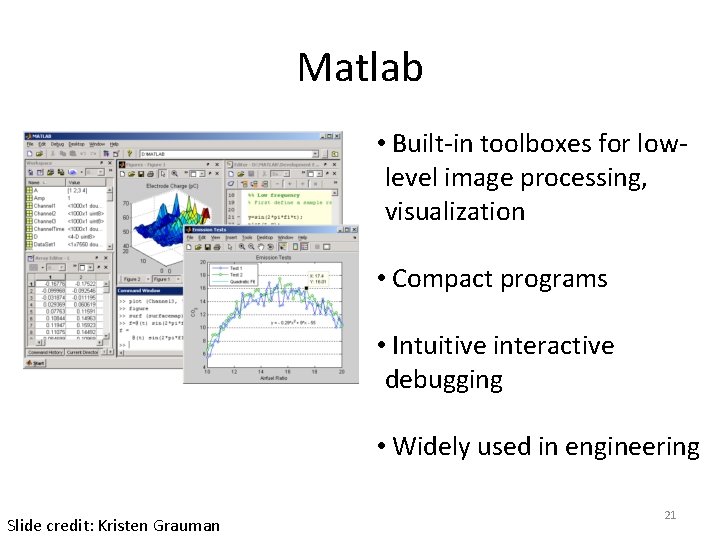
Matlab • Built-in toolboxes for lowlevel image processing, visualization • Compact programs • Intuitive interactive debugging • Widely used in engineering Slide credit: Kristen Grauman 21
Matlab • CSIF labs 67, 71, 75 (pc 1 -pc 60) • Academic Surge 1044 and 1116 • Lab schedule (reservations) and remote access info found on class website • Matlab available for free from campus software site 22
Problem Set 0 • Matlab warmup • Basic image manipulation • Out tonight, due 4/12 23
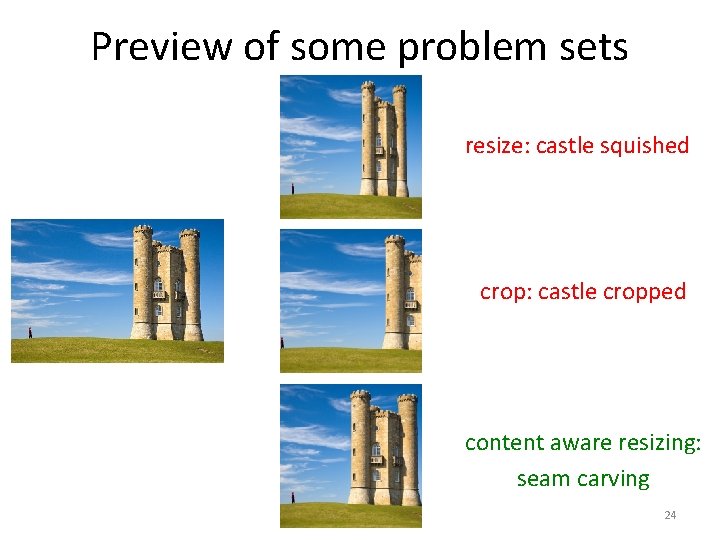
Preview of some problem sets resize: castle squished crop: castle cropped content aware resizing: seam carving 24
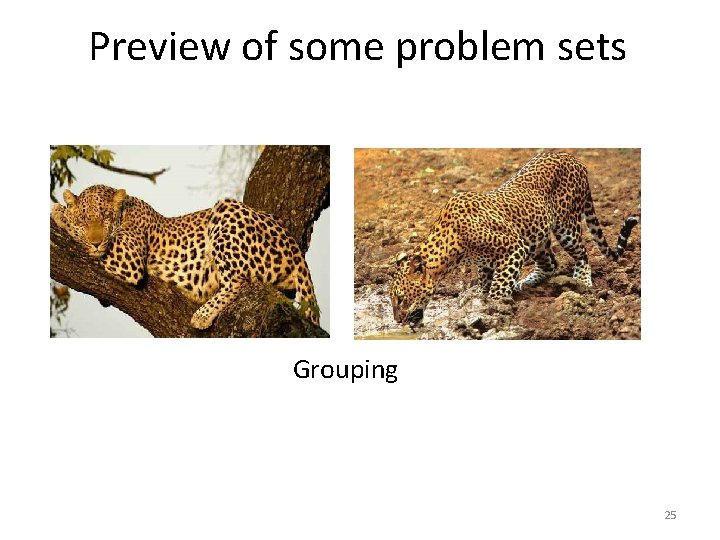
Preview of some problem sets Grouping 25
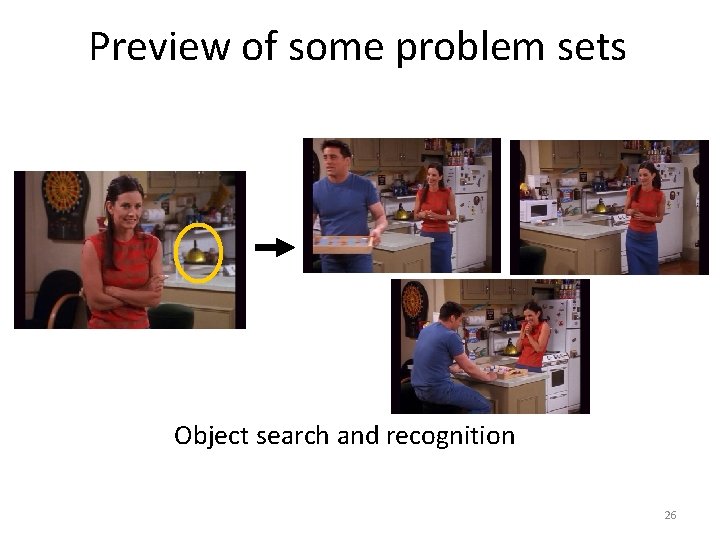
Preview of some problem sets Object search and recognition 26
Problem set deadlines • Problem sets due 11: 59 PM – Follow submission instructions given in assignment – Submit to Canvas; no hard copy submissions – Deadlines are firm. We’ll use Canvas timestamp. Even 1 minute late is late. • Late submissions: 1 point deduction for every hour after the deadline up to 72 hours; after 72 hours, you will receive a 0 • If your program doesn’t work, clean up the code, comment it well, explain what you have, and still submit. Draw our attention to this in your answer sheet. 27
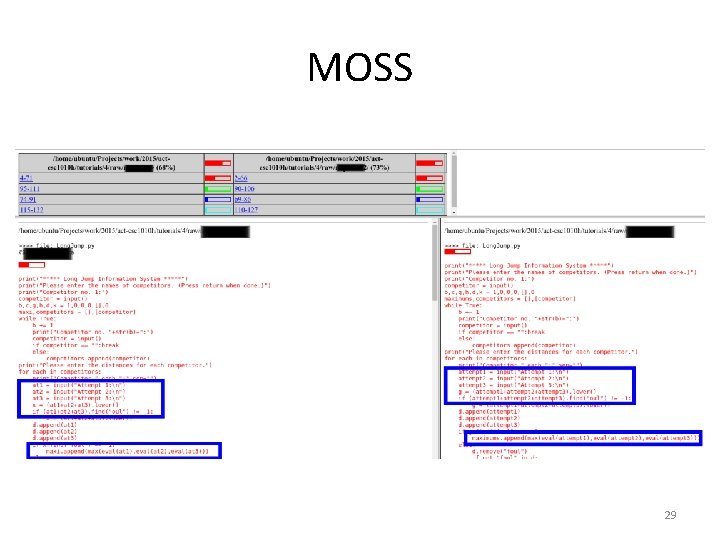
Collaboration policy • All responses and code must be written individually or in pairs (a group of 2) • Students submitting answers or code found to be identical or substantially similar (due to inappropriate collaboration) risk failing the course ─ We will be using MOSS to check for cheating! ─ Copying online solutions also counts as cheating! ─ Please don’t cheat… you are going to get caught! • Read and follow UC Davis code of conduct 28
MOSS 29
Miscellaneous • Check class website regularly for assignment files, notes, announcements, etc. • Come to lecture on time • No laptops, phones, tablets, etc. in class please • Please interrupt with questions at any time 30
Coming up • • Read the class webpage carefully Next class (Thurs): Matlab tutorial PS 0 out tonight, due 4/12 No office hours on Friday 31