
DL Workspace Open Source Toolkit for TurnKey AI
- Slides: 16
DL Workspace Open Source Toolkit for Turn-Key AI Cluster (Introduction)
DL Workspace is … ▪ Open source toolkit for turn-key AI cluster setup ▪ Used for daily development/production in Microsoft internal groups (e. g. , Microsoft Cognitive Services, Swift. Key, Bing Relevance) ▪ Allow AI scientist to run jobs (interactive exploration, training, inferencing, data analytics) ▪ Resource managed by cluster ▪ Turn-key operation (automatic software setup & cluster configuration) ▪ Out-of-box support ▪ All major DL toolkits (Tensor. Flow, CNTK, Caffe, Mx. Net, etc. . ) ▪ Big data analytics (Hadoop/Spark)
Work. Flow
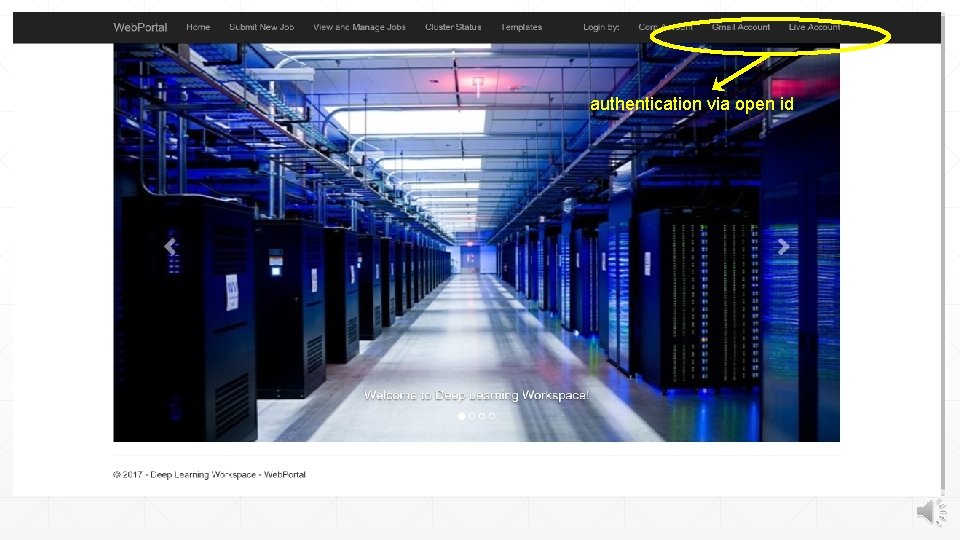
authentication via open id
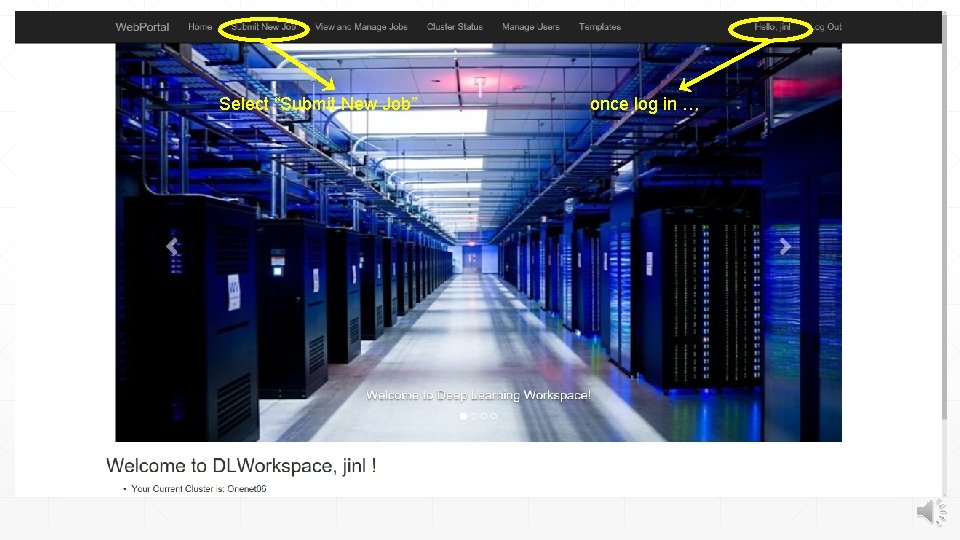
Select “Submit New Job” once log in …
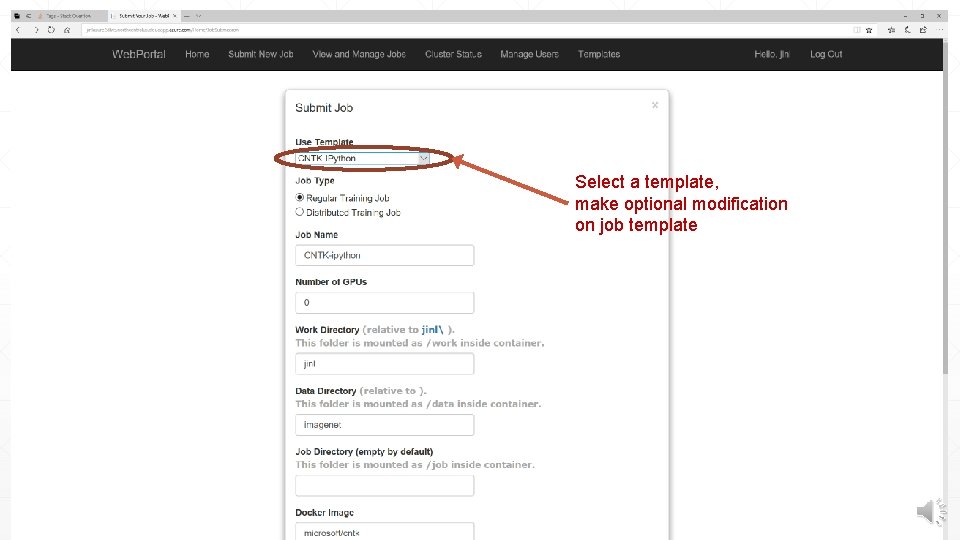
Select a template, make optional modification on job template
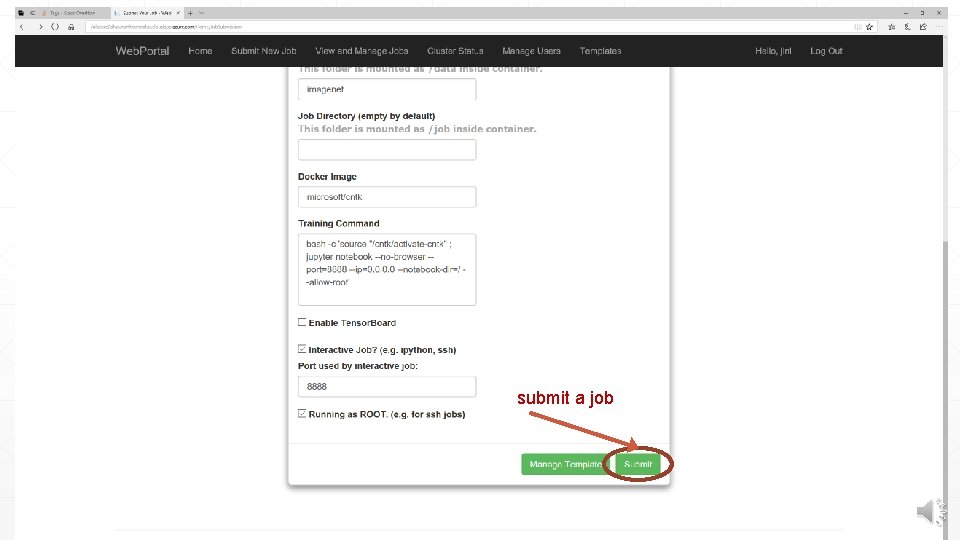
submit a job
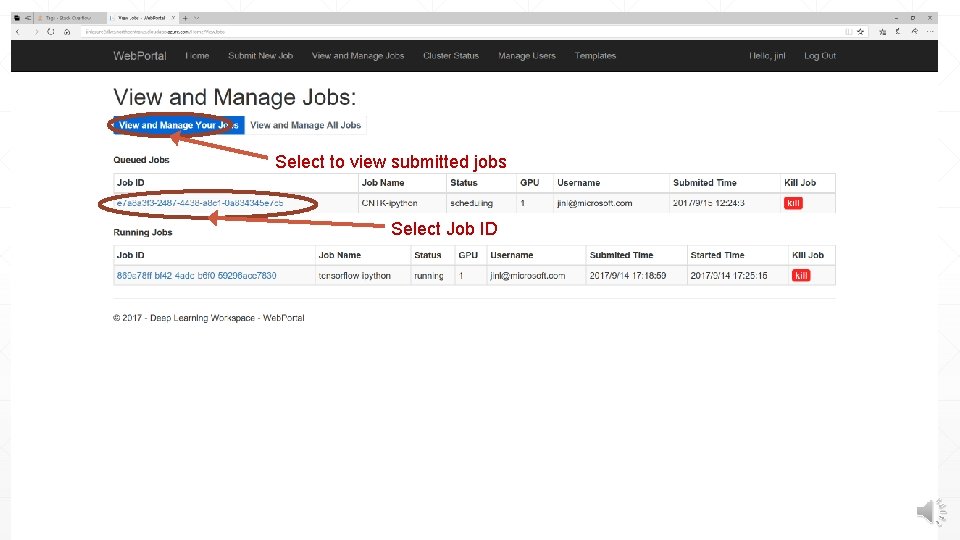
Select to view submitted jobs Select Job ID
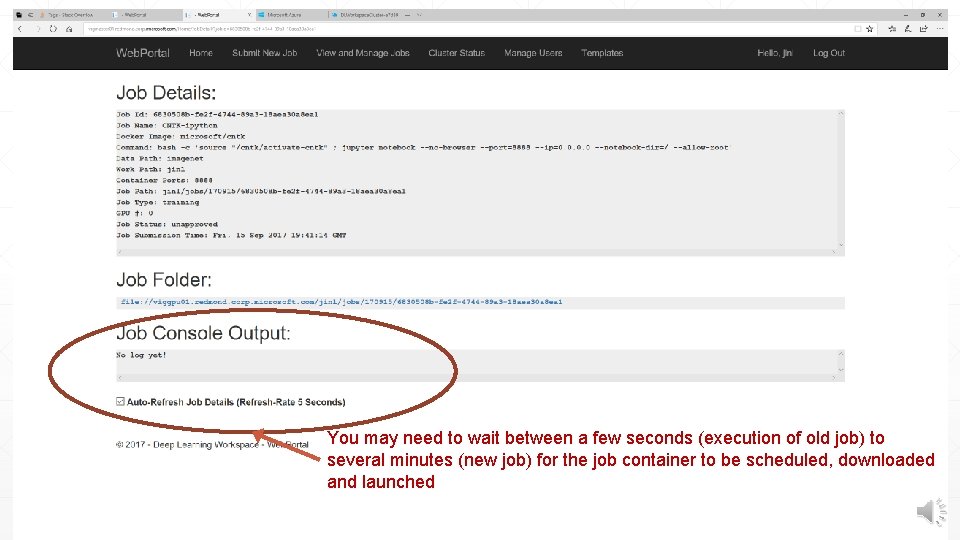
You may need to wait between a few seconds (execution of old job) to several minutes (new job) for the job container to be scheduled, downloaded and launched
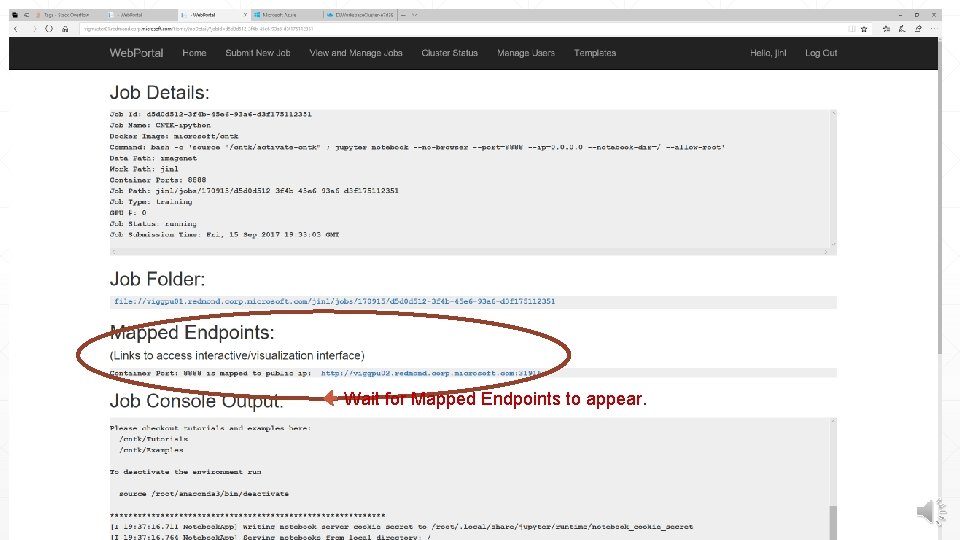
Wait for Mapped Endpoints to appear.
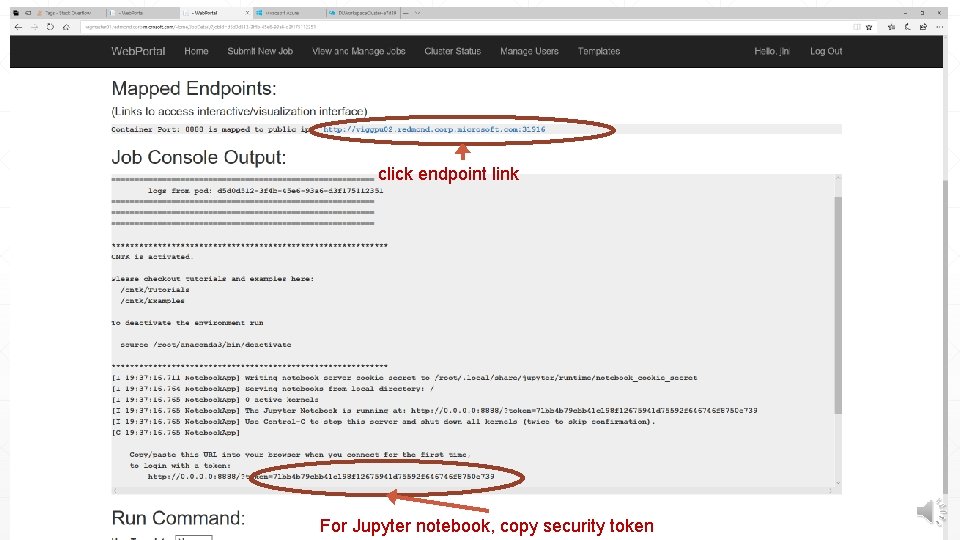
click endpoint link For Jupyter notebook, copy security token
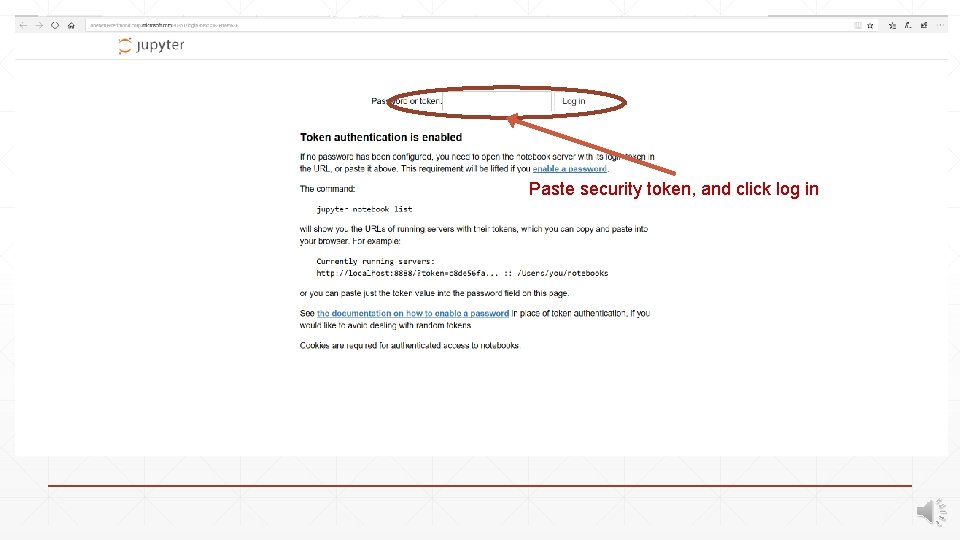
Paste security token, and click log in
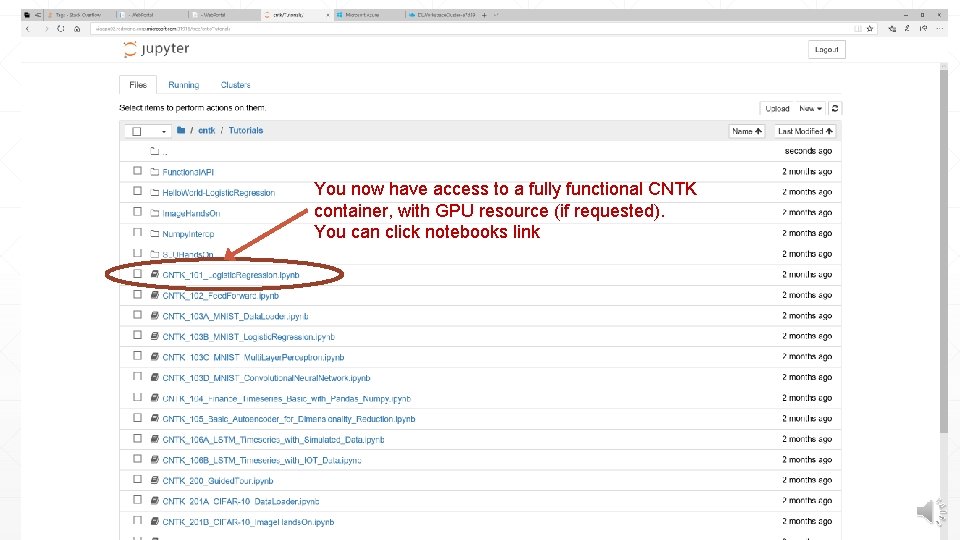
You now have access to a fully functional CNTK container, with GPU resource (if requested). You can click notebooks link
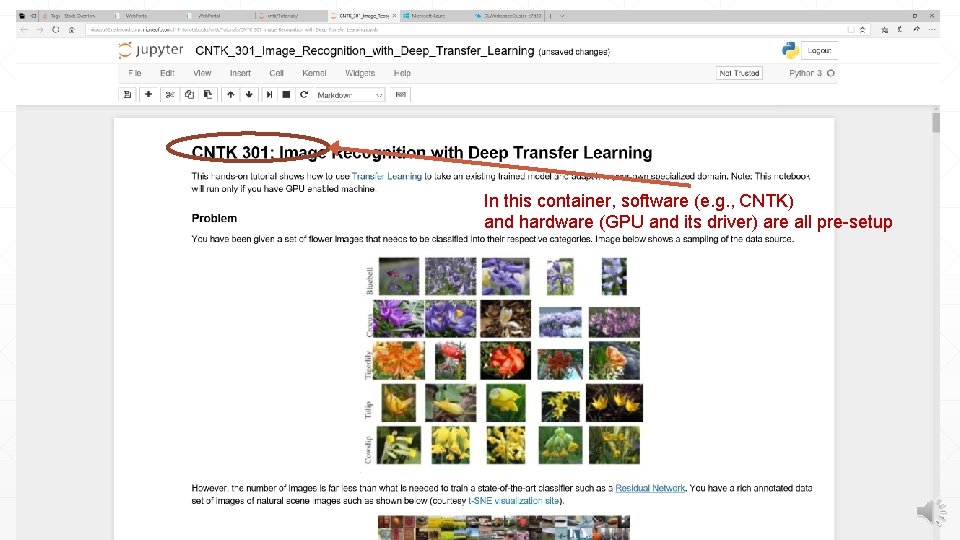
In this container, software (e. g. , CNTK) and hardware (GPU and its driver) are all pre-setup
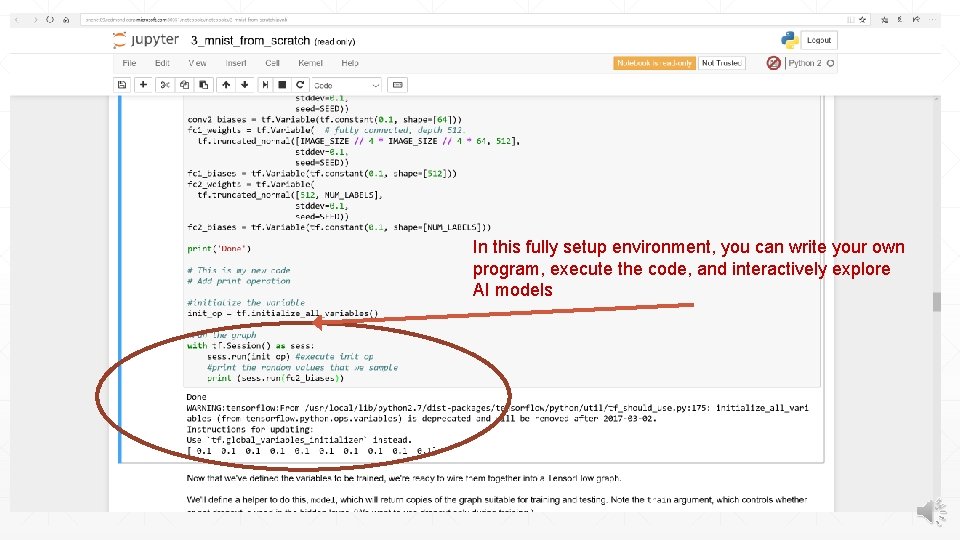
In this fully setup environment, you can write your own program, execute the code, and interactively explore AI models
DL Workspace provides … ▪ Turn-key setup for AI cluster (in public cloud or on-perm) ▪ Allow AI scientist to run jobs (interactive exploration, training, inferencing, data analytics) with fully setup software/hardware environment ▪ Using DL Workspace, AI scientists can easily collaborate, and share job setup, and maximize job productivity