CSS Cascading Style Sheets Kanida Sinmai ksinmaihotmail com

- Slides: 16
CSS – Cascading Style Sheets Kanida Sinmai ksinmai@hotmail. com http: //mis. csit. sci. tsu. ac. th/kanida
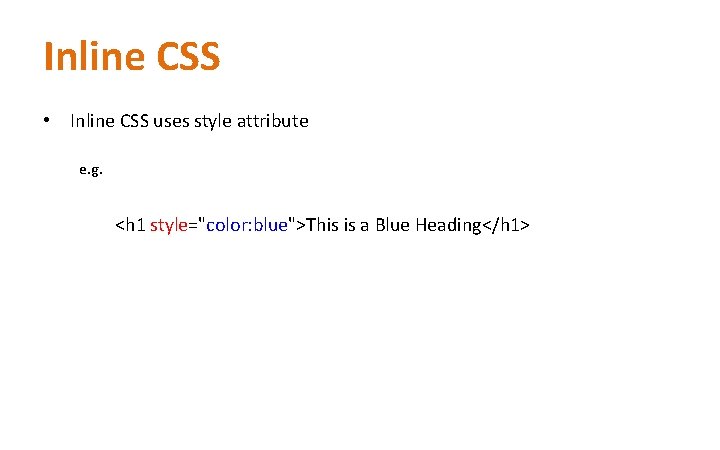
Inline CSS • Inline CSS uses style attribute e. g. <h 1 style="color: blue">This is a Blue Heading</h 1>
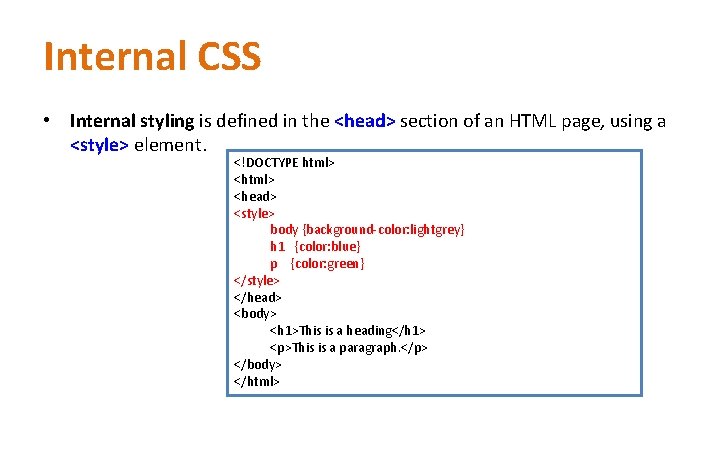
Internal CSS • Internal styling is defined in the <head> section of an HTML page, using a <style> element. <!DOCTYPE html> <head> <style> body {background-color: lightgrey} h 1 {color: blue} p {color: green} </style> </head> <body> <h 1>This is a heading</h 1> <p>This is a paragraph. </p> </body> </html>
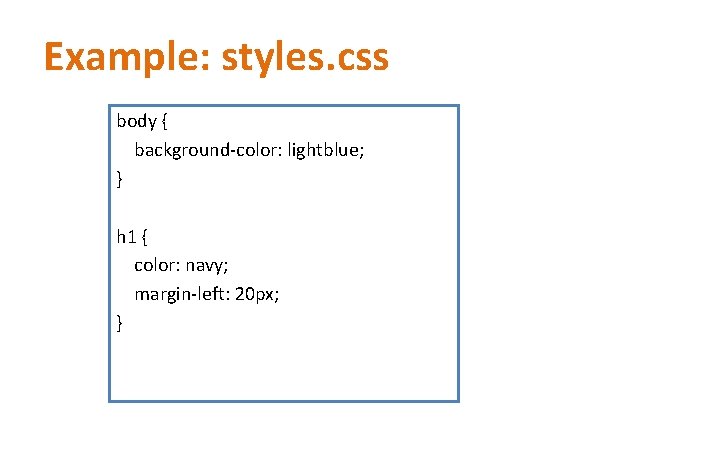
Example: styles. css body { background-color: lightblue; } h 1 { color: navy; margin-left: 20 px; }
CSS background • • background-color background-image background-repeat background-position
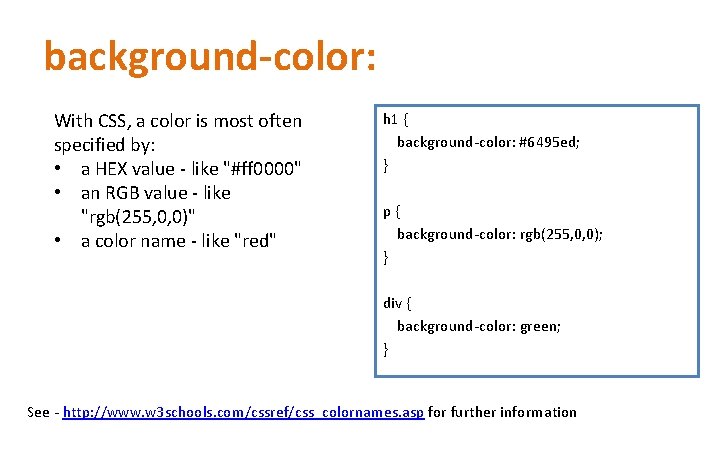
background-color: With CSS, a color is most often specified by: • a HEX value - like "#ff 0000" • an RGB value - like "rgb(255, 0, 0)" • a color name - like "red" h 1 { background-color: #6495 ed; } p { background-color: rgb(255, 0, 0); } div { background-color: green; } See - http: //www. w 3 schools. com/cssref/css_colornames. asp for further information
Background-image body { background-image: url("paper. gif"); }
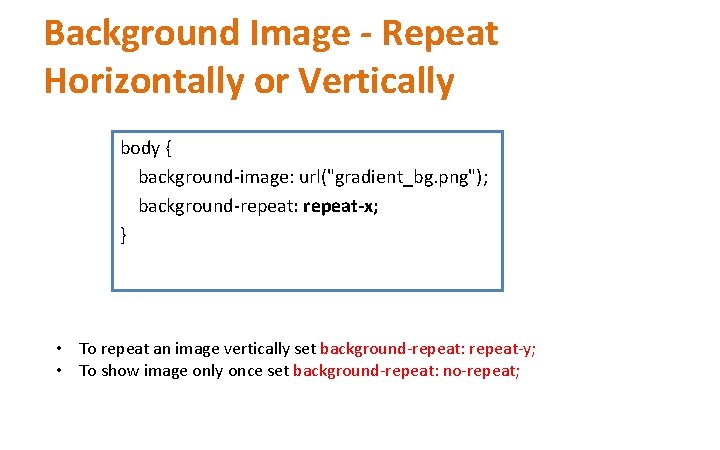
Background Image - Repeat Horizontally or Vertically body { background-image: url("gradient_bg. png"); background-repeat: repeat-x; } • To repeat an image vertically set background-repeat: repeat-y; • To show image only once set background-repeat: no-repeat;
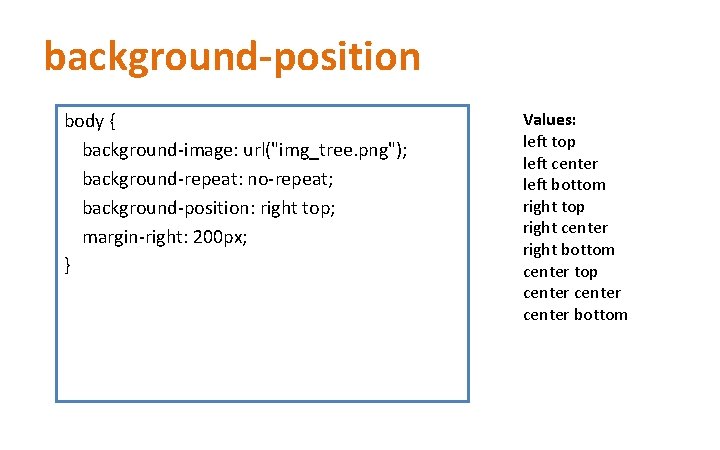
background-position body { background-image: url("img_tree. png"); background-repeat: no-repeat; background-position: right top; margin-right: 200 px; } Values: left top left center left bottom right top right center right bottom center top center bottom
CSS Font p { font-family: "Times New Roman", Times, serif; }
Font style p { font-style: normal; } p. italic { font-style: italic; }
Font Size h 1 { font-size: 40 px; } h 2 { font-size: 30 px; } p { font-size: 14 px; }
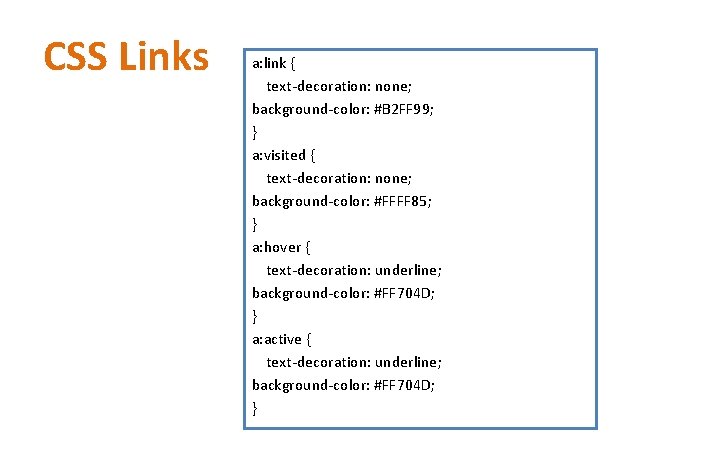
CSS Links a: link { text-decoration: none; background-color: #B 2 FF 99; } a: visited { text-decoration: none; background-color: #FFFF 85; } a: hover { text-decoration: underline; background-color: #FF 704 D; } a: active { text-decoration: underline; background-color: #FF 704 D; }
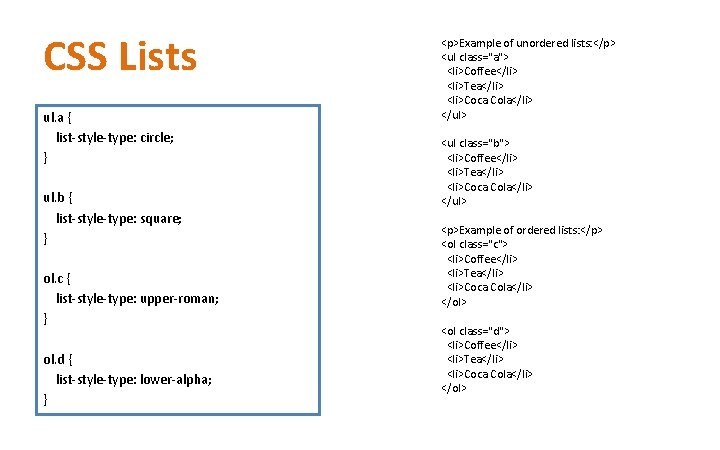
CSS Lists ul. a { list-style-type: circle; } ul. b { list-style-type: square; } ol. c { list-style-type: upper-roman; } ol. d { list-style-type: lower-alpha; } <p>Example of unordered lists: </p> <ul class="a"> <li>Coffee</li> <li>Tea</li> <li>Coca Cola</li> </ul> <ul class="b"> <li>Coffee</li> <li>Tea</li> <li>Coca Cola</li> </ul> <p>Example of ordered lists: </p> <ol class="c"> <li>Coffee</li> <li>Tea</li> <li>Coca Cola</li> </ol> <ol class="d"> <li>Coffee</li> <li>Tea</li> <li>Coca Cola</li> </ol>
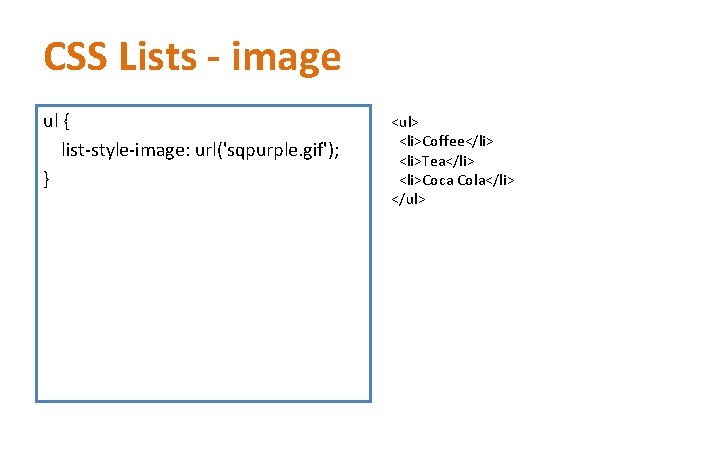
CSS Lists - image ul { list-style-image: url('sqpurple. gif'); } <ul> <li>Coffee</li> <li>Tea</li> <li>Coca Cola</li> </ul>
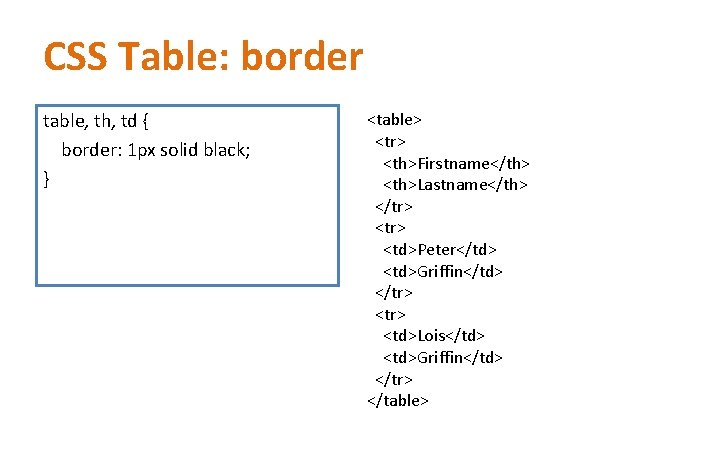
CSS Table: border table, th, td { border: 1 px solid black; } <table> <tr> <th>Firstname</th> <th>Lastname</th> </tr> <tr> <td>Peter</td> <td>Griffin</td> </tr> <tr> <td>Lois</td> <td>Griffin</td> </tr> </table>