
PHP Kanida Sinmai ksinmaihotmail com http mis csit

![Arrays <? php $cars = array("Volvo", "BMW", "Toyota"); echo "I like ". $cars[0]. ",](https://slidetodoc.com/presentation_image/872b559ccc9c954c88cdfccee1cd5773/image-4.jpg "Arrays <? php $cars = array(\"Volvo\", \"BMW\", \"Toyota\"); echo \"I like \". $cars[0]. \",")
![Example <? php $x = 75; $y = 25; function addition() { $GLOBALS['z'] =](https://slidetodoc.com/presentation_image/872b559ccc9c954c88cdfccee1cd5773/image-11.jpg "Example <? php $x = 75; $y = 25; function addition() { $GLOBALS['z'] =")
![welcome. php <html> <body> Welcome <? php echo $_POST["name"]; ? > Your email address](https://slidetodoc.com/presentation_image/872b559ccc9c954c88cdfccee1cd5773/image-15.jpg "welcome. php <html> <body> Welcome <? php echo $_POST[\"name\"]; ? > Your email address")
![welcome_get. php <html> <body> Welcome <? php echo $_GET["name"]; ? > Your email address](https://slidetodoc.com/presentation_image/872b559ccc9c954c88cdfccee1cd5773/image-17.jpg "welcome_get. php <html> <body> Welcome <? php echo $_GET[\"name\"]; ? > Your email address")
- Slides: 21
PHP Kanida Sinmai ksinmai@hotmail. com http: //mis. csit. sci. tsu. ac. th/kanida
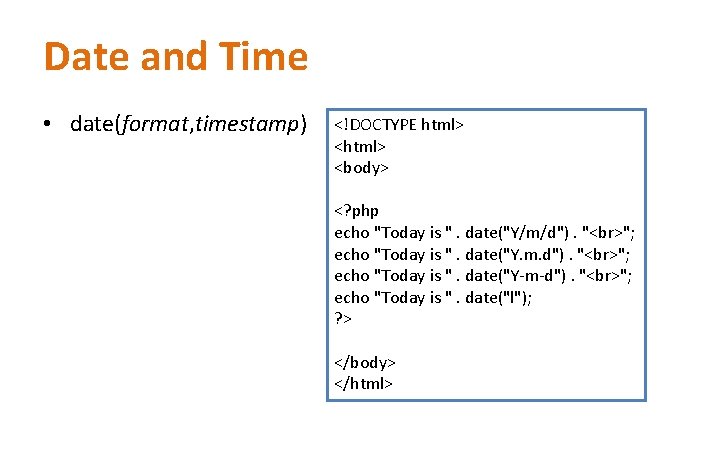
Date and Time • date(format, timestamp) <!DOCTYPE html> <body> <? php echo "Today is ". date("Y/m/d"). " "; echo "Today is ". date("Y. m. d"). " "; echo "Today is ". date("Y-m-d"). " "; echo "Today is ". date("l"); ? > </body> </html>
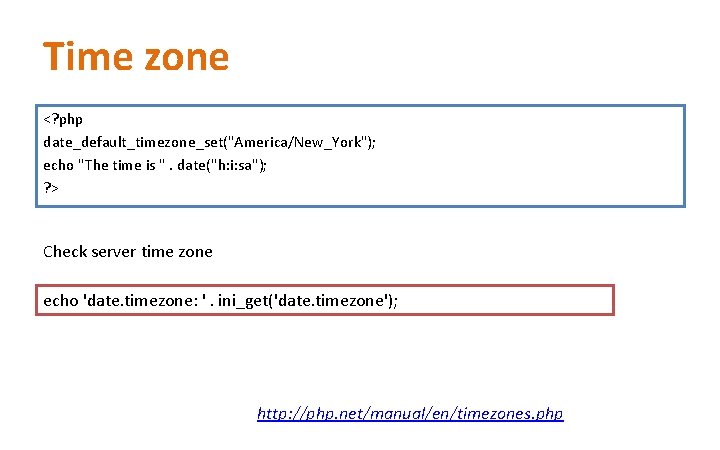
Time zone <? php date_default_timezone_set("America/New_York"); echo "The time is ". date("h: i: sa"); ? > Check server time zone echo 'date. timezone: '. ini_get('date. timezone'); http: //php. net/manual/en/timezones. php
Arrays <? php $cars = array("Volvo", "BMW", "Toyota"); echo "I like ". $cars[0]. ", ". $cars[1]. " and ". $cars[2]. ". "; ? >
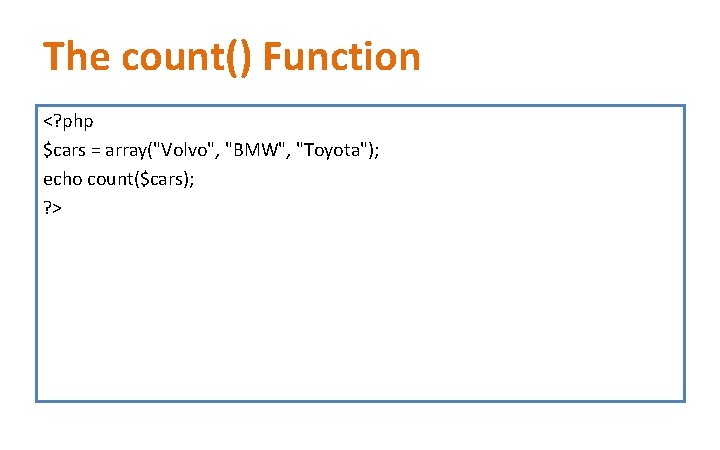
The count() Function <? php $cars = array("Volvo", "BMW", "Toyota"); echo count($cars); ? >
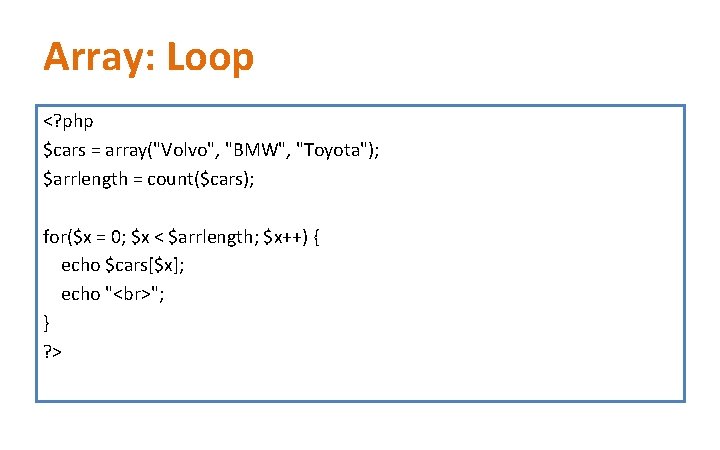
Array: Loop <? php $cars = array("Volvo", "BMW", "Toyota"); $arrlength = count($cars); for($x = 0; $x < $arrlength; $x++) { echo $cars[$x]; echo " "; } ? >
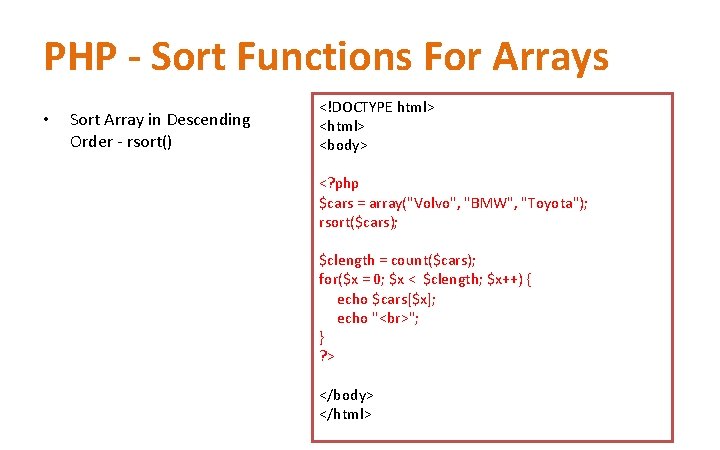
PHP - Sort Functions For Arrays • Sort Array in Descending Order - rsort() <!DOCTYPE html> <body> <? php $cars = array("Volvo", "BMW", "Toyota"); rsort($cars); $clength = count($cars); for($x = 0; $x < $clength; $x++) { echo $cars[$x]; echo " "; } ? > </body> </html>
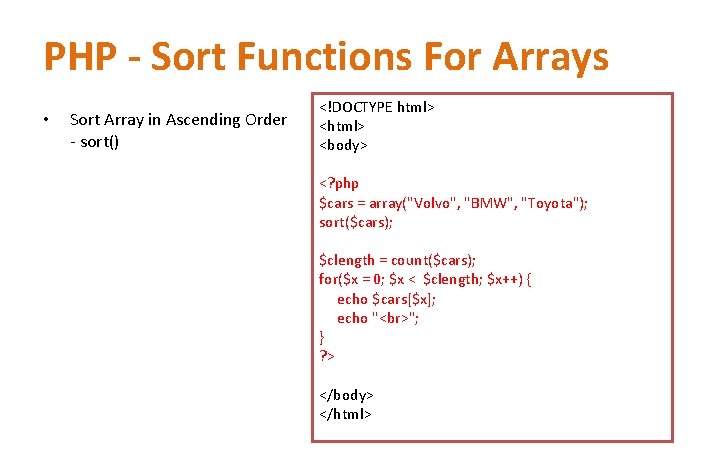
PHP - Sort Functions For Arrays • Sort Array in Ascending Order - sort() <!DOCTYPE html> <body> <? php $cars = array("Volvo", "BMW", "Toyota"); sort($cars); $clength = count($cars); for($x = 0; $x < $clength; $x++) { echo $cars[$x]; echo " "; } ? > </body> </html>
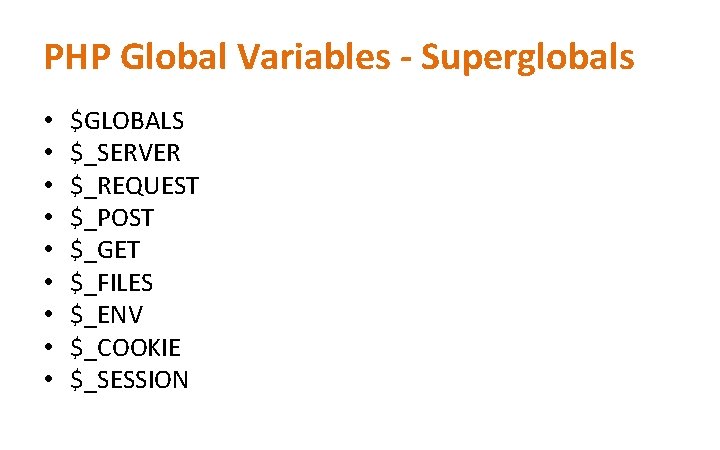
PHP Global Variables - Superglobals • • • $GLOBALS $_SERVER $_REQUEST $_POST $_GET $_FILES $_ENV $_COOKIE $_SESSION
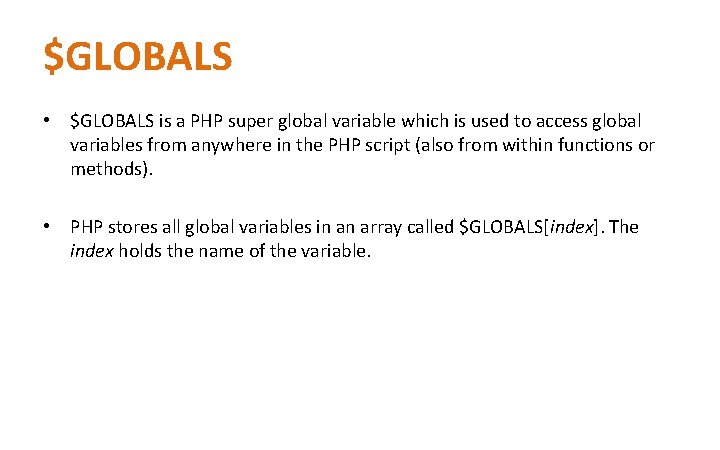
$GLOBALS • $GLOBALS is a PHP super global variable which is used to access global variables from anywhere in the PHP script (also from within functions or methods). • PHP stores all global variables in an array called $GLOBALS[index]. The index holds the name of the variable.
Example <? php $x = 75; $y = 25; function addition() { $GLOBALS['z'] = $GLOBALS['x'] + $GLOBALS['y']; } addition(); echo $z; ? >
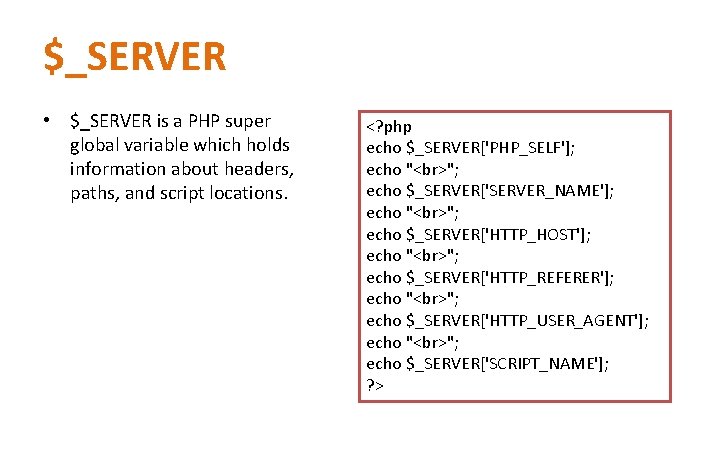
$_SERVER • $_SERVER is a PHP super global variable which holds information about headers, paths, and script locations. <? php echo $_SERVER['PHP_SELF']; echo " "; echo $_SERVER['SERVER_NAME']; echo " "; echo $_SERVER['HTTP_HOST']; echo " "; echo $_SERVER['HTTP_REFERER']; echo " "; echo $_SERVER['HTTP_USER_AGENT']; echo " "; echo $_SERVER['SCRIPT_NAME']; ? >
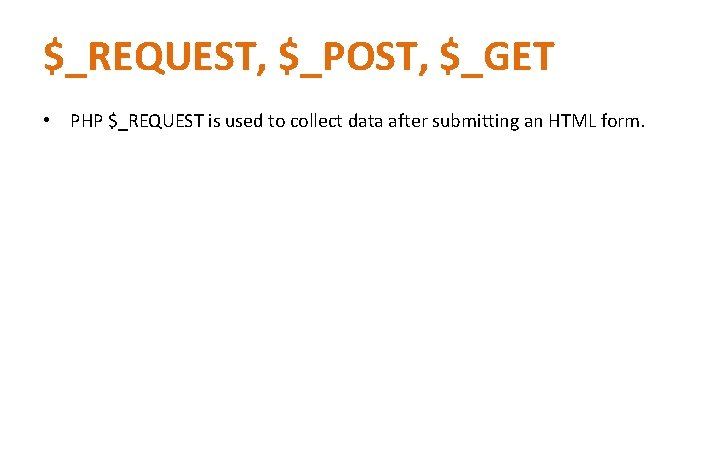
$_REQUEST, $_POST, $_GET • PHP $_REQUEST is used to collect data after submitting an HTML form.
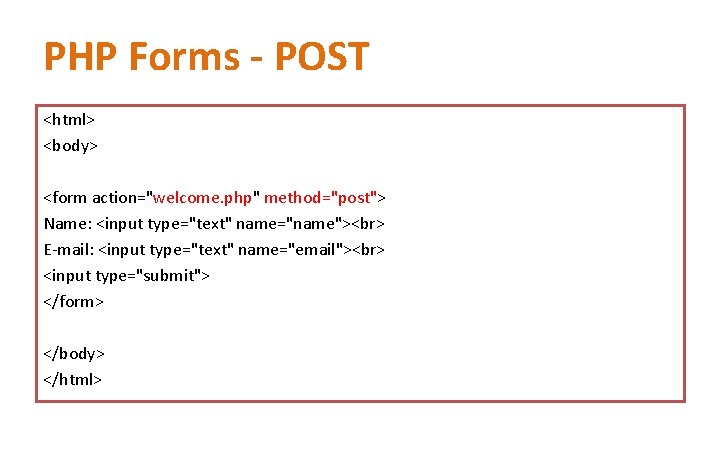
PHP Forms - POST <html> <body> <form action="welcome. php" method="post"> Name: <input type="text" name="name"> E-mail: <input type="text" name="email"> <input type="submit"> </form> </body> </html>
welcome. php <html> <body> Welcome <? php echo $_POST["name"]; ? > Your email address is: <? php echo $_POST["email"]; ? > </body> </html>
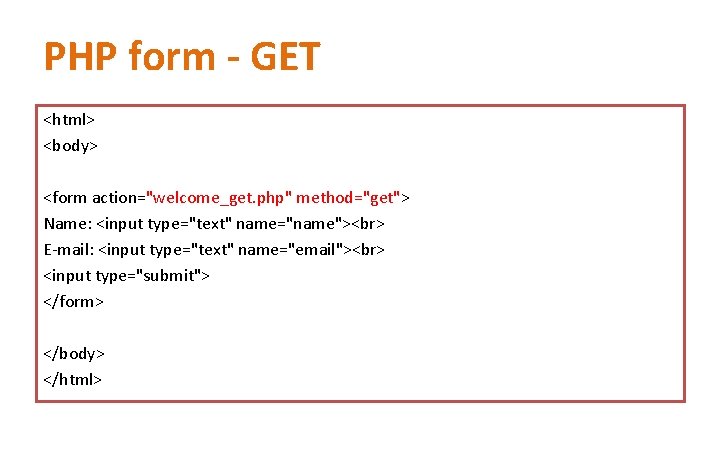
PHP form - GET <html> <body> <form action="welcome_get. php" method="get"> Name: <input type="text" name="name"> E-mail: <input type="text" name="email"> <input type="submit"> </form> </body> </html>
welcome_get. php <html> <body> Welcome <? php echo $_GET["name"]; ? > Your email address is: <? php echo $_GET["email"]; ? > </body> </html>
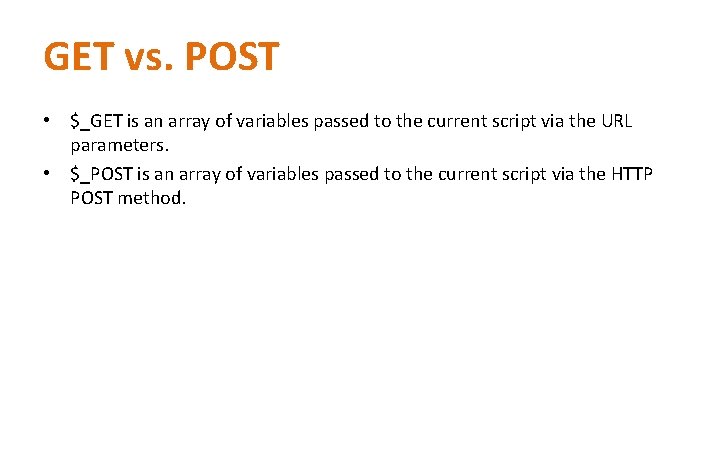
GET vs. POST • $_GET is an array of variables passed to the current script via the URL parameters. • $_POST is an array of variables passed to the current script via the HTTP POST method.
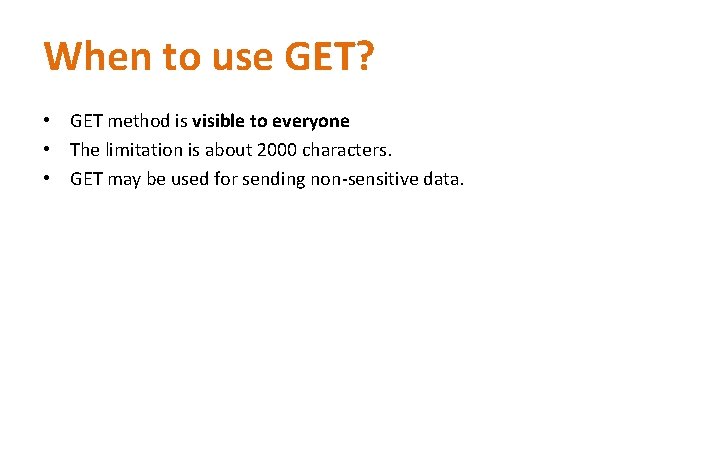
When to use GET? • GET method is visible to everyone • The limitation is about 2000 characters. • GET may be used for sending non-sensitive data.
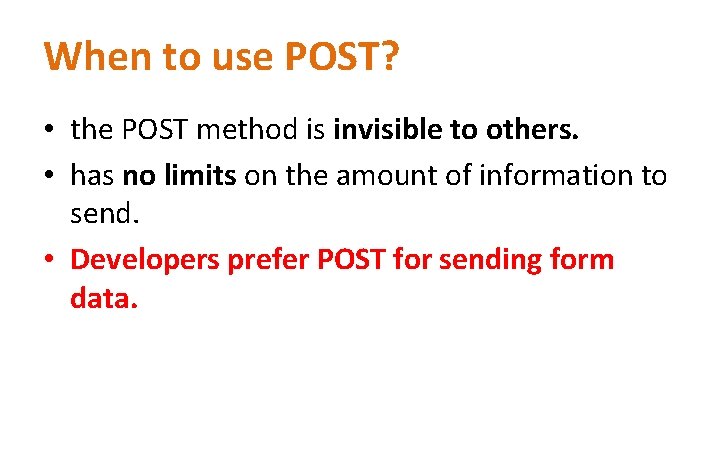
When to use POST? • the POST method is invisible to others. • has no limits on the amount of information to send. • Developers prefer POST for sending form data.