Cosc 54735 Voice Actions Voice Interactions API 23

- Slides: 18
Cosc 5/4735 Voice Actions Voice Interactions (API 23+)
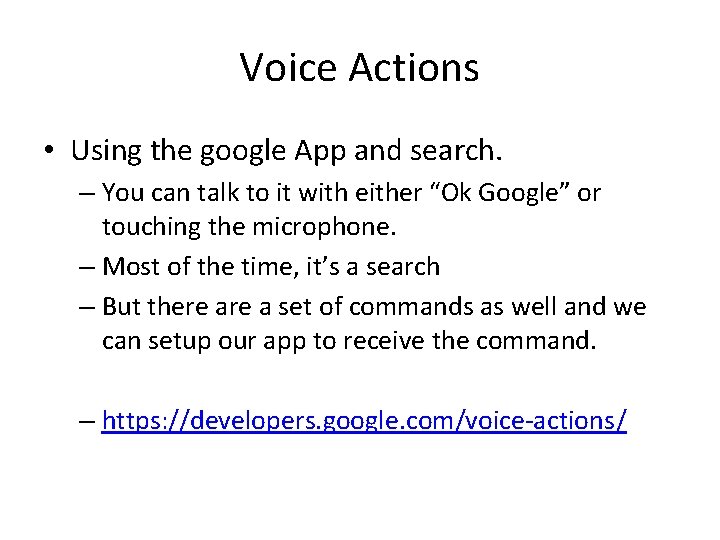
Voice Actions • Using the google App and search. – You can talk to it with either “Ok Google” or touching the microphone. – Most of the time, it’s a search – But there a set of commands as well and we can setup our app to receive the command. – https: //developers. google. com/voice-actions/
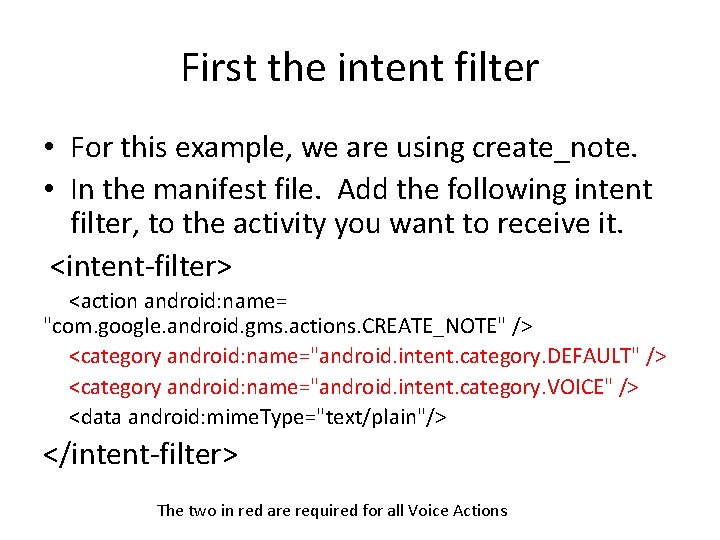
First the intent filter • For this example, we are using create_note. • In the manifest file. Add the following intent filter, to the activity you want to receive it. <intent-filter> <action android: name= "com. google. android. gms. actions. CREATE_NOTE" /> <category android: name="android. intent. category. DEFAULT" /> <category android: name="android. intent. category. VOICE" /> <data android: mime. Type="text/plain"/> </intent-filter> The two in red are required for all Voice Actions
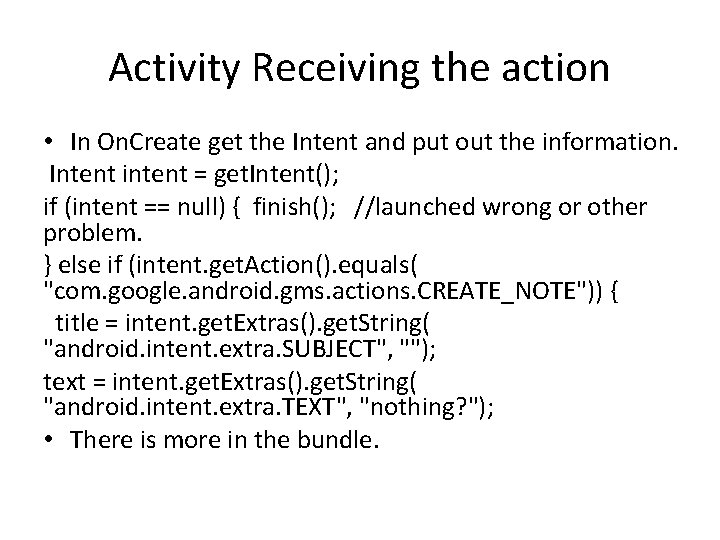
Activity Receiving the action • In On. Create get the Intent and put out the information. Intent intent = get. Intent(); if (intent == null) { finish(); //launched wrong or other problem. } else if (intent. get. Action(). equals( "com. google. android. gms. actions. CREATE_NOTE")) { title = intent. get. Extras(). get. String( "android. intent. extra. SUBJECT", ""); text = intent. get. Extras(). get. String( "android. intent. extra. TEXT", "nothing? "); • There is more in the bundle.
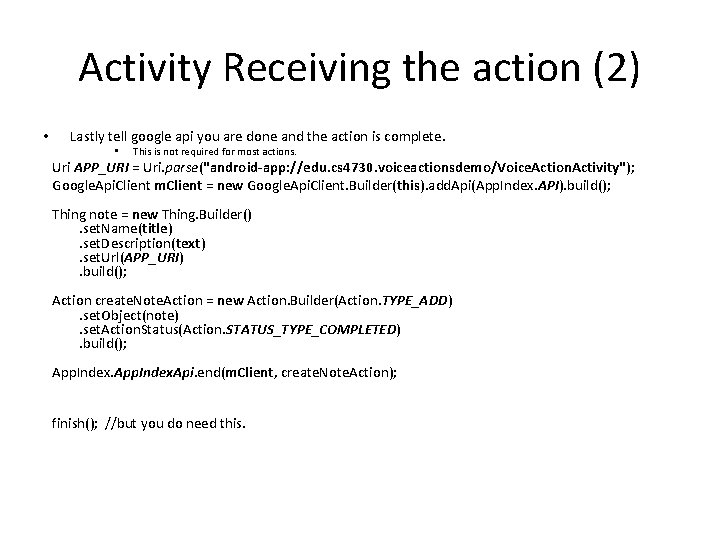
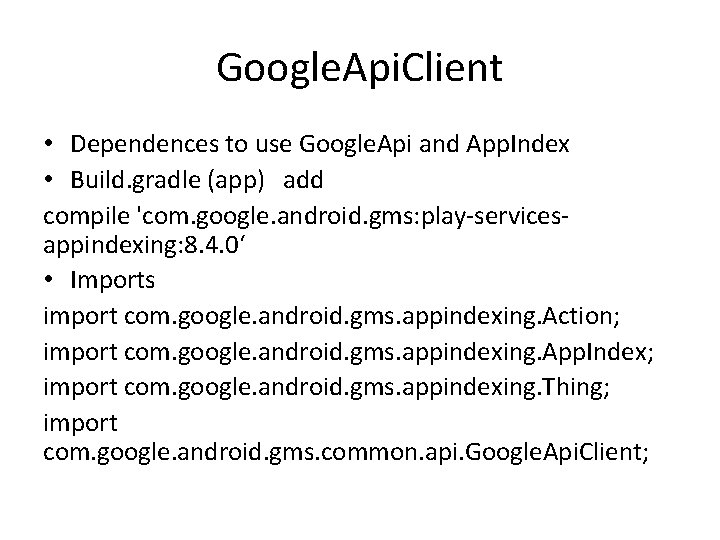
Activity Receiving the action (2) • Lastly tell google api you are done and the action is complete. • This is not required for most actions. Uri APP_URI = Uri. parse("android-app: //edu. cs 4730. voiceactionsdemo/Voice. Action. Activity"); Google. Api. Client m. Client = new Google. Api. Client. Builder(this). add. Api(App. Index. API). build(); Thing note = new Thing. Builder(). set. Name(title). set. Description(text). set. Url(APP_URI). build(); Action create. Note. Action = new Action. Builder(Action. TYPE_ADD). set. Object(note). set. Action. Status(Action. STATUS_TYPE_COMPLETED). build(); App. Index. Api. end(m. Client, create. Note. Action); finish(); //but you do need this.
Google. Api. Client • Dependences to use Google. Api and App. Index • Build. gradle (app) add compile 'com. google. android. gms: play-servicesappindexing: 8. 4. 0‘ • Imports import com. google. android. gms. appindexing. Action; import com. google. android. gms. appindexing. App. Index; import com. google. android. gms. appindexing. Thing; import com. google. android. gms. common. api. Google. Api. Client;
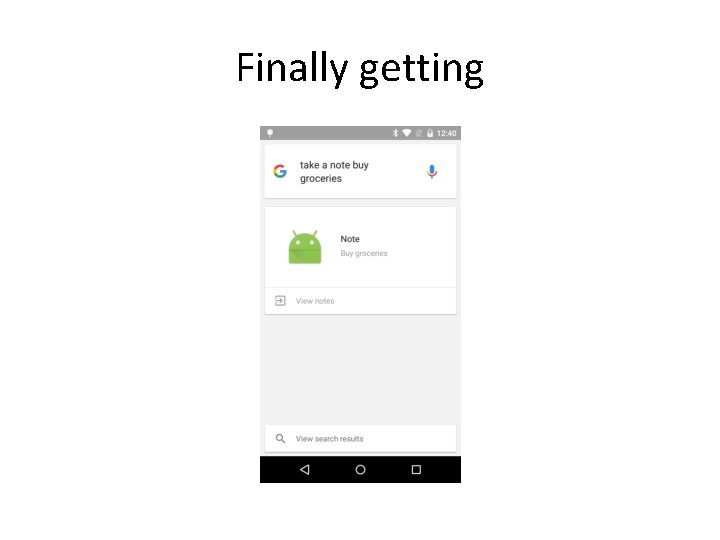
Finally getting
Voice. Actions. Demo • The Demo is very simple and stores only one note at a time. • It also has some extra code to find all the keys in the bundle, since google’s doc told me to use the WRONG keys to get the data out of the intent/bundle.
Voice Interactions • https: //www. youtube. com/watch? v=OW 1 A 4 X FRuyc • This allows for more interaction. • But Starts at API 23 (marshmallow). – This seems to be very experimental as well. A lot of the documentation doesn’t really work.
Start with a Voice Action. • So interactions start with a Voice Action first. – So like before, create_note, image_capture, music_search, etc… – Setup the intent, etc. • Your app, then checks to see if there is. Voice. Interaction() – If true then we can continue – Else normal touch interaction or finish()
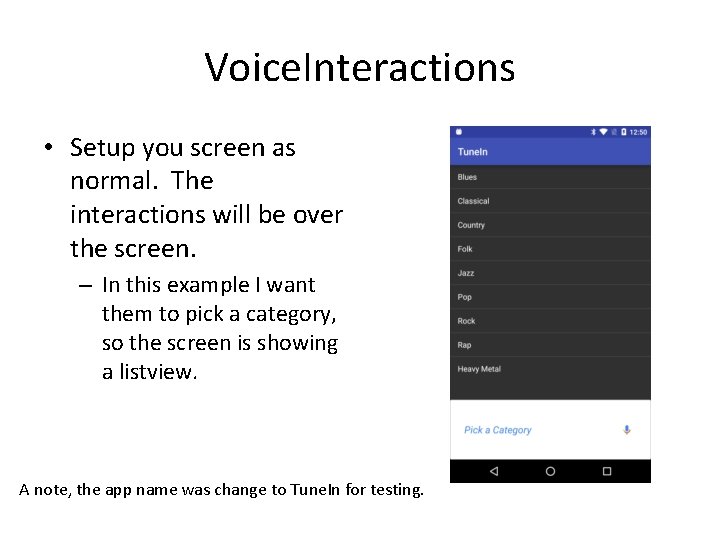
Voice. Interactions • Setup you screen as normal. The interactions will be over the screen. – In this example I want them to pick a category, so the screen is showing a listview. A note, the app name was change to Tune. In for testing.
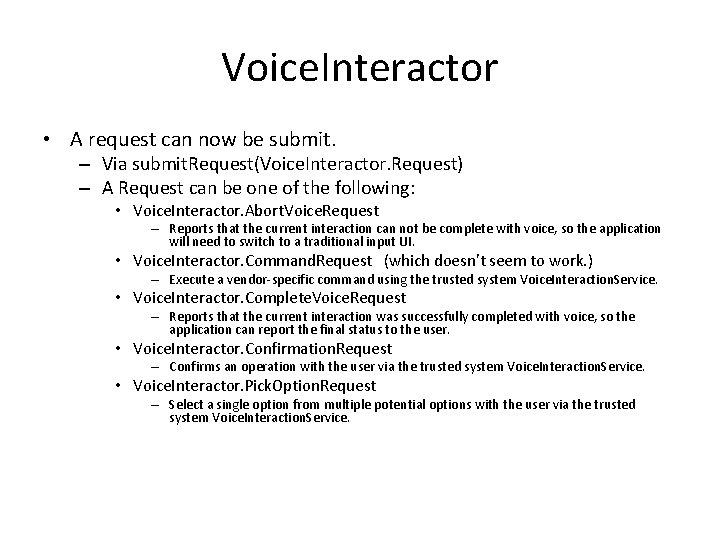
Voice. Interactor • A request can now be submit. – Via submit. Request(Voice. Interactor. Request) – A Request can be one of the following: • Voice. Interactor. Abort. Voice. Request – Reports that the current interaction can not be complete with voice, so the application will need to switch to a traditional input UI. • Voice. Interactor. Command. Request (which doesn’t seem to work. ) – Execute a vendor-specific command using the trusted system Voice. Interaction. Service. • Voice. Interactor. Complete. Voice. Request – Reports that the current interaction was successfully completed with voice, so the application can report the final status to the user. • Voice. Interactor. Confirmation. Request – Confirms an operation with the user via the trusted system Voice. Interaction. Service. • Voice. Interactor. Pick. Option. Request – Select a single option from multiple potential options with the user via the trusted system Voice. Interaction. Service.
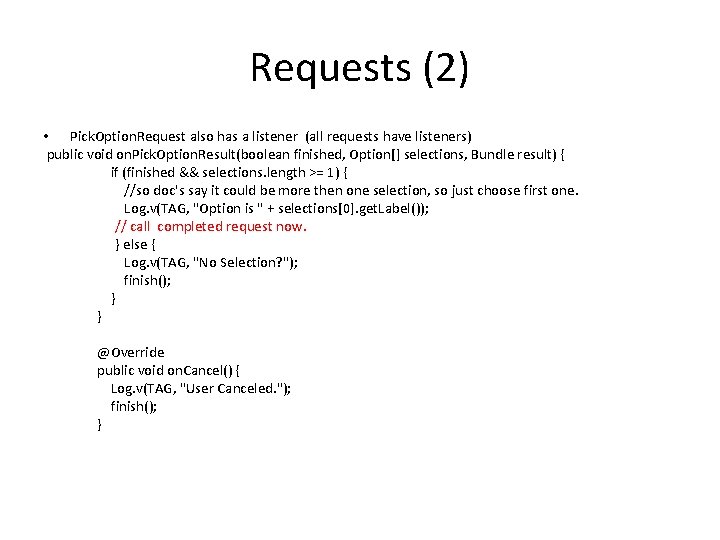
Requests • Confirmation. Request allow you confirm with an affirmative that user wants to do this – Ie Yes, Ok, etc. • Pick. Option. Request(String prompt, Option[] options, bundle extras) – Takes prompt • example: “Pick a category of music” – Options would then be the array of categories allowed. • While you should display the list on your screen, you don’t have to. • Example – Option 1 = new Voice. Interactor. Pick. Option. Request. Option(“Heavy metal”, 8) – Option 1. add. Synonym("Angry White boy Music") » So the user can say Heavy Metal or Angry White boy Music for this one.
Requests (2) • Pick. Option. Request also has a listener (all requests have listeners) public void on. Pick. Option. Result(boolean finished, Option[] selections, Bundle result) { if (finished && selections. length >= 1) { //so doc's say it could be more then one selection, so just choose first one. Log. v(TAG, "Option is " + selections[0]. get. Label()); // call completed request now. } else { Log. v(TAG, "No Selection? "); finish(); } } @Override public void on. Cancel() { Log. v(TAG, "User Canceled. "); finish(); }
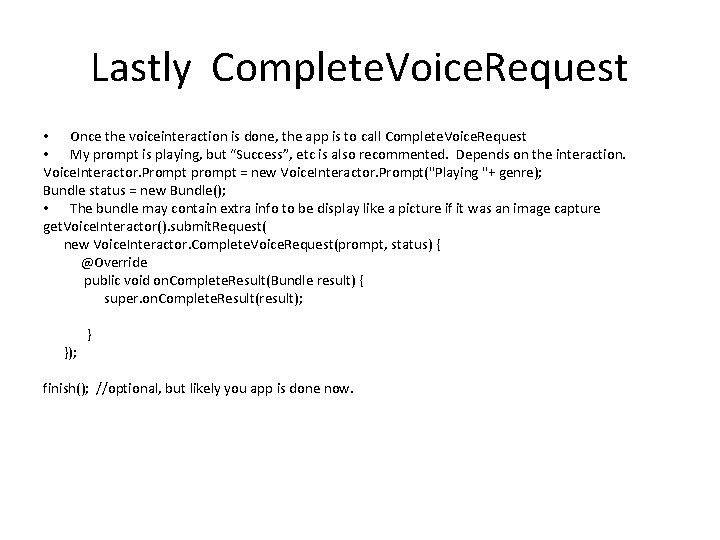
Lastly Complete. Voice. Request • Once the voiceinteraction is done, the app is to call Complete. Voice. Request • My prompt is playing, but “Success”, etc is also recommented. Depends on the interaction. Voice. Interactor. Prompt prompt = new Voice. Interactor. Prompt("Playing "+ genre); Bundle status = new Bundle(); • The bundle may contain extra info to be display like a picture if it was an image capture get. Voice. Interactor(). submit. Request( new Voice. Interactor. Complete. Voice. Request(prompt, status) { @Override public void on. Complete. Result(Bundle result) { super. on. Complete. Result(result); }); } finish(); //optional, but likely you app is done now.
References • https: //developers. google. com/voice-actions/system/ – https: //developer. android. com/guide/components/intentscommon. html#New. Note • https: //developers. google. com/appindexing/android/publish#use-the-app-indexing-api • https: //developers. google. com/voice-actions/interaction/ – http: //developer. android. com/reference/android/app/Voice. Int eractor. html – http: //developer. android. com/reference/android/app/Voice. Int eractor. Pick. Option. Request. html – http: //io 2015 codelabs. appspot. com/codelabs/voiceinteraction#1
Final note. • Much of the Intents don’t allow voiceinteractions – Even the ones android says will – Have tested most of them, only the image_capture intent worked • The test code has other intents and this one as well just to test with. • As of Janaury 20 th 2015
Q&A