Ch 11 Menu Selection Form Fillin and Dialog
- Slides: 53
Ch. 11 Menu Selection, Form Fillin, and Dialog Boxes
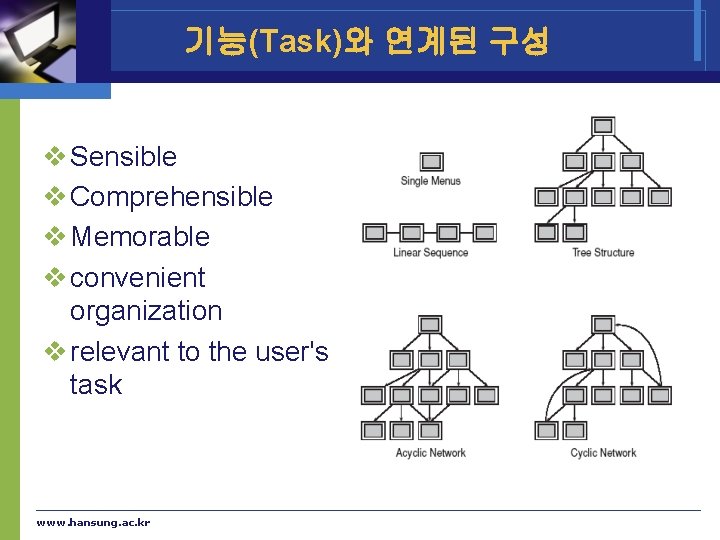
기능(Task)와 연계된 구성 v Sensible v Comprehensible v Memorable v convenient organization v relevant to the user's task www. hansung. ac. kr
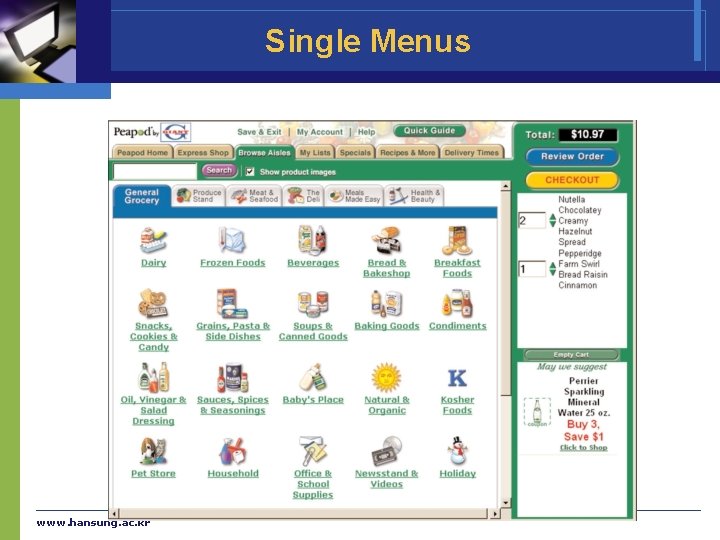
Single Menus v Selecting only function v Binary Menus § Mnemonic letters: Y(Yes) or N(No) § Radio Buttons § Button Choice v Multiple-item Menus v Multiple-selection menus or check boxes www. hansung. ac. kr
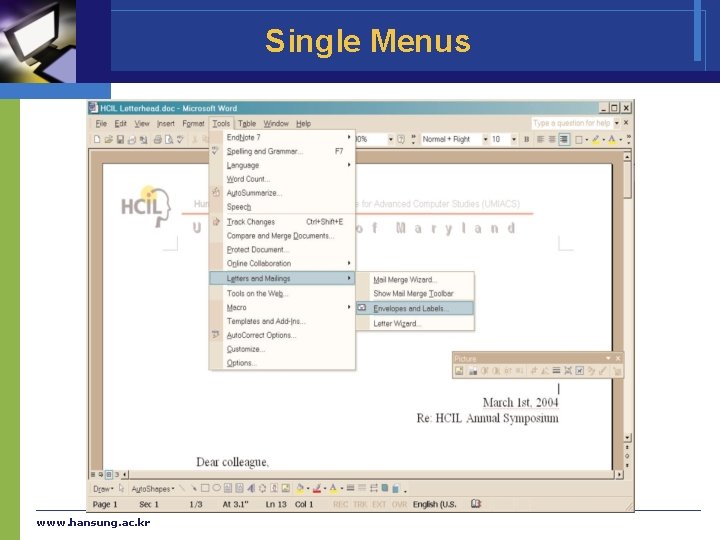
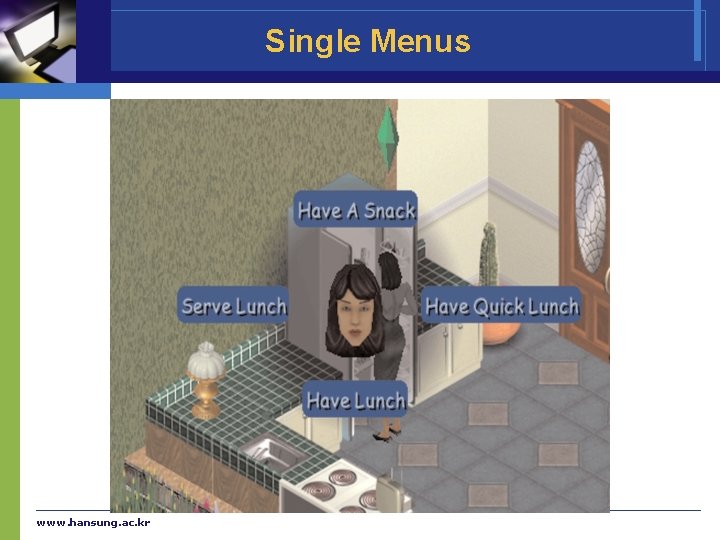
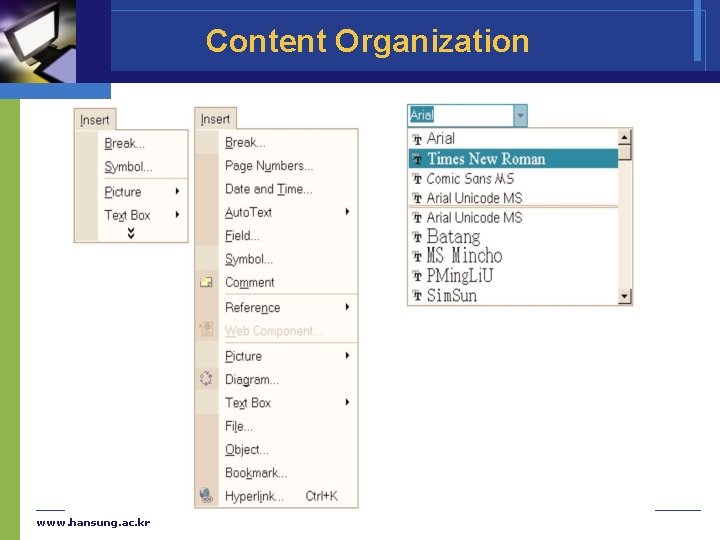
Single Menus v Pull-down, pop-up, and toolbar menus § Pull-down menus • Always available to the user by making selections on a top menu bar • Key board shortcuts – important to support expert user efficiency § Toolbars, iconic menus, and palletes • To offer actions on a displayed object § Pop-up menus • To appear on a display in response to a check or tap with a pointing device www. hansung. ac. kr
Single Menus www. hansung. ac. kr
Single Menus www. hansung. ac. kr
Single Menus v Menus for long lists § Scrolling menus • To display the first portion of the menu and an additional menu item • an arrow that leads to the next set of items in the menu sequence § Combo boxes • To combine a scrolling menu with a text-entry filed. § Fisheye menus • display all of the menu items on the screen at once, but show only items near the cursor at full size www. hansung. ac. kr
Single Menus § Sliders and alphasliders • When items consist of ranges or numerical values, a slider is a natural choice to allow the selection of a value. • The alphaslider uses multiple levels of granularity in moving the slider thumb and therefore can support tens or hundreds of thousand of items. § Two-dimensional menus • “Fast and vast” two-dimensional menus give users a good overview of the choices, reduce the number of required actions, and allow rapid selection. www. hansung. ac. kr
Single Menus www. hansung. ac. kr
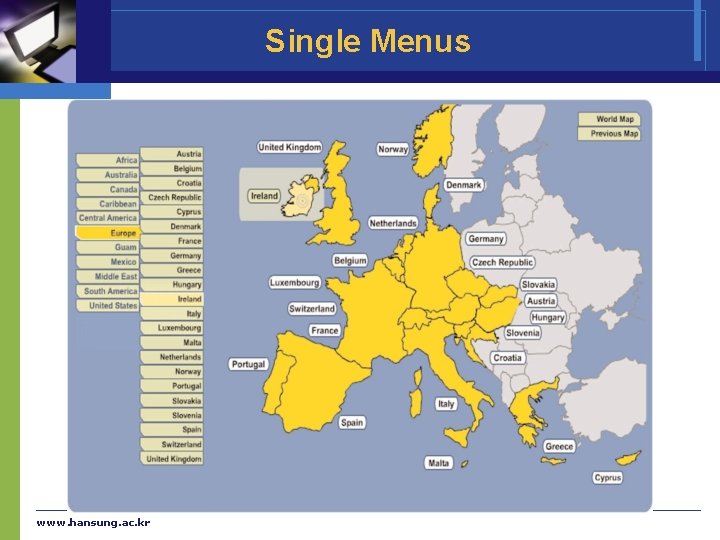
Single Menus v Embedded menus and hotlinks § an alternative to explicit menus § It is natural to allow users reading about people, events, and places to retrieve detailed information by selecting menus in context. www. hansung. ac. kr
Single Menus www. hansung. ac. kr
Combination of multiple menus v Linear menu sequences § Guide the user through complex decision-making process • cue cards or "Wizards" § Effective for novice users performing simple tasks v Simultaneous menus § Present multiple active menus at the same time § To allow users to enter choices in any order www. hansung. ac. kr
Combination of multiple menus v Tree-structured menus § Designers can form categories of similar items to create a tree structure • fonts, size style, spacing § Fast retrieved if natural and comprehensive § Use terminology from the task domain § Expanding menus maintain the full context of each choice • Windows Explorer www. hansung. ac. kr
Combination of multiple menus v Menu Maps § Menu maps can help users stay oriented in a large menu tree § Effective for providing overviews to minimize user disorientation v Acyclic and Cyclic Networks § § § Useful for social relationships transportation routing scientific-journal citations Can cause confusion and disorientation www. hansung. ac. kr
Content Organization v Task-related grouping in tree organization § § Create groups of logically similar items Form groups that cover all possibilities Make sure that items are nonoverlapping Use familiar terminology, but ensure that items are distinct from one another www. hansung. ac. kr
Content Organization v Item Presentation Sequence § The order of items in the menu • Time • Numeric ordering • Physical properties § no task-related orderings • • Alphabetic sequence of terms Grouping of related items Most frequently used items first Most important items first www. hansung. ac. kr
Content Organization www. hansung. ac. kr
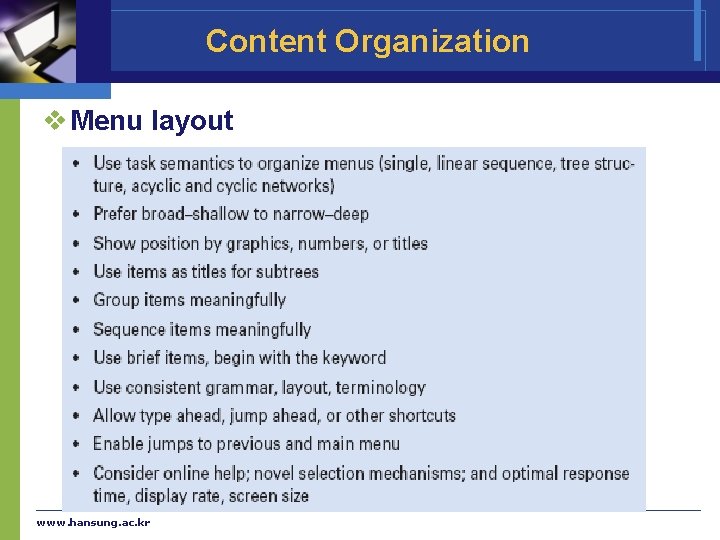
Content Organization v Menu layout www. hansung. ac. kr
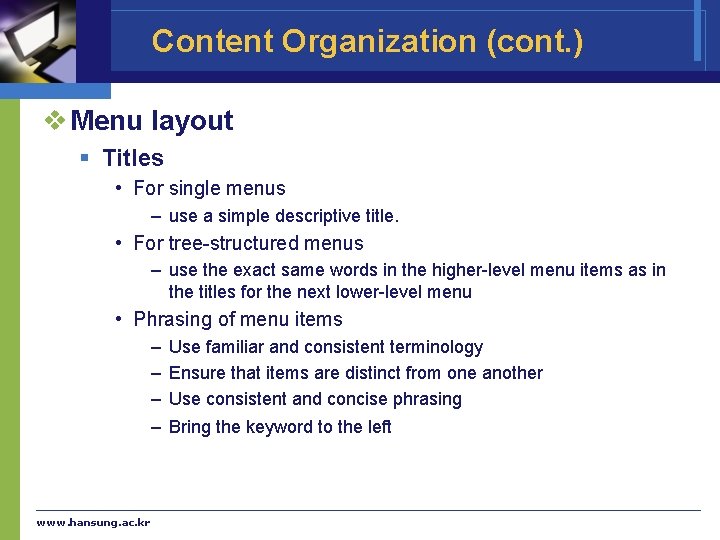
Content Organization (cont. ) v Menu layout § Titles • For single menus – use a simple descriptive title. • For tree-structured menus – use the exact same words in the higher-level menu items as in the titles for the next lower-level menu • Phrasing of menu items – Use familiar and consistent terminology – Ensure that items are distinct from one another – Use consistent and concise phrasing – Bring the keyword to the left www. hansung. ac. kr
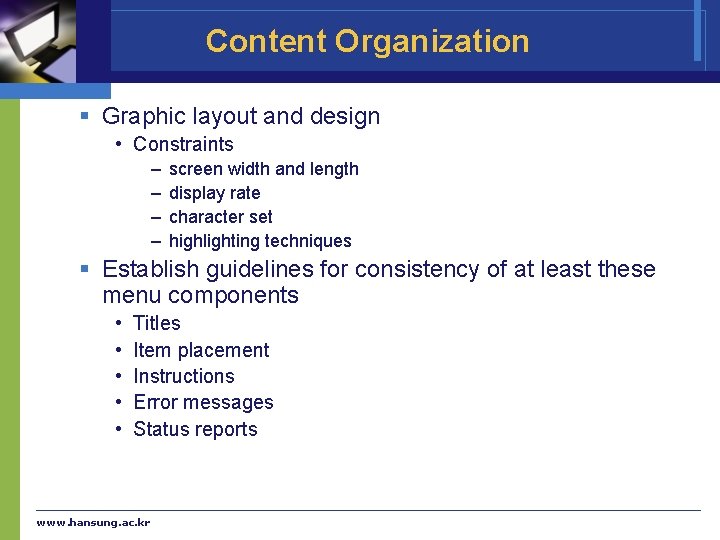
Content Organization § Graphic layout and design • Constraints – – screen width and length display rate character set highlighting techniques § Establish guidelines for consistency of at least these menu components • • • Titles Item placement Instructions Error messages Status reports www. hansung. ac. kr
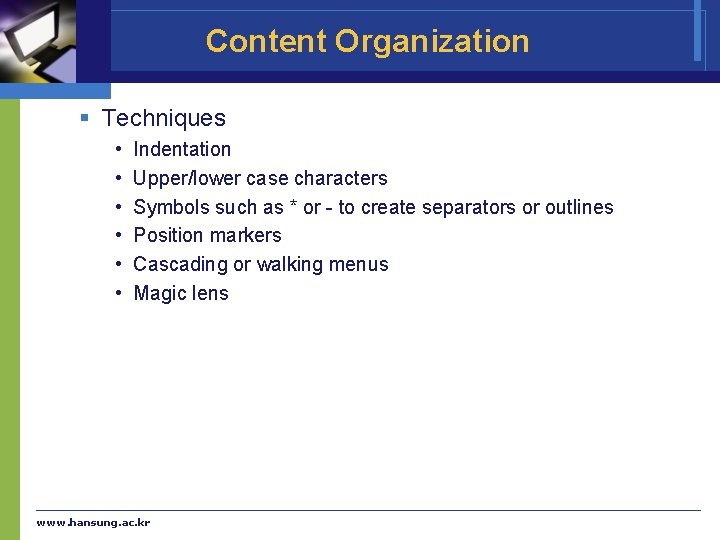
Content Organization § Techniques • • • Indentation Upper/lower case characters Symbols such as * or - to create separators or outlines Position markers Cascading or walking menus Magic lens www. hansung. ac. kr
Fast Movement Through Menus v Keyboard shortcuts § § Supports expert use Can make translation to a foreign language more difficult Bookmarks in browsers User configured toolbars www. hansung. ac. kr
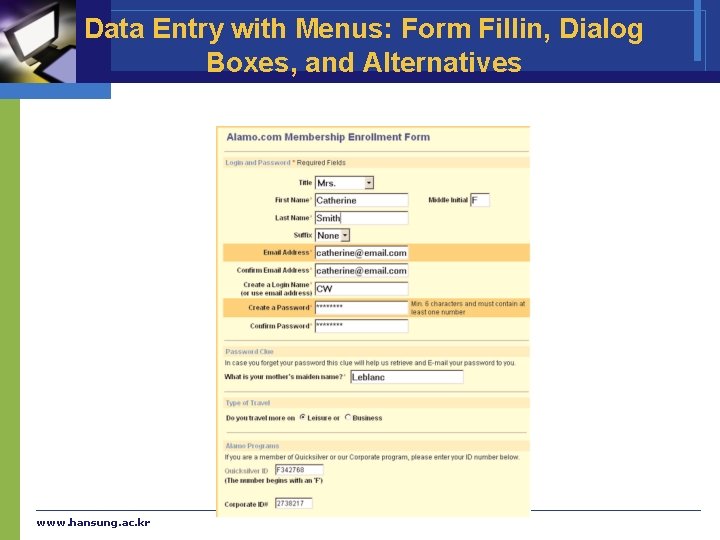
Data Entry with Menus: Form Fillin, Dialog Boxes, and Alternatives v Form Fillin § when many fields of data must be entered: • Full complement of information is visible to user. • Display resembles familiar paper forms. • Few instructions are required for many types of entries. § Users must be familiar with: • • • Keyboards , TAB key Mouse to move the cursor Error correction methods Field-label meanings Permissible field contents Use of the ENTER and/or RETURN key www. hansung. ac. kr
Data Entry with Menus: Form Fillin, Dialog Boxes, and Alternatives v Form-Fillin Design Guidelines § § § § Meaningful title Comprehensible instructions Logical grouping and sequencing of fields Visually appealing layout of the form Familiar field labels Consistent terminology and abbreviations Visible space and boundaries for data-entry fields www. hansung. ac. kr
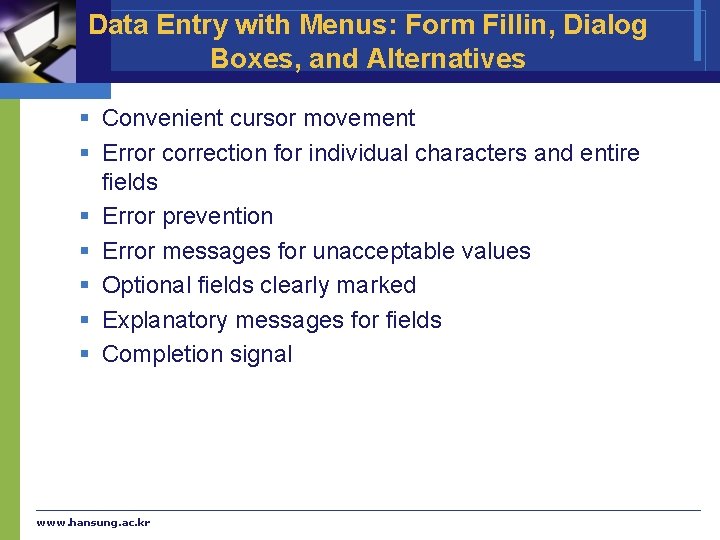
Data Entry with Menus: Form Fillin, Dialog Boxes, and Alternatives § Convenient cursor movement § Error correction for individual characters and entire fields § Error prevention § Error messages for unacceptable values § Optional fields clearly marked § Explanatory messages for fields § Completion signal www. hansung. ac. kr
Data Entry with Menus: Form Fillin, Dialog Boxes, and Alternatives www. hansung. ac. kr
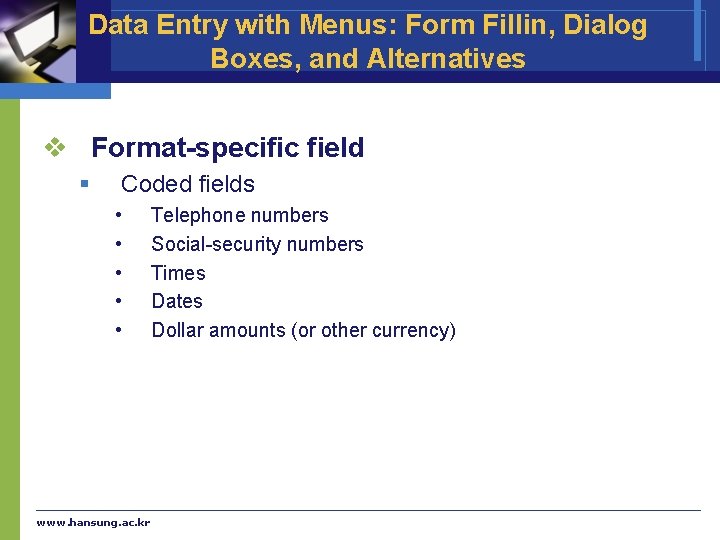
Data Entry with Menus: Form Fillin, Dialog Boxes, and Alternatives v Format-specific field § Coded fields • • • www. hansung. ac. kr Telephone numbers Social-security numbers Times Dates Dollar amounts (or other currency)
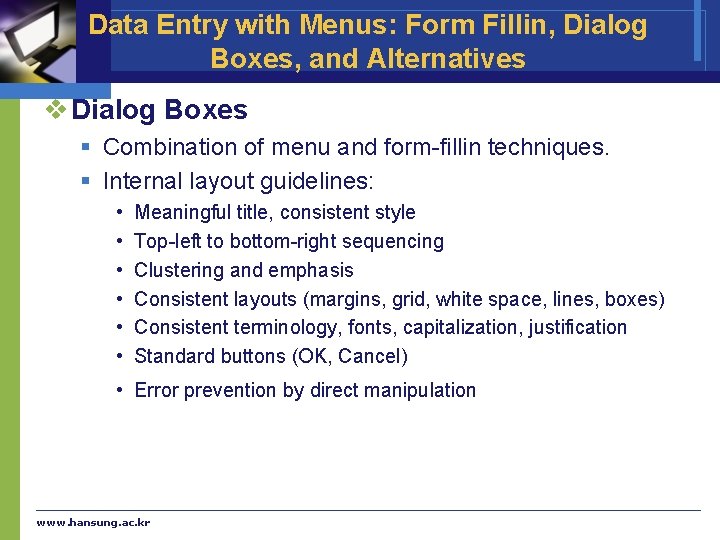
Data Entry with Menus: Form Fillin, Dialog Boxes, and Alternatives v Dialog Boxes § Combination of menu and form-fillin techniques. § Internal layout guidelines: • • • Meaningful title, consistent style Top-left to bottom-right sequencing Clustering and emphasis Consistent layouts (margins, grid, white space, lines, boxes) Consistent terminology, fonts, capitalization, justification Standard buttons (OK, Cancel) • Error prevention by direct manipulation www. hansung. ac. kr
Data Entry with Menus: Form Fillin, Dialog Boxes, and Alternatives § External Relationship • • www. hansung. ac. kr Smooth appearance and disappearance Distinguishable but small boundary Size small enough to reduce overlap problems Display close to appropriate items No overlap of required items Easy to make disappear Clear how to complete/cancel
Data Entry with Menus: Form Fillin, Dialog Boxes, and Alternatives v Novel design combining menus and direct manipulation § § § Pie menus Control menus Marking menus Flow menus Toolglass www. hansung. ac. kr
Audio Menus and Menus for Small Displays v Menu systems in small displays and situations where hands and eyes are busy are a challenge. v Audio menus § Verbal prompts and option descriptions § Input is normally verbal or keypad § Not persistent, like a visual display, so memorization is required. § Request users can avoid listening to options www. hansung. ac. kr
Audio Menus and Menus for Small Displays v Menu for small displays § Entertainment, communication services § Learnability is a key issue § Hardware buttons • Navigation, select § Expect interactions § Tap interface § GPS and radio frequency identification provides same automatic input www. hansung. ac. kr
Ch. 8 Command Natural Languages
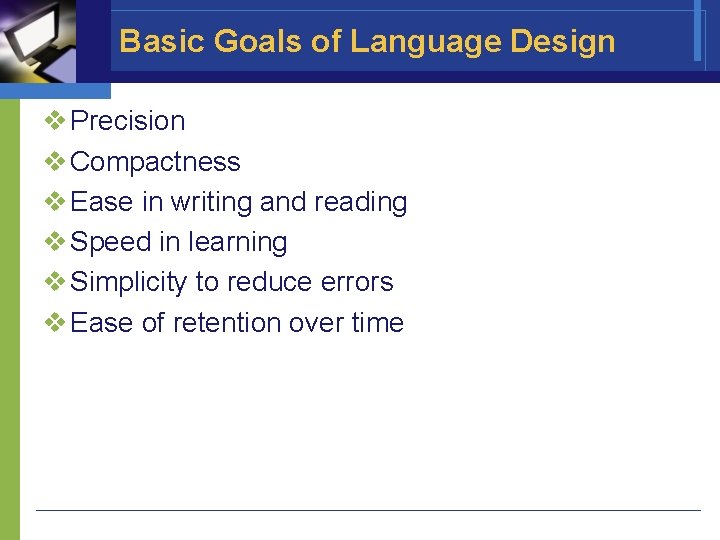
Basic Goals of Language Design v Precision v Compactness v Ease in writing and reading v Speed in learning v Simplicity to reduce errors v Ease of retention over time
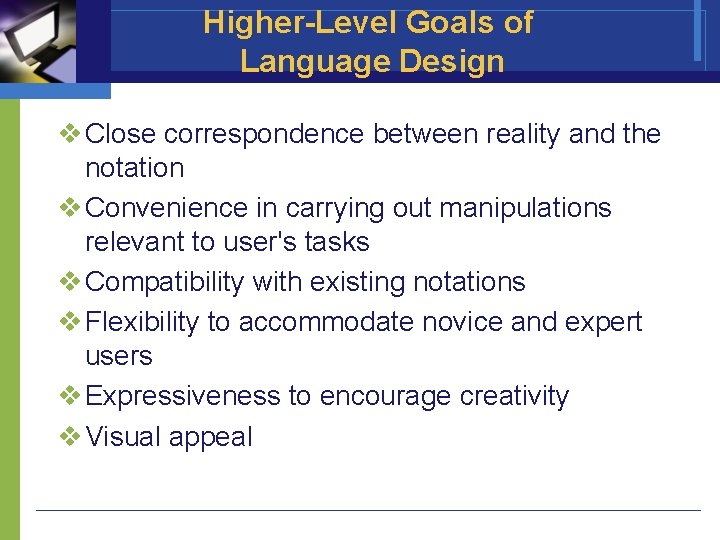
Higher-Level Goals of Language Design v Close correspondence between reality and the notation v Convenience in carrying out manipulations relevant to user's tasks v Compatibility with existing notations v Flexibility to accommodate novice and expert users v Expressiveness to encourage creativity v Visual appeal
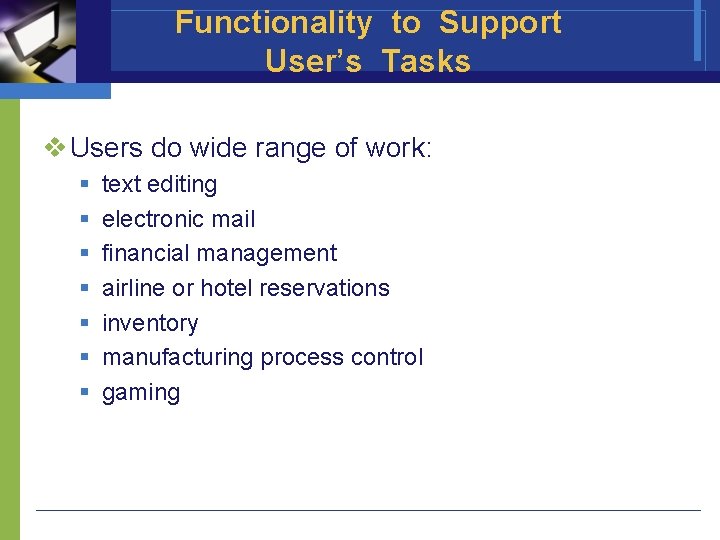
Functionality to Support User’s Tasks v Users do wide range of work: § § § § text editing electronic mail financial management airline or hotel reservations inventory manufacturing process control gaming
Functionality to Support User’s Tasks v Determine functionality of the system by studying users' task domain v Create a list of task actions and objects v Abstract this list into a set of interface actions and objects v Represent low-level interface syntax v Create a table of user communities and tasks, with expected use frequency
Functionality to Support User’s Tasks v Determine hierarchy of importance of user communities (i. e. prime users) v Evaluate destructive actions (e. g. deleting objects) to ensure reversibility v Identify error conditions and prepare error messages v Allow shortcuts for expert users, such as macros and customizing system parameters
Command-Organization Strategies v Unifying interface concept or metaphor aids § learning § problem solving § retention v Designers often err by choosing a metaphor closer to machine domain than to the user's task domain.
Command-Organization Strategies v Simple command set § Each command is chosen to carry out a single task. The number of commands match the number of tasks. § For small number of tasks, this can produce a system easy to learn and use
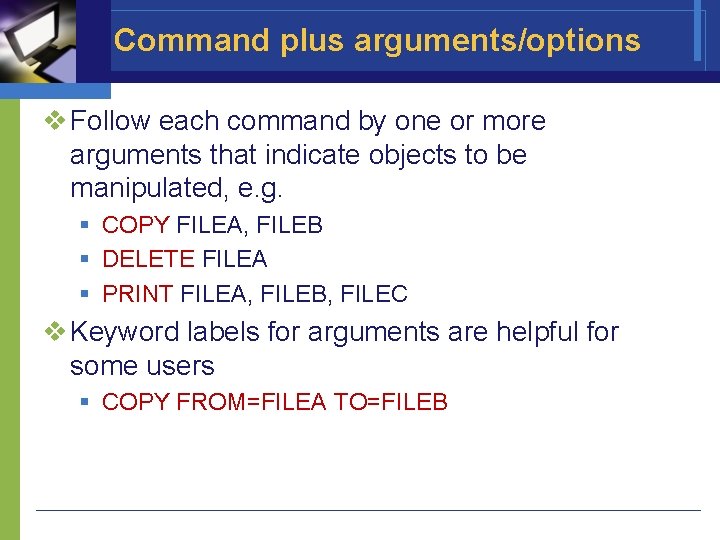
Command plus arguments/options v Follow each command by one or more arguments that indicate objects to be manipulated, e. g. § COPY FILEA, FILEB § DELETE FILEA § PRINT FILEA, FILEB, FILEC v Keyword labels for arguments are helpful for some users § COPY FROM=FILEA TO=FILEB
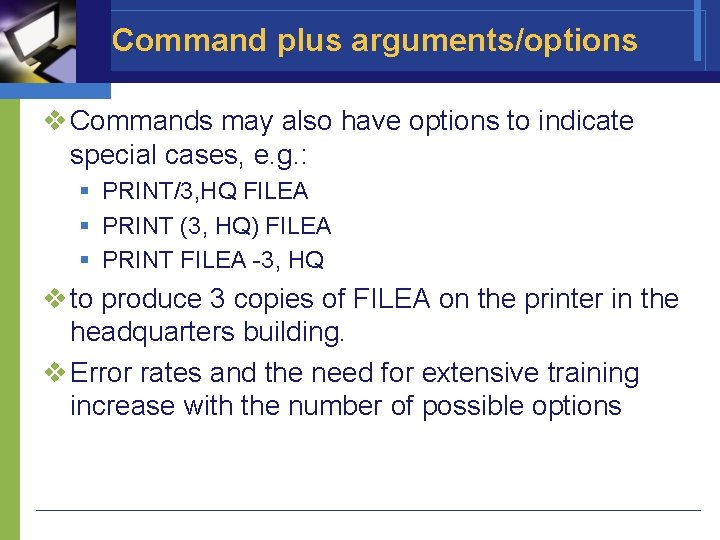
Command plus arguments/options v Commands may also have options to indicate special cases, e. g. : § PRINT/3, HQ FILEA § PRINT (3, HQ) FILEA § PRINT FILEA -3, HQ v to produce 3 copies of FILEA on the printer in the headquarters building. v Error rates and the need for extensive training increase with the number of possible options
The Benefits of Structure v Human learning, problem solving, and memory are greatly facilitated by meaningful structure. v Beneficial for § task concepts § computer concepts § syntactic details of command languages
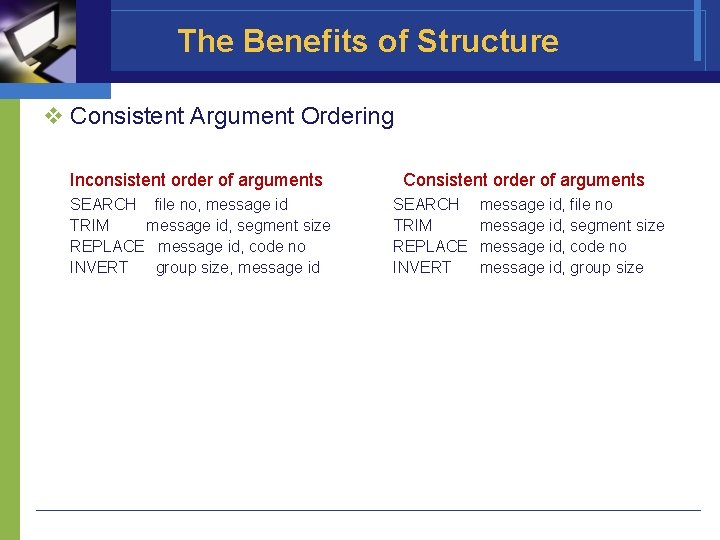
The Benefits of Structure v Consistent Argument Ordering Inconsistent order of arguments SEARCH file no, message id TRIM message id, segment size REPLACE message id, code no INVERT group size, message id Consistent order of arguments SEARCH TRIM REPLACE INVERT message id, file no message id, segment size message id, code no message id, group size
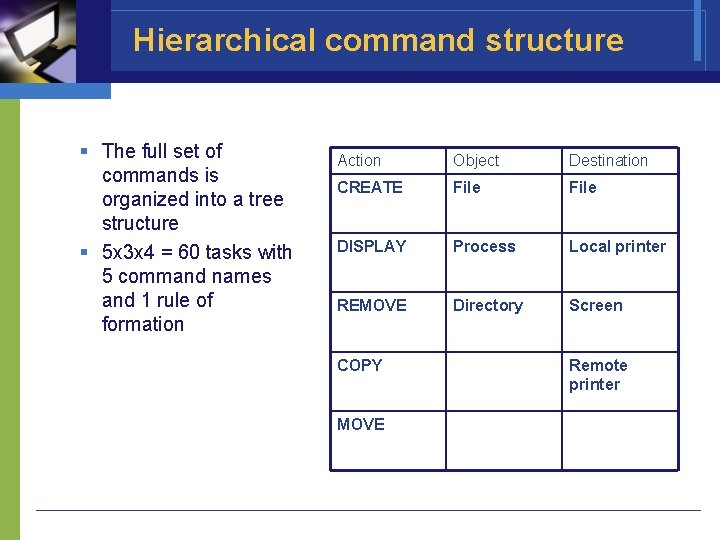
Hierarchical command structure § The full set of commands is organized into a tree structure § 5 x 3 x 4 = 60 tasks with 5 command names and 1 rule of formation Action Object Destination CREATE File DISPLAY Process Local printer REMOVE Directory Screen COPY MOVE Remote printer
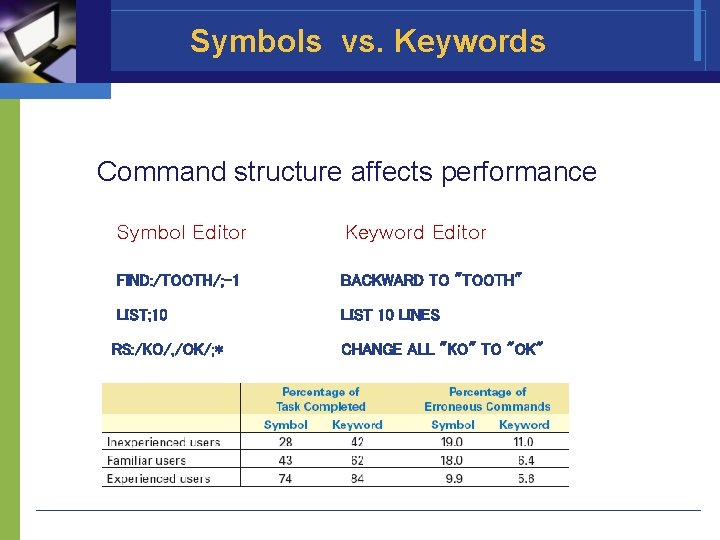
Symbols vs. Keywords Command structure affects performance Symbol Editor Keyword Editor FIND: /TOOTH/; -1 BACKWARD TO "TOOTH" LIST; 10 LIST 10 LINES RS: /KO/, /OK/; * CHANGE ALL "KO" TO "OK"
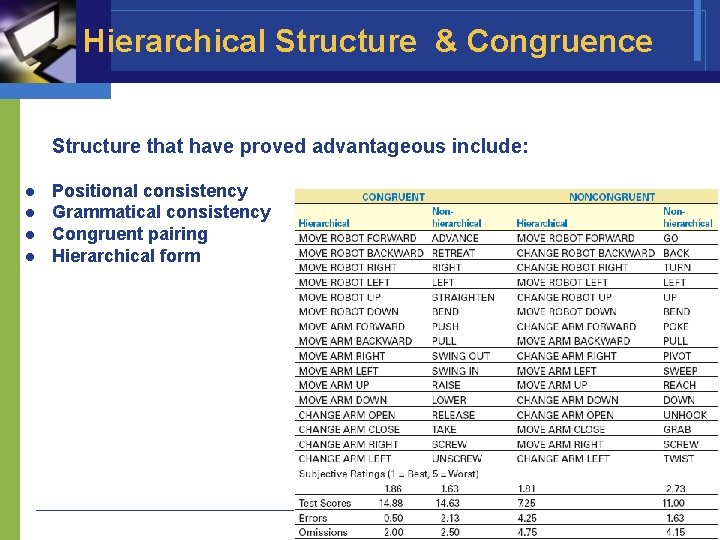
Hierarchical Structure & Congruence Structure that have proved advantageous include: l l Positional consistency Grammatical consistency Congruent pairing Hierarchical form
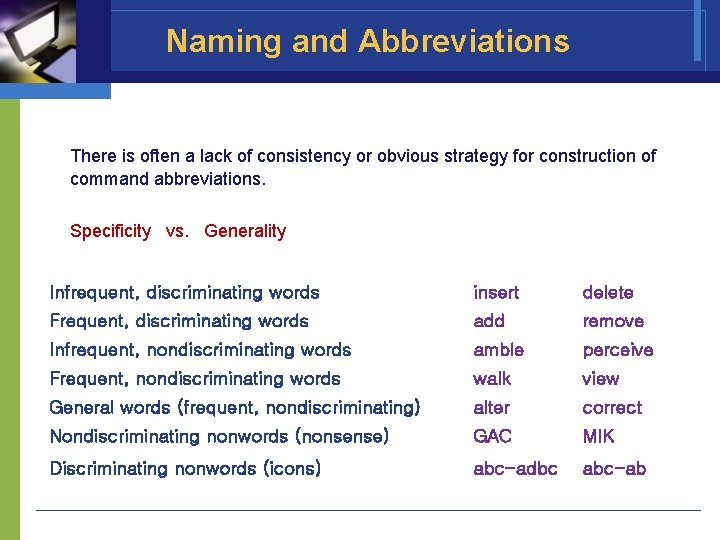
Naming and Abbreviations There is often a lack of consistency or obvious strategy for construction of command abbreviations. Specificity vs. Generality Infrequent, discriminating words insert delete Frequent, discriminating words add remove Infrequent, nondiscriminating words amble perceive Frequent, nondiscriminating words walk view General words (frequent, nondiscriminating) alter correct Nondiscriminating nonwords (nonsense) GAC MIK Discriminating nonwords (icons) abc-adbc abc-ab
Six Abbreviation Strategies 1. 2. 3. 4. 5. 6. Simple truncation: The first, second, third, etc. letters of each command. Vowel drop with simple truncation: Eliminate vowels and use some of what remains. First and last letter: Since the first and last letters are highly visible, use them. First letter of each word in a phrase: Use with a hierarchical design plan. Standard abbreviations from other contexts: Use familiar abbreviations. Phonics: Focus attention on the sound.
Guidelines for using abbreviations Ehrenreich and Porcu offer this set of guidelines: § § A simple primary rule should be used to generate abbreviations for most items; a simple secondary rule should be used for those items where there is a conflict. Abbreviations generated by the secondary rule should have a marker (for example, an asterisk) incorporated in them. The number of words abbreviated by the secondary rule should be kept to a minimum. Users should be familiar with the rules used to generate abbreviations.
Guidelines for using abbreviations § Truncation should be used because it is an easy rule for users to comprehend and remember. However, when it produces a large number of identical abbreviations for different words, adjustments must be found. § Fixed-length abbreviations should be used in preference to variable-length ones. § Abbreviations should not be designed to incorporate endings (ING, ED, S). § Unless there is a critical space problem, abbreviations should not be used in messages generated by the computer and read by the user.
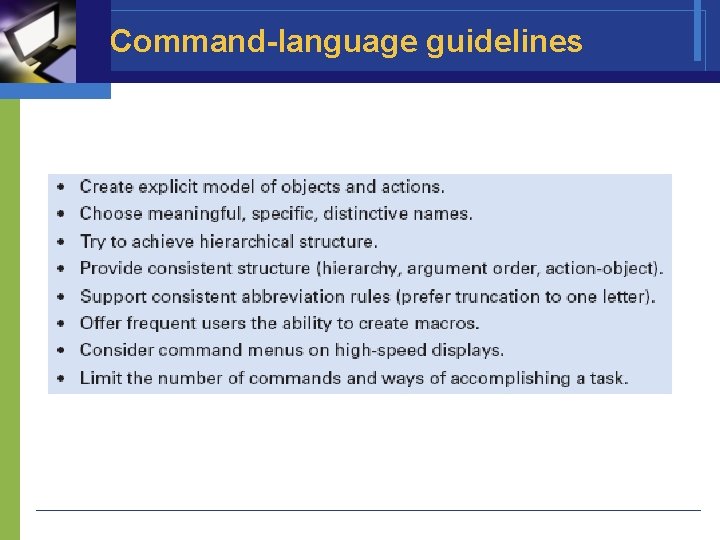
Command-language guidelines
Natural Language in Computing v Natural-language interaction v Natural-language queries and question answering v Text-database searching v Natural-language text generation v Adventure games and instructional systems