AOIT Digital Video Production Unit 7 Lesson 14
- Slides: 14
AOIT Digital Video Production Unit 7, Lesson 14 Delivery of a Digital Video Production Copyright © 2007– 2015 NAF. All rights reserved.
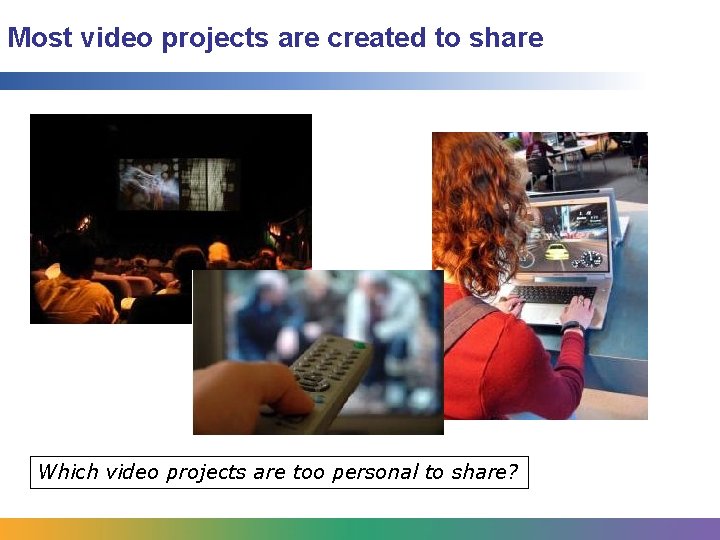
Most video projects are created to share Which video projects are too personal to share?
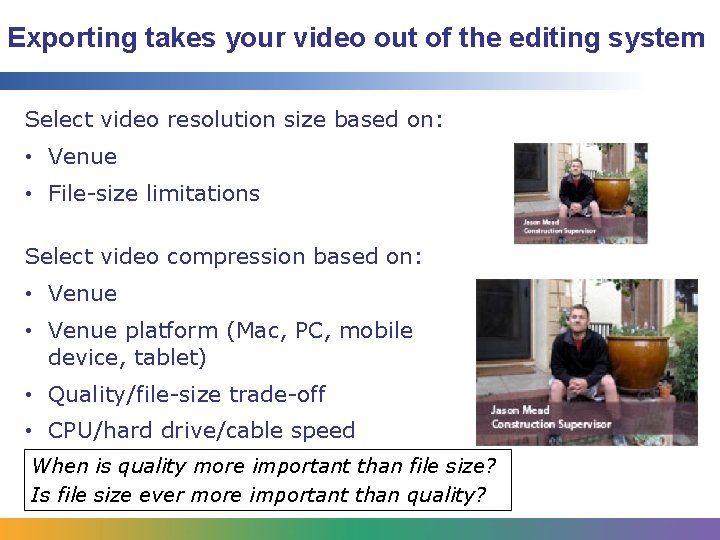
Exporting takes your video out of the editing system Select video resolution size based on: • Venue • File-size limitations Select video compression based on: • Venue platform (Mac, PC, mobile device, tablet) • Quality/file-size trade-off • CPU/hard drive/cable speed When is quality more important than file size? Is file size ever more important than quality?
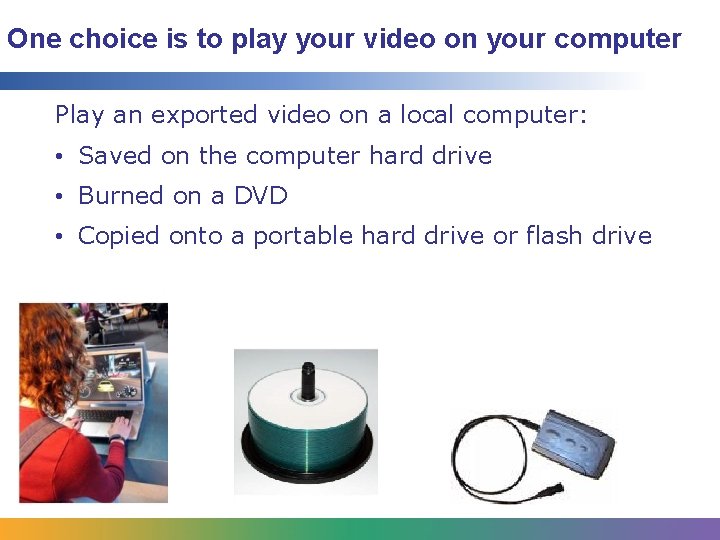
One choice is to play your video on your computer Play an exported video on a local computer: • Saved on the computer hard drive • Burned on a DVD • Copied onto a portable hard drive or flash drive
Computer playback is okay for a few viewers at once Advantages Challenges • Fast, easy, and inexpensive • Hard-drive “hog” • Good/full-resolution size • Good/full quality • Monitor-size limitations • Speaker limitations • Few file-size limitations How many copies of your project would you like to have?
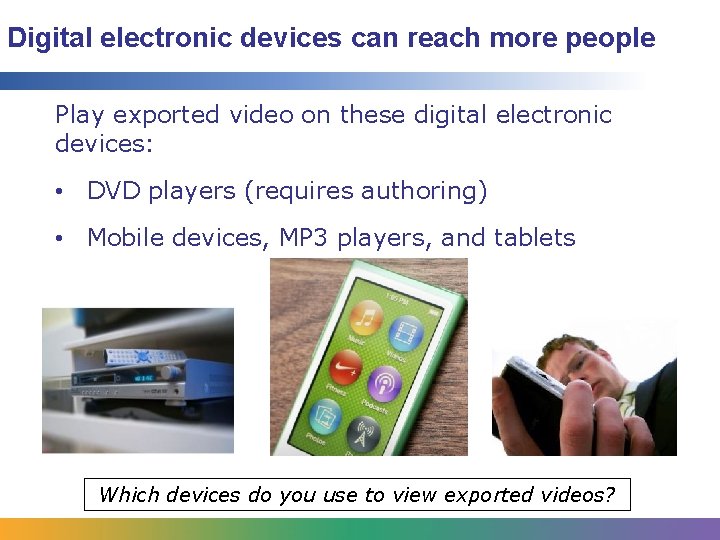
Digital electronic devices can reach more people Play exported video on these digital electronic devices: • DVD players (requires authoring) • Mobile devices, MP 3 players, and tablets Which devices do you use to view exported videos?
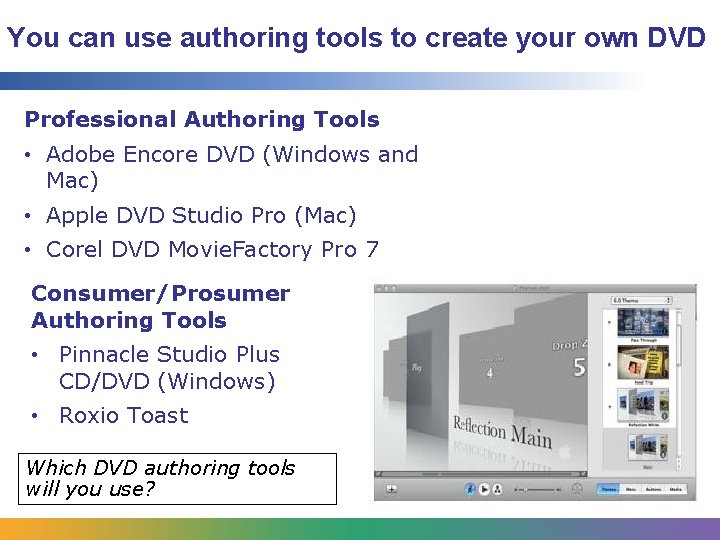
You can use authoring tools to create your own DVD Professional Authoring Tools • Adobe Encore DVD (Windows and Mac) • Apple DVD Studio Pro (Mac) • Corel DVD Movie. Factory Pro 7 Consumer/Prosumer Authoring Tools • Pinnacle Studio Plus CD/DVD (Windows) • Roxio Toast Which DVD authoring tools will you use?
DVD playback is a practical option Advantages • Many people have DVD players • Good playback quality • Authoring tools are easy Challenges • Expensive • No HD option except Blu-ray, which is less common • Dependent on physical media (cannot be hosted and distributed online)
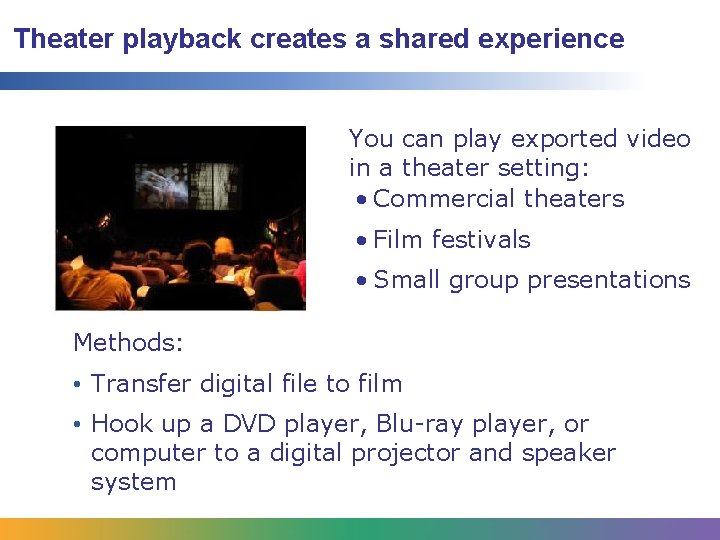
Theater playback creates a shared experience You can play exported video in a theater setting: • Commercial theaters • Film festivals • Small group presentations Methods: • Transfer digital file to film • Hook up a DVD player, Blu-ray player, or computer to a digital projector and speaker system
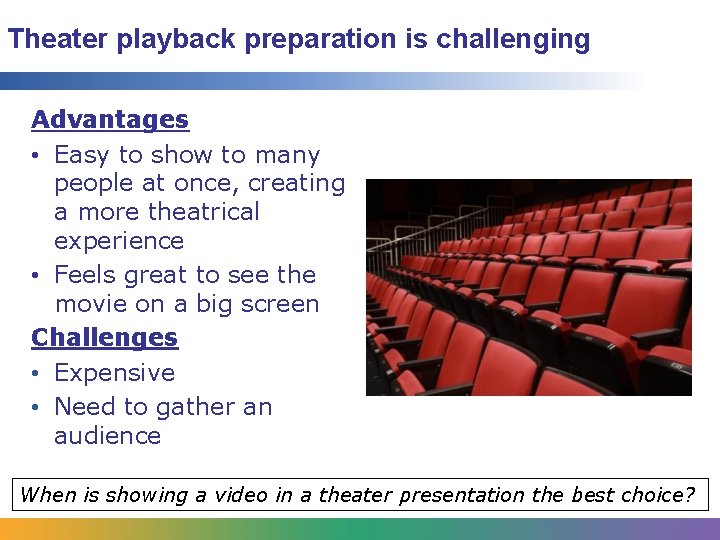
Theater playback preparation is challenging Advantages • Easy to show to many people at once, creating a more theatrical experience • Feels great to see the movie on a big screen Challenges • Expensive • Need to gather an audience When is showing a video in a theater presentation the best choice?
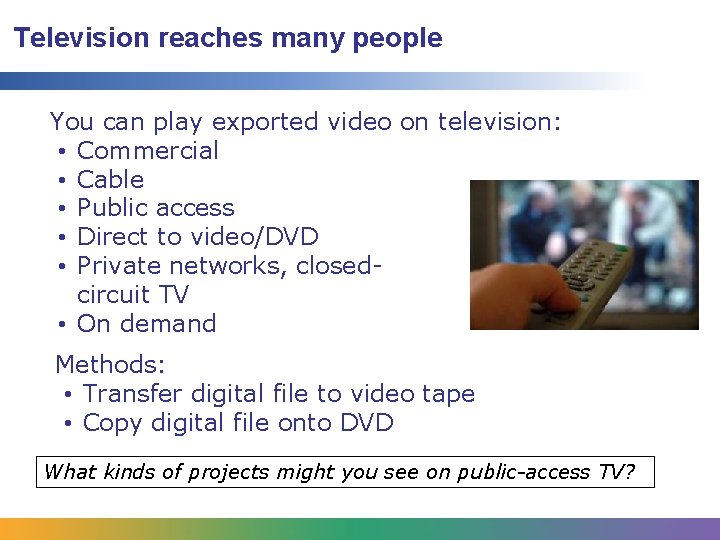
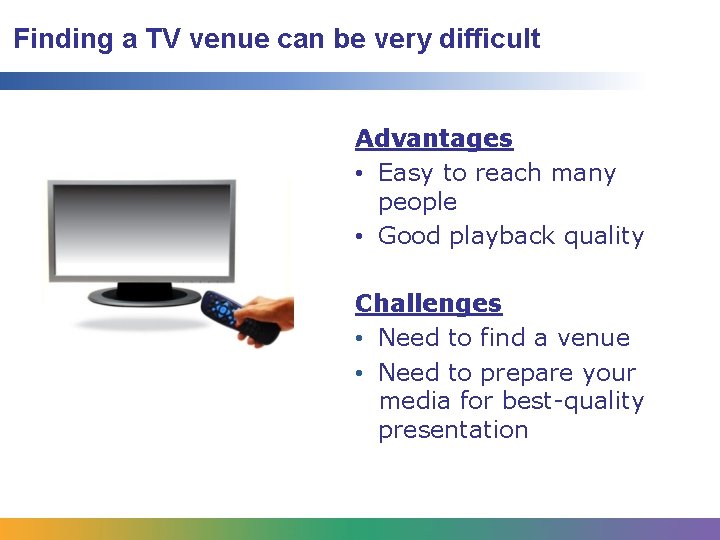
Television reaches many people You can play exported video on television: • Commercial • Cable • Public access • Direct to video/DVD • Private networks, closedcircuit TV • On demand Methods: • Transfer digital file to video tape • Copy digital file onto DVD What kinds of projects might you see on public-access TV?
Finding a TV venue can be very difficult Advantages • Easy to reach many people • Good playback quality Challenges • Need to find a venue • Need to prepare your media for best-quality presentation
Internet playback is becoming extremely popular There are many ways to share video that you upload to an Internet server: • Email • Websites such as You. Tube • File transfer sites such as We. Transfer and You. Send. It • Cloud-based services such as Dropbox, or Amazon’s Cloud Drive • RSS feeds (podcasts and vidcasts) • Webcasts/web conferences Do you think that cloud computing will become the norm for storing video?
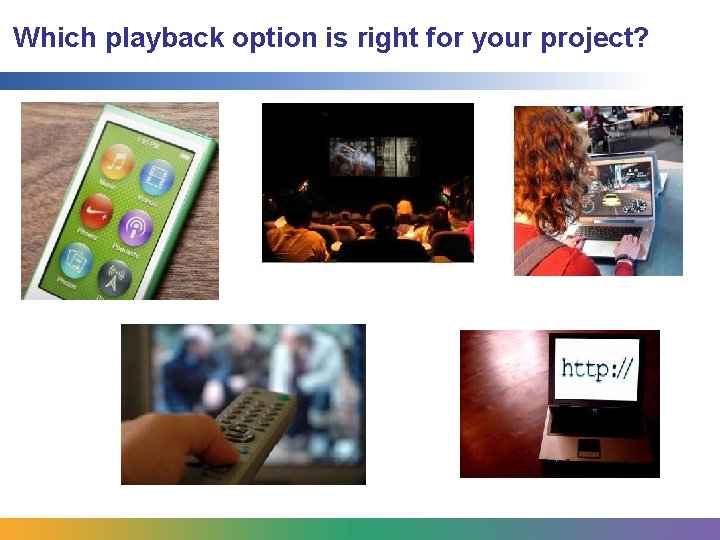
Which playback option is right for your project?