1 F 4105 JAVA PROGRAMMING F 4105 Java


- Slides: 19
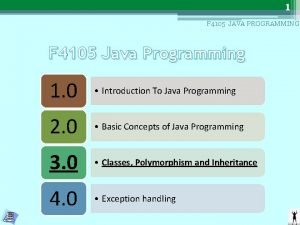
1 F 4105 JAVA PROGRAMMING F 4105 Java Programming 1. 0 • Introduction To Java Programming 2. 0 • Basic Concepts of Java Programming 3. 0 • Classes, Polymorphism and Inheritance 4. 0 • Exception handling
2 3. 0 CLASS, POLYMORPHISM AND INHERITANCE 3. 1 Class, Object And Methods
3 F 4105 JAVA PROGRAMMING LEARNING OUTCOMES TOPIC 3. 1 By the end of this chapter students shall be able to : 1 • Create classes and declare their members in Java programme. 2 • Define method and identify its uses. 3 • Add methods in Java programmes. 4 • Identify the built-in methods in Java library. 5 • Write Java programme using methods.
4 F 4105 JAVA PROGRAMMING 6 • Create objects for a class in Java programmes. 7 • Develop Java programme using classes and objects. 8 • Define constructors and identify its uses. 9 • Add constructors in Java programmes. 10 • Write Java programme using constructors.
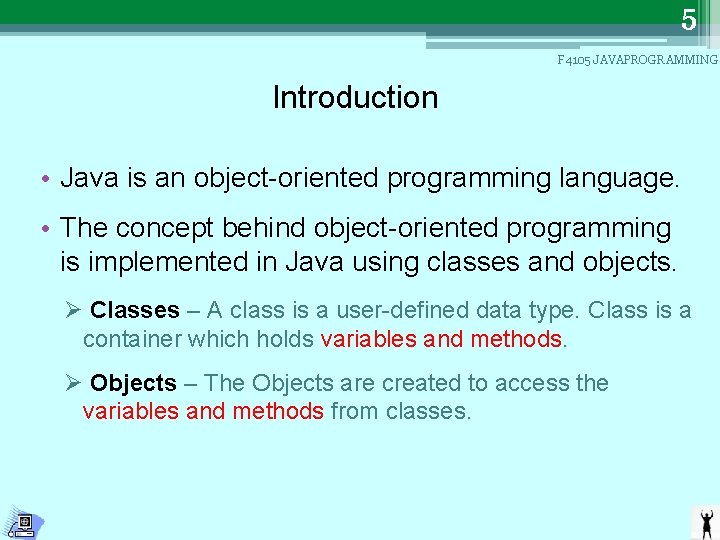
5 F 4105 JAVAPROGRAMMING Introduction • Java is an object-oriented programming language. • The concept behind object-oriented programming is implemented in Java using classes and objects. Ø Classes – A class is a user-defined data type. Class is a container which holds variables and methods. Ø Objects – The Objects are created to access the variables and methods from classes.
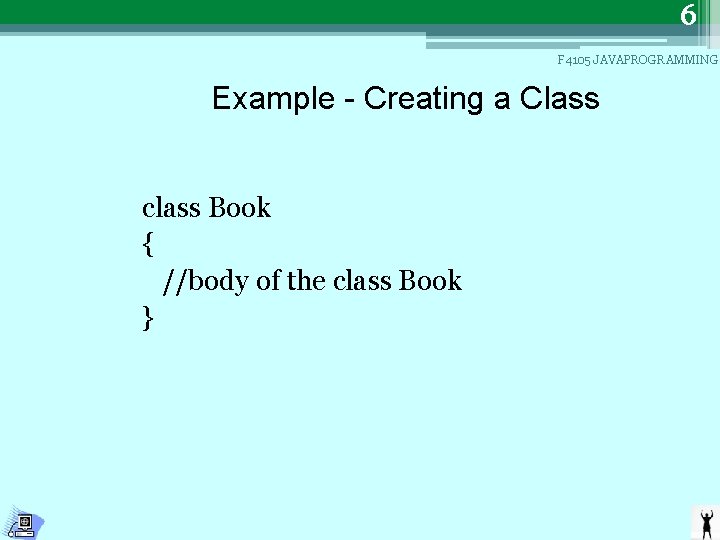
6 F 4105 JAVAPROGRAMMING Example - Creating a Class class Book { //body of the class Book }
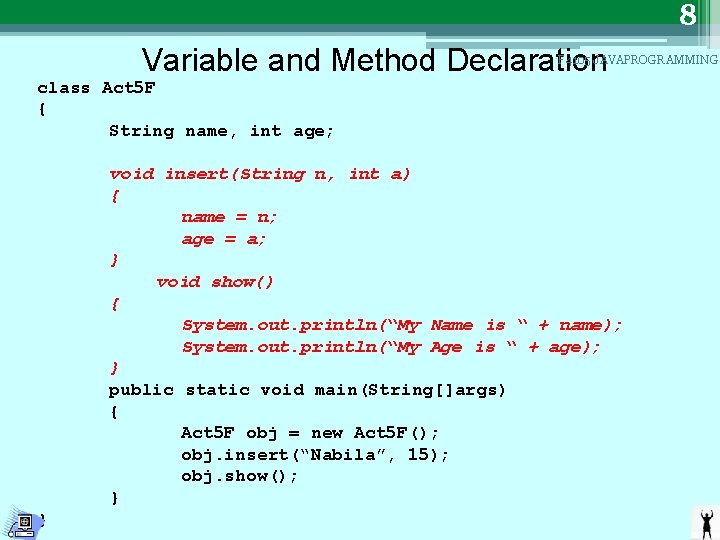
7 F 4105 JAVAPROGRAMMING Variable and Method Declaration • Variables and methods are declared in the body of class. • Methods are necessary for operating with the data contained in the class. Method declarations have four basic parts: Ø The name of the method (methodname). Ø The type of the value the method returns (type). Ø A list of parameters (parameter-list). Ø The body of the method.
8 Variable and Method Declaration F 4105 JAVAPROGRAMMING class Act 5 F { String name, int age; void insert(String n, int a) { name = n; age = a; } void show() { System. out. println(“My Name is “ + name); System. out. println(“My Age is “ + age); } public static void main(String[]args) { Act 5 F obj = new Act 5 F(); obj. insert(“Nabila”, 15); obj. show(); } }
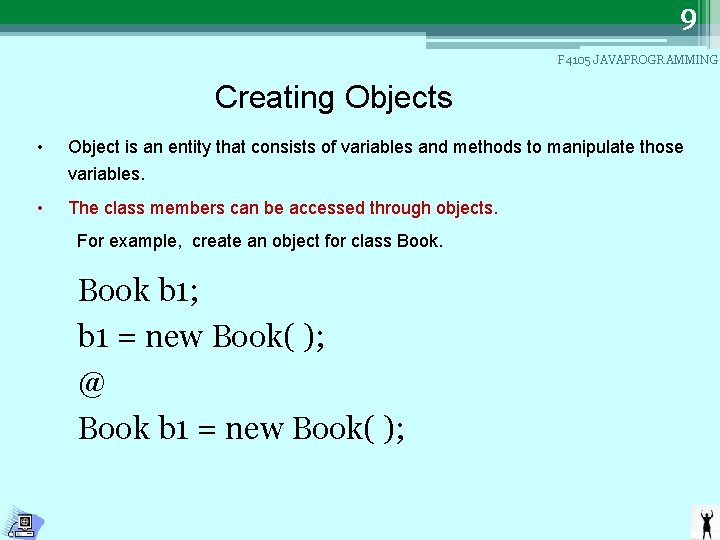
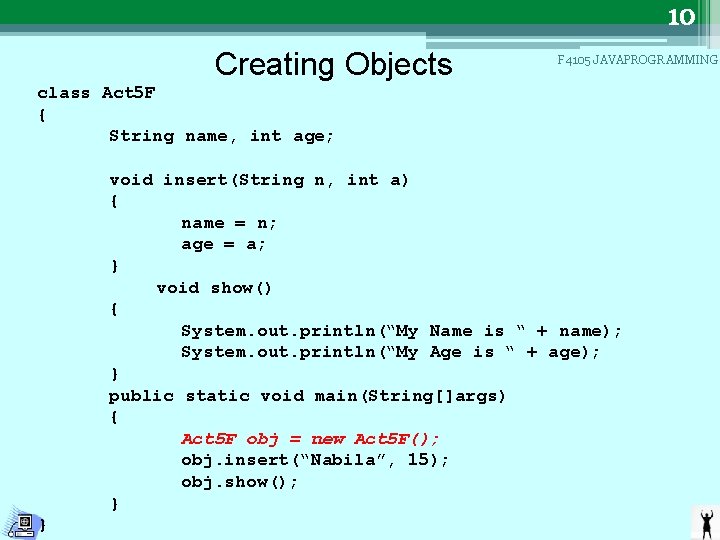
9 F 4105 JAVAPROGRAMMING Creating Objects • Object is an entity that consists of variables and methods to manipulate those variables. • The class members can be accessed through objects. For example, create an object for class Book b 1; b 1 = new Book( ); @ Book b 1 = new Book( );
10 Creating Objects F 4105 JAVAPROGRAMMING class Act 5 F { String name, int age; void insert(String n, int a) { name = n; age = a; } void show() { System. out. println(“My Name is “ + name); System. out. println(“My Age is “ + age); } public static void main(String[]args) { Act 5 F obj = new Act 5 F(); obj. insert(“Nabila”, 15); obj. show(); } }
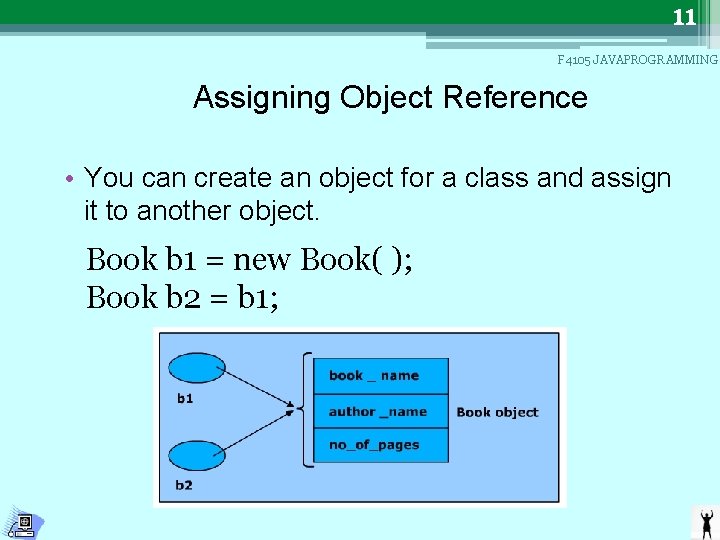
11 F 4105 JAVAPROGRAMMING Assigning Object Reference • You can create an object for a class and assign it to another object. Book b 1 = new Book( ); Book b 2 = b 1;
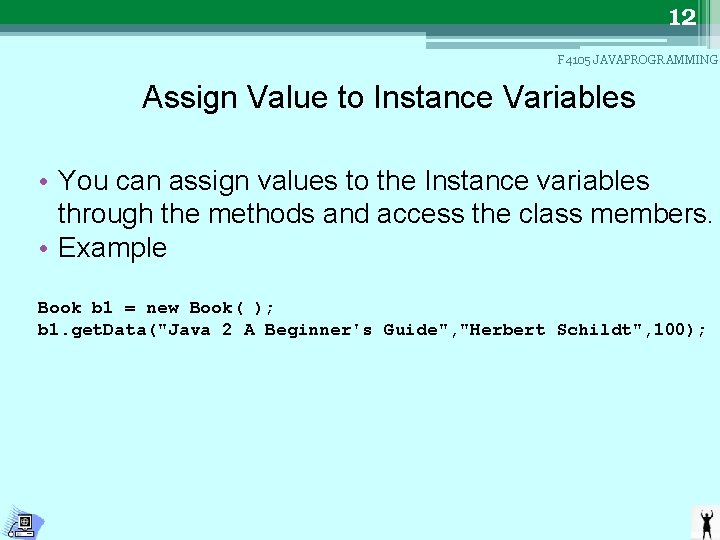
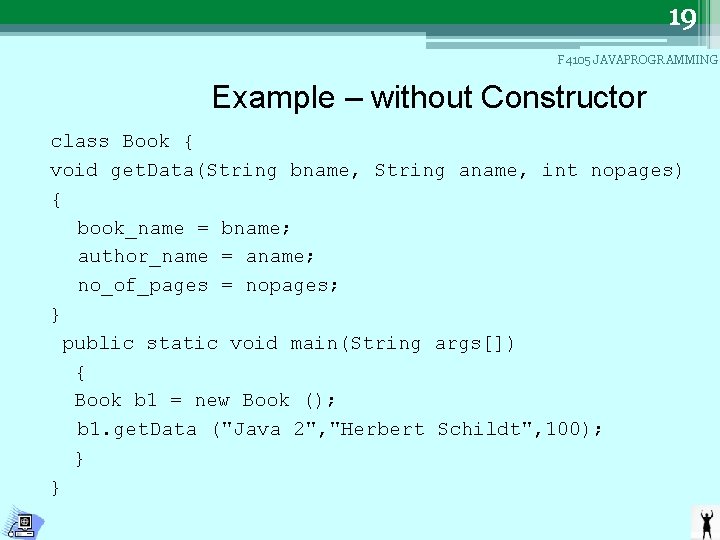
12 F 4105 JAVAPROGRAMMING Assign Value to Instance Variables • You can assign values to the Instance variables through the methods and access the class members. • Example Book b 1 = new Book( ); b 1. get. Data("Java 2 A Beginner's Guide", "Herbert Schildt", 100);
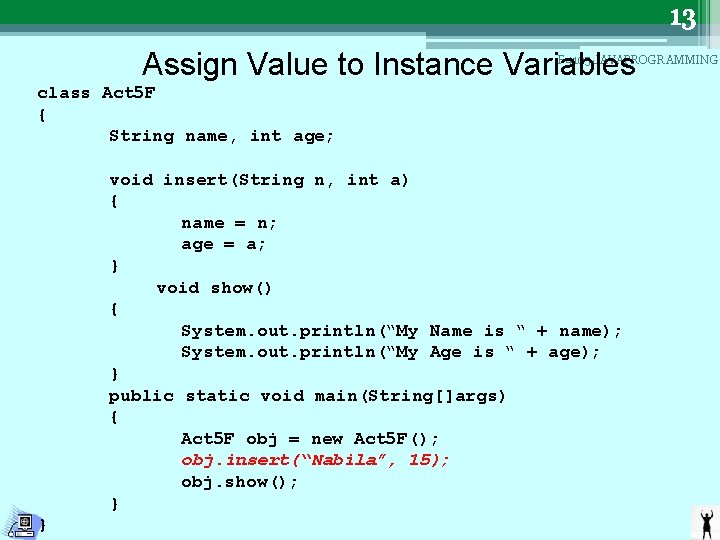
13 Assign Value to Instance Variables F 4105 JAVAPROGRAMMING class Act 5 F { String name, int age; void insert(String n, int a) { name = n; age = a; } void show() { System. out. println(“My Name is “ + name); System. out. println(“My Age is “ + age); } public static void main(String[]args) { Act 5 F obj = new Act 5 F(); obj. insert(“Nabila”, 15); obj. show(); } }
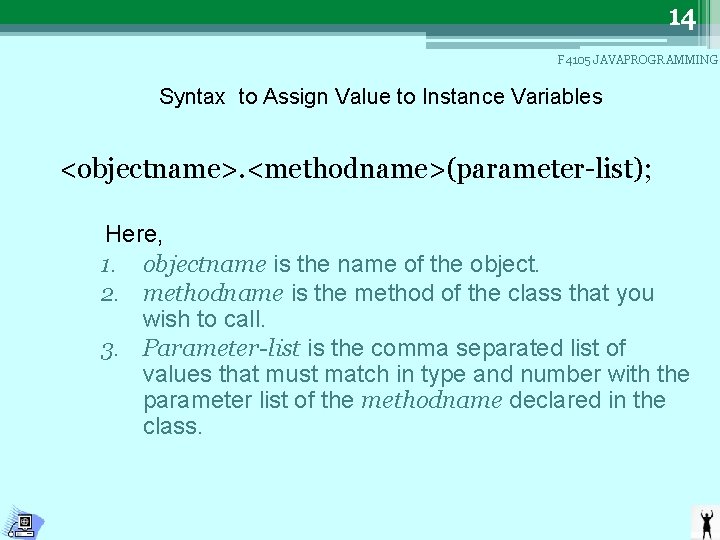
14 F 4105 JAVAPROGRAMMING Syntax to Assign Value to Instance Variables <objectname>. <methodname>(parameter-list); Here, 1. objectname is the name of the object. 2. methodname is the method of the class that you wish to call. 3. Parameter-list is the comma separated list of values that must match in type and number with the parameter list of the methodname declared in the class.
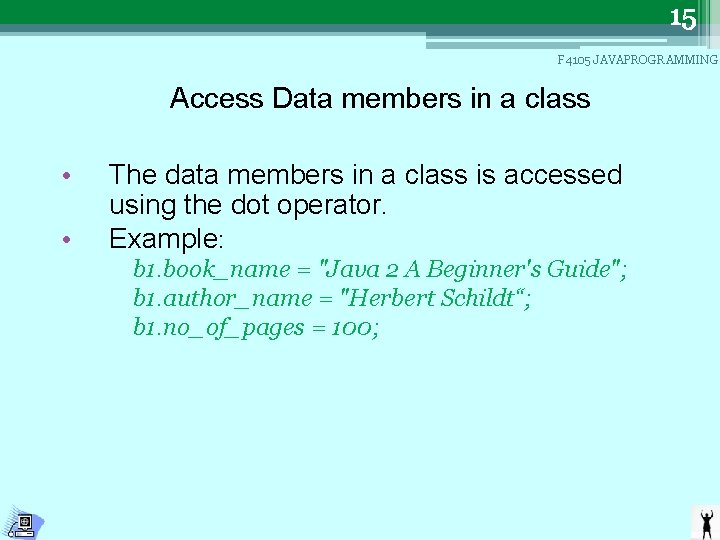
15 F 4105 JAVAPROGRAMMING Access Data members in a class • • The data members in a class is accessed using the dot operator. Example: b 1. book_name = "Java 2 A Beginner's Guide"; b 1. author_name = "Herbert Schildt“; b 1. no_of_pages = 100;
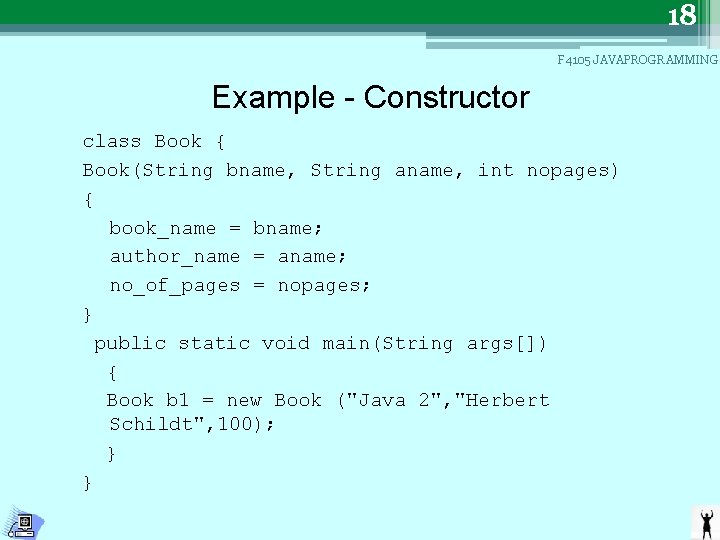
16 F 4105 JAVAPROGRAMMING Constructors • Is a special method that enables an object to initialise itself when it is created. • It is used to initialise the data members of a class. • Constructor gets automatically called when an object is created.
17 F 4105 JAVAPROGRAMMING Constructors Characteristics of Constructors • Constructors have the same name as the class name. • The constructor allocates sufficient memory space for the object. • They do not return any value. • The syntax of a constructor is similar to that of a method. • Once defined the constructor is automatically called immediately when the object is created before the new operator completes its job. • Java creates a default constructor when you do not define a constructor.
18 F 4105 JAVAPROGRAMMING Example - Constructor class Book { Book(String bname, String aname, int nopages) { book_name = bname; author_name = aname; no_of_pages = nopages; } public static void main(String args[]) { Book b 1 = new Book ("Java 2", "Herbert Schildt", 100); } }
19 F 4105 JAVAPROGRAMMING Example – without Constructor class Book { void get. Data(String bname, String aname, int nopages) { book_name = bname; author_name = aname; no_of_pages = nopages; } public static void main(String args[]) { Book b 1 = new Book (); b 1. get. Data ("Java 2", "Herbert Schildt", 100); } }