XAMPP and LAMP Installing Configuring Running XAMP and

- Slides: 24
XAMPP and LAMP Installing, Configuring, Running XAMP and LAMP Mario Peshev Technical Trainer http: //peshev. net Software University http: //softuni. bg
Table of Contents 1. What is XAMPP? 2. XAMP - advantages 3. Download and Install XAMPP 4. XAMPP Control Panel 5. XAMPP Directories 6. Configuring XAMPP 7. LAMP: PHP, Apache and My. SQL in Linux Environment 2
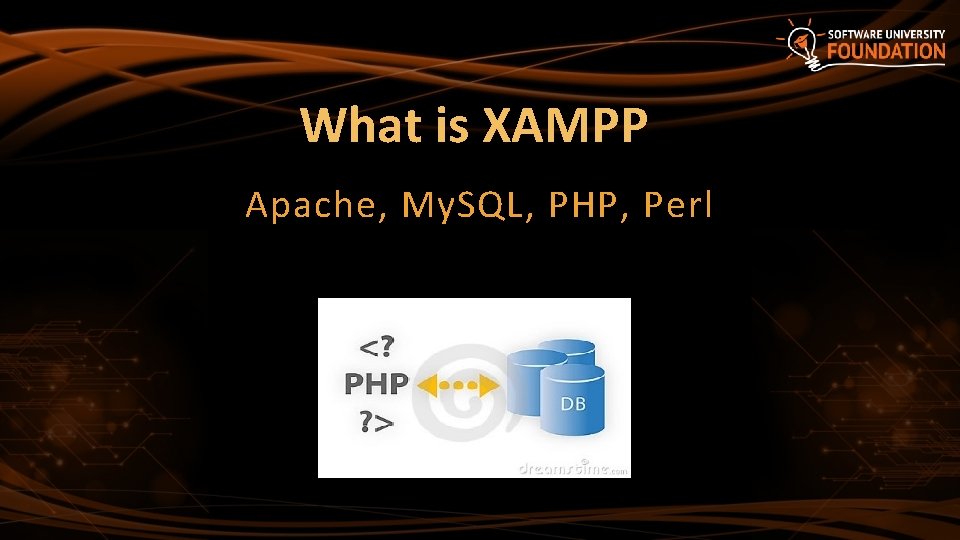
What is XAMPP Apache, My. SQL, PHP, Perl
What is XMAPP? XAMPP (/ˈzæmp/ or /ˈɛks. æmp/) is a free and open source cross-platform web server solution stack package, consisting mainly of the Apache HTTP Server, My. SQL database, and interpreters for scripts written in the PHP and Perl programming languages. 4
Etymology XAMPP’s name is an acronym for: §X (to be read as “cross”, meaning cross-platform § Apache HTTP Server § My. SQL § PHP § Perl 5
Advantages
Why use XAMPP? § The most popular PHP developer package § For Windows, Mac OS X & Linux § Easy installation and configuration § Completely free of charge 7
Download and Install
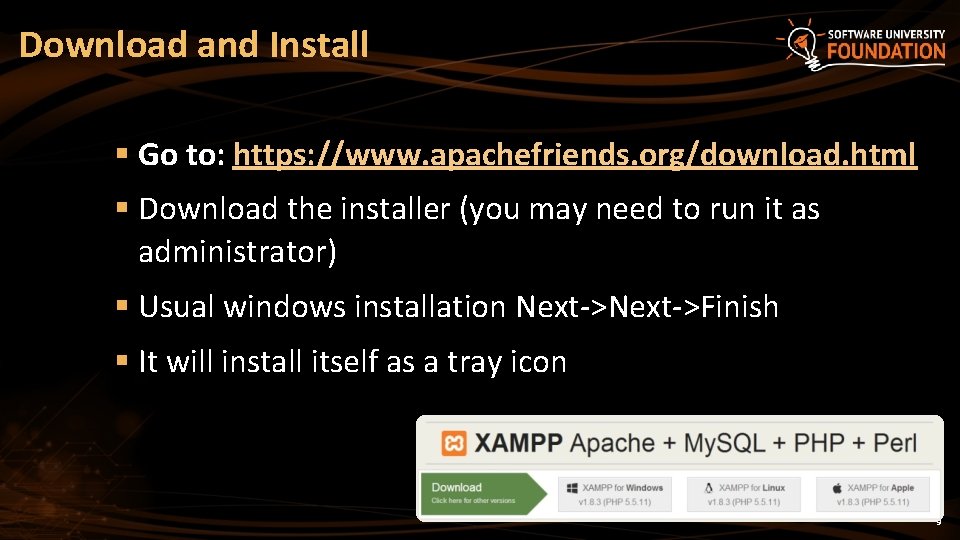
Download and Install § Go to: https: //www. apachefriends. org/download. html § Download the installer (you may need to run it as administrator) § Usual windows installation Next->Finish § It will install itself as a tray icon 9
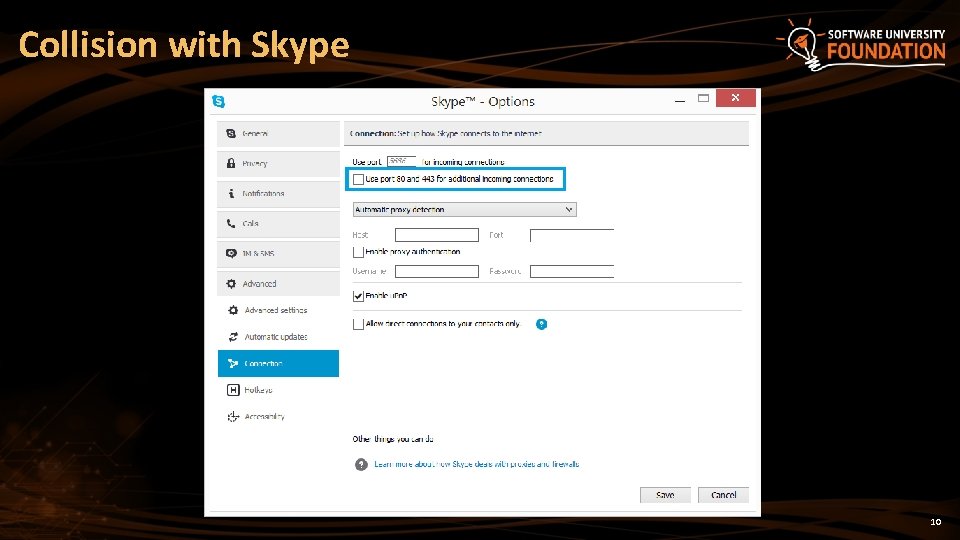
Collision with Skype 10
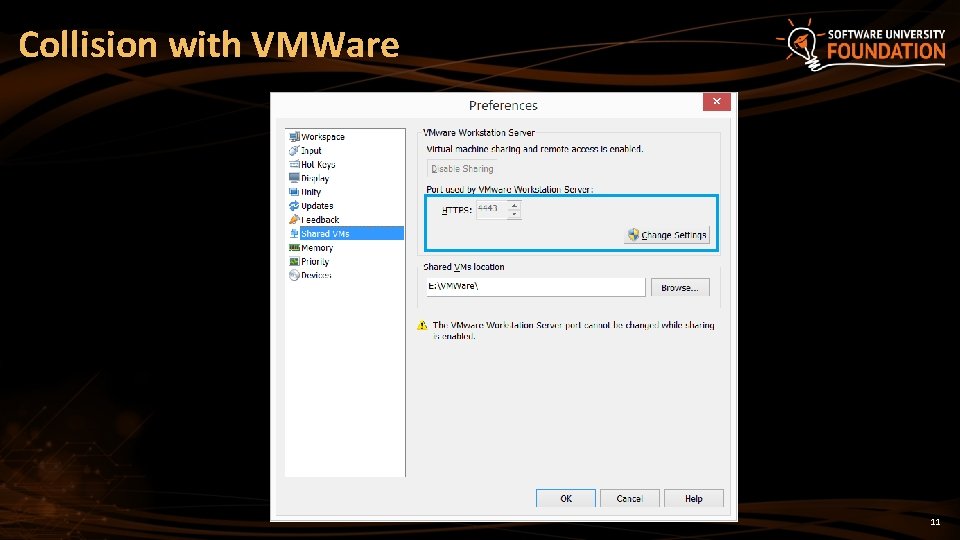
Collision with VMWare 11
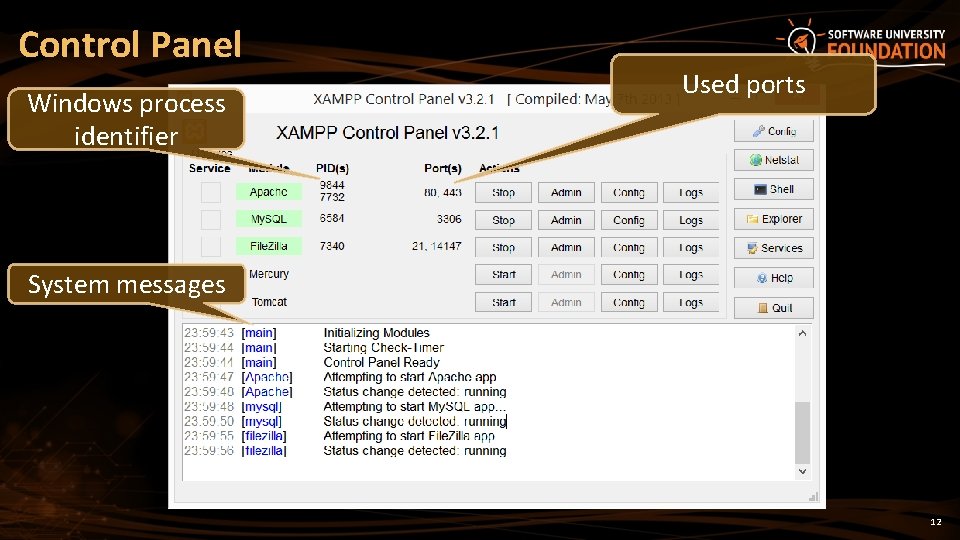
Control Panel Windows process identifier Used ports System messages 12
Collision with other Web Server § There may be WAMP or IIS installed too § The best solution is to change the port § From the Tray Icon, left click and § Go to. apacheconf -> httpd. conf § Search for “Listen 80” § Replace with “Listen 8080” for example § Access http: //localhost: 8080/ 13
XAMPP Directories
Directories §. /htdocs – location of public html files §. /apache – location of configuration §. /mysql – location of My. SQL database 15
Configuration
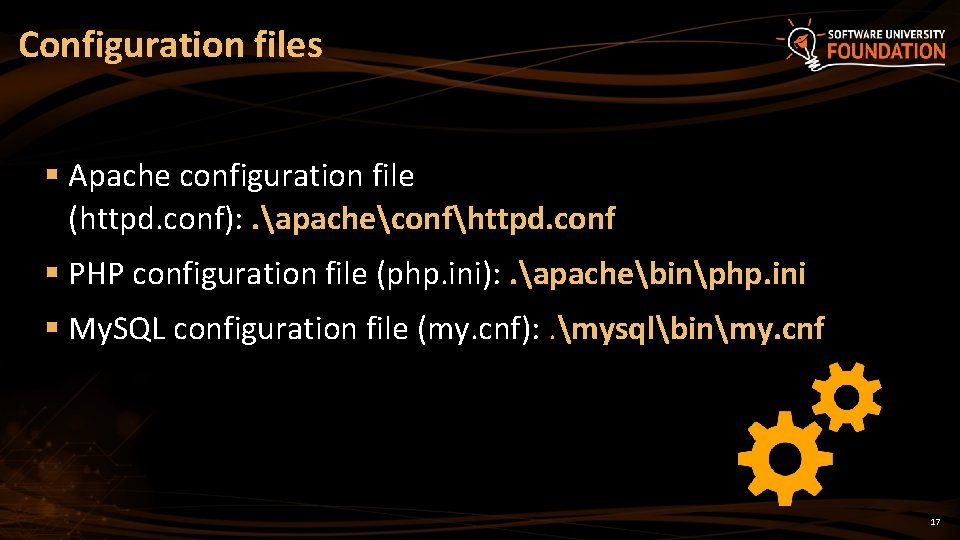
Configuration files § Apache configuration file (httpd. conf): . apacheconfhttpd. conf § PHP configuration file (php. ini): . apachebinphp. ini § My. SQL configuration file (my. cnf): . mysqlbinmy. cnf 17
LAMP Linux, Apache, My. SQL, PHP
LAMP is an open source Web development platform that uses Linux as the operating system, Apache as the Web server, My. SQL as the relational database management system and PHP as the object-oriented scripting language. 19
Download and Install on Ubutntu § Open terminal, then just write: sudo apt-get install lamp-server^ § Location of web page: /var/www § Make your first page and then test with localhost 20
Summary § We discussed the WAMPP: § Downloading and Installation § Configuration § Collision with other software § We discussed the LAMP: § Downloading and Installation 21
PHP & My. SQL ? s n o i t s e u Q ? ? ? https: //softuni. bg/trainings/fasttracks/details/1033
License § This course (slides, examples, demos, videos, homework, etc. ) is licensed under the "Creative Commons Attribution. Non. Commercial-Share. Alike 4. 0 International" license § Attribution: this work may contain portions from § "PHP Manual" by The PHP Group under CC-BY license § "PHP and My. SQL Web Development" course by Telerik Academy under CC-BY-NC-SA license 23
Free Trainings @ Software University § Software University Foundation – softuni. org § Software University – High-Quality Education, Profession and Job for Software Developers § softuni. bg § Software University @ Facebook § facebook. com/Software. University § Software University @ You. Tube § youtube. com/Software. University § Software University Forums – forum. softuni. bg