University Information Services Managed Cluster Service MCS and

- Slides: 15
University Information Services Managed Cluster Service (MCS) and Desktop Services Thursday 9 th October 2014 Computer Laboratory
Introduction • Brian Simpson • Desktop Services Manager • Portfolio of DS brands • Liaise with differing depts and Colleges • Dr. David Mc. Bride • Unix Specialist in Information Services • Responsible for MCS Linux Ask Questions at any time
History • University Information Services - 2014 • Previously University Computing Service – founded in 1937 • Part of the CL until 2001 • Separated teaching and research from computing services • Now merging/merged with MISD (administrative computing) • Centre of IT support and computing services • Based at both the Roger Needham Building and also the New Museums site ( satellite service desk and training rooms)
Managed Cluster Service • Available for all staff and students of Cambridge University • Networked PCs (Windows/Linux) and Macs • Applications (only in MCS rooms), printers, scanners • DS-Filestore – mapped drive and accessed by unmanaged machines • DS-Files – access outside the CUDN • DS-Print – managed and unmanaged printing (print from own device) • UCS Training runs on the MCS – NMS, RNB, depts
Operating System and Applications • Windows 7 • Over 150 applications – browsers, office packages, statistical packages, departmental software • MCS Linux, based on Ubuntu 14. 04 (64 -bit) • Mac OSX 10. 9 • Differing software dependent on OS, but versions try to stay the same across differing systems.
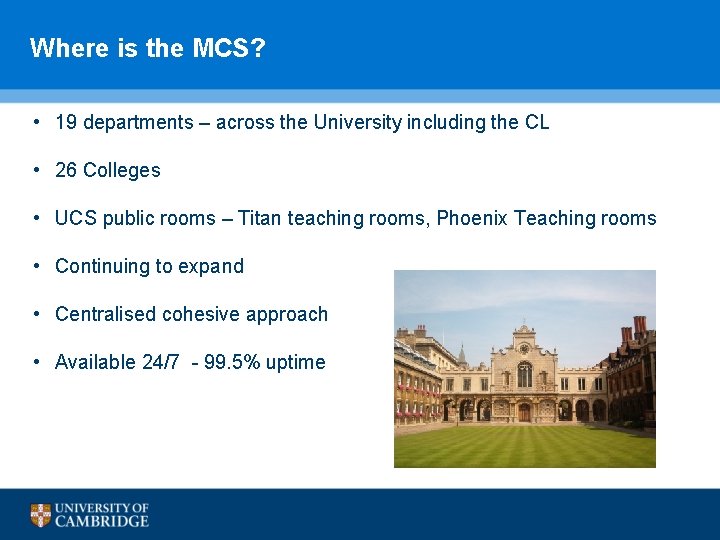
Where is the MCS? • 19 departments – across the University including the CL • 26 Colleges • UCS public rooms – Titan teaching rooms, Phoenix Teaching rooms • Continuing to expand • Centralised cohesive approach • Available 24/7 - 99. 5% uptime
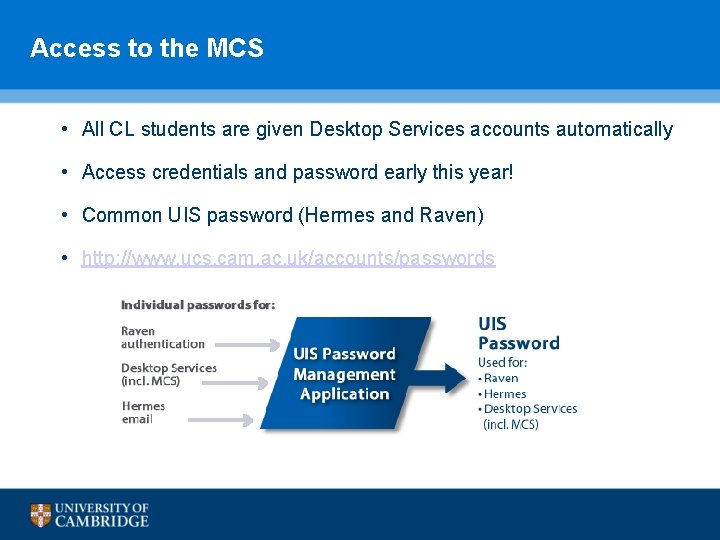
Access to the MCS • All CL students are given Desktop Services accounts automatically • Access credentials and password early this year! • Common UIS password (Hermes and Raven) • http: //www. ucs. cam. ac. uk/accounts/passwords
DS-Filestore • We host network-accessible storage space for all MCS users: • U: on MCS Windows machines • /home/crsid on MCS Linux and Apple Macs • 3 GB standard – CL students may get more space • Shared space – CL run applications and use pigeon holes
DS-Filestore – access from outside • You can also access this space from non-MCS machines: • CIFS: //filestore. ds. cam. ac. uk/ (inside cam. ac. uk only), • SFTP: sftp. ds. cam. ac. uk • DS-Files: https: //dsfiles. ds. cam. ac. uk/ • DS-Web: Publicly-accessible personal webpages. • Just put what you want to go online into your public_html/ folder. • Immediately accessible here: http: //people. ds. cam. ac. uk/crsid/ • We back this data up regularly. • … but you should keep your own backups of stuff you really care about.
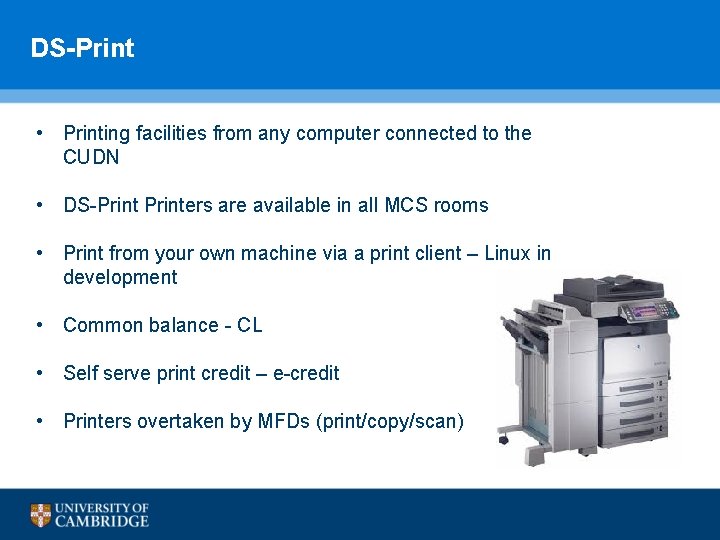
DS-Print • Printing facilities from any computer connected to the CUDN • DS-Printers are available in all MCS rooms • Print from your own machine via a print client – Linux in development • Common balance - CL • Self serve print credit – e-credit • Printers overtaken by MFDs (print/copy/scan)
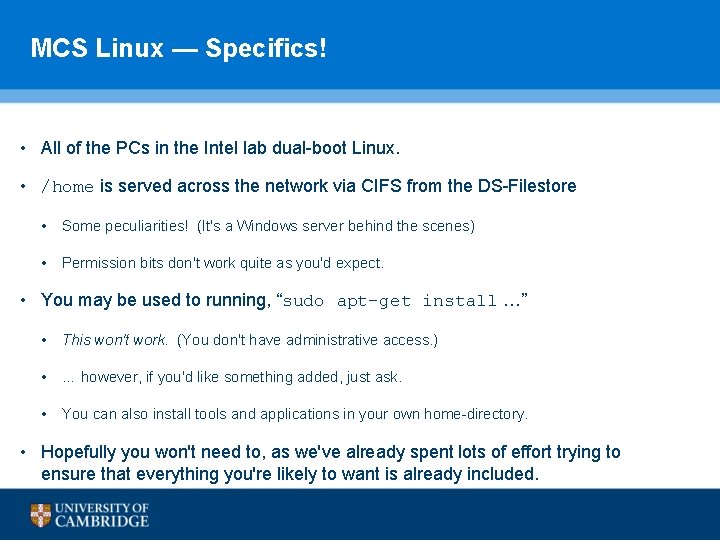
MCS Linux — Specifics! • All of the PCs in the Intel lab dual-boot Linux. • /home is served across the network via CIFS from the DS-Filestore • Some peculiarities! (It's a Windows server behind the scenes) • Permission bits don't work quite as you'd expect. • You may be used to running, “sudo apt-get install …” • This won't work. (You don't have administrative access. ) • … however, if you'd like something added, just ask. • You can also install tools and applications in your own home-directory. • Hopefully you won't need to, as we've already spent lots of effort trying to ensure that everything you're likely to want is already included.
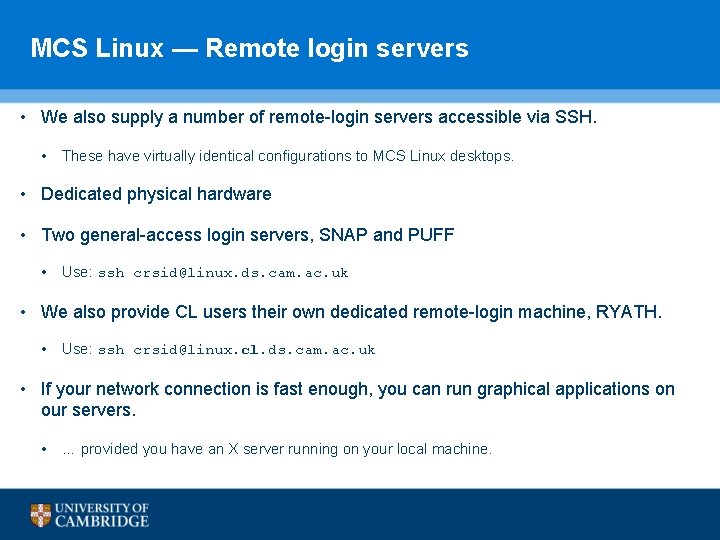
MCS Linux — Remote login servers • We also supply a number of remote-login servers accessible via SSH. • These have virtually identical configurations to MCS Linux desktops. • Dedicated physical hardware • Two general-access login servers, SNAP and PUFF • Use: ssh crsid@linux. ds. cam. ac. uk • We also provide CL users their own dedicated remote-login machine, RYATH. • Use: ssh crsid@linux. cl. ds. cam. ac. uk • If your network connection is fast enough, you can run graphical applications on our servers. • … provided you have an X server running on your local machine.
Future Developments • Remote Access to a desktop - applications • Extra storage space – “dropbox” style sync • Printing enhancements – Linux • New UIS Desktop services
Contacts • Support and help • UIS webpages – www. uis. cam. ac. uk • UIS Service Desk - service-desk@ucs. cam. ac. uk • Management or development queries • DSG Manager – dsg-manager@ucs. cam. ac. uk
Questions