UNIT 4 Chapter 10 Instruction Sets Characteristics and

- Slides: 36
UNIT - 4 Chapter 10 Instruction Sets: Characteristics and Functions
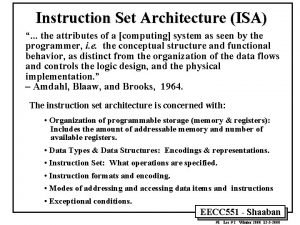
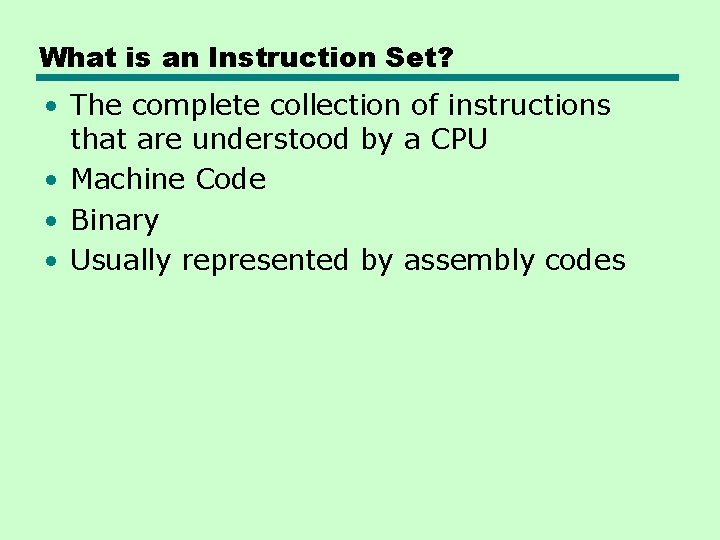
What is an Instruction Set? • The complete collection of instructions that are understood by a CPU • Machine Code • Binary • Usually represented by assembly codes
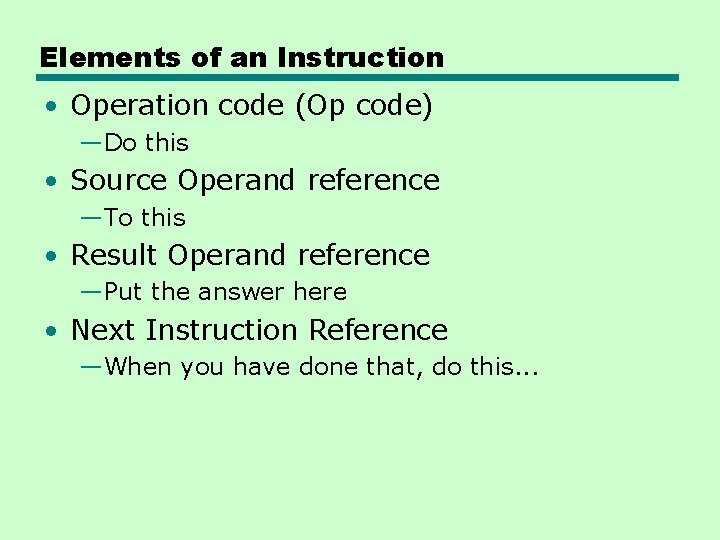
Elements of an Instruction • Operation code (Op code) —Do this • Source Operand reference —To this • Result Operand reference —Put the answer here • Next Instruction Reference —When you have done that, do this. . .
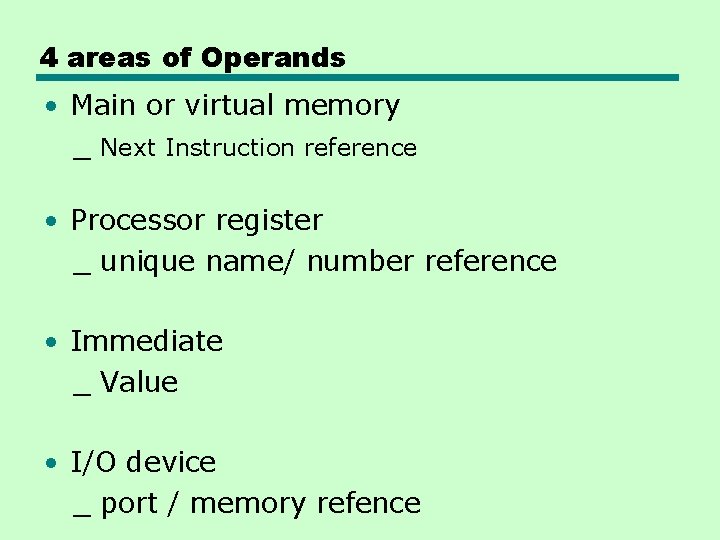
4 areas of Operands • Main or virtual memory _ Next Instruction reference • Processor register _ unique name/ number reference • Immediate _ Value • I/O device _ port / memory refence
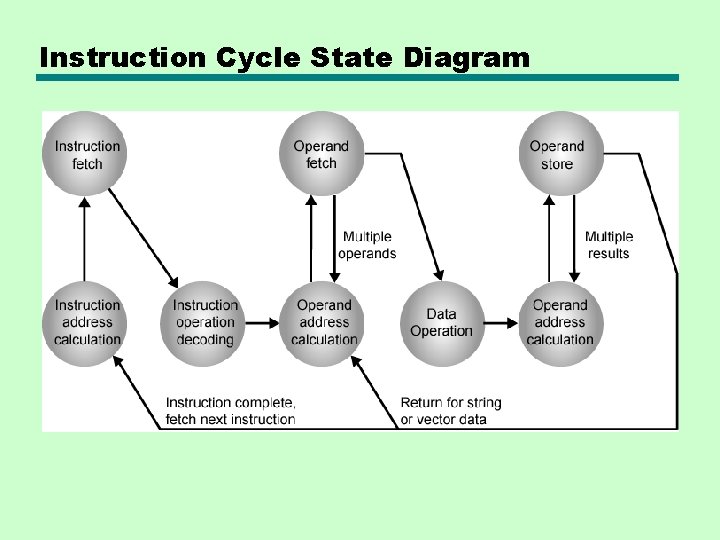
Instruction Cycle State Diagram
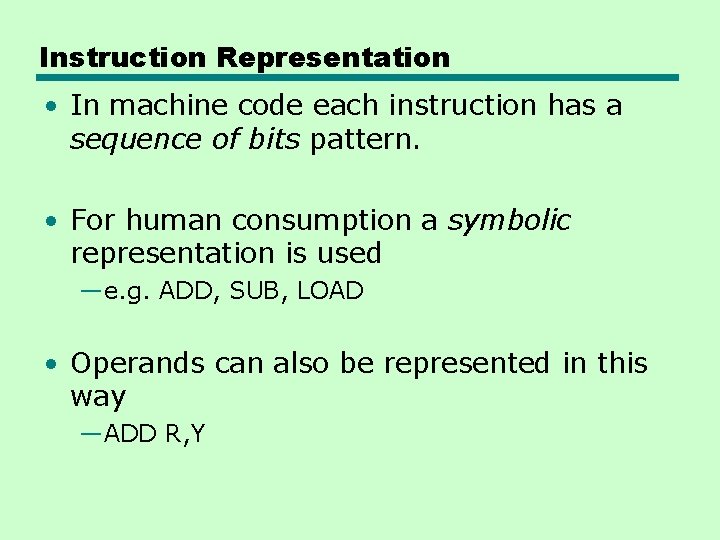
Instruction Representation • In machine code each instruction has a sequence of bits pattern. • For human consumption a symbolic representation is used —e. g. ADD, SUB, LOAD • Operands can also be represented in this way —ADD R, Y
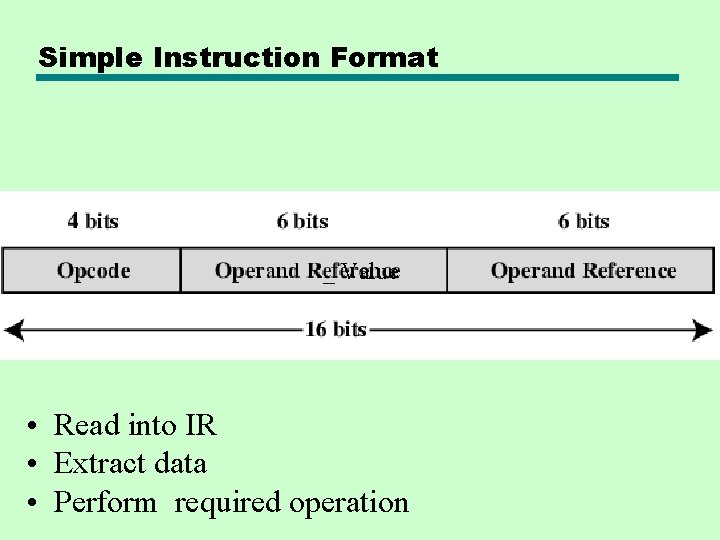
Simple Instruction Format _ Value • Read into IR • Extract data • Perform required operation
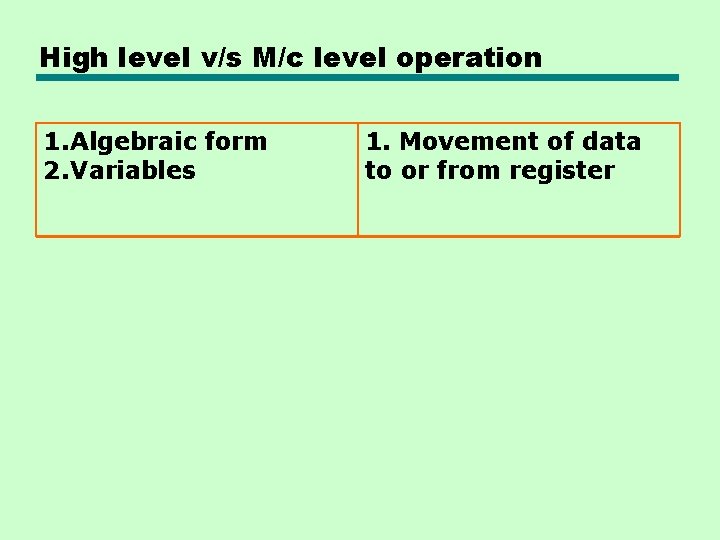
High level v/s M/c level operation 1. Algebraic form 2. Variables 1. Movement of data to or from register
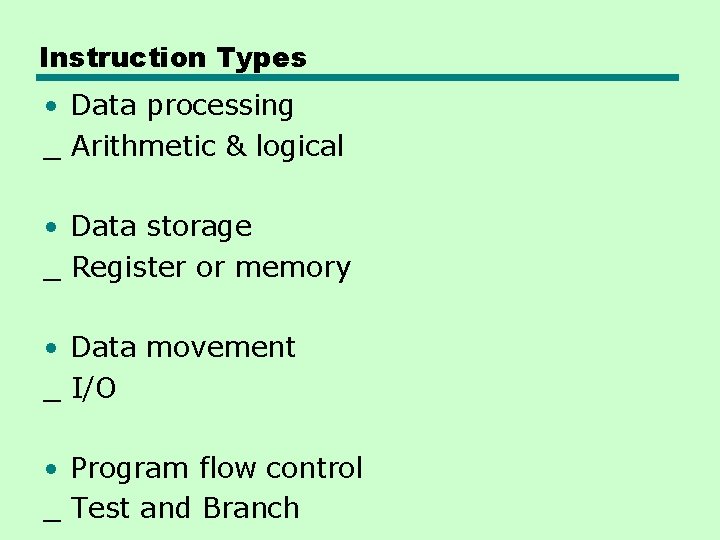
Instruction Types • Data processing _ Arithmetic & logical • Data storage _ Register or memory • Data movement _ I/O • Program flow control _ Test and Branch
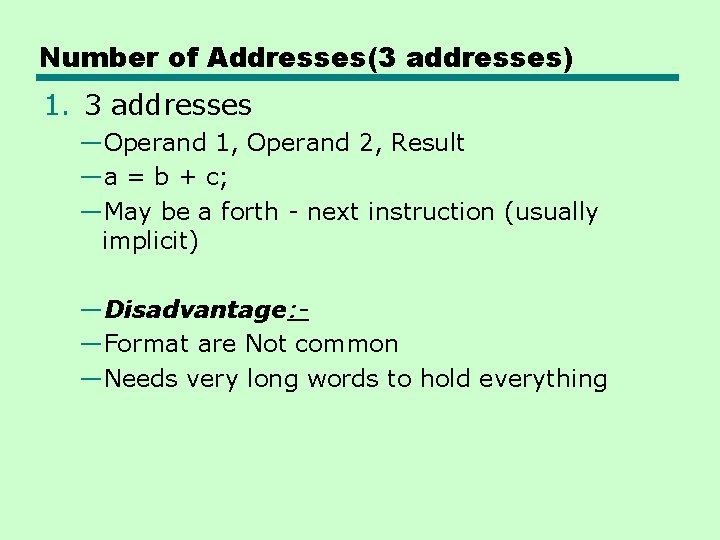
Number of Addresses(3 addresses) 1. 3 addresses —Operand 1, Operand 2, Result —a = b + c; —May be a forth - next instruction (usually implicit) —Disadvantage: —Format are Not common —Needs very long words to hold everything
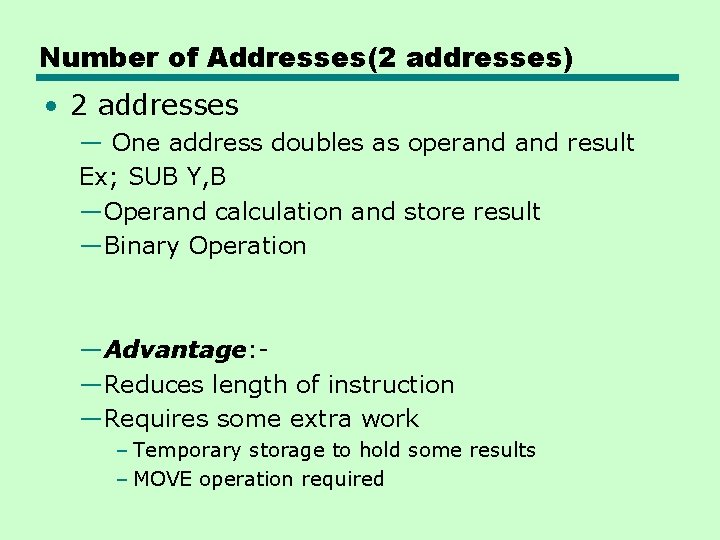
Number of Addresses(2 addresses) • 2 addresses — One address doubles as operand result Ex; SUB Y, B —Operand calculation and store result —Binary Operation —Advantage: —Reduces length of instruction —Requires some extra work – Temporary storage to hold some results – MOVE operation required
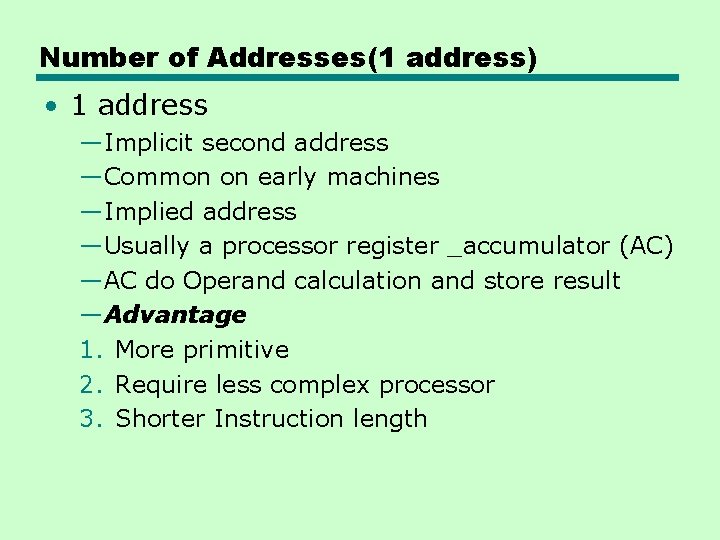
Number of Addresses(1 address) • 1 address —Implicit second address —Common on early machines —Implied address —Usually a processor register _accumulator (AC) —AC do Operand calculation and store result —Advantage 1. More primitive 2. Require less complex processor 3. Shorter Instruction length
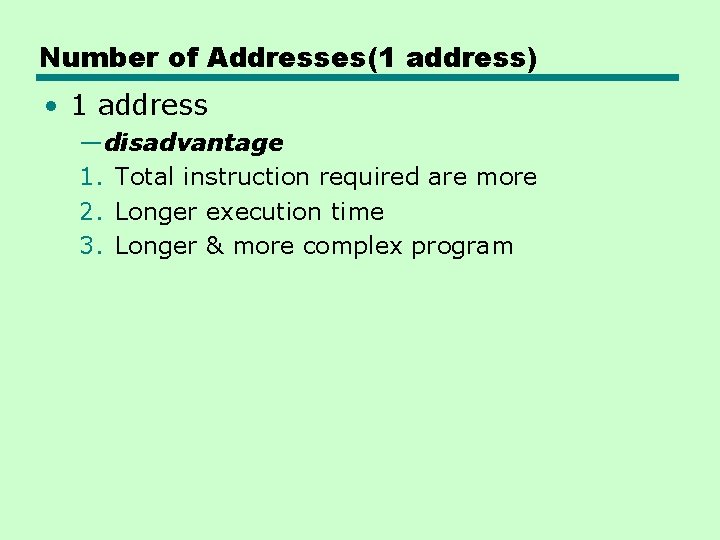
Number of Addresses(1 address) • 1 address —disadvantage 1. Total instruction required are more 2. Longer execution time 3. Longer & more complex program
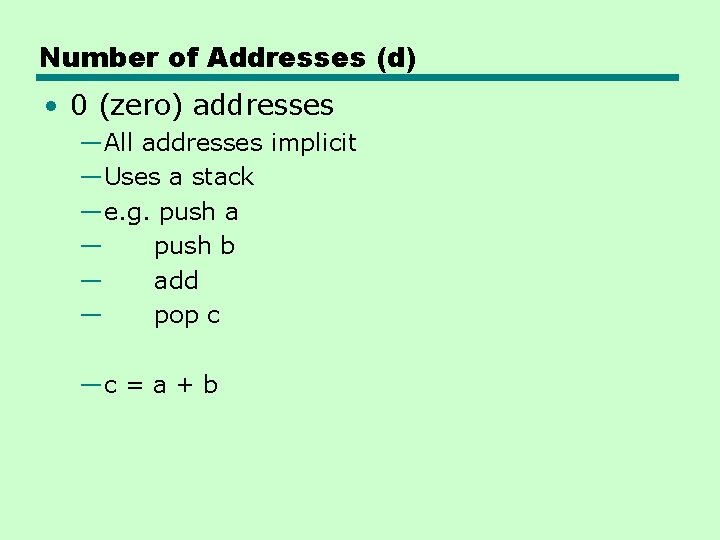
Number of Addresses (d) • 0 (zero) addresses —All addresses implicit —Uses a stack —e. g. push a — push b — add — pop c —c = a + b
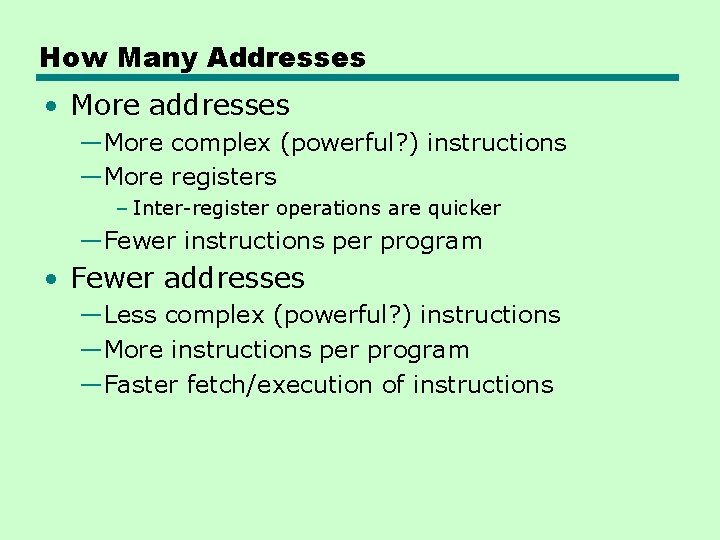
How Many Addresses • More addresses —More complex (powerful? ) instructions —More registers – Inter-register operations are quicker —Fewer instructions per program • Fewer addresses —Less complex (powerful? ) instructions —More instructions per program —Faster fetch/execution of instructions
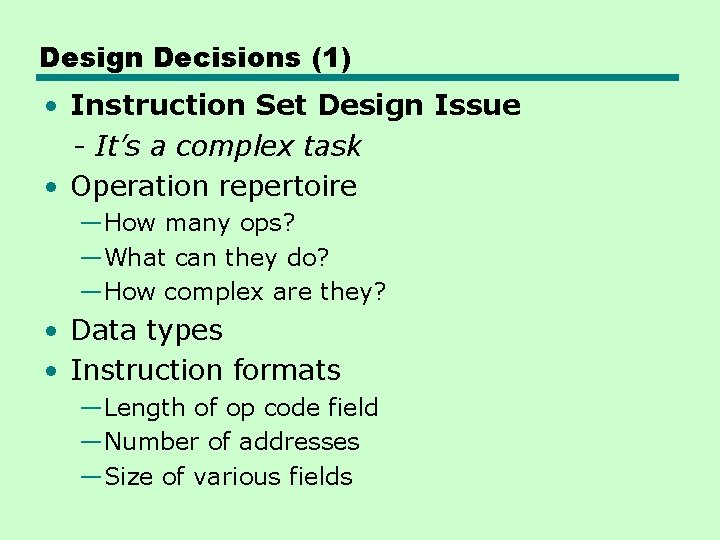
Design Decisions (1) • Instruction Set Design Issue - It’s a complex task • Operation repertoire —How many ops? —What can they do? —How complex are they? • Data types • Instruction formats —Length of op code field —Number of addresses —Size of various fields
Design Decisions (2) • Registers —Number of CPU registers available —Which operations can be performed on which registers? • Addressing modes (later…)
Types of Operand • Addresses _ a form of data / unsinged integer • Numbers —Integer/floating point — Counter / field widths • Characters —ASCII —EBCDI • Logical Data —Bits or flags • (Aside: Is there any difference between numbers and characters? Ask a C programmer!)
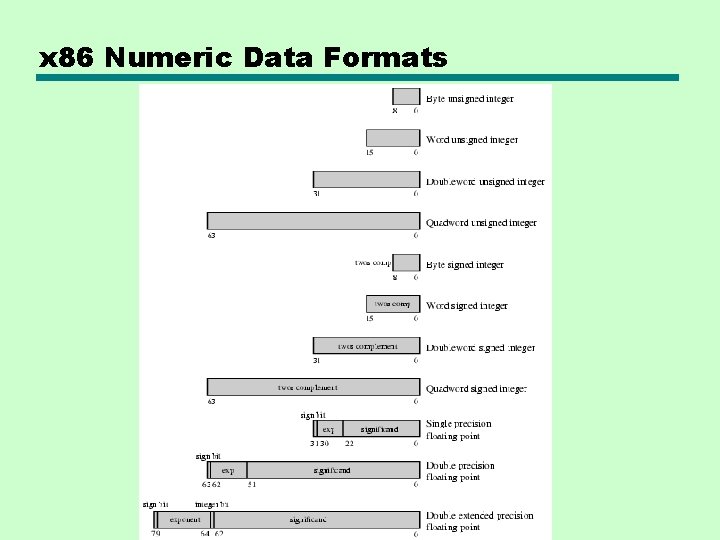
x 86 Data Types • • 8 bit Byte 16 bit word 32 bit double word 64 bit quad word 128 bit double quadword Addressing is by 8 bit unit Words do not need to align at evennumbered address • Data accessed across 32 bit bus in units of double word read at addresses divisible by 4 • X 86 uses the Little endian style
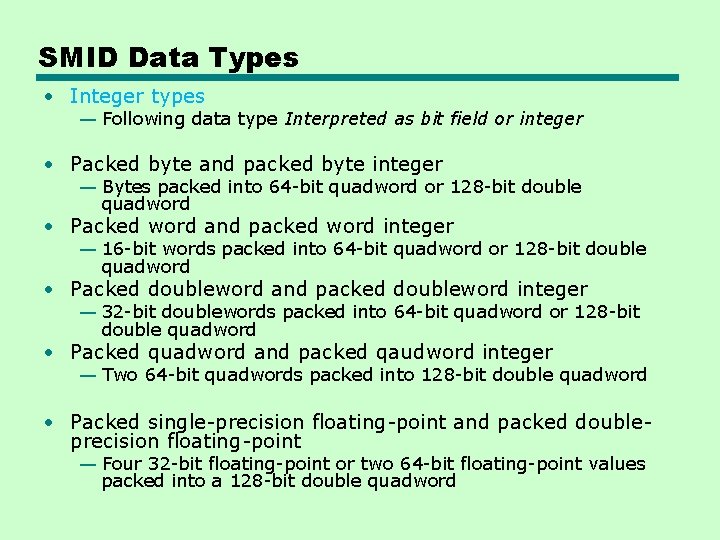
Single Instruction Multiple Data • The packed SIMD data type were introduced to the x 86 architecture as part of the extensions of the instruction set to optimize performance of Multimedia Applications. • These instruction include MMX (multimedia extensions) and SSE (streaming SIMD extensions). • The basic concept is that multiple operands are packed into a single referenced memory item and that these multiple operands are operated on in ||el.
SMID Data Types • Integer types — Following data type Interpreted as bit field or integer • Packed byte and packed byte integer — Bytes packed into 64 -bit quadword or 128 -bit double quadword • Packed word and packed word integer — 16 -bit words packed into 64 -bit quadword or 128 -bit double quadword • Packed doubleword and packed doubleword integer — 32 -bit doublewords packed into 64 -bit quadword or 128 -bit double quadword • Packed quadword and packed qaudword integer — Two 64 -bit quadwords packed into 128 -bit double quadword • Packed single-precision floating-point and packed doubleprecision floating-point — Four 32 -bit floating-point or two 64 -bit floating-point values packed into a 128 -bit double quadword
x 86 Numeric Data Formats
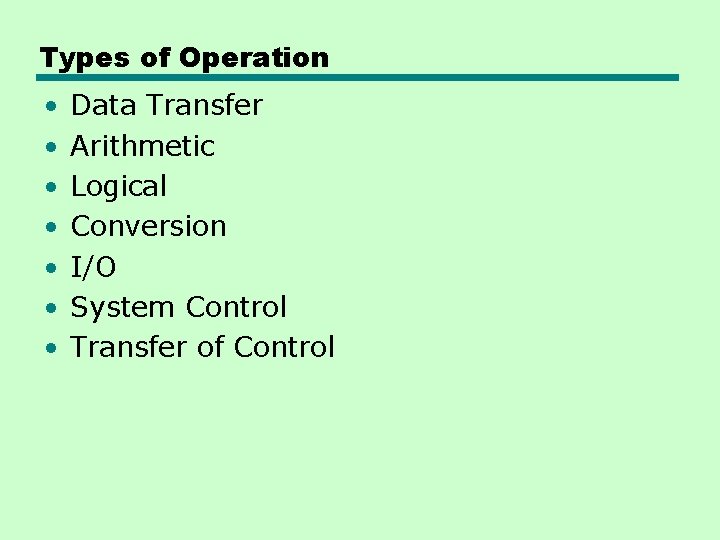
Types of Operation • • Data Transfer Arithmetic Logical Conversion I/O System Control Transfer of Control
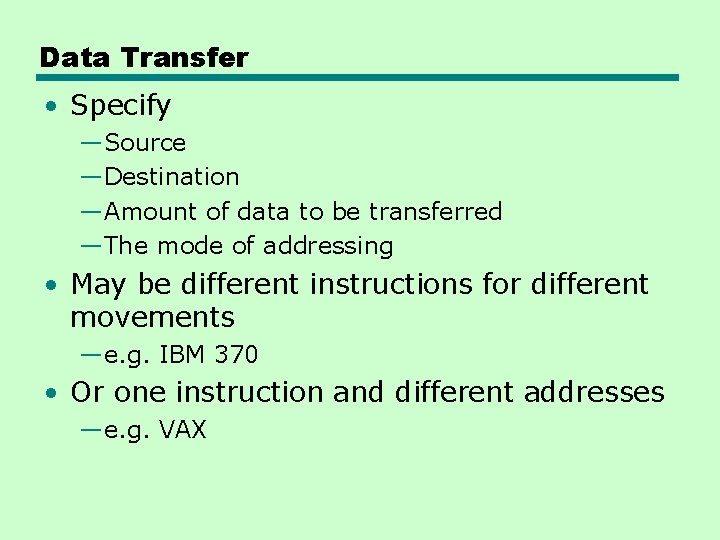
Data Transfer • Specify —Source —Destination —Amount of data to be transferred —The mode of addressing • May be different instructions for different movements —e. g. IBM 370 • Or one instruction and different addresses —e. g. VAX
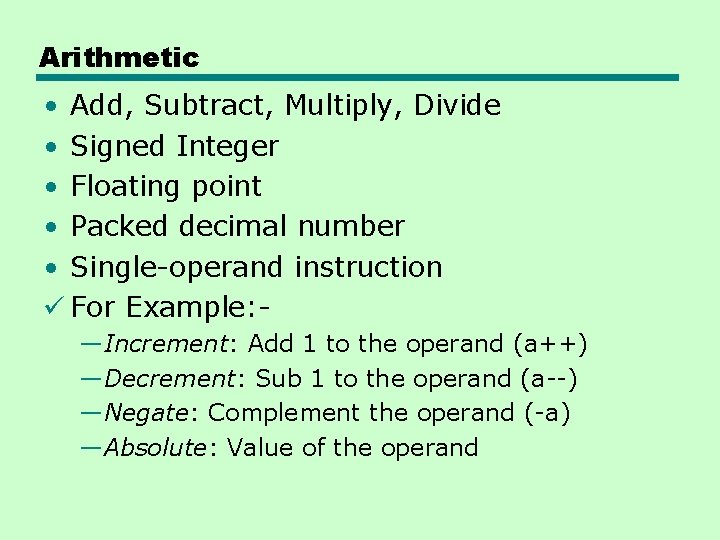
Arithmetic • Add, Subtract, Multiply, Divide • Signed Integer • Floating point • Packed decimal number • Single-operand instruction ü For Example: —Increment: Add 1 to the operand (a++) —Decrement: Sub 1 to the operand (a--) —Negate: Complement the operand (-a) —Absolute: Value of the operand
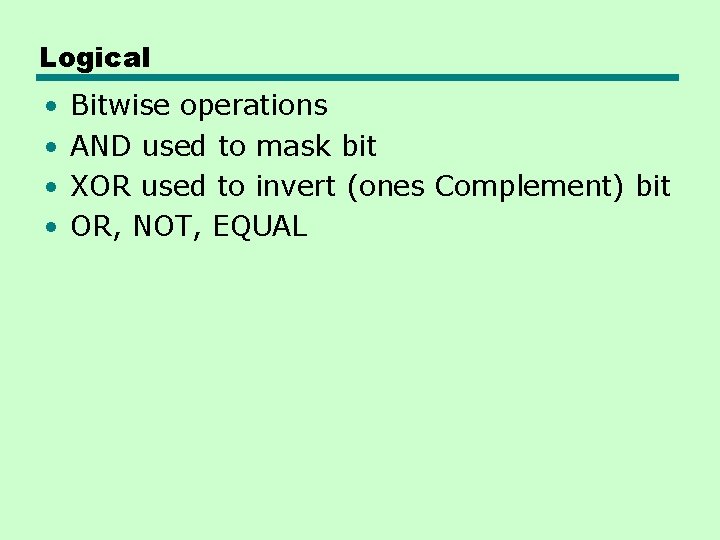
Logical • • Bitwise operations AND used to mask bit XOR used to invert (ones Complement) bit OR, NOT, EQUAL
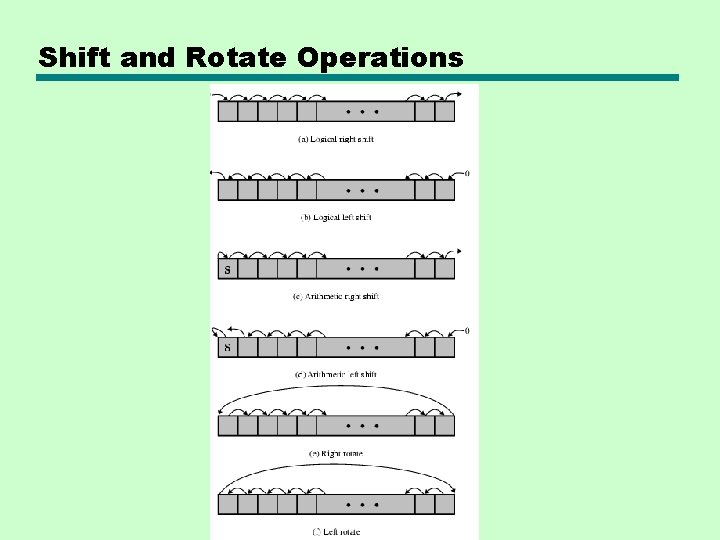
Shift and Rotate Operations
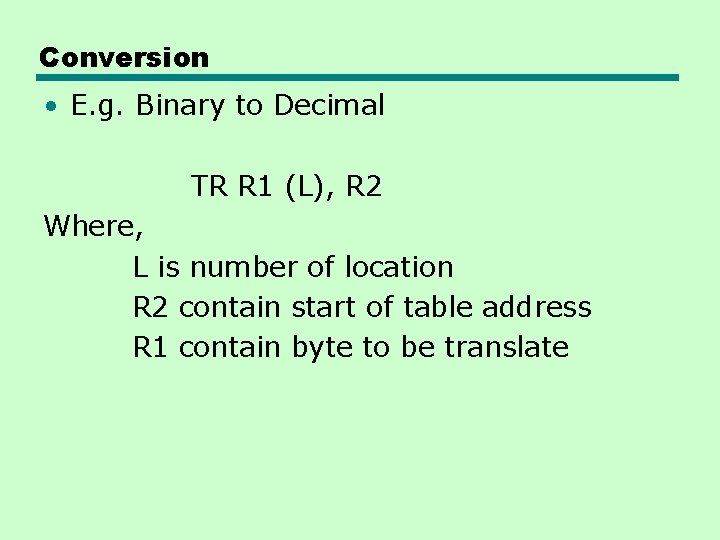
Conversion • E. g. Binary to Decimal TR R 1 (L), R 2 Where, L is number of location R 2 contain start of table address R 1 contain byte to be translate
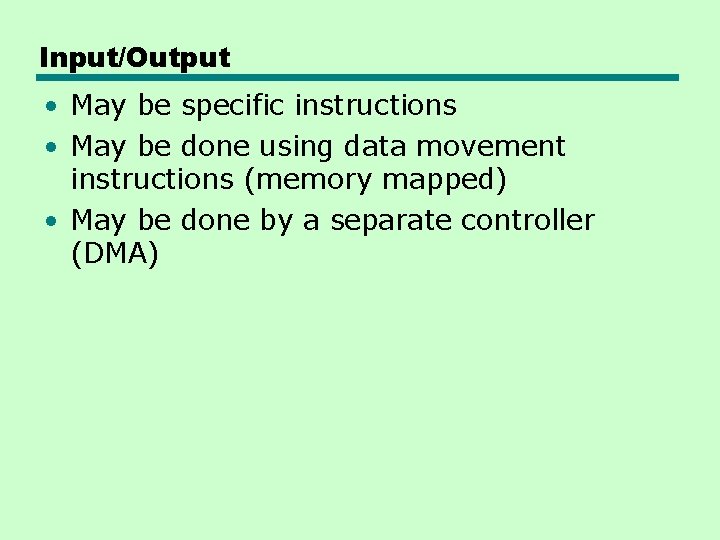
Input/Output • May be specific instructions • May be done using data movement instructions (memory mapped) • May be done by a separate controller (DMA)
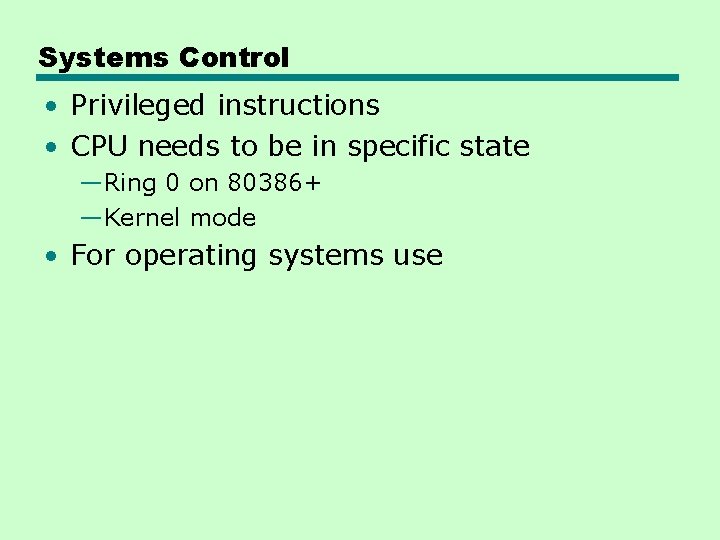
Systems Control • Privileged instructions • CPU needs to be in specific state —Ring 0 on 80386+ —Kernel mode • For operating systems use
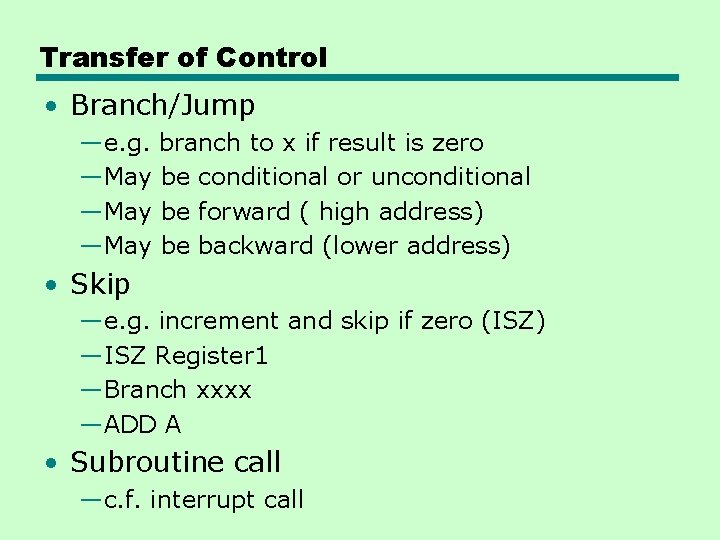
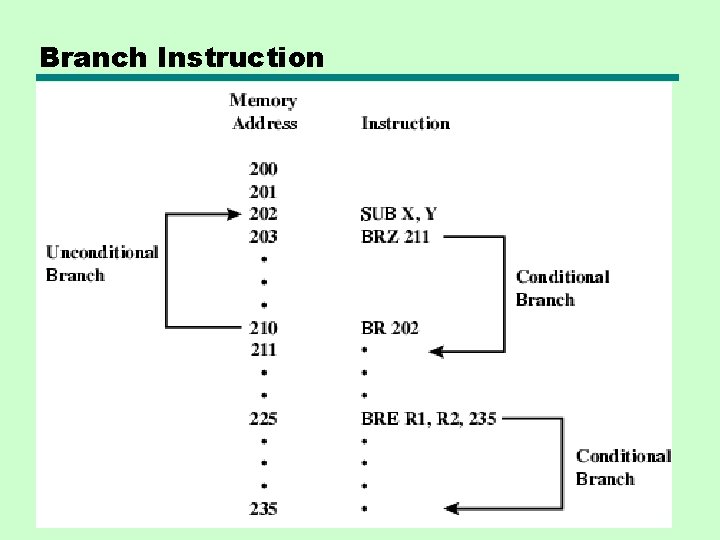
Transfer of Control • Branch/Jump —e. g. branch to x if result is zero —May be conditional or unconditional —May be forward ( high address) —May be backward (lower address) • Skip —e. g. increment and skip if zero (ISZ) —ISZ Register 1 —Branch xxxx —ADD A • Subroutine call —c. f. interrupt call
Branch Instruction
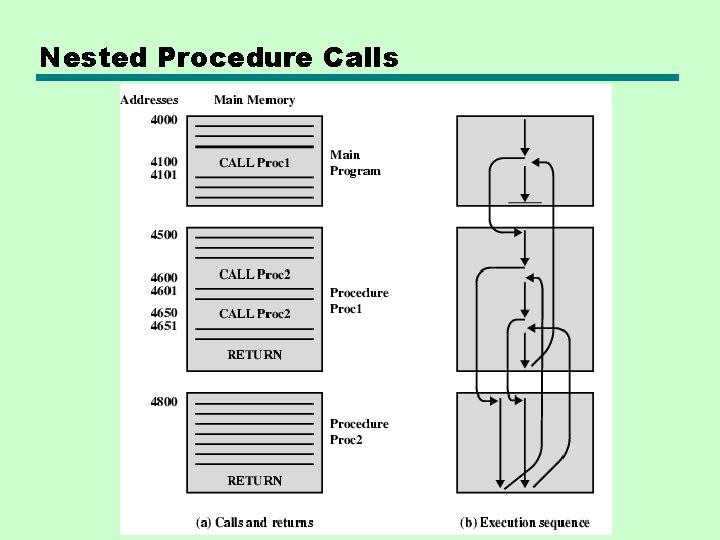
Nested Procedure Calls
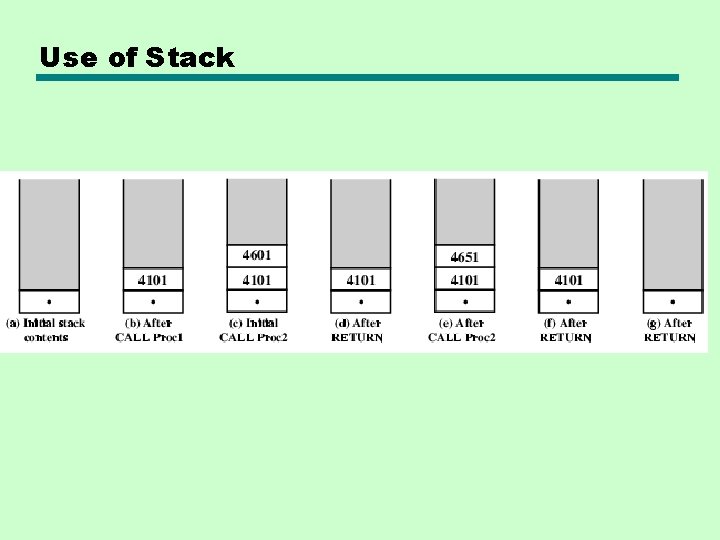
Use of Stack
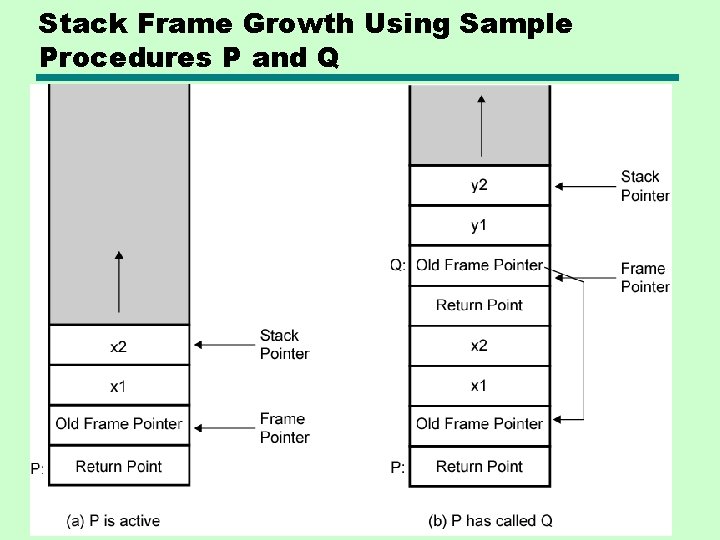
Stack Frame Growth Using Sample Procedures P and Q
Reference • W. Stallings, ―Computer Organization and Architecture: Designing for performance‖, Pearson Education/ Prentice Hall of India, 2013, ISBN 978 -93 -317 -3245 -8, 8 th Edition.