Tactic 4 Defend Your Domain Controllers Zaid Arafeh

- Slides: 19
Tactic 4: Defend Your Domain Controllers Zaid Arafeh Microsoft Services Cybersecurity
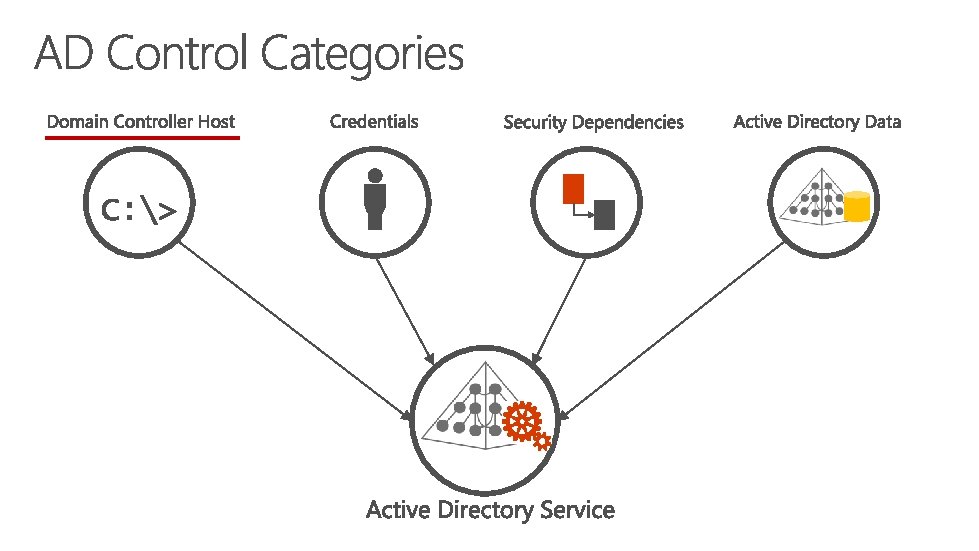
• Tactic #3: Defend your Directory
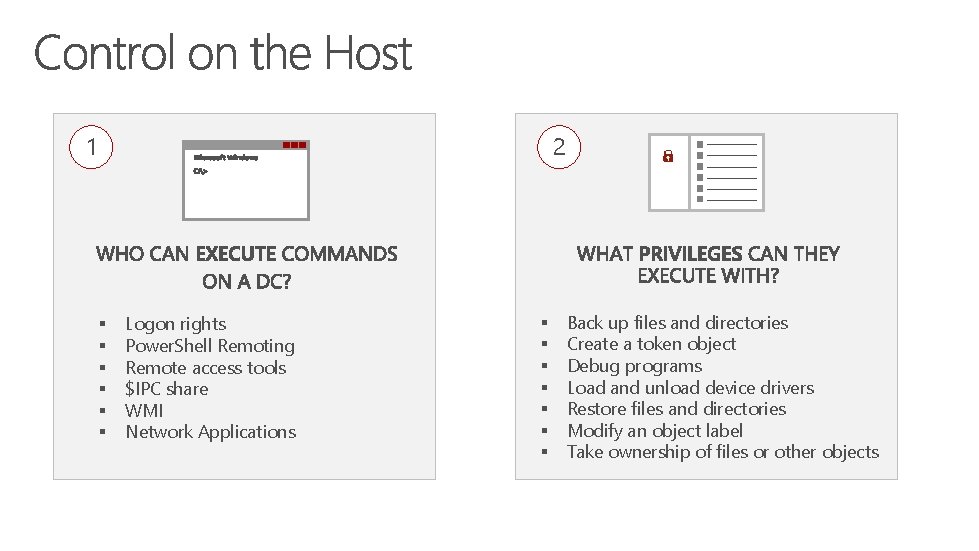
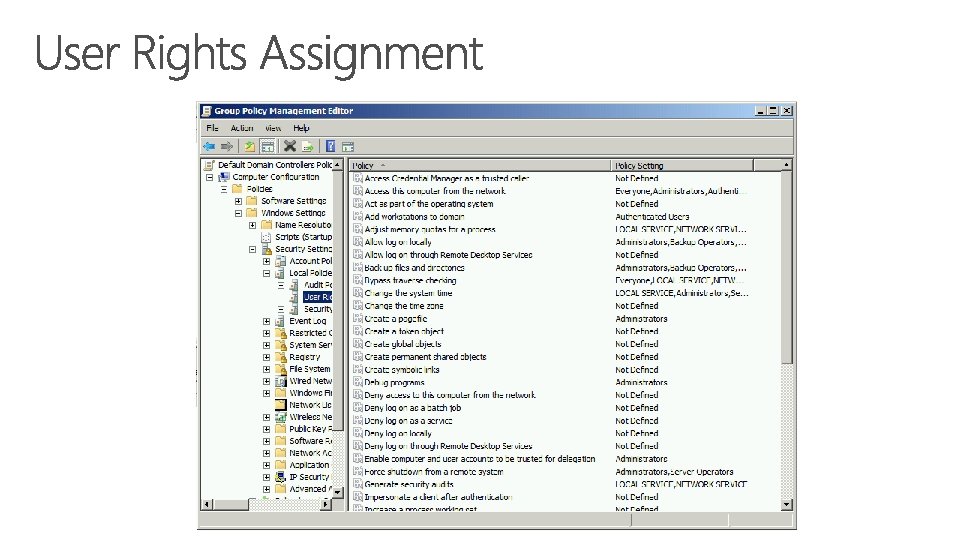
1 2 § § § Logon rights Power. Shell Remoting Remote access tools $IPC share WMI Network Applications § § § § Back up files and directories Create a token object Debug programs Load and unload device drivers Restore files and directories Modify an object label Take ownership of files or other objects
ASSIGN USER LOGON RIGHTS & PRIVILEGES IN ACCORDANCE WITH MICROSOFT BASELINES
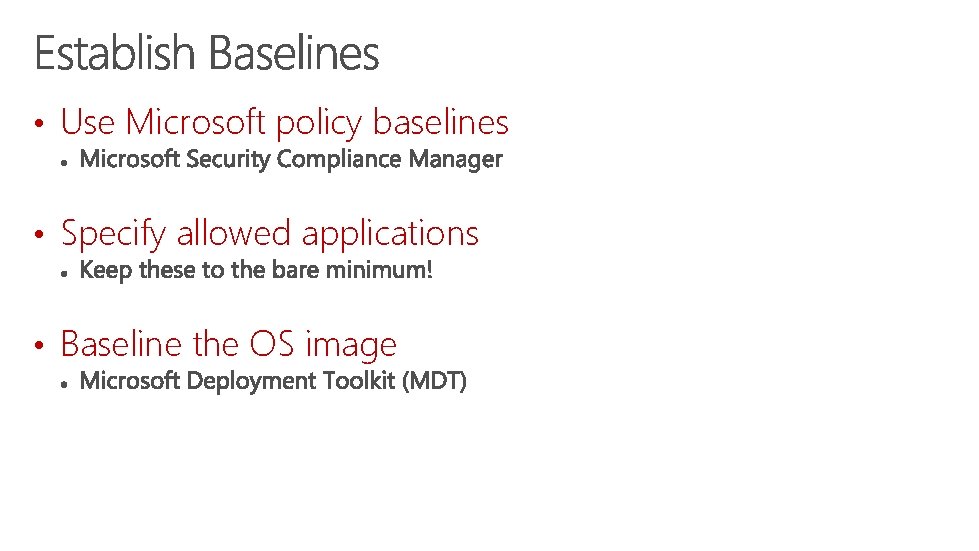
• Use Microsoft policy baselines • Specify allowed applications • Baseline the OS image
THINK OF DOMAIN CONTROLLERS AS APPLIANCE MACHINES
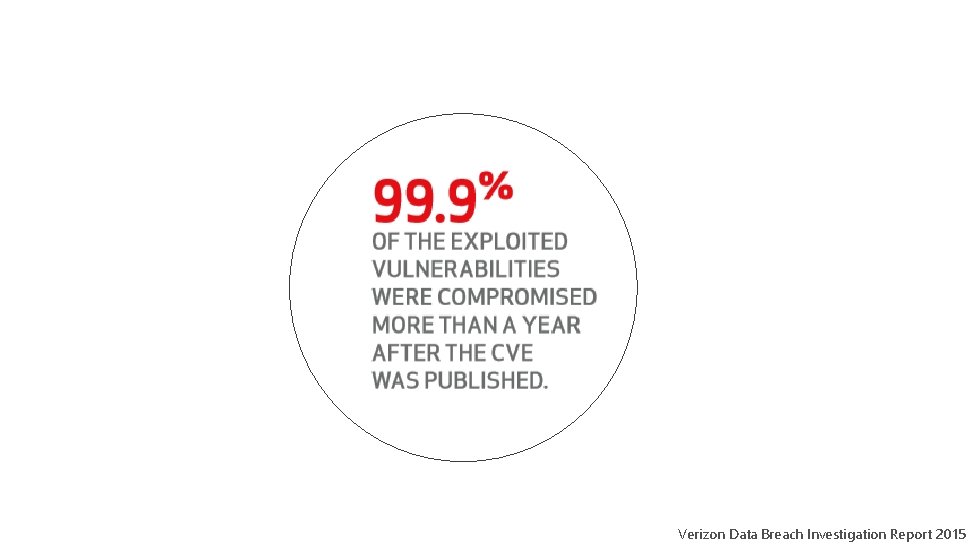
Verizon Data Breach Investigation Report 2015
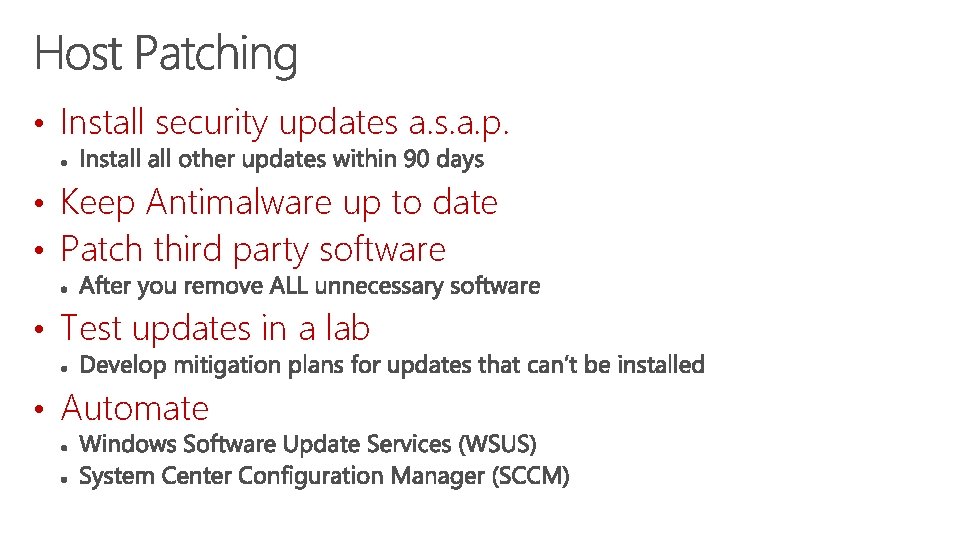
• Install security updates a. s. a. p. • Keep Antimalware up to date • Patch third party software • Test updates in a lab • Automate
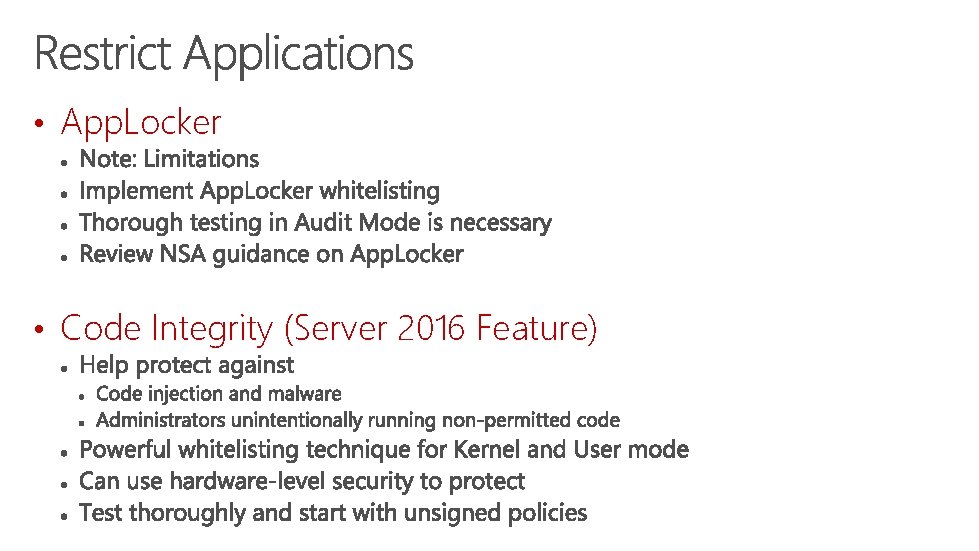
• App. Locker • Code Integrity (Server 2016 Feature)
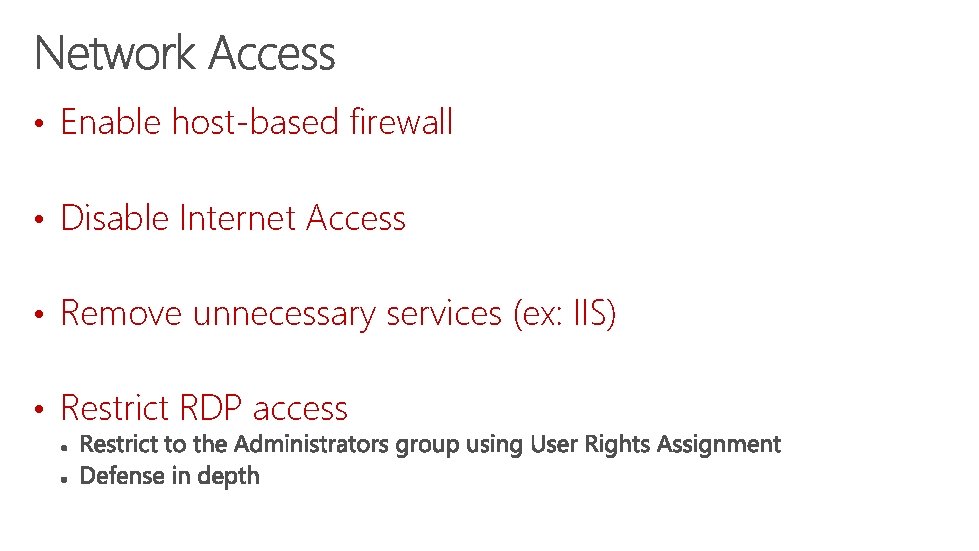
• Enable host-based firewall • Disable Internet Access • Remove unnecessary services (ex: IIS) • Restrict RDP access
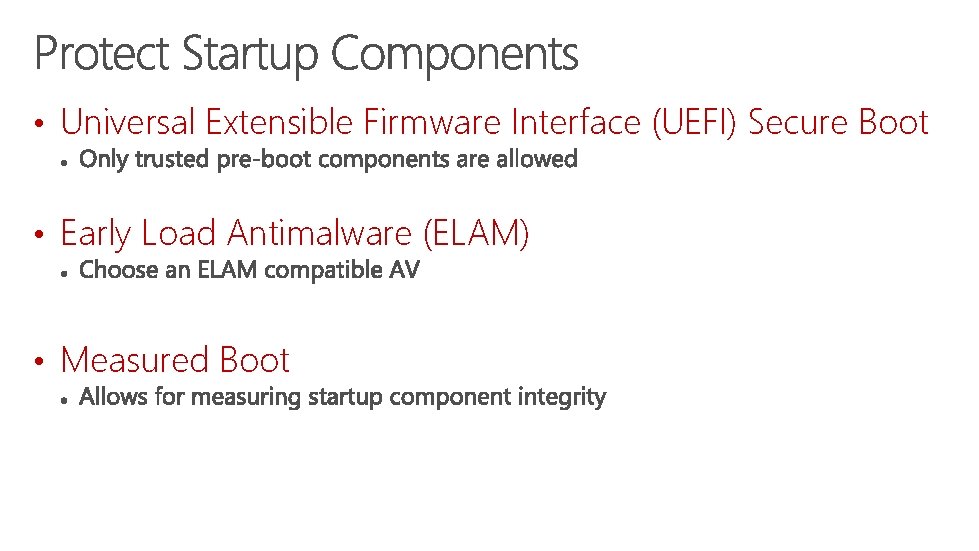
• Universal Extensible Firmware Interface (UEFI) Secure Boot • Early Load Antimalware (ELAM) • Measured Boot
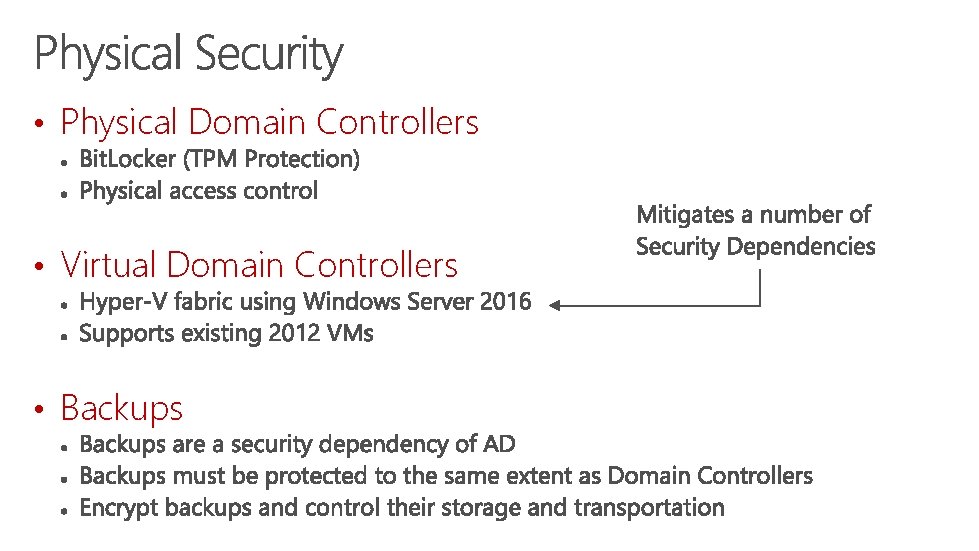
• Physical Domain Controllers • Virtual Domain Controllers • Backups
• Tactic 5: Beware of Security Dependencies
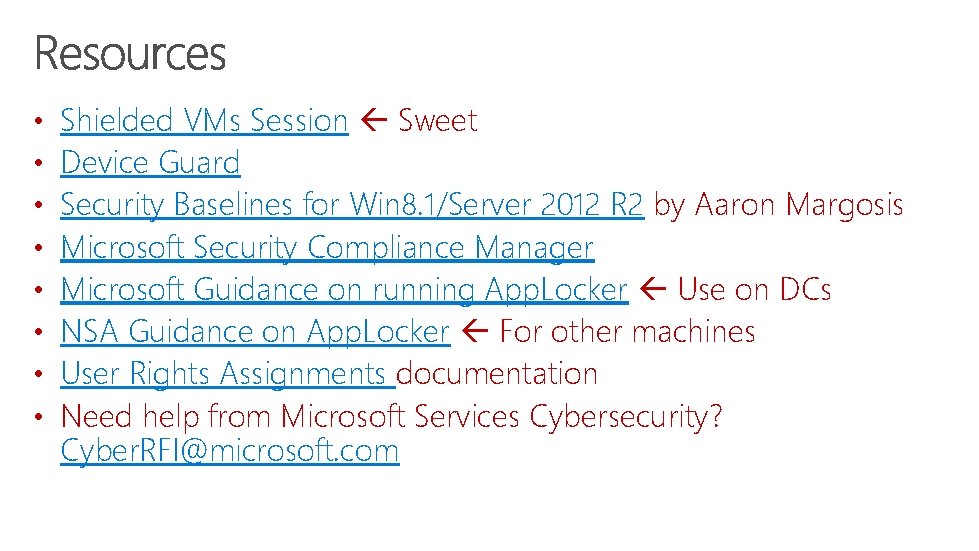
• • Shielded VMs Session Sweet Device Guard Security Baselines for Win 8. 1/Server 2012 R 2 by Aaron Margosis Microsoft Security Compliance Manager Microsoft Guidance on running App. Locker Use on DCs NSA Guidance on App. Locker For other machines User Rights Assignments documentation Need help from Microsoft Services Cybersecurity? Cyber. RFI@microsoft. com