Speech User Interfaces 1 Outline n n n
- Slides: 27
Speech User Interfaces 1
Outline n n n n Review Motivation for speech UIs Speech recognition UI problems with speech UIs Speech. Acts: Guidelines for speech UIs Speech UI design tools Multimodal UIs 2
Review n Why do we prototype? • get feedback on our design from customers – faster & cheaper n Why use low-fi prototypes? • traditional methods take too long & focus designers & customers on the wrong (visual) issues n What is the Wizard of Oz technique? • faking the interaction n What is the advantage of using informal tools like SILK, DENIM, & SUEDE? • advantages of electronic medium (editing, reuse, distribution, etc. ) • faster than traditional UI tools • do not focus designers/customers on the wrong issues • ability to support testing & analysis of resulting data 3
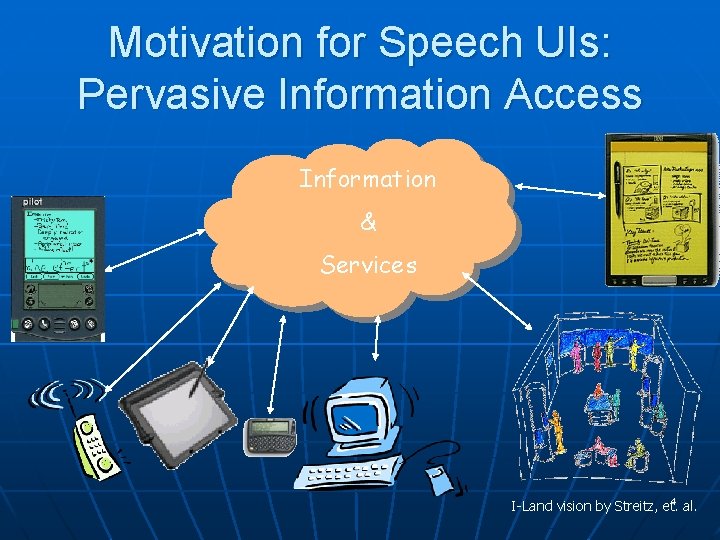
Motivation for Speech UIs: Pervasive Information Access Information & Services 4 I-Land vision by Streitz, et. al.
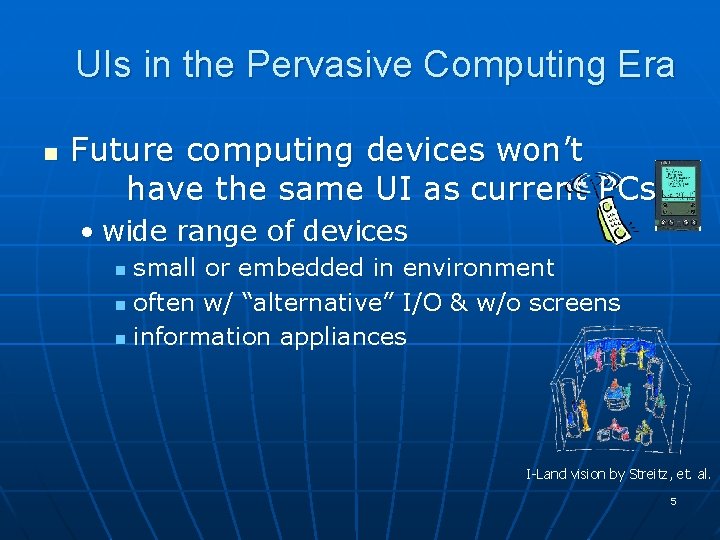
UIs in the Pervasive Computing Era n Future computing devices won’t have the same UI as current PCs • wide range of devices small or embedded in environment n often w/ “alternative” I/O & w/o screens n information appliances n I-Land vision by Streitz, et. al. 5
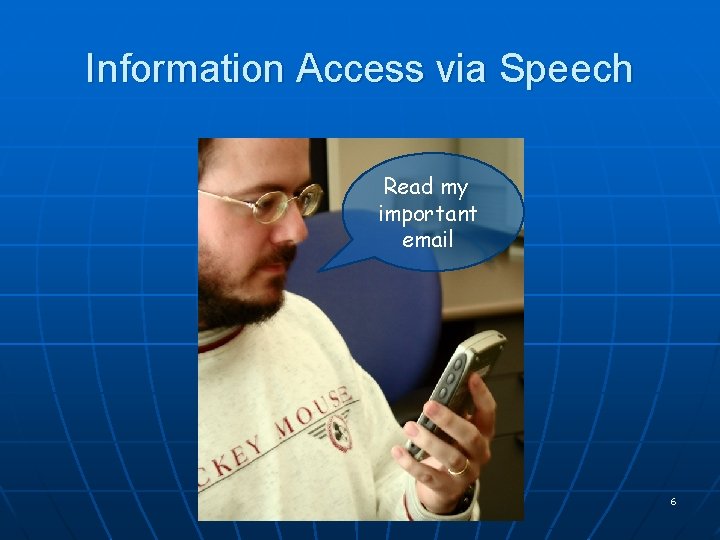
Information Access via Speech Read my important email 6
Industry Leaders n n n Nuance Corporation Applications: Tell. Me, … Users: Government, Computers. Microsoft, IBM, 7
Speech UI Motivation n Smaller devices -> difficult I/O • people can talk at ~ 90 wpm -> high speed n n “Virtually unlimited” set of commands Freedom for other body parts • imagine you are working on your car & need to know something from the manual n Natural • evolutionarily selected for n reading, writing, & typing are not (too new) 8
Why are Speech UIs Hard to Get Right? n Speech recognition far from perfect • imagine inputting commands w/ the mouse & getting the wrong result 520% of the time n Speech UIs have no visible state • can’t see what you have done before or what affect your commands have had n Speech UIs are hard to learn • how do you explore the interface? how do you find out what you can say? 9
Speech UIs Require n Speech recognition • the computer understanding what the customer is saying n Speech production (or synthesis) • the computer talking to the customer 10
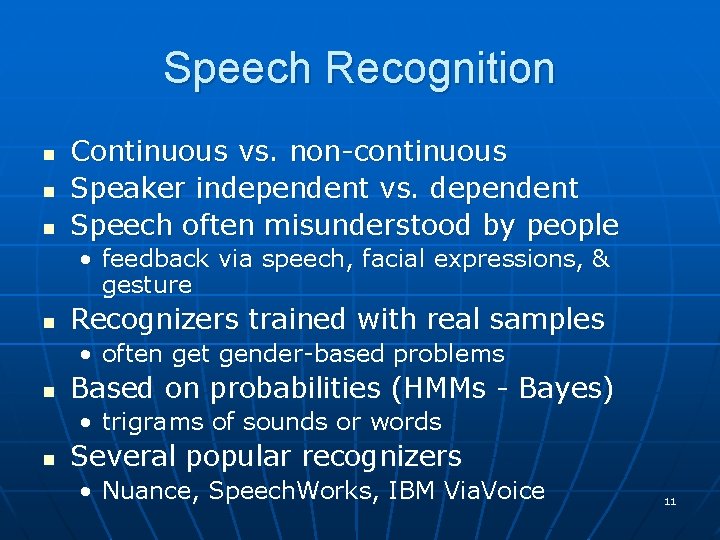
Speech Recognition n Continuous vs. non-continuous Speaker independent vs. dependent Speech often misunderstood by people • feedback via speech, facial expressions, & gesture n Recognizers trained with real samples • often get gender-based problems n Based on probabilities (HMMs - Bayes) • trigrams of sounds or words n Several popular recognizers • Nuance, Speech. Works, IBM Via. Voice 11
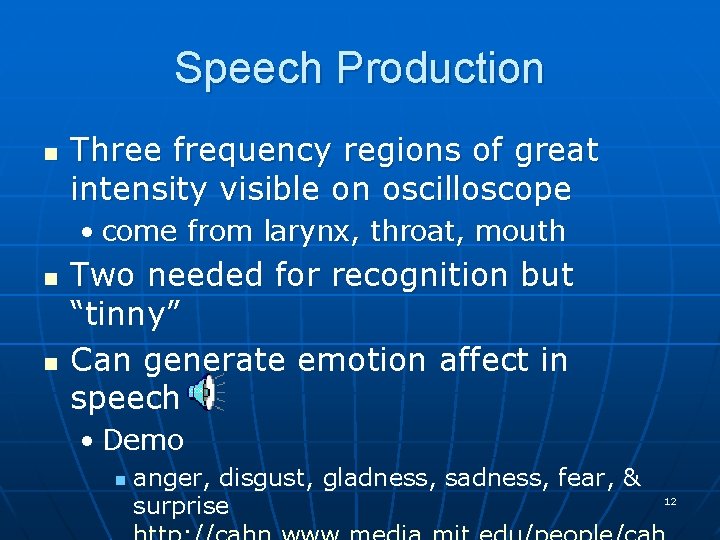
Speech Production n Three frequency regions of great intensity visible on oscilloscope • come from larynx, throat, mouth n n Two needed for recognition but “tinny” Can generate emotion affect in speech • Demo n anger, disgust, gladness, sadness, fear, & surprise 12
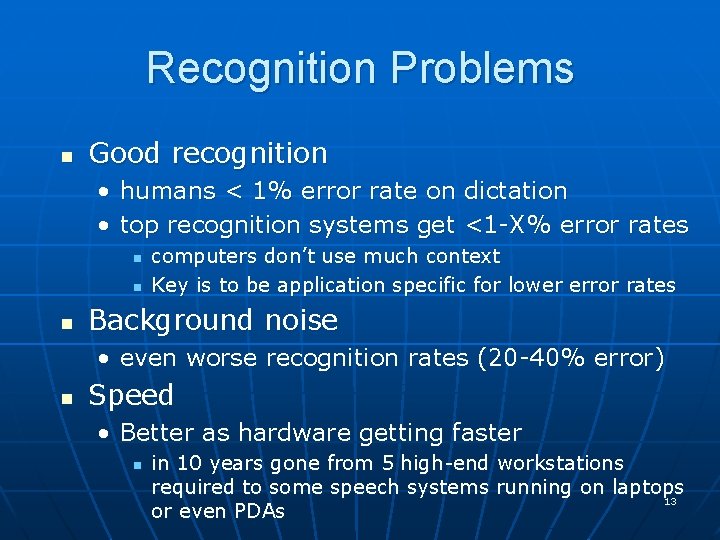
Recognition Problems n Good recognition • humans < 1% error rate on dictation • top recognition systems get <1 -X% error rates n n n computers don’t use much context Key is to be application specific for lower error rates Background noise • even worse recognition rates (20 -40% error) n Speed • Better as hardware getting faster n in 10 years gone from 5 high-end workstations required to some speech systems running on laptops 13 or even PDAs
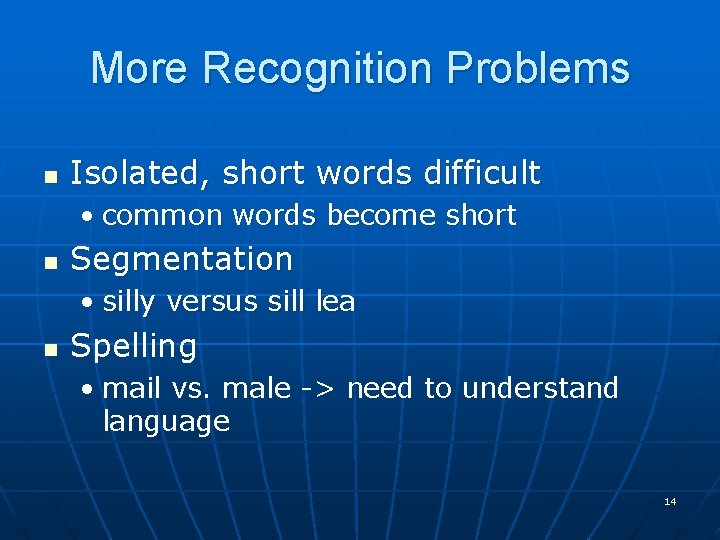
More Recognition Problems n Isolated, short words difficult • common words become short n Segmentation • silly versus sill lea n Spelling • mail vs. male -> need to understand language 14
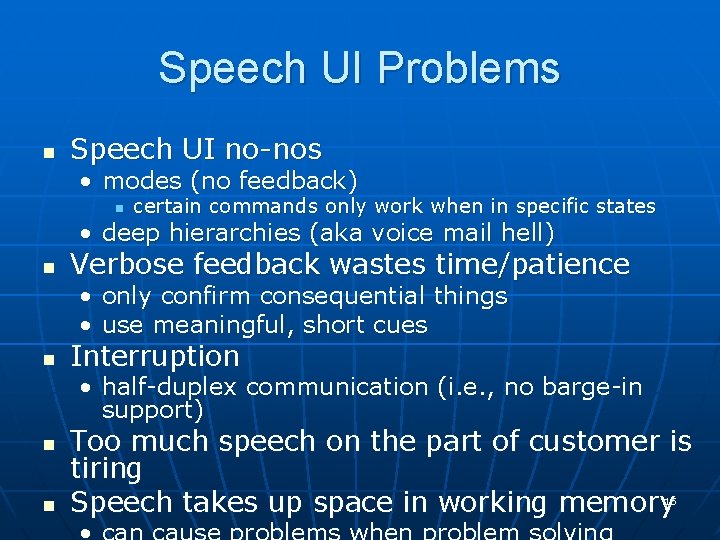
Speech UI Problems n Speech UI no-nos • modes (no feedback) n certain commands only work when in specific states • deep hierarchies (aka voice mail hell) n Verbose feedback wastes time/patience • only confirm consequential things • use meaningful, short cues n Interruption • half-duplex communication (i. e. , no barge-in support) n n Too much speech on the part of customer is tiring Speech takes up space in working memory 15
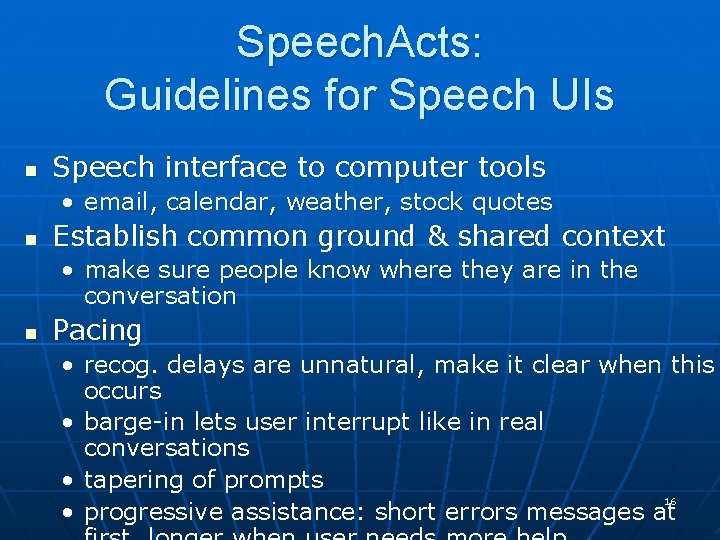
Speech. Acts: Guidelines for Speech UIs n Speech interface to computer tools • email, calendar, weather, stock quotes n Establish common ground & shared context • make sure people know where they are in the conversation n Pacing • recog. delays are unnatural, make it clear when this occurs • barge-in lets user interrupt like in real conversations • tapering of prompts 16 • progressive assistance: short errors messages at
Speech. Acts Video 17
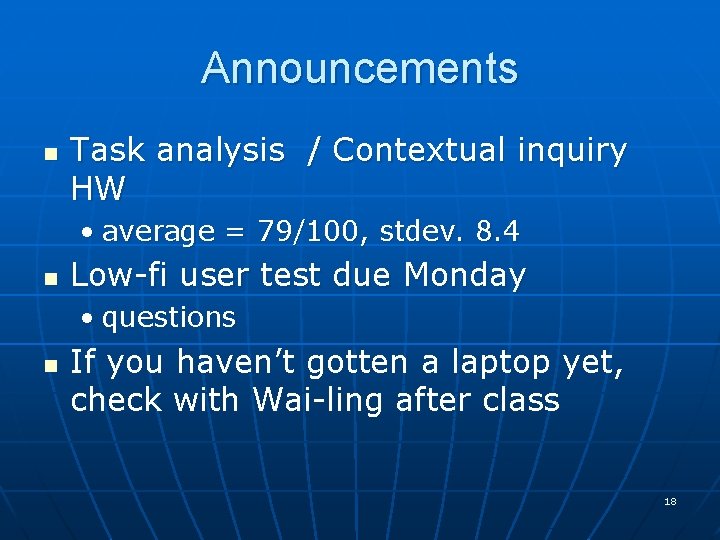
Announcements n Task analysis / Contextual inquiry HW • average = 79/100, stdev. 8. 4 n Low-fi user test due Monday • questions n If you haven’t gotten a laptop yet, check with Wai-ling after class 18
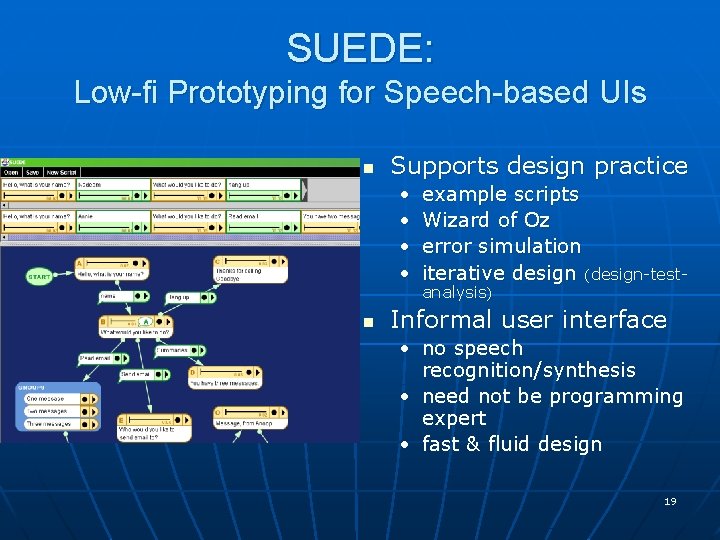
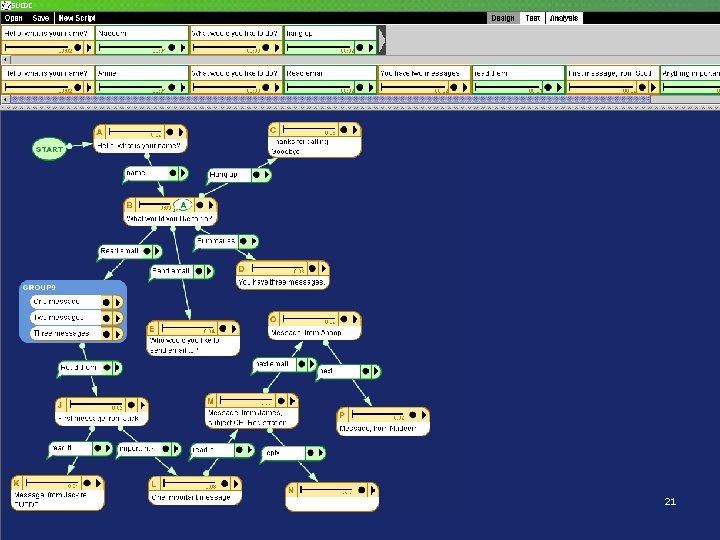
SUEDE: Low-fi Prototyping for Speech-based UIs n Supports design practice • • n example scripts Wizard of Oz error simulation iterative design (design-testanalysis) Informal user interface • no speech recognition/synthesis • need not be programming expert • fast & fluid design 19
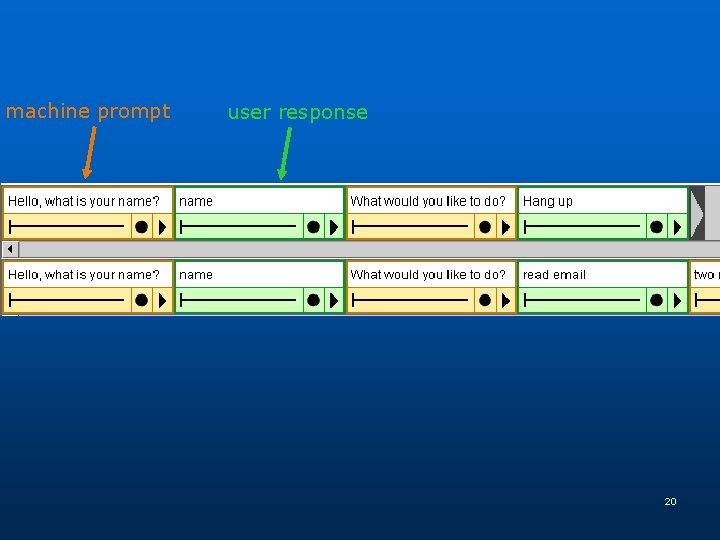
machine prompt user response 20
21
22
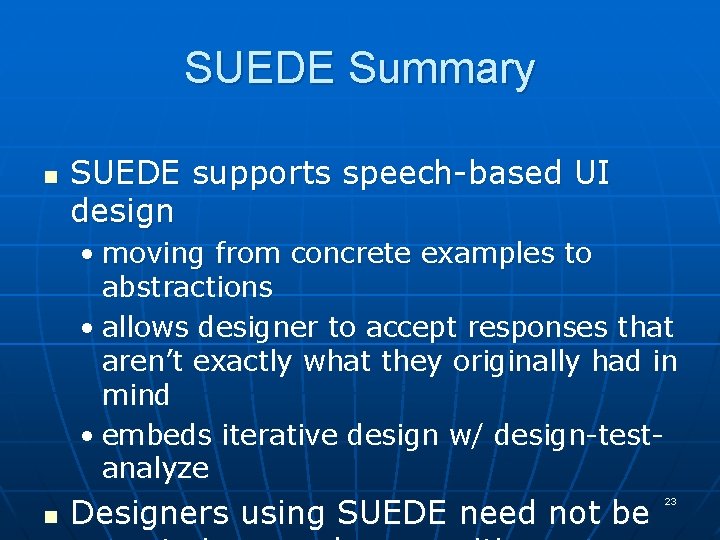
SUEDE Summary n SUEDE supports speech-based UI design • moving from concrete examples to abstractions • allows designer to accept responses that aren’t exactly what they originally had in mind • embeds iterative design w/ design-testanalyze n Designers using SUEDE need not be 23
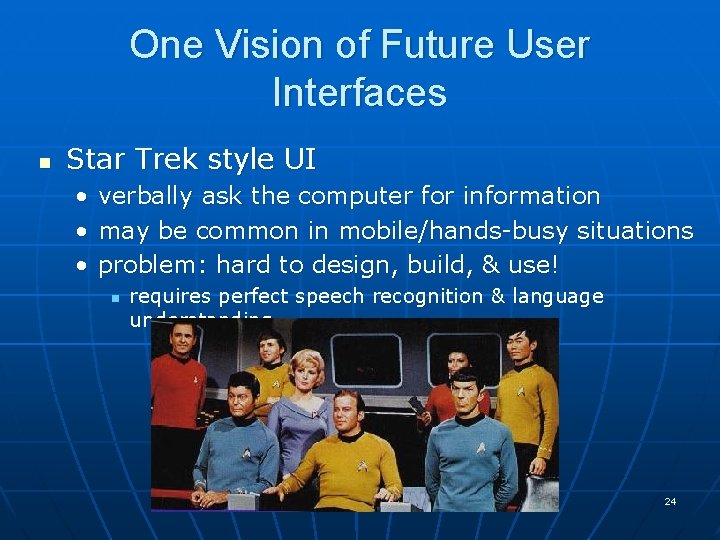
One Vision of Future User Interfaces n Star Trek style UI • verbally ask the computer for information • may be common in mobile/hands-busy situations • problem: hard to design, build, & use! n requires perfect speech recognition & language understanding 24
Our Vision of Future User Interfaces n Multimodal, Context-aware UIs • multimodal n n uses multiple input modalities (speech & gesture) to disambiguate user says “move it to this screen” while pointing • context-aware n n n apps can be aware of location, user, what they are doing, … people are talking -> don’t rely on speech I/O Problem: how to prototype & test new ideas? • Informal UI Design Tools! 25
Multimodal Error Correction n Dictation error correction study • found users are better at correcting recognition errors with a different input modality • recognizer got it wrong the first time -> it will get it wrong the second time n n hyperarticulating aggravates Correct dictation errors with • vocal spelling, writing, typing, etc 26
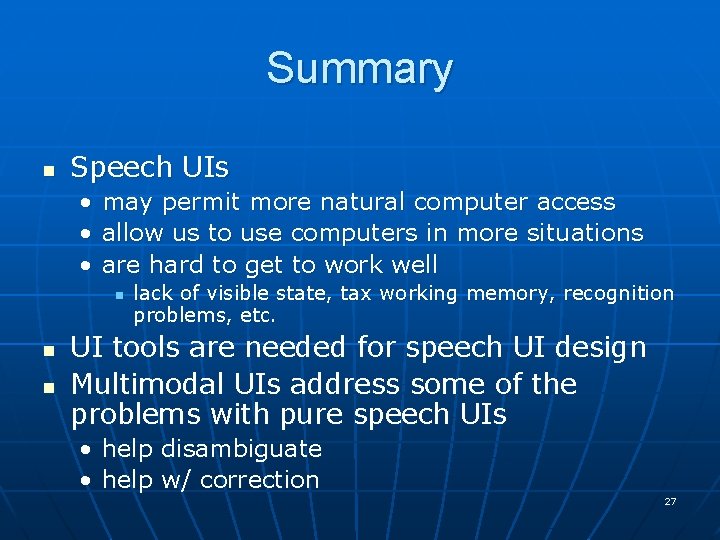
Summary n Speech UIs • may permit more natural computer access • allow us to use computers in more situations • are hard to get to work well n n n lack of visible state, tax working memory, recognition problems, etc. UI tools are needed for speech UI design Multimodal UIs address some of the problems with pure speech UIs • help disambiguate • help w/ correction 27