Simulation in Experiments searching for rare events Xun
- Slides: 25
Simulation in Experiments searching for rare events Xun Chen (谌勋) Apr 30, 2019 GEANT 4 Hands-on Training Workshop
Geant 4 in Brief
What Does Geant 4 Provide? • Basic types for the description of geometry • Shape, size, and materials • You need to write your own geometry • Physics models • EM, Hadronic, photon, decay, optical, shower, … • You need to select the proper physics models according to the energy range. • GUI, visualization, persistence, histograming • Ways to control the program • built-in and extended commands
Jargons • Run, Event, Track, Step • Track – Trajectory • Step – Trajectory Point • Process • Cut • Sensitive Detector, Hit Collection
Run • Run is a collection of events share the same detector and physics conditions • In collider physics • In underground physics • In simulation • Geant 4 • Run is managed by G 4 Run. Manager • Run is represented by G 4 Run (or its derivative) • Run behavior can be controlled by G 4 User. Run. Action
Event • Basic unit of simulation in Geant 4 • Primary tracks are generated at the beginning and pushed into a stack. • A track on top of stack will be popped out for tracking, newly generated tracks will be pushed into the stack. • When the stack is empty, an event is over. • G 4 Event is a represent of an event • G 4 Event. Manager is the manager of event. • G 4 User. Event. Action is used to control the behavior of event.
Track • Track is a snapshot of particle • Only the “current” status of a particle • Step is the “delta” information of the track • Step update a track • A track is deleted when • It goes out of the world volume. • It disappears (decay, inelastic scattering) • It loses all kinematic energy and no additional “At. Rest” process • It is killed by user • No track object persists at the end of an event • G 4 Track, G 4 Tracking. Manager, G 4 User. Tracking. Action
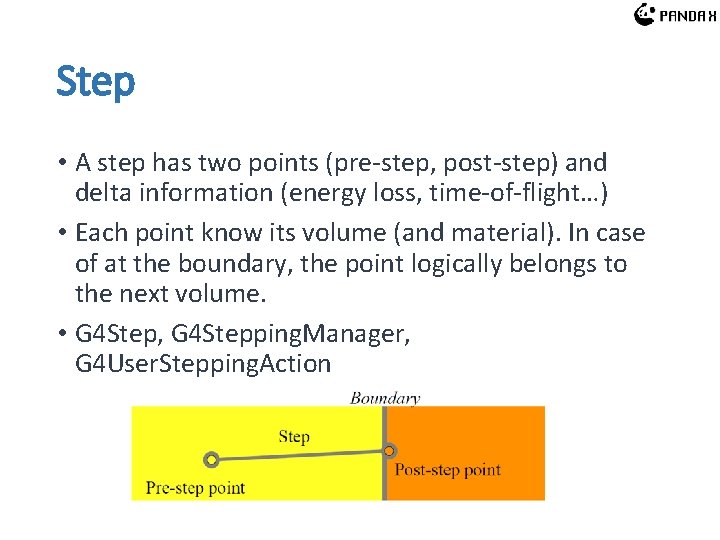
Step • A step has two points (pre-step, post-step) and delta information (energy loss, time-of-flight…) • Each point know its volume (and material). In case of at the boundary, the point logically belongs to the next volume. • G 4 Step, G 4 Stepping. Manager, G 4 User. Stepping. Action
Trajectory and Trajectory Point • Track does not persist at the end of an event • G 4 Trajectory is a copy of information in G 4 Track • G 4 Trajectory. Point is a copy of information in G 4 Step • G 4 Tracjectory contains a vector of G 4 Trajectory. Point. • Both type of objects persist till the end of an event. • Can be extended to store more information.
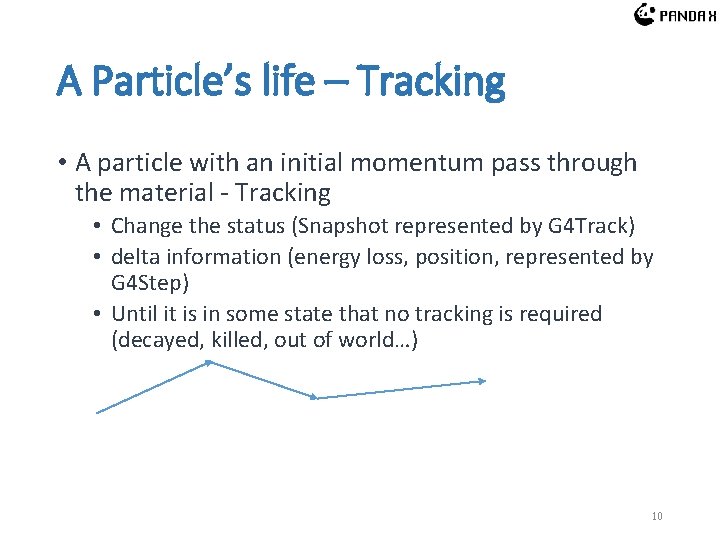
A Particle’s life – Tracking • A particle with an initial momentum pass through the material - Tracking • Change the status (Snapshot represented by G 4 Track) • delta information (energy loss, position, represented by G 4 Step) • Until it is in some state that no tracking is required (decayed, killed, out of world…) 10
Process • Physics process need to be selected in tracking • All possible processes will propose a step length • The shortest one is taken • A process • • Determine the step length Possible changes of the track property Generate secondary particles Change the state of the track • Processes are provided by physics list. • No default physics list in Geant 4! 11
Cut • A cut in Geant 4 is a production threshold for the generation of secondary particles. • A process has its intrinsic limits to produce secondary particles. • All particles generated and accepted are tracked up to zero range. • Higher cut Less particles less time • Lower cut more particles more time 12
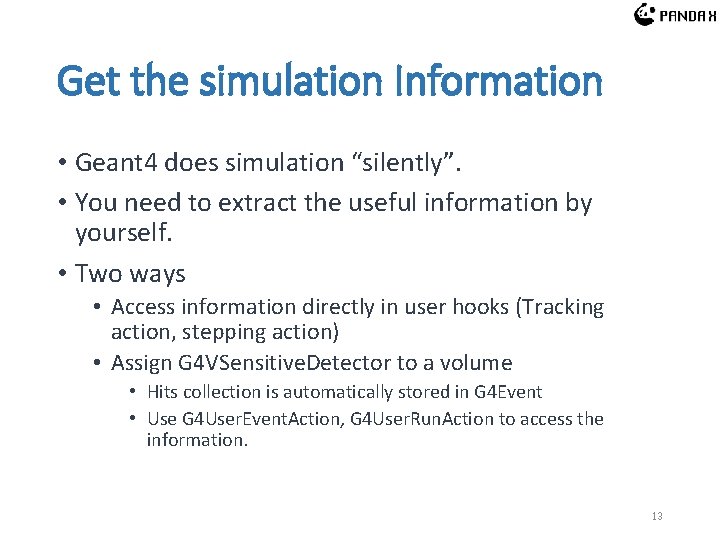
Get the simulation Information • Geant 4 does simulation “silently”. • You need to extract the useful information by yourself. • Two ways • Access information directly in user hooks (Tracking action, stepping action) • Assign G 4 VSensitive. Detector to a volume • Hits collection is automatically stored in G 4 Event • Use G 4 User. Event. Action, G 4 User. Run. Action to access the information. 13
Search for Rare Events Dark matter, neutrinoless double beta decay, 124 Xe double electron capture. . .
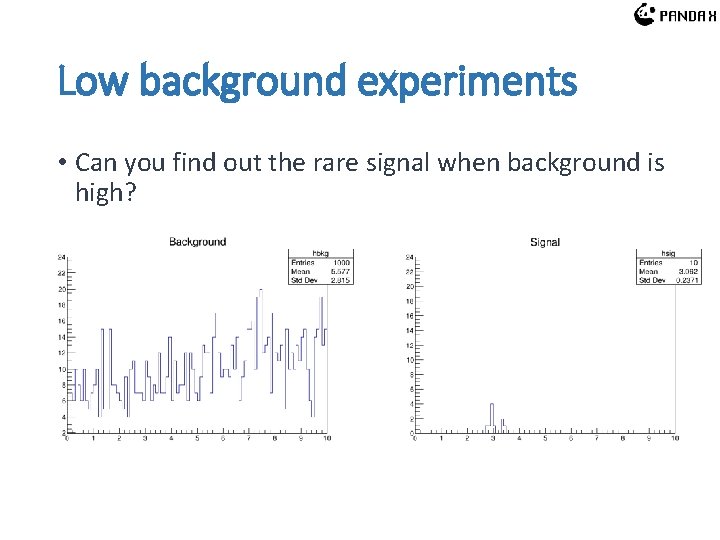
Low background experiments • Can you find out the rare signal when background is high?
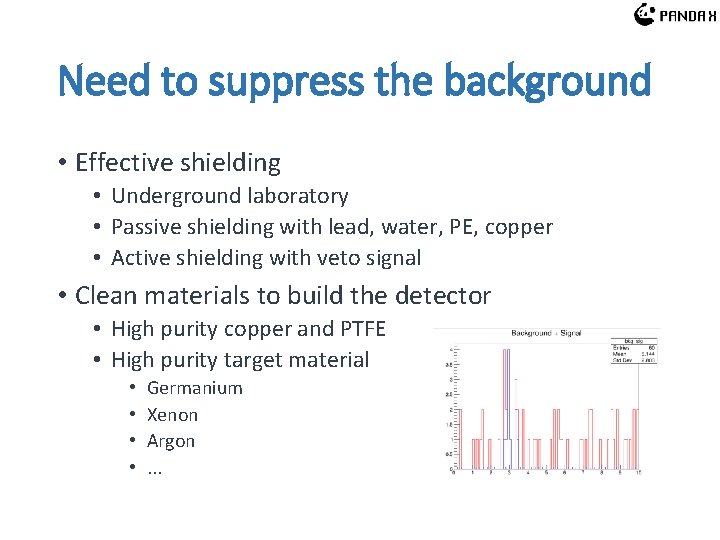
Need to suppress the background • Effective shielding • Underground laboratory • Passive shielding with lead, water, PE, copper • Active shielding with veto signal • Clean materials to build the detector • High purity copper and PTFE • High purity target material • • Germanium Xenon Argon. . .
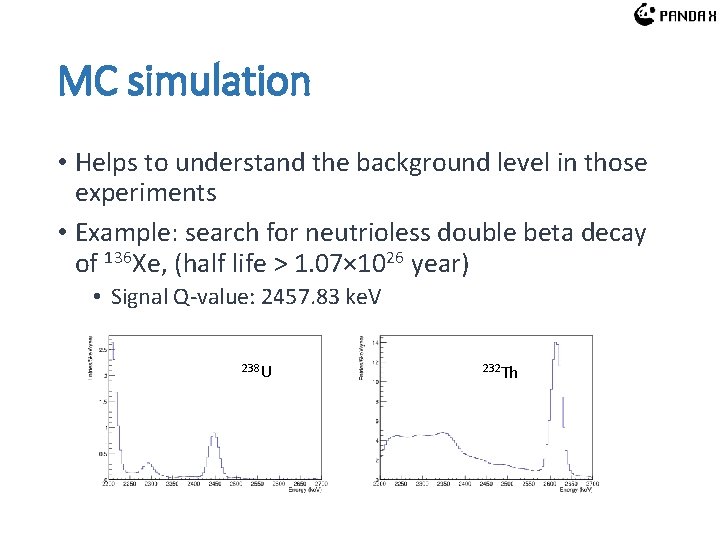
MC simulation • Helps to understand the background level in those experiments • Example: search for neutrioless double beta decay of 136 Xe, (half life > 1. 07× 1026 year) • Signal Q-value: 2457. 83 ke. V 238 U 232 Th
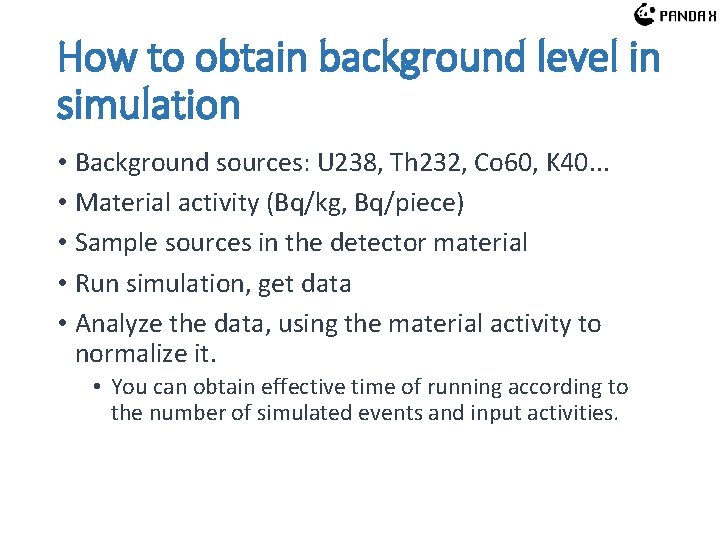
How to obtain background level in simulation • Background sources: U 238, Th 232, Co 60, K 40. . . • Material activity (Bq/kg, Bq/piece) • Sample sources in the detector material • Run simulation, get data • Analyze the data, using the material activity to normalize it. • You can obtain effective time of running according to the number of simulated events and input activities.
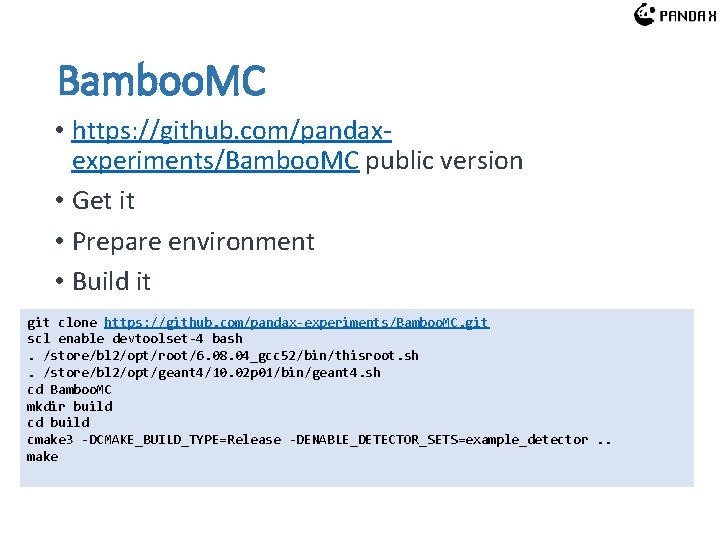
Bamboo. MC • https: //github. com/pandaxexperiments/Bamboo. MC public version • Get it • Prepare environment • Build it git clone https: //github. com/pandax-experiments/Bamboo. MC. git scl enable devtoolset-4 bash. /store/bl 2/opt/root/6. 08. 04_gcc 52/bin/thisroot. sh. /store/bl 2/opt/geant 4/10. 02 p 01/bin/geant 4. sh cd Bamboo. MC mkdir build cd build cmake 3 -DCMAKE_BUILD_TYPE=Release -DENABLE_DETECTOR_SETS=example_detector. . make
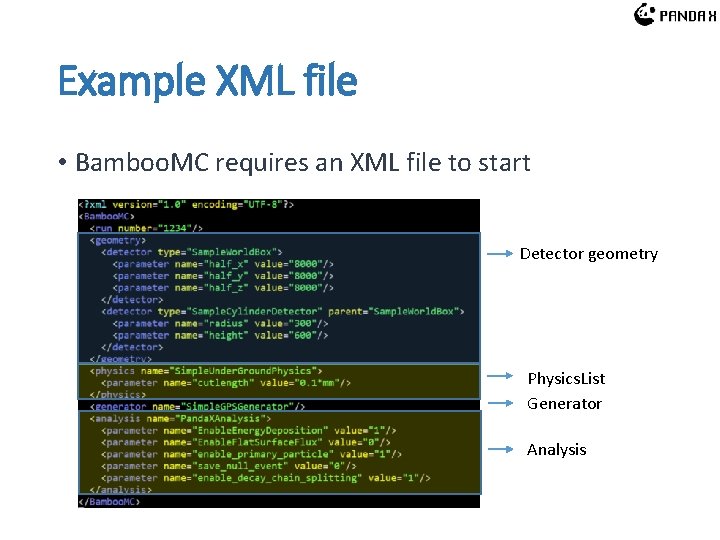
Example XML file • Bamboo. MC requires an XML file to start Detector geometry Physics. List Generator Analysis
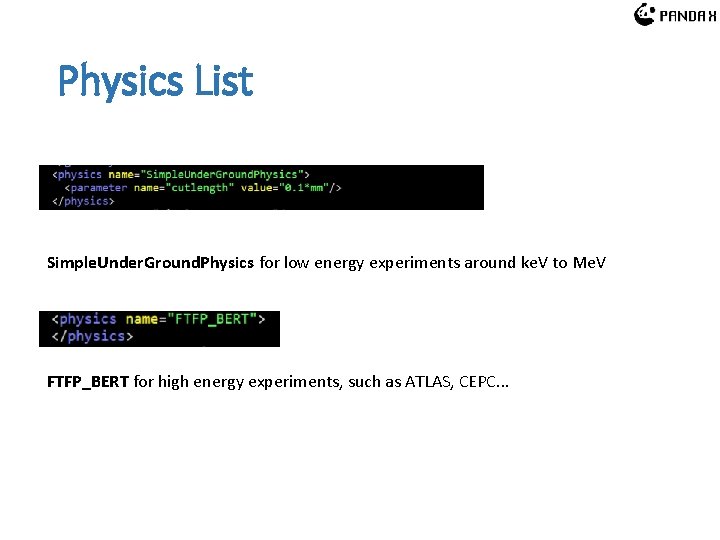
Detector Hierachy Sample. World. Box: not plotted Sample. Cylinder. Detector inside Sample. World. Box
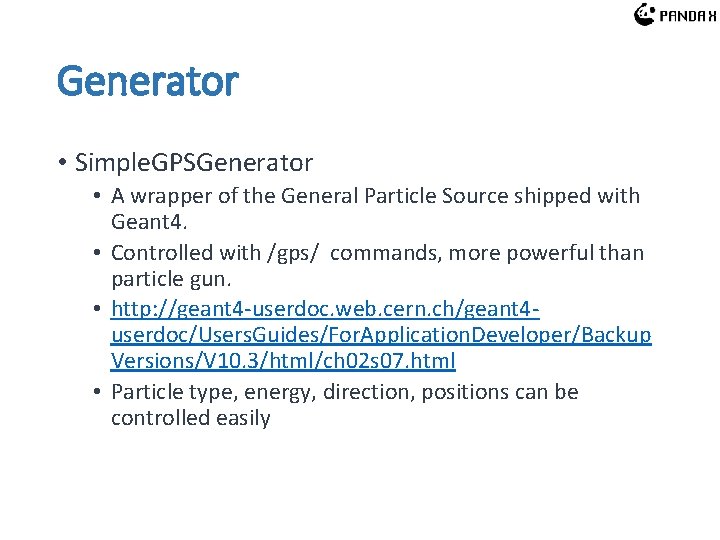
Physics List Simple. Under. Ground. Physics for low energy experiments around ke. V to Me. V FTFP_BERT for high energy experiments, such as ATLAS, CEPC. . .
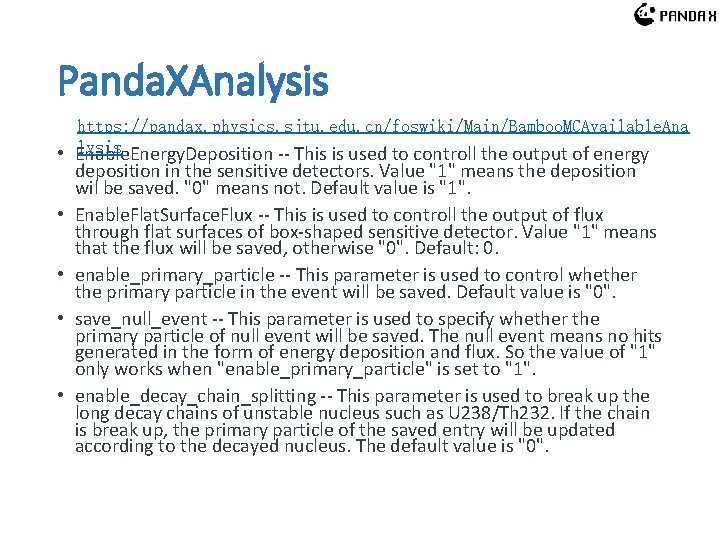
Generator • Simple. GPSGenerator • A wrapper of the General Particle Source shipped with Geant 4. • Controlled with /gps/ commands, more powerful than particle gun. • http: //geant 4 -userdoc. web. cern. ch/geant 4 userdoc/Users. Guides/For. Application. Developer/Backup Versions/V 10. 3/html/ch 02 s 07. html • Particle type, energy, direction, positions can be controlled easily
Panda. XAnalysis https: //pandax. physics. sjtu. edu. cn/foswiki/Main/Bamboo. MCAvailable. Ana lysis • Enable. Energy. Deposition -- This is used to controll the output of energy • • deposition in the sensitive detectors. Value "1" means the deposition wil be saved. "0" means not. Default value is "1". Enable. Flat. Surface. Flux -- This is used to controll the output of flux through flat surfaces of box-shaped sensitive detector. Value "1" means that the flux will be saved, otherwise "0". Default: 0. enable_primary_particle -- This parameter is used to control whether the primary particle in the event will be saved. Default value is "0". save_null_event -- This parameter is used to specify whether the primary particle of null event will be saved. The null event means no hits generated in the form of energy deposition and flux. So the value of "1" only works when "enable_primary_particle" is set to "1". enable_decay_chain_splitting -- This parameter is used to break up the long decay chains of unstable nucleus such as U 238/Th 232. If the chain is break up, the primary particle of the saved entry will be updated according to the decayed nucleus. The default value is "0".
Homework • Using the xml provide in page 20, estimate the Rn 220 background level in the cylindrical xenon detector in the (1, 10)ke. V energy window, assuming the activity of Rn 220 is 10 μBq/kg. • The background level should be given in the format of DRU, i. e. , number of events/(ke. V·kg·day)