Regular Expressions in Cold Fusion Applications Dave Fauth

- Slides: 21
Regular Expressions in Cold. Fusion Applications Dave Fauth DOMAIN technologies d. fauth@domain-tech. com Knowledge Engineering : Systems Integration : Web Development : Training
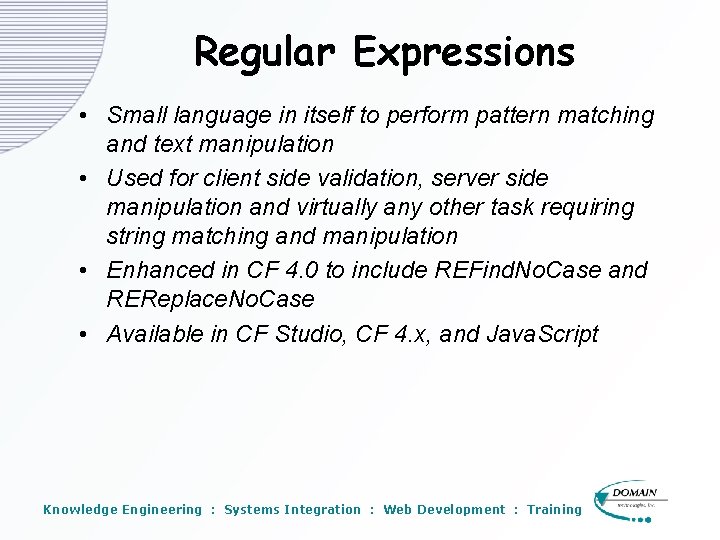
Regular Expressions • Small language in itself to perform pattern matching and text manipulation • Used for client side validation, server side manipulation and virtually any other task requiring string matching and manipulation • Enhanced in CF 4. 0 to include REFind. No. Case and REReplace. No. Case • Available in CF Studio, CF 4. x, and Java. Script Knowledge Engineering : Systems Integration : Web Development : Training
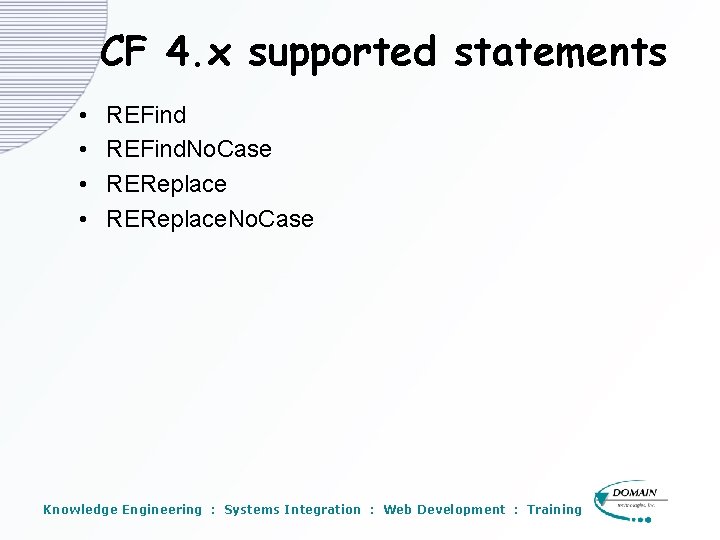
CF 4. x supported statements • • REFind. No. Case REReplace. No. Case Knowledge Engineering : Systems Integration : Web Development : Training
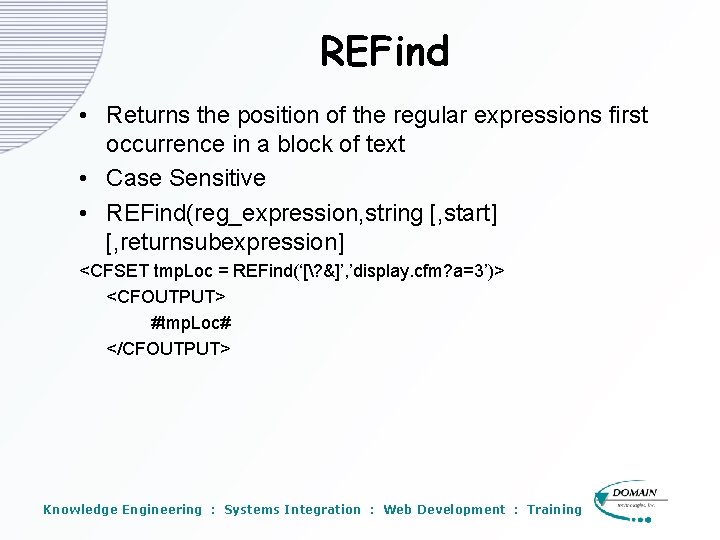
REFind • Returns the position of the regular expressions first occurrence in a block of text • Case Sensitive • REFind(reg_expression, string [, start] [, returnsubexpression] <CFSET tmp. Loc = REFind(‘[? &]’, ’display. cfm? a=3’)> <CFOUTPUT> #tmp. Loc# </CFOUTPUT> Knowledge Engineering : Systems Integration : Web Development : Training
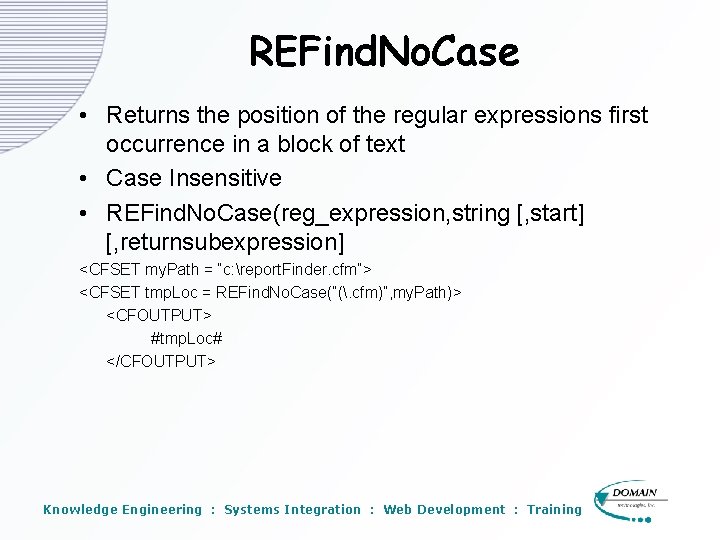
REFind. No. Case • Returns the position of the regular expressions first occurrence in a block of text • Case Insensitive • REFind. No. Case(reg_expression, string [, start] [, returnsubexpression] <CFSET my. Path = “c: report. Finder. cfm”> <CFSET tmp. Loc = REFind. No. Case(“(. cfm)”, my. Path)> <CFOUTPUT> #tmp. Loc# </CFOUTPUT> Knowledge Engineering : Systems Integration : Web Development : Training
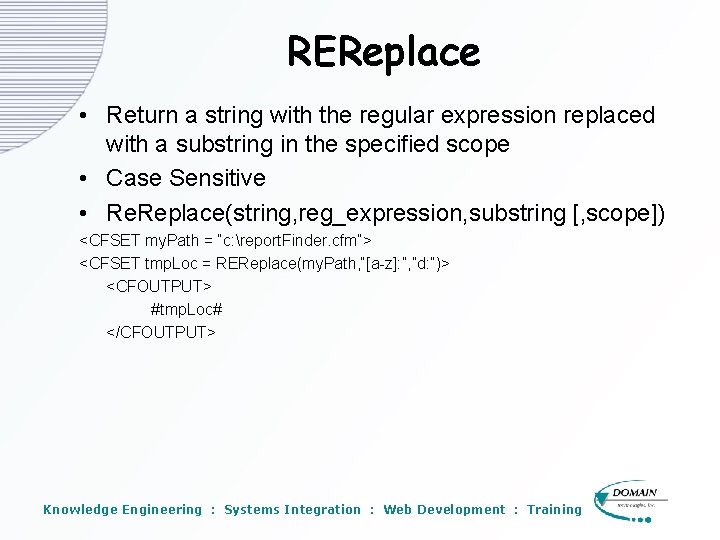
REReplace • Return a string with the regular expression replaced with a substring in the specified scope • Case Sensitive • Re. Replace(string, reg_expression, substring [, scope]) <CFSET my. Path = “c: report. Finder. cfm”> <CFSET tmp. Loc = REReplace(my. Path, “[a-z]: ”, ”d: ”)> <CFOUTPUT> #tmp. Loc# </CFOUTPUT> Knowledge Engineering : Systems Integration : Web Development : Training
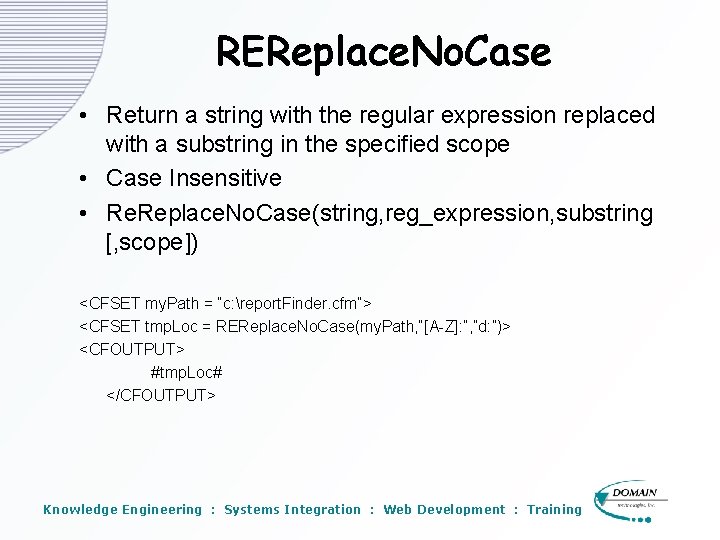
REReplace. No. Case • Return a string with the regular expression replaced with a substring in the specified scope • Case Insensitive • Re. Replace. No. Case(string, reg_expression, substring [, scope]) <CFSET my. Path = “c: report. Finder. cfm”> <CFSET tmp. Loc = REReplace. No. Case(my. Path, “[A-Z]: ”, ”d: ”)> <CFOUTPUT> #tmp. Loc# </CFOUTPUT> Knowledge Engineering : Systems Integration : Web Development : Training
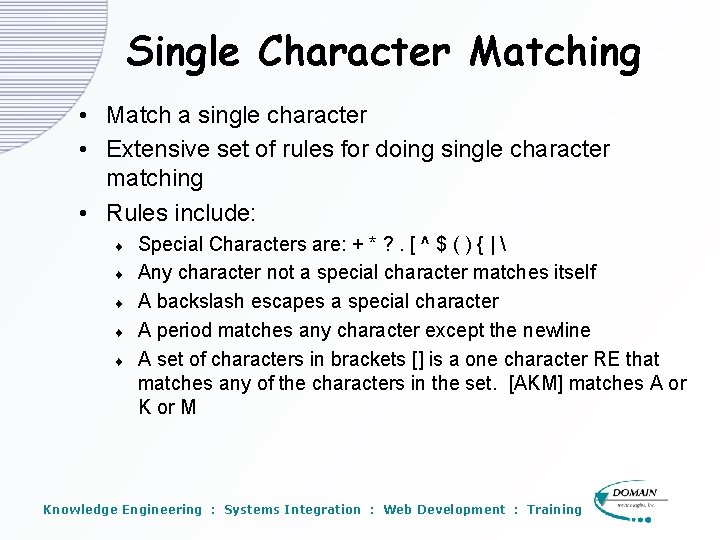
Single Character Matching • Match a single character • Extensive set of rules for doing single character matching • Rules include: t t t Special Characters are: + * ? . [ ^ $ ( ) { | Any character not a special character matches itself A backslash escapes a special character A period matches any character except the newline A set of characters in brackets [] is a one character RE that matches any of the characters in the set. [AKM] matches A or K or M Knowledge Engineering : Systems Integration : Web Development : Training
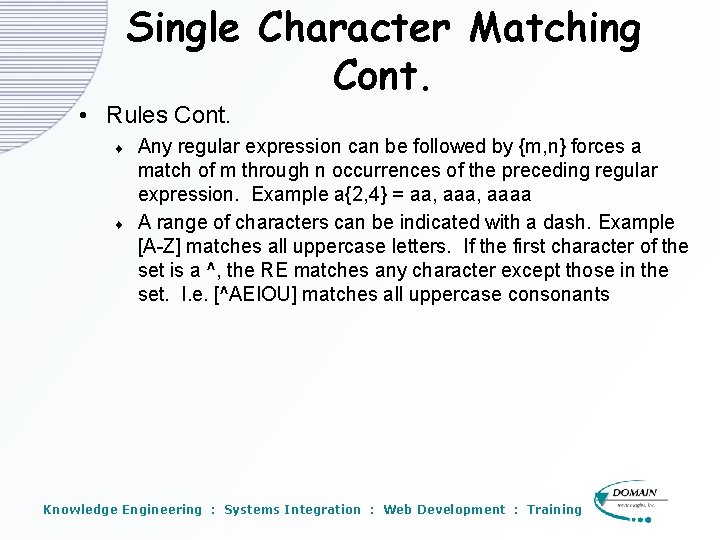
Single Character Matching Cont. • Rules Cont. t t Any regular expression can be followed by {m, n} forces a match of m through n occurrences of the preceding regular expression. Example a{2, 4} = aa, aaaa A range of characters can be indicated with a dash. Example [A-Z] matches all uppercase letters. If the first character of the set is a ^, the RE matches any character except those in the set. I. e. [^AEIOU] matches all uppercase consonants Knowledge Engineering : Systems Integration : Web Development : Training
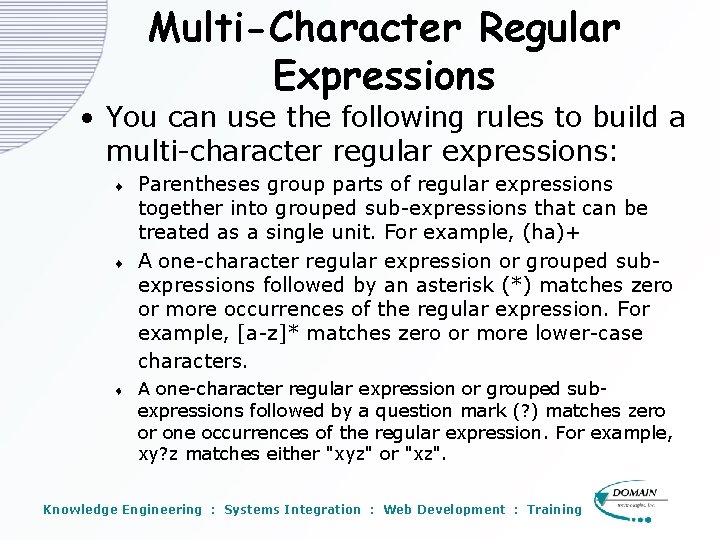
Multi-Character Regular Expressions • You can use the following rules to build a multi-character regular expressions: t t t Parentheses group parts of regular expressions together into grouped sub-expressions that can be treated as a single unit. For example, (ha)+ A one-character regular expression or grouped subexpressions followed by an asterisk (*) matches zero or more occurrences of the regular expression. For example, [a-z]* matches zero or more lower-case characters. A one-character regular expression or grouped subexpressions followed by a question mark (? ) matches zero or one occurrences of the regular expression. For example, xy? z matches either "xyz" or "xz". Knowledge Engineering : Systems Integration : Web Development : Training
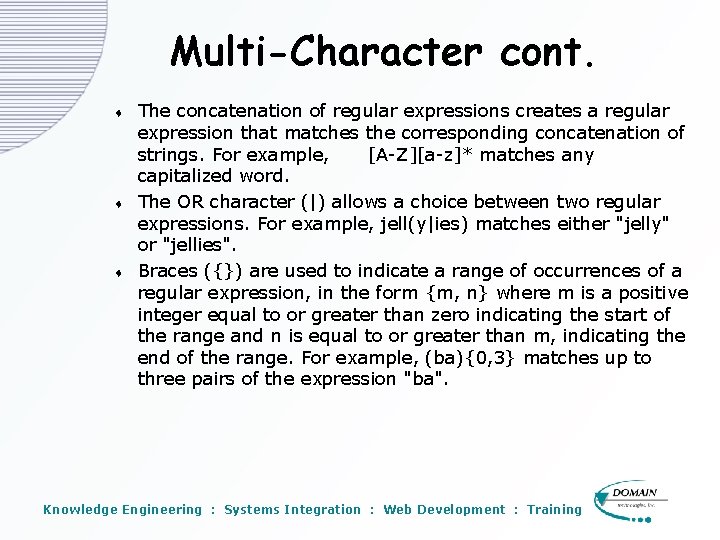
Multi-Character cont. t t t The concatenation of regular expressions creates a regular expression that matches the corresponding concatenation of strings. For example, [A-Z][a-z]* matches any capitalized word. The OR character (|) allows a choice between two regular expressions. For example, jell(y|ies) matches either "jelly" or "jellies". Braces ({}) are used to indicate a range of occurrences of a regular expression, in the form {m, n} where m is a positive integer equal to or greater than zero indicating the start of the range and n is equal to or greater than m, indicating the end of the range. For example, (ba){0, 3} matches up to three pairs of the expression "ba". Knowledge Engineering : Systems Integration : Web Development : Training
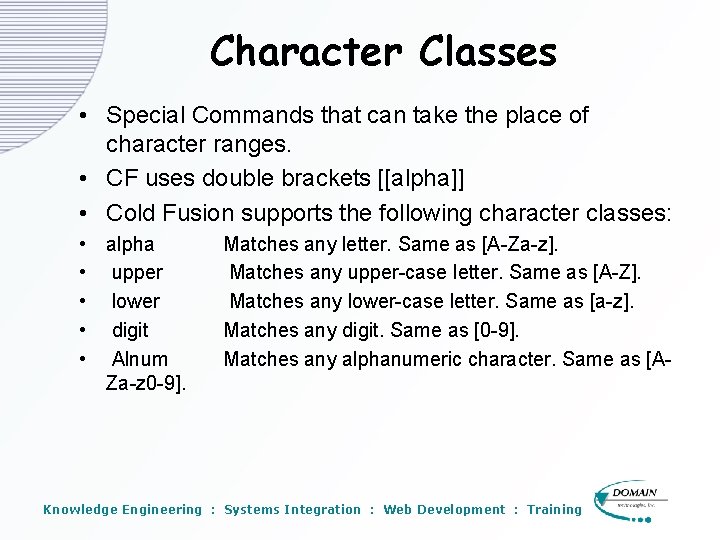
Character Classes • Special Commands that can take the place of character ranges. • CF uses double brackets [[alpha]] • Cold Fusion supports the following character classes: • alpha • upper • lower • digit • Alnum Za-z 0 -9]. Matches any letter. Same as [A-Za-z]. Matches any upper-case letter. Same as [A-Z]. Matches any lower-case letter. Same as [a-z]. Matches any digit. Same as [0 -9]. Matches any alphanumeric character. Same as [A- Knowledge Engineering : Systems Integration : Web Development : Training
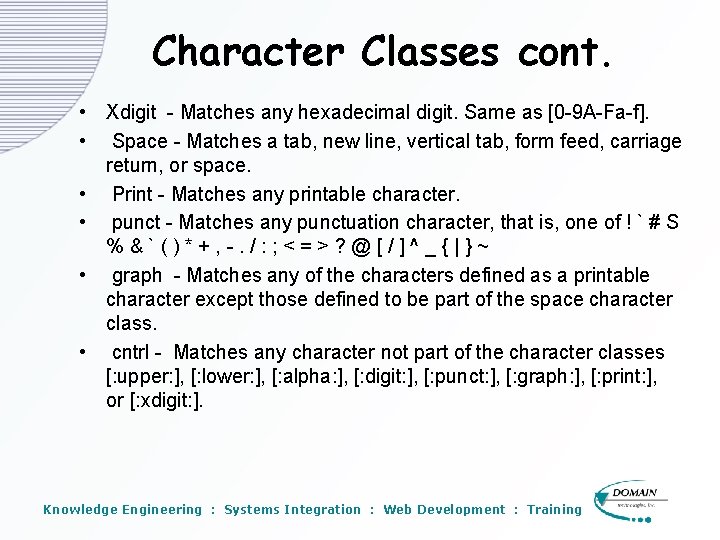
Character Classes cont. • Xdigit - Matches any hexadecimal digit. Same as [0 -9 A-Fa-f]. • Space - Matches a tab, new line, vertical tab, form feed, carriage return, or space. • Print - Matches any printable character. • punct - Matches any punctuation character, that is, one of ! ` # S %&`()*+, -. /: ; <=>? @[/]^_{|}~ • graph - Matches any of the characters defined as a printable character except those defined to be part of the space character class. • cntrl - Matches any character not part of the character classes [: upper: ], [: lower: ], [: alpha: ], [: digit: ], [: punct: ], [: graph: ], [: print: ], or [: xdigit: ]. Knowledge Engineering : Systems Integration : Web Development : Training
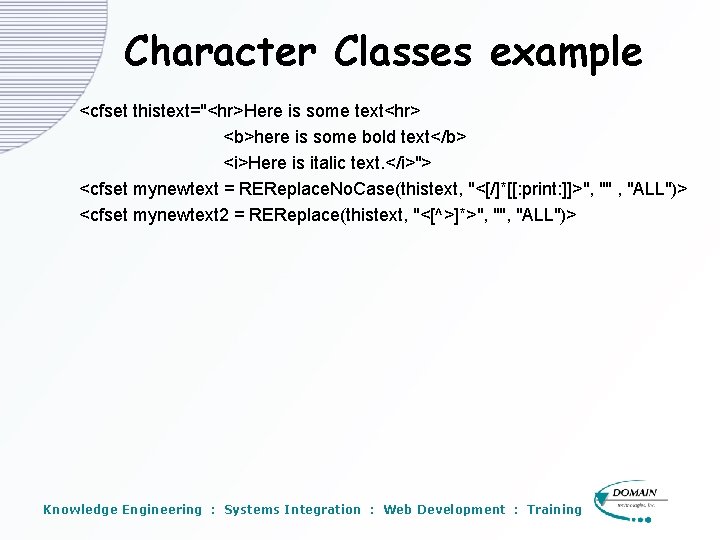
Character Classes example <cfset thistext="<hr>Here is some text<hr> <b>here is some bold text</b> <i>Here is italic text. </i>"> <cfset mynewtext = REReplace. No. Case(thistext, "<[/]*[[: print: ]]>", "" , "ALL")> <cfset mynewtext 2 = REReplace(thistext, "<[^>]*>", "ALL")> Knowledge Engineering : Systems Integration : Web Development : Training
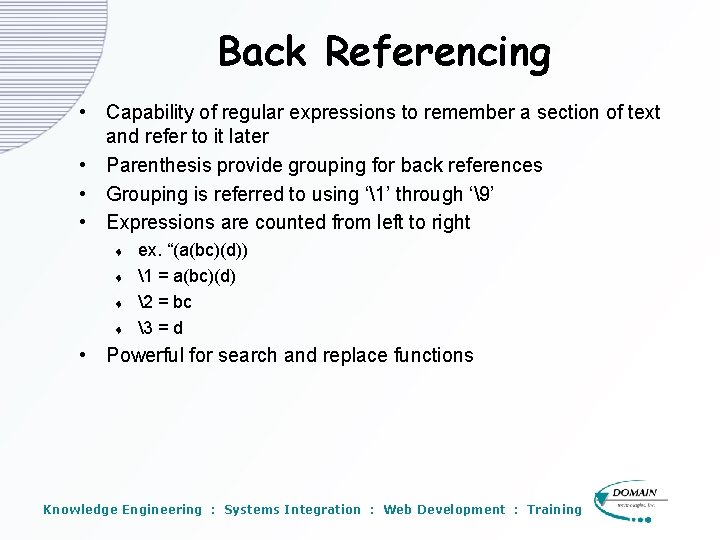
Back Referencing • Capability of regular expressions to remember a section of text and refer to it later • Parenthesis provide grouping for back references • Grouping is referred to using ‘1’ through ‘9’ • Expressions are counted from left to right t t ex. “(a(bc)(d)) 1 = a(bc)(d) 2 = bc 3 = d • Powerful for search and replace functions Knowledge Engineering : Systems Integration : Web Development : Training
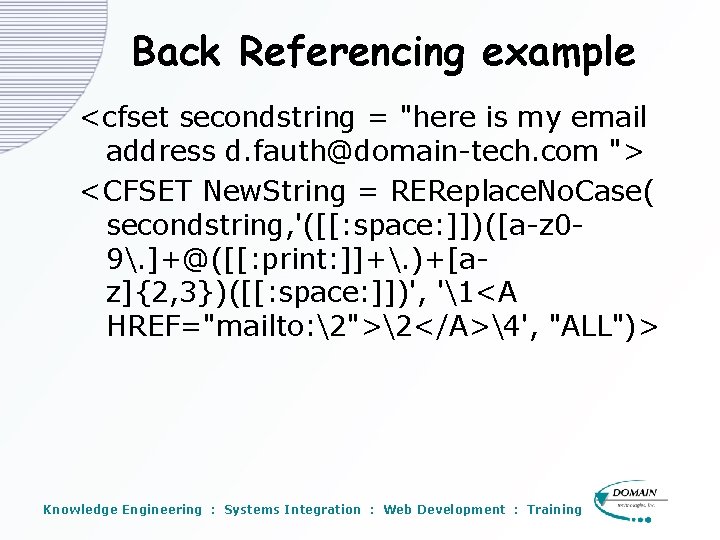
Back Referencing example <cfset secondstring = "here is my email address d. fauth@domain-tech. com "> <CFSET New. String = REReplace. No. Case( secondstring, '([[: space: ]])([a-z 09. ]+@([[: print: ]]+. )+[az]{2, 3})([[: space: ]])', '1<A HREF="mailto: 2">2</A>4', "ALL")> Knowledge Engineering : Systems Integration : Web Development : Training
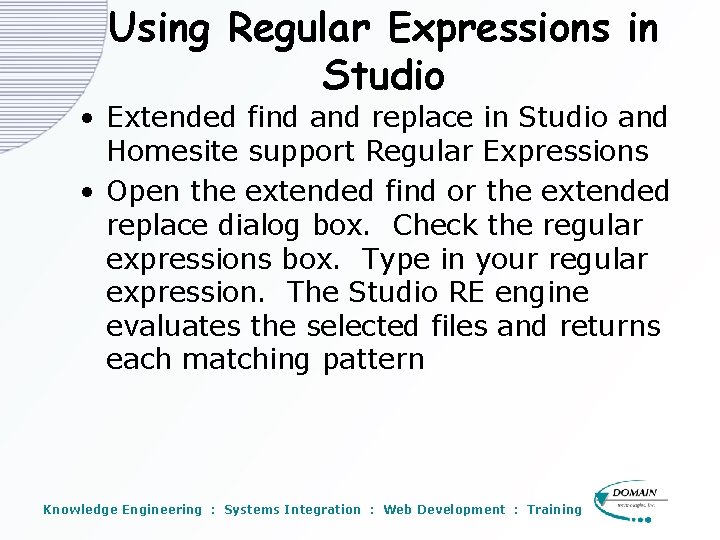
Using Regular Expressions in Studio • Extended find and replace in Studio and Homesite support Regular Expressions • Open the extended find or the extended replace dialog box. Check the regular expressions box. Type in your regular expression. The Studio RE engine evaluates the selected files and returns each matching pattern Knowledge Engineering : Systems Integration : Web Development : Training
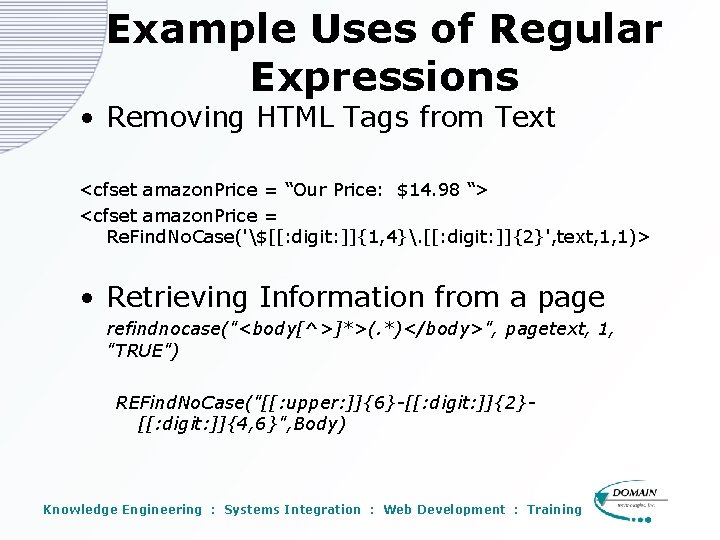
Example Uses of Regular Expressions • Removing HTML Tags from Text <cfset amazon. Price = “Our Price: $14. 98 “> <cfset amazon. Price = Re. Find. No. Case('$[[: digit: ]]{1, 4}. [[: digit: ]]{2}', text, 1, 1)> • Retrieving Information from a page refindnocase("<body[^>]*>(. *)</body>", pagetext, 1, "TRUE") REFind. No. Case("[[: upper: ]]{6}-[[: digit: ]]{2}[[: digit: ]]{4, 6}", Body) Knowledge Engineering : Systems Integration : Web Development : Training
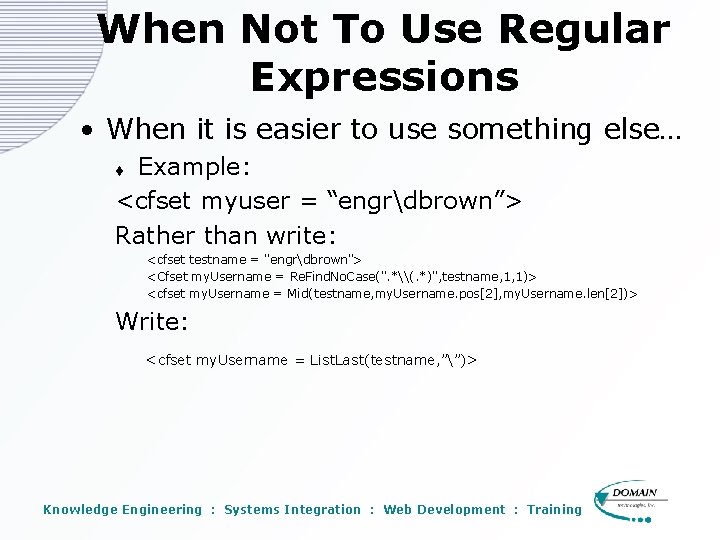
When Not To Use Regular Expressions • When it is easier to use something else… Example: <cfset myuser = “engrdbrown”> Rather than write: t <cfset testname = "engrdbrown"> <Cfset my. Username = Re. Find. No. Case(". *\(. *)", testname, 1, 1)> <cfset my. Username = Mid(testname, my. Username. pos[2], my. Username. len[2])> Write: <cfset my. Username = List. Last(testname, ””)> Knowledge Engineering : Systems Integration : Web Development : Training
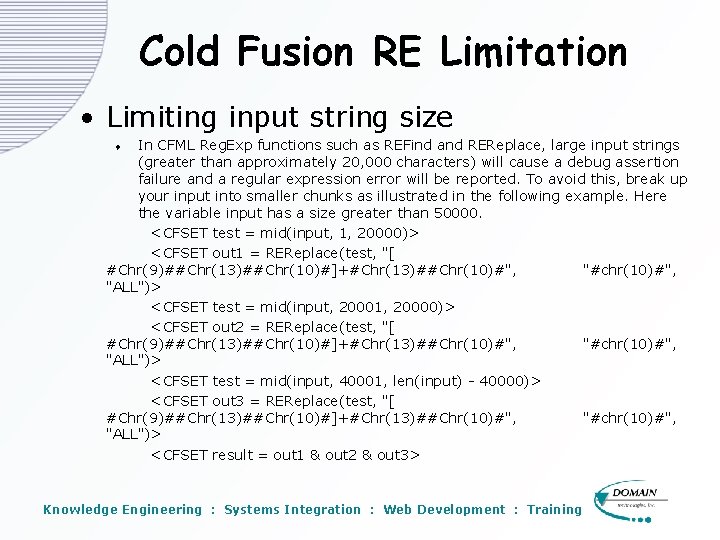
Cold Fusion RE Limitation • Limiting input string size In CFML Reg. Exp functions such as REFind and REReplace, large input strings (greater than approximately 20, 000 characters) will cause a debug assertion failure and a regular expression error will be reported. To avoid this, break up your input into smaller chunks as illustrated in the following example. Here the variable input has a size greater than 50000. <CFSET test = mid(input, 1, 20000)> <CFSET out 1 = REReplace(test, "[ #Chr(9)##Chr(13)##Chr(10)#]+#Chr(13)##Chr(10)#", "#chr(10)#", "ALL")> <CFSET test = mid(input, 20001, 20000)> <CFSET out 2 = REReplace(test, "[ #Chr(9)##Chr(13)##Chr(10)#]+#Chr(13)##Chr(10)#", "#chr(10)#", "ALL")> <CFSET test = mid(input, 40001, len(input) - 40000)> <CFSET out 3 = REReplace(test, "[ #Chr(9)##Chr(13)##Chr(10)#]+#Chr(13)##Chr(10)#", "#chr(10)#", "ALL")> <CFSET result = out 1 & out 2 & out 3> t Knowledge Engineering : Systems Integration : Web Development : Training
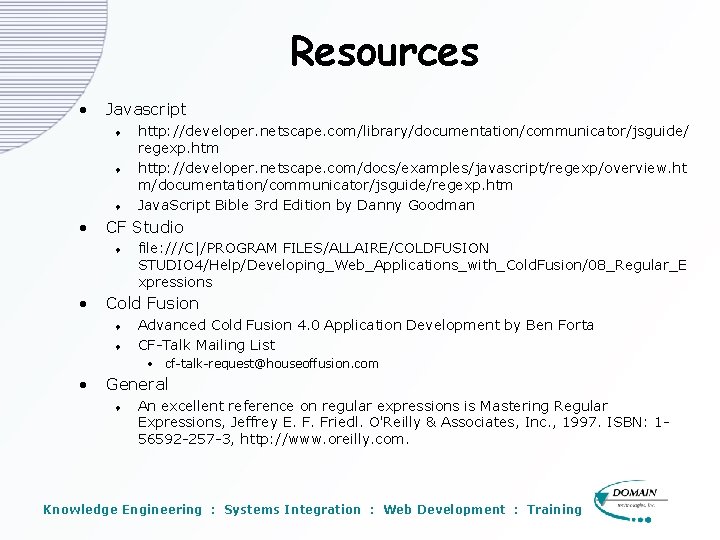
Resources • Javascript t • CF Studio t • http: //developer. netscape. com/library/documentation/communicator/jsguide/ regexp. htm http: //developer. netscape. com/docs/examples/javascript/regexp/overview. ht m/documentation/communicator/jsguide/regexp. htm Java. Script Bible 3 rd Edition by Danny Goodman file: ///C|/PROGRAM FILES/ALLAIRE/COLDFUSION STUDIO 4/Help/Developing_Web_Applications_with_Cold. Fusion/08_Regular_E xpressions Cold Fusion t t Advanced Cold Fusion 4. 0 Application Development by Ben Forta CF-Talk Mailing List • cf-talk-request@houseoffusion. com • General t An excellent reference on regular expressions is Mastering Regular Expressions, Jeffrey E. F. Friedl. O'Reilly & Associates, Inc. , 1997. ISBN: 156592 -257 -3, http: //www. oreilly. com. Knowledge Engineering : Systems Integration : Web Development : Training