
Blend of Cold Fusion and Java If you
Blend of Cold. Fusion and Java
• • If you use Cold. Fusion (or another Java-based CFML runtime), you should be using Java. There's a reason that CF uses Java under the hood: Java is incredibly powerful. The interface to Java from the CF level is cumbersome and creating hybrid CF/Java applications pretty much costs you CF's RAD capabilities, but there are some real gems in the Java libraries • . Using Cold. Fusion means leveraging the power of Java. Cold. Fusion encapsulates a large percentage of the Java web universe and makes it available to you through native tags, but a vast array of additional functionality is also available through the use of Java Libraries.
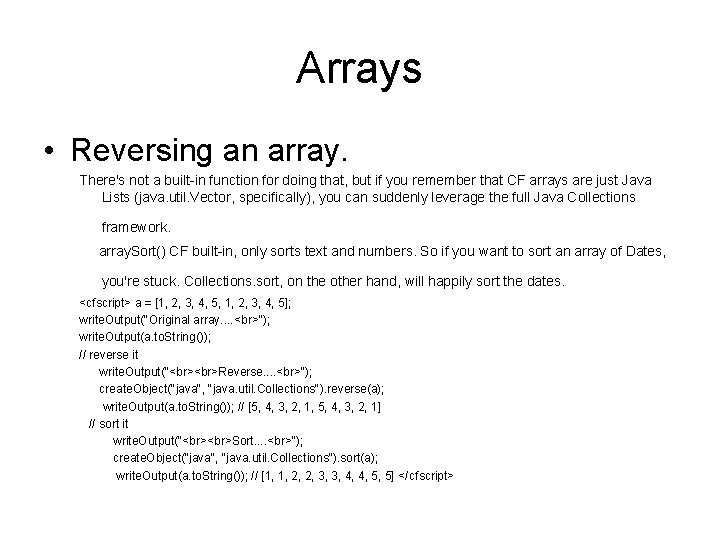
Arrays • Reversing an array. There's not a built-in function for doing that, but if you remember that CF arrays are just Java Lists (java. util. Vector, specifically), you can suddenly leverage the full Java Collections framework. array. Sort() CF built-in, only sorts text and numbers. So if you want to sort an array of Dates, you're stuck. Collections. sort, on the other hand, will happily sort the dates. <cfscript> a = [1, 2, 3, 4, 5, 1, 2, 3, 4, 5]; write. Output("Original array. . "); write. Output(a. to. String()); // reverse it write. Output(" Reverse. . "); create. Object("java", "java. util. Collections"). reverse(a); write. Output(a. to. String()); // [5, 4, 3, 2, 1, 5, 4, 3, 2, 1] // sort it write. Output(" Sort. . "); create. Object("java", "java. util. Collections"). sort(a); write. Output(a. to. String()); // [1, 1, 2, 2, 3, 3, 4, 4, 5, 5] </cfscript>
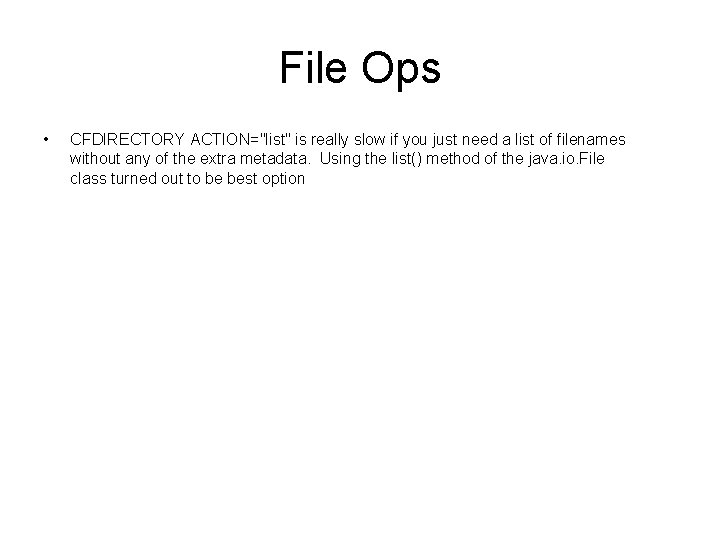
File Ops • CFDIRECTORY ACTION="list" is really slow if you just need a list of filenames without any of the extra metadata. Using the list() method of the java. io. File class turned out to be best option
Strings • • • String is used to manipulate character strings that cannot be changed (read-only and immutable). String. Buffer is used to represent characters that can be modified. Performance wise, String. Buffer is faster when performing concatenations. This is because when you concatenate a String, you are creating a new object (internally) every time since String is immutable. • • • Question : <cfset test = “Value. Labs” > What type is test string ?
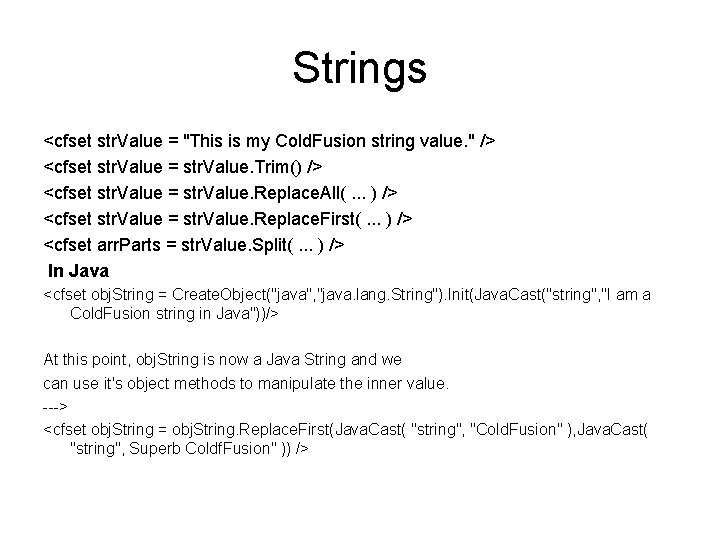
Strings <cfset str. Value = "This is my Cold. Fusion string value. " /> <cfset str. Value = str. Value. Trim() /> <cfset str. Value = str. Value. Replace. All(. . . ) /> <cfset str. Value = str. Value. Replace. First(. . . ) /> <cfset arr. Parts = str. Value. Split(. . . ) /> In Java <cfset obj. String = Create. Object("java", "java. lang. String"). Init(Java. Cast("string", "I am a Cold. Fusion string in Java"))/> At this point, obj. String is now a Java String and we can use it's object methods to manipulate the inner value. ---> <cfset obj. String = obj. String. Replace. First(Java. Cast( "string", "Cold. Fusion" ), Java. Cast( "string", Superb Coldf. Fusion" )) />
Question • Which regex engine Cold. Fusion uses?
Regular expressions • • CF use Jakarta ORO v 2. 0. 6 - changing it for the existing functions would break backwards compatibility, since other regex engines use different syntax (for both matching and replacement). However, you can access the java. util. regex package from CF
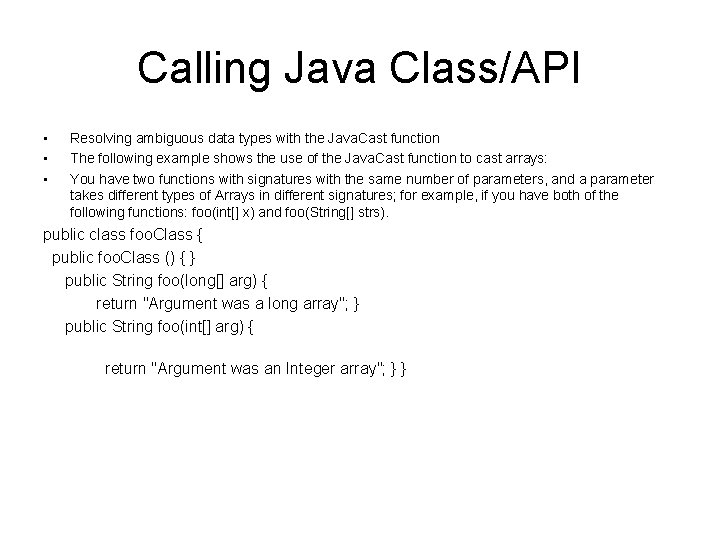
Calling Java Class/API • • • Resolving ambiguous data types with the Java. Cast function The following example shows the use of the Java. Cast function to cast arrays: You have two functions with signatures with the same number of parameters, and a parameter takes different types of Arrays in different signatures; for example, if you have both of the following functions: foo(int[] x) and foo(String[] strs). public class foo. Class { public foo. Class () { } public String foo(long[] arg) { return "Argument was a long array"; } public String foo(int[] arg) { return "Argument was an Integer array"; } }
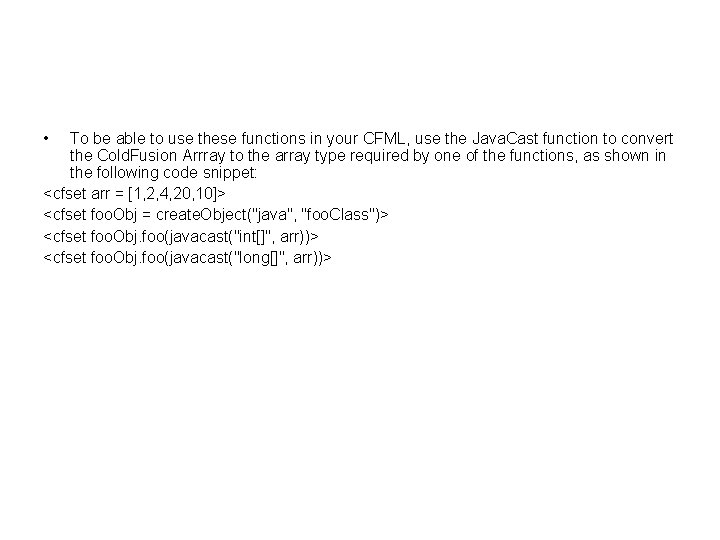
• To be able to use these functions in your CFML, use the Java. Cast function to convert the Cold. Fusion Arrray to the array type required by one of the functions, as shown in the following code snippet: <cfset arr = [1, 2, 4, 20, 10]> <cfset foo. Obj = create. Object("java", "foo. Class")> <cfset foo. Obj. foo(javacast("int[]", arr))> <cfset foo. Obj. foo(javacast("long[]", arr))>
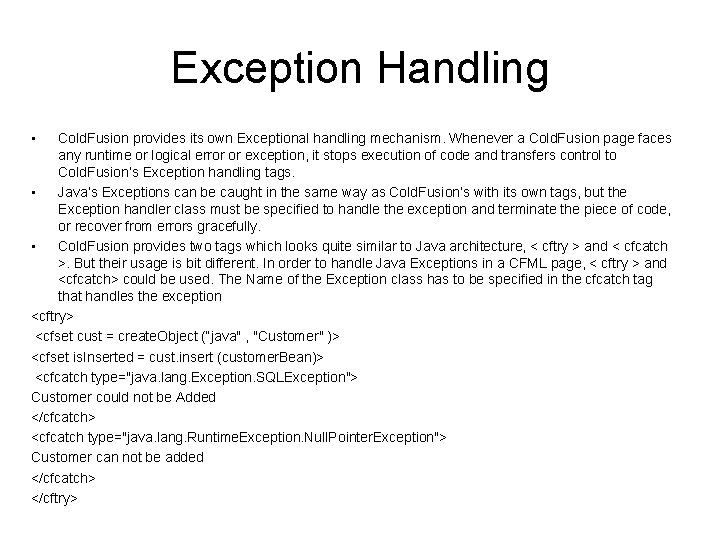
Exception Handling • Cold. Fusion provides its own Exceptional handling mechanism. Whenever a Cold. Fusion page faces any runtime or logical error or exception, it stops execution of code and transfers control to Cold. Fusion’s Exception handling tags. • Java’s Exceptions can be caught in the same way as Cold. Fusion’s with its own tags, but the Exception handler class must be specified to handle the exception and terminate the piece of code, or recover from errors gracefully. • Cold. Fusion provides two tags which looks quite similar to Java architecture, < cftry > and < cfcatch >. But their usage is bit different. In order to handle Java Exceptions in a CFML page, < cftry > and <cfcatch> could be used. The Name of the Exception class has to be specified in the cfcatch tag that handles the exception <cftry> <cfset cust = create. Object (“java" , "Customer" )> <cfset is. Inserted = cust. insert (customer. Bean)> <cfcatch type="java. lang. Exception. SQLException"> Customer could not be Added </cfcatch> <cfcatch type="java. lang. Runtime. Exception. Null. Pointer. Exception"> Customer can not be added </cfcatch> </cftry>
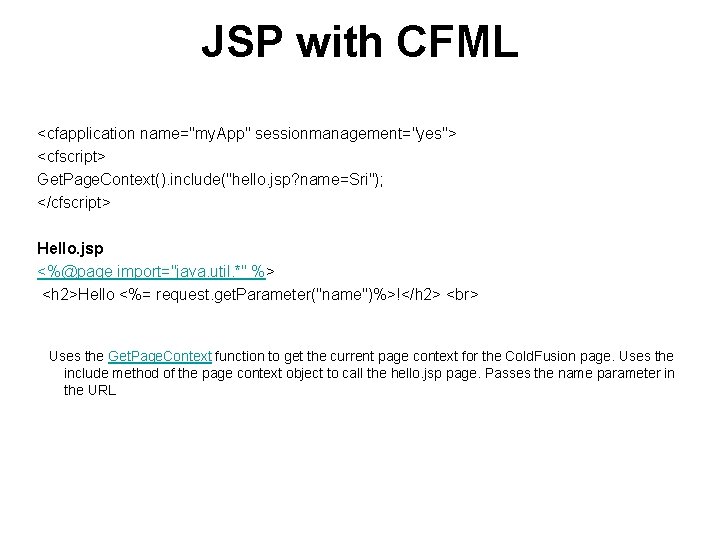
JSP with CFML <cfapplication name="my. App" sessionmanagement="yes"> <cfscript> Get. Page. Context(). include("hello. jsp? name=Sri"); </cfscript> Hello. jsp <%@page import="java. util. *" %> <h 2>Hello <%= request. get. Parameter("name")%>!</h 2> Uses the Get. Page. Context function to get the current page context for the Cold. Fusion page. Uses the include method of the page context object to call the hello. jsp page. Passes the name parameter in the URL
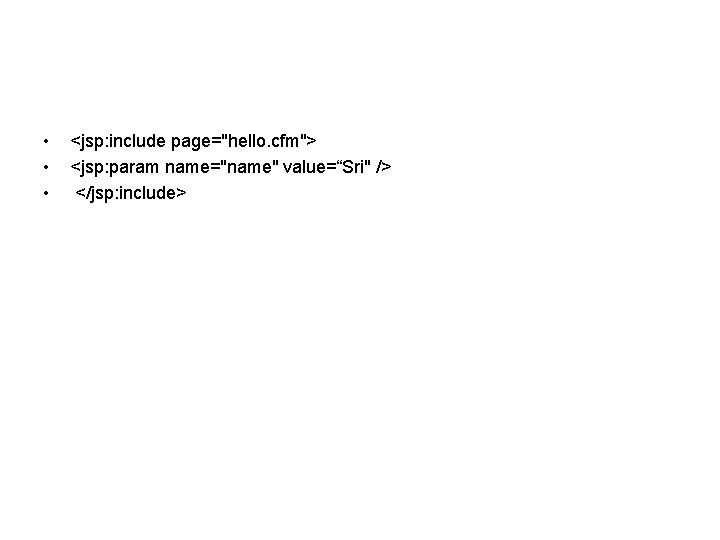
• • • <jsp: include page="hello. cfm"> <jsp: param name="name" value=“Sri" /> </jsp: include>

Thank you!
- Slides: 14