Python String week 3 String string string string
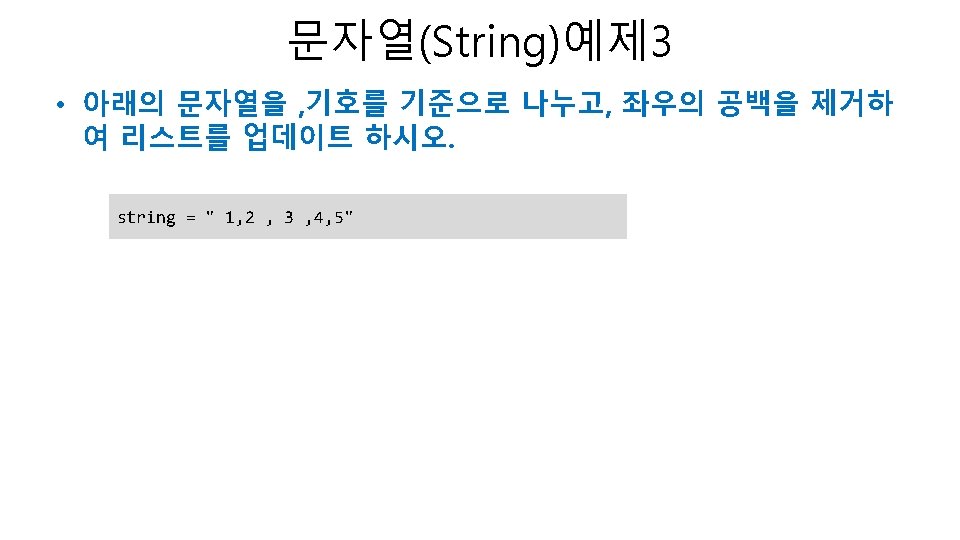
![문자열(String) • 문자열의 슬라이싱 – a[시작번호: 끝번호] 생략 >>> a[19: ] 'You need Python'](https://slidetodoc.com/presentation_image_h/2c23e609c9fa2e32e826b88d7ab9bd55/image-12.jpg "문자열(String) • 문자열의 슬라이싱 – a[시작번호: 끝번호] 생략 >>> a[19: ] 'You need Python'")
- Slides: 27
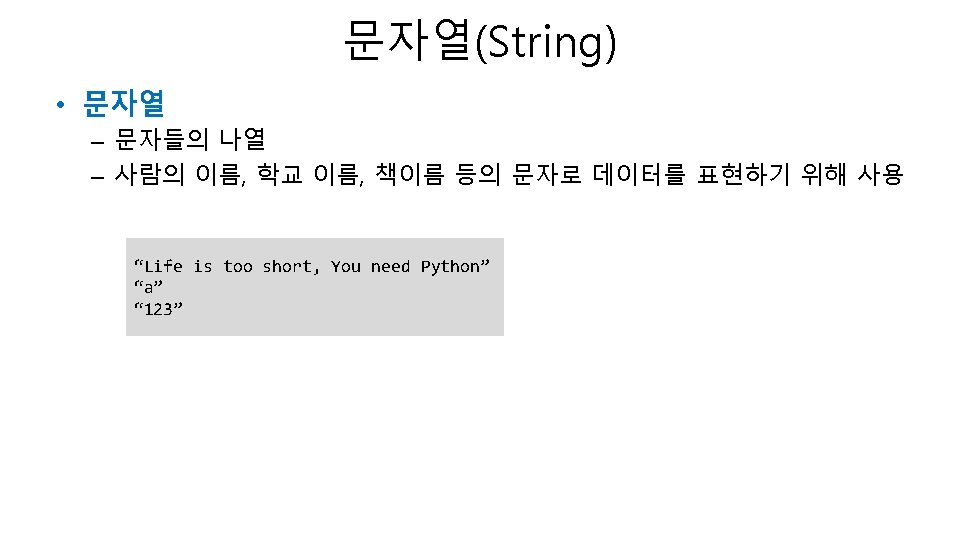
Python 특강-문자열(String) week 3 김진평
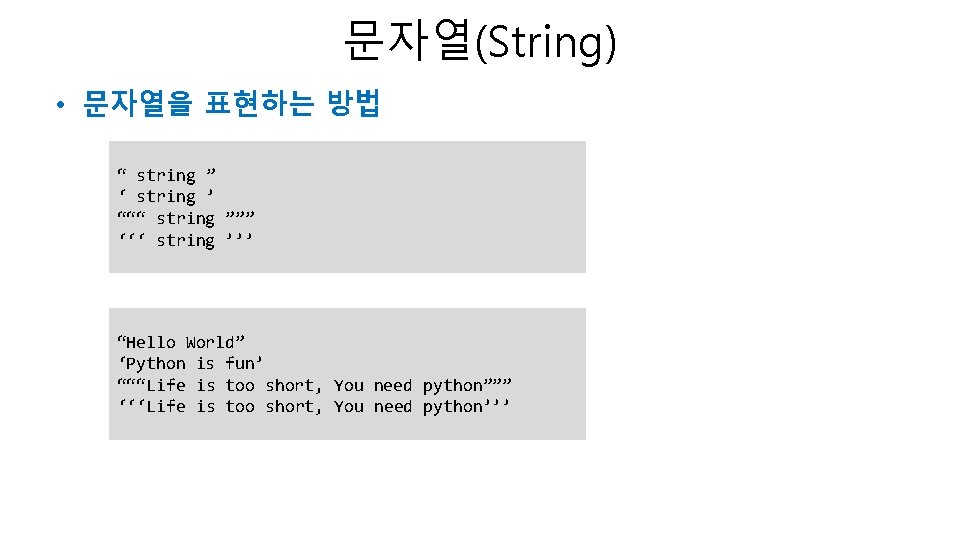
문자열(String) • 문자열을 표현하는 방법 “ string ” ‘ string ’ “““ string ””” ‘‘‘ string ’’’ “Hello World” ‘Python is fun’ “““Life is too short, You need python””” ‘‘‘Life is too short, You need python’’’
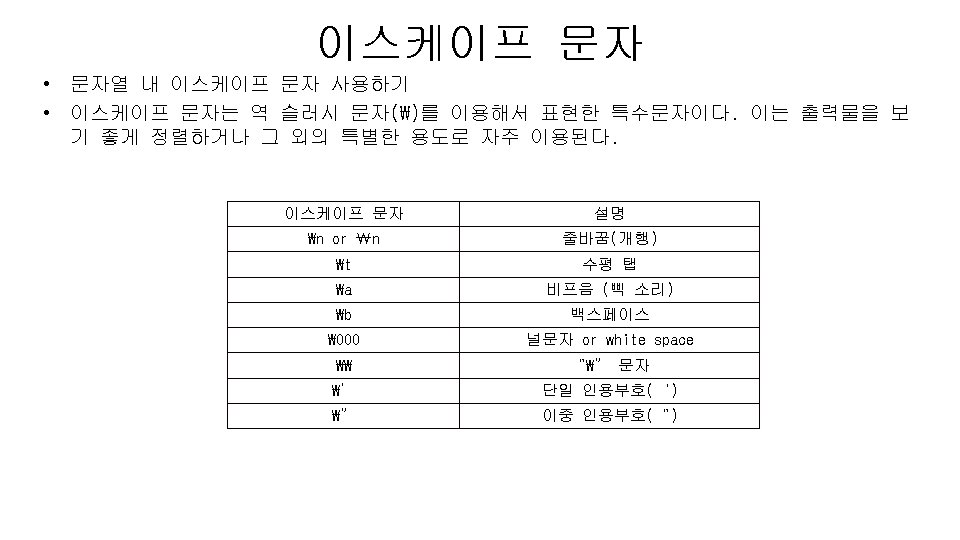
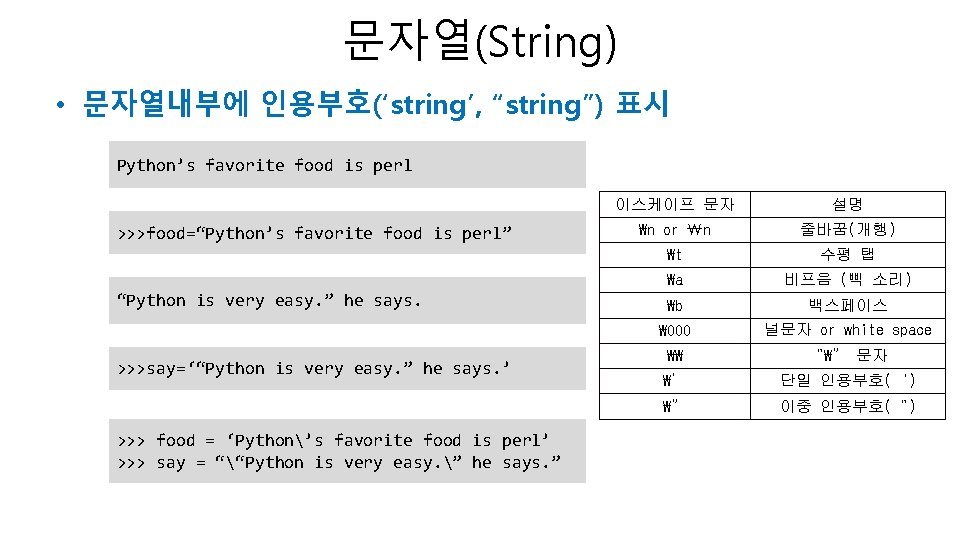
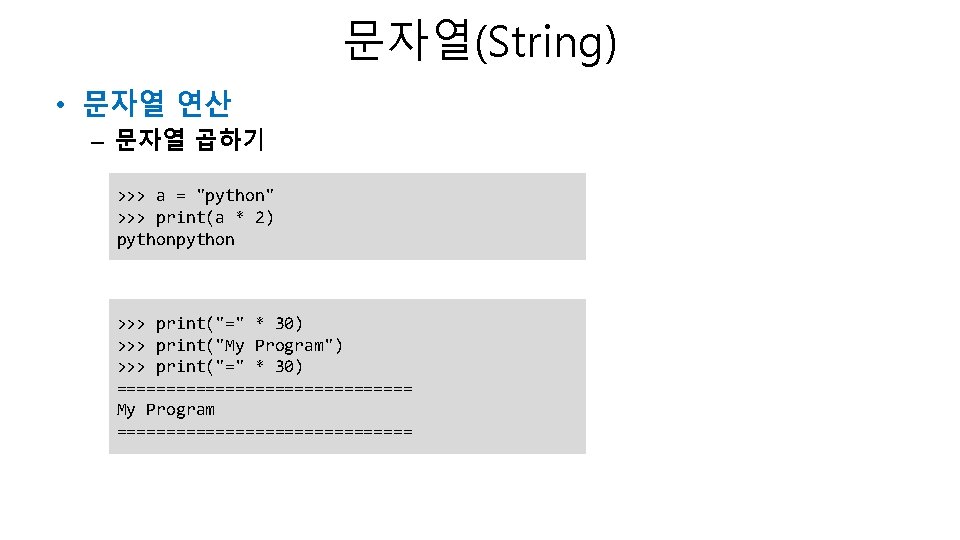
문자열(String) • 문자열내부에 인용부호(‘string’, “string”) 표시 Python’s favorite food is perl >>>food=“Python’s favorite food is perl” “Python is very easy. ” he says. >>>say=‘“Python is very easy. ” he says. ’ >>> food = ‘Python’s favorite food is perl’ >>> say = ““Python is very easy. ” he says. ” 이스케이프 문자 설명 ₩n or ₩n 줄바꿈(개행) ₩t 수평 탭 ₩a 비프음 (삑 소리) ₩b 백스페이스 ₩ 000 널문자 or white space ₩₩ “₩” 문자 ₩’ 단일 인용부호(‘) ₩” 이중 인용부호(“)
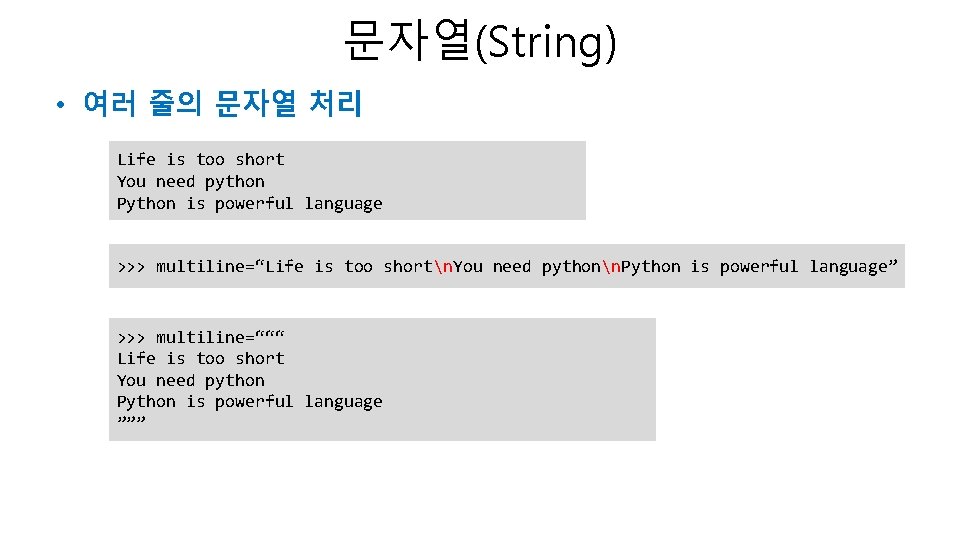
문자열(String) • 여러 줄의 문자열 처리 Life is too short You need python Python is powerful language >>> multiline=“Life is too shortn. You need pythonn. Python is powerful language” >>> multiline=“““ Life is too short You need python Python is powerful language ”””
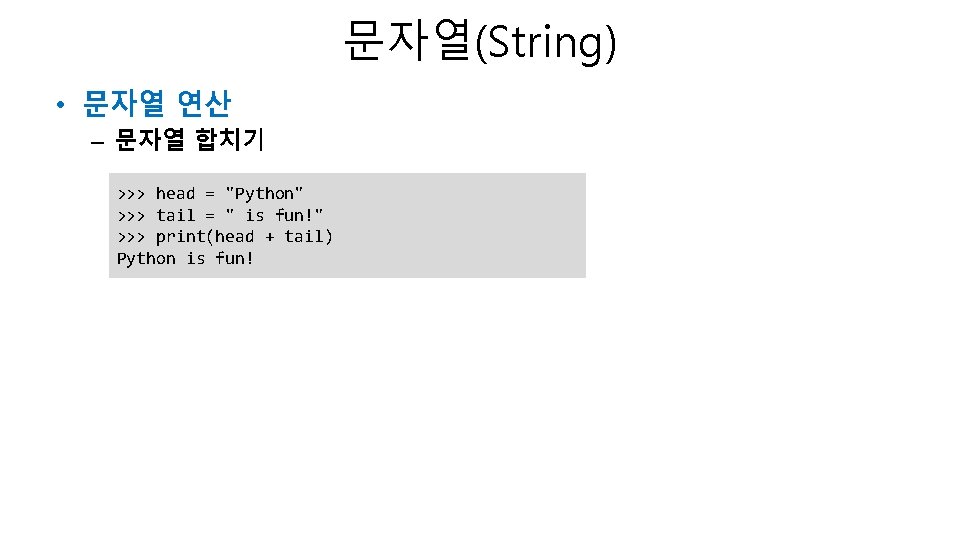
문자열(String) • 문자열 연산 – 문자열 합치기 >>> head = "Python" >>> tail = " is fun!" >>> print(head + tail) Python is fun!
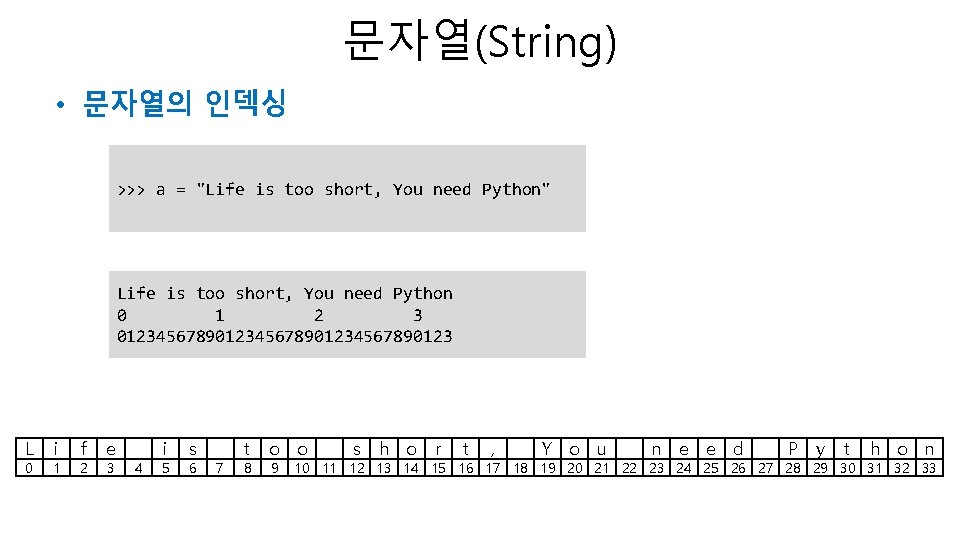
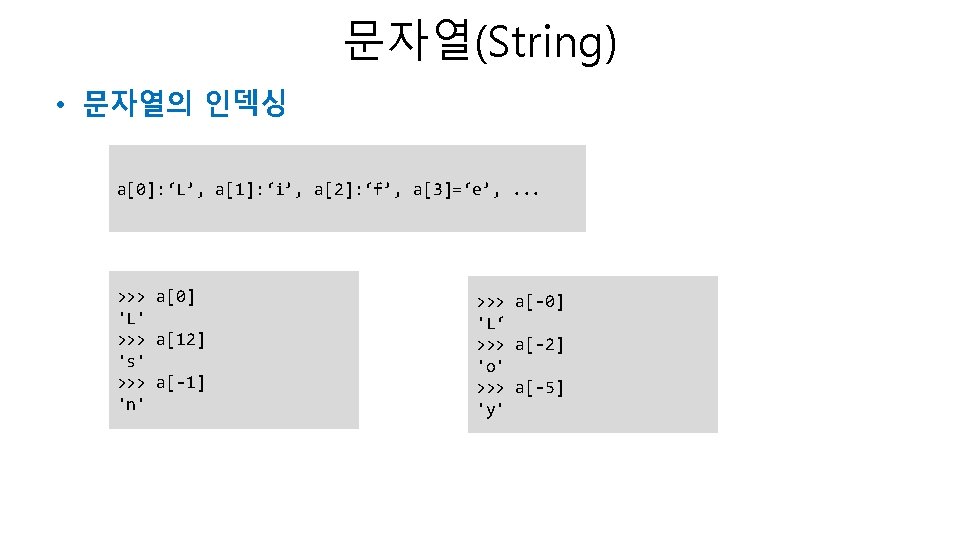
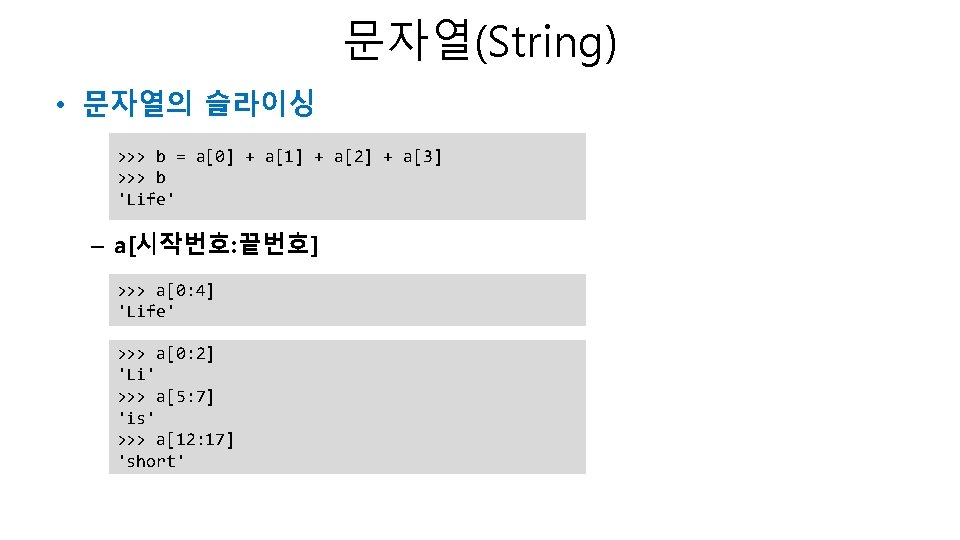
문자열(String) • 문자열의 인덱싱 >>> a = "Life is too short, You need Python" Life is too short, You need Python 0 1 2 3 012345678901234567890123 L 0 i 1 f 2 e 3 4 i 5 s 6 7 t 8 o o 9 s h o r t , Y o u n e e d P y t h o n 10 11 12 13 14 15 16 17 18 19 20 21 22 23 24 25 26 27 28 29 30 31 32 33
문자열(String) • 문자열의 슬라이싱 – a[시작번호: 끝번호] 생략 >>> a[19: ] 'You need Python' >>> a[: 17] 'Life is too short' >>> a[: ] 'Life is too short, You need Python' >>> a[19: -7] 'You need'
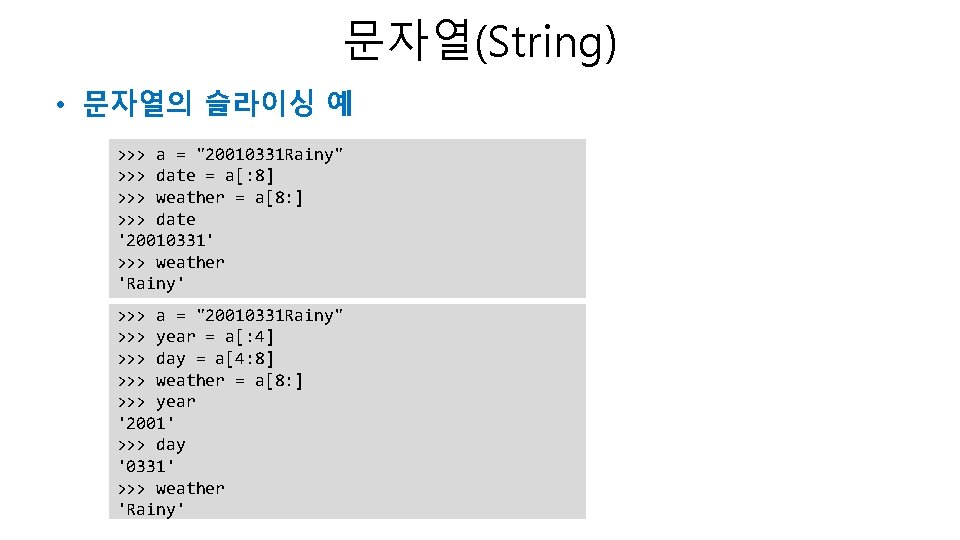
문자열(String) • 문자열의 슬라이싱 예 >>> a = "20010331 Rainy" >>> date = a[: 8] >>> weather = a[8: ] >>> date '20010331' >>> weather 'Rainy' >>> a = "20010331 Rainy" >>> year = a[: 4] >>> day = a[4: 8] >>> weather = a[8: ] >>> year '2001' >>> day '0331' >>> weather 'Rainy'
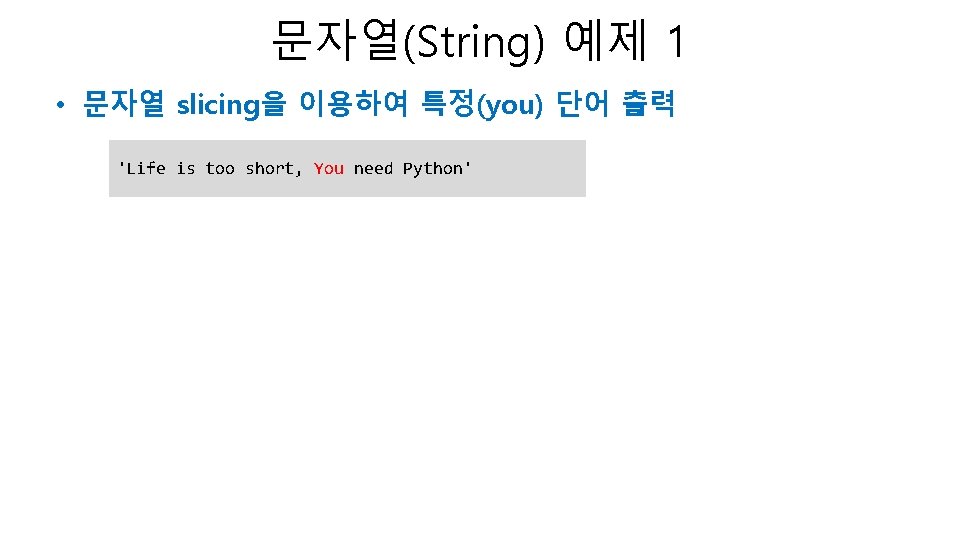
문자열(String) 예제 1 • 문자열 slicing을 이용하여 특정(you) 단어 출력 'Life is too short, You need Python'
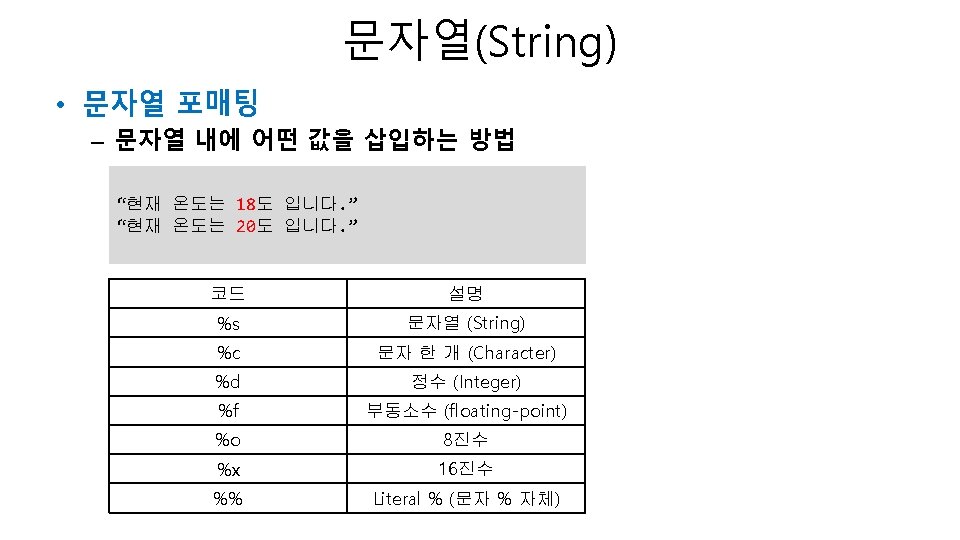
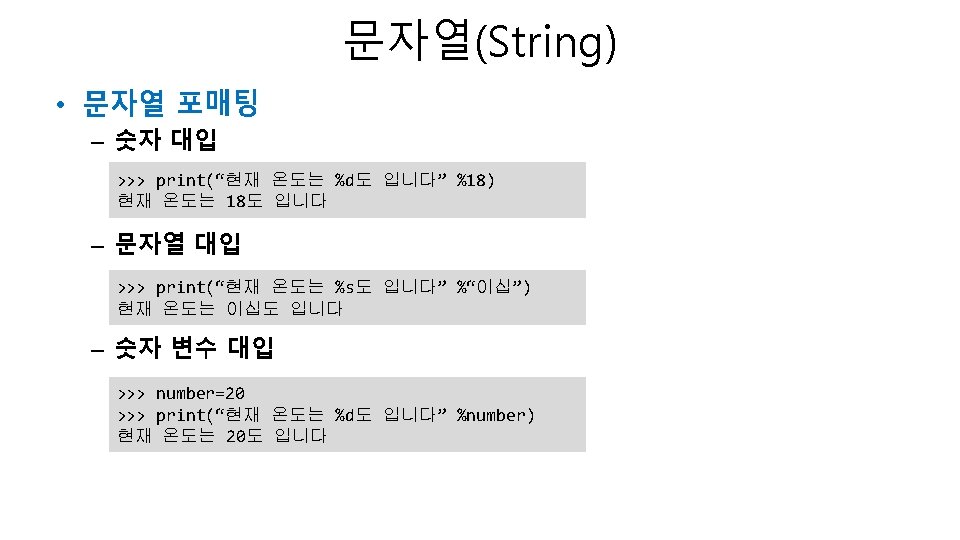
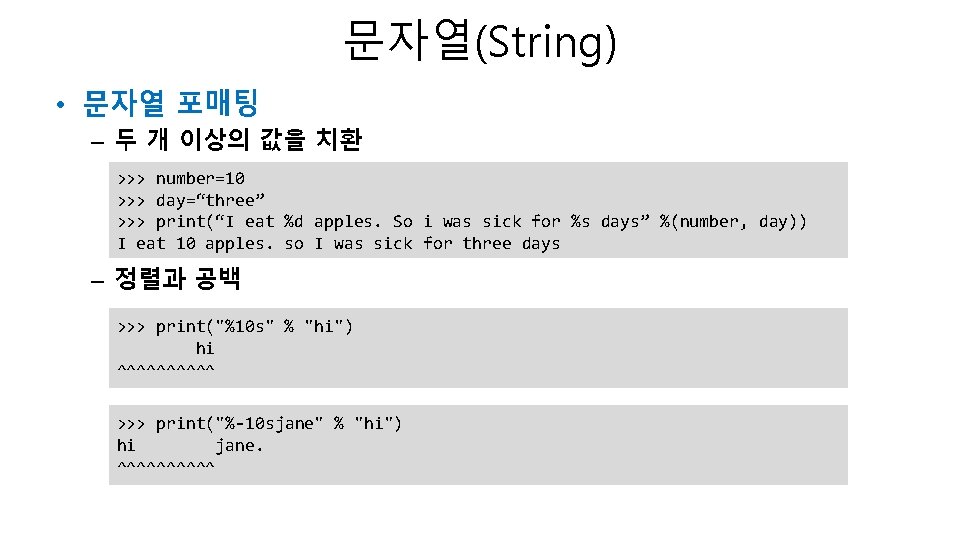
문자열(String) • 문자열 포매팅 – 두 개 이상의 값을 치환 >>> number=10 >>> day=“three” >>> print(“I eat %d apples. So i was sick for %s days” %(number, day)) I eat 10 apples. so I was sick for three days – 정렬과 공백 >>> print("%10 s" % "hi") hi ^^^^^ >>> print("%-10 sjane" % "hi") hi jane. ^^^^^
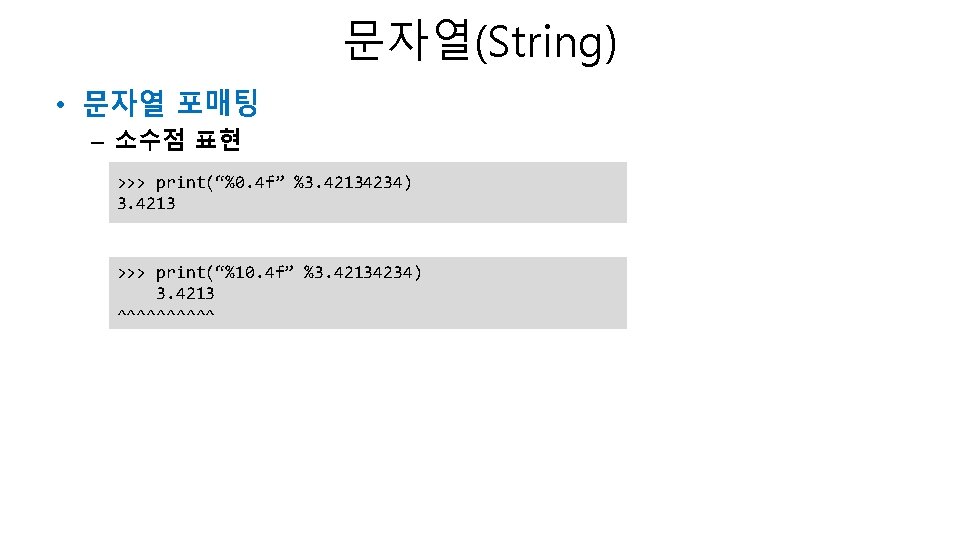
문자열(String) • 문자열 포매팅 – 소수점 표현 >>> print(“%0. 4 f” %3. 42134234) 3. 4213 >>> print(“%10. 4 f” %3. 42134234) 3. 4213 ^^^^^






![String[::-1]](https://slidetodoc.com/wp-content/uploads/2020/10/1024931_080e9c6dd2cf7b5d559e4968699e87e9-300x225.jpg "String[::-1]")