Passwords Rehashed All Over Again Avi Douglen App
- Slides: 66
Passwords, Rehashed All Over Again Avi Douglen App. Sec Israel 2014
About Me • Avi Douglen – douglen@hotmail. com – (972)-52 -7891133 • Security Research Lead, Source. Clear – Awesome security tools for developers – Empowering developers to take back control of their software security – Code should be written securely, not just reviewed • Chairman, OWASP Israel • … and I Too Have Given Bad Password Advice
Why do smart people give bad advice? • • Status Quo – “This is what we’ve always done!” “Best” Practices – “This is what everybody else is doing!” Laziness – “Too much work to change this now!” Regulations – “We don’t really have any choice…” • Wrong Risks – “I assume it’s the right problem to solve!” • Faulty Mitigation – “I assume this solves the problem!” • Lack of Alternatives – “I assume there is nothing better!”
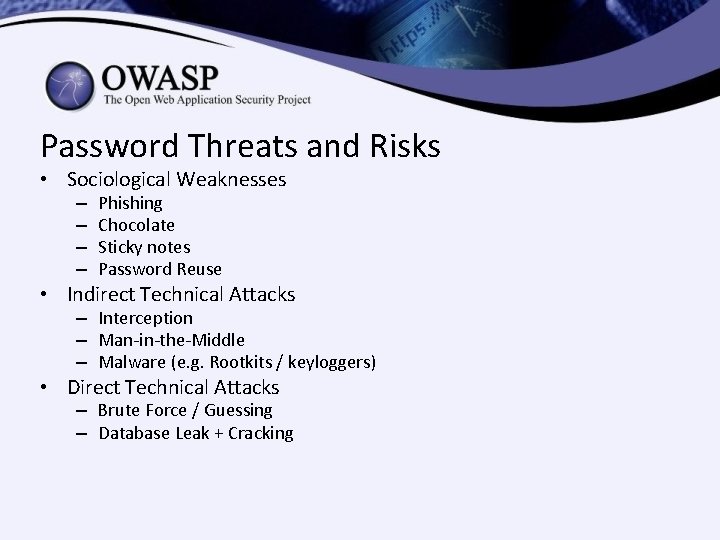
Password Threats and Risks • Sociological Weaknesses – – Phishing Chocolate Sticky notes Password Reuse • Indirect Technical Attacks – Interception – Man-in-the-Middle – Malware (e. g. Rootkits / keyloggers) • Direct Technical Attacks – Brute Force / Guessing – Database Leak + Cracking
Agenda: • Password Selection • Password Storage
A Word About Brute Force Protection… ENTROPY
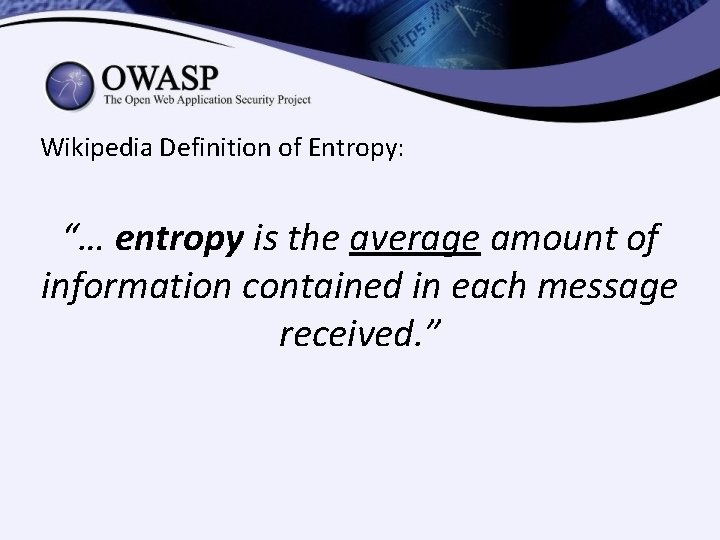
Wikipedia Definition of Entropy: “… entropy is the average amount of information contained in each message received. ”
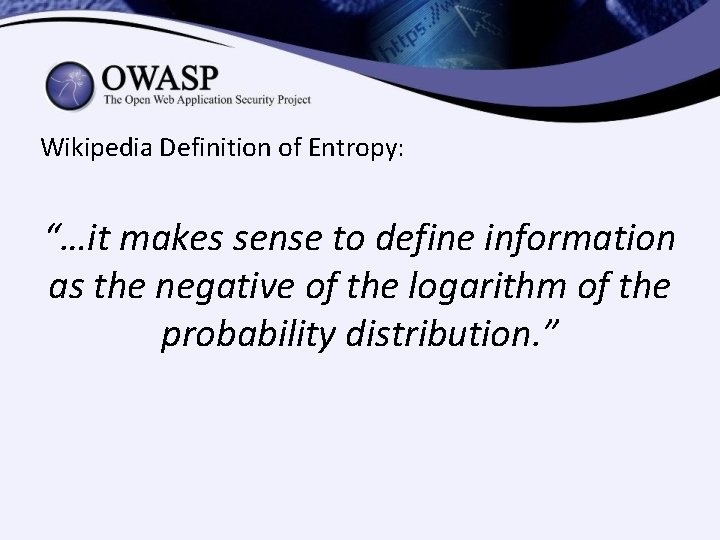
Wikipedia Definition of Entropy: “…it makes sense to define information as the negative of the logarithm of the probability distribution. ”
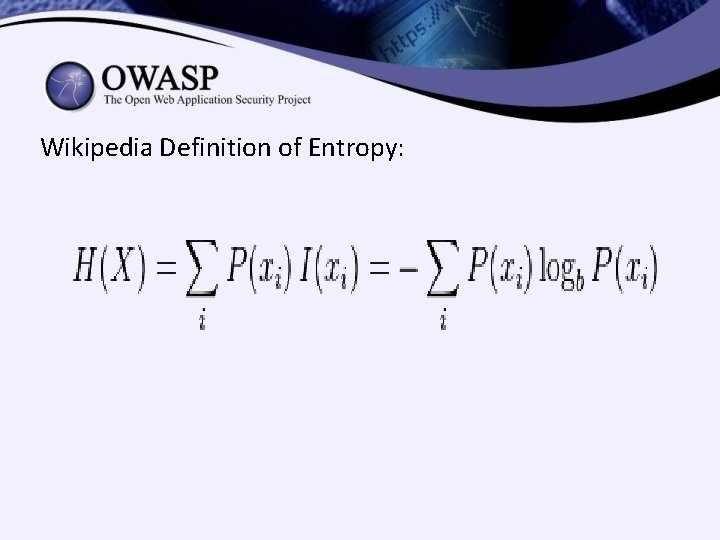
Wikipedia Definition of Entropy:
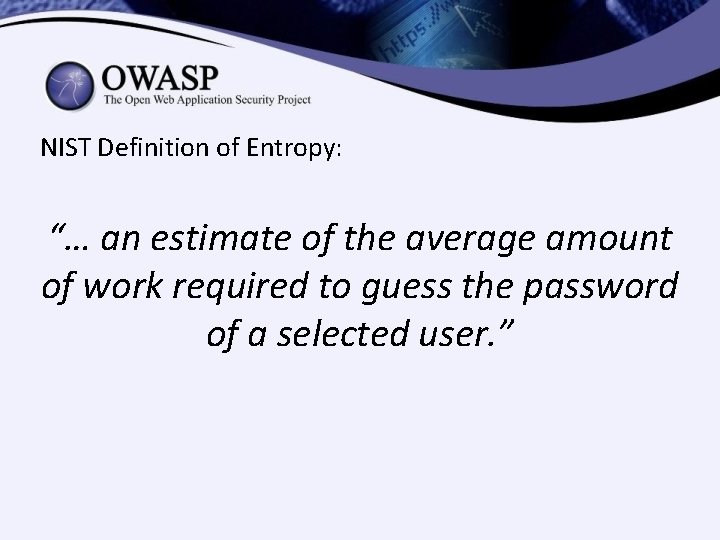
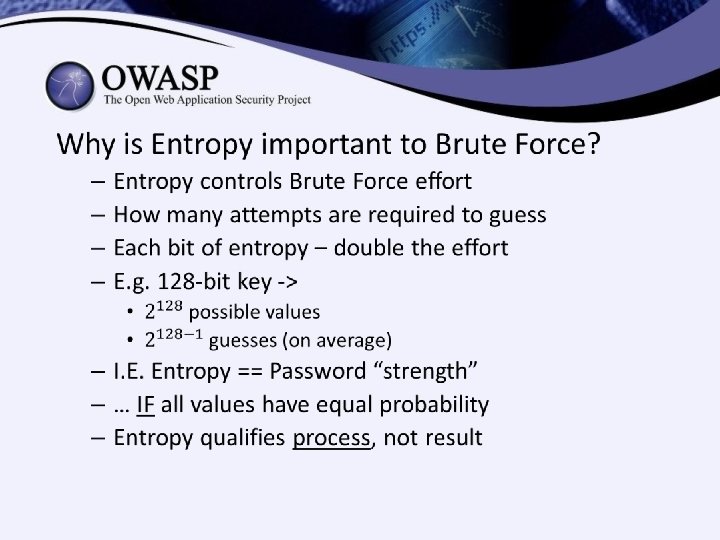
NIST Definition of Entropy: “… an estimate of the average amount of work required to guess the password of a selected user. ”
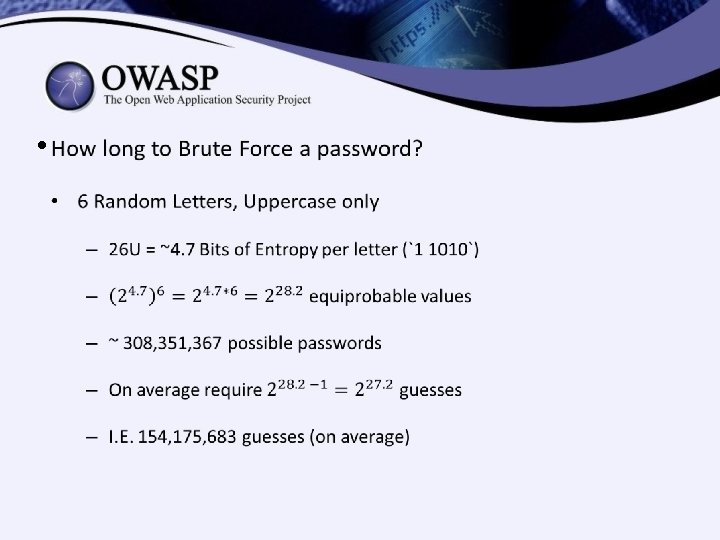
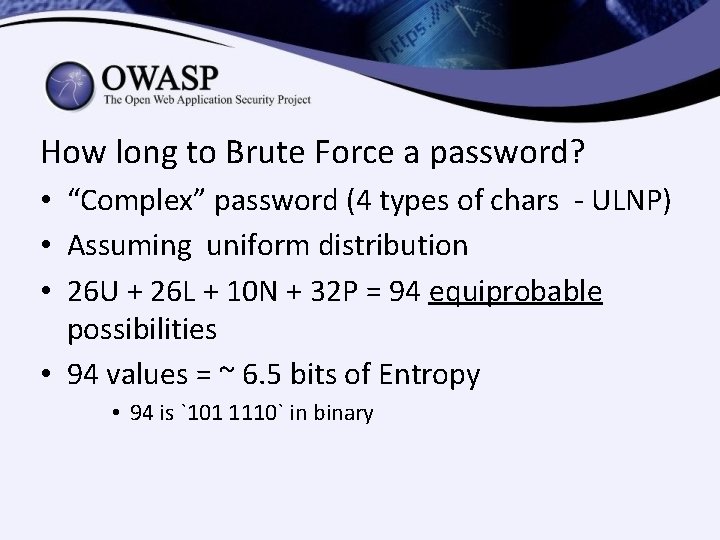
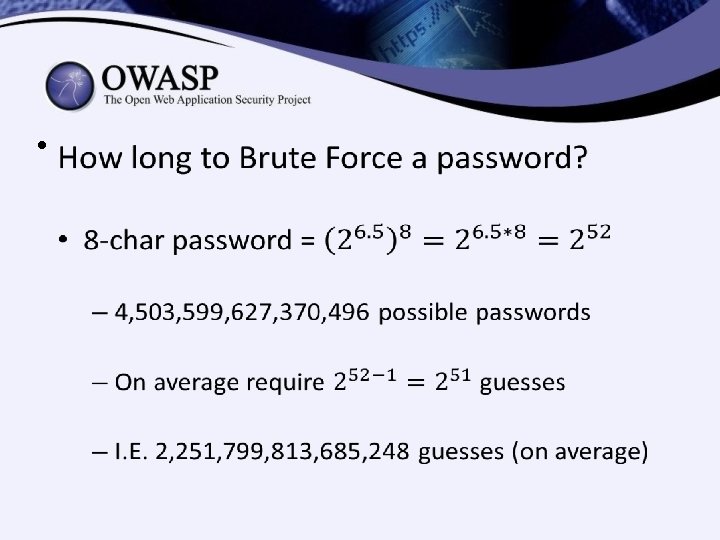
How long to Brute Force a password? • “Complex” password (4 types of chars - ULNP) • Assuming uniform distribution • 26 U + 26 L + 10 N + 32 P = 94 equiprobable possibilities • 94 values = ~ 6. 5 bits of Entropy • 94 is `101 1110` in binary
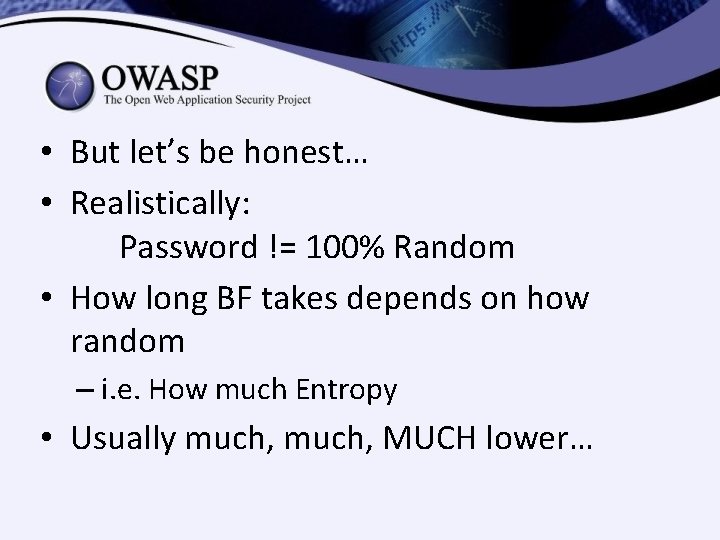
• But let’s be honest… • Realistically: Password != 100% Random • How long BF takes depends on how random – i. e. How much Entropy • Usually much, MUCH lower…
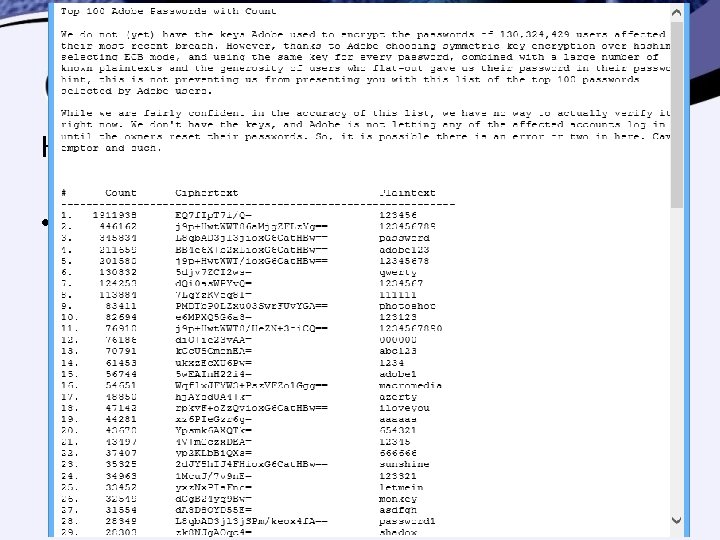
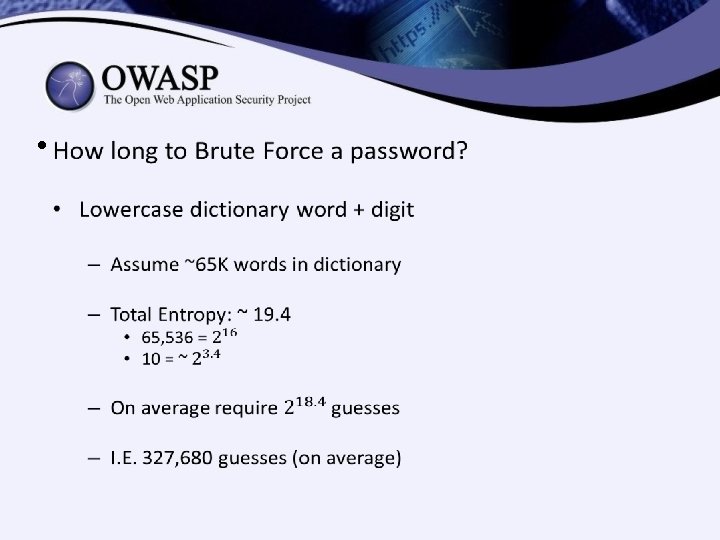
How long to Brute Force a password? • Most Common Passwords – E. g. Top 100 Passwords from Adobe Hack – Total Entropy: ~ 6. 65 – On average require 50 guesses
PASSWORD SELECTION
How can we… • Create Our Own Strong Passwords? • Convince Our Users To Use Strong Passwords? • Check That Users Chose Strong Passwords?
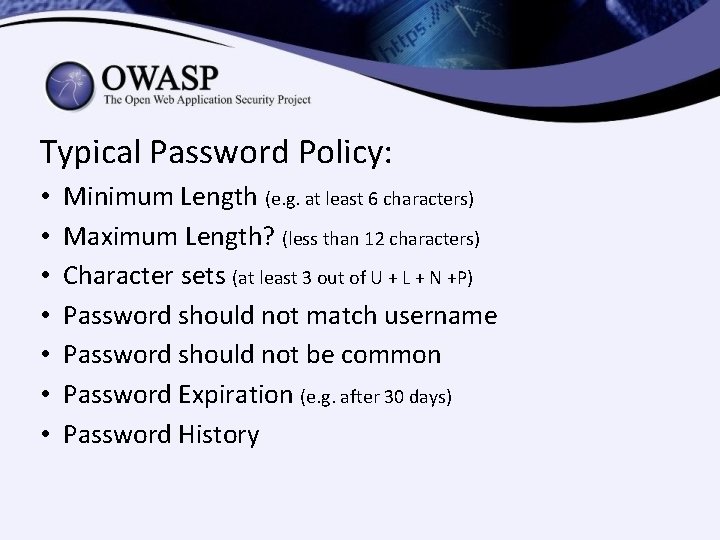
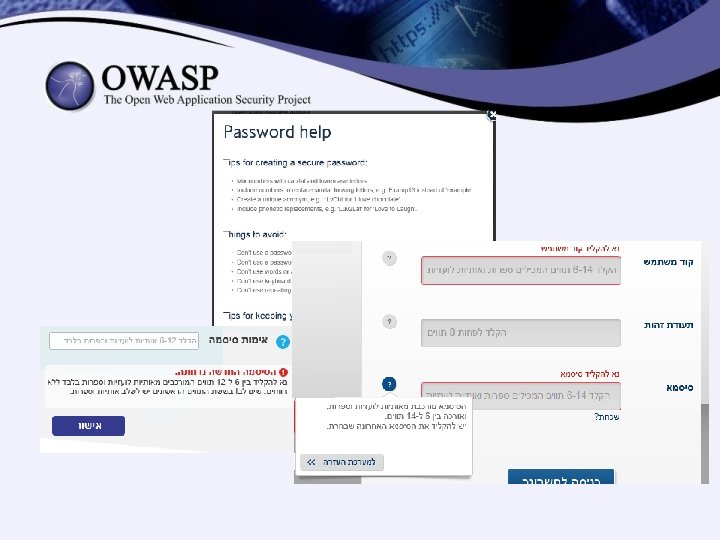
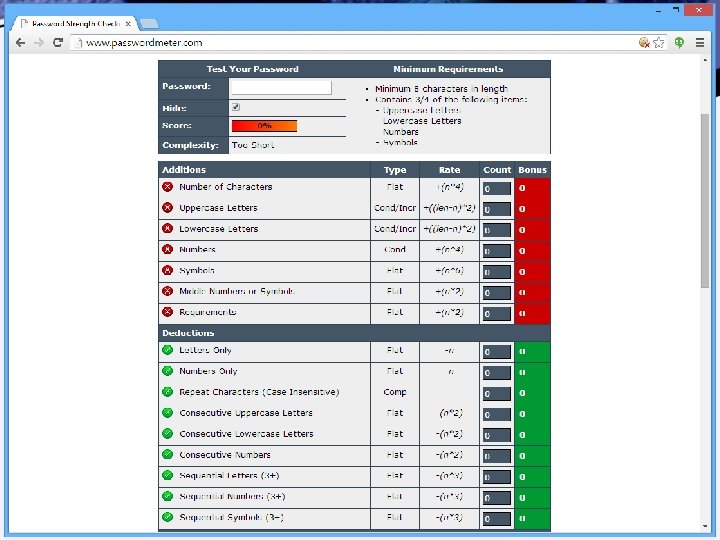
Typical Password Policy: • • Minimum Length (e. g. at least 6 characters) Maximum Length? (less than 12 characters) Character sets (at least 3 out of U + L + N +P) Password should not match username Password should not be common Password Expiration (e. g. after 30 days) Password History
• Something Important is Missing! • Password Policy Does Not Ensure “Strength” • Which is more important for strength: – Complexity? – Length?
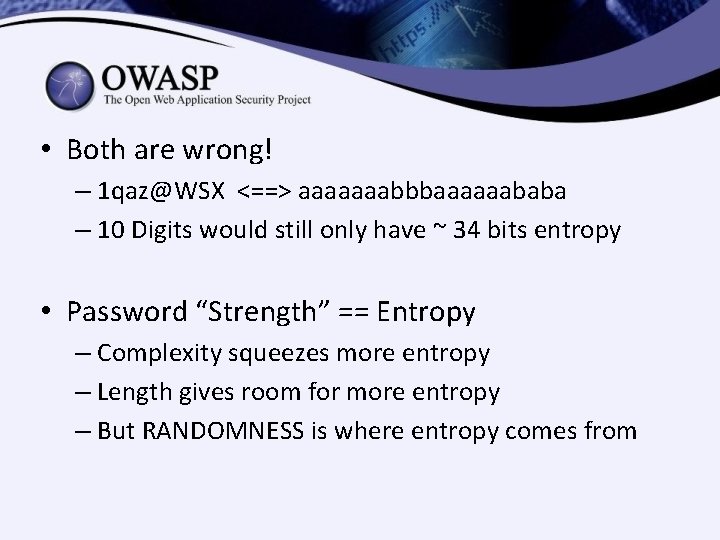
• Both are wrong! – 1 qaz@WSX <==> aaaaaaabbbaaaaaababa – 10 Digits would still only have ~ 34 bits entropy • Password “Strength” == Entropy – Complexity squeezes more entropy – Length gives room for more entropy – But RANDOMNESS is where entropy comes from
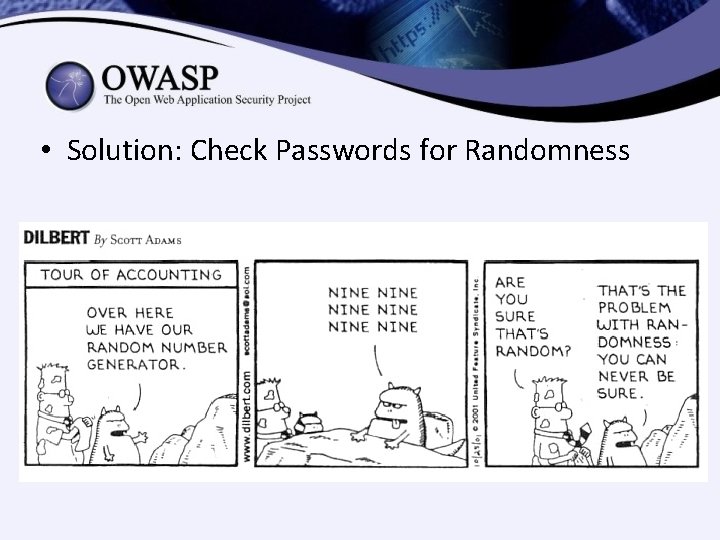
• Solution: Check Passwords for Randomness
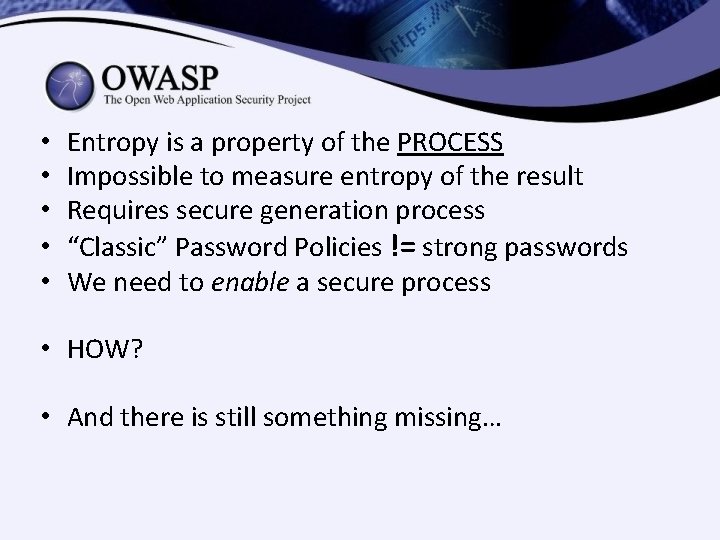
• • • Entropy is a property of the PROCESS Impossible to measure entropy of the result Requires secure generation process “Classic” Password Policies != strong passwords We need to enable a secure process • HOW? • And there is still something missing…
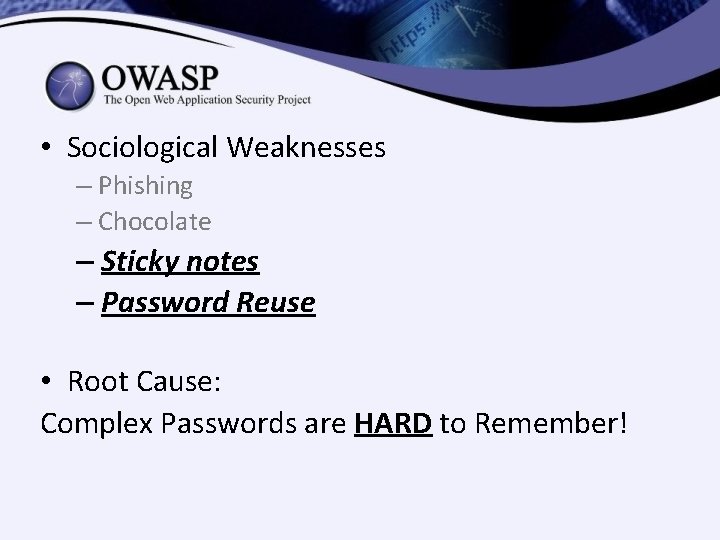
• Sociological Weaknesses – Phishing – Chocolate – Sticky notes – Password Reuse • Root Cause: Complex Passwords are HARD to Remember!
Solution #1: PASSPHRASES
• Good Passwords are not just about “Strength” • Difficult to Guess <==> Difficult to Remember • Computer Aspect <==> Human Aspect Avi. D’s Maxim of Usability: Security at the expense of usability, comes at the expense of security.
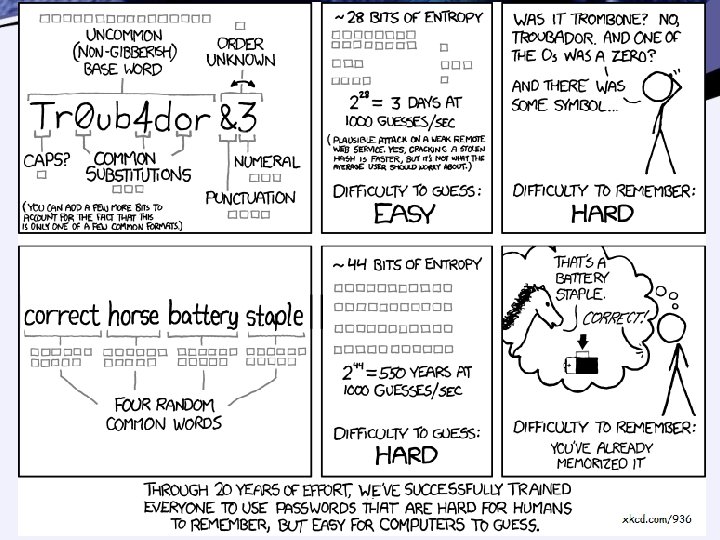
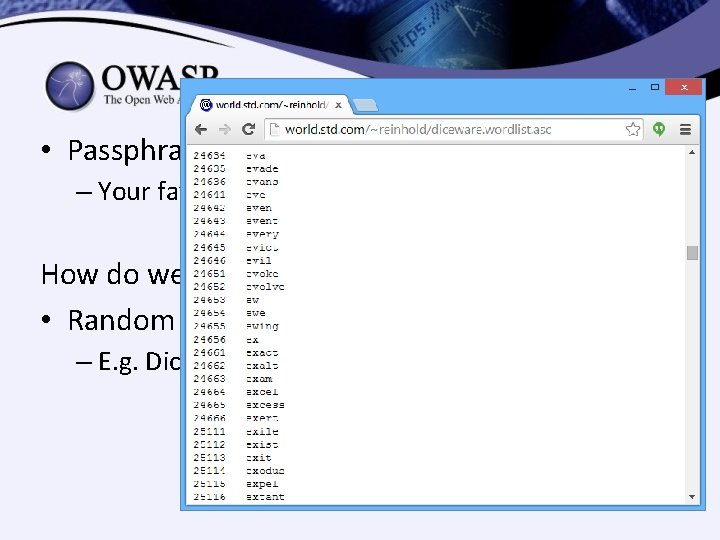
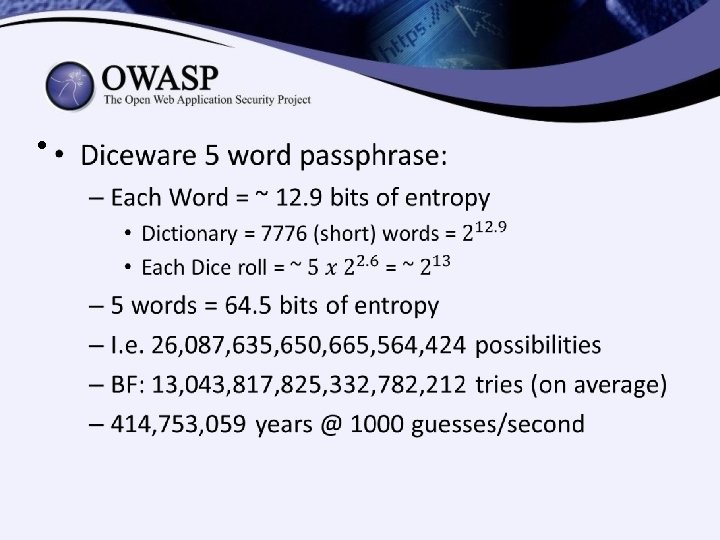
• Passphrases must be random – Your favorite quote or song is weak How do we create strong Pass. Phrases? • Random Selection from Limited Dictionary – E. g. Diceware. com
• • Passphrases are easy to remember… Easier to type! Especially on mobile… Easier to Share when needed – E. g. ZIP password – E. g. Nuclear bomb deactivation codes • But are they strong?
Solution #2: PASSWORD MANAGERS
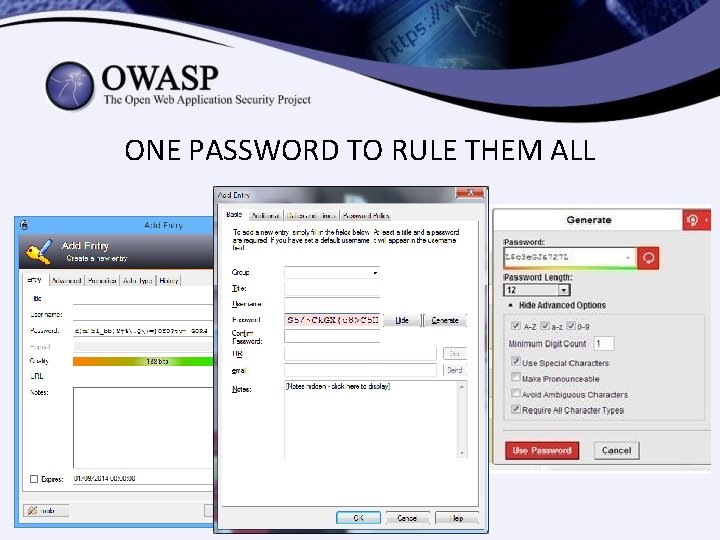
ONE PASSWORD TO RULE THEM ALL
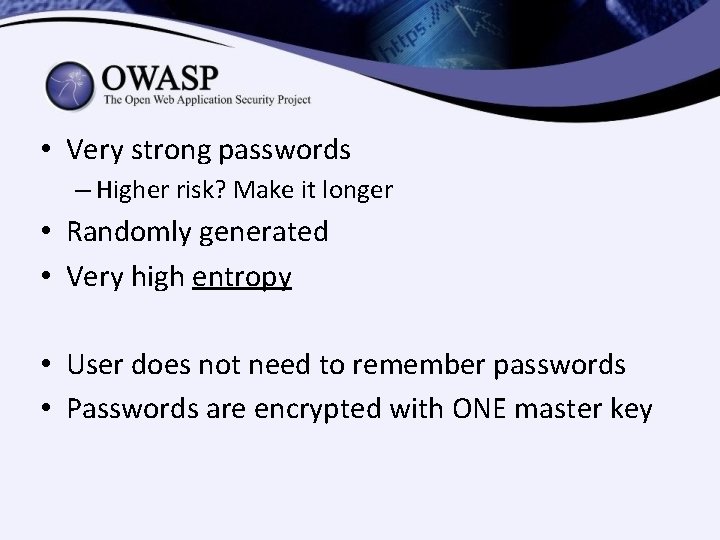
• Very strong passwords – Higher risk? Make it longer • Randomly generated • Very high entropy • User does not need to remember passwords • Passwords are encrypted with ONE master key
What about Browsers’ Passwords Feature? • Blocked by many policies and regulations – AUTOCOMPLETE=“OFF” • Some “security” products block in Java. Script – Won’t mention any names…. • Should users be allowed to save their password in their browser?
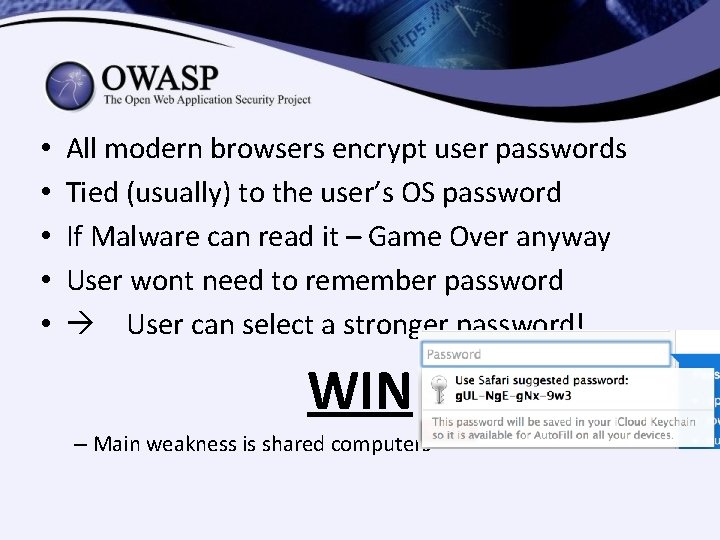
• • • All modern browsers encrypt user passwords Tied (usually) to the user’s OS password If Malware can read it – Game Over anyway User wont need to remember password User can select a stronger password! WIN – Main weakness is shared computers
What Should Secure Applications Do? • Enable strong passwords & pass phrases • No short limits – 40 -50 chars is common • No Autocomplete – Allow the user to choose – With very specific exceptions • No blocking Copy/Paste in passwords • Encourage good password habits • Consider generating passwords for the user – Instead of trying to measure entropy after the fact
PASSWORD STORAGE
Password Storage What is the best way to store passwords? • Operating Assumptions: – Attacker has stolen database file – Attacker now has offline access to all data – Most users’ passwords are weak (or very weak) – Attacker does not have 0 -day crypto flaw – Attacker wants as many passwords as possible – Attacker will use hardware according to value – Attacker has all the time in the world (well…)
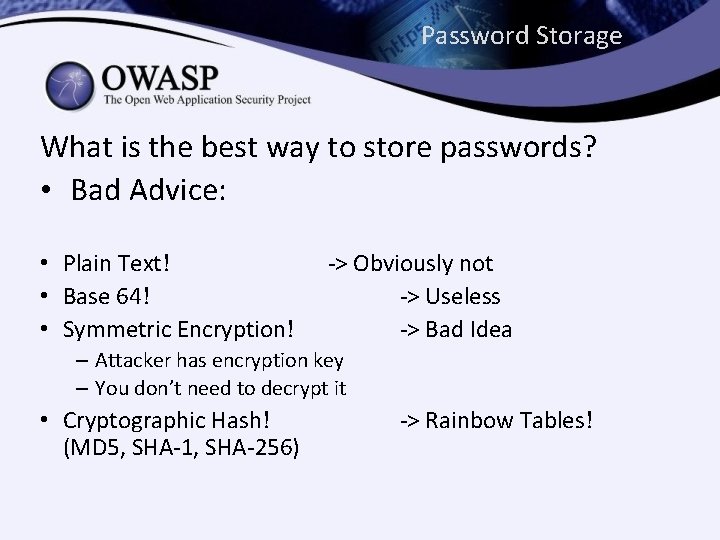
Password Storage What is the best way to store passwords? • Bad Advice: • Plain Text! • Base 64! • Symmetric Encryption! -> Obviously not -> Useless -> Bad Idea – Attacker has encryption key – You don’t need to decrypt it • Cryptographic Hash! (MD 5, SHA-1, SHA-256) -> Rainbow Tables!
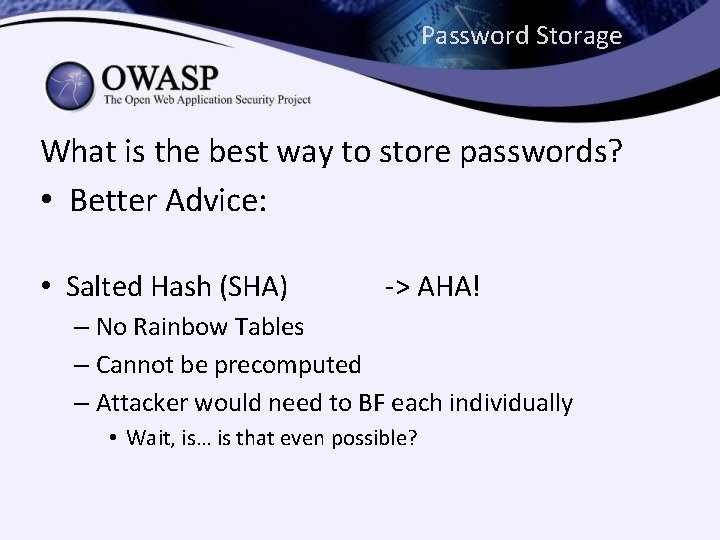
Password Storage What is the best way to store passwords? • Better Advice: • Salted Hash (SHA) -> AHA! – No Rainbow Tables – Cannot be precomputed – Attacker would need to BF each individually • Wait, is… is that even possible?
• Q: Is it possible to BF password hashes? • Q: Will it be possible in a few years? • Q: Even if it is possible – is it feasible?
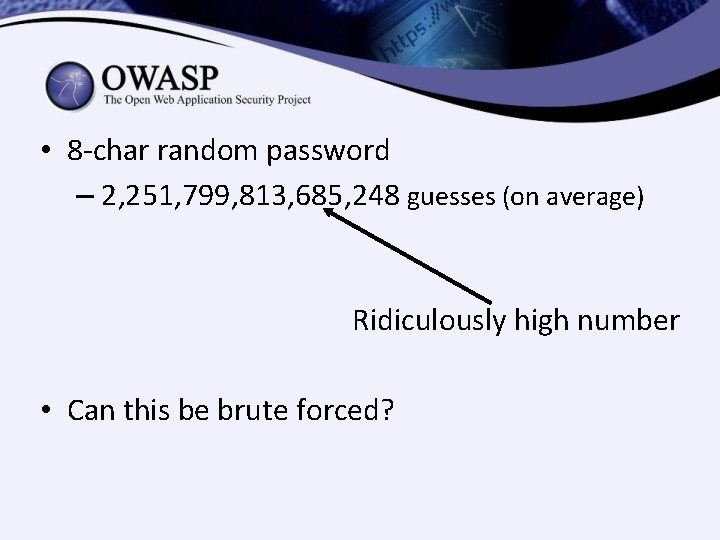
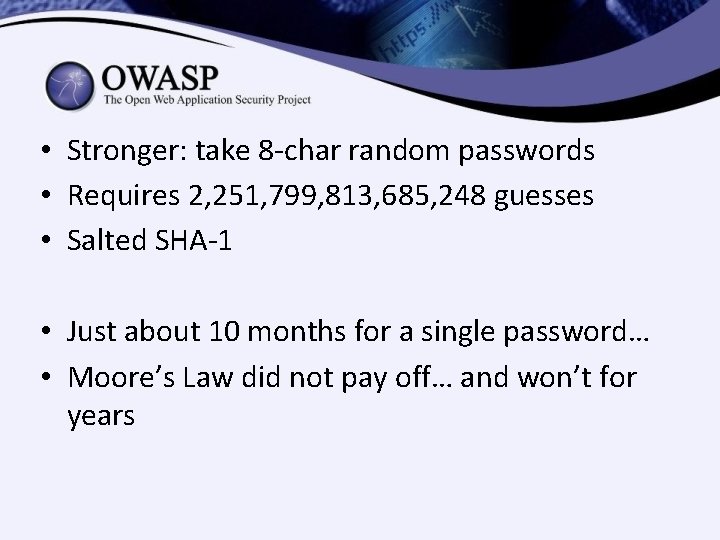
• 8 -char random password – 2, 251, 799, 813, 685, 248 guesses (on average) Ridiculously high number • Can this be brute forced?
BUT WAIT!
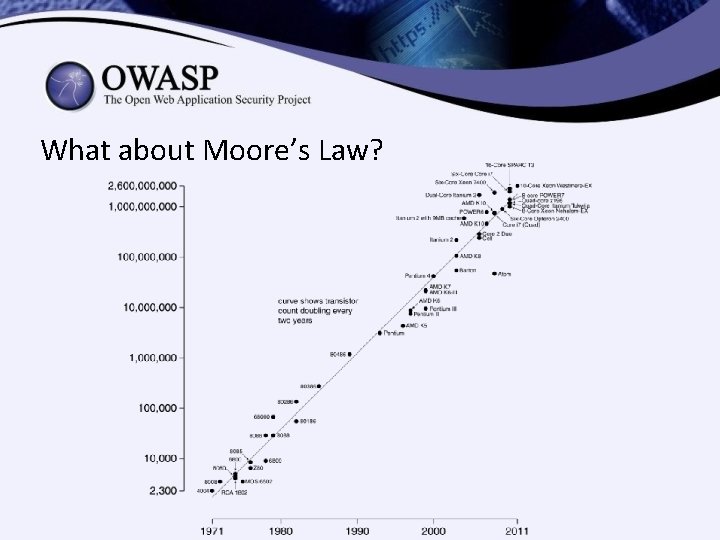
What about Moore’s Law?
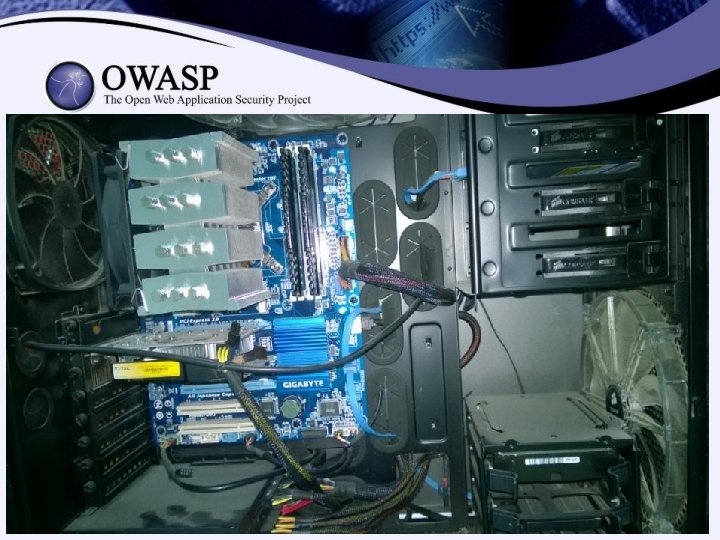
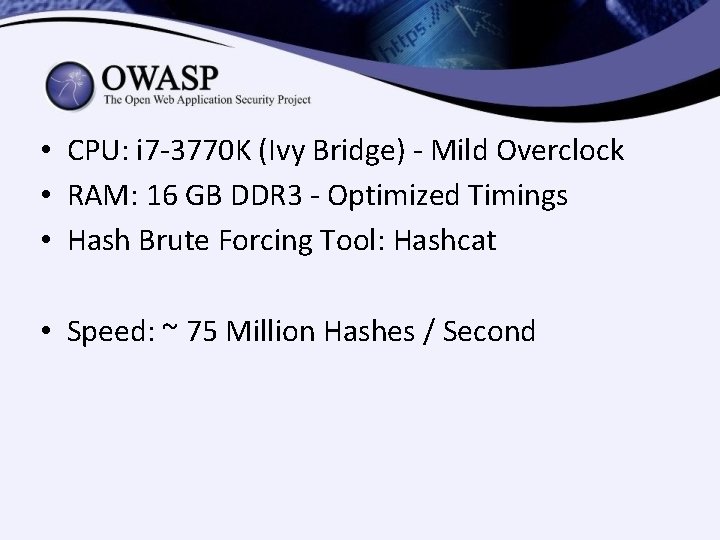
• CPU: i 7 -3770 K (Ivy Bridge) - Mild Overclock • RAM: 16 GB DDR 3 - Optimized Timings • Hash Brute Forcing Tool: Hashcat • Speed: ~ 75 Million Hashes / Second
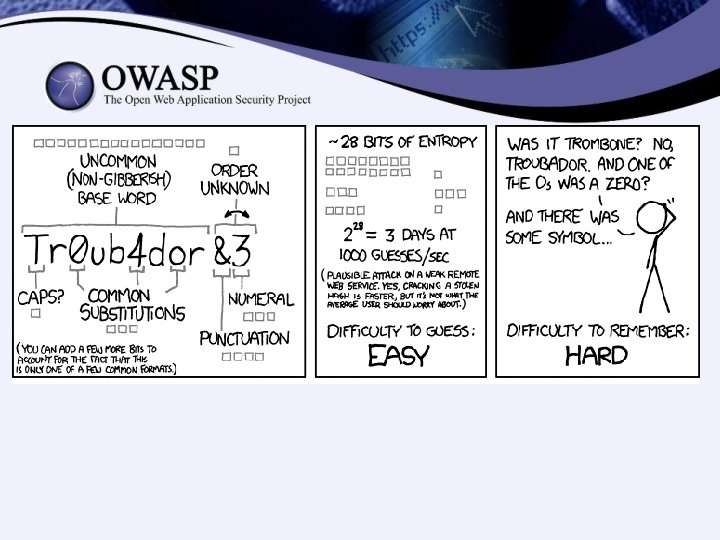
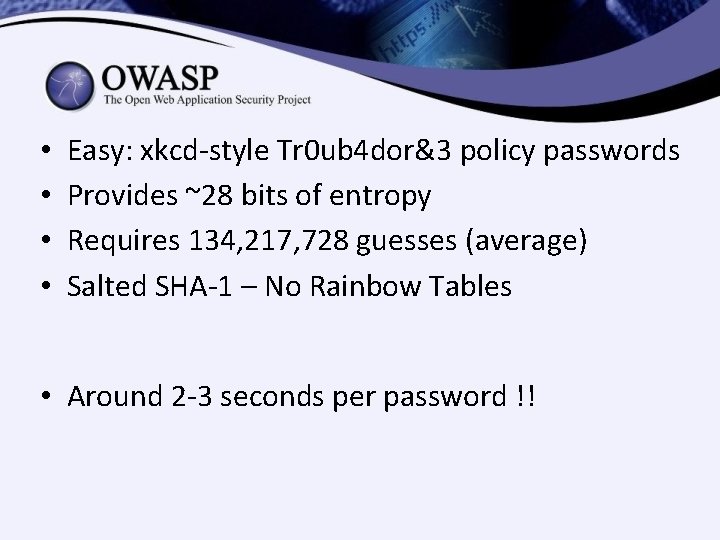
• • Easy: xkcd-style Tr 0 ub 4 dor&3 policy passwords Provides ~28 bits of entropy Requires 134, 217, 728 guesses (average) Salted SHA-1 – No Rainbow Tables • Around 2 -3 seconds per password !!
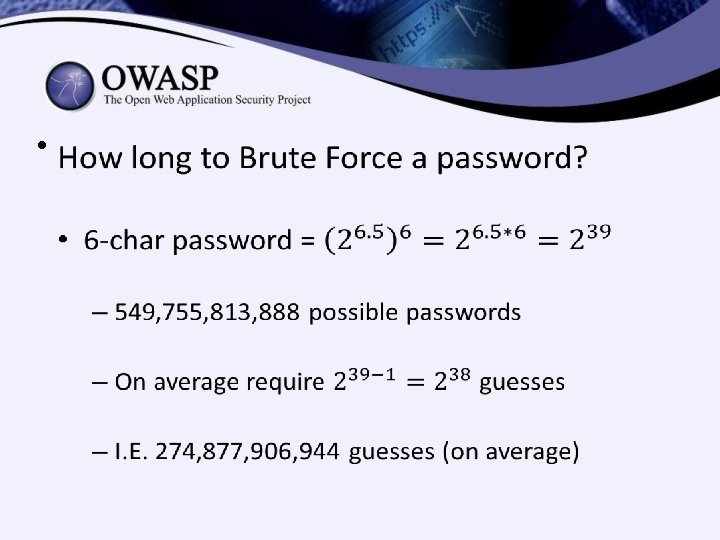
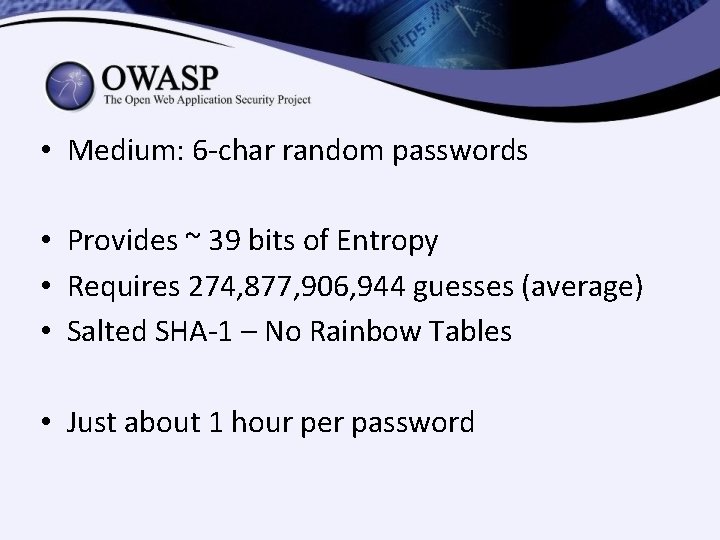
• Medium: 6 -char random passwords • Provides ~ 39 bits of Entropy • Requires 274, 877, 906, 944 guesses (average) • Salted SHA-1 – No Rainbow Tables • Just about 1 hour per password
• Stronger: take 8 -char random passwords • Requires 2, 251, 799, 813, 685, 248 guesses • Salted SHA-1 • Just about 10 months for a single password… • Moore’s Law did not pay off… and won’t for years
BUT WAIT!
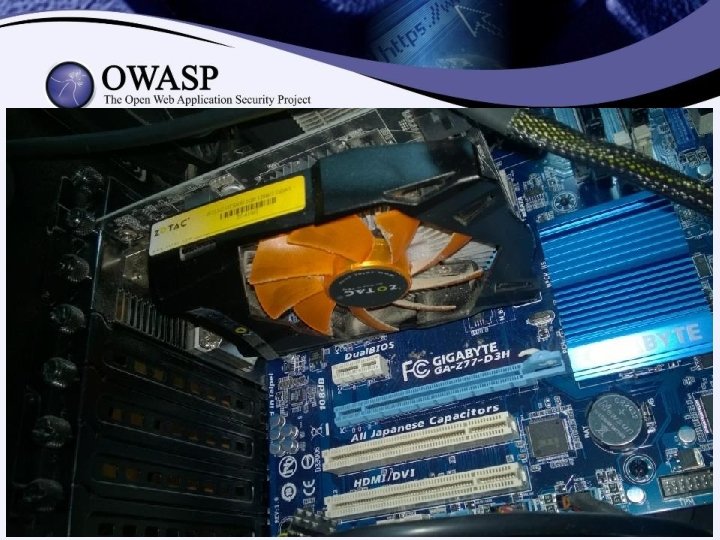
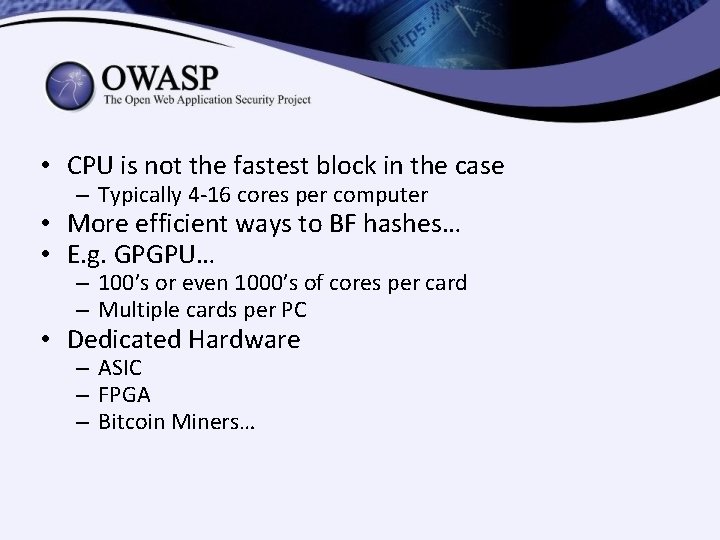
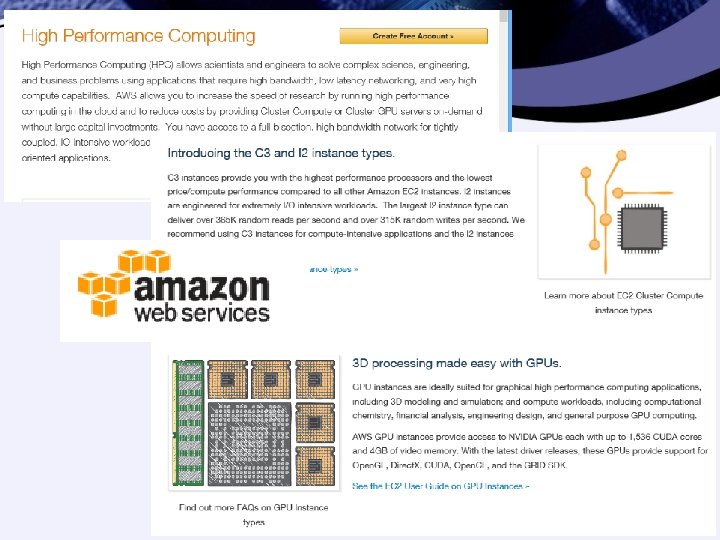
• CPU is not the fastest block in the case – Typically 4 -16 cores per computer • More efficient ways to BF hashes… • E. g. GPGPU… – 100’s or even 1000’s of cores per card – Multiple cards per PC • Dedicated Hardware – ASIC – FPGA – Bitcoin Miners…
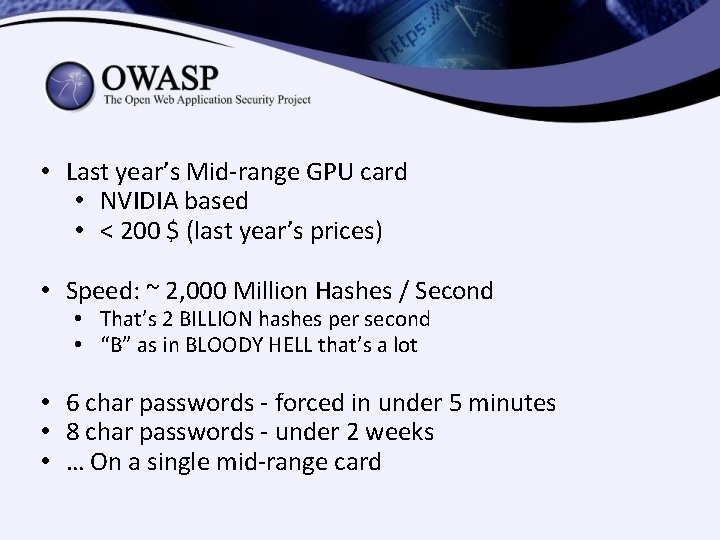
• Last year’s Mid-range GPU card • NVIDIA based • < 200 $ (last year’s prices) • Speed: ~ 2, 000 Million Hashes / Second • That’s 2 BILLION hashes per second • “B” as in BLOODY HELL that’s a lot • 6 char passwords - forced in under 5 minutes • 8 char passwords - under 2 weeks • … On a single mid-range card
• The problem is: SPEED • Hash Algorithms are designed to be FAST • TOO damn fast… • The solution: SLOWNESS
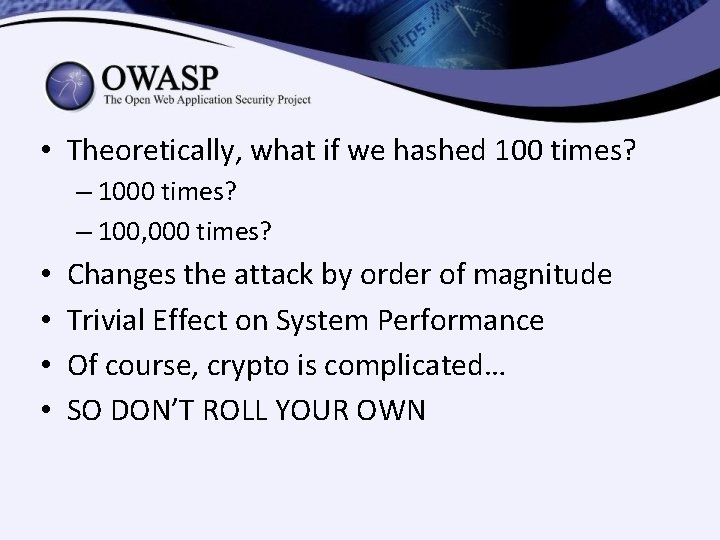
• Theoretically, what if we hashed 100 times? – 100, 000 times? • • Changes the attack by order of magnitude Trivial Effect on System Performance Of course, crypto is complicated… SO DON’T ROLL YOUR OWN
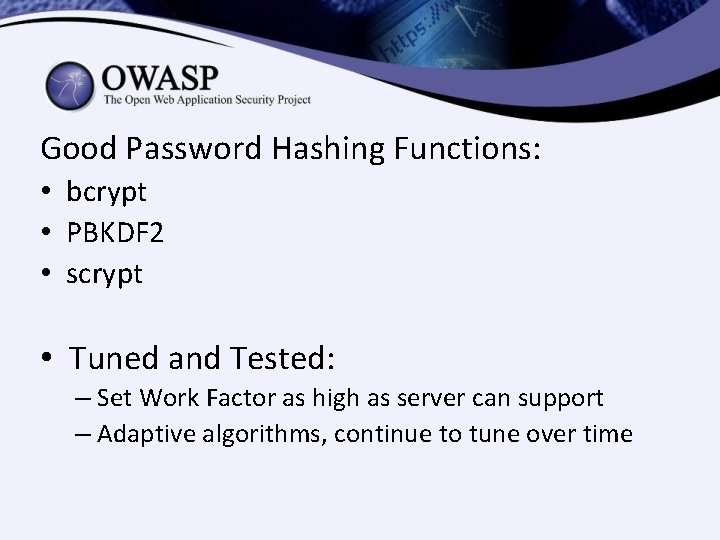
Good Password Hashing Functions: • bcrypt • PBKDF 2 • scrypt • Tuned and Tested: – Set Work Factor as high as server can support – Adaptive algorithms, continue to tune over time
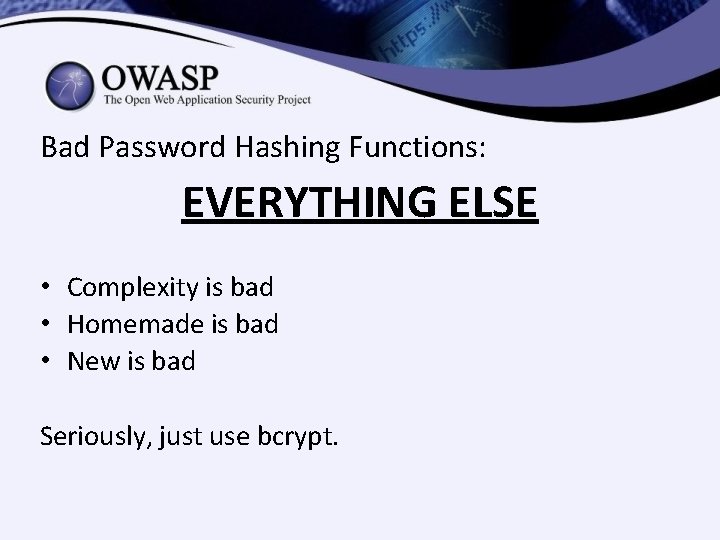
Bad Password Hashing Functions: EVERYTHING ELSE • Complexity is bad • Homemade is bad • New is bad Seriously, just use bcrypt.
SUMMARY
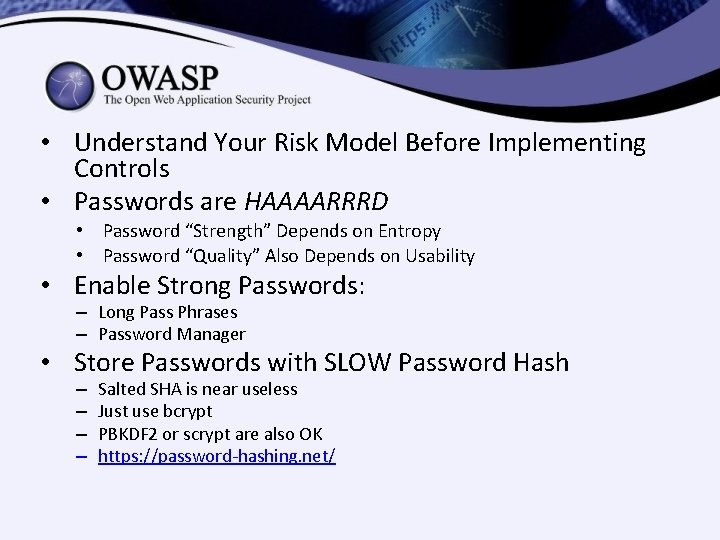
• Understand Your Risk Model Before Implementing Controls • Passwords are HAAAARRRD • Password “Strength” Depends on Entropy • Password “Quality” Also Depends on Usability • Enable Strong Passwords: – Long Pass Phrases – Password Manager • Store Passwords with SLOW Password Hash – – Salted SHA is near useless Just use bcrypt PBKDF 2 or scrypt are also OK https: //password-hashing. net/