Nachos Introduction Lecturer TeiWei Kuo TA YaSu Chen
- Slides: 17
Nachos Introduction Lecturer: Tei-Wei Kuo TA: Ya-Su Chen, Yuan-Hao chang Date: 2005/10/19 1
Nachos n Nachos: – Not Another Completely Heuristic Operating System n Written by Tom Anderson and his students at UC Berkeley http: //www. cs. washington. edu/homes/tom/nachos/ 2
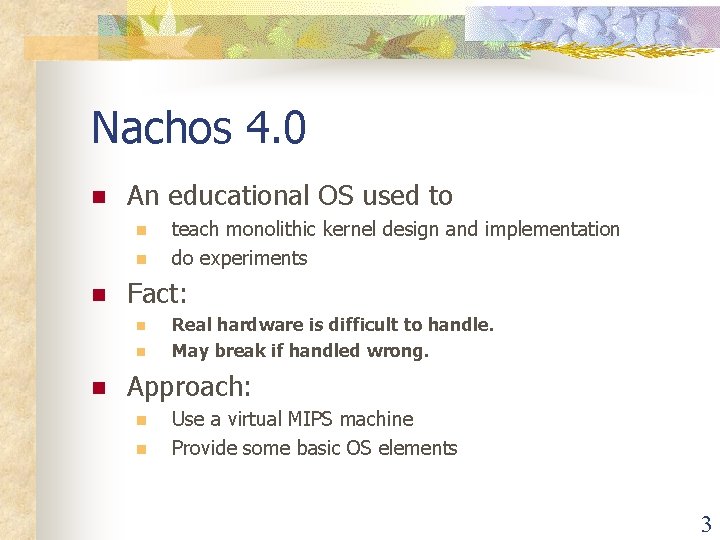
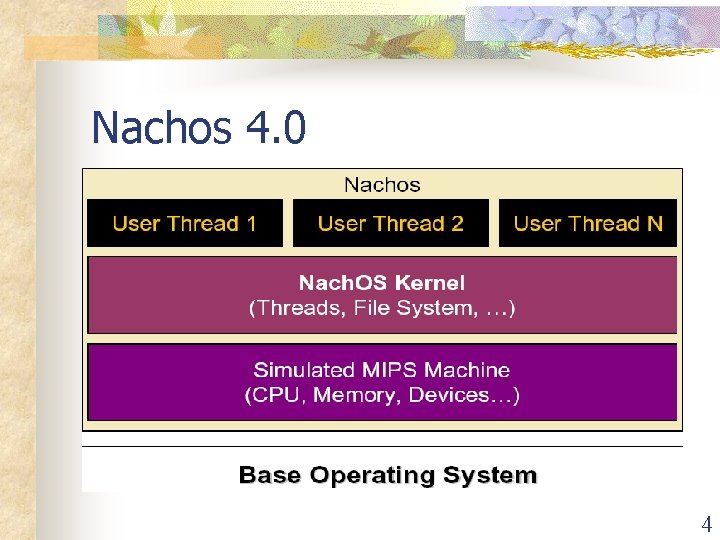
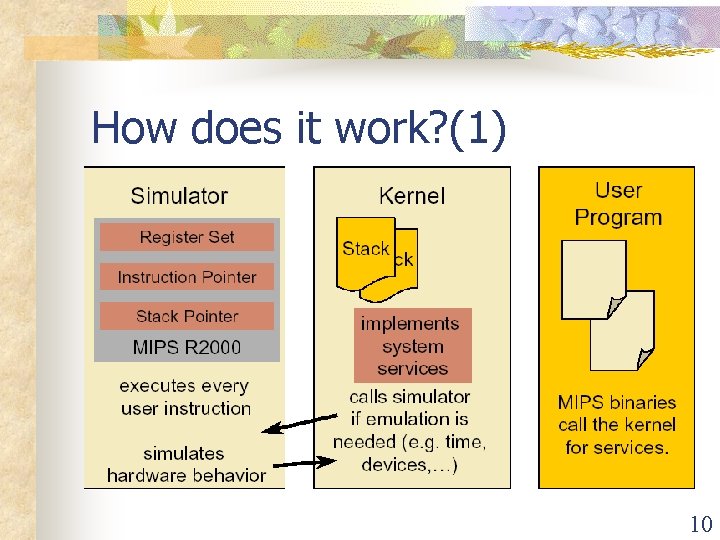
Nachos 4. 0 n An educational OS used to n n n Fact: n n n teach monolithic kernel design and implementation do experiments Real hardware is difficult to handle. May break if handled wrong. Approach: n n Use a virtual MIPS machine Provide some basic OS elements 3
Nachos 4. 0 4
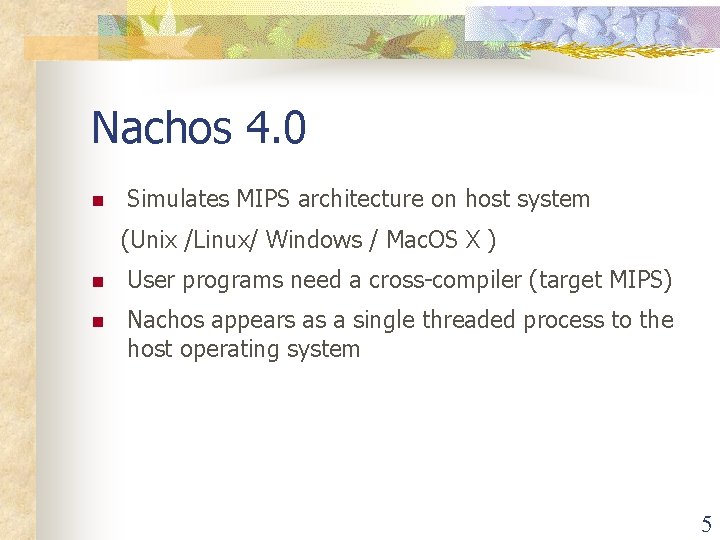
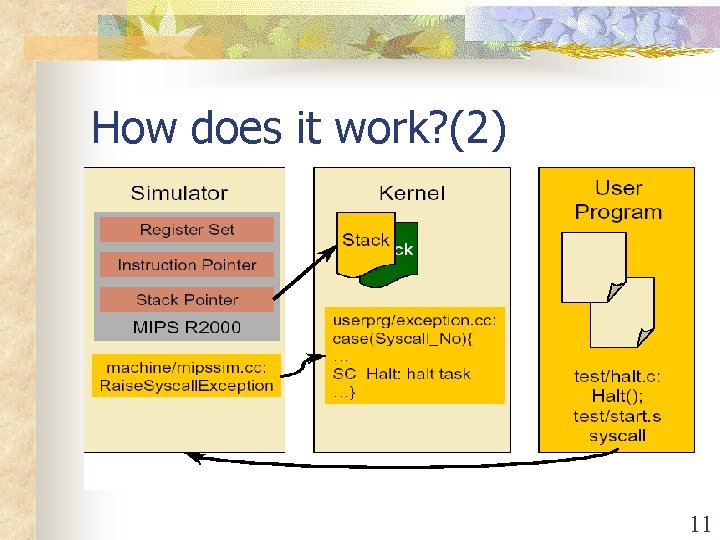
Nachos 4. 0 n Simulates MIPS architecture on host system (Unix /Linux/ Windows / Mac. OS X ) n User programs need a cross-compiler (target MIPS) n Nachos appears as a single threaded process to the host operating system 5
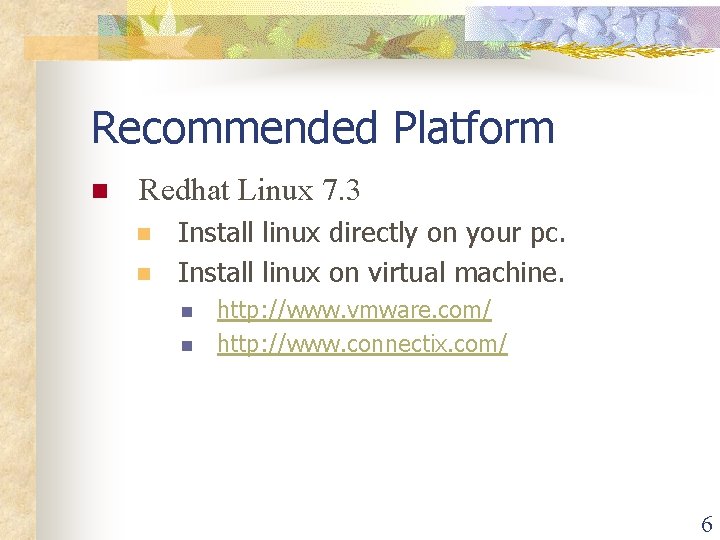
Recommended Platform n Redhat Linux 7. 3 n n Install linux directly on your pc. Install linux on virtual machine. n n http: //www. vmware. com/ http: //www. connectix. com/ 6
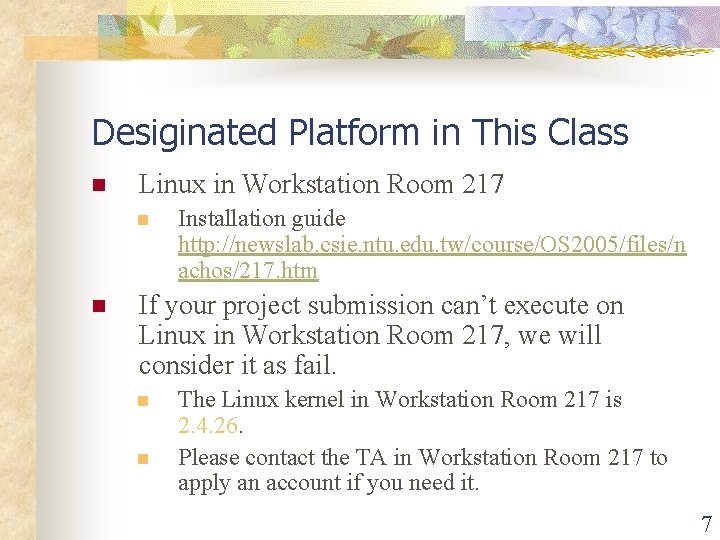
Desiginated Platform in This Class n Linux in Workstation Room 217 n n Installation guide http: //newslab. csie. ntu. edu. tw/course/OS 2005/files/n achos/217. htm If your project submission can’t execute on Linux in Workstation Room 217, we will consider it as fail. n n The Linux kernel in Workstation Room 217 is 2. 4. 26. Please contact the TA in Workstation Room 217 to apply an account if you need it. 7
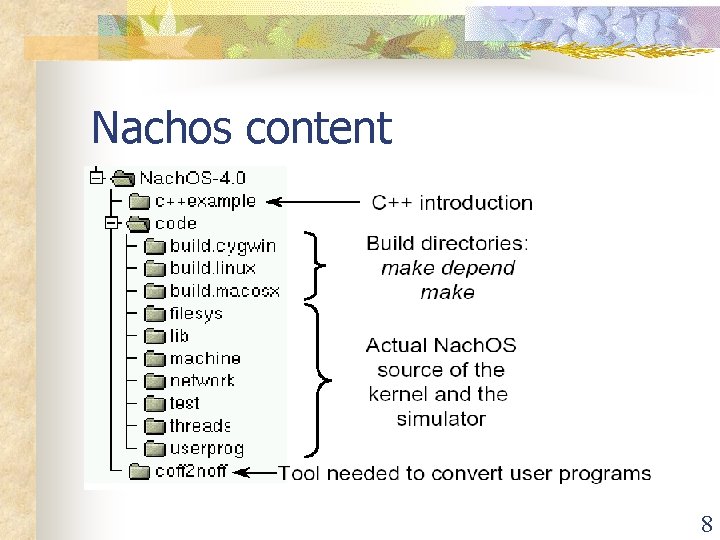
Nachos content 8
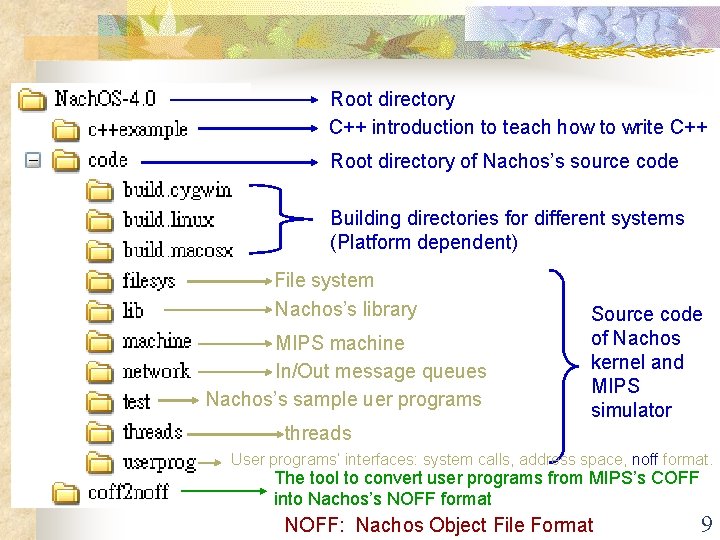
Root directory C++ introduction to teach how to write C++ Root directory of Nachos’s source code Building directories for different systems (Platform dependent) File system Nachos’s library MIPS machine In/Out message queues Nachos’s sample uer programs Source code of Nachos kernel and MIPS simulator threads User programs’ interfaces: system calls, address space, noff format. The tool to convert user programs from MIPS’s COFF into Nachos’s NOFF format NOFF: Nachos Object File Format 9
How does it work? (1) 10
How does it work? (2) 11
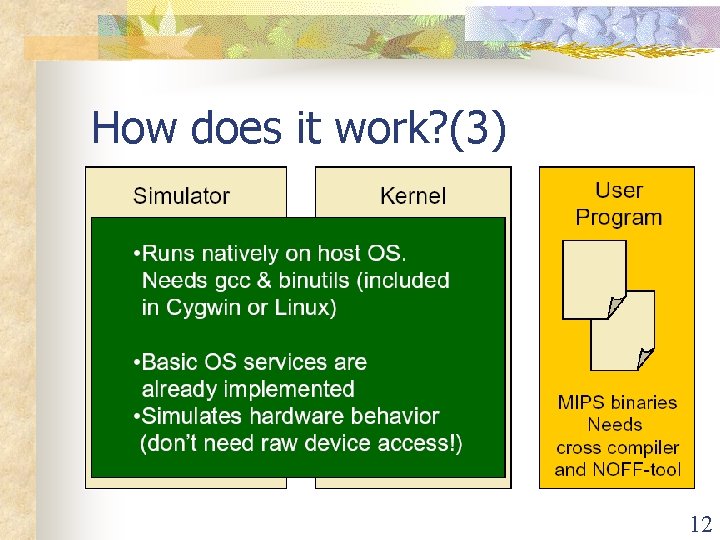
How does it work? (3) 12
Setup the System n Refer to the following document: http: //newslab. csie. ntu. edu. tw/course/OS 20 05/files/nachos/217. htm 13
GLOBAL n A source code tag system that works the same way across diverse environments. n Useful for hacking a large project containing many subdirectories, many #ifdef and many main() functions. n You can download GLOBAL from http: //www. gnu. org/software/global/download. ht ml 14
GLOBAL (Cont. ) n How To Start? n n http: //www. gnu. org/software/global/down load. html Installation %. /configure % make install n gtags, htags 15
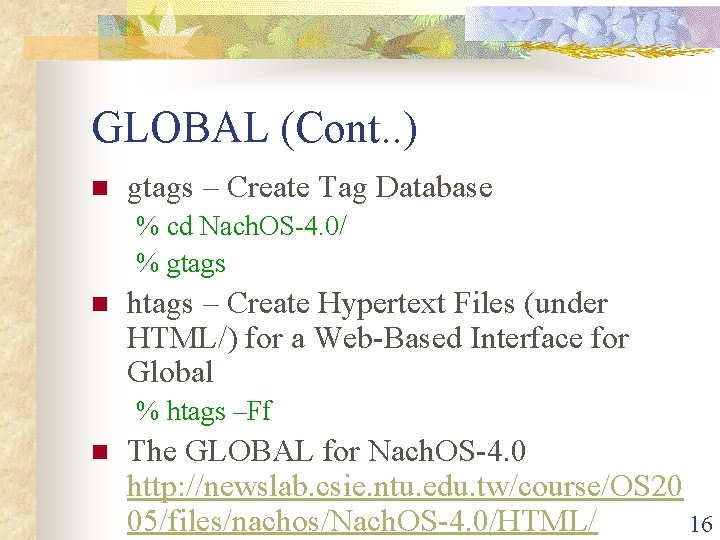
GLOBAL (Cont. . ) n gtags – Create Tag Database % cd Nach. OS-4. 0/ % gtags n htags – Create Hypertext Files (under HTML/) for a Web-Based Interface for Global % htags –Ff n The GLOBAL for Nach. OS-4. 0 http: //newslab. csie. ntu. edu. tw/course/OS 20 05/files/nachos/Nach. OS-4. 0/HTML/ 16
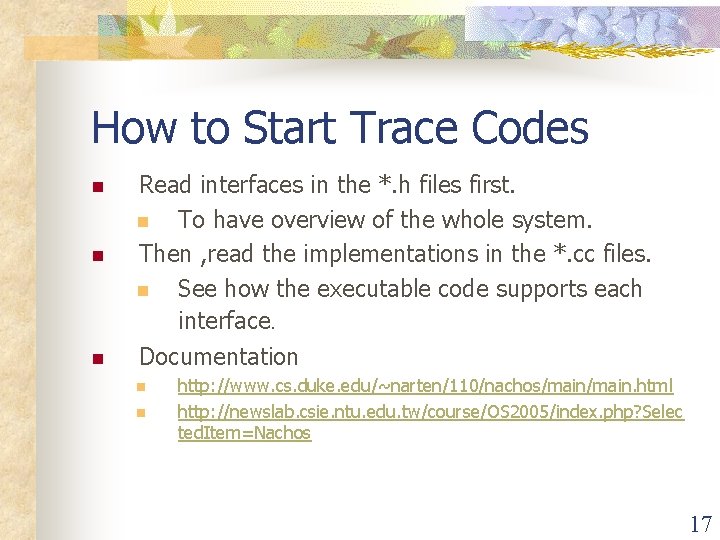
How to Start Trace Codes n Read interfaces in the *. h files first. n To have overview of the whole system. Then , read the implementations in the *. cc files. n See how the executable code supports each interface. n Documentation n http: //www. cs. duke. edu/~narten/110/nachos/main. html http: //newslab. csie. ntu. edu. tw/course/OS 2005/index. php? Selec ted. Item=Nachos 17