Lecture 2 Making Simple Commits Sign in on

![git show Example use: git show [commit hash (default is HEAD)] • Shows the](https://slidetodoc.com/presentation_image_h/942e0a1b93a29c41aaa46be047524f2e/image-23.jpg "git show Example use: git show [commit hash (default is HEAD)] • Shows the")
- Slides: 23
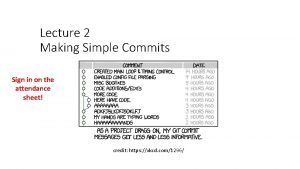
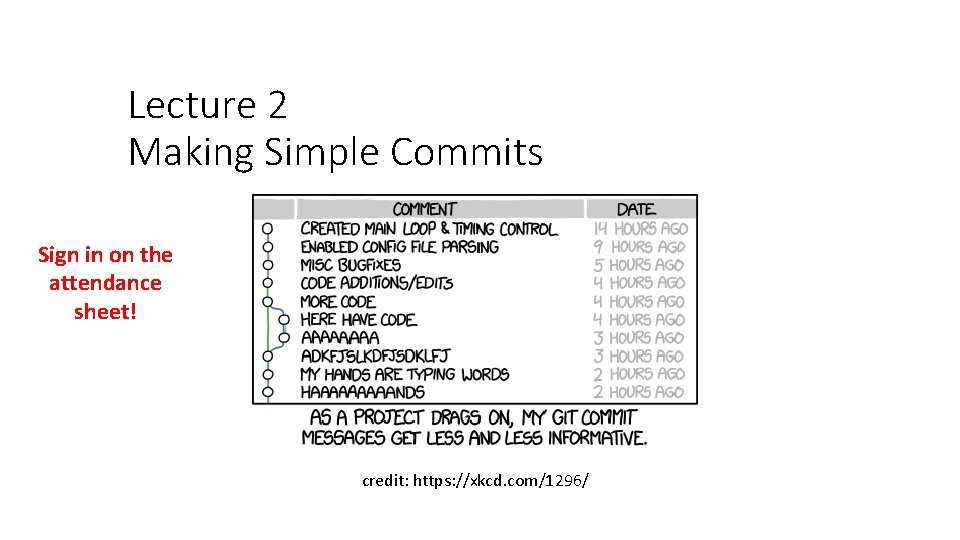
Lecture 2 Making Simple Commits Sign in on the attendance sheet! credit: https: //xkcd. com/1296/
Course Website https: //www. andrew. cmu. edu/course/98 -174/
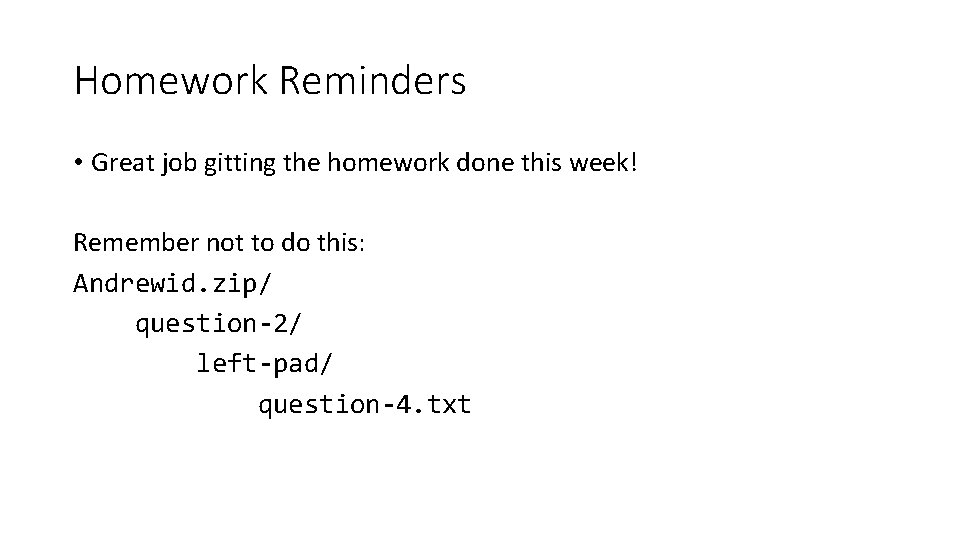
Homework Reminders • Great job gitting the homework done this week! Remember not to do this: Andrewid. zip/ question-2/ left-pad/ question-4. txt
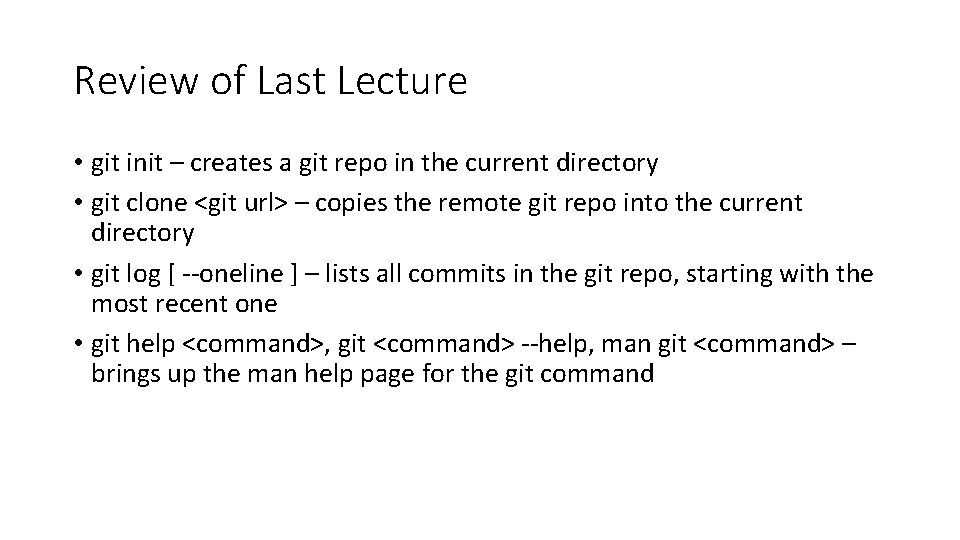
Review of Last Lecture • git init – creates a git repo in the current directory • git clone <git url> – copies the remote git repo into the current directory • git log [ --oneline ] – lists all commits in the git repo, starting with the most recent one • git help <command>, git <command> --help, man git <command> – brings up the man help page for the git command
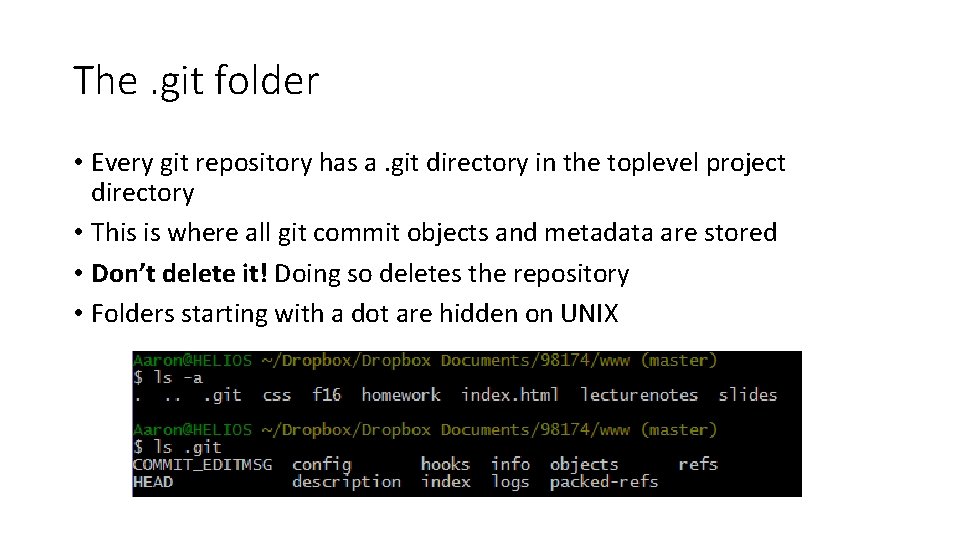
The. git folder • Every git repository has a. git directory in the toplevel project directory • This is where all git commit objects and metadata are stored • Don’t delete it! Doing so deletes the repository • Folders starting with a dot are hidden on UNIX
Today: The Git Commit Workflow • Review: git log • git diff • git status • git add • git commit • git show
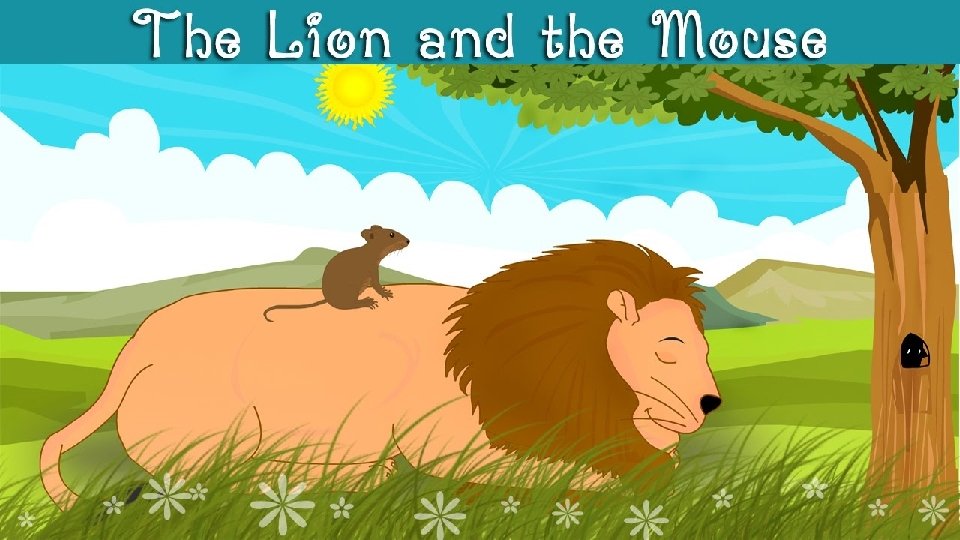
Once when a lion, the king of the jungle, was asleep, a little mouse began running up and down on him. This soon awakened the lion, who placed his huge paw on the mouse, and opened his big jaws to swallow him. "Pardon, O King!" cried the little mouse. "Forgive me this time. I shall never repeat it and I shall never forget your kindness. And who knows, I may be able to do you a good turn one of these days!" The ion was so tickled by the idea of the mouse being able to help him that he lifted his paw and let him go.
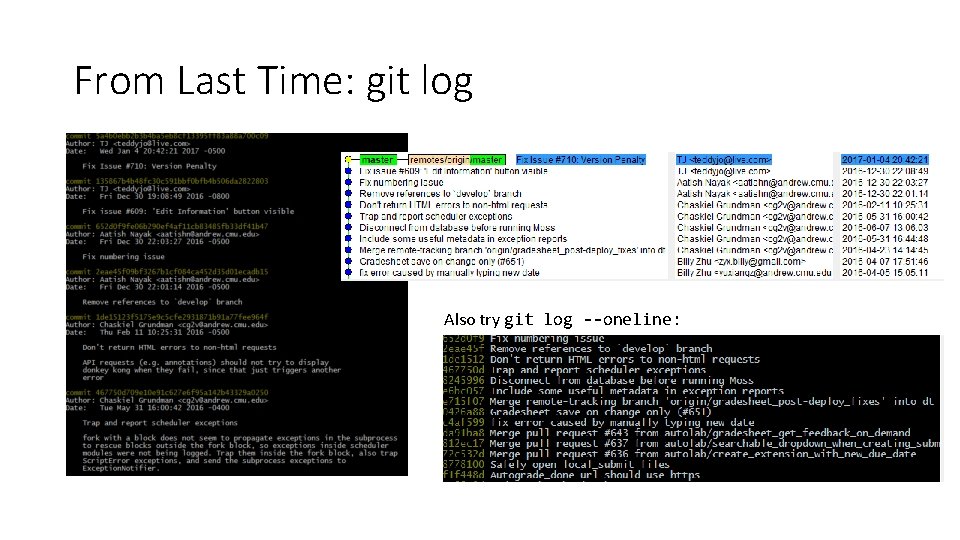
From Last Time: git log Also try git log --oneline:
What is 2 eae 45 f? • Commits are uniquely represented by SHA-1 hashes • The first 6 -7 characters of a hash are usually enough to identify it uniquely from all the other commits in the repository • This is called the short hash
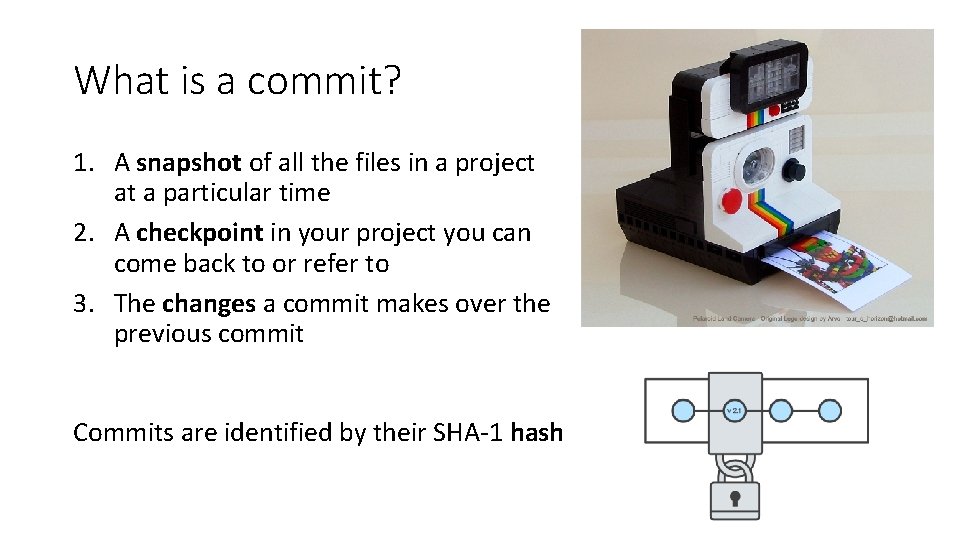
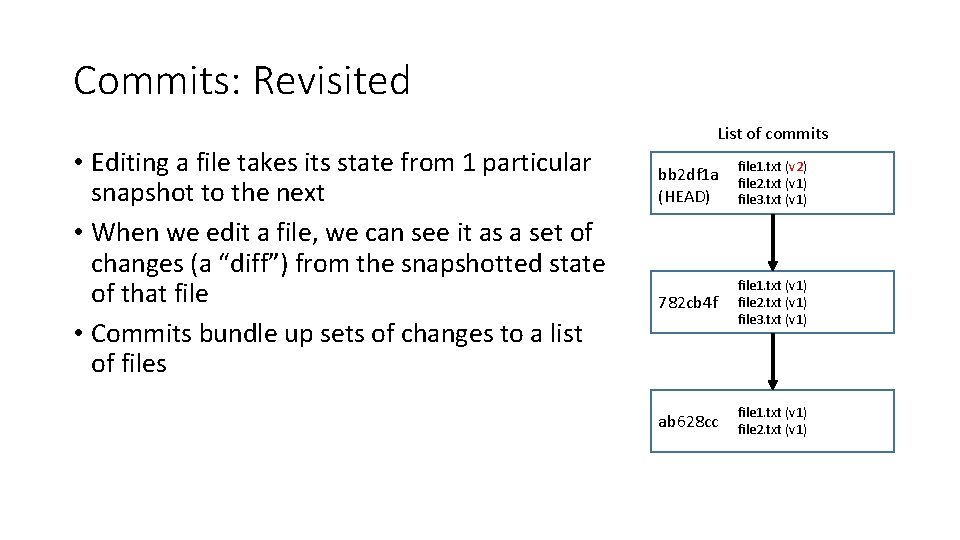
What is a commit? 1. A snapshot of all the files in a project at a particular time 2. A checkpoint in your project you can come back to or refer to 3. The changes a commit makes over the previous commit Commits are identified by their SHA-1 hash
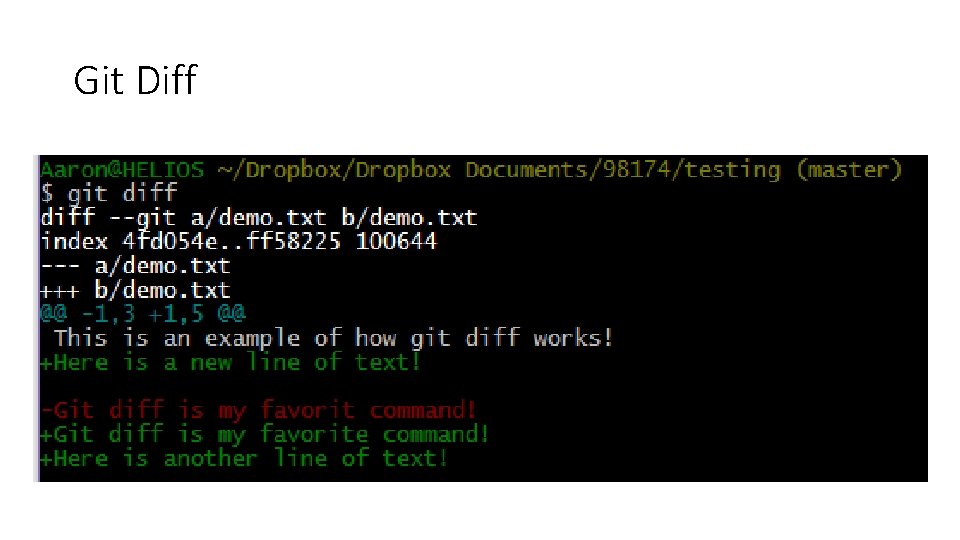
Git Diff
Commits: Revisited List of commits • Editing a file takes its state from 1 particular snapshot to the next • When we edit a file, we can see it as a set of changes (a “diff”) from the snapshotted state of that file • Commits bundle up sets of changes to a list of files bb 2 df 1 a (HEAD) file 1. txt (v 2) file 2. txt (v 1) file 3. txt (v 1) 782 cb 4 f file 1. txt (v 1) file 2. txt (v 1) file 3. txt (v 1) ab 628 cc file 1. txt (v 1) file 2. txt (v 1)
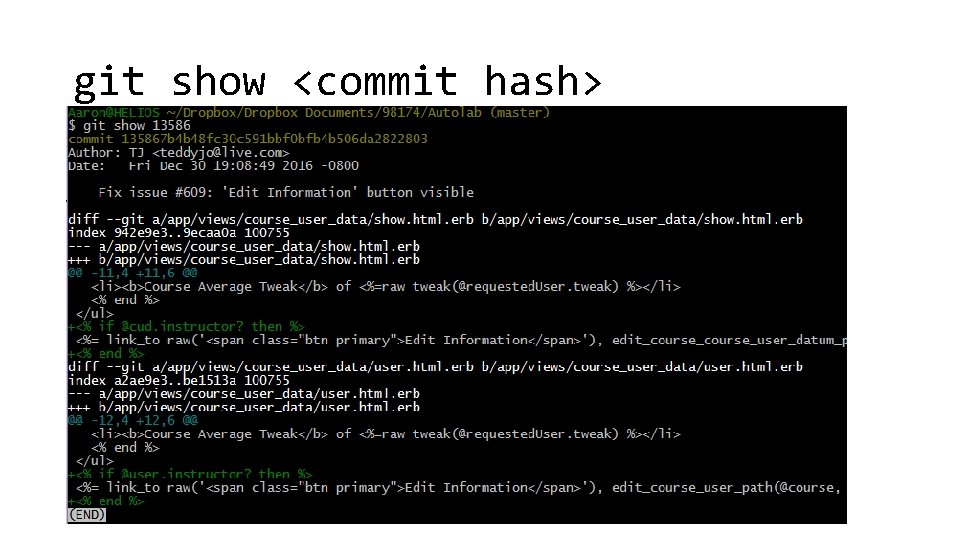
git show <commit hash>
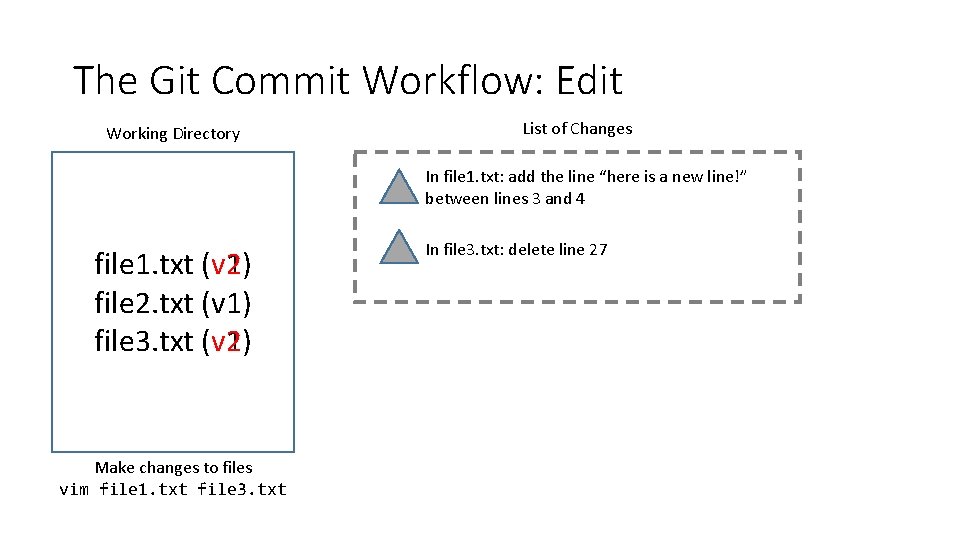
The Git Commit Workflow: Edit Working Directory List of Changes In file 1. txt: add the line “here is a new line!” between lines 3 and 4 file 1. txt (v 2) (v 1) file 2. txt (v 1) file 3. txt (v 2) (v 1) Make changes to files vim file 1. txt file 3. txt In file 3. txt: delete line 27
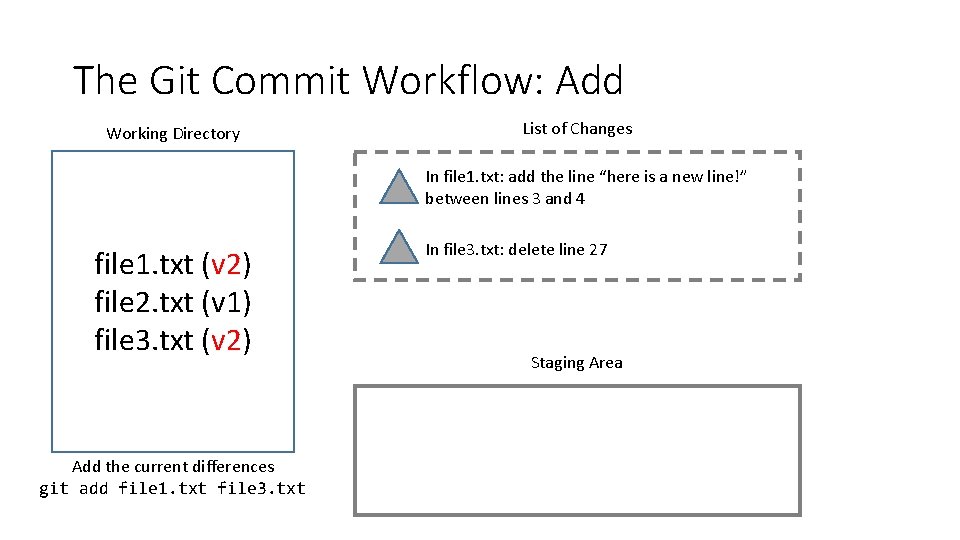
The Git Commit Workflow: Add Working Directory List of Changes In file 1. txt: add the line “here is a new line!” between lines 3 and 4 file 1. txt (v 2) file 2. txt (v 1) file 3. txt (v 2) Add the current differences git add file 1. txt file 3. txt In file 3. txt: delete line 27 Staging Area
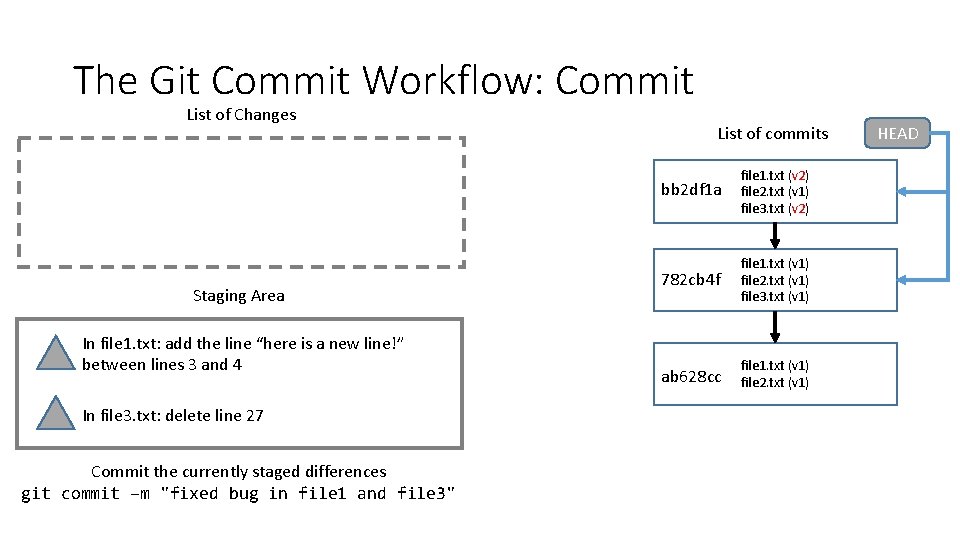
The Git Commit Workflow: Commit List of Changes Staging Area In file 1. txt: add the line “here is a new line!” between lines 3 and 4 In file 3. txt: delete line 27 Commit the currently staged differences git commit –m "fixed bug in file 1 and file 3" List of commits bb 2 df 1 a file 1. txt (v 2) file 2. txt (v 1) file 3. txt (v 2) 782 cb 4 f file 1. txt (v 1) file 2. txt (v 1) file 3. txt (v 1) ab 628 cc file 1. txt (v 1) file 2. txt (v 1) HEAD
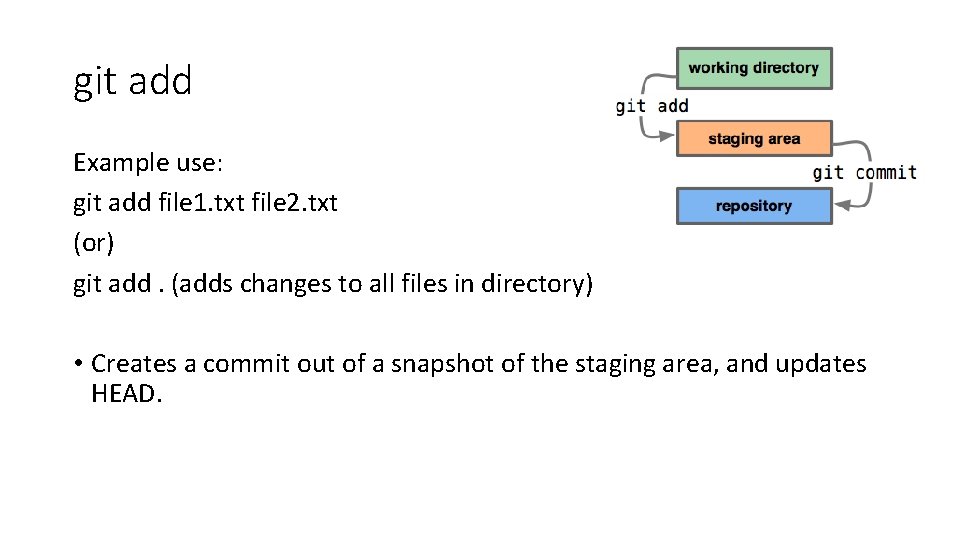
git add Example use: git add file 1. txt file 2. txt (or) git add. (adds changes to all files in directory) • Creates a commit out of a snapshot of the staging area, and updates HEAD.
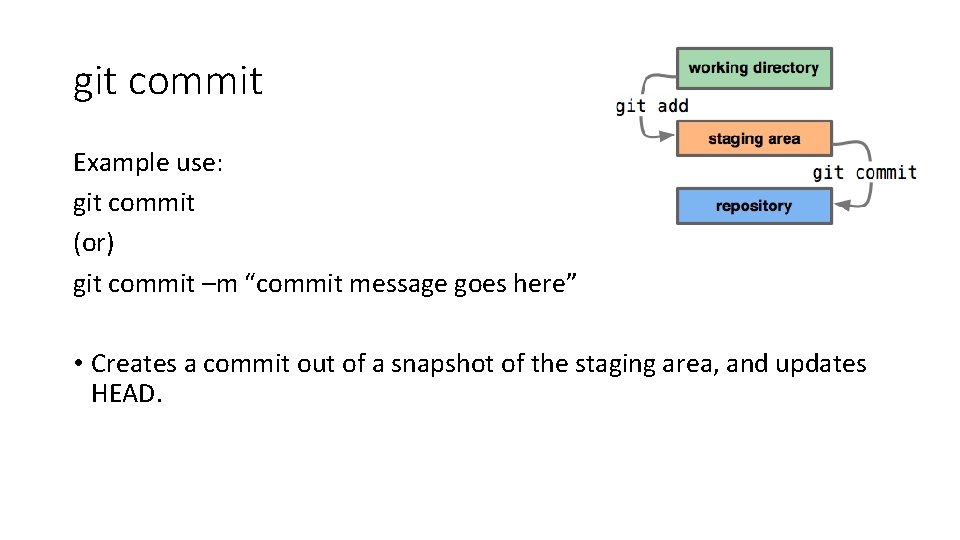
git commit Example use: git commit (or) git commit –m “commit message goes here” • Creates a commit out of a snapshot of the staging area, and updates HEAD.
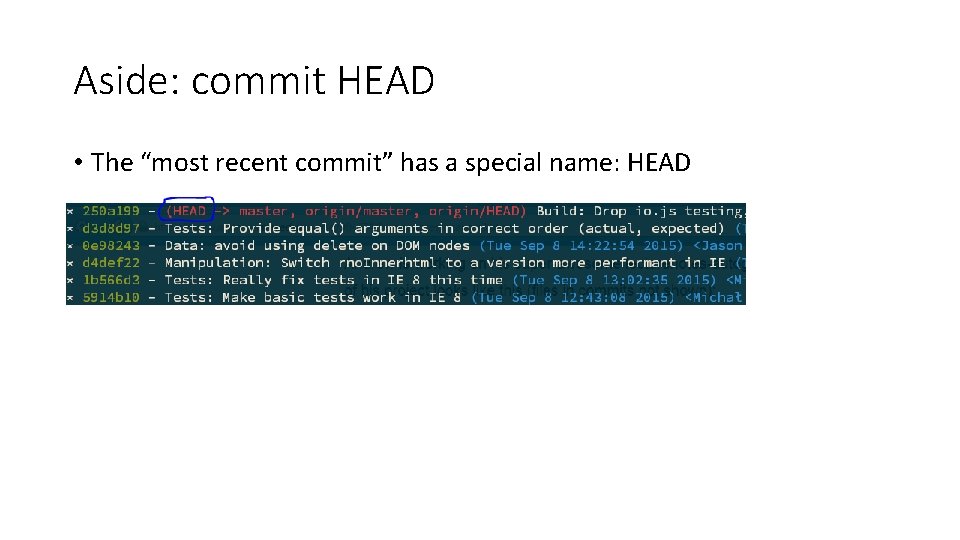
Aside: commit HEAD • The “most recent commit” has a special name: HEAD
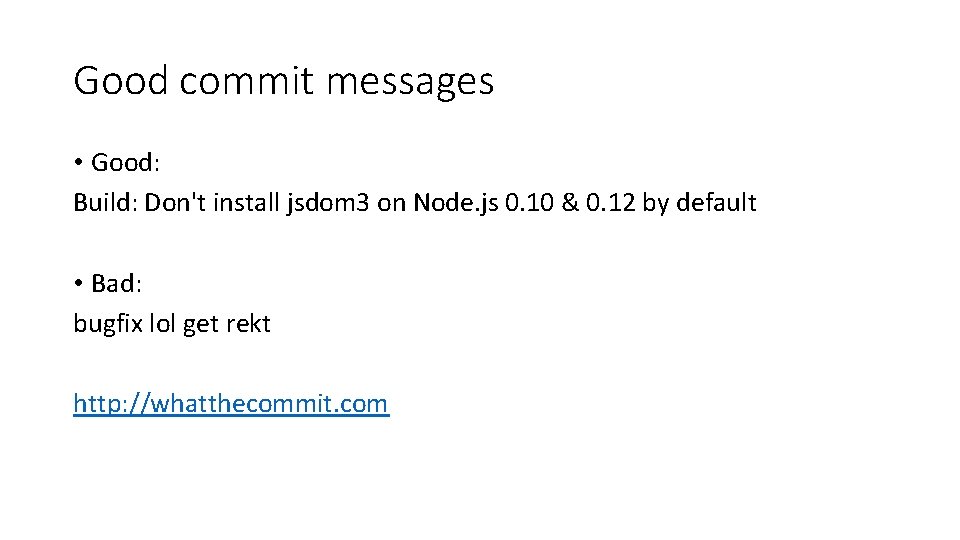
Good commit messages • Good: Build: Don't install jsdom 3 on Node. js 0. 10 & 0. 12 by default • Bad: bugfix lol get rekt http: //whatthecommit. com
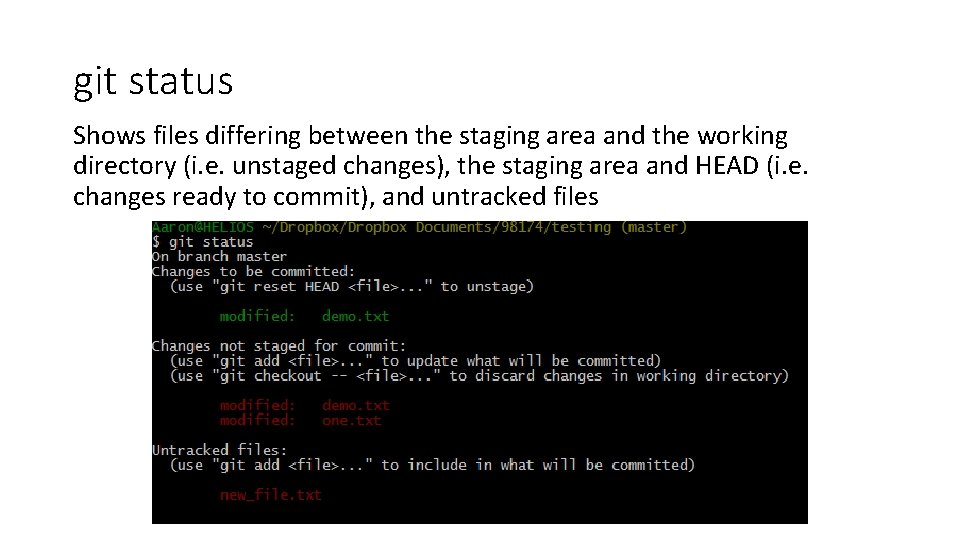
git status Shows files differing between the staging area and the working directory (i. e. unstaged changes), the staging area and HEAD (i. e. changes ready to commit), and untracked files
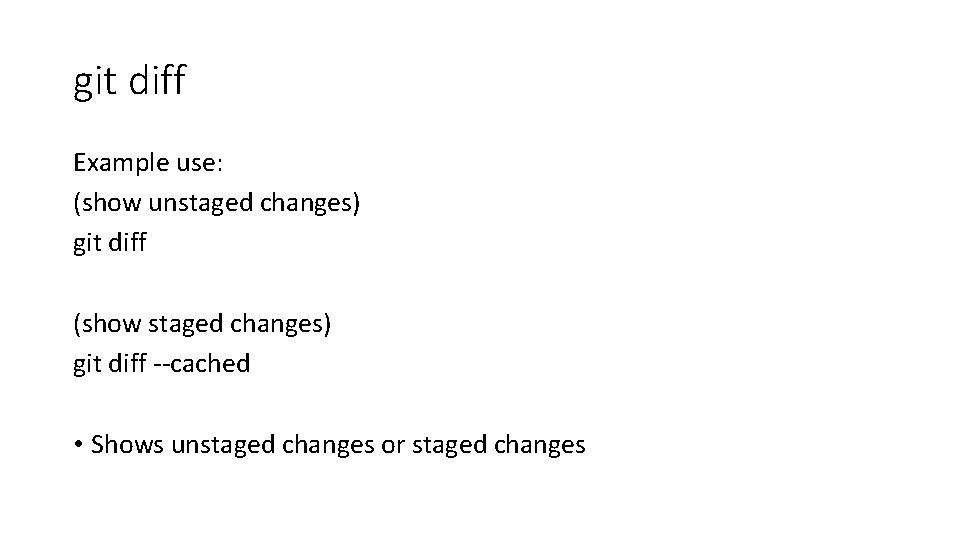
git diff Example use: (show unstaged changes) git diff (show staged changes) git diff --cached • Shows unstaged changes or staged changes
git show Example use: git show [commit hash (default is HEAD)] • Shows the changes in the specified commit