IT services at Ui T Contents Orakelet Starting


- Slides: 28
IT services at Ui. T
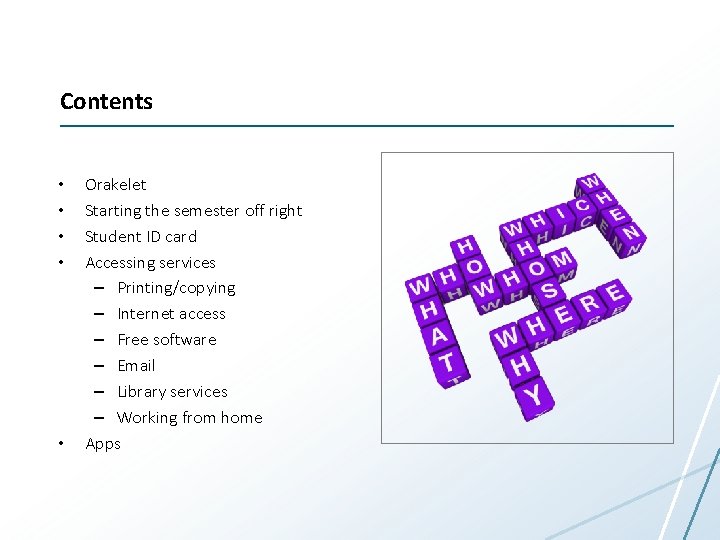
Contents • • • Orakelet Starting the semester off right Student ID card Accessing services – Printing/copying – Internet access – Free software – Email – Library services – Working from home Apps
1. Take out your smartphone 2. Take pictures of the next two slides
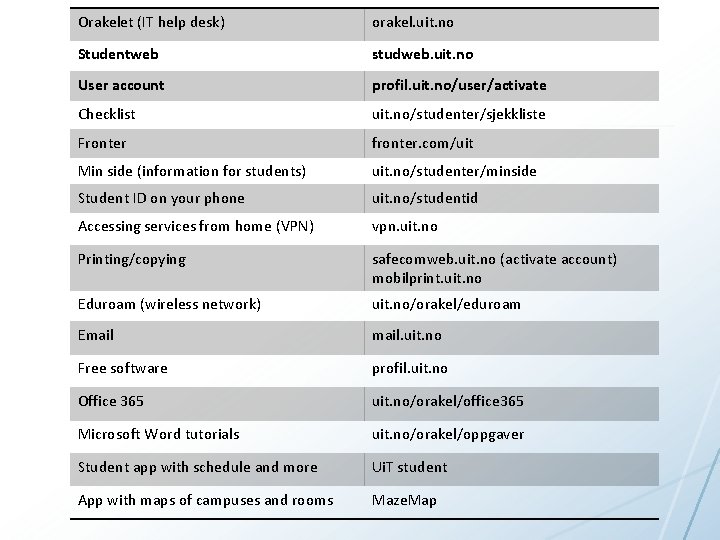
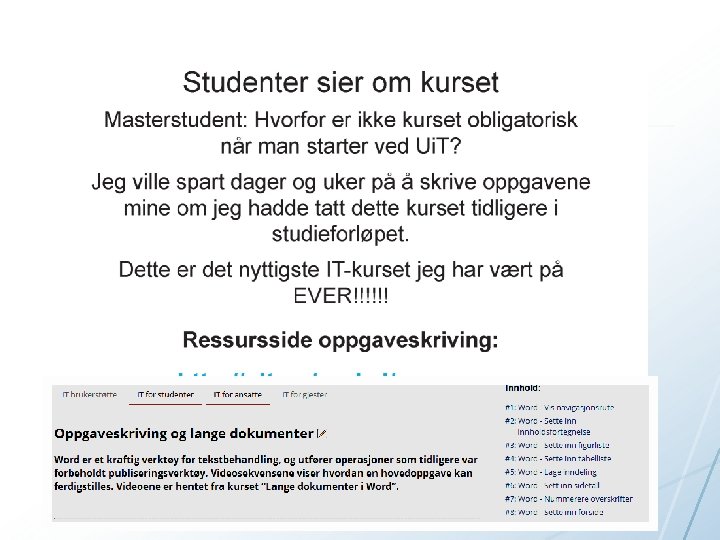
Orakelet (IT help desk) orakel. uit. no Studentweb studweb. uit. no User account profil. uit. no/user/activate Checklist uit. no/studenter/sjekkliste Fronter fronter. com/uit Min side (information for students) uit. no/studenter/minside Student ID on your phone uit. no/studentid Accessing services from home (VPN) vpn. uit. no Printing/copying safecomweb. uit. no (activate account) mobilprint. uit. no Eduroam (wireless network) uit. no/orakel/eduroam Email. uit. no Free software profil. uit. no Office 365 uit. no/orakel/office 365 Microsoft Word tutorials uit. no/orakel/oppgaver Student app with schedule and more Ui. T student App with maps of campuses and rooms Maze. Map
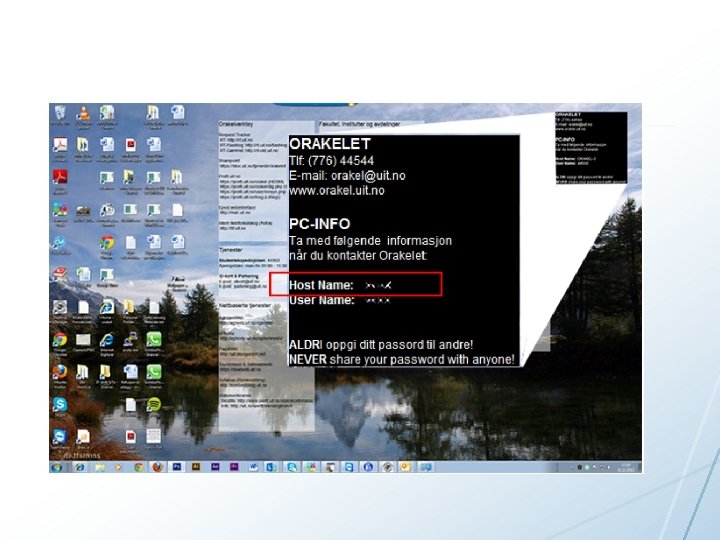
Orakelet IT support online orakel. uit. no Ask a question by phone Phone number: 776 44544 08: 00 -18: 00 (16: 00) Monday – Thursday (Friday) Visit the help desk in Tromsø 09: 00 -18: 00 (15: 00) Monday – Thursday (Friday) Email orakel@uit. no
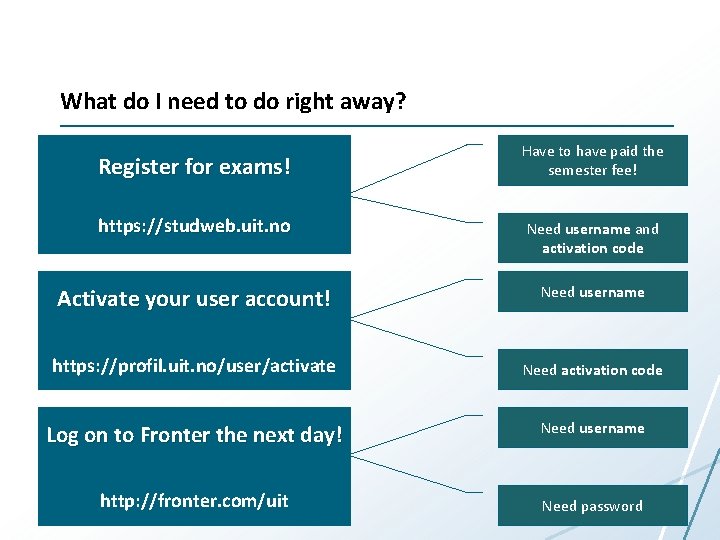
What do I need to do right away? Register for exams! Have to have paid the semester fee! https: //studweb. uit. no Need username and activation code Activate your user account! Need username https: //profil. uit. no/user/activate Need activation code Log on to Fronter the next day! Need username http: //fronter. com/uit Need password
What does having a Ui. T username and password get you?
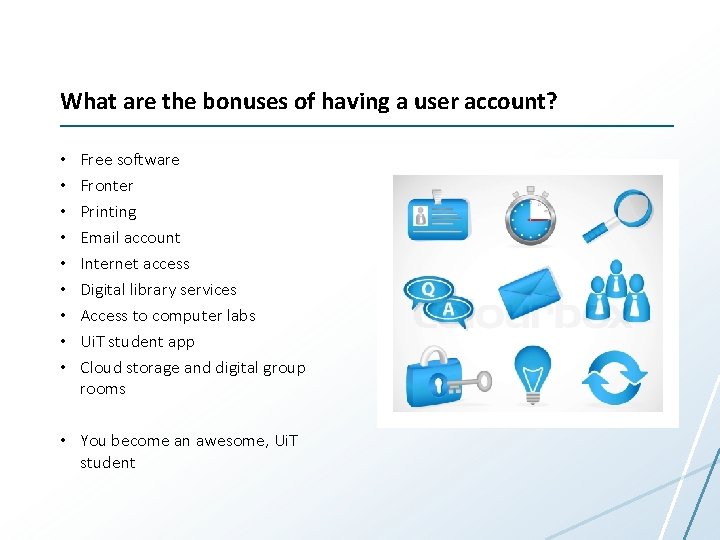
What are the bonuses of having a user account? • • • Free software Fronter Printing Email account Internet access Digital library services Access to computer labs Ui. T student app Cloud storage and digital group rooms • You become an awesome, Ui. T student
Accessing the wireless network (eduroam) uit. no/orakel/eduroam • Eduroam can be found – On all Ui. T campuses – Student dorms – Airports – Other universities and university colleges • If you are in an eduroam zone, you have free, secure access to the Internet
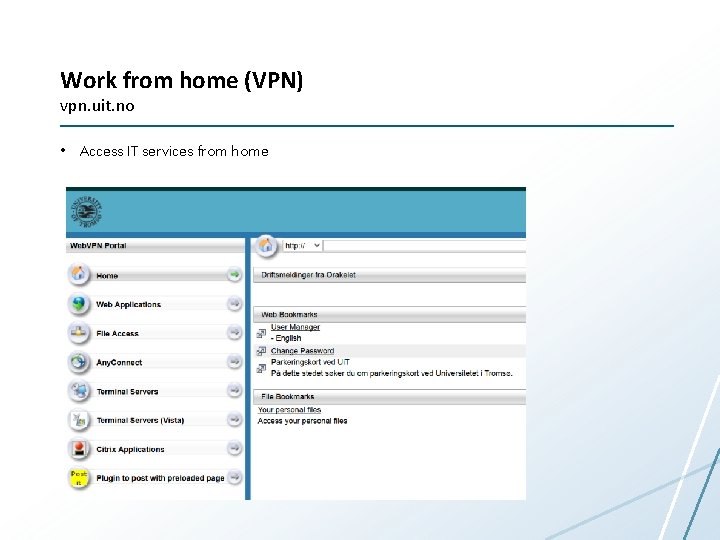
Work from home (VPN) vpn. uit. no • Access IT services from home
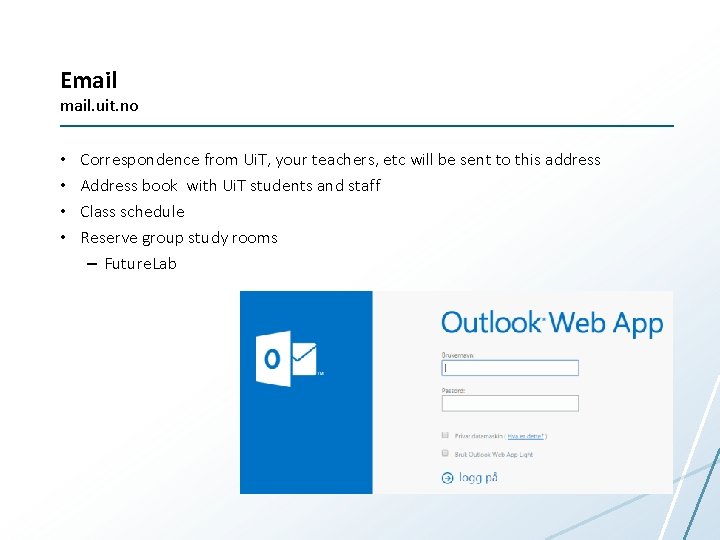
Email. uit. no • • Correspondence from Ui. T, your teachers, etc will be sent to this address Address book with Ui. T students and staff Class schedule Reserve group study rooms – Future. Lab
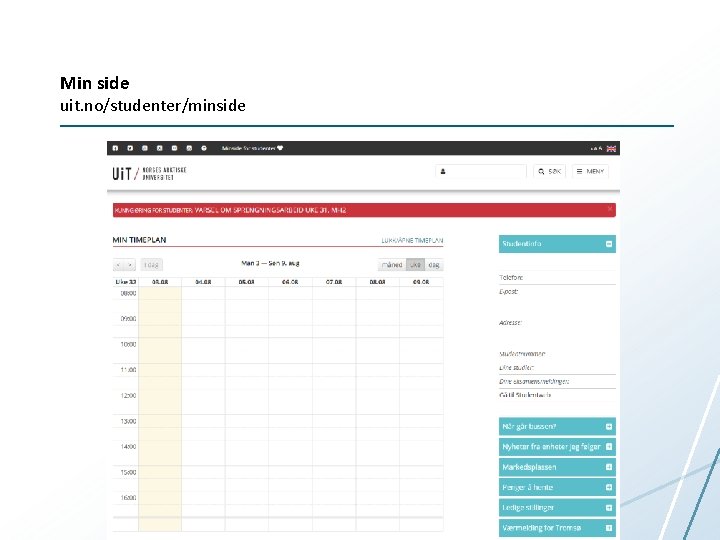
Min side uit. no/studenter/minside
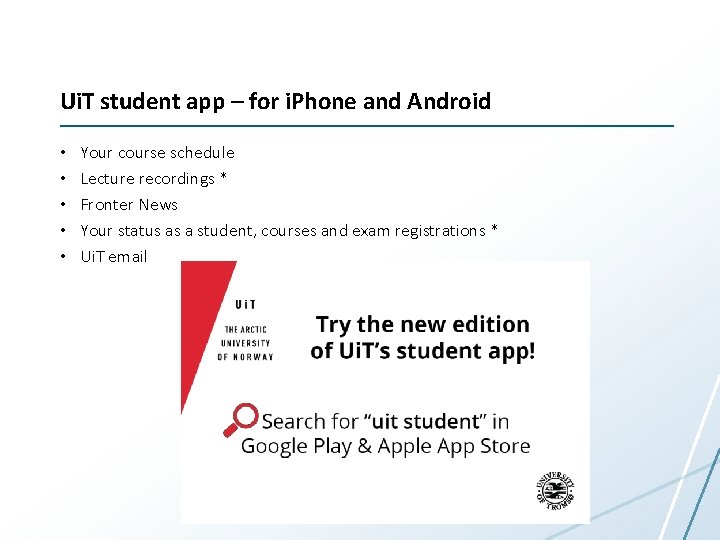
Ui. T student app – for i. Phone and Android • • • Your course schedule Lecture recordings * Fronter News Your status as a student, courses and exam registrations * Ui. T email
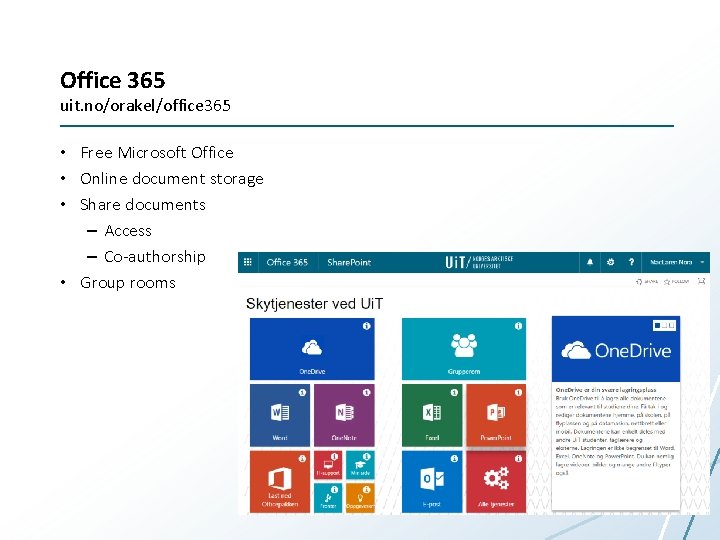
Office 365 uit. no/orakel/office 365 • Free Microsoft Office • Online document storage • Share documents – Access – Co-authorship • Group rooms
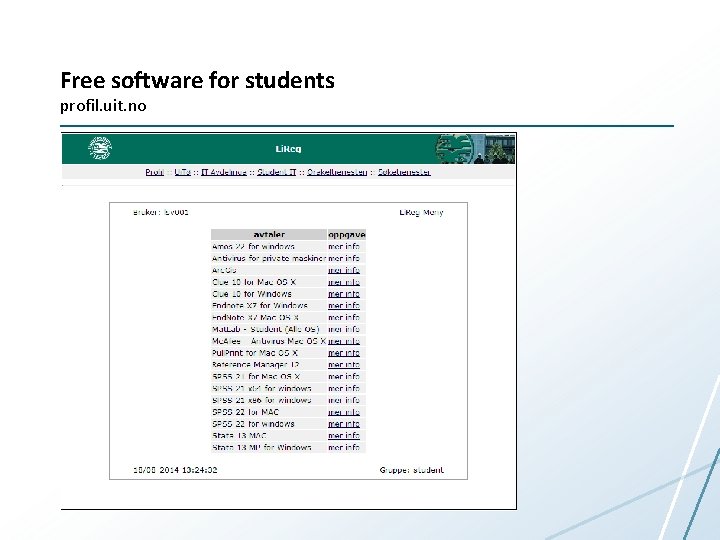
Free software for students profil. uit. no
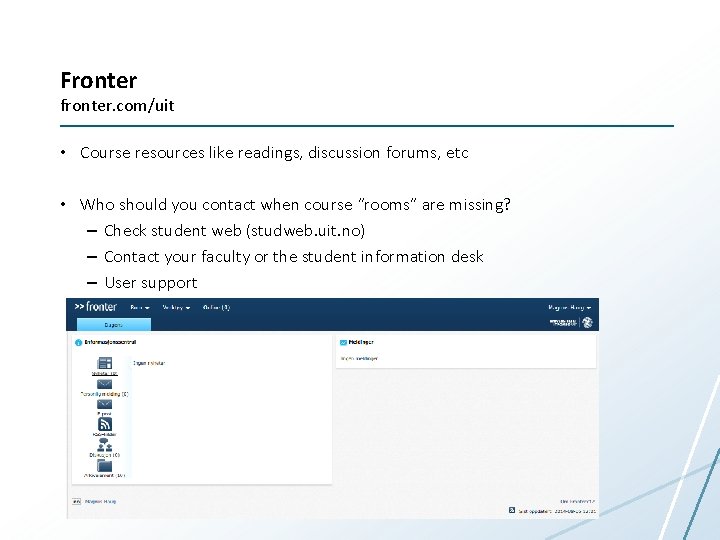
Fronter fronter. com/uit • Course resources like readings, discussion forums, etc • Who should you contact when course “rooms” are missing? – Check student web (studweb. uit. no) – Contact your faculty or the student information desk – User support
What does your ID card get you?
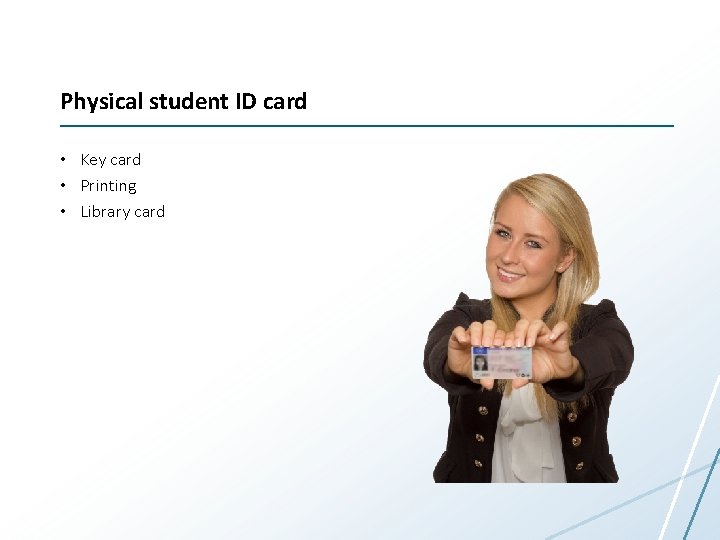
Physical student ID card • Key card • Printing • Library card
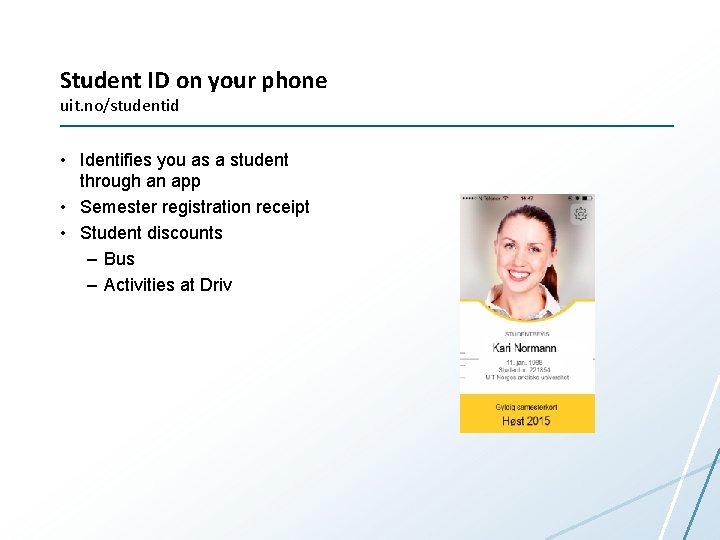
Student ID on your phone uit. no/studentid • Identifies you as a student through an app • Semester registration receipt • Student discounts – Bus – Activities at Driv
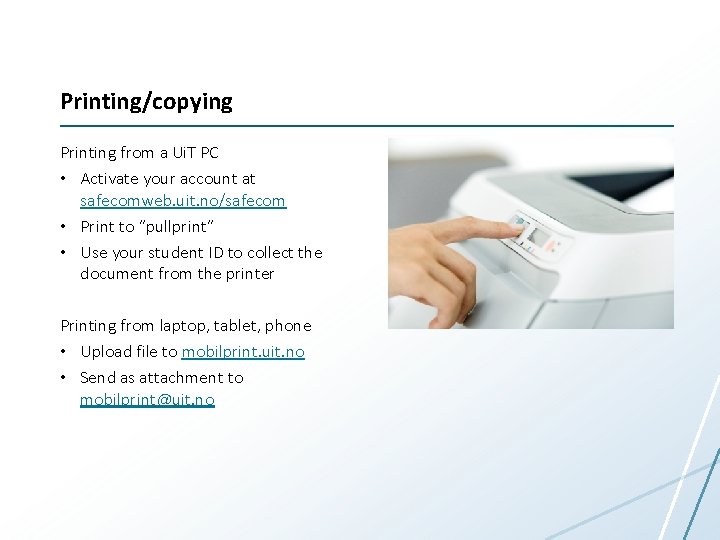
Printing/copying Printing from a Ui. T PC • Activate your account at safecomweb. uit. no/safecom • Print to “pullprint” • Use your student ID to collect the document from the printer Printing from laptop, tablet, phone • Upload file to mobilprint. uit. no • Send as attachment to mobilprint@uit. no
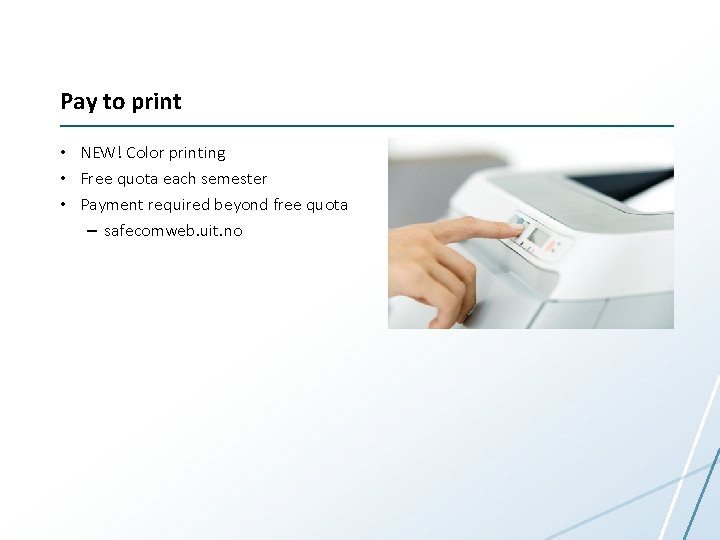
Pay to print • NEW! Color printing • Free quota each semester • Payment required beyond free quota – safecomweb. uit. no
Smart things to know about (that don’t require a username or ID card)
What’s happening at Ui. T? • Subscribe to announcements from Ui. T – uit. no/nyheter/rss – Orakelet – IT driftsmeldinger • Events, buy/sell, etc – tavla. uit. no
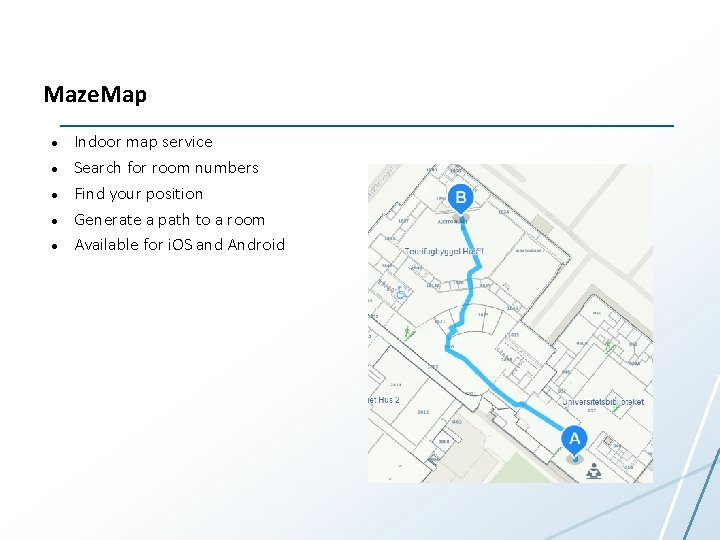
Maze. Map Indoor map service Search for room numbers Find your position Generate a path to a room Available for i. OS and Android
1. Take out your smartphone 2. Take a picture of the next slide
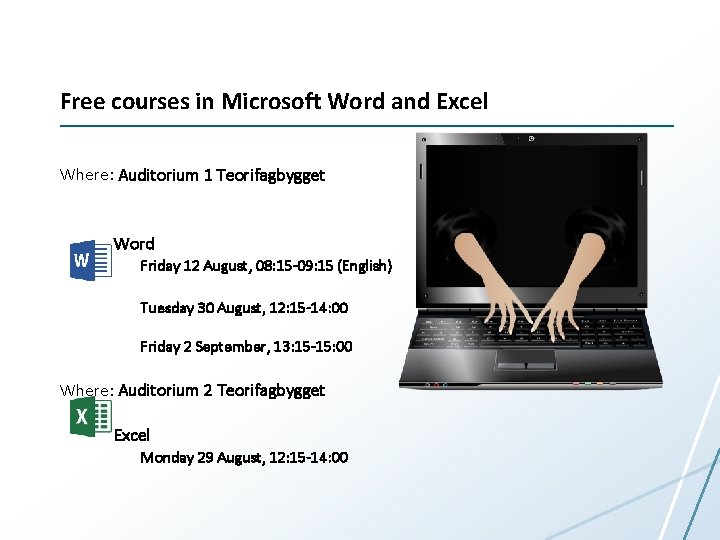
Free courses in Microsoft Word and Excel Where: Auditorium 1 Teorifagbygget Word Friday 12 August, 08: 15 -09: 15 (English) Tuesday 30 August, 12: 15 -14: 00 Friday 2 September, 13: 15 -15: 00 Where: Auditorium 2 Teorifagbygget Excel Monday 29 August, 12: 15 -14: 00