Introduction to Simple Scalar Tool Set CPEG 323
- Slides: 23
Introduction to Simple. Scalar Tool Set CPEG 323 Tutorial Long Chen September, 2005
Outline ● Why this tutorial? ● What is Simple. Scalar Tool Set? ● Where to get it? ● How to install it? ● How to use it? ● Demo
Why This Tutorial? ● ● Course Labs and projects are based on Simple. Scalar tool set. It will help you develop the ability to practice what you learned in class.
Outline ● Why this tutorial? ● What is Simple. Scalar Tool Set? ● Where to get it? ● How to install it? ● How to use it? ● Demo
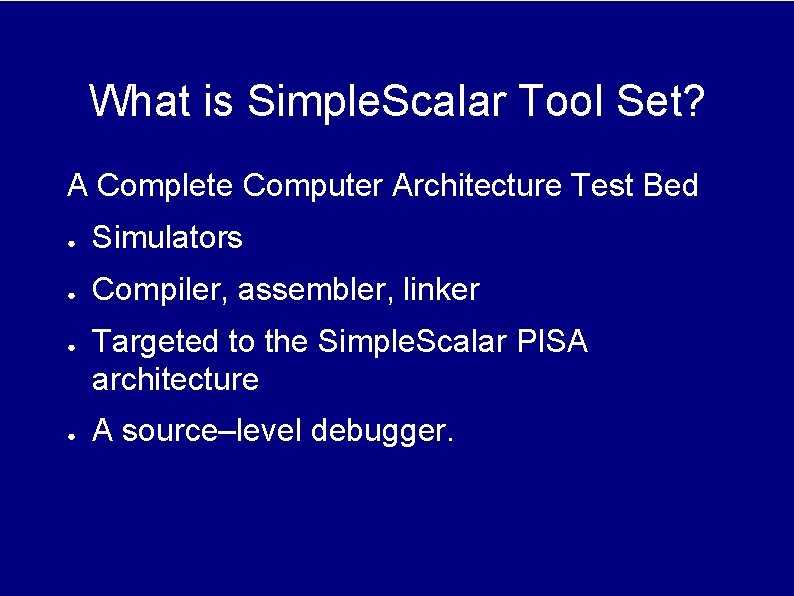
What is Simple. Scalar Tool Set? A Complete Computer Architecture Test Bed ● Simulators ● Compiler, assembler, linker ● ● Targeted to the Simple. Scalar PISA architecture A source–level debugger.
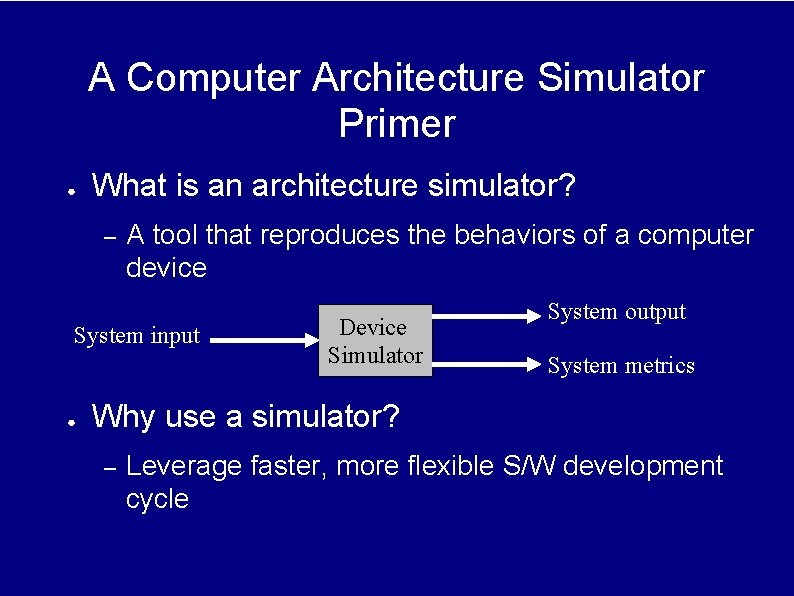
A Computer Architecture Simulator Primer ● What is an architecture simulator? – A tool that reproduces the behaviors of a computer device System input ● Device Simulator System output System metrics Why use a simulator? – Leverage faster, more flexible S/W development cycle
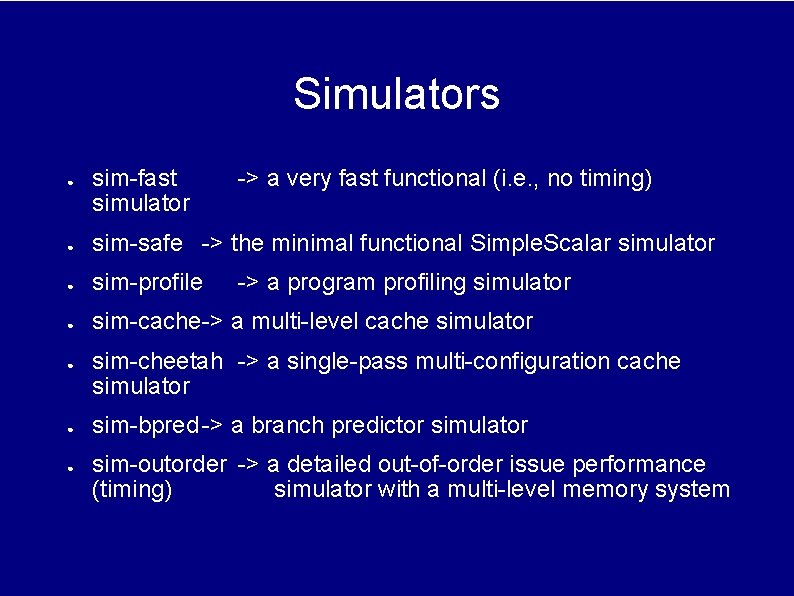
Simulators ● sim-fast simulator -> a very fast functional (i. e. , no timing) ● sim-safe -> the minimal functional Simple. Scalar simulator ● sim-profile ● sim-cache-> a multi-level cache simulator ● ● ● -> a program profiling simulator sim-cheetah -> a single-pass multi-configuration cache simulator sim-bpred -> a branch predictor simulator sim-outorder -> a detailed out-of-order issue performance (timing) simulator with a multi-level memory system
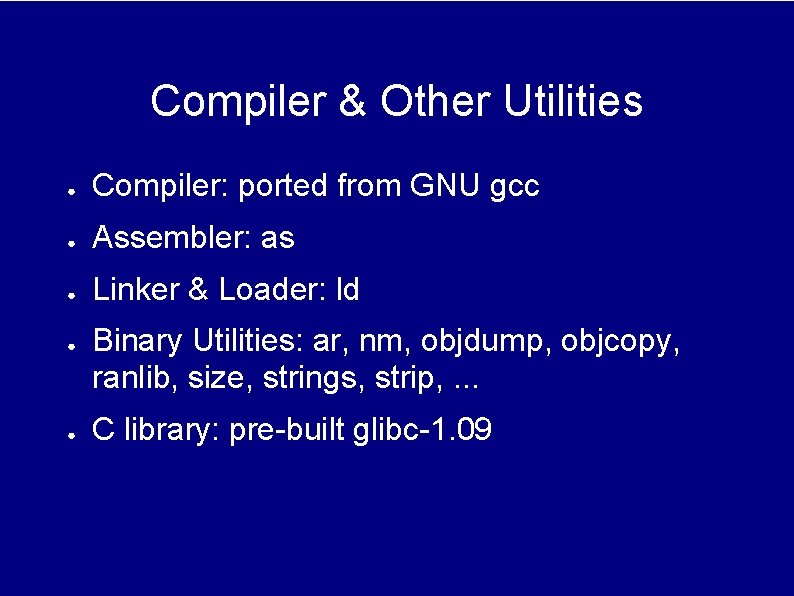
Compiler & Other Utilities ● Compiler: ported from GNU gcc ● Assembler: as ● Linker & Loader: ld ● ● Binary Utilities: ar, nm, objdump, objcopy, ranlib, size, strings, strip, . . . C library: pre-built glibc-1. 09
Outline ● Why this tutorial? ● What is Simple. Scalar Tool Set? ● Where to get it? ● How to install it? ● How to use it? ● Demo
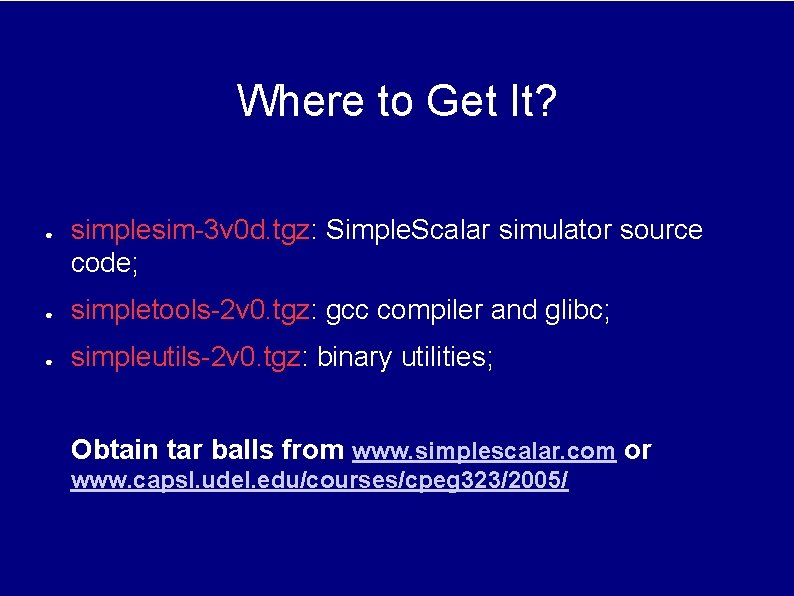
Where to Get It? ● simplesim-3 v 0 d. tgz: Simple. Scalar simulator source code; ● simpletools-2 v 0. tgz: gcc compiler and glibc; ● simpleutils-2 v 0. tgz: binary utilities; Obtain tar balls from www. simplescalar. com or www. capsl. udel. edu/courses/cpeg 323/2005/
Outline ● Why this tutorial? ● What is Simple. Scalar Tool Set? ● Where to get it? ● How to install it? ● How to use it? ● Demo
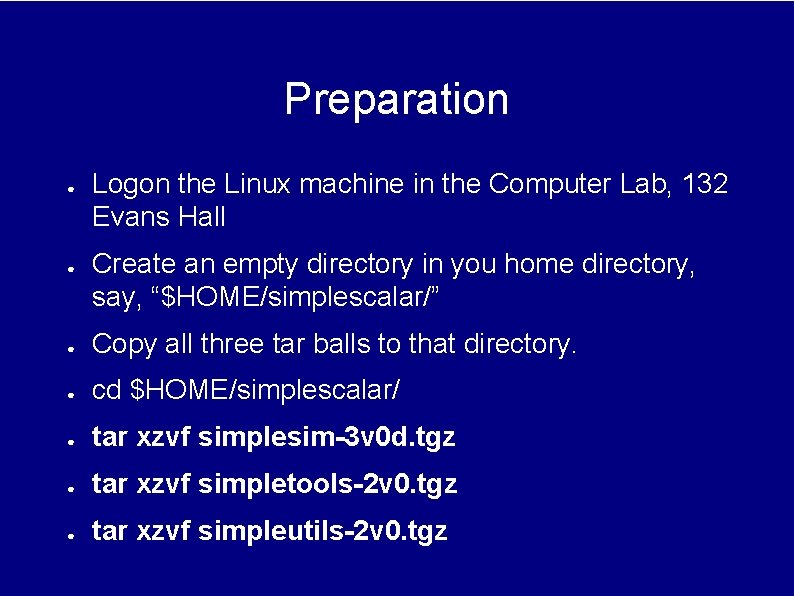
Preparation ● ● Logon the Linux machine in the Computer Lab, 132 Evans Hall Create an empty directory in you home directory, say, “$HOME/simplescalar/” ● Copy all three tar balls to that directory. ● cd $HOME/simplescalar/ ● tar xzvf simplesim-3 v 0 d. tgz ● tar xzvf simpletools-2 v 0. tgz ● tar xzvf simpleutils-2 v 0. tgz
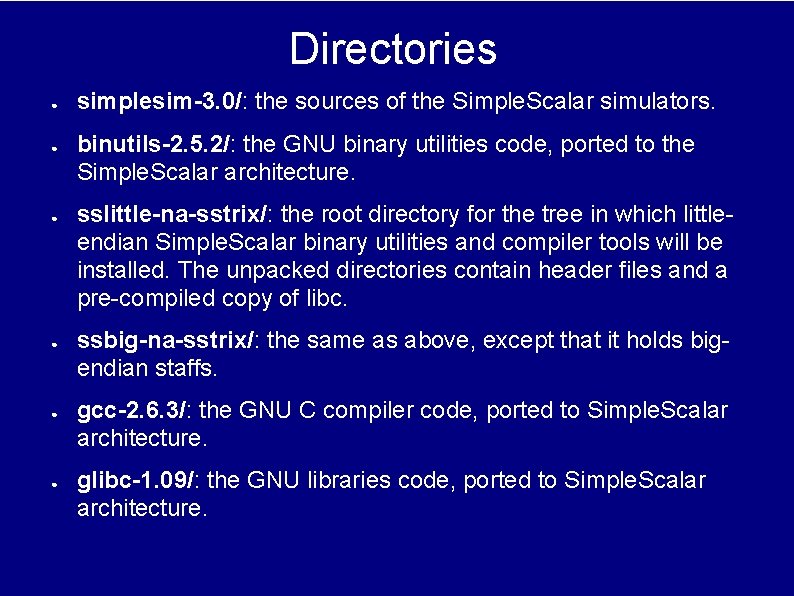
Directories ● ● ● simplesim-3. 0/: the sources of the Simple. Scalar simulators. binutils-2. 5. 2/: the GNU binary utilities code, ported to the Simple. Scalar architecture. sslittle-na-sstrix/: the root directory for the tree in which littleendian Simple. Scalar binary utilities and compiler tools will be installed. The unpacked directories contain header files and a pre-compiled copy of libc. ssbig-na-sstrix/: the same as above, except that it holds bigendian staffs. gcc-2. 6. 3/: the GNU C compiler code, ported to Simple. Scalar architecture. glibc-1. 09/: the GNU libraries code, ported to Simple. Scalar architecture.
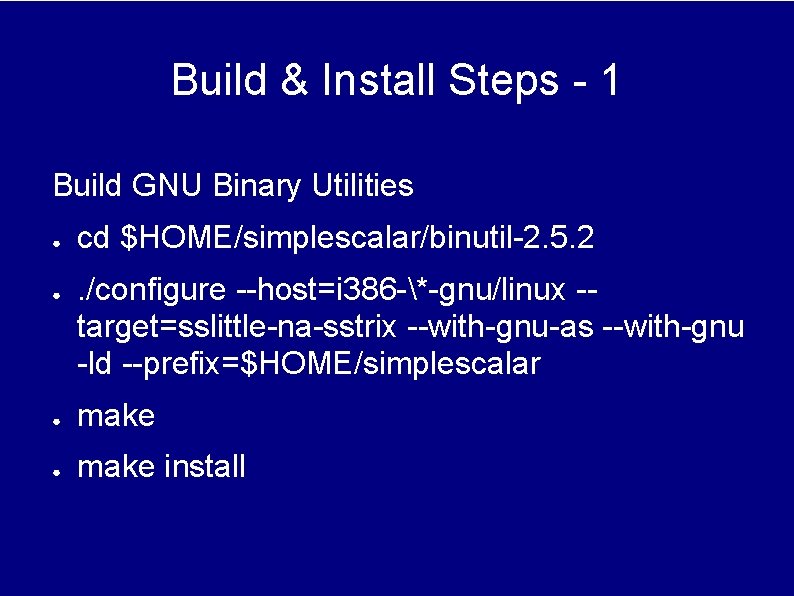
Build & Install Steps - 1 Build GNU Binary Utilities ● ● cd $HOME/simplescalar/binutil-2. 5. 2. /configure --host=i 386 -*-gnu/linux -target=sslittle-na-sstrix --with-gnu-as --with-gnu -ld --prefix=$HOME/simplescalar ● make install
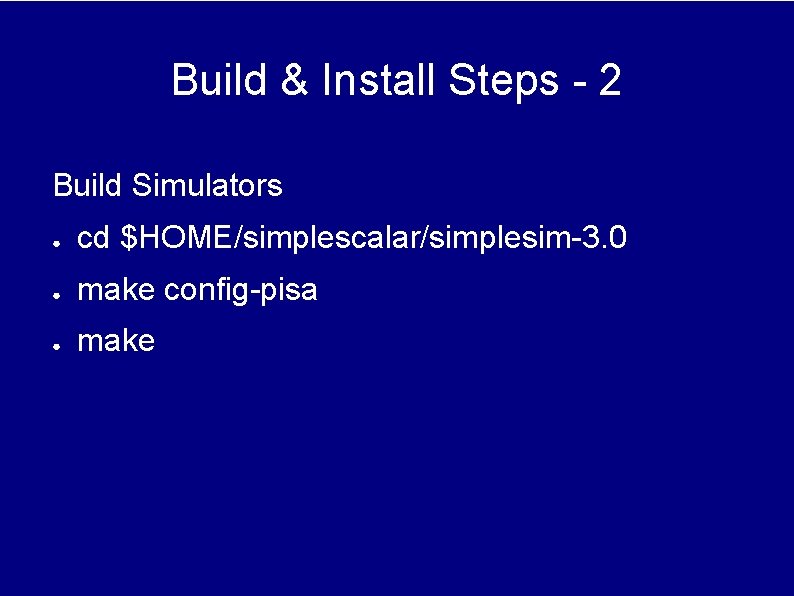
Build & Install Steps - 2 Build Simulators ● cd $HOME/simplescalar/simplesim-3. 0 ● make config-pisa ● make
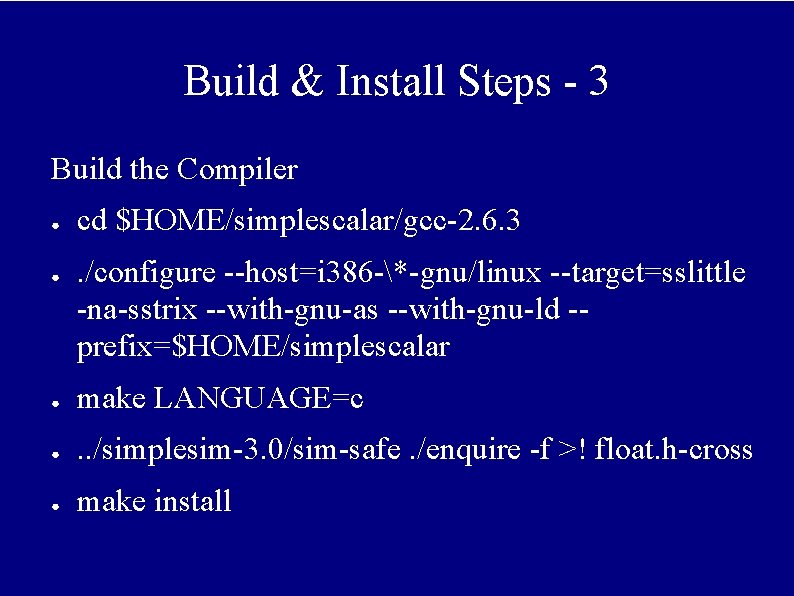
Build & Install Steps - 3 Build the Compiler ● ● cd $HOME/simplescalar/gcc-2. 6. 3. /configure --host=i 386 -*-gnu/linux --target=sslittle -na-sstrix --with-gnu-as --with-gnu-ld -prefix=$HOME/simplescalar ● make LANGUAGE=c ● . . /simplesim-3. 0/sim-safe. /enquire -f >! float. h-cross ● make install
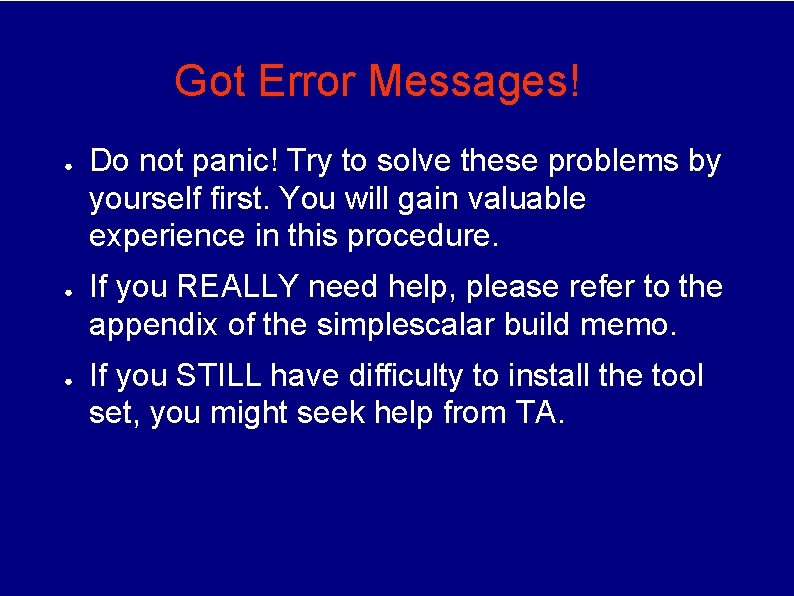
Got Error Messages! ● ● ● Do not panic! Try to solve these problems by yourself first. You will gain valuable experience in this procedure. If you REALLY need help, please refer to the appendix of the simplescalar build memo. If you STILL have difficulty to install the tool set, you might seek help from TA.
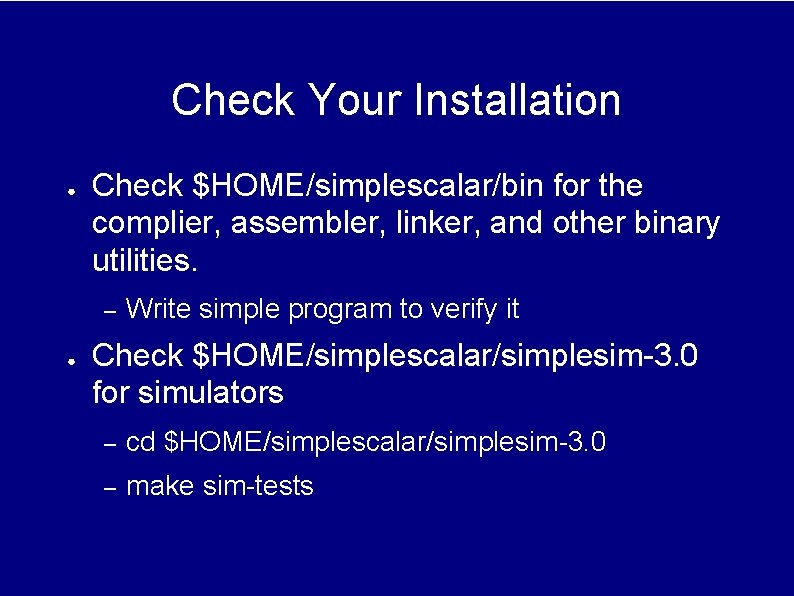
Check Your Installation ● Check $HOME/simplescalar/bin for the complier, assembler, linker, and other binary utilities. – ● Write simple program to verify it Check $HOME/simplescalar/simplesim-3. 0 for simulators – cd $HOME/simplescalar/simplesim-3. 0 – make sim-tests
Outline ● Why this tutorial? ● What is Simple. Scalar Tool Set? ● Where to get it? ● How to install it? ● How to use it? ● Demo
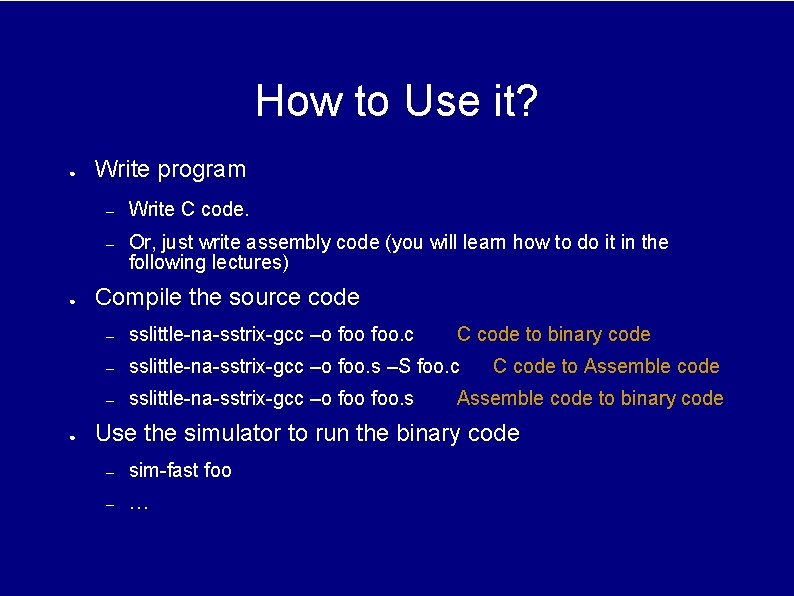
How to Use it? ● ● ● Write program – Write C code. – Or, just write assembly code (you will learn how to do it in the following lectures) Compile the source code – sslittle-na-sstrix-gcc –o foo. c C code to binary code – sslittle-na-sstrix-gcc –o foo. s –S foo. c – sslittle-na-sstrix-gcc –o foo. s C code to Assemble code to binary code Use the simulator to run the binary code – sim-fast foo – …
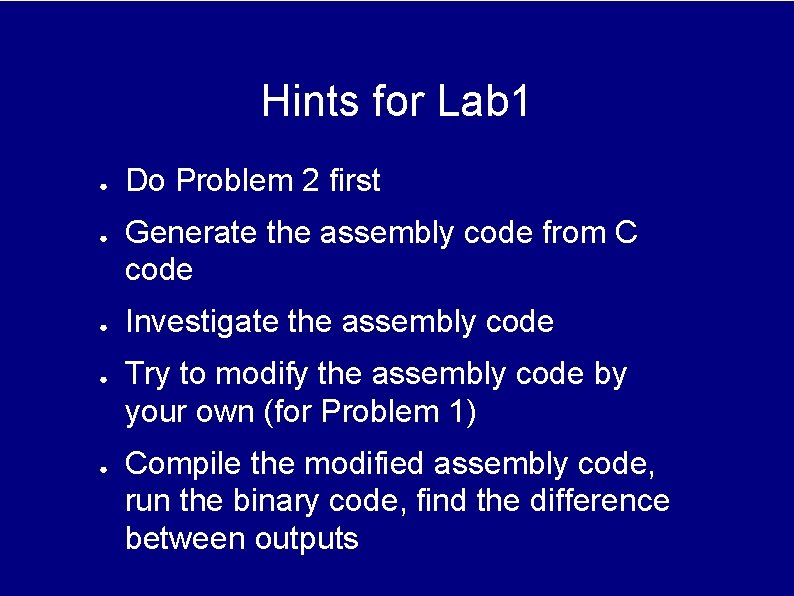
Hints for Lab 1 ● ● ● Do Problem 2 first Generate the assembly code from C code Investigate the assembly code Try to modify the assembly code by your own (for Problem 1) Compile the modified assembly code, run the binary code, find the difference between outputs
Outline ● Why this tutorial? ● What is Simple. Scalar Tool Set? ● Where to get it? ● How to install it? ● How to write program for it? ● Demo
Simple. Scalar Demo