Implementation support chapter 8 programming tools levels of
![Programming the application notification-based void main(String[] args) { Menu menu = new Menu(); menu.](https://slidetodoc.com/presentation_image_h/82cf3b85696b19c105b196689551ea59/image-8.jpg "Programming the application notification-based void main(String[] args) { Menu menu = new Menu(); menu.")
- Slides: 22
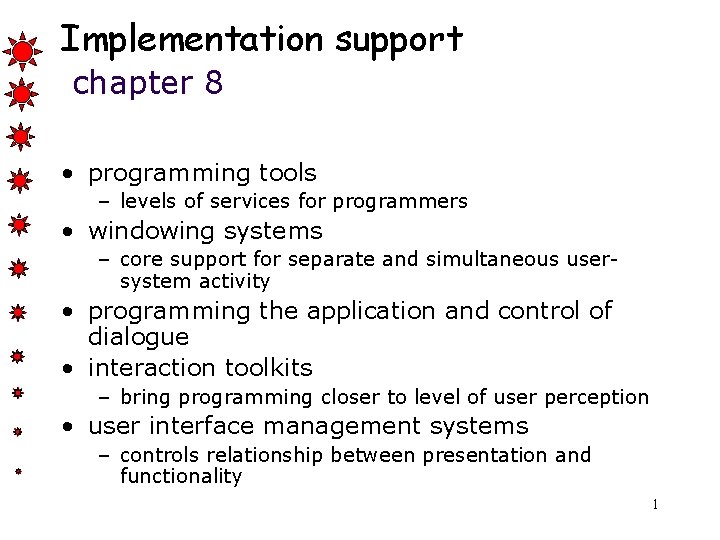
Implementation support chapter 8 • programming tools – levels of services for programmers • windowing systems – core support for separate and simultaneous usersystem activity • programming the application and control of dialogue • interaction toolkits – bring programming closer to level of user perception • user interface management systems – controls relationship between presentation and functionality 1
Introduction How does HCI affect of the programmer? Advances in coding have elevated programming hardware specific interaction-technique specific Layers of development tools – windowing systems (operating systems) – interaction toolkits – user interface management systems 2
Elements of windowing systems Device independence programming the abstract terminal device drivers image models for output and (partially) input Resource sharing achieving simultaneity of user tasks window system supports independent processes isolation of individual applications 3
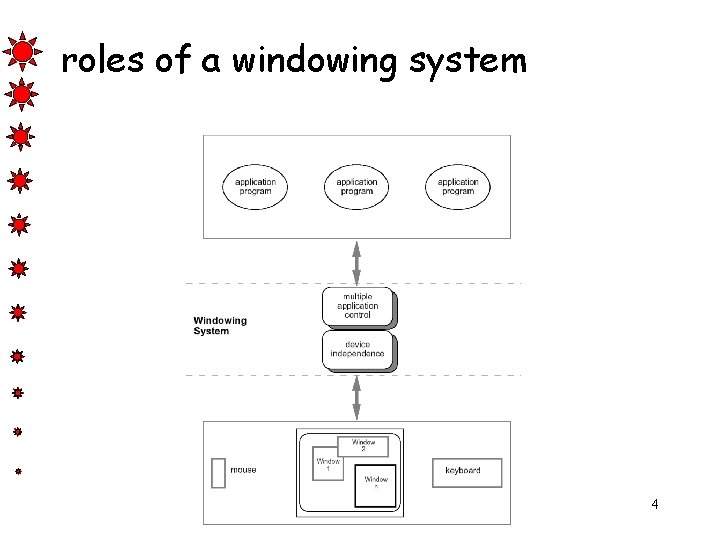
roles of a windowing system 4
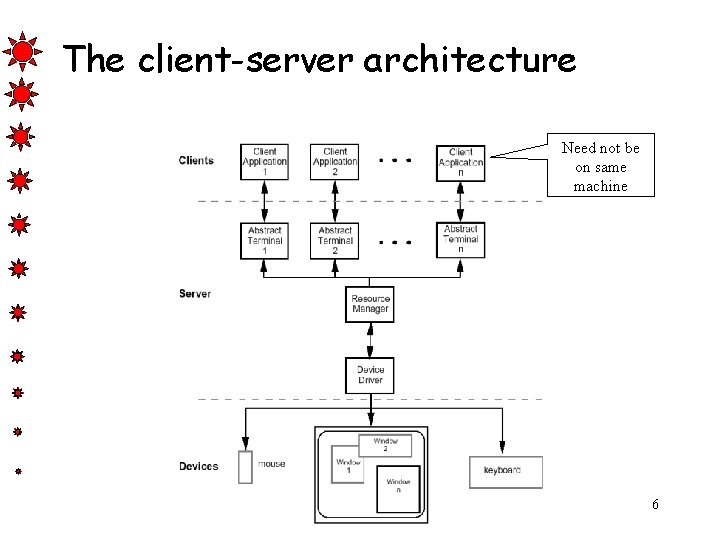
Architectures of windowing systems three possible software architectures – all assume device driver is separate – differ in how multiple application management is implemented 1. each application manages all processes – everyone worries about synchronization – reduces portability of applications 2. management role within kernel of operating system – applications tied to operating system 3. management role as separate application maximum portability 5
The client-server architecture Need not be on same machine 6
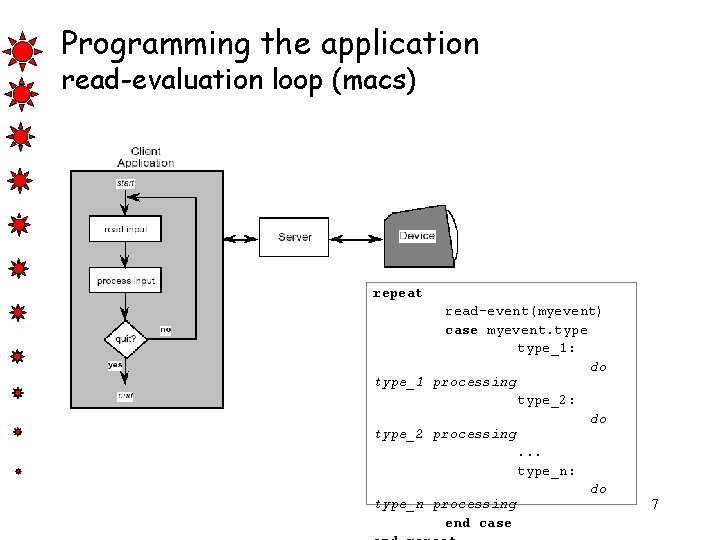
Programming the application read-evaluation loop (macs) repeat read-event(myevent) case myevent. type_1: do type_1 processing type_2: do type_2 processing. . . type_n: do type_n processing end case 7
Programming the application notification-based void main(String[] args) { Menu menu = new Menu(); menu. set. Option(“Save”); menu. set. Option(“Quit”); menu. set. Action(“Save”, my. Save) menu. set. Action(“Quit”, my. Quit). . . } int my. Save(Event e) { // save the current file } int my. Quit(Event e) { // close down } 8
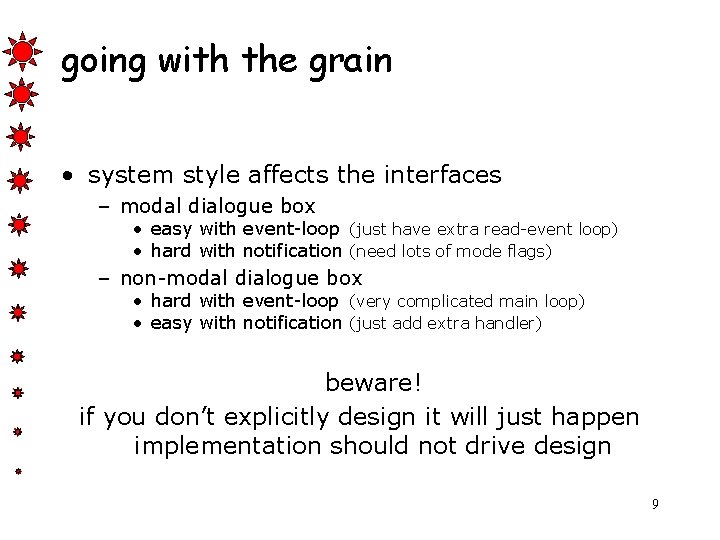
going with the grain • system style affects the interfaces – modal dialogue box • easy with event-loop (just have extra read-event loop) • hard with notification (need lots of mode flags) – non-modal dialogue box • hard with event-loop (very complicated main loop) • easy with notification (just add extra handler) beware! if you don’t explicitly design it will just happen implementation should not drive design 9
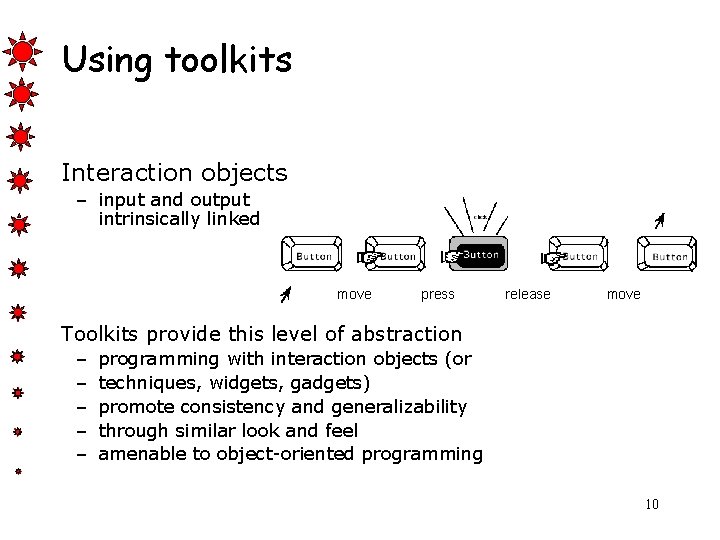
Using toolkits Interaction objects – input and output intrinsically linked move press release move Toolkits provide this level of abstraction – – – programming with interaction objects (or techniques, widgets, gadgets) promote consistency and generalizability through similar look and feel amenable to object-oriented programming 10
interfaces in Java • Java toolkit – AWT (abstract windowing toolkit) • Java classes for buttons, menus, etc. • Notification based; – AWT 1. 0 – need to subclass basic widgets – AWT 1. 1 and beyond -– callback objects • Swing toolkit – built on top of AWT – higher level features – uses MVC architecture (see later) 11
UI development environment (UIDE) • e. g. Visual Studio, Delphi – Provide high level of support for programmer • but – Usually operating system specific 12
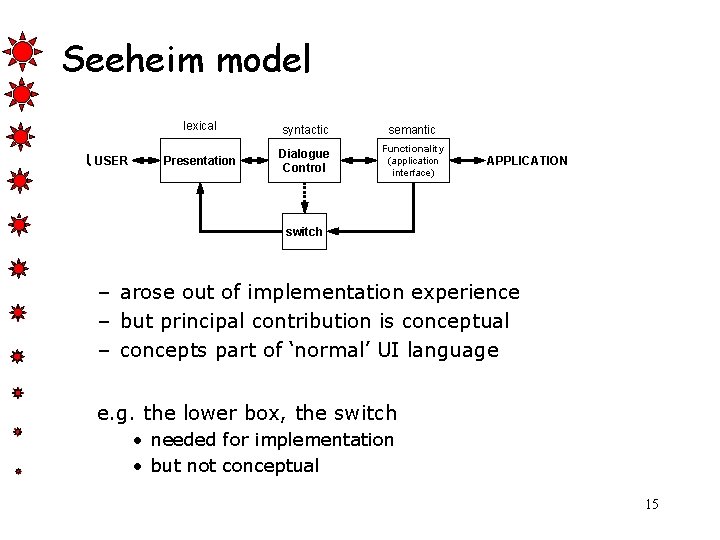
User Interface Management Systems (UIMS) • UIMS add another level above toolkits – toolkits too difficult for non-programmers • roles of UIMS – conceptual architecture – implementation techniques – support infrastructure 13
UIMS as conceptual architecture • separation between application semantics and presentation • improves: – – portability – runs on different systems reusability – components reused cutting costs multiple interfaces – accessing same functionality customizability – by designer and user • These issues will be more important as ‘anytime anywhere’ computing becomes a reality 14
Seeheim model USER lexical syntactic semantic Presentation Dialogue Control Functionality (application interface) APPLICATION switch – arose out of implementation experience – but principal contribution is conceptual – concepts part of ‘normal’ UI language e. g. the lower box, the switch • needed for implementation • but not conceptual 15
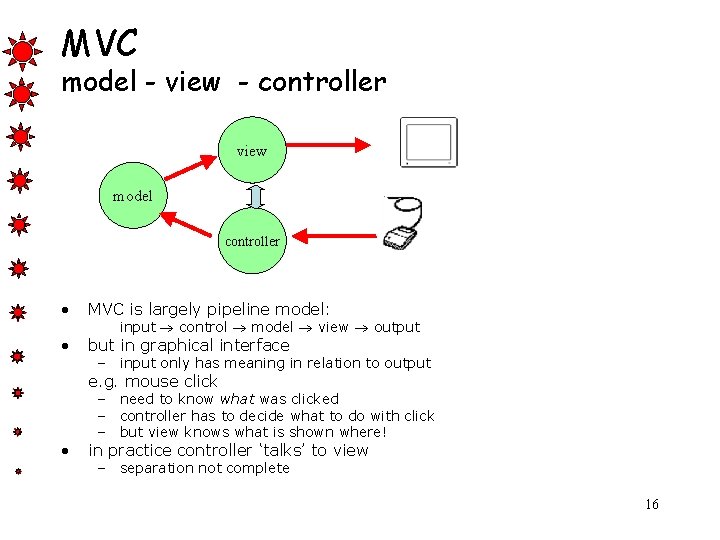
MVC model - view - controller view model controller • MVC is largely pipeline model: • but in graphical interface input control model view output – input only has meaning in relation to output e. g. mouse click • – need to know what was clicked – controller has to decide what to do with click – but view knows what is shown where! in practice controller ‘talks’ to view – separation not complete 16
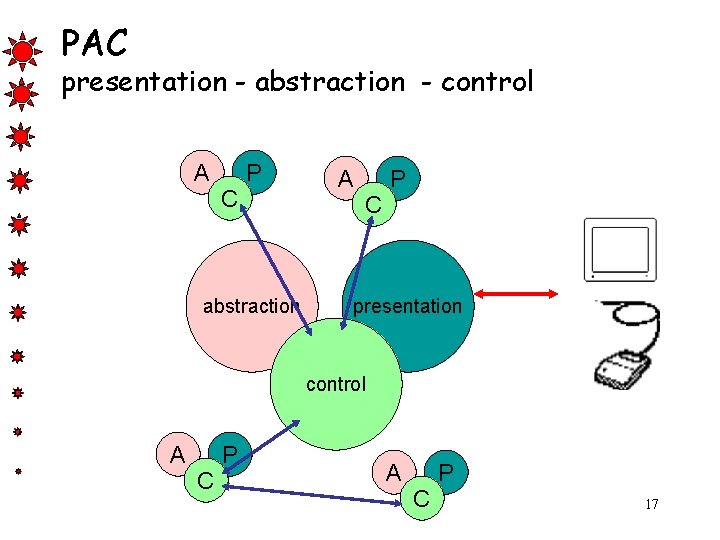
PAC presentation - abstraction - control A C P abstraction A C P presentation control A C P 17
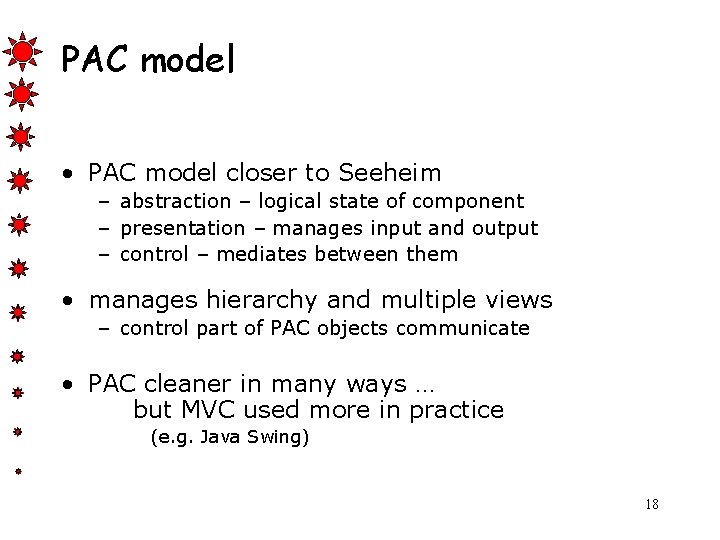
PAC model • PAC model closer to Seeheim – abstraction – logical state of component – presentation – manages input and output – control – mediates between them • manages hierarchy and multiple views – control part of PAC objects communicate • PAC cleaner in many ways … but MVC used more in practice (e. g. Java Swing) 18
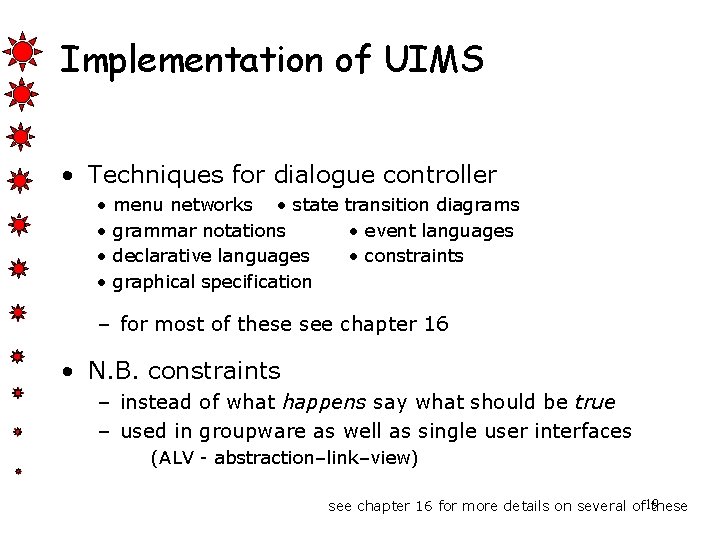
Implementation of UIMS • Techniques for dialogue controller • • menu networks • state transition diagrams grammar notations • event languages declarative languages • constraints graphical specification – for most of these see chapter 16 • N. B. constraints – instead of what happens say what should be true – used in groupware as well as single user interfaces (ALV - abstraction–link–view) see chapter 16 for more details on several of 19 these
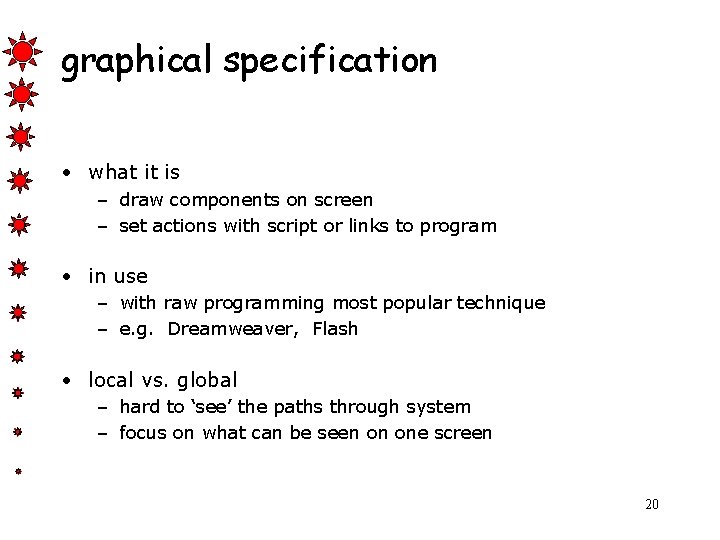
graphical specification • what it is – draw components on screen – set actions with script or links to program • in use – with raw programming most popular technique – e. g. Dreamweaver, Flash • local vs. global – hard to ‘see’ the paths through system – focus on what can be seen on one screen 20
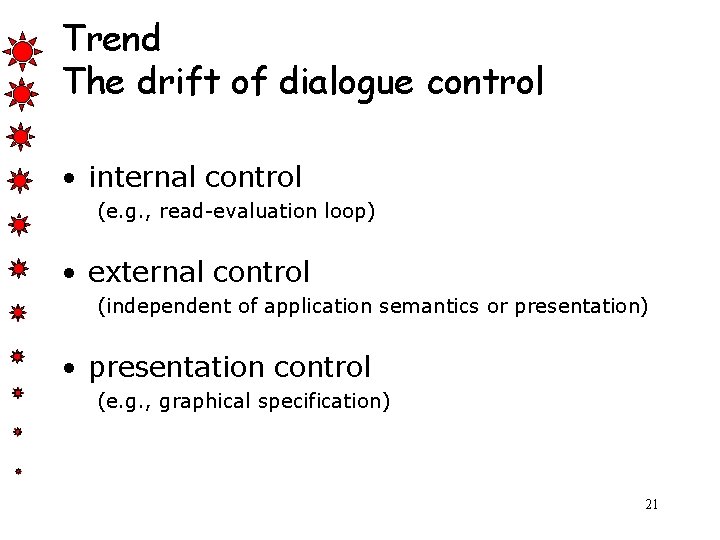
Trend The drift of dialogue control • internal control (e. g. , read-evaluation loop) • external control (independent of application semantics or presentation) • presentation control (e. g. , graphical specification) 21
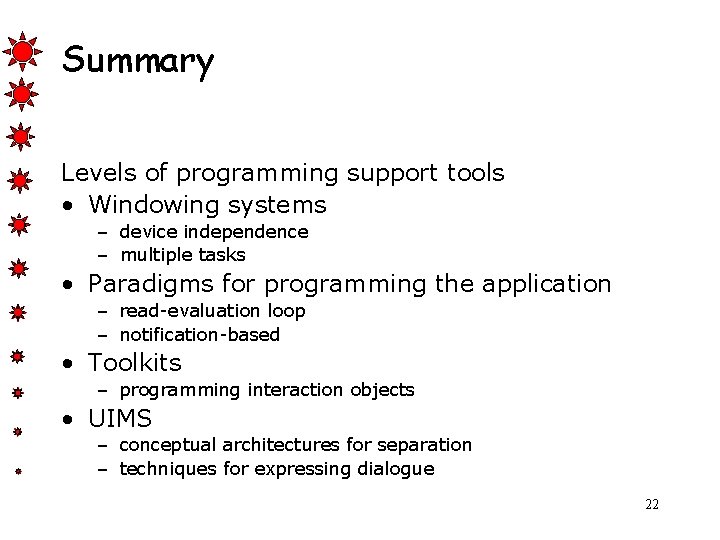
Summary Levels of programming support tools • Windowing systems – device independence – multiple tasks • Paradigms for programming the application – read-evaluation loop – notification-based • Toolkits – programming interaction objects • UIMS – conceptual architectures for separation – techniques for expressing dialogue 22