
FLTK HTTP WWW FLTK ORG DWM XWindows LinuxUNIX
- Slides: 27
FLTK HTTP: //WWW. FLTK. ORG/
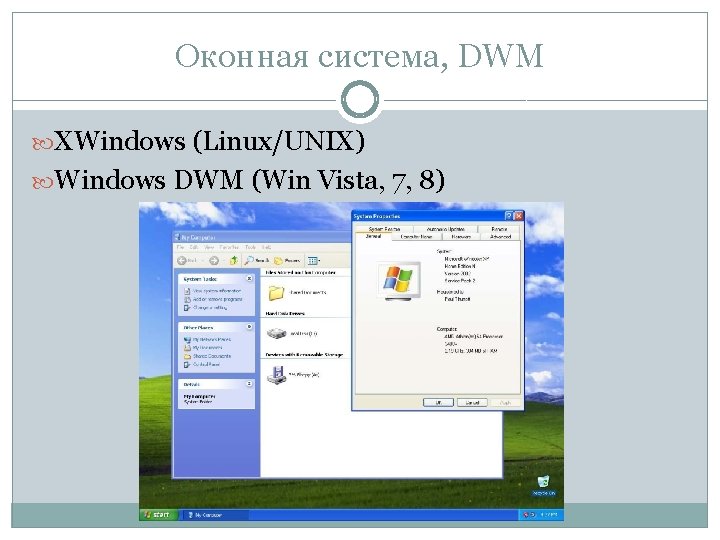
Оконная система, DWM XWindows (Linux/UNIX) Windows DWM (Win Vista, 7, 8)
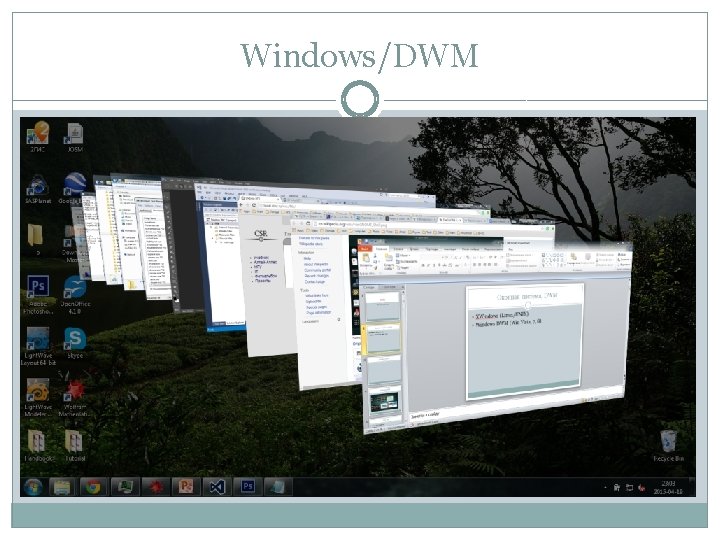
Windows/DWM
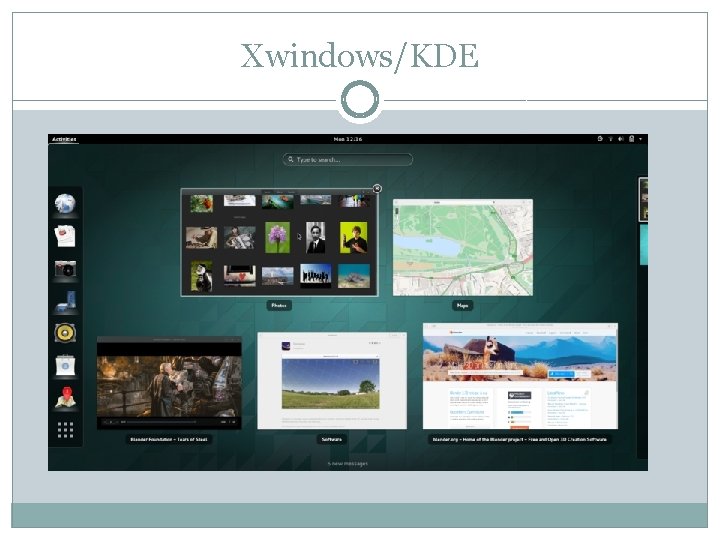
Xwindows/KDE
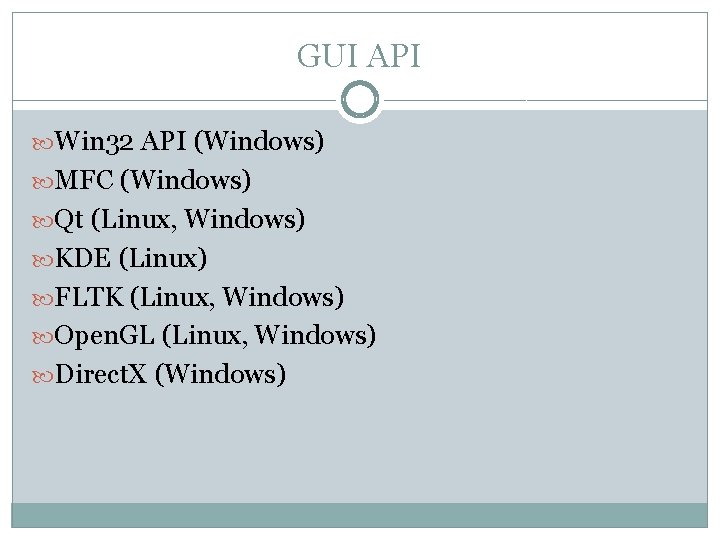
GUI API Win 32 API (Windows) MFC (Windows) Qt (Linux, Windows) KDE (Linux) FLTK (Linux, Windows) Open. GL (Linux, Windows) Direct. X (Windows)
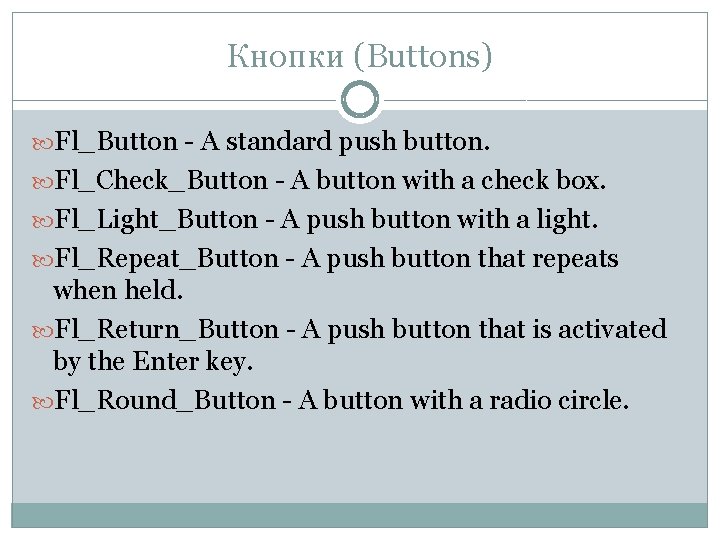
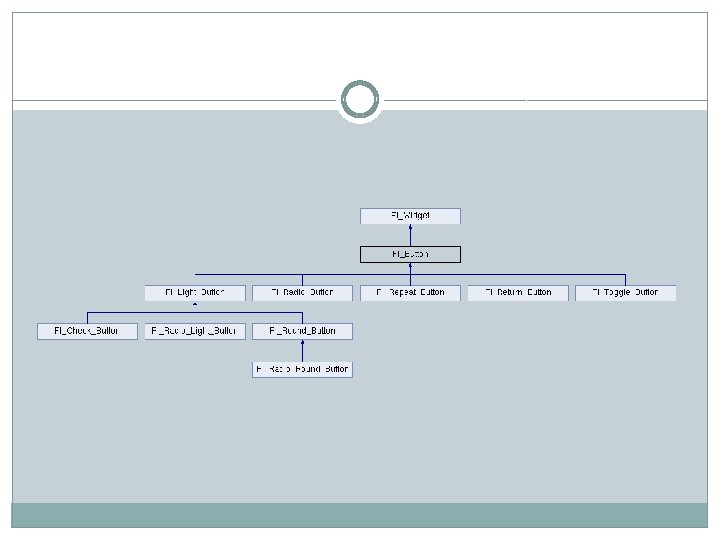
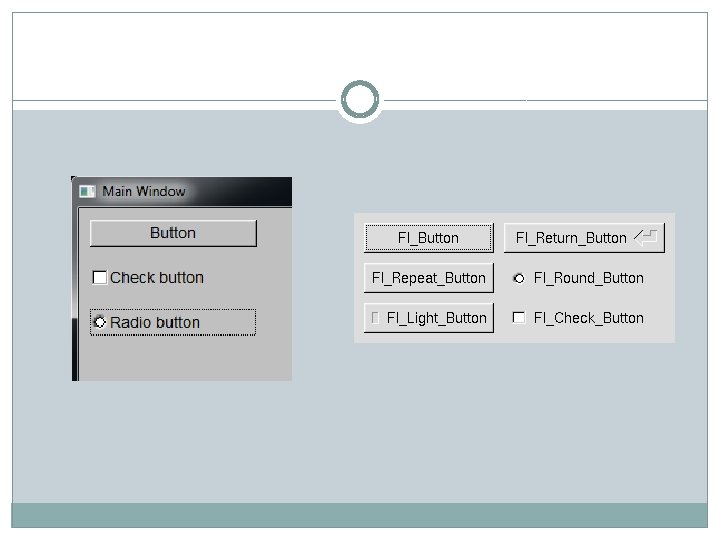
Кнопки (Buttons) Fl_Button - A standard push button. Fl_Check_Button - A button with a check box. Fl_Light_Button - A push button with a light. Fl_Repeat_Button - A push button that repeats when held. Fl_Return_Button - A push button that is activated by the Enter key. Fl_Round_Button - A button with a radio circle.
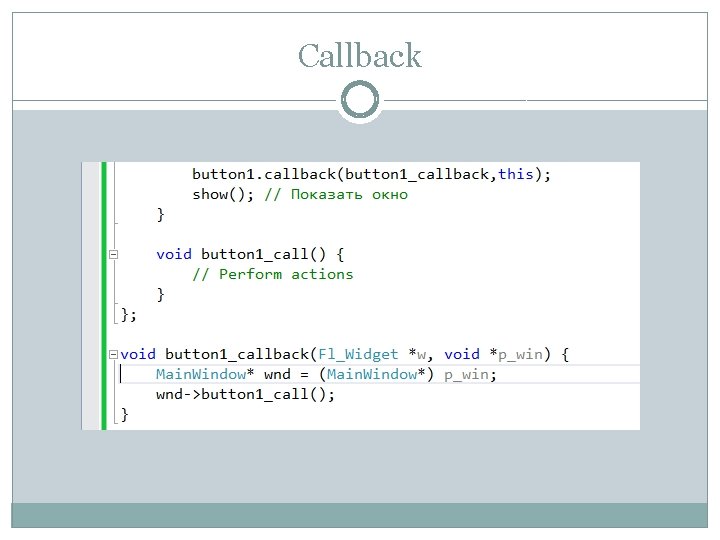
Callback
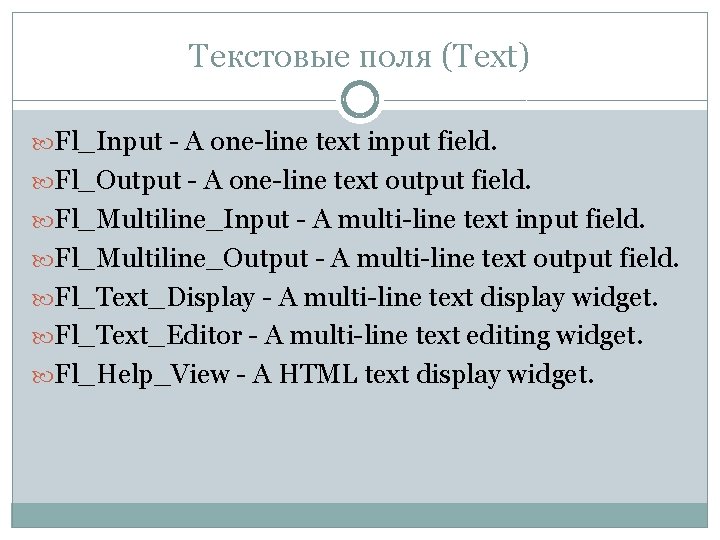
Текстовые поля (Text) Fl_Input - A one-line text input field. Fl_Output - A one-line text output field. Fl_Multiline_Input - A multi-line text input field. Fl_Multiline_Output - A multi-line text output field. Fl_Text_Display - A multi-line text display widget. Fl_Text_Editor - A multi-line text editing widget. Fl_Help_View - A HTML text display widget.
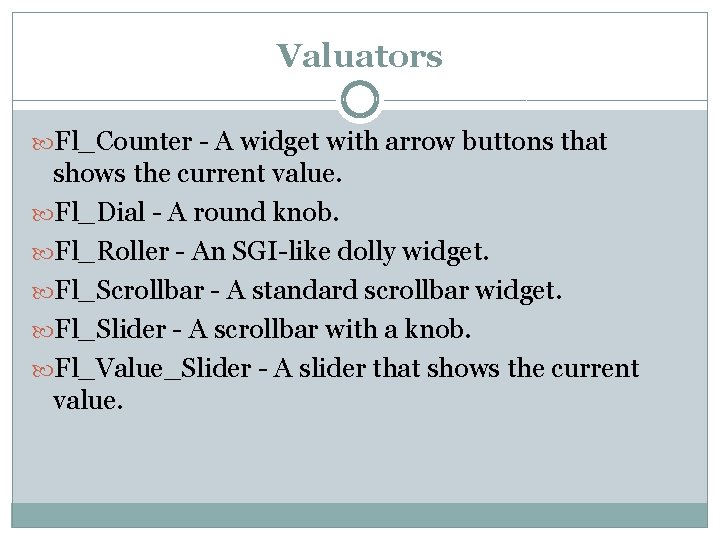
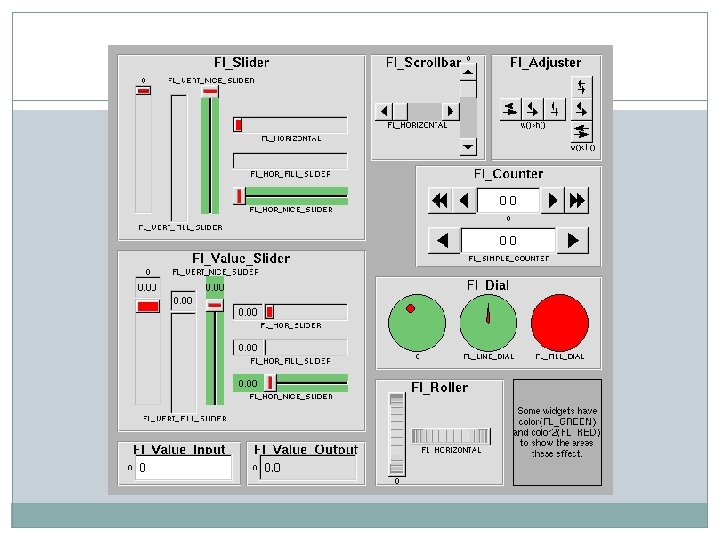
Valuators Fl_Counter - A widget with arrow buttons that shows the current value. Fl_Dial - A round knob. Fl_Roller - An SGI-like dolly widget. Fl_Scrollbar - A standard scrollbar widget. Fl_Slider - A scrollbar with a knob. Fl_Value_Slider - A slider that shows the current value.
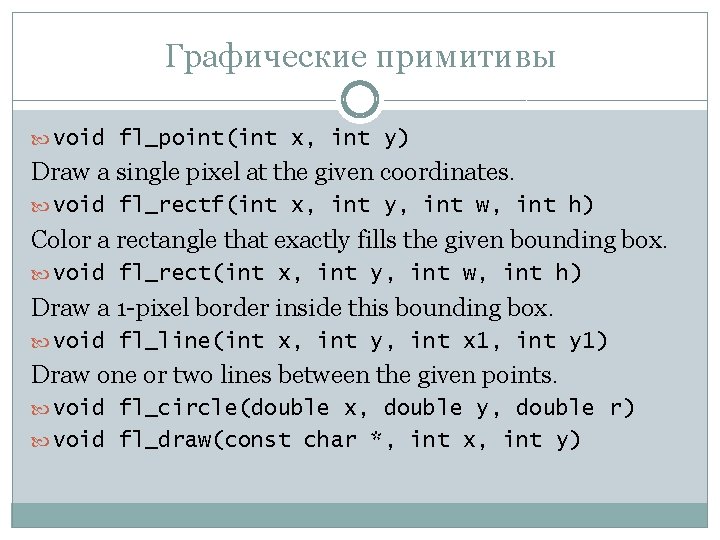
Графические примитивы void fl_point(int x, int y) Draw a single pixel at the given coordinates. void fl_rectf(int x, int y, int w, int h) Color a rectangle that exactly fills the given bounding box. void fl_rect(int x, int y, int w, int h) Draw a 1 -pixel border inside this bounding box. void fl_line(int x, int y, int x 1, int y 1) Draw one or two lines between the given points. void fl_circle(double x, double y, double r) void fl_draw(const char *, int x, int y)
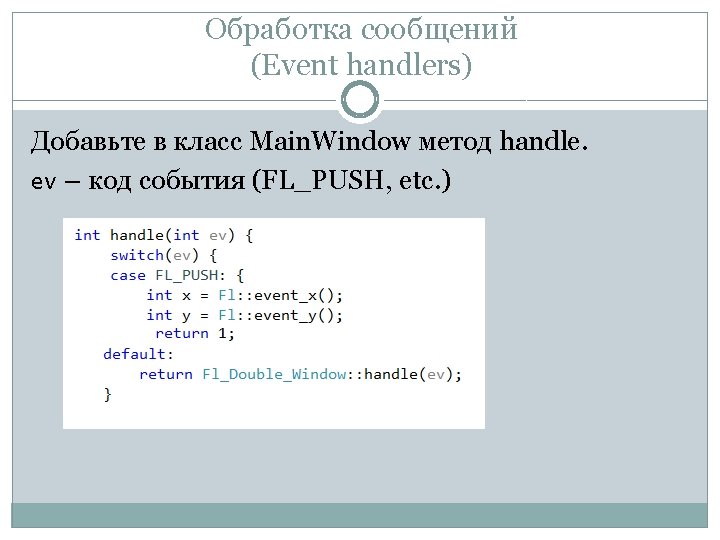
Сообщения мыши FL_PUSH FL_RELEASE FL_DRAG FL_MOVE FL_MOUSEWHEEL Fl: : event_x() Fl: : event_y().
События клавиатуры FL_KEYBOARD FL_KEYDOWN FL_KEYUP FL_SHORTCUT Fl: : event_key() Fl: : event_text() Fl: : event_length()
http: //www. fltk. org/doc-1. 3/ http: //info. dcsr. ru/nsu/fltk/