Doxygen Source Code Documentation Generator John Tully Motivation

- Slides: 12
Doxygen: Source Code Documentation Generator John Tully
Motivation n Reminder – 2 main uses: n Generating on-line documentation browsers / offline reference manuals directly from source n Many languages: C, C++, Java, Python, PHP n Many output formats n All configurable with many format-specific options n Extracting source code structure from undocumented source files (various visualizations): n Many useful ways to visualize source code n Again, configurable with visualization-specific options
History n Creator : Dimitri van Heesch; first release in 1997 n Often used Qt widget toolkit, an application development framework (popular for creating GUIs) n Wrote docs by hand to look exactly like Qt’s (became a nightmare to maintain by hand) n Tried Doc++ to do this automatically; not configurable enough for liking n Started writing own generator code… Doxygen born
Environment & Setup n Developed under Linux & OS X, but made to be highly portable – works on most Unix flavors; executables for Windows available n Releases for all platforms can be found at doxygen. org (redirects to homepage of Dimitri van Heesch) n Easy installation; short “getting started” manual page is enough learn all basic functionality
Features n “Important” features depend on what user wants to do – most impressive part is ease of configuration of each n Documentation generation: for users who what to keep docs consistent with code n n n HTML, hyperlinked PDF La. Tex, RTF (for Word), Post. Script, PDF, Unix man pages Source Code Visualization: for users to extract code structure from undocumented sources n n n Dependency graphs Inheritance diagrams Collaboration diagrams
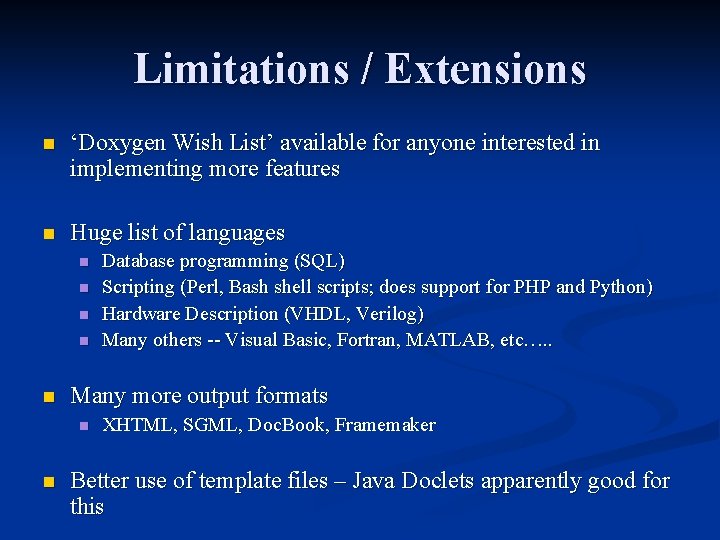
Limitations / Extensions n ‘Doxygen Wish List’ available for anyone interested in implementing more features n Huge list of languages n n n Many more output formats n n Database programming (SQL) Scripting (Perl, Bash shell scripts; does support for PHP and Python) Hardware Description (VHDL, Verilog) Many others -- Visual Basic, Fortran, MATLAB, etc…. . XHTML, SGML, Doc. Book, Framemaker Better use of template files – Java Doclets apparently good for this
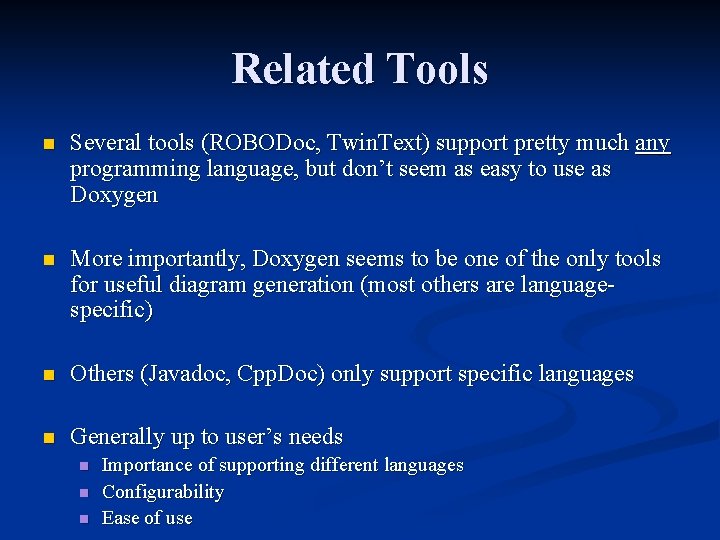
Related Tools n Several tools (ROBODoc, Twin. Text) support pretty much any programming language, but don’t seem as easy to use as Doxygen n More importantly, Doxygen seems to be one of the only tools for useful diagram generation (most others are languagespecific) n Others (Javadoc, Cpp. Doc) only support specific languages n Generally up to user’s needs n n n Importance of supporting different languages Configurability Ease of use
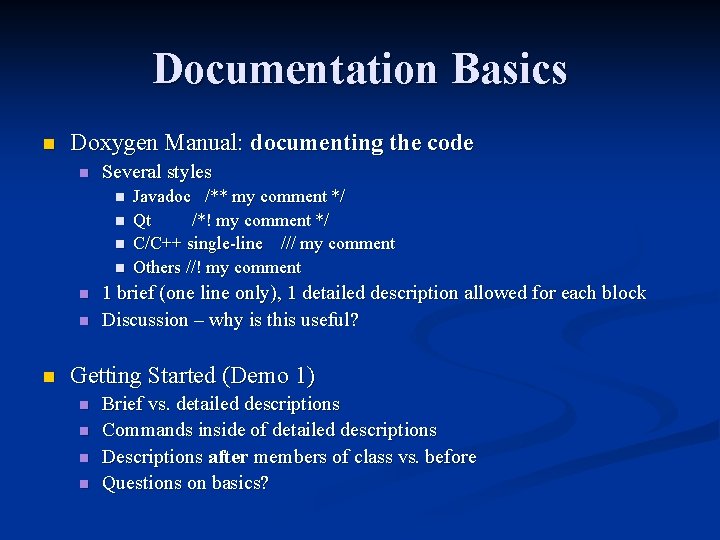
Documentation Basics n Doxygen Manual: documenting the code n Several styles n n n n Javadoc /** my comment */ Qt /*! my comment */ C/C++ single-line /// my comment Others //! my comment 1 brief (one line only), 1 detailed description allowed for each block Discussion – why is this useful? Getting Started (Demo 1) n n Brief vs. detailed descriptions Commands inside of detailed descriptions Descriptions after members of class vs. before Questions on basics?
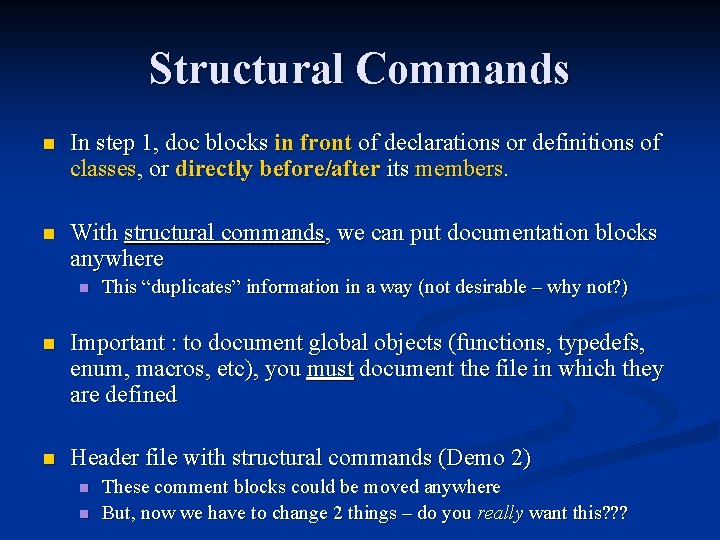
Structural Commands n In step 1, doc blocks in front of declarations or definitions of classes, or directly before/after its members. n With structural commands, we can put documentation blocks anywhere n This “duplicates” information in a way (not desirable – why not? ) n Important : to document global objects (functions, typedefs, enum, macros, etc), you must document the file in which they are defined n Header file with structural commands (Demo 2) n n These comment blocks could be moved anywhere But, now we have to change 2 things – do you really want this? ? ?
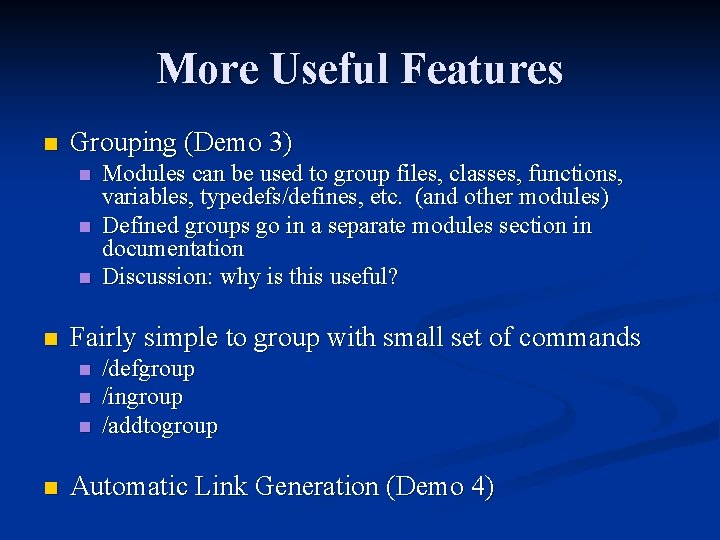
More Useful Features n Grouping (Demo 3) n n Fairly simple to group with small set of commands n n Modules can be used to group files, classes, functions, variables, typedefs/defines, etc. (and other modules) Defined groups go in a separate modules section in documentation Discussion: why is this useful? /defgroup /ingroup /addtogroup Automatic Link Generation (Demo 4)
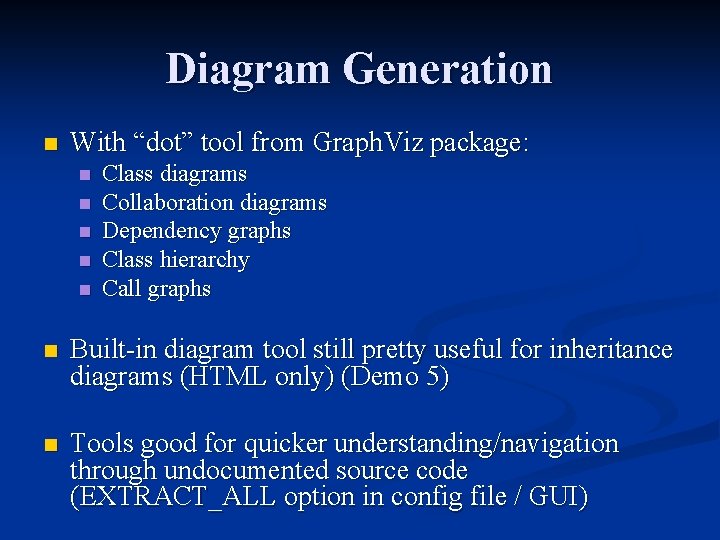
Diagram Generation n With “dot” tool from Graph. Viz package: n n n Class diagrams Collaboration diagrams Dependency graphs Class hierarchy Call graphs n Built-in diagram tool still pretty useful for inheritance diagrams (HTML only) (Demo 5) n Tools good for quicker understanding/navigation through undocumented source code (EXTRACT_ALL option in config file / GUI)
Questions / Discussion