Digital Training Smadar Goldstein Unit ED Agenda 1


- Slides: 14
Digital Training Smadar Goldstein Unit. ED
Agenda 1. 2. 3. 4. היכרות What are options and differences in online learning? Virtual Tour. What are the features of Zoom and how best to use them? Reflection
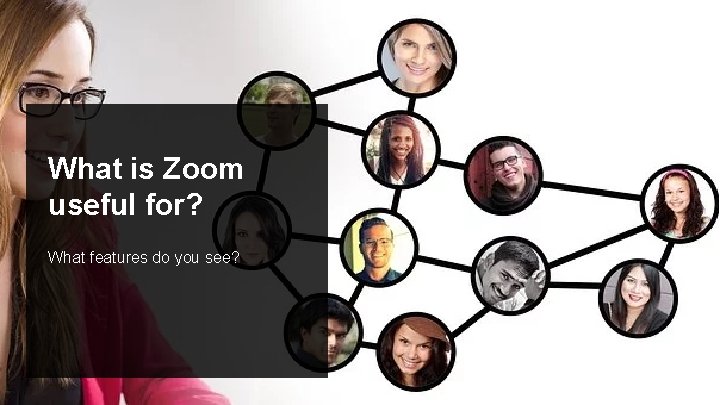
What is Zoom useful for? What features do you see?
Tour of Online Learning Options
Building an Online Lesson
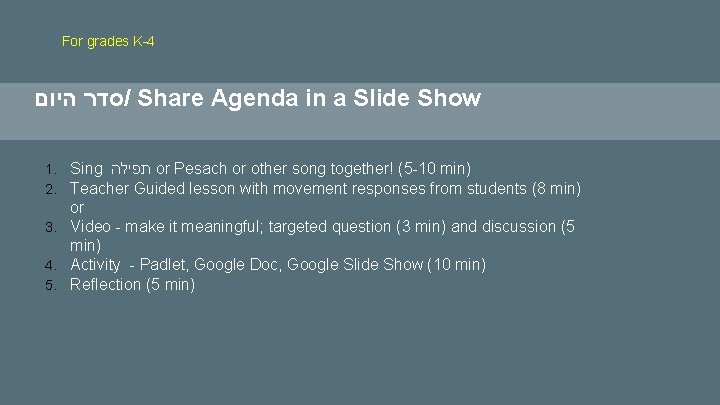
For grades K-4 סדר היום / Share Agenda in a Slide Show 1. Sing תפילה or Pesach or other song together! (5 -10 min) 2. Teacher Guided lesson with movement responses from students (8 min) or 3. Video - make it meaningful; targeted question (3 min) and discussion (5 min) 4. Activity - Padlet, Google Doc, Google Slide Show (10 min) 5. Reflection (5 min)
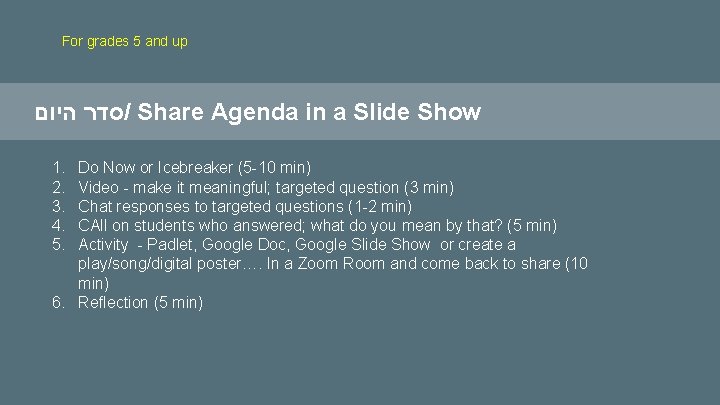
For grades 5 and up סדר היום / Share Agenda in a Slide Show 1. 2. 3. 4. 5. Do Now or Icebreaker (5 -10 min) Video - make it meaningful; targeted question (3 min) Chat responses to targeted questions (1 -2 min) CAll on students who answered; what do you mean by that? (5 min) Activity - Padlet, Google Doc, Google Slide Show or create a play/song/digital poster…. In a Zoom Room and come back to share (10 min) 6. Reflection (5 min)
For Parents 1. Zoom instructions 2. Schedule of events 3. Expectations and Adjustments
What’s your favorite part of Pesach? Post your responses in the CHAT.
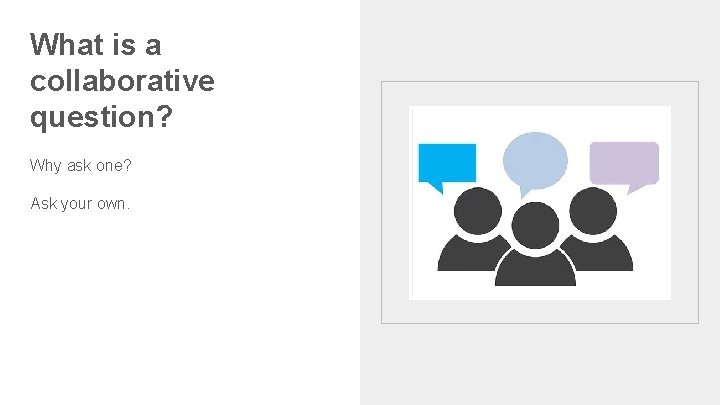
What is a collaborative question? Why ask one? Ask your own.
Reflection. Post in the chat box. What else do I want to know? What am I excited about knowing?
Session 2: 1. Zoom Best Practices 2. Using Slide Shows
Ask a collaborative question in the chat box. Zoom: Best Practices Discussing collaborative questions
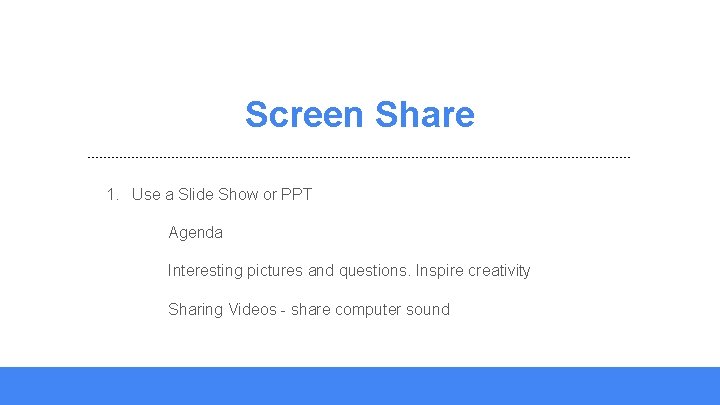
Screen Share 1. Use a Slide Show or PPT Agenda Interesting pictures and questions. Inspire creativity Sharing Videos - share computer sound