
Defence Travel System ETicketing Air Travel oriented Presentation

- Slides: 38
Defence Travel System E-Ticketing Air Travel oriented Presentation 1
Scope of the Presentation • • Introduction Background System overview Advantages of the System Rail Travel flow Air Travel flow Advantages Air Travel 2
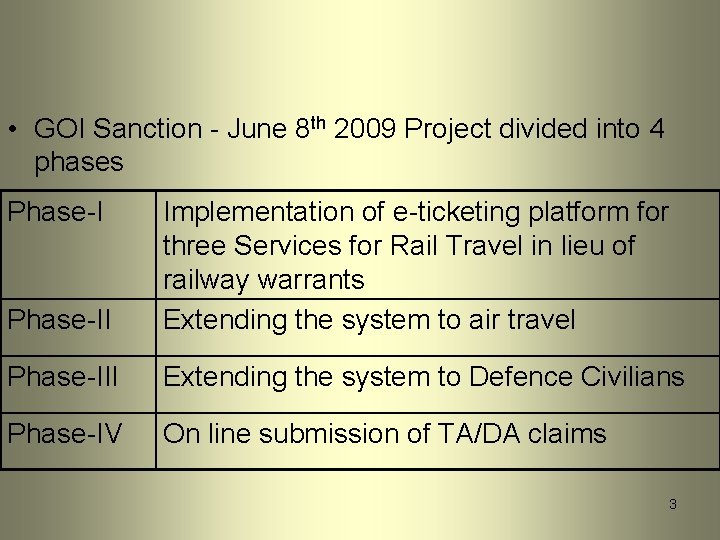
• GOI Sanction - June 8 th 2009 Project divided into 4 phases Phase-II Implementation of e-ticketing platform for three Services for Rail Travel in lieu of railway warrants Extending the system to air travel Phase-III Extending the system to Defence Civilians Phase-IV On line submission of TA/DA claims 3
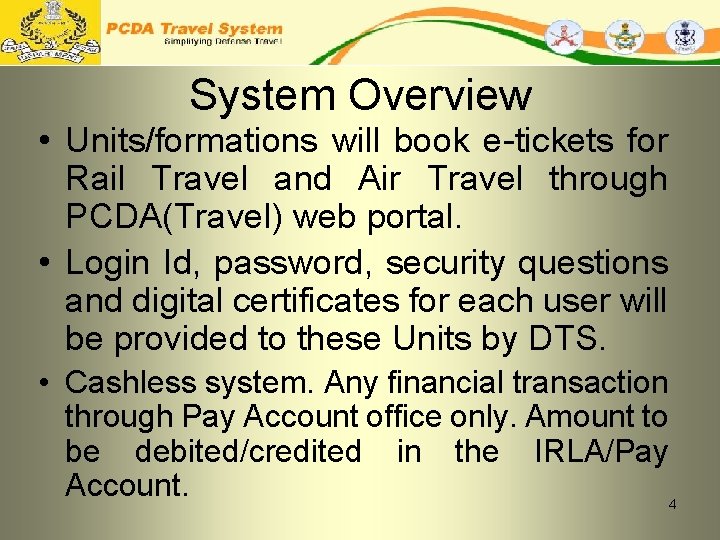
System Overview • Units/formations will book e-tickets for Rail Travel and Air Travel through PCDA(Travel) web portal. • Login Id, password, security questions and digital certificates for each user will be provided to these Units by DTS. • Cashless system. Any financial transaction through Pay Account office only. Amount to be debited/credited in the IRLA/Pay Account. 4
System Overview • Data once created will be used for entite service • Data Creation and Edit facility with unit only • Data can be upgraded on real time • Authorisation, entitlement checks and Accounting System • Two tier of approvals being financial transaction 5
System Overview • Tickets can be booked for any user by any of the units – No dependency of location 6
Exceptions • Following movements will be out of the ambit of the proposed system – Form C (IAFA-1707 A-for Military special trains, vehicles, wagons and compartment) – Military credit Notes for Military Stores. (IAFA- 1711 ) – Any personal movement not covered under Govt. rules 7
Advantages of the System • Facility for getting e-tickets at the units itself throughout the country anytime without extra load on units. • Manpower saving at unit level – NO TA DA advance • Nil cash handling, less paper movement. • No dilution in the role of the controlling officer. • Facility to know the entitlements. 8
Advantages Contd • No dilution in the role of the controlling officer. • No change in existing computerised system of Railways. • Facility to know the entitlements. Units expenditure available at hand – budget control • MIS that help in administrative matters also • Issue of lowest fare resolved • Issue of outstanding demands resolved • Reconciliation of accounts daily 9
Security Features • https protocol followed for transmission • User name, Password policy (As followed in Net banking) • Validity for 15 days • Token based Digital signature • Role based access control. (E. g. Portal, Admin links are different) • Second factor authentication with security questions • User Audit log (with IP address, time and date stamp) • Automatic or Scheduled back up • Exchange with Balmer & Lawrie and IRCTC through SSL 10 10
DTS Air Modules • Temporary Duty (TD) One Way Bookings & Cancellations. • Temporary Duty (TD) Normal Round Trip Bookings & Cancellations. • Temporary Duty (TD) Special Round Trip Bookings & Cancellations. • Permanent Transfer(PT) One Way Bookings & Cancellations. • Mid Office MIS ( Invoices, Credit Notes, Refunds) Integration into DTS. • DTS & Mid Office MIS Reconciliation.
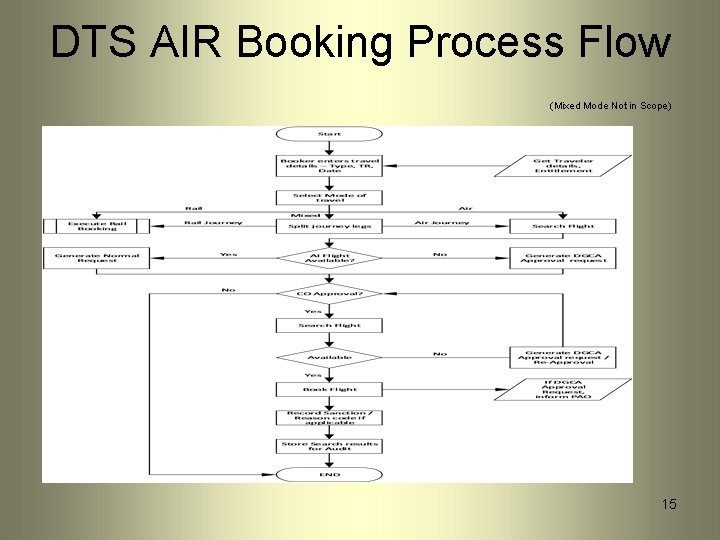
Air Booking Module Salient Features • TD/PT Air Booking Request Creation • Request Can be One Way or Normal Round Trip or Special Round Trip. • AI Normal Request to be created for AI Operational & Availability Days. • Special Request can be created for AI non availability days and requires DGCA approval during booking. • Blanket Approval on AI Non-Operational sectors allows Other Airlines request creation and bookings. • Auto Invoice generation during ticketing.
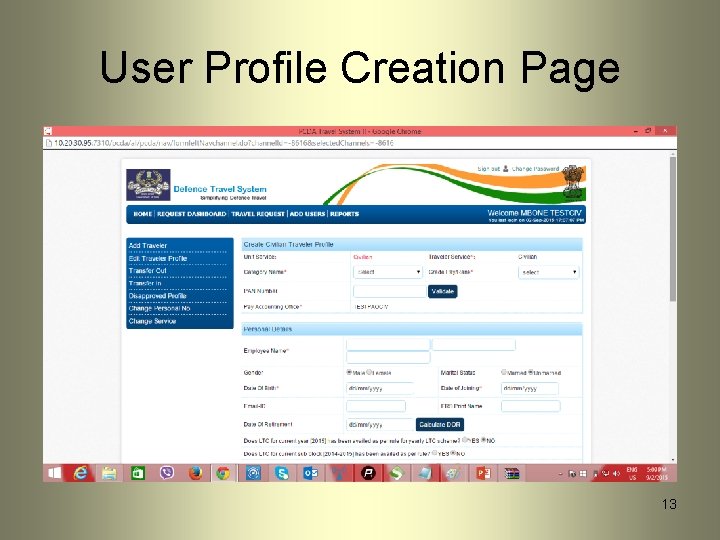
User Profile Creation Page 13
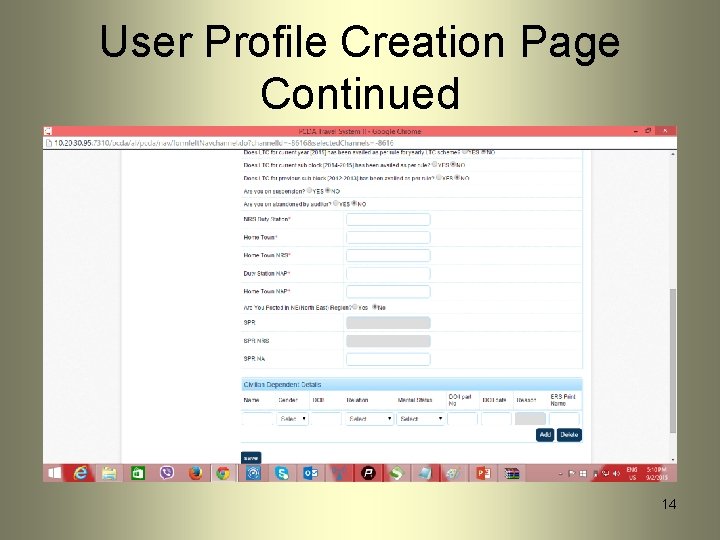
User Profile Creation Page Continued 14
DTS AIR Booking Process Flow (Mixed Mode Not in Scope) 15
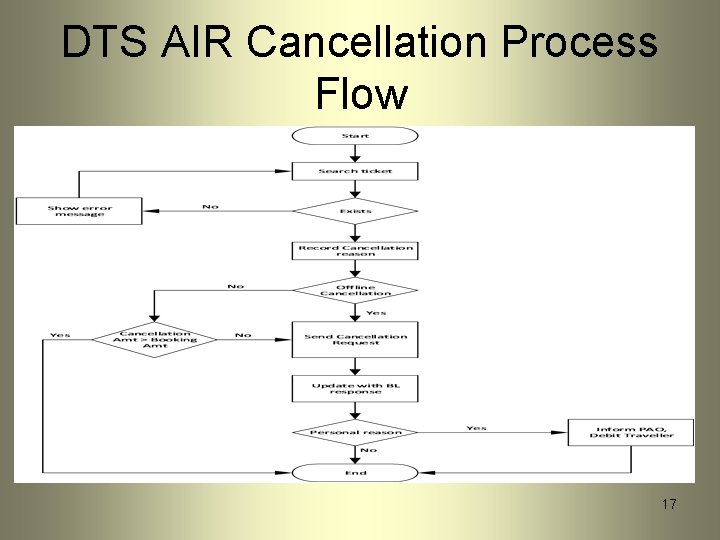
Air Cancellation Salient Features • TD/PT Air Bookings Cancellations. • Cancellations can be passenger wise or onward/return/both way. • Auto Credit Note generation during cancellation. • Refunds gets adjusted in the next billing cycle.
DTS AIR Cancellation Process Flow 17
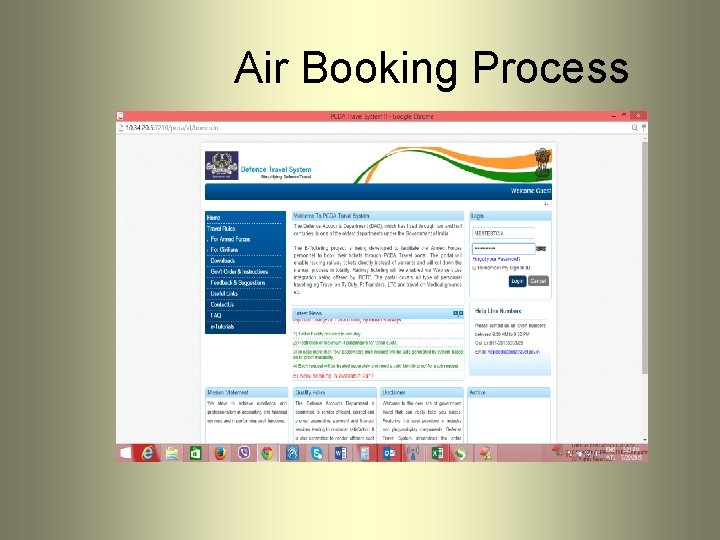
Air Booking Process
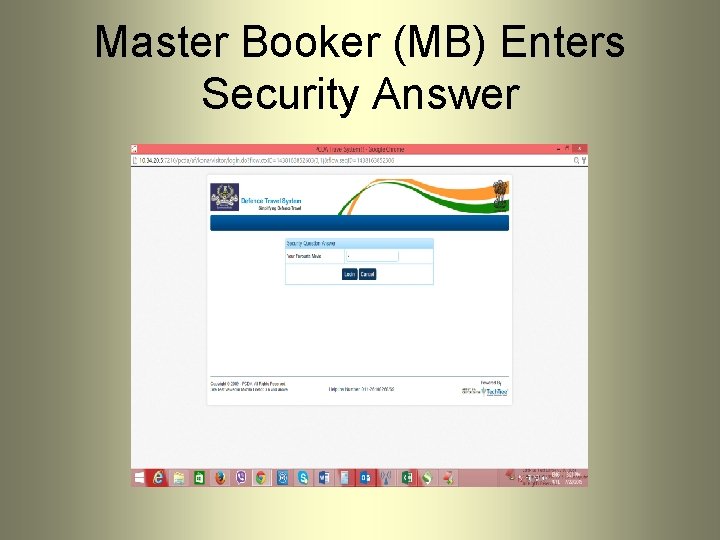
Master Booker (MB) Enters Security Answer
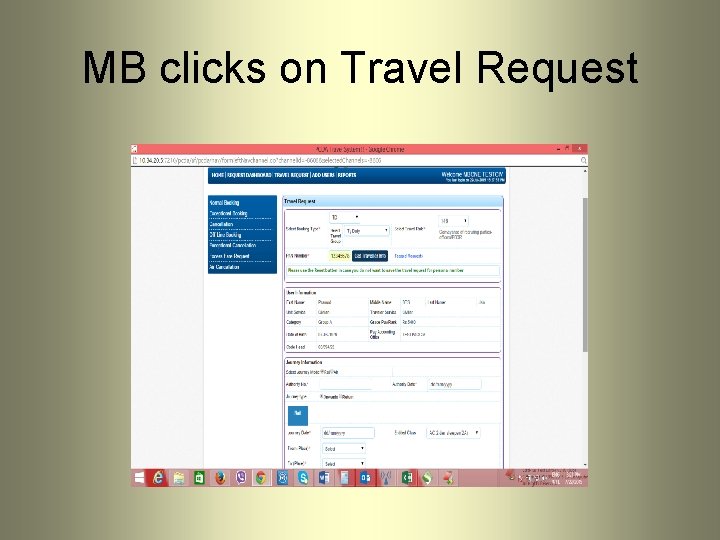
MB clicks on Travel Request
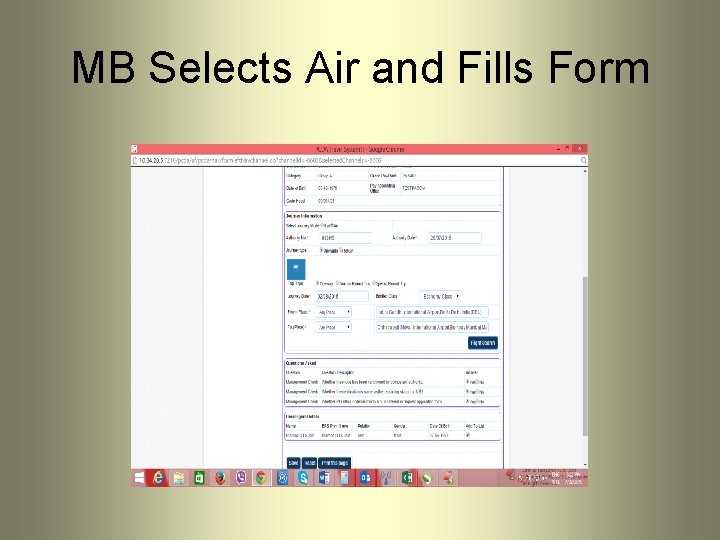
MB Selects Air and Fills Form
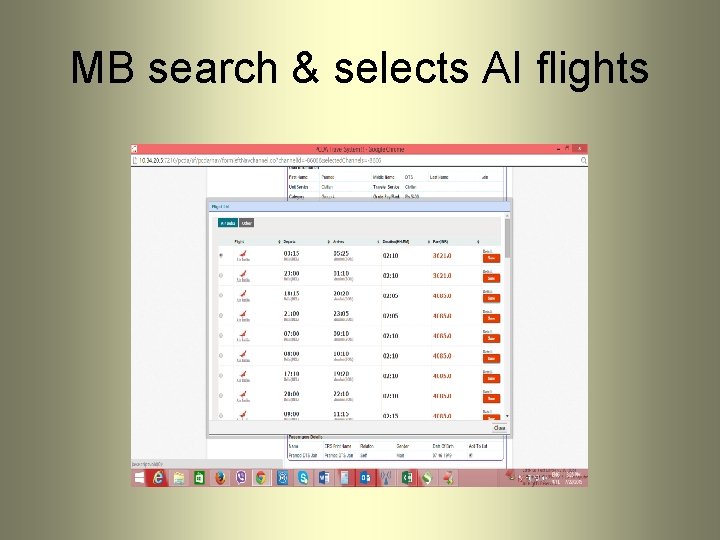
MB search & selects AI flights
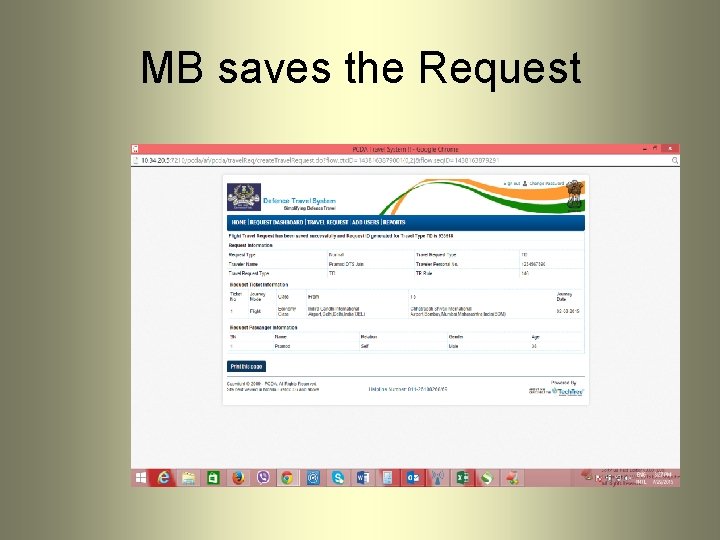
MB saves the Request
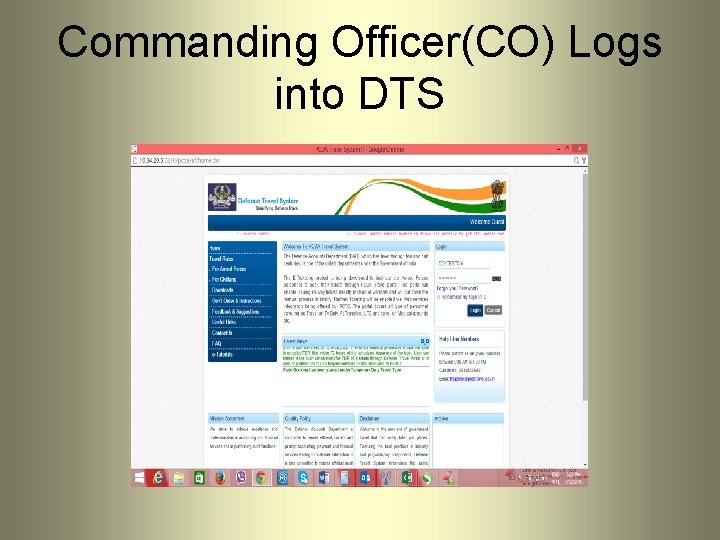
Commanding Officer(CO) Logs into DTS
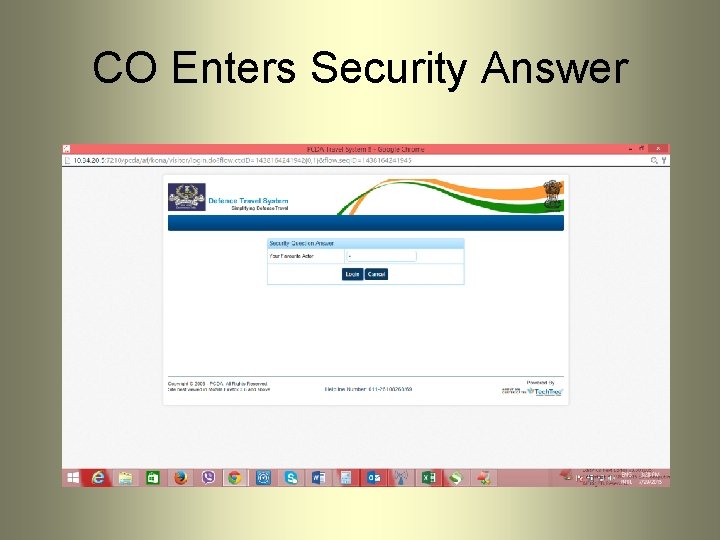
CO Enters Security Answer
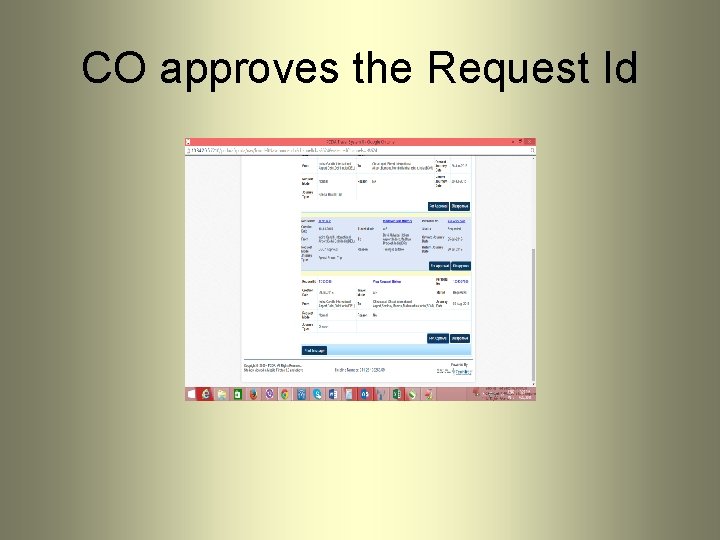
CO approves the Request Id
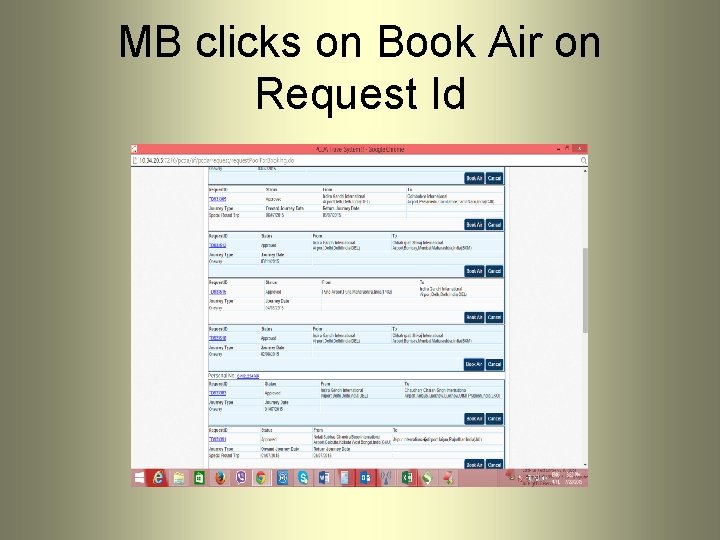
MB clicks on Book Air on Request Id
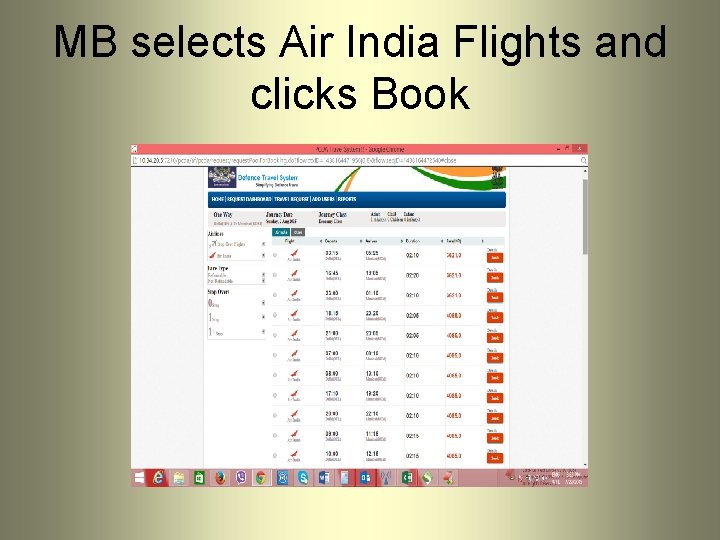
MB selects Air India Flights and clicks Book
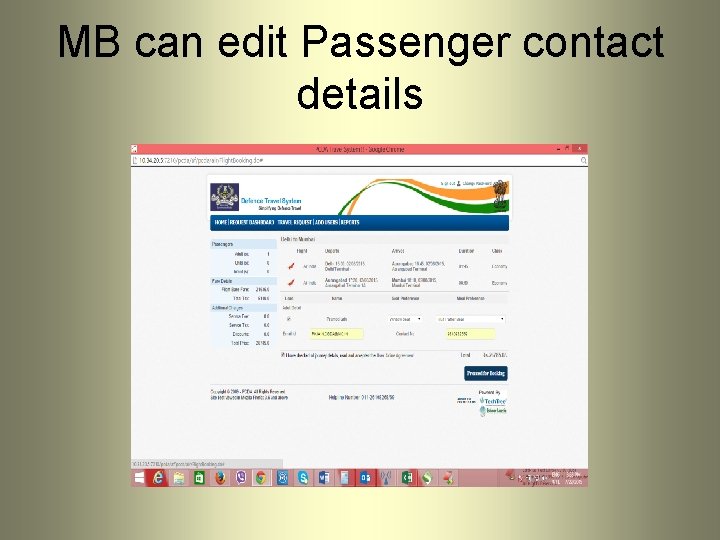
MB can edit Passenger contact details
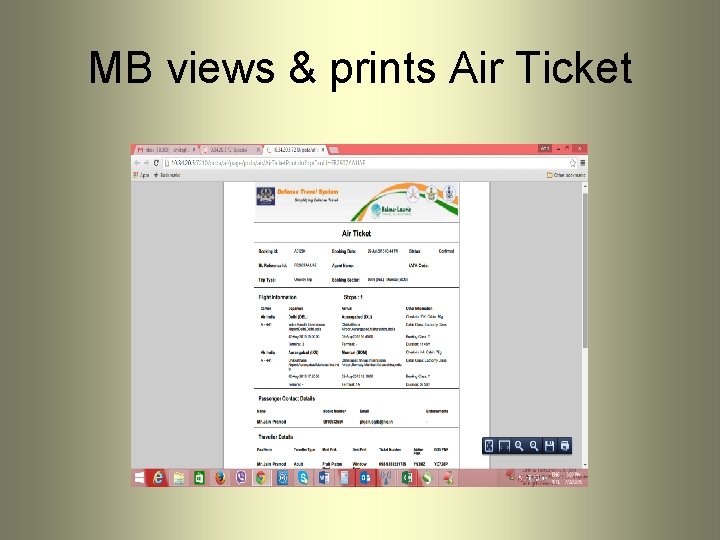
MB views & prints Air Ticket
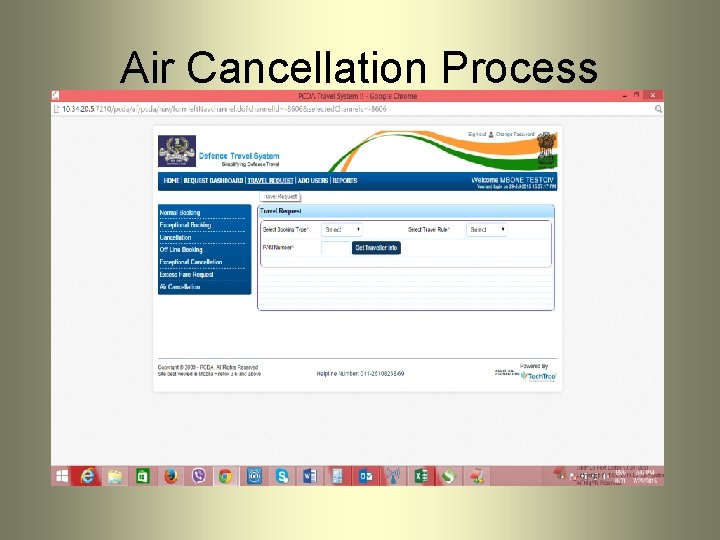
Air Cancellation Process
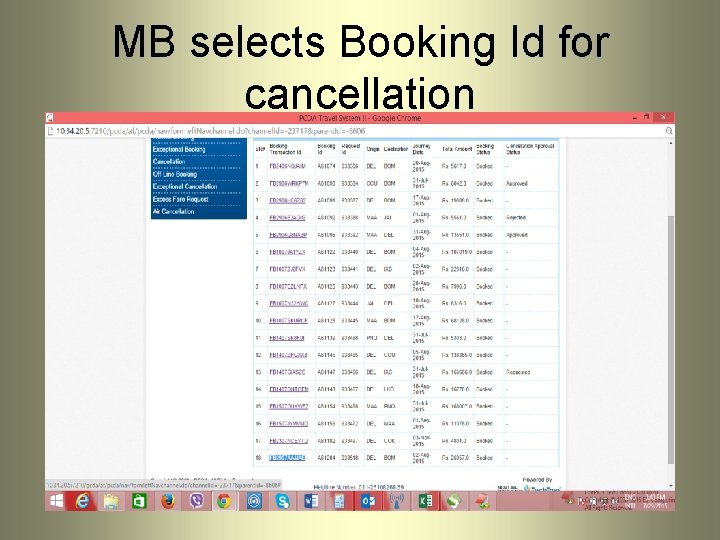
MB selects Booking Id for cancellation
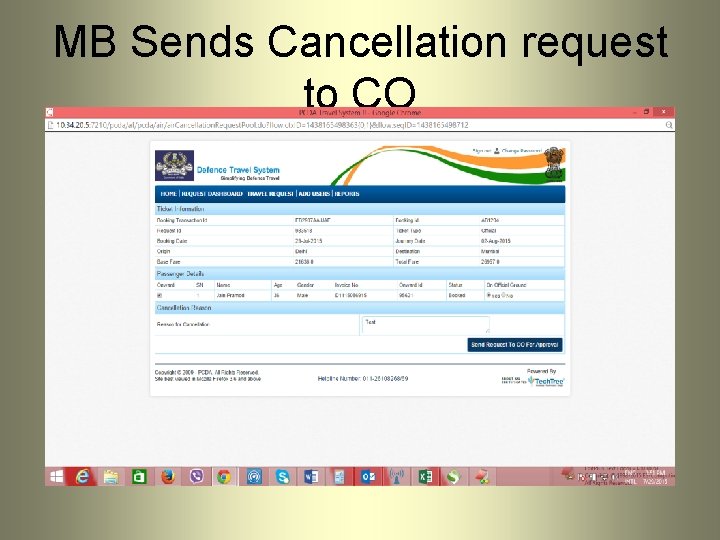
MB Sends Cancellation request to CO
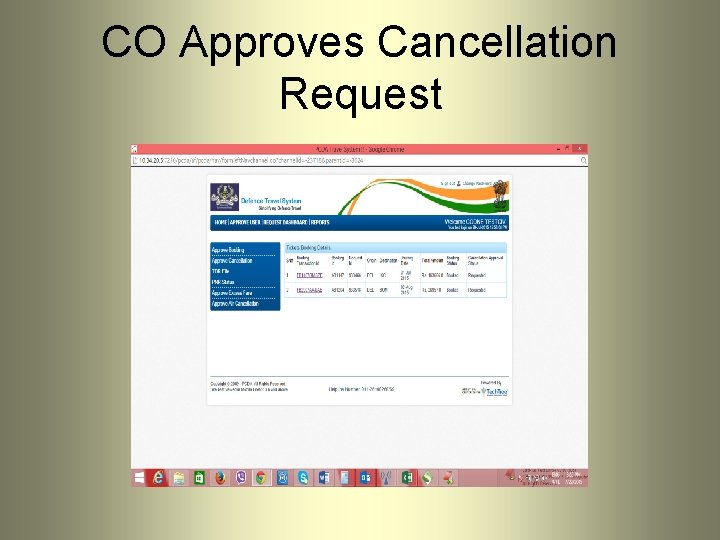
CO Approves Cancellation Request
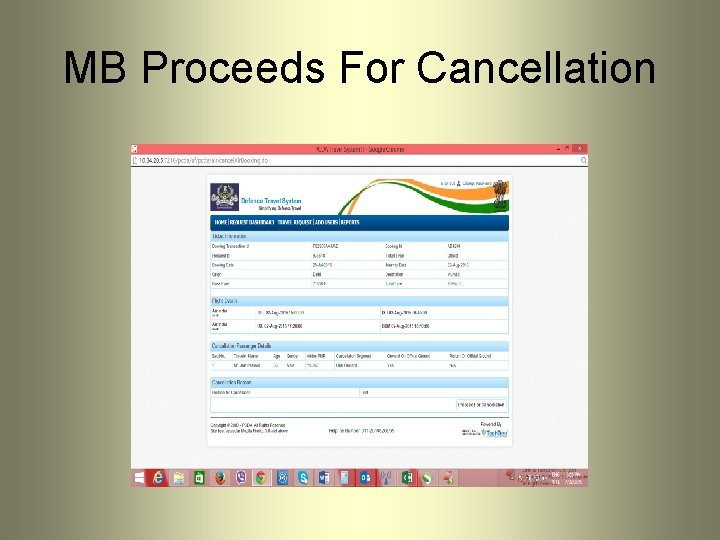
MB Proceeds For Cancellation
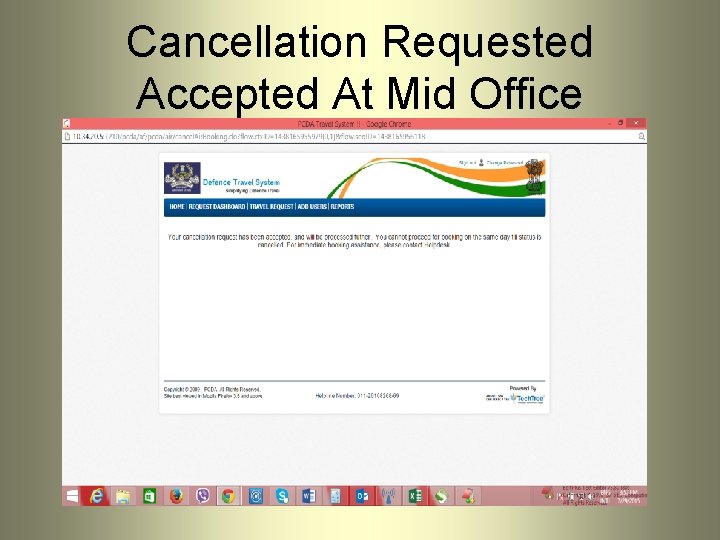
Cancellation Requested Accepted At Mid Office
Air Travel Advantages • Traveler need not to visit Balmer Lawrie Booking Counters/helpdesk, or any other booking portals • Auto Debit from IRLA/Pay Account as per the rules. • No hidden fares and comprehensive list of cheapest fares available. • Other Airlines Booking Option for Air India Non Operational sectors provided by DGCA. • Auto Invoice , Credit Notes generation during bookings and cancellations. • MIS(Daily Sales & Refunds) Uploads from Mid Office into DTS for reconciliation. • Trigger based reconciliation b/w Mid Office MIS and DTS data.
THANK YOU