CSC 252 UNIX John Carelli Instructor Kutztown University
- Slides: 17
CSC 252 - UNIX John Carelli, Instructor Kutztown University carelli@kutztown. edu 1
First Day Handout Expectations Course materials covered CSC 252: John Carelli Source: “Your Unix: The Ultimate Guide” 2
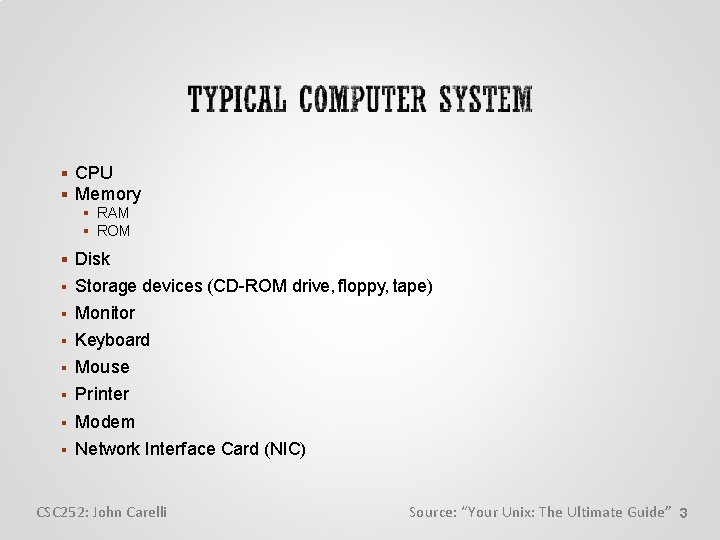
CPU Memory RAM ROM Disk Storage devices (CD-ROM drive, floppy, tape) Monitor Keyboard Mouse Printer Modem Network Interface Card (NIC) CSC 252: John Carelli Source: “Your Unix: The Ultimate Guide” 3
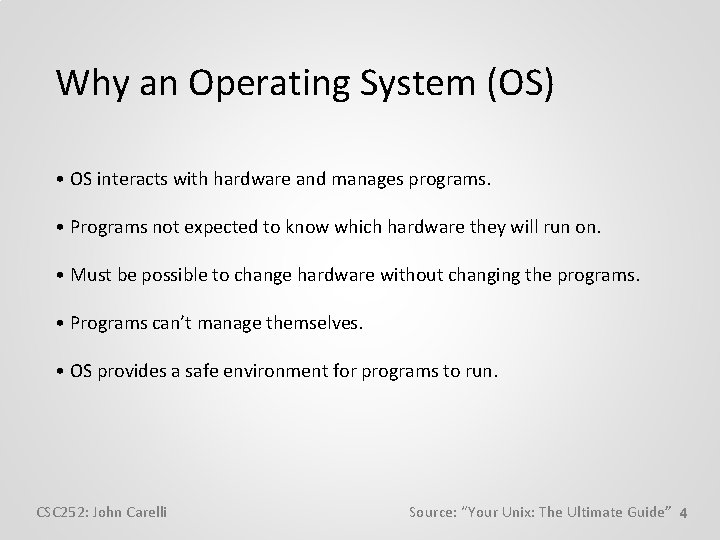
Why an Operating System (OS) • OS interacts with hardware and manages programs. • Programs not expected to know which hardware they will run on. • Must be possible to change hardware without changing the programs. • Programs can’t manage themselves. • OS provides a safe environment for programs to run. CSC 252: John Carelli Source: “Your Unix: The Ultimate Guide” 4
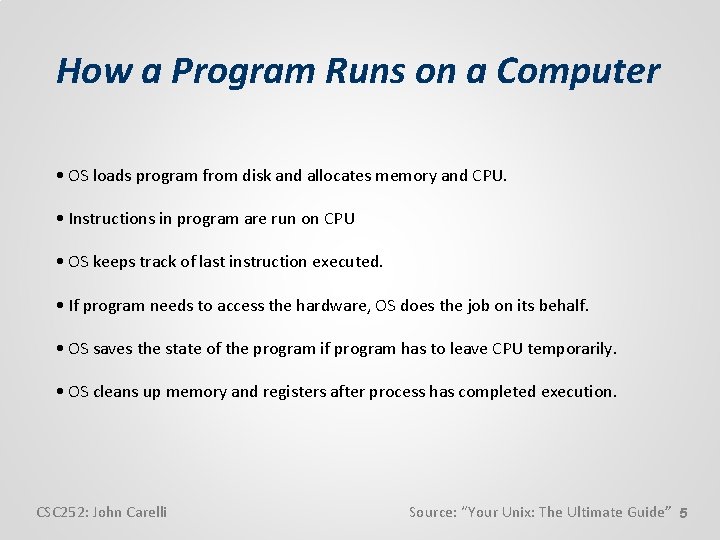
How a Program Runs on a Computer • OS loads program from disk and allocates memory and CPU. • Instructions in program are run on CPU • OS keeps track of last instruction executed. • If program needs to access the hardware, OS does the job on its behalf. • OS saves the state of the program if program has to leave CPU temporarily. • OS cleans up memory and registers after process has completed execution. CSC 252: John Carelli Source: “Your Unix: The Ultimate Guide” 5
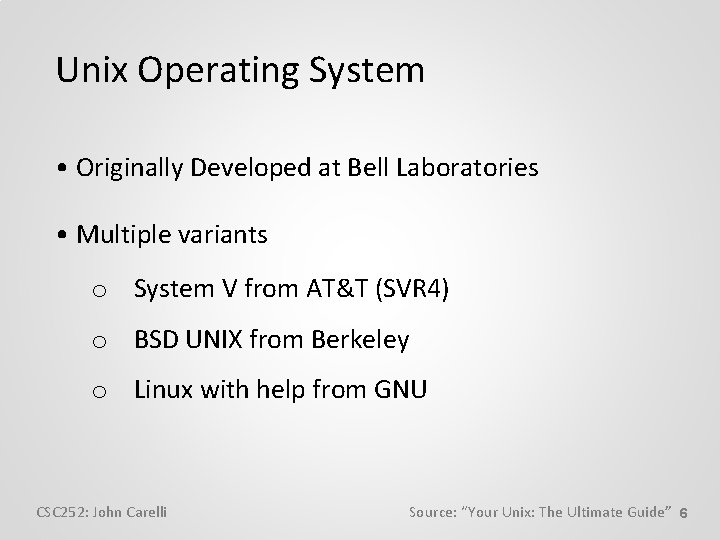
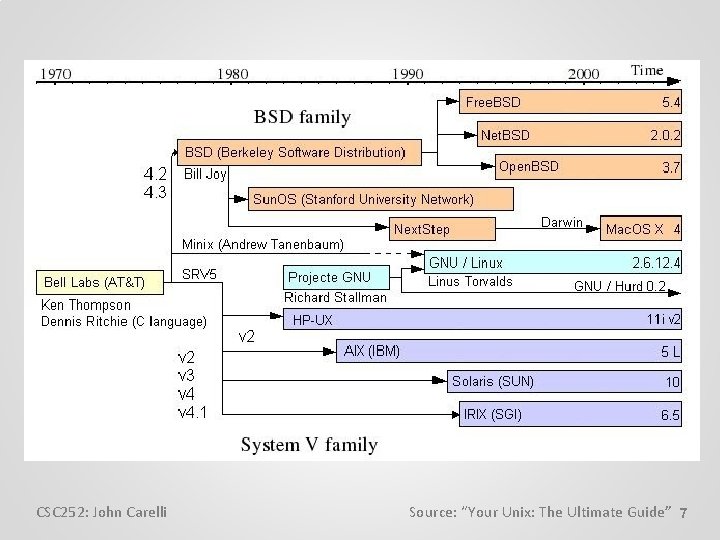
Unix Operating System • Originally Developed at Bell Laboratories • Multiple variants o System V from AT&T (SVR 4) o BSD UNIX from Berkeley o Linux with help from GNU CSC 252: John Carelli Source: “Your Unix: The Ultimate Guide” 6
CSC 252: John Carelli Source: “Your Unix: The Ultimate Guide” 7
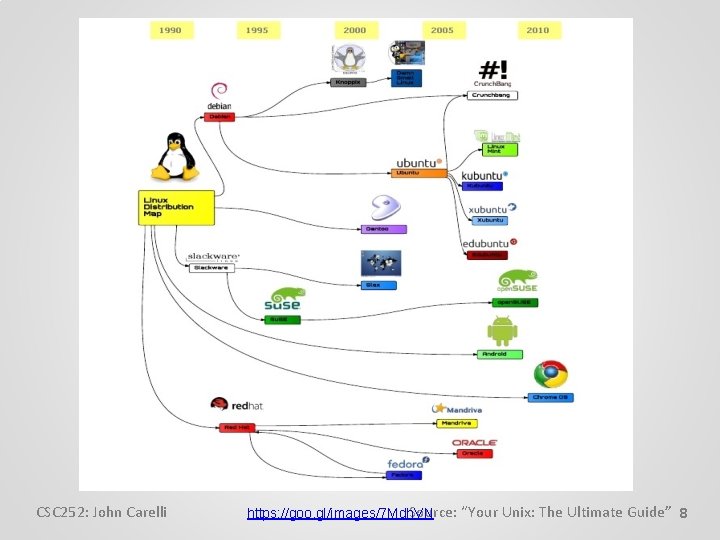
CSC 252: John Carelli Source: “Your Unix: The Ultimate Guide” 8 https: //goo. gl/images/7 Mdh. VN
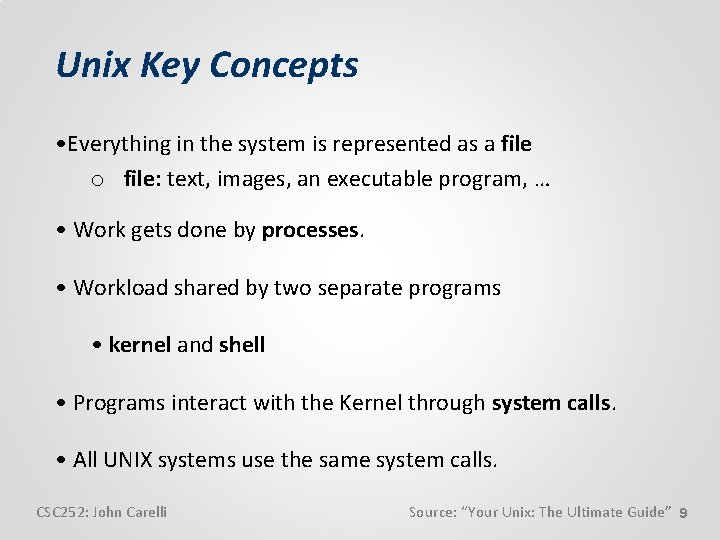
Unix Key Concepts • Everything in the system is represented as a file o file: text, images, an executable program, … • Work gets done by processes. • Workload shared by two separate programs • kernel and shell • Programs interact with the Kernel through system calls. • All UNIX systems use the same system calls. CSC 252: John Carelli Source: “Your Unix: The Ultimate Guide” 9
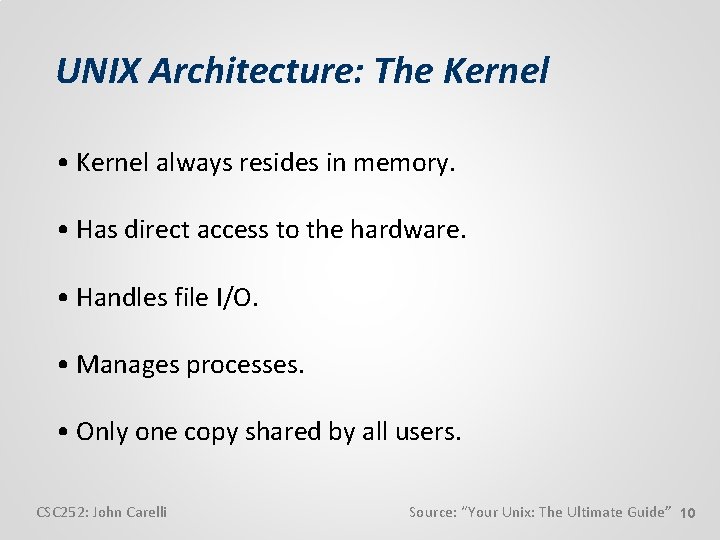
UNIX Architecture: The Kernel • Kernel always resides in memory. • Has direct access to the hardware. • Handles file I/O. • Manages processes. • Only one copy shared by all users. CSC 252: John Carelli Source: “Your Unix: The Ultimate Guide” 10
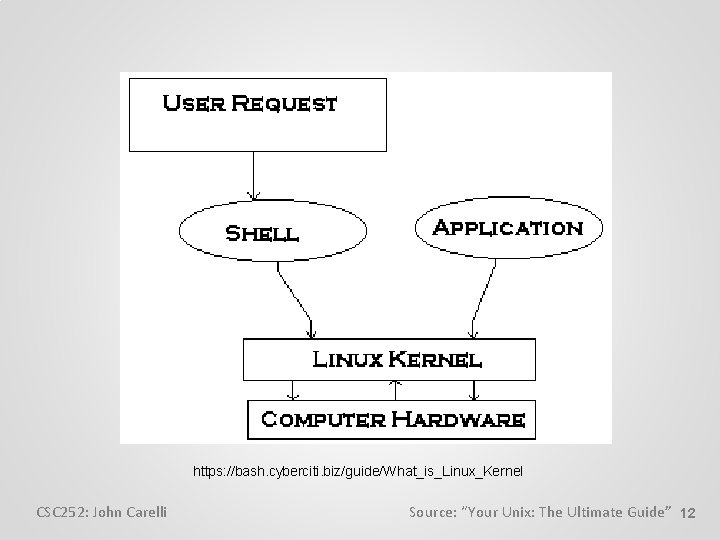
UNIX Architecture: The Shell • A program or command invoked only when the user logs in. • Accepts user input, examines and rebuilds the command line. • Makes calls to the kernel for all other functions. • At least one shell is invoked by every user. • User has a choice of shells. CSC 252: John Carelli Source: “Your Unix: The Ultimate Guide” 11
https: //bash. cyberciti. biz/guide/What_is_Linux_Kernel CSC 252: John Carelli Source: “Your Unix: The Ultimate Guide” 12
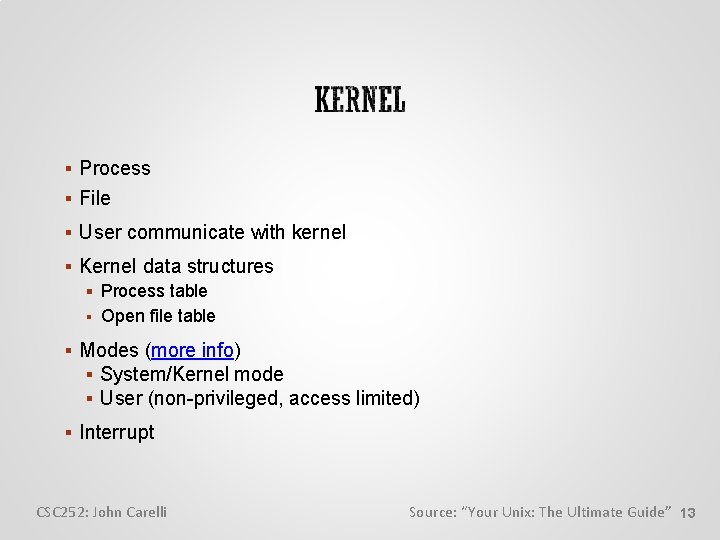
Process File User communicate with kernel Kernel data structures Process table Open file table Modes (more info) System/Kernel mode User (non-privileged, access limited) Interrupt CSC 252: John Carelli Source: “Your Unix: The Ultimate Guide” 13
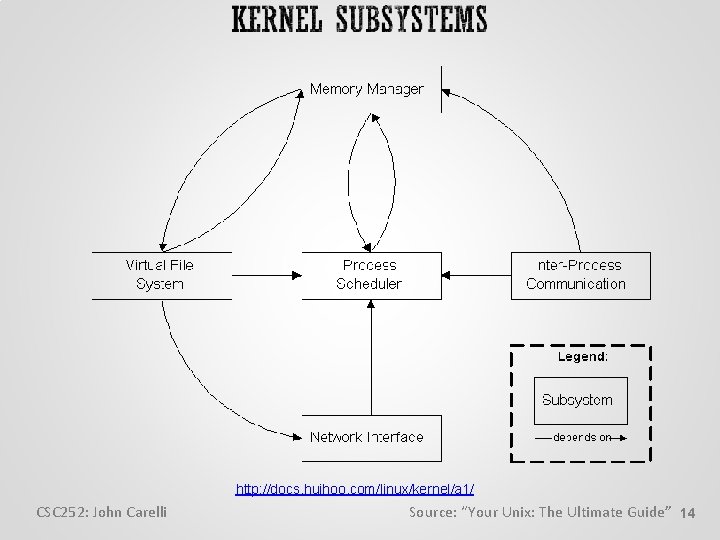
http: //docs. huihoo. com/linux/kernel/a 1/ CSC 252: John Carelli Source: “Your Unix: The Ultimate Guide” 14
Portable Open system Networking comes naturally Hierarchical file system Better memory management Allows piping Freeware Supports multiple users, tasks and programs CSC 252: John Carelli Source: “Your Unix: The Ultimate Guide” 15
Running Multiple Programs • Multiprogramming: Multiple programs can be in memory. • Multiuser: Multiple users can run programs. • Multitasking: One user can run multiple programs. CSC 252: John Carelli Source: “Your Unix: The Ultimate Guide” 16
csitrd (csit, acad, login) - Cent. OS csitfp – Cent. OS luna - Cent. OS hermione - Cent. OS dumbledore – Cent. OS vsspehrecs – CMWare ESXi Sun. OS harry CSC 252: John Carelli Source: “Your Unix: The Ultimate Guide” 17