CS 363 Operating System 112013 1 Introduction Operating
- Slides: 11
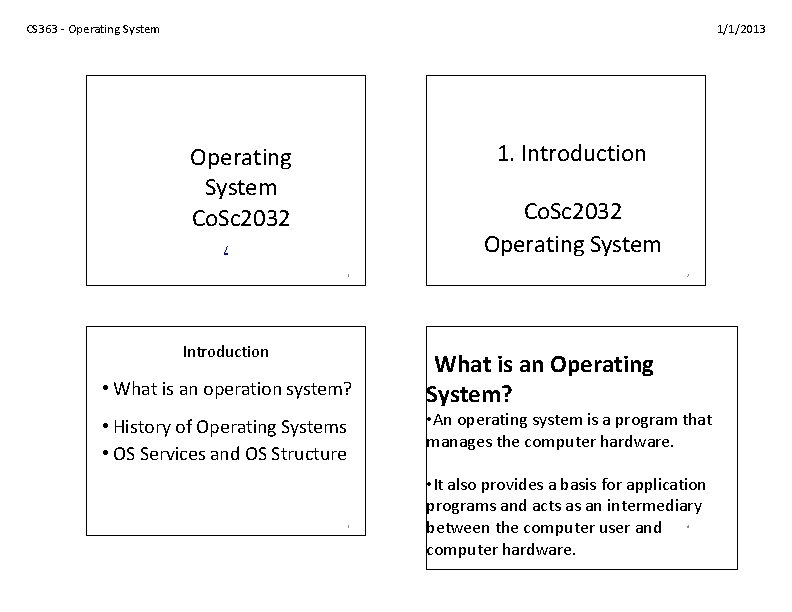
CS 363 - Operating System 1/1/2013 1. Introduction Operating System Co. Sc 2032 Operating System / 1 Introduction • What is an operation system? 2 What is an Operating System? • An operating system is a program that manages the computer hardware. • History of Operating Systems • OS Services and OS Structure 3 • It also provides a basis for application programs and acts as an intermediary between the computer user and computer hardware. 4
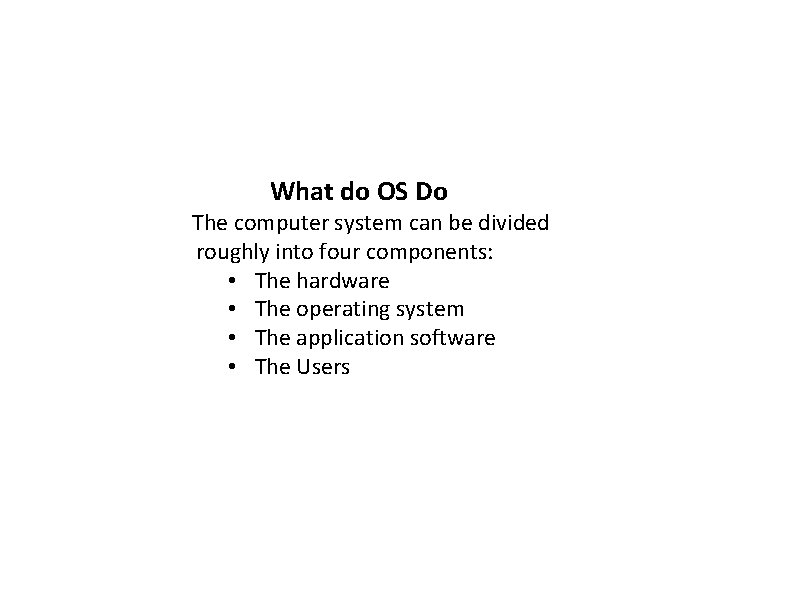
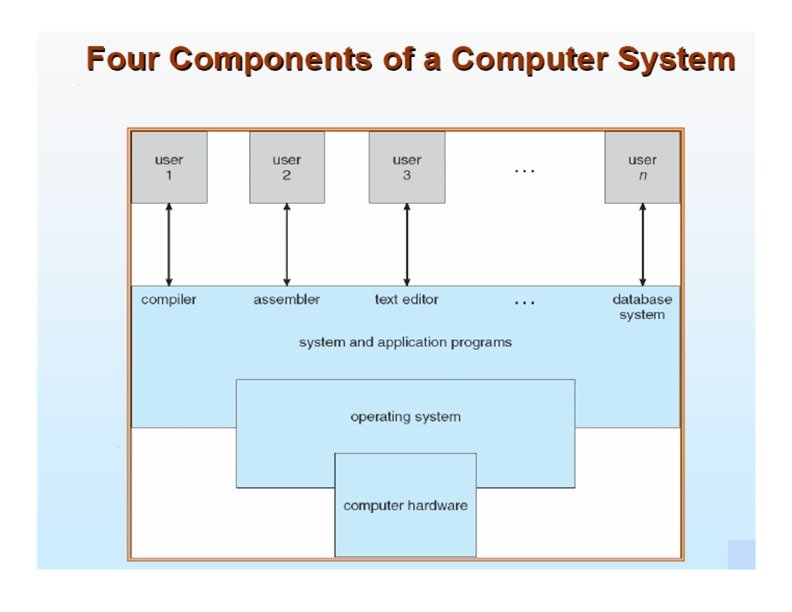
What do OS Do The computer system can be divided roughly into four components: • The hardware • The operating system • The application software • The Users
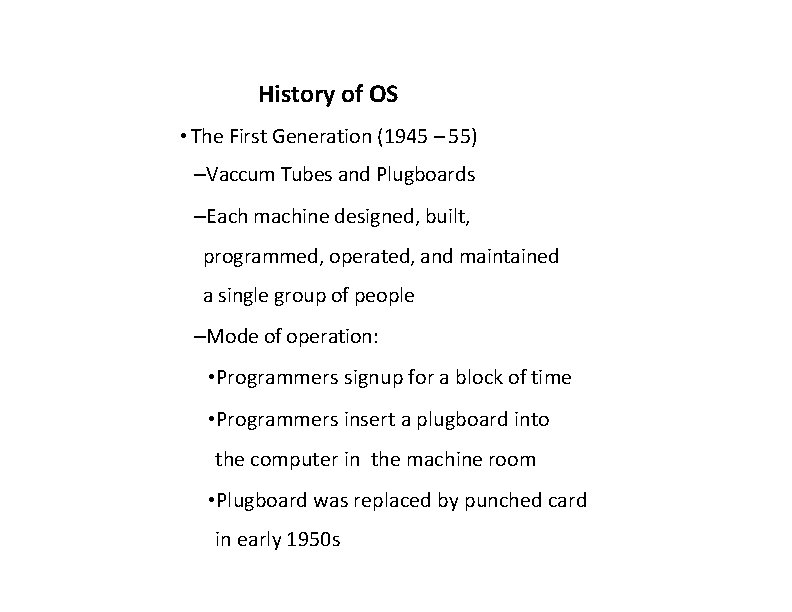
History of OS • The First Generation (1945 – 55) –Vaccum Tubes and Plugboards –Each machine designed, built, programmed, operated, and maintained a single group of people –Mode of operation: • Programmers signup for a block of time • Programmers insert a plugboard into the computer in the machine room • Plugboard was replaced by punched card in early 1950 s
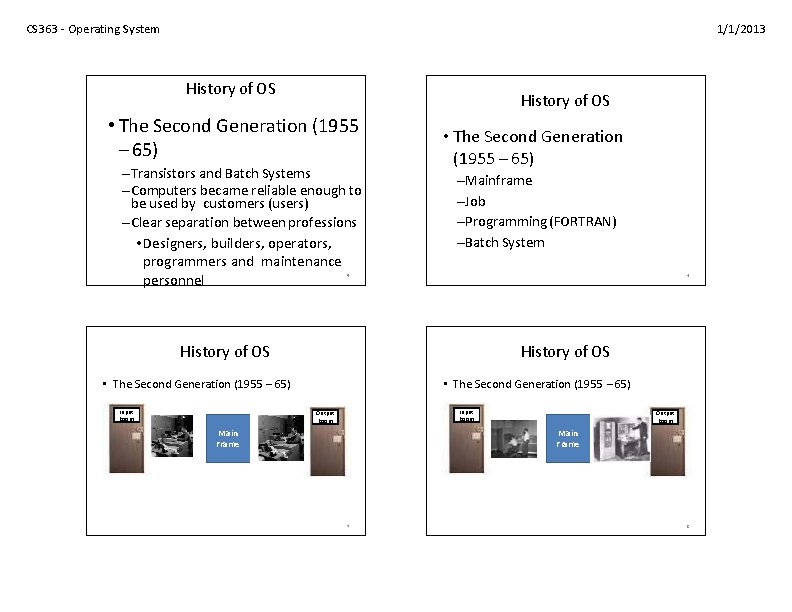
CS 363 - Operating System 1/1/2013 History of OS • The Second Generation (1955 – 65) –Transistors and Batch Systems –Computers became reliable enough to be used by customers (users) –Clear separation between professions • Designers, builders, operators, programmers and maintenance personnel • The Second Generation (1955 – 65) –Mainframe –Job –Programming (FORTRAN) –Batch System 5 6 History of OS • The Second Generation (1955 – 65) Input Room Output Room Main Frame 7 8
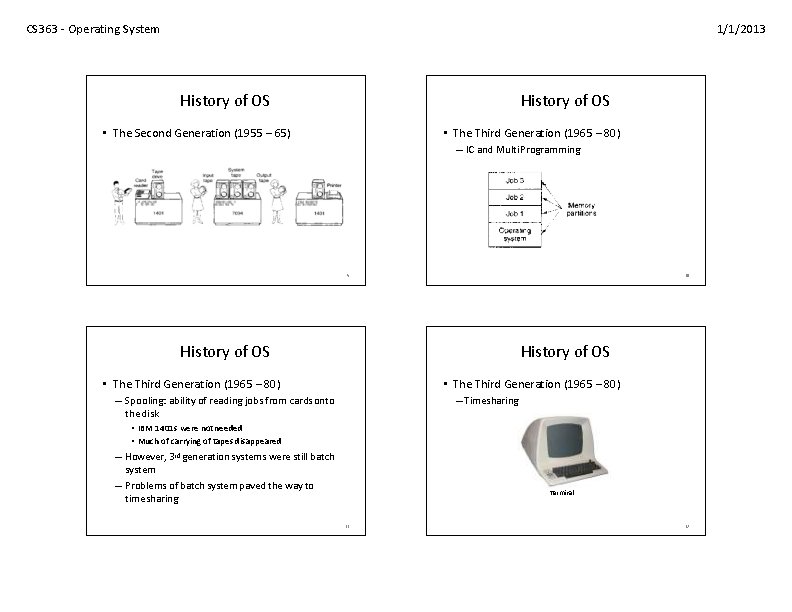
CS 363 - Operating System 1/1/2013 History of OS • The Second Generation (1955 – 65) • The Third Generation (1965 – 80) – IC and Multi Programming 9 10 History of OS • The Third Generation (1965 – 80) – Timesharing – Spooling: ability of reading jobs from cards onto the disk • IBM 1401 s were not needed • Much of carrying of tapes disappeared – However, 3 rd generation systems were still batch system – Problems of batch system paved the way to timesharing Terminal 11 12
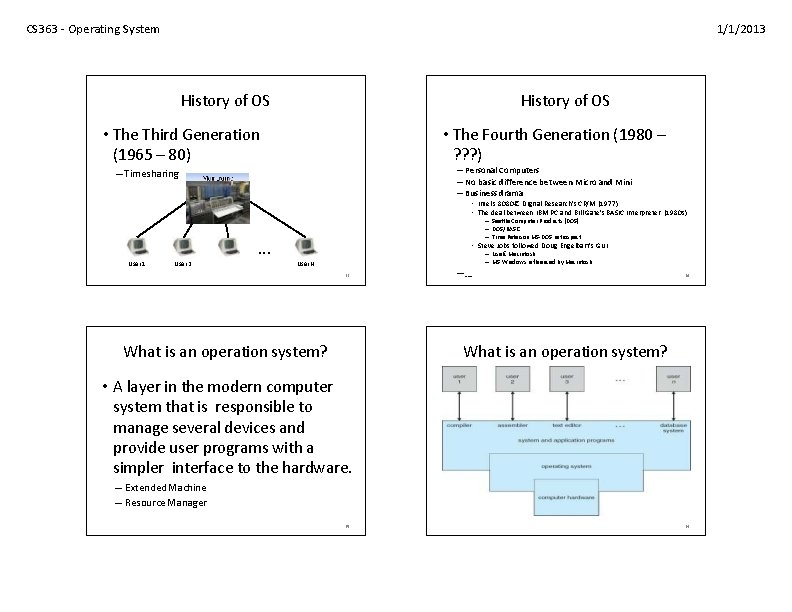
CS 363 - Operating System 1/1/2013 History of OS • The Fourth Generation (1980 – ? ? ? ) • The Third Generation (1965 – 80) – Personal Computers – No basic difference between Micro and Mini – Business drama – Timesharing • Intel’s 8080 € Digital Research’s CP/M (1977) • The deal between IBM PC and Bill Gate’s BASIC Interpreter (1980 s) User 1 User 2 … – Seattle Computer Products (DOS) – DOS/BASIC – Time Paterson MS-DOS retrospect • Steve Jobs followed Doug Engelbart’s GUI User N 13 What is an operation system? –… – Lisa € Macintosh – MS Windows influenced by Macintosh 14 What is an operation system? • A layer in the modern computer system that is responsible to manage several devices and provide user programs with a simpler interface to the hardware. – Extended Machine – Resource Manager 15 16
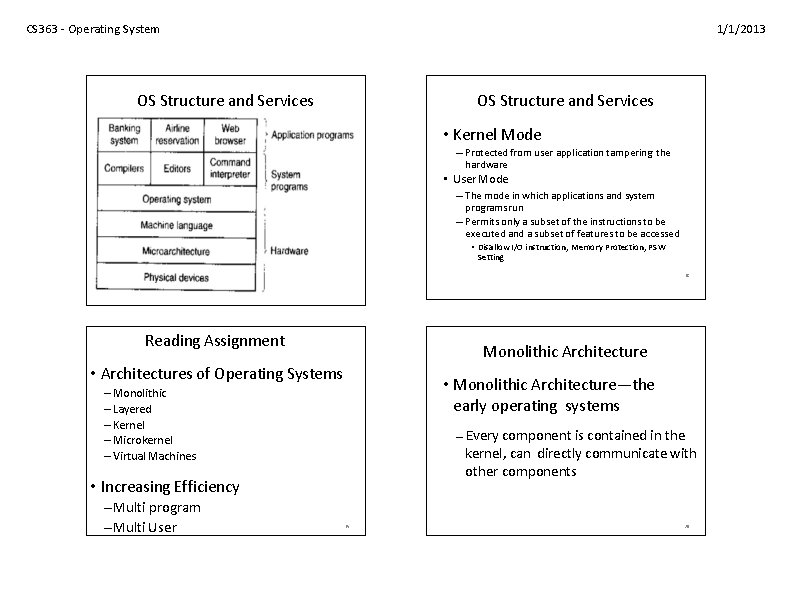
CS 363 - Operating System 1/1/2013 OS Structure and Services • Kernel Mode – Protected from user application tampering the hardware • User Mode – The mode in which applications and system programs run – Permits only a subset of the instructions to be executed and a subset of features to be accessed • Disallow I/O instruction, Memory Protection, PSW Setting 17 Reading Assignment Monolithic Architecture • Architectures of Operating Systems • Monolithic Architecture—the early operating systems – Monolithic – Layered – Kernel – Microkernel – Virtual Machines – Every component is contained in the kernel, can directly communicate with other components • Increasing Efficiency –Multi program –Multi User 18 19 20
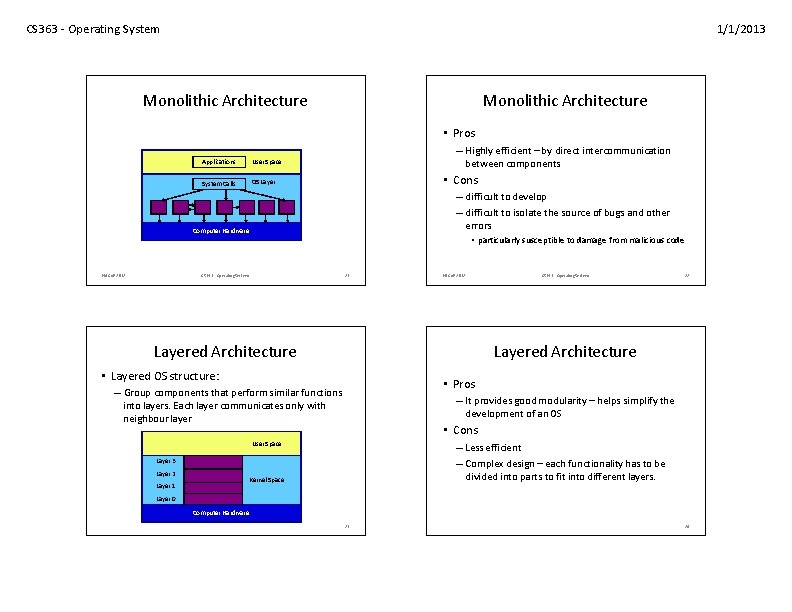
CS 363 - Operating System 1/1/2013 Monolithic Architecture • Pros Applications User Space System Calls OS Layer – Highly efficient – by direct intercommunication between components • Cons – difficult to develop – difficult to isolate the source of bugs and other errors Computer Hardware Hi. LCo. E 2012 • particularly susceptible to damage from malicious code CS 363 - Operating System 21 Hi. LCo. E 2012 Layered Architecture • Pros – Group components that perform similar functions into layers. Each layer communicates only with neighbour layer – It provides good modularity – helps simplify the development of an OS • Cons User Space – Less efficient – Complex design – each functionality has to be divided into parts to fit into different layers. Layer 3 Layer 1 22 Layered Architecture • Layered OS structure: Layer 2 CS 363 - Operating System Kernel Space Layer 0 Computer Hardware 23 24
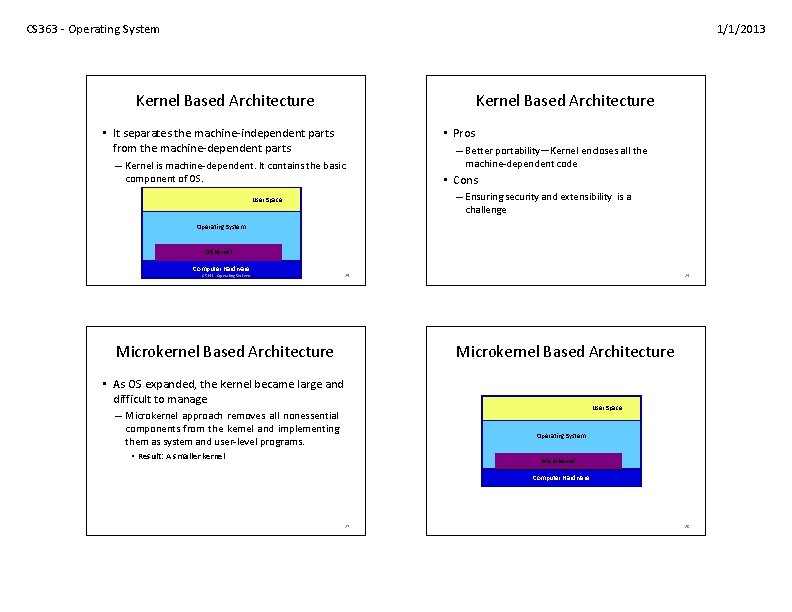
CS 363 - Operating System 1/1/2013 Kernel Based Architecture • Pros • It separates the machine-independent parts from the machine-dependent parts – Kernel is machine-dependent. It contains the basic component of OS. – Better portability—Kernel encloses all the machine-dependent code • Cons – Ensuring security and extensibility is a challenge User Space Operating System OS Kernel Computer Hardware CS 363 - Operating System 25 Microkernel Based Architecture 26 Microkernel Based Architecture • As OS expanded, the kernel became large and difficult to manage User Space – Microkernel approach removes all nonessential components from the kernel and implementing them as system and user-level programs. Operating System • Result: A smaller kernel Microkernel Computer Hardware 27 28
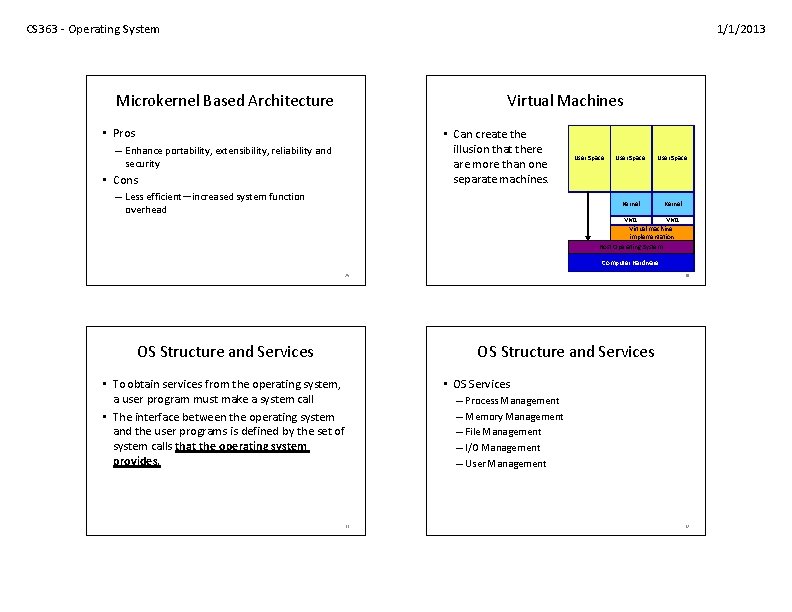
CS 363 - Operating System 1/1/2013 Microkernel Based Architecture Virtual Machines • Pros • Can create the illusion that there are more than one separate machines. – Enhance portability, extensibility, reliability and security • Cons – Less efficient—increased system function overhead User Space Kernel VM 1 Virtual machine implementation Host Operating System Computer Hardware 29 OS Structure and Services 30 OS Structure and Services • To obtain services from the operating system, a user program must make a system call • The interface between the operating system and the user programs is defined by the set of system calls that the operating system provides. 31 • OS Services – Process Management – Memory Management – File Management – I/O Management – User Management 32