
COP 3530 Data Structures Arrays and Lists Dr
![Arrays in Java. Script - Declaring var a = []; var a = [‘a’,](https://slidetodoc.com/presentation_image_h2/0fe0386a837272792f8b04f79cbd81ca/image-5.jpg "Arrays in Java. Script - Declaring var a = []; var a = [‘a’,")
- Slides: 18
COP 3530 - Data Structures Arrays and Lists Dr. Ron Eaglin
Objectives • Learn to use Arrays in programming (Java. Script) • Understand properties of arrays and lists • Understand limitations of arrays and lists • create a List in Java. Script code
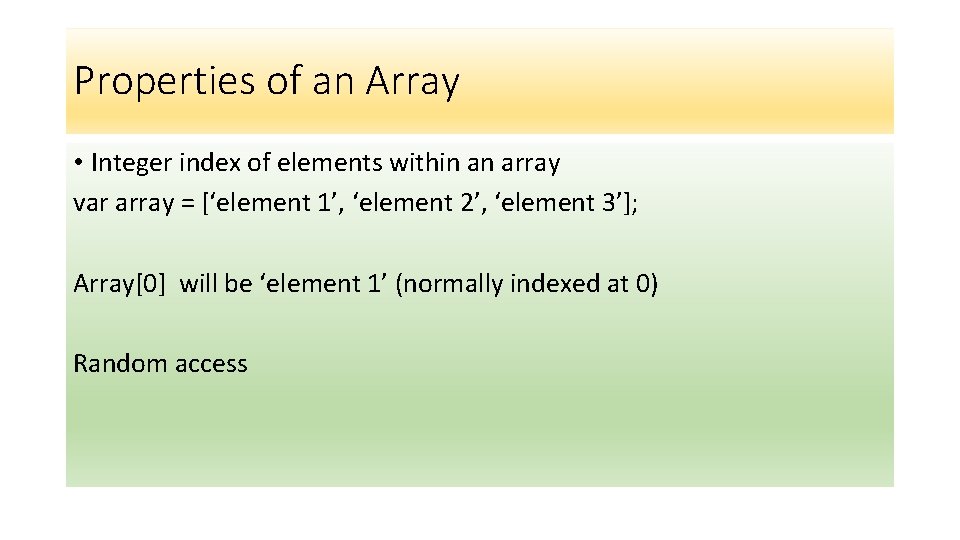
Properties of an Array • Integer index of elements within an array var array = [‘element 1’, ‘element 2’, ‘element 3’]; Array[0] will be ‘element 1’ (normally indexed at 0) Random access
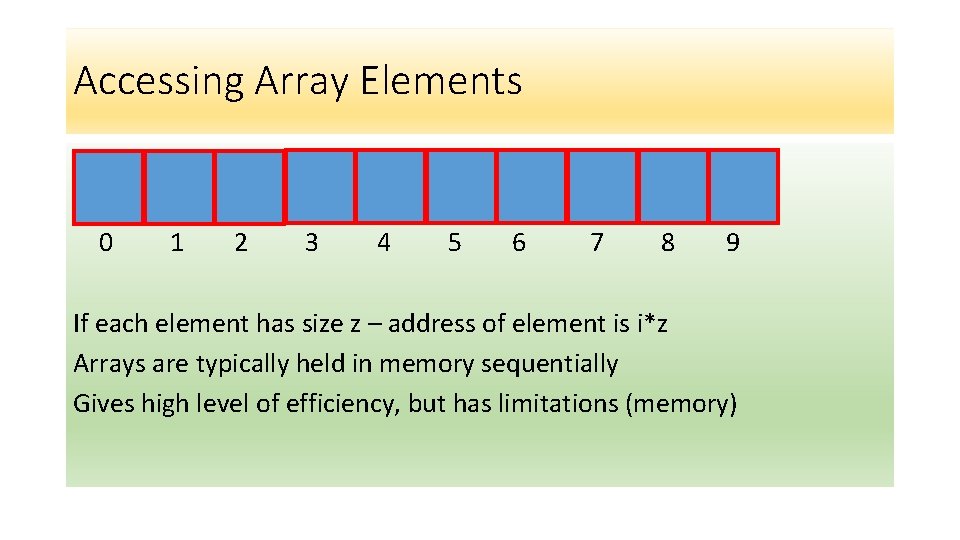
Accessing Array Elements 0 1 2 3 4 5 6 7 8 9 If each element has size z – address of element is i*z Arrays are typically held in memory sequentially Gives high level of efficiency, but has limitations (memory)
Arrays in Java. Script - Declaring var a = []; var a = [‘a’, ‘b’, ‘c’, ‘d’]; var a = new Array(); var a = new Array(‘ 1’, ‘ 2’, ‘ 3’, ‘ 4’);
Arrays as Objects • Arrays are objects • Limitation: Arrays use numbers to access elements (Objects in general use names)
Array Properties and Methods (Java. Script) • Array. length – returns length of array • Array. push() – pushes element onto end of array • Array. pop() – Removes last element of array (returns element) • Array. sort() – sorts the array • Array. splice() – Adds/removes elements from array • Array. concat() – Concatenates two or more arrays • Array. find() – Returns first element of array meeting condition • More methods
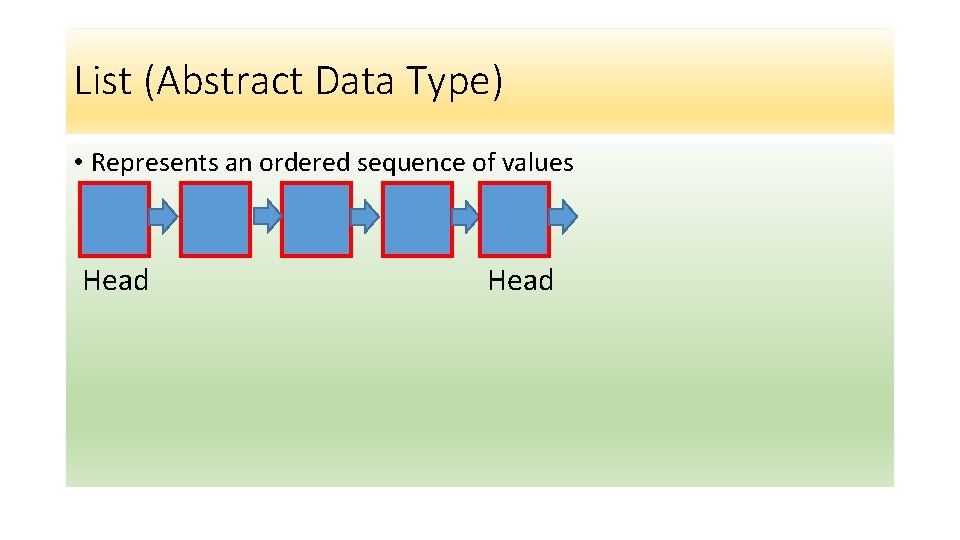
List (Abstract Data Type) • Represents an ordered sequence of values Head
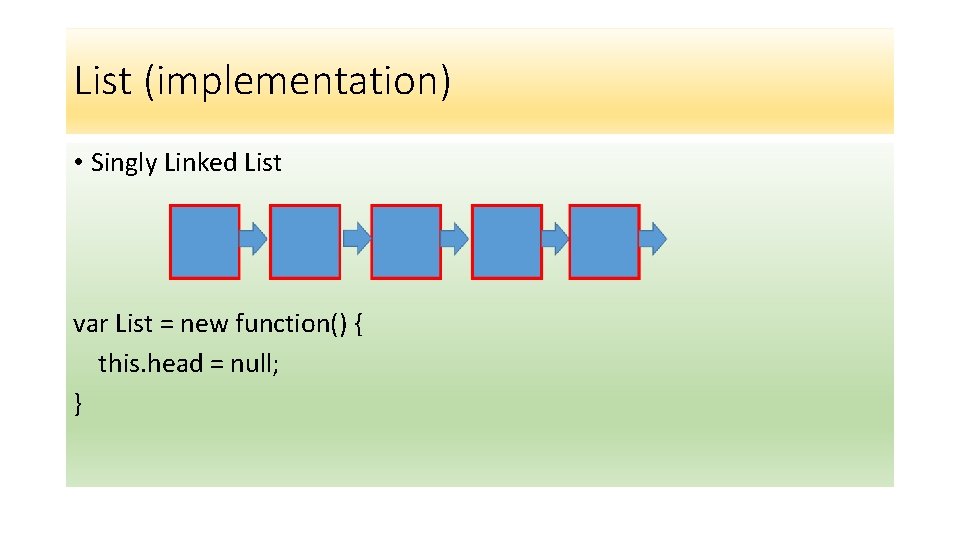
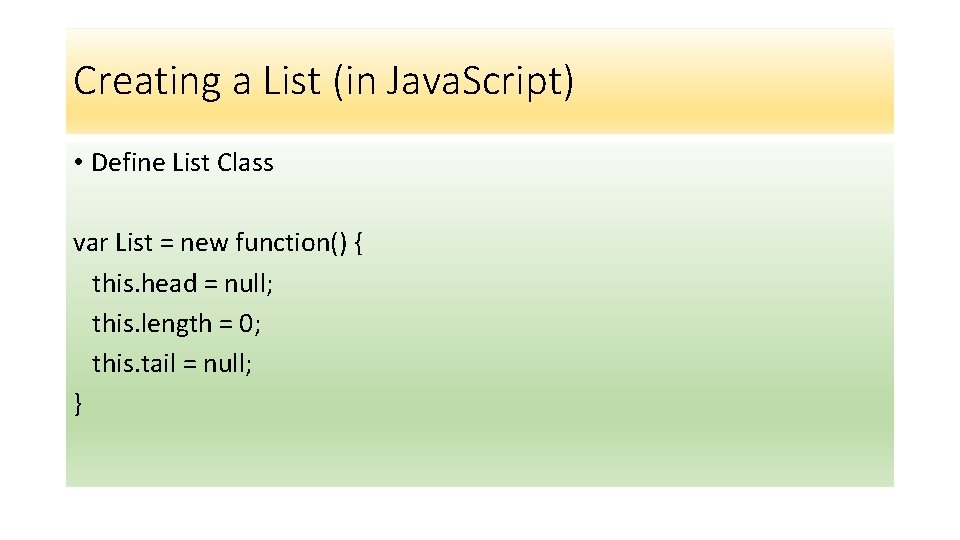
List (implementation) • Singly Linked List var List = new function() { this. head = null; }
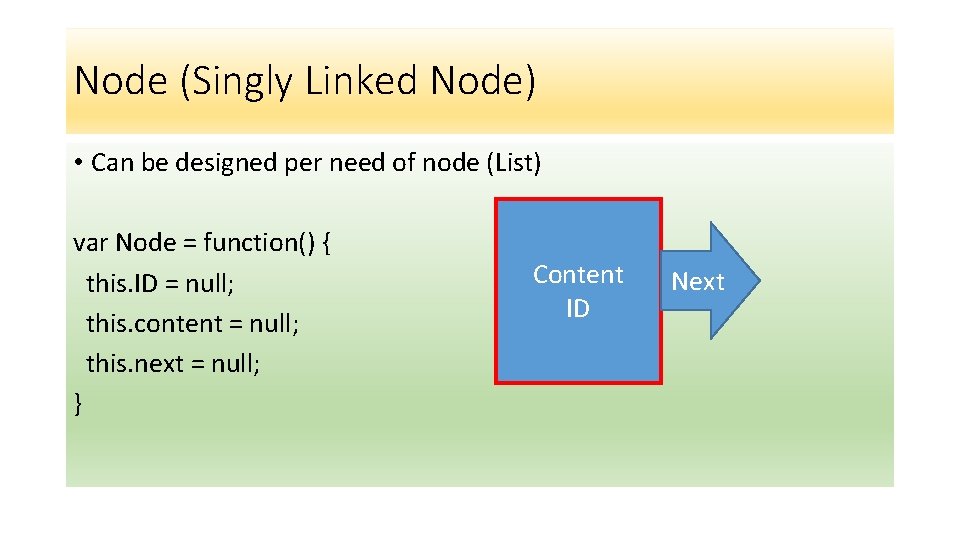
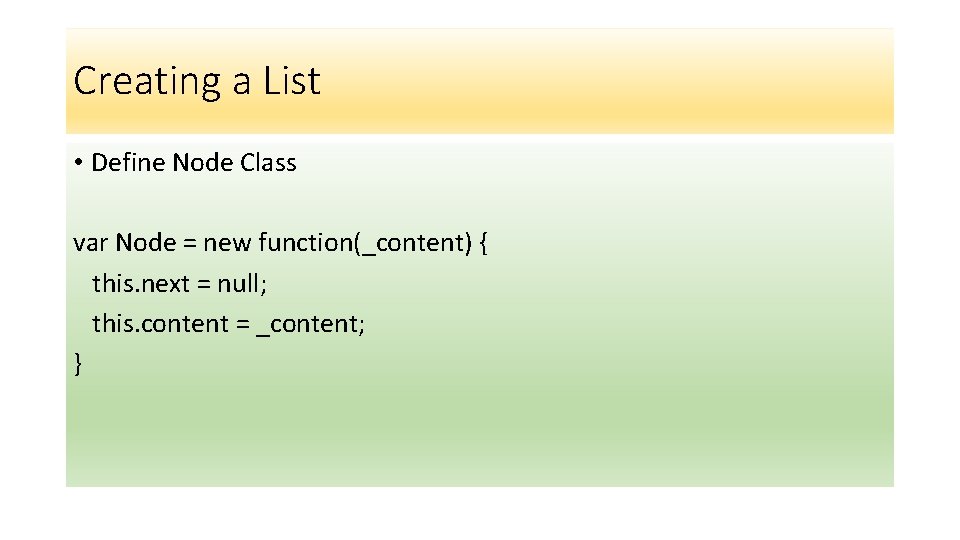
Node (Singly Linked Node) • Can be designed per need of node (List) var Node = function() { this. ID = null; this. content = null; this. next = null; } Content ID Next
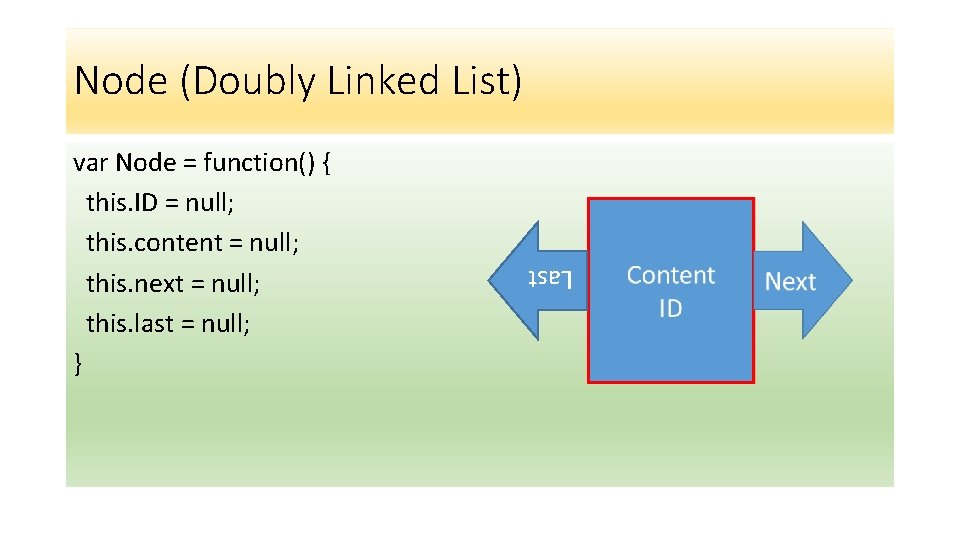
Node (Doubly Linked List) Last var Node = function() { this. ID = null; this. content = null; this. next = null; this. last = null; }
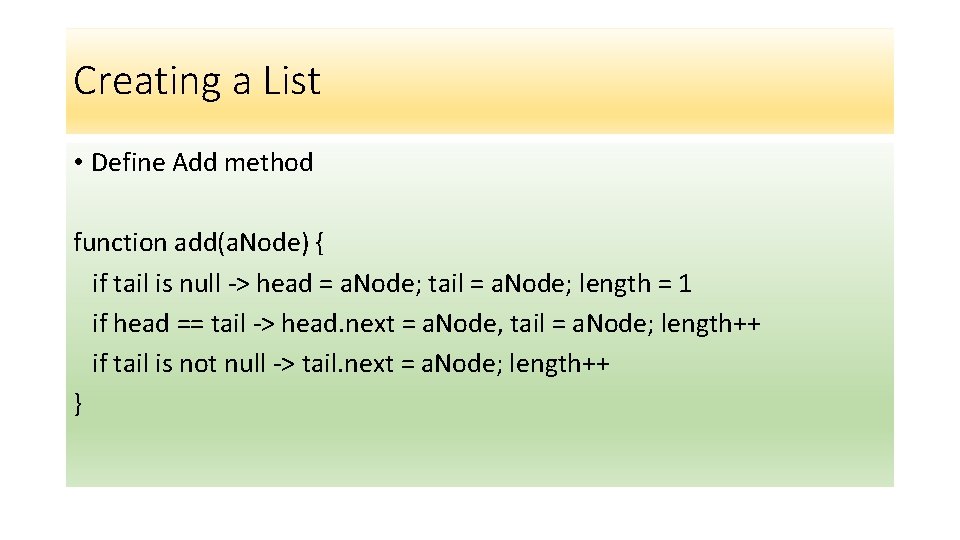
List and Node Properties • Created to meet the needs of the application • Basic Methods of a List • • • New – Constructor to create a List Add – Add nodes to a List is. Empty() – Determine if an Array is completely empty Head or Head() – Answers the element at the head Tail or Tail() – Answers the node at the tail
Why Lists? • Lists are stored in dynamic memory • Adding elements to List is easier (do not require sequential memory) • Lists are used to implement Stacks and Queues • Lists are the fundamental Abstract Data Type
Creating a List (in Java. Script) • Define List Class var List = new function() { this. head = null; this. length = 0; this. tail = null; }
Creating a List • Define Node Class var Node = new function(_content) { this. next = null; this. content = _content; }
Creating a List • Define Add method function add(a. Node) { if tail is null -> head = a. Node; tail = a. Node; length = 1 if head == tail -> head. next = a. Node, tail = a. Node; length++ if tail is not null -> tail. next = a. Node; length++ }
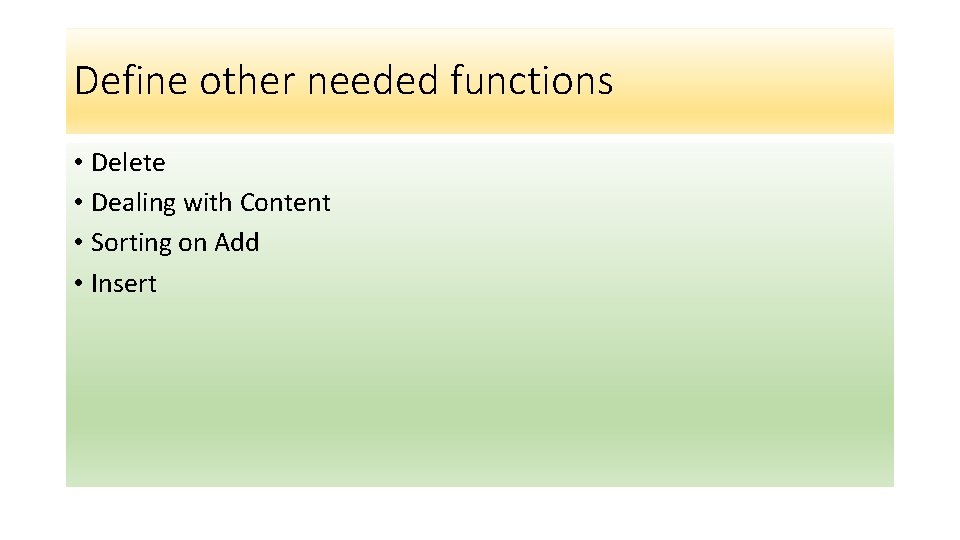
Define other needed functions • Delete • Dealing with Content • Sorting on Add • Insert
Objectives • Learn to use Arrays in programming (Java. Script) • Understand properties of arrays and lists • Understand limitations of arrays and lists • create a List in Java. Script code