Computer Security and Privacy CS 489 698 Section
- Slides: 30
Computer Security and Privacy CS 489 / 698 Section 1 Fall 2007
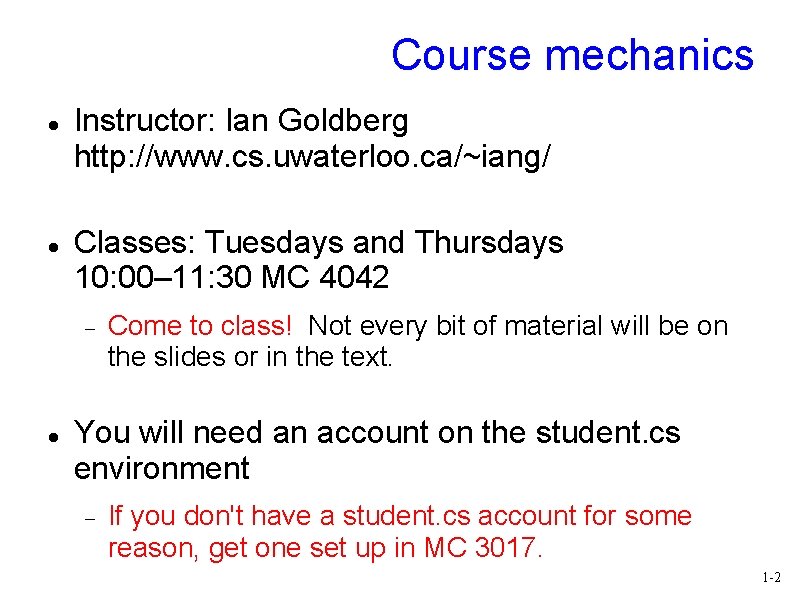
Course mechanics Instructor: Ian Goldberg http: //www. cs. uwaterloo. ca/~iang/ Classes: Tuesdays and Thursdays 10: 00– 11: 30 MC 4042 Come to class! Not every bit of material will be on the slides or in the text. You will need an account on the student. cs environment If you don't have a student. cs account for some reason, get one set up in MC 3017. 1 -2
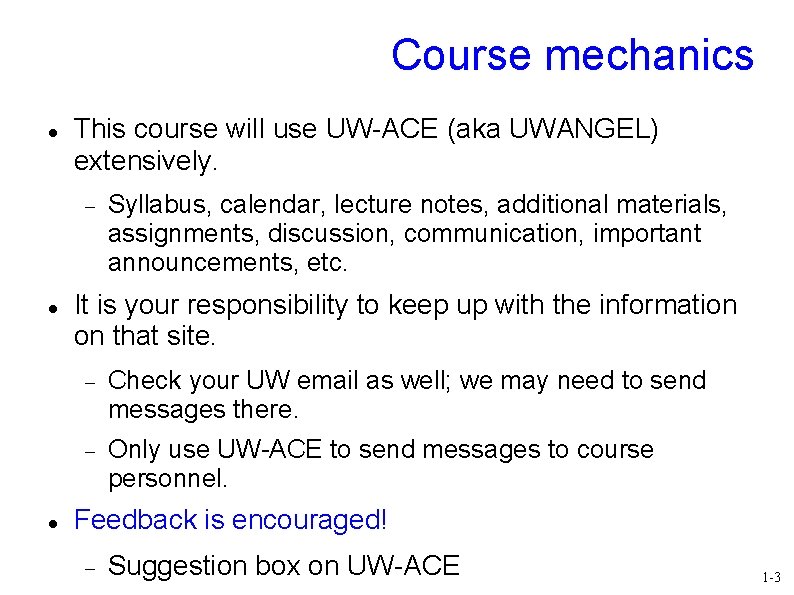
Course mechanics This course will use UW-ACE (aka UWANGEL) extensively. Syllabus, calendar, lecture notes, additional materials, assignments, discussion, communication, important announcements, etc. It is your responsibility to keep up with the information on that site. Check your UW email as well; we may need to send messages there. Only use UW-ACE to send messages to course personnel. Feedback is encouraged! Suggestion box on UW-ACE 1 -3
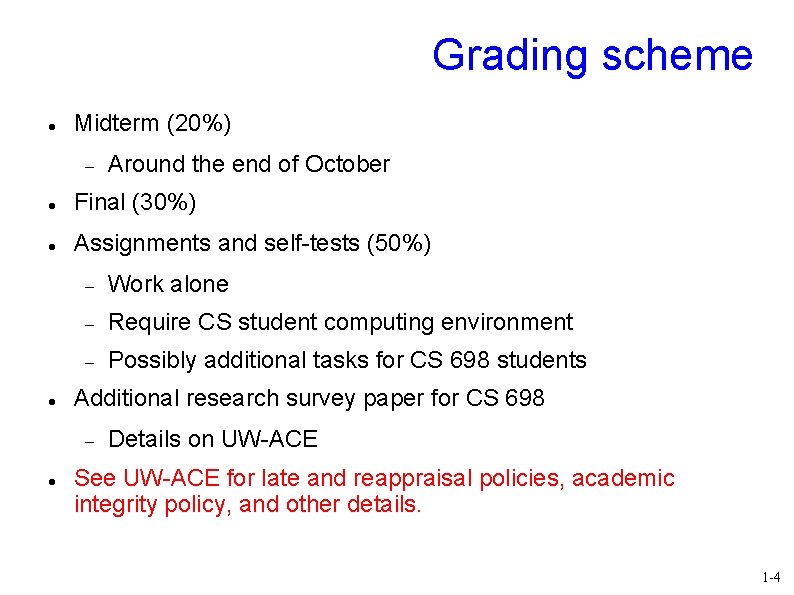
Grading scheme Midterm (20%) Around the end of October Final (30%) Assignments and self-tests (50%) Work alone Require CS student computing environment Possibly additional tasks for CS 698 students Additional research survey paper for CS 698 Details on UW-ACE See UW-ACE for late and reappraisal policies, academic integrity policy, and other details. 1 -4
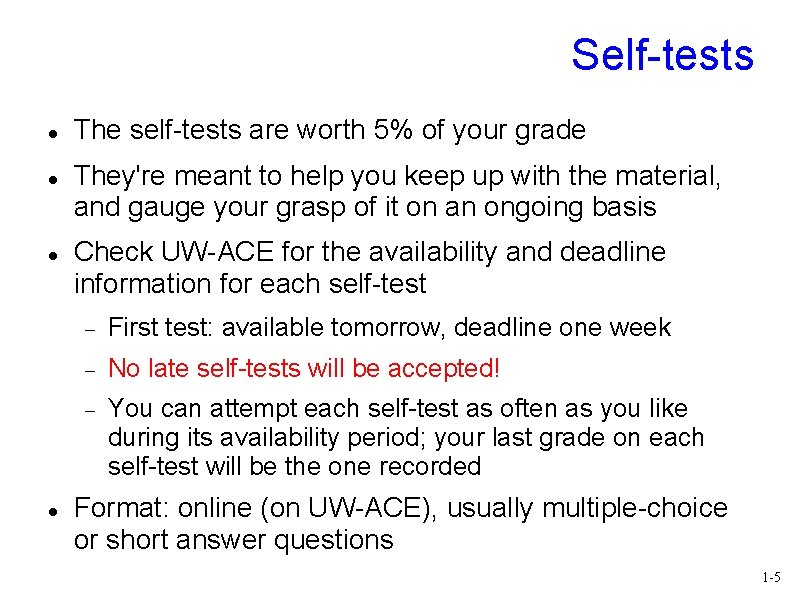
Self-tests The self-tests are worth 5% of your grade They're meant to help you keep up with the material, and gauge your grasp of it on an ongoing basis Check UW-ACE for the availability and deadline information for each self-test First test: available tomorrow, deadline one week No late self-tests will be accepted! You can attempt each self-test as often as you like during its availability period; your last grade on each self-test will be the one recorded Format: online (on UW-ACE), usually multiple-choice or short answer questions 1 -5
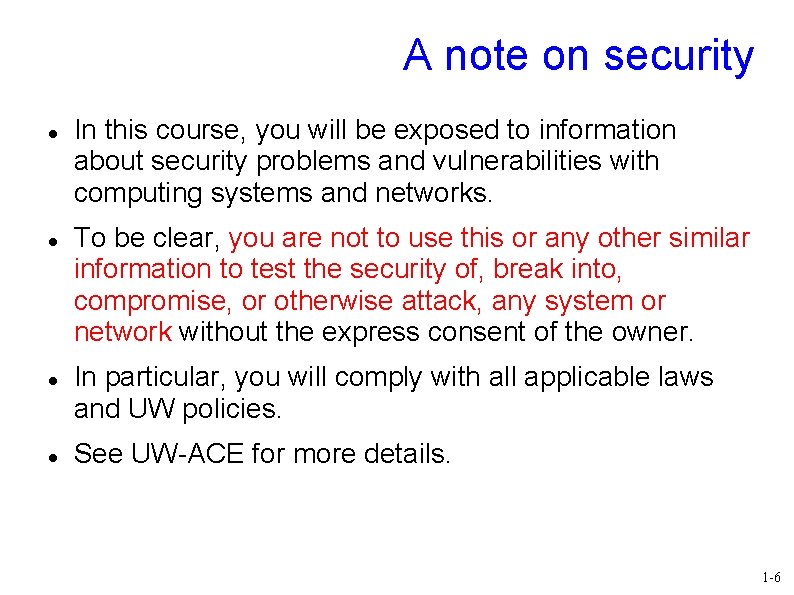
A note on security In this course, you will be exposed to information about security problems and vulnerabilities with computing systems and networks. To be clear, you are not to use this or any other similar information to test the security of, break into, compromise, or otherwise attack, any system or network without the express consent of the owner. In particular, you will comply with all applicable laws and UW policies. See UW-ACE for more details. 1 -6
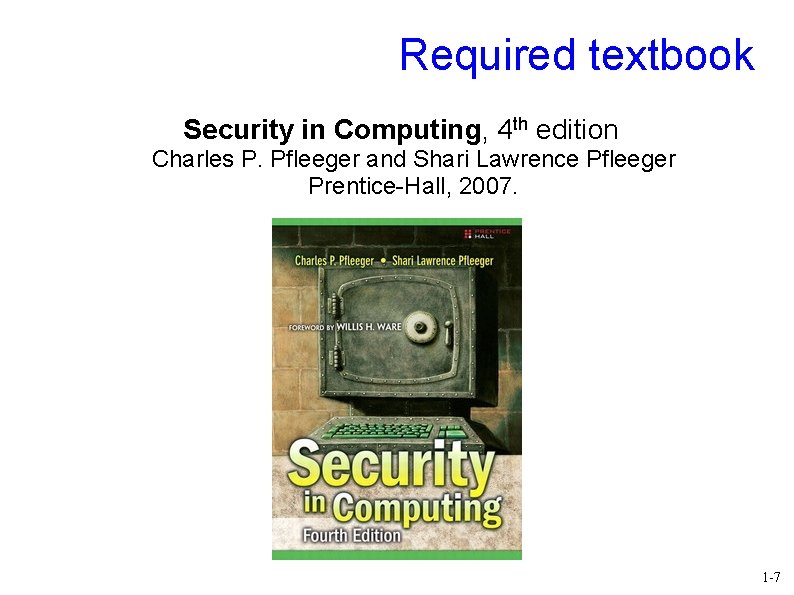
Required textbook Security in Computing, 4 th edition Charles P. Pfleeger and Shari Lawrence Pfleeger Prentice-Hall, 2007. 1 -7
Other readings From time to time, there will be other readings assigned as well. They will usually be avaiable online, linked to from the UW-ACE lectures page. You should usually try to do the readings before the class in which we will discuss them. Sometimes, this will be vital. You will be notified of such cases on the lectures web page. There is such a reading for the next lecture. 1 -8
This time What is our goal in this course? What is security? What is privacy? Who are the adversaries? Assets, vulnerabilities, threats, attacks and controls Methods of defence 1 -9
What is our goal in this course? Our primary goal is to be able to identify security and privacy issues in various aspects of computing, including: Programs Operating systems Networks Internet applications Databases Secondarily, to be able to use this ability to design systems that are more protective of security and privacy. 1 -10
What is security? In the context of computers, security generally means three things: Confidentiality Integrity When you ask for data, you get the “right” data Availability Access to systems or data is limited to authorized parties The system or data is there when you want it A computing system is said to be secure if it has all three properties Well, usually 1 -11
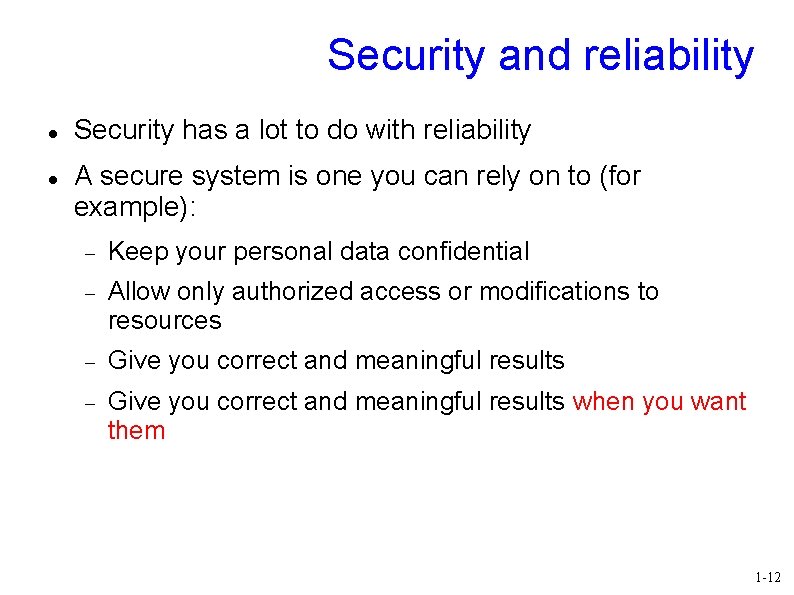
Security and reliability Security has a lot to do with reliability A secure system is one you can rely on to (for example): Keep your personal data confidential Allow only authorized access or modifications to resources Give you correct and meaningful results when you want them 1 -12
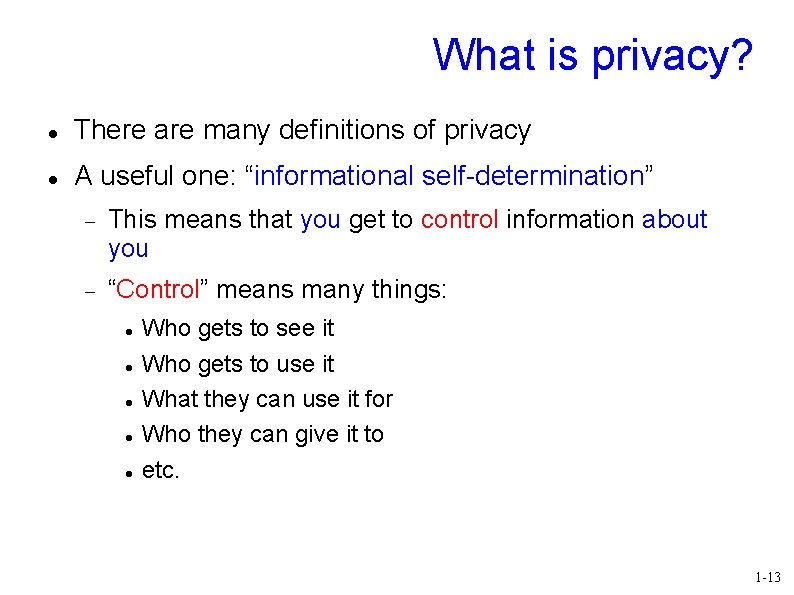
What is privacy? There are many definitions of privacy A useful one: “informational self-determination” This means that you get to control information about you “Control” means many things: Who gets to see it Who gets to use it What they can use it for Who they can give it to etc. 1 -13
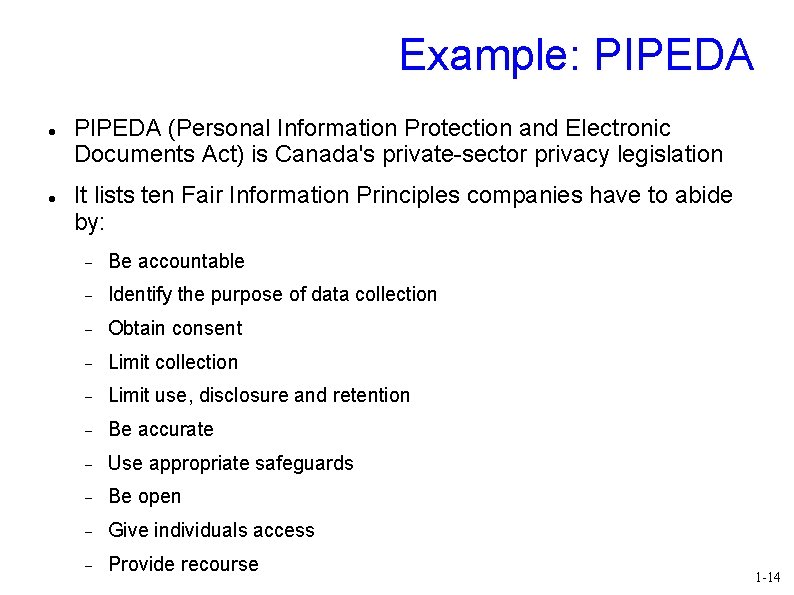
Example: PIPEDA (Personal Information Protection and Electronic Documents Act) is Canada's private-sector privacy legislation It lists ten Fair Information Principles companies have to abide by: Be accountable Identify the purpose of data collection Obtain consent Limit collection Limit use, disclosure and retention Be accurate Use appropriate safeguards Be open Give individuals access Provide recourse 1 -14
Security vs. privacy Sometimes people place security and privacy as if they're opposing forces. Are they really? Do we have to give up one to get the other? 1 -15
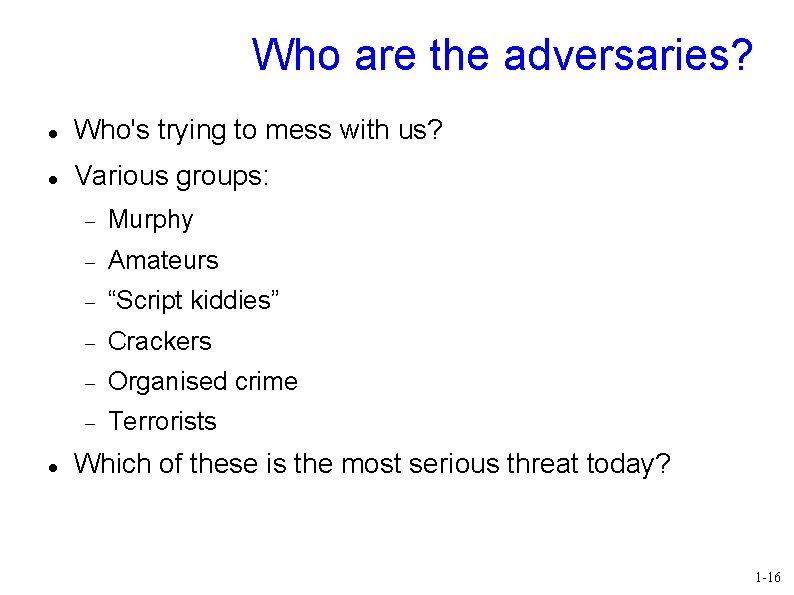
Who are the adversaries? Who's trying to mess with us? Various groups: Murphy Amateurs “Script kiddies” Crackers Organised crime Terrorists Which of these is the most serious threat today? 1 -16
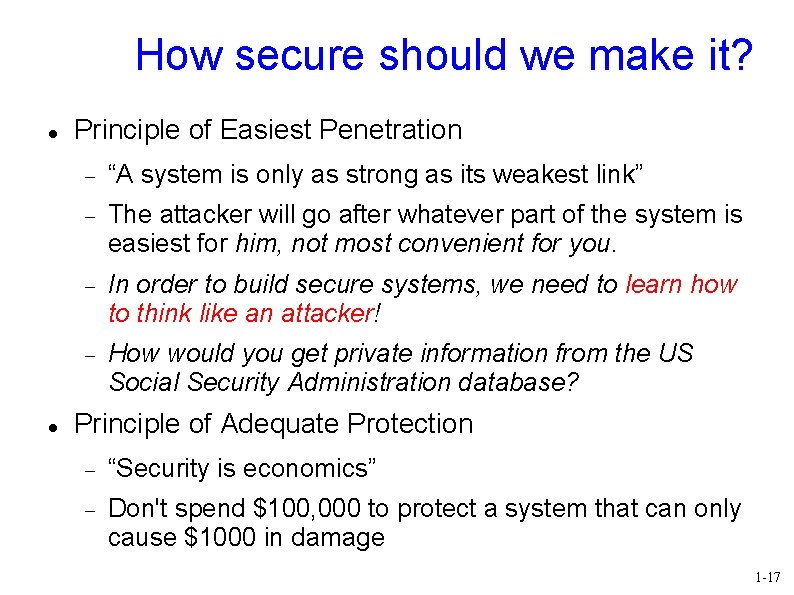
How secure should we make it? Principle of Easiest Penetration “A system is only as strong as its weakest link” The attacker will go after whatever part of the system is easiest for him, not most convenient for you. In order to build secure systems, we need to learn how to think like an attacker! How would you get private information from the US Social Security Administration database? Principle of Adequate Protection “Security is economics” Don't spend $100, 000 to protect a system that can only cause $1000 in damage 1 -17
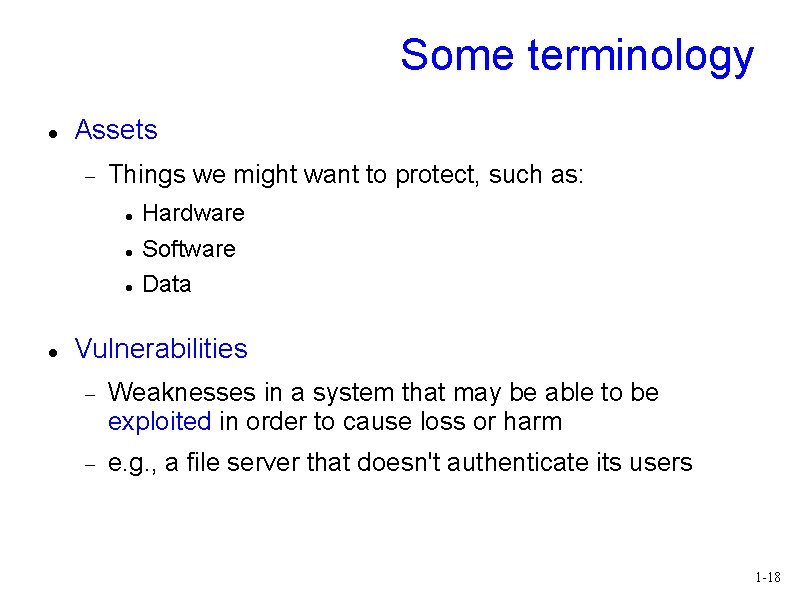
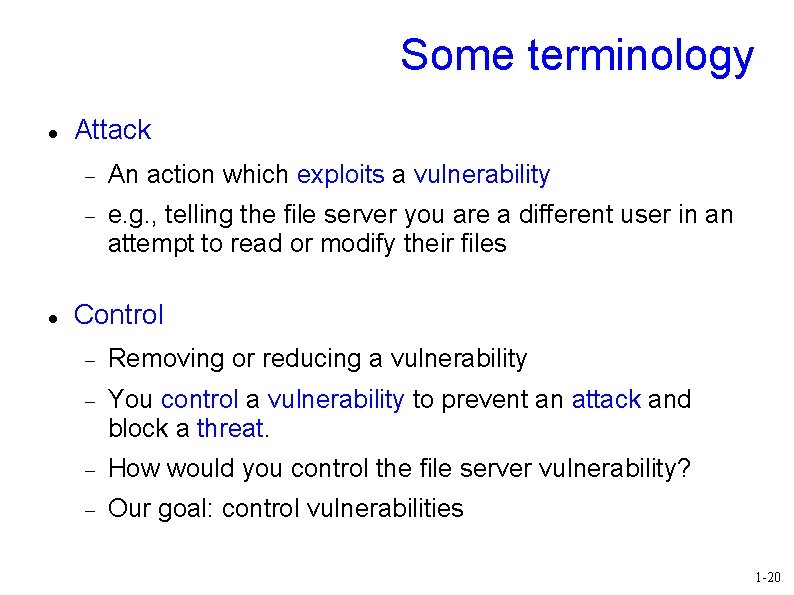
Some terminology Assets Things we might want to protect, such as: Hardware Software Data Vulnerabilities Weaknesses in a system that may be able to be exploited in order to cause loss or harm e. g. , a file server that doesn't authenticate its users 1 -18
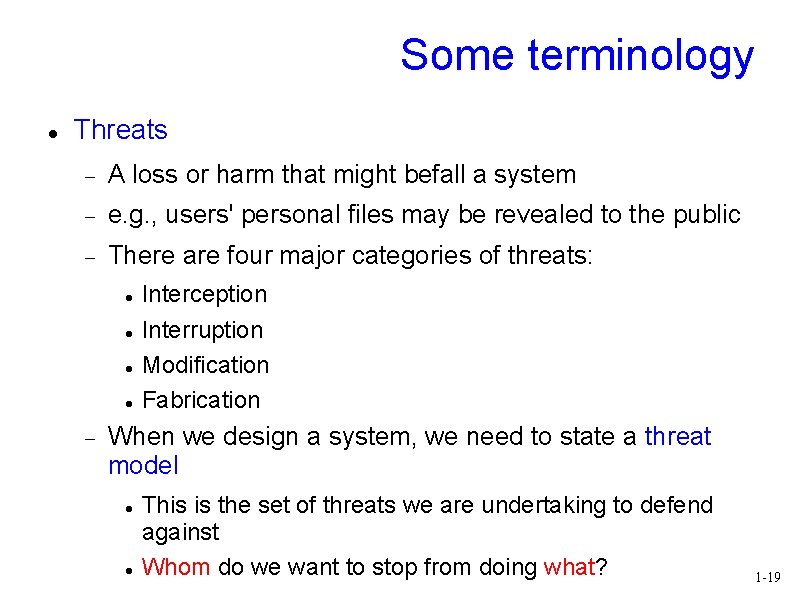
Some terminology Threats A loss or harm that might befall a system e. g. , users' personal files may be revealed to the public There are four major categories of threats: Interception Interruption Modification Fabrication When we design a system, we need to state a threat model This is the set of threats we are undertaking to defend against Whom do we want to stop from doing what? 1 -19
Some terminology Attack An action which exploits a vulnerability e. g. , telling the file server you are a different user in an attempt to read or modify their files Control Removing or reducing a vulnerability You control a vulnerability to prevent an attack and block a threat. How would you control the file server vulnerability? Our goal: control vulnerabilities 1 -20
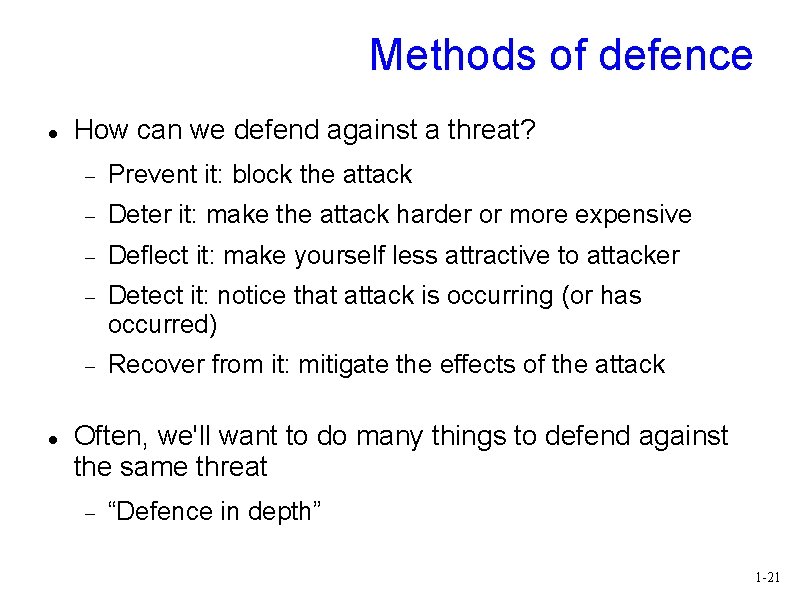
Methods of defence How can we defend against a threat? Prevent it: block the attack Deter it: make the attack harder or more expensive Deflect it: make yourself less attractive to attacker Detect it: notice that attack is occurring (or has occurred) Recover from it: mitigate the effects of the attack Often, we'll want to do many things to defend against the same threat “Defence in depth” 1 -21
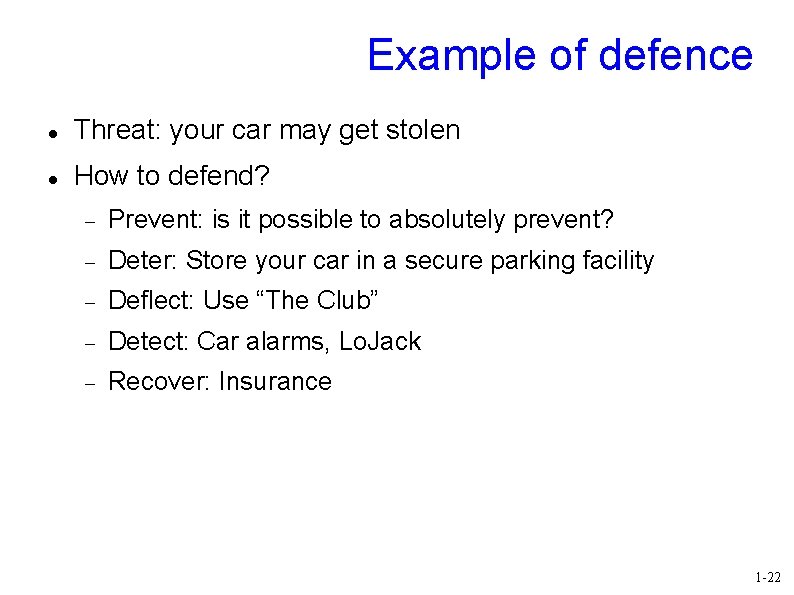
Example of defence Threat: your car may get stolen How to defend? Prevent: is it possible to absolutely prevent? Deter: Store your car in a secure parking facility Deflect: Use “The Club” Detect: Car alarms, Lo. Jack Recover: Insurance 1 -22
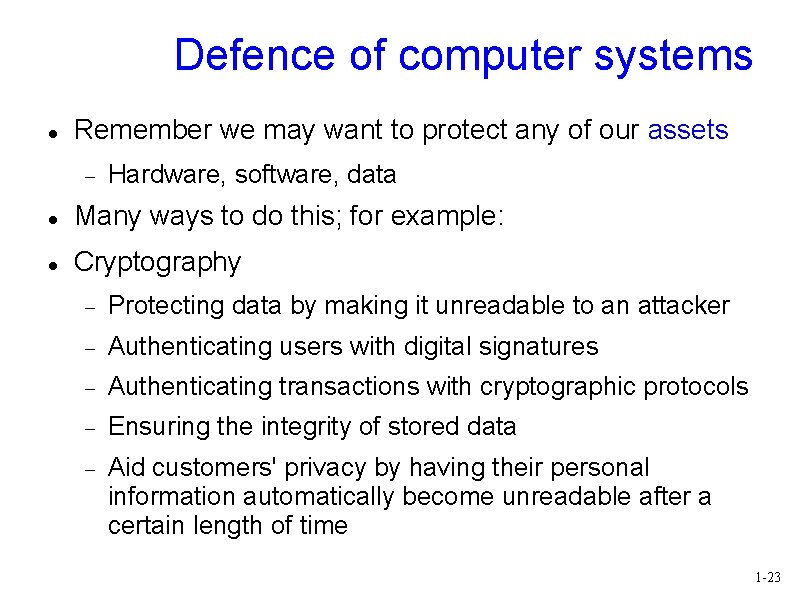
Defence of computer systems Remember we may want to protect any of our assets Hardware, software, data Many ways to do this; for example: Cryptography Protecting data by making it unreadable to an attacker Authenticating users with digital signatures Authenticating transactions with cryptographic protocols Ensuring the integrity of stored data Aid customers' privacy by having their personal information automatically become unreadable after a certain length of time 1 -23
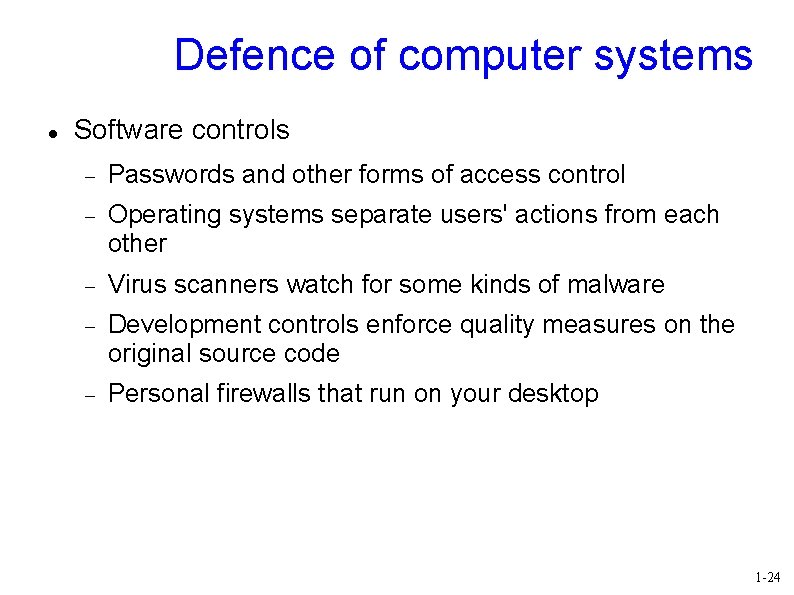
Defence of computer systems Software controls Passwords and other forms of access control Operating systems separate users' actions from each other Virus scanners watch for some kinds of malware Development controls enforce quality measures on the original source code Personal firewalls that run on your desktop 1 -24
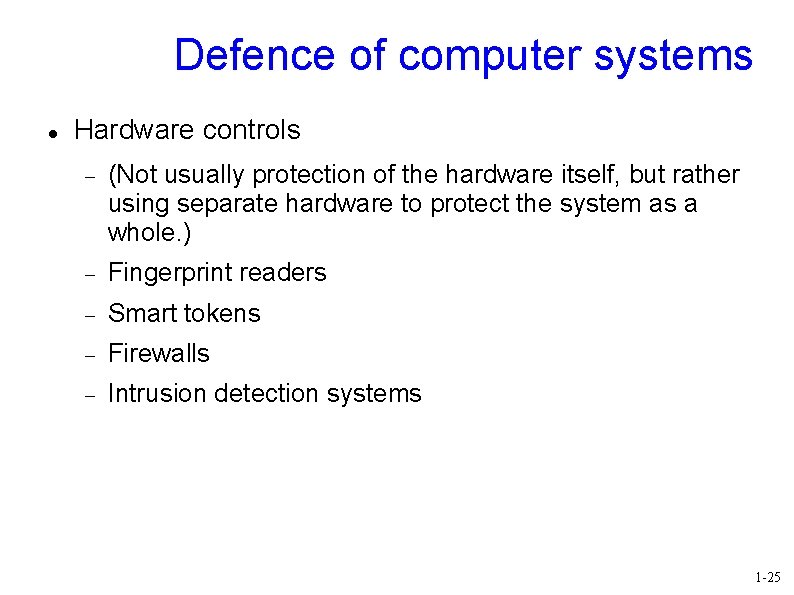
Defence of computer systems Hardware controls (Not usually protection of the hardware itself, but rather using separate hardware to protect the system as a whole. ) Fingerprint readers Smart tokens Firewalls Intrusion detection systems 1 -25
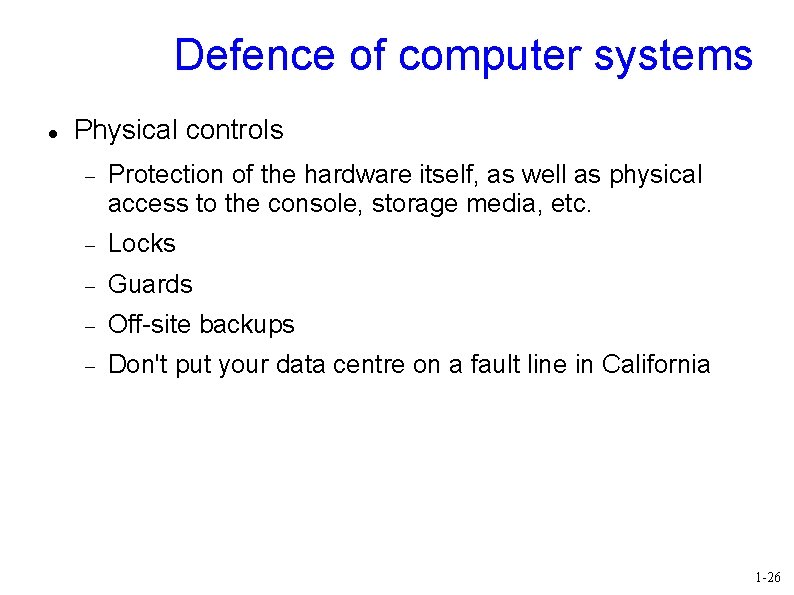
Defence of computer systems Physical controls Protection of the hardware itself, as well as physical access to the console, storage media, etc. Locks Guards Off-site backups Don't put your data centre on a fault line in California 1 -26
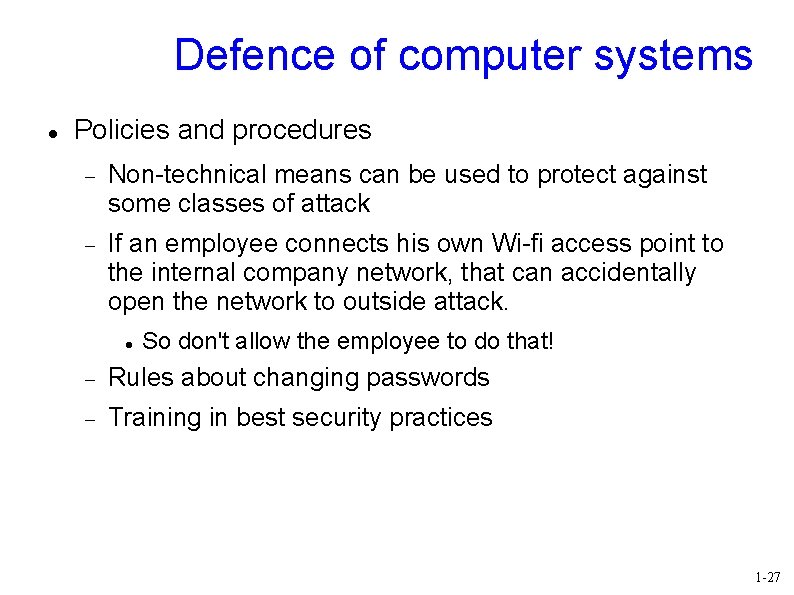
Defence of computer systems Policies and procedures Non-technical means can be used to protect against some classes of attack If an employee connects his own Wi-fi access point to the internal company network, that can accidentally open the network to outside attack. So don't allow the employee to do that! Rules about changing passwords Training in best security practices 1 -27
Recap What is our goal in this course? Identify security and privacy issues Design systems that are more protective of security and privacy What is security? Confidentiality, Integrity, Availability What is privacy? Informational self-determination 1 -28
Recap Who are the adversaries? Assets, vulnerabilities, threats, attacks and controls Learn to think like an attacker You control a vulnerability to prevent an attack and block a threat. Methods of defence Cryptography, software controls, hardware controls, physical controls, policies and procedures 1 -29
Next time Program security Flaws, faults, and failures Types of security flaws Unintentional security flaws Buffer overflows Incomplete mediation TOCTTOU errors Before next class: Read “Smashing The Stack For Fun And Profit” (available on the lectures page in UW-ACE) 1 -30