Cloud Computing in Systems Programming Curriculum Gustavo RodriguezRivera
- Slides: 15
Cloud Computing in Systems Programming Curriculum Gustavo Rodriguez-Rivera, Purdue University Enrique Kortright, IBM
CS 252 Systems Programming Course • CS 252 Systems programming is part of the core courses in the CS Curriculum. • It is the last course the undergraduates take before going to the specialization track.
CS 252 Systems Programming • In this course we want the students to: • Learn how to write and manage large applications (more than 1000 lines of code). • Advance C/C++ and Memory Allocation. • Understand the Operating System from the User Space view. • Shell Scripting • Write a Shell implementation with process creation, pipes, file redirection.
CS 252 Systems Programming • Learn thread programming, mutex locks, semaphores, and condition variables • Learn the basics of Internet protocols and socket programming. • Write a multi-threaded/multi-process web server. • Write web applications using HTML/HTTP • Write mobile applications using Android, i. OS, and Windows • Learn how to use Cloud Computing in web and mobile applications (new)
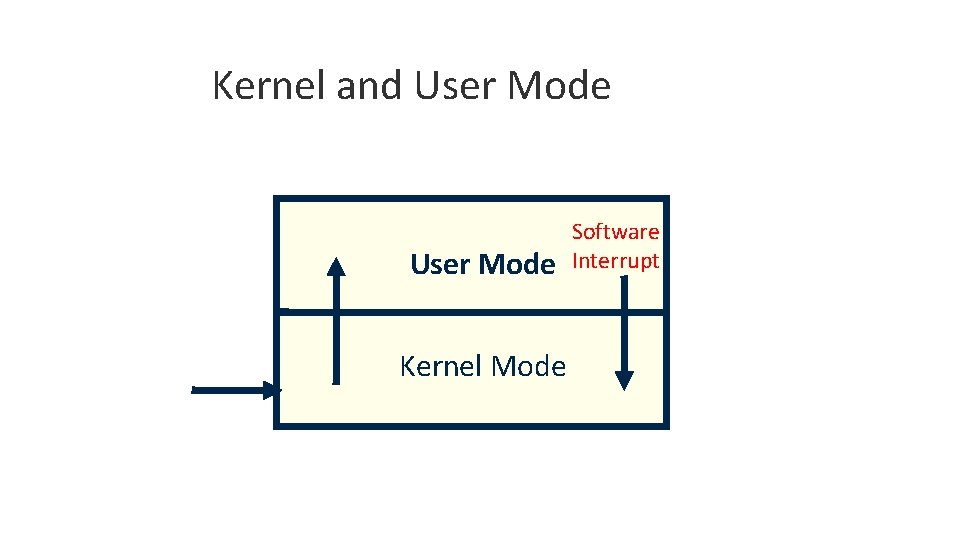
Kernel and User Mode Kernel Mode Software Interrupt
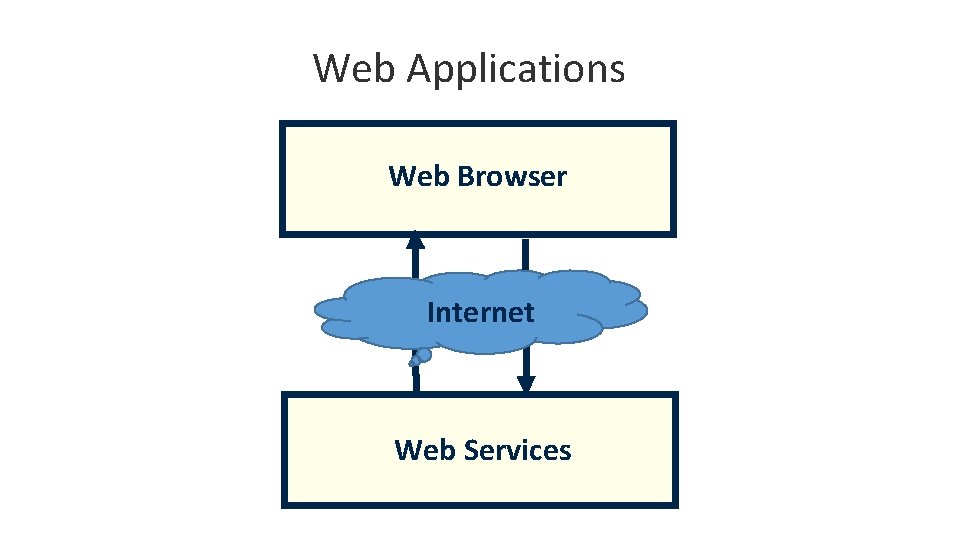
Web Applications Web Browser Internet Web Services
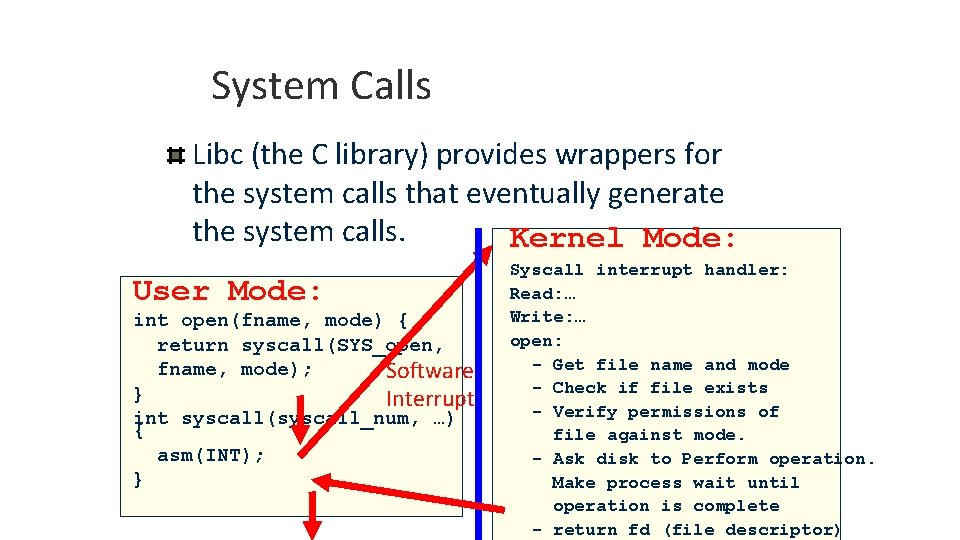
System Calls Libc (the C library) provides wrappers for the system calls that eventually generate the system calls. Kernel Mode: User Mode: int open(fname, mode) { return syscall(SYS_open, fname, mode); Software } Interrupt int syscall(syscall_num, …) { asm(INT); } Syscall interrupt handler: Read: … Write: … open: - Get file name and mode - Check if file exists - Verify permissions of file against mode. - Ask disk to Perform operation. Make process wait until operation is complete - return fd (file descriptor)
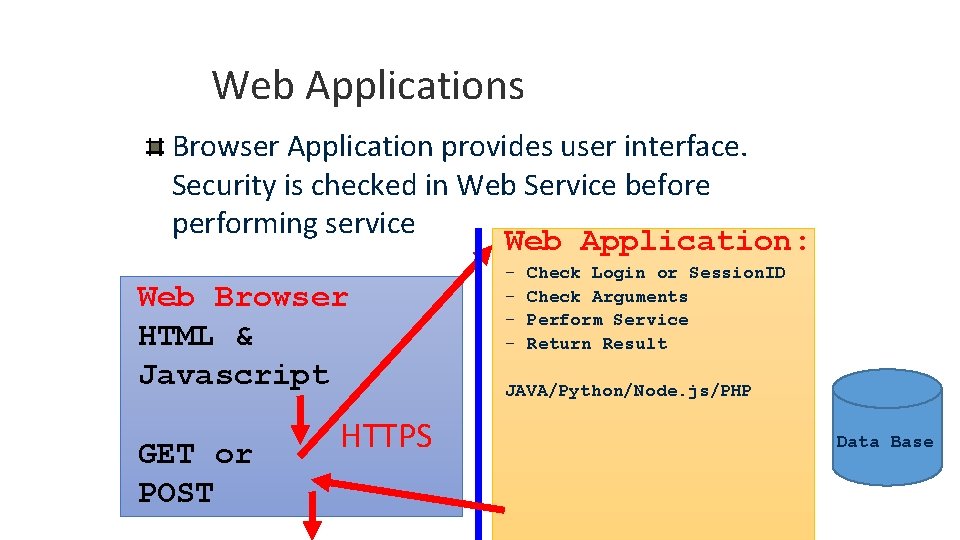
Web Applications Browser Application provides user interface. Security is checked in Web Service before performing service Web Application: Web Browser HTML & Javascript GET or POST HTTPS - Check Login or Session. ID Check Arguments Perform Service Return Result JAVA/Python/Node. js/PHP Data Base
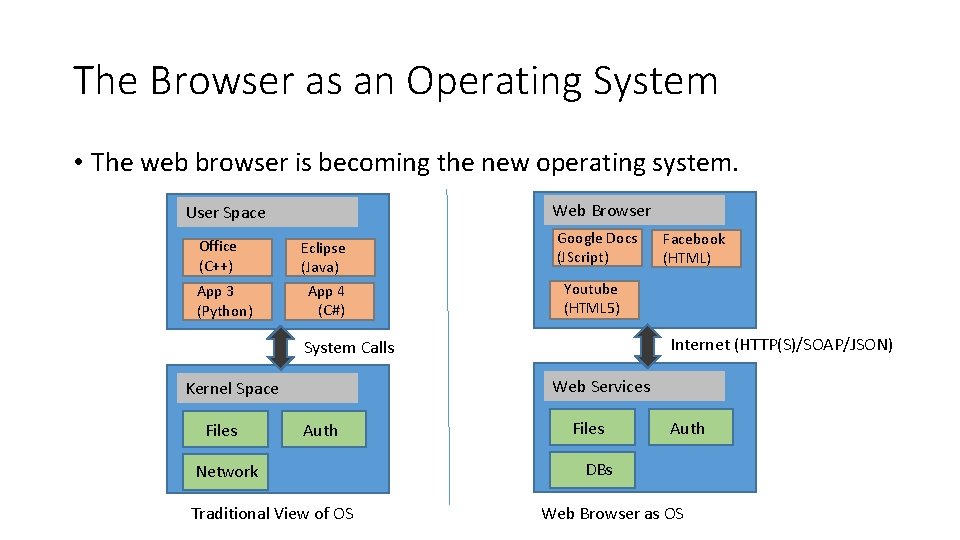
The Browser as an Operating System • The web browser is becoming the new operating system. Web Browser User Space Office (C++) App 3 (Python) Eclipse (Java) App 4 (C#) Google Docs (JScript) Youtube (HTML 5) Internet (HTTP(S)/SOAP/JSON) System Calls Web Services Kernel Space Files Facebook (HTML) Auth Network Traditional View of OS Files Auth DBs Web Browser as OS
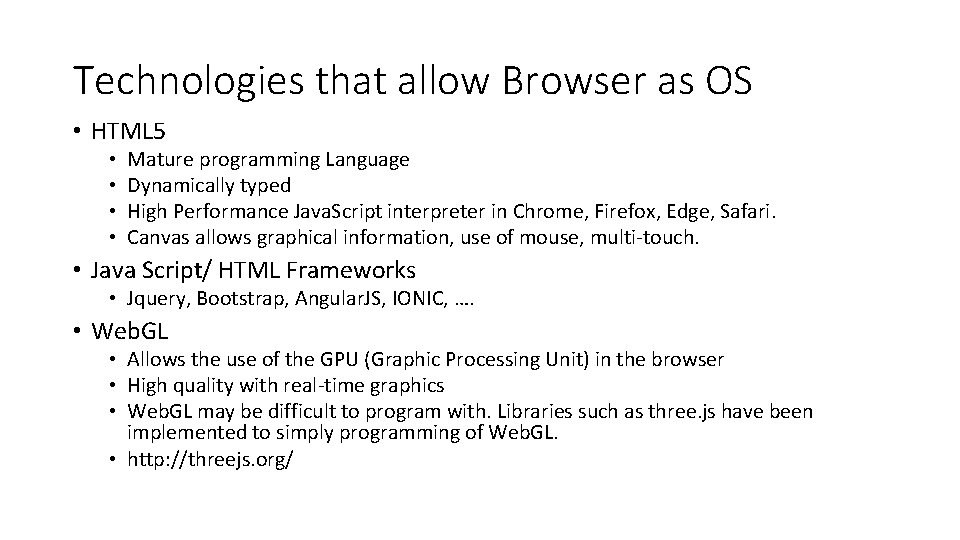
Technologies that allow Browser as OS • HTML 5 • • Mature programming Language Dynamically typed High Performance Java. Script interpreter in Chrome, Firefox, Edge, Safari. Canvas allows graphical information, use of mouse, multi-touch. • Java Script/ HTML Frameworks • Jquery, Bootstrap, Angular. JS, IONIC, …. • Web. GL • Allows the use of the GPU (Graphic Processing Unit) in the browser • High quality with real-time graphics • Web. GL may be difficult to program with. Libraries such as three. js have been implemented to simply programming of Web. GL. • http: //threejs. org/
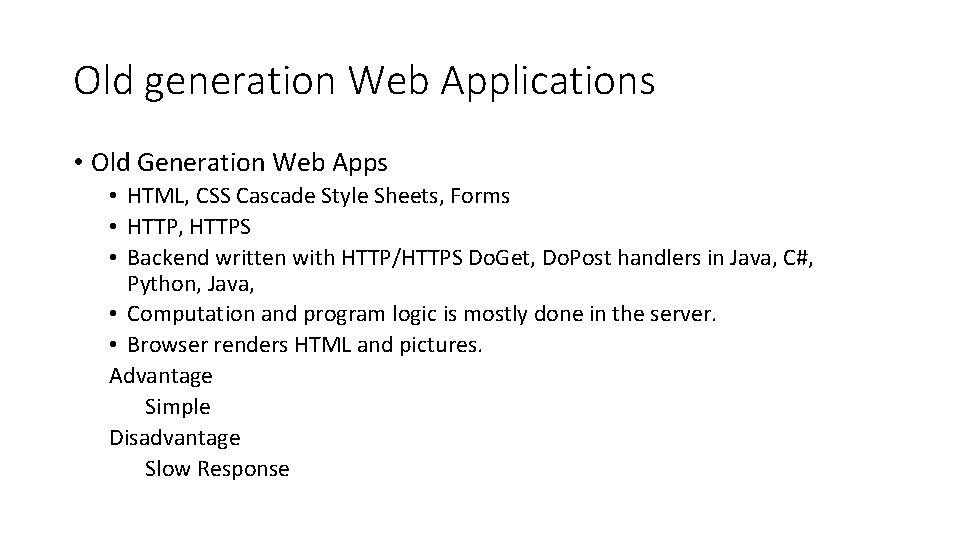
Old generation Web Applications • Old Generation Web Apps • HTML, CSS Cascade Style Sheets, Forms • HTTP, HTTPS • Backend written with HTTP/HTTPS Do. Get, Do. Post handlers in Java, C#, Python, Java, • Computation and program logic is mostly done in the server. • Browser renders HTML and pictures. Advantage Simple Disadvantage Slow Response
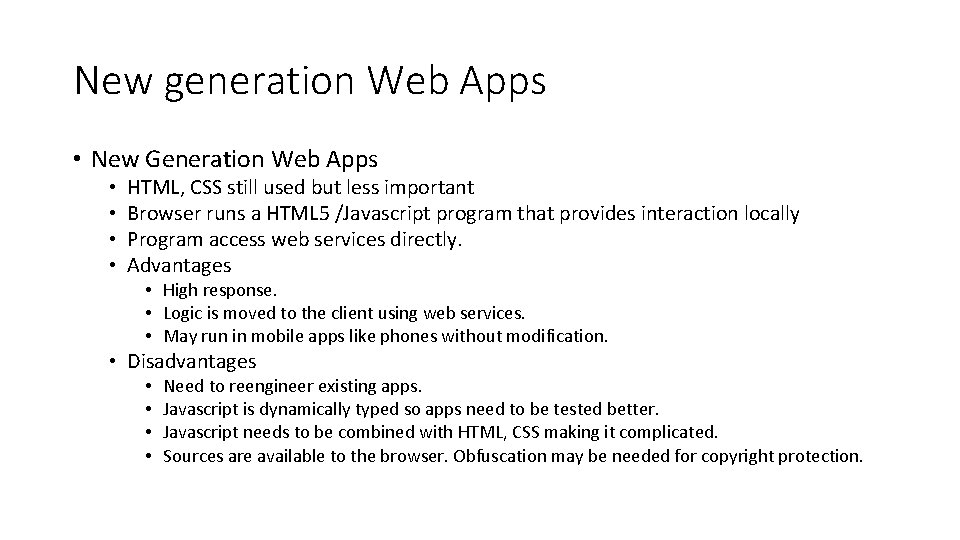
New generation Web Apps • New Generation Web Apps • • HTML, CSS still used but less important Browser runs a HTML 5 /Javascript program that provides interaction locally Program access web services directly. Advantages • High response. • Logic is moved to the client using web services. • May run in mobile apps like phones without modification. • Disadvantages • • Need to reengineer existing apps. Javascript is dynamically typed so apps need to be tested better. Javascript needs to be combined with HTML, CSS making it complicated. Sources are available to the browser. Obfuscation may be needed for copyright protection.
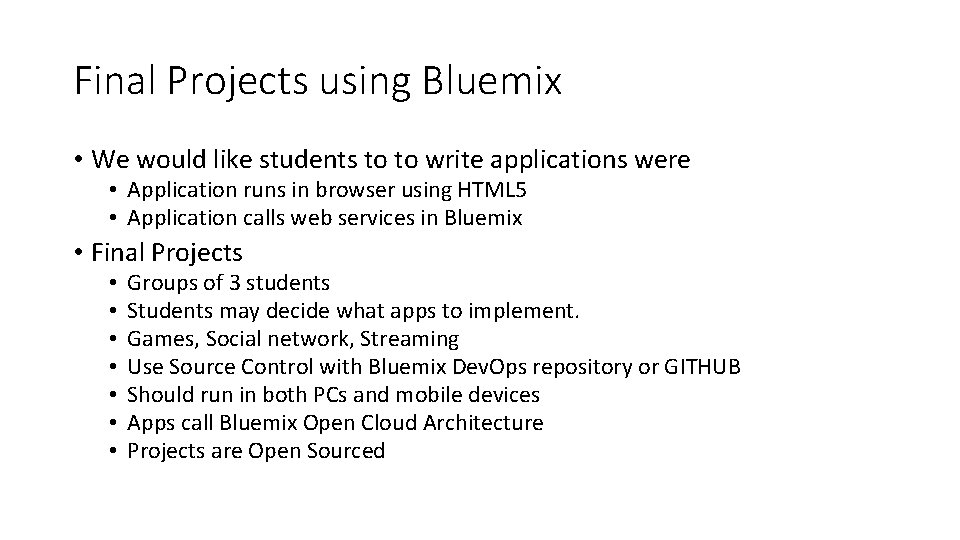
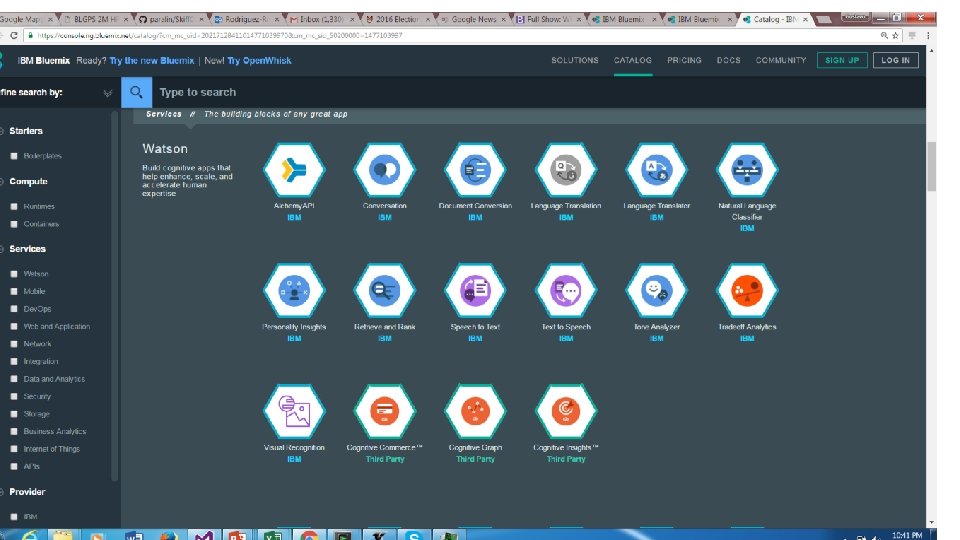
Final Projects using Bluemix • We would like students to to write applications were • Application runs in browser using HTML 5 • Application calls web services in Bluemix • Final Projects • • Groups of 3 students Students may decide what apps to implement. Games, Social network, Streaming Use Source Control with Bluemix Dev. Ops repository or GITHUB Should run in both PCs and mobile devices Apps call Bluemix Open Cloud Architecture Projects are Open Sourced
Example Projects • https: //www. cs. purdue. edu/homes/cs 252/lab 6 -webapp