Chapter 9 Managing State Information PHP Programming with
![Using Query Strings to Save State Information (continued) echo "{$_GET['first. Name']} {$_GET['last. Name']} is](https://slidetodoc.com/presentation_image_h/b5d46e7f5f99db81cc022d9ab67c0ca4/image-16.jpg "Using Query Strings to Save State Information (continued) echo \"{$_GET['first. Name']} {$_GET['last. Name']} is")
![Reading Cookies (continued) • Use multidimensional array syntax to read each cookie value setcookie("professional[0]",](https://slidetodoc.com/presentation_image_h/b5d46e7f5f99db81cc022d9ab67c0ca4/image-32.jpg "Reading Cookies (continued) • Use multidimensional array syntax to read each cookie value setcookie(\"professional[0]\",")
![Working with Session Variables (continued) <? php session_start(); $_SESSION['first. Name'] = "Don"; $_SESSION['last. Name']](https://slidetodoc.com/presentation_image_h/b5d46e7f5f99db81cc022d9ab67c0ca4/image-40.jpg "Working with Session Variables (continued) <? php session_start(); $_SESSION['first. Name'] = \"Don\"; $_SESSION['last. Name']")
![Summary (continued) • To delete a session, execute the session_start() function, use the array[]](https://slidetodoc.com/presentation_image_h/b5d46e7f5f99db81cc022d9ab67c0ca4/image-52.jpg "Summary (continued) • To delete a session, execute the session_start() function, use the array[]")
- Slides: 52
Chapter 9 Managing State Information PHP Programming with My. SQL 2 nd Edition
Objectives • • • Learn about state information Use hidden form fields to save state information Use query strings to save state information Use cookies to save state information Use sessions to save state information PHP Programming with My. SQL, 2 nd Edition 2
Understanding State Information • Information about individual visits to a Web site is called state information • HTTP was originally designed to be stateless – Web browsers store no persistent data about a visit to a Web site • Maintaining state means to store persistent information about Web site visits with hidden form fields, query strings, cookies, and sessions PHP Programming with My. SQL, 2 nd Edition 3
Understanding State Information (continued) • Customize individual Web pages based on user preferences • Temporarily store information for a user as a browser navigates within a multipart form • Allow a user to create bookmarks for returning to specific locations within a Web site • Provide shopping carts that store order information PHP Programming with My. SQL, 2 nd Edition 4
Understanding State Information (continued) • Store user IDs and passwords • Use counters to keep track of how many times a user has visited a site • The four tools for maintaining state information with PHP are: – Hidden form fields – Query strings – Cookies – Sessions PHP Programming with My. SQL, 2 nd Edition 5
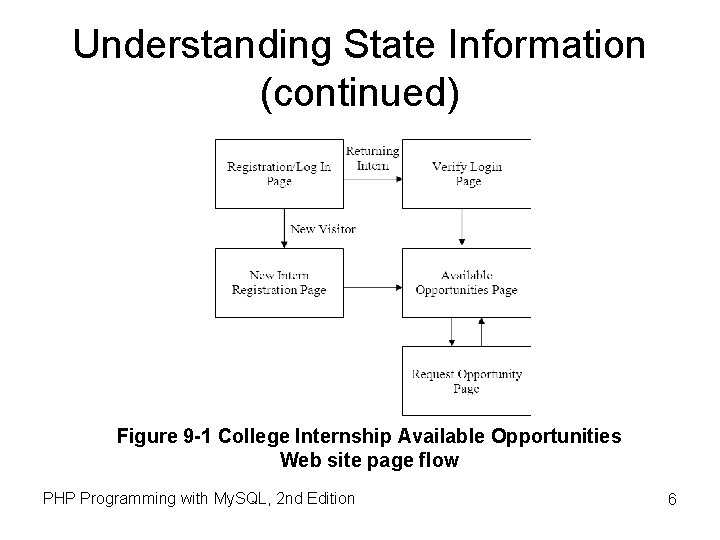
Understanding State Information (continued) Figure 9 -1 College Internship Available Opportunities Web site page flow PHP Programming with My. SQL, 2 nd Edition 6
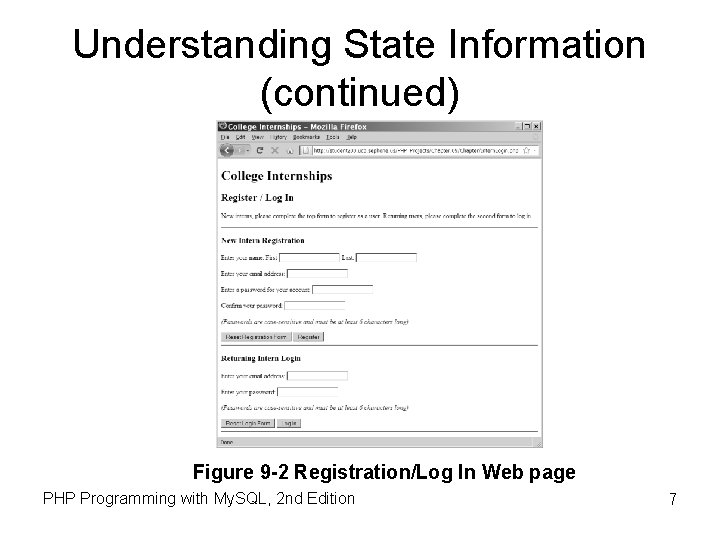
Understanding State Information (continued) Figure 9 -2 Registration/Log In Web page PHP Programming with My. SQL, 2 nd Edition 7
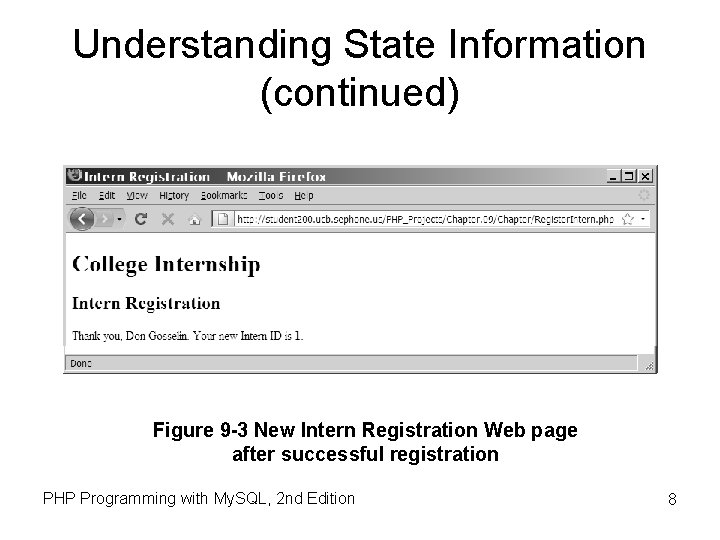
Understanding State Information (continued) Figure 9 -3 New Intern Registration Web page after successful registration PHP Programming with My. SQL, 2 nd Edition 8
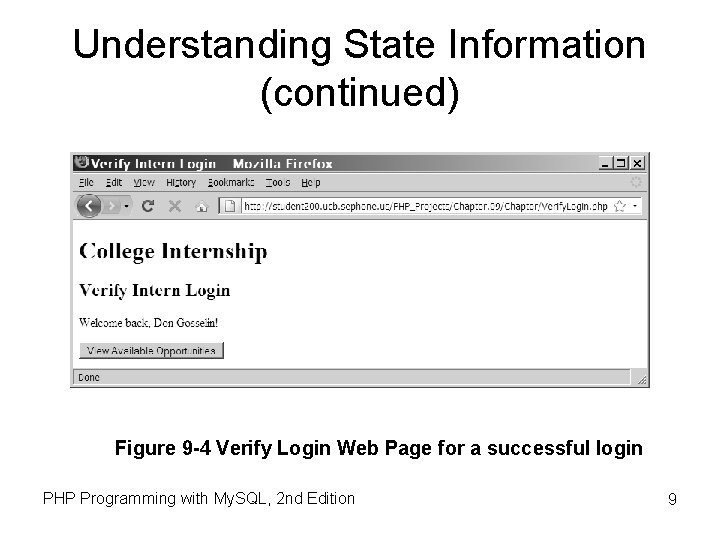
Understanding State Information (continued) Figure 9 -4 Verify Login Web Page for a successful login PHP Programming with My. SQL, 2 nd Edition 9
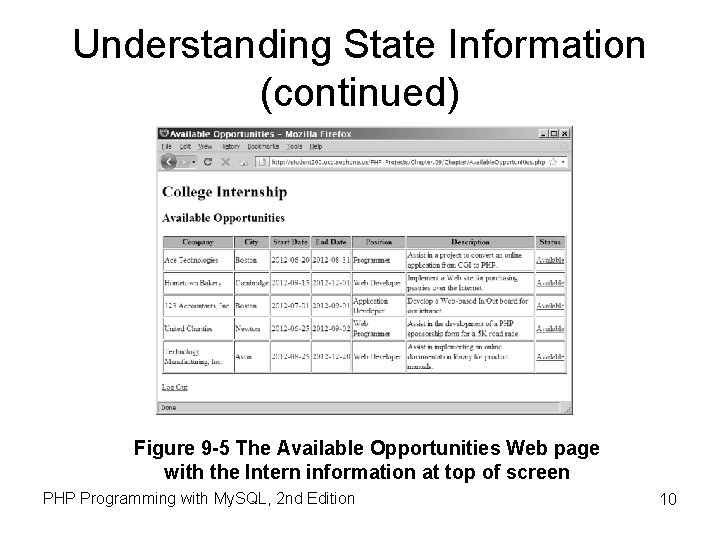
Understanding State Information (continued) Figure 9 -5 The Available Opportunities Web page with the Intern information at top of screen PHP Programming with My. SQL, 2 nd Edition 10
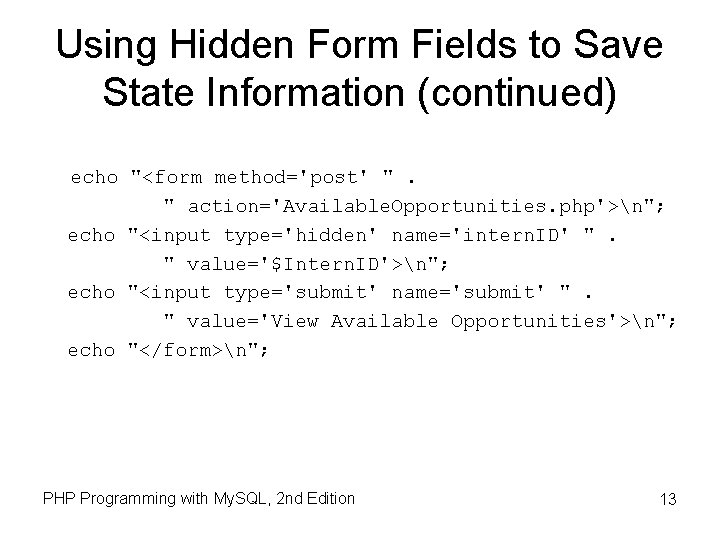
Using Hidden Form Fields to Save State Information • Create hidden form fields with the <input> element • Hidden form fields temporarily store data that needs to be sent to a server that a user does not need to see • Examples include the result of a calculation • The syntax for creating hidden form fields is: <input type="hidden"> PHP Programming with My. SQL, 2 nd Edition 11
Using Hidden Form Fields to Save State Information (continued) • Hidden form field attributes are name and value • When submitting a form to a PHP script, access the values submitted from the form with the $_GET[] and $_POST[] autoglobals • To pass form values from one PHP script to another PHP script, store the values in hidden form fields PHP Programming with My. SQL, 2 nd Edition 12
Using Hidden Form Fields to Save State Information (continued) echo "<form method='post' ". " action='Available. Opportunities. php'>n"; echo "<input type='hidden' name='intern. ID' ". " value='$Intern. ID'>n"; echo "<input type='submit' name='submit' ". " value='View Available Opportunities'>n"; echo "</form>n"; PHP Programming with My. SQL, 2 nd Edition 13
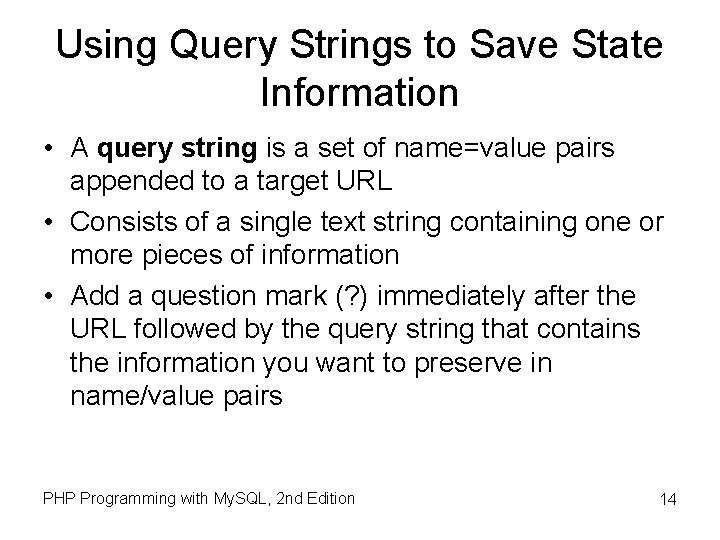
Using Query Strings to Save State Information • A query string is a set of name=value pairs appended to a target URL • Consists of a single text string containing one or more pieces of information • Add a question mark (? ) immediately after the URL followed by the query string that contains the information you want to preserve in name/value pairs PHP Programming with My. SQL, 2 nd Edition 14
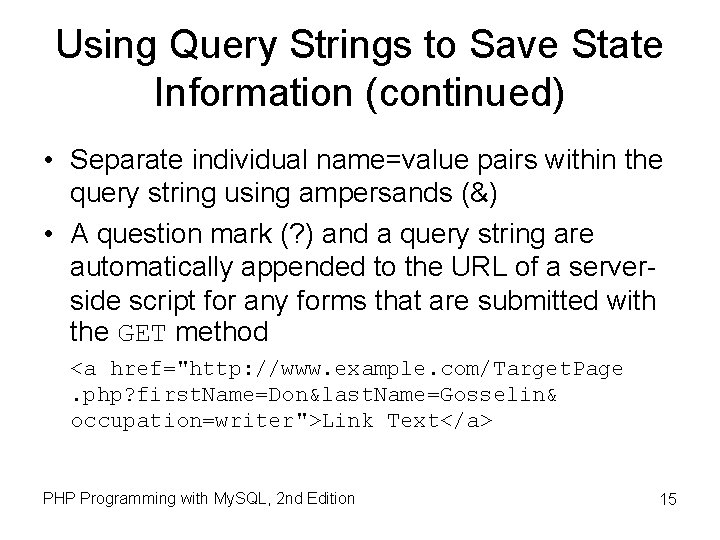
Using Query Strings to Save State Information (continued) • Separate individual name=value pairs within the query string using ampersands (&) • A question mark (? ) and a query string are automatically appended to the URL of a serverside script for any forms that are submitted with the GET method <a href="http: //www. example. com/Target. Page. php? first. Name=Don&last. Name=Gosselin& occupation=writer">Link Text</a> PHP Programming with My. SQL, 2 nd Edition 15
Using Query Strings to Save State Information (continued) echo "{$_GET['first. Name']} {$_GET['last. Name']} is a {$_GET['occupation']}. "; Figure 9 -6 Output of the contents of a query string PHP Programming with My. SQL, 2 nd Edition 16
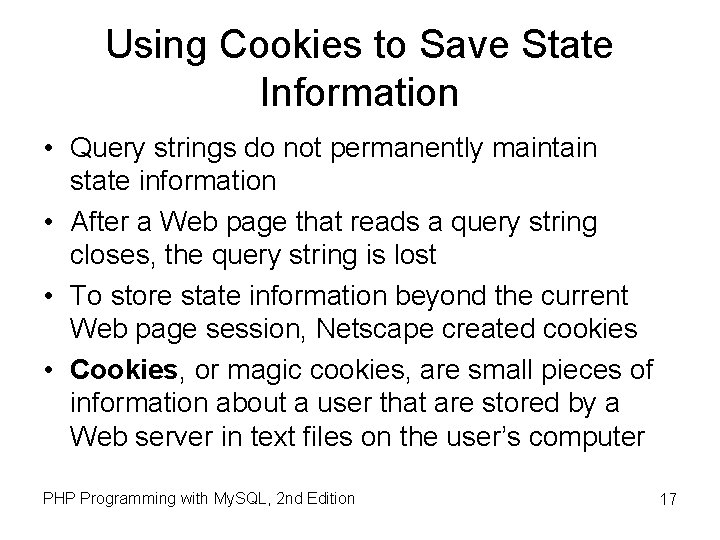
Using Cookies to Save State Information • Query strings do not permanently maintain state information • After a Web page that reads a query string closes, the query string is lost • To store state information beyond the current Web page session, Netscape created cookies • Cookies, or magic cookies, are small pieces of information about a user that are stored by a Web server in text files on the user’s computer PHP Programming with My. SQL, 2 nd Edition 17
Using Cookies to Save State Information (continued) • Temporary cookies remain available only for the current browser session • Persistent cookies remain available beyond the current browser session and are stored in a text file on a client computer • Each individual server or domain can store between 20 and 70 cookies on a user’s computer • Total cookies per browser cannot exceed 300 • The largest cookie size is 4 kilobytes PHP Programming with My. SQL, 2 nd Edition 18
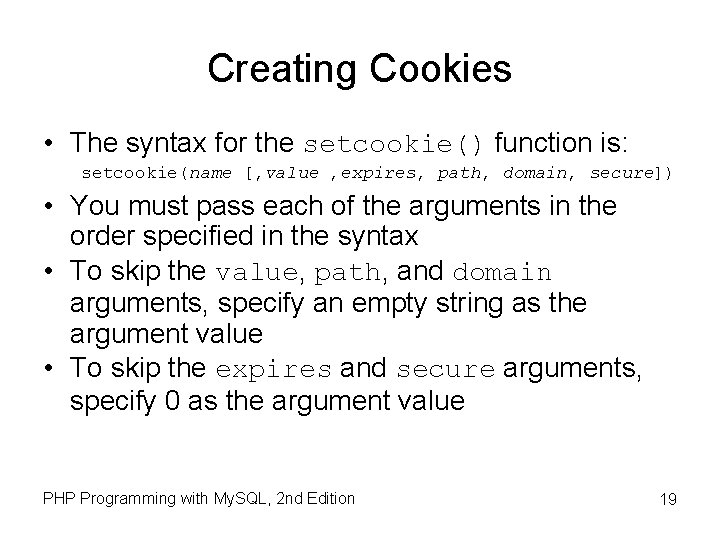
Creating Cookies • The syntax for the setcookie() function is: setcookie(name [, value , expires, path, domain, secure]) • You must pass each of the arguments in the order specified in the syntax • To skip the value, path, and domain arguments, specify an empty string as the argument value • To skip the expires and secure arguments, specify 0 as the argument value PHP Programming with My. SQL, 2 nd Edition 19
Creating Cookies (continued) • Call the setcookie() function before sending the Web browser any output, including white space, HTML elements, or output from the echo() or print() statements • Users can choose whether to accept cookies that a script attempts to write to their system • A value of TRUE is returned even if a user rejects the cookie PHP Programming with My. SQL, 2 nd Edition 20
Creating Cookies (continued) • Cookies cannot include semicolons or other special characters, such as commas or spaces, that are transmitted between Web browsers and Web servers using HTTP • Cookies can include special characters when created with PHP since encoding converts special characters in a text string to their corresponding hexadecimal ASCII value PHP Programming with My. SQL, 2 nd Edition 21
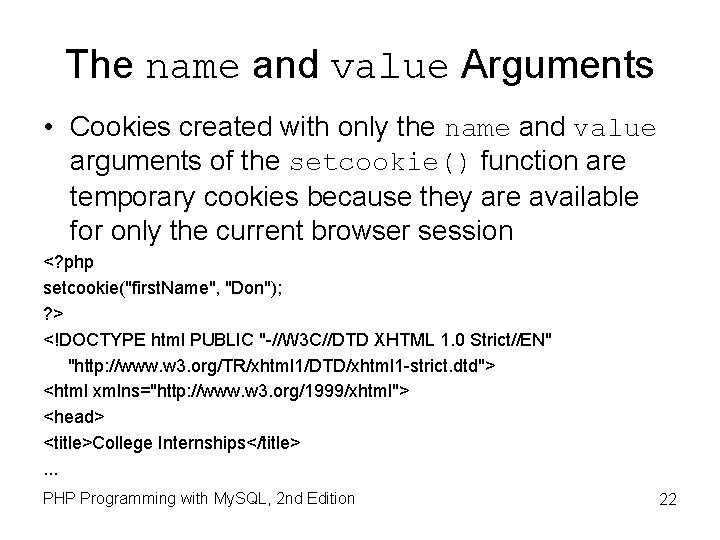
The name and value Arguments • Cookies created with only the name and value arguments of the setcookie() function are temporary cookies because they are available for only the current browser session <? php setcookie("first. Name", "Don"); ? > <!DOCTYPE html PUBLIC "-//W 3 C//DTD XHTML 1. 0 Strict//EN" "http: //www. w 3. org/TR/xhtml 1/DTD/xhtml 1 -strict. dtd"> <html xmlns="http: //www. w 3. org/1999/xhtml"> <head> <title>College Internships</title>. . . PHP Programming with My. SQL, 2 nd Edition 22
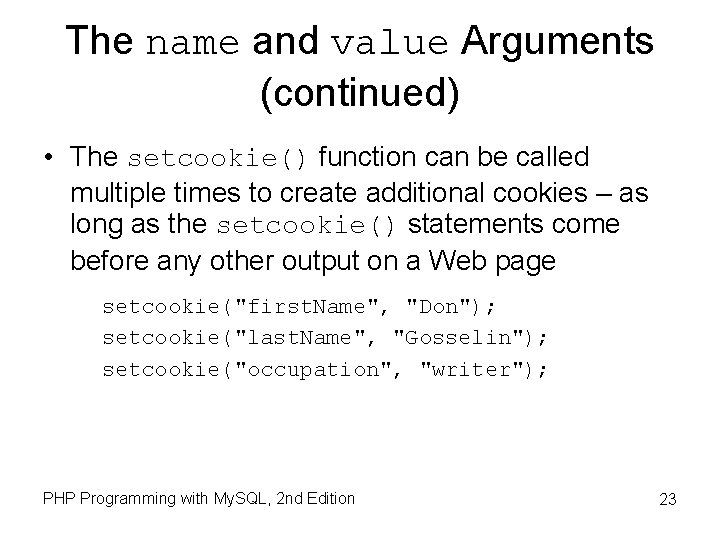
The name and value Arguments (continued) • The setcookie() function can be called multiple times to create additional cookies – as long as the setcookie() statements come before any other output on a Web page setcookie("first. Name", "Don"); setcookie("last. Name", "Gosselin"); setcookie("occupation", "writer"); PHP Programming with My. SQL, 2 nd Edition 23
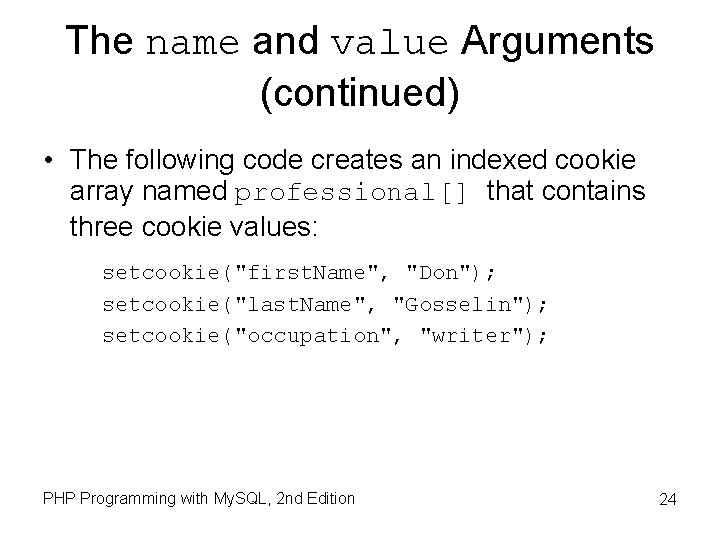
The name and value Arguments (continued) • The following code creates an indexed cookie array named professional[] that contains three cookie values: setcookie("first. Name", "Don"); setcookie("last. Name", "Gosselin"); setcookie("occupation", "writer"); PHP Programming with My. SQL, 2 nd Edition 24
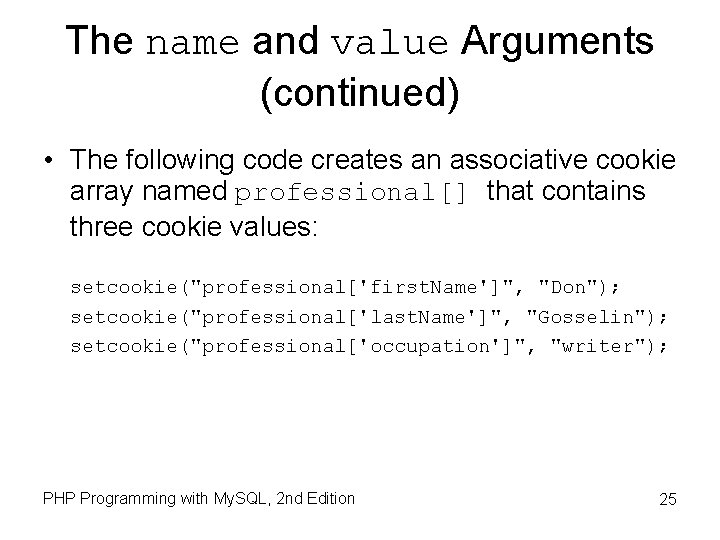
The name and value Arguments (continued) • The following code creates an associative cookie array named professional[] that contains three cookie values: setcookie("professional['first. Name']", "Don"); setcookie("professional['last. Name']", "Gosselin"); setcookie("professional['occupation']", "writer"); PHP Programming with My. SQL, 2 nd Edition 25
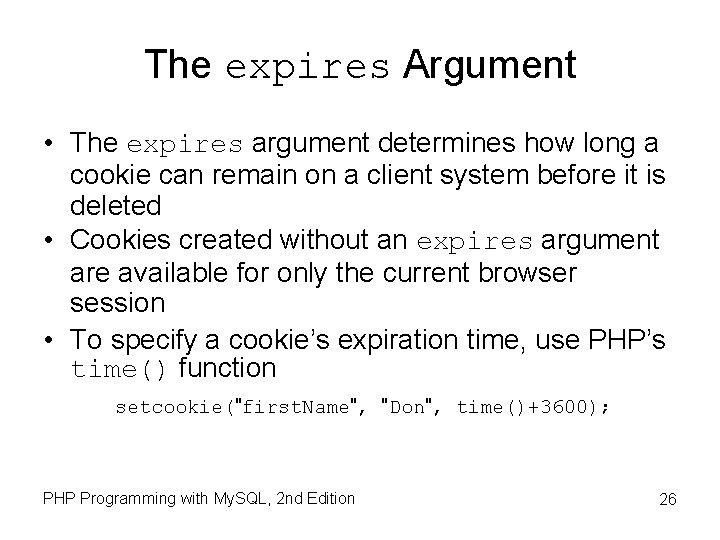
The expires Argument • The expires argument determines how long a cookie can remain on a client system before it is deleted • Cookies created without an expires argument are available for only the current browser session • To specify a cookie’s expiration time, use PHP’s time() function setcookie("first. Name", "Don", time()+3600); PHP Programming with My. SQL, 2 nd Edition 26
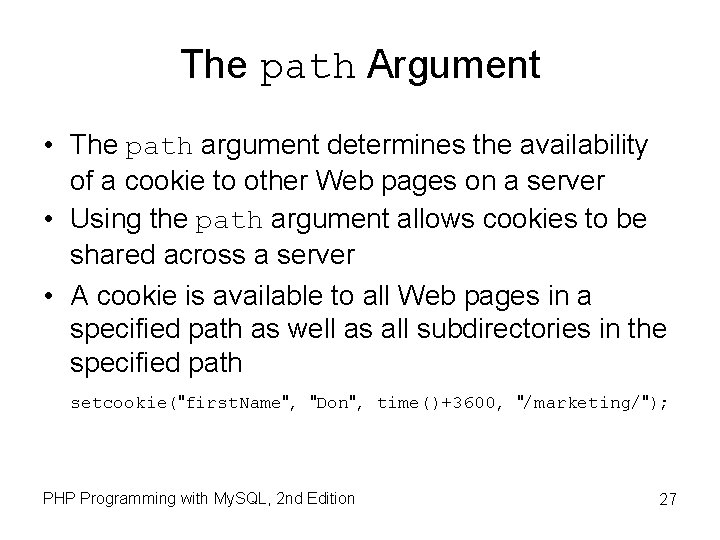
The path Argument • The path argument determines the availability of a cookie to other Web pages on a server • Using the path argument allows cookies to be shared across a server • A cookie is available to all Web pages in a specified path as well as all subdirectories in the specified path setcookie("first. Name", "Don", time()+3600, "/marketing/"); PHP Programming with My. SQL, 2 nd Edition 27
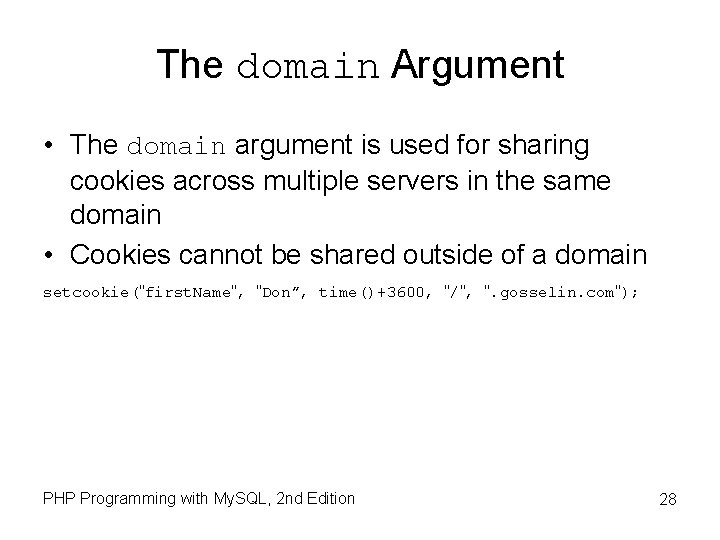
The domain Argument • The domain argument is used for sharing cookies across multiple servers in the same domain • Cookies cannot be shared outside of a domain setcookie("first. Name", "Don”, time()+3600, "/", ". gosselin. com"); PHP Programming with My. SQL, 2 nd Edition 28
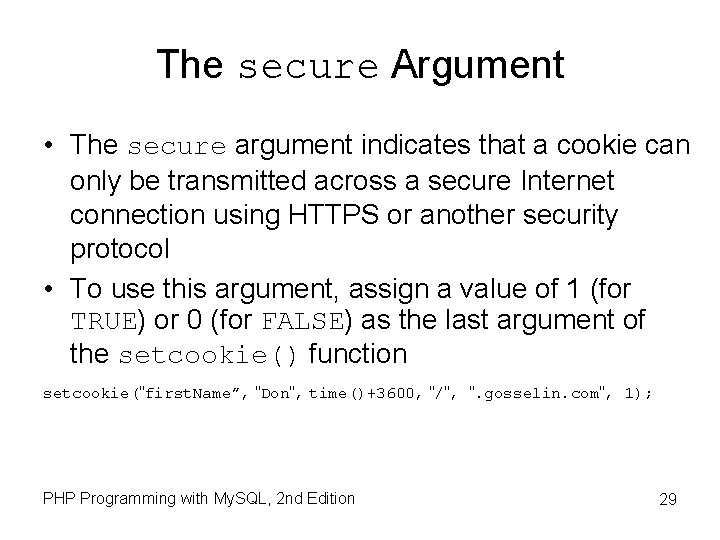
The secure Argument • The secure argument indicates that a cookie can only be transmitted across a secure Internet connection using HTTPS or another security protocol • To use this argument, assign a value of 1 (for TRUE) or 0 (for FALSE) as the last argument of the setcookie() function setcookie("first. Name”, "Don", time()+3600, "/", ". gosselin. com", 1); PHP Programming with My. SQL, 2 nd Edition 29
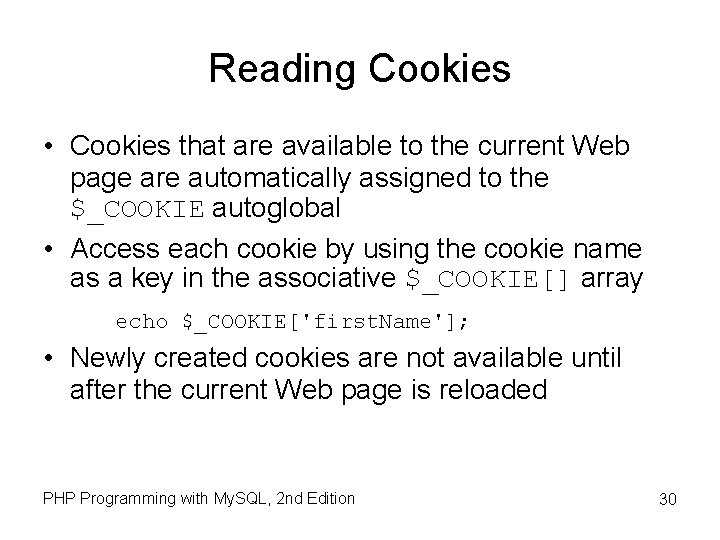
Reading Cookies • Cookies that are available to the current Web page are automatically assigned to the $_COOKIE autoglobal • Access each cookie by using the cookie name as a key in the associative $_COOKIE[] array echo $_COOKIE['first. Name']; • Newly created cookies are not available until after the current Web page is reloaded PHP Programming with My. SQL, 2 nd Edition 30
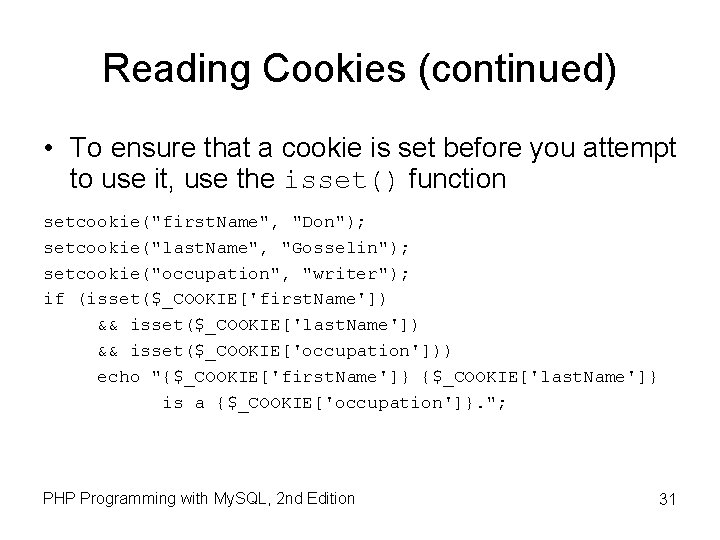
Reading Cookies (continued) • To ensure that a cookie is set before you attempt to use it, use the isset() function setcookie("first. Name", "Don"); setcookie("last. Name", "Gosselin"); setcookie("occupation", "writer"); if (isset($_COOKIE['first. Name']) && isset($_COOKIE['last. Name']) && isset($_COOKIE['occupation'])) echo "{$_COOKIE['first. Name']} {$_COOKIE['last. Name']} is a {$_COOKIE['occupation']}. "; PHP Programming with My. SQL, 2 nd Edition 31
Reading Cookies (continued) • Use multidimensional array syntax to read each cookie value setcookie("professional[0]", "Don"); setcookie("professional[1]", "Gosselin"); setcookie("professional[2]", "writer"); if (isset($_COOKIE['professional'])) echo "{$_COOKIE['professional'][0]} {$_COOKIE['professional'][1]} is a {$_COOKIE['professional'][2]}. "; PHP Programming with My. SQL, 2 nd Edition 32
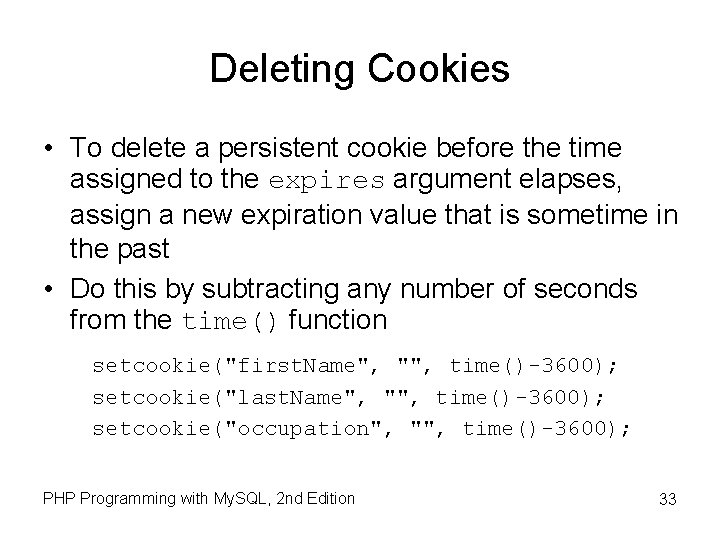
Deleting Cookies • To delete a persistent cookie before the time assigned to the expires argument elapses, assign a new expiration value that is sometime in the past • Do this by subtracting any number of seconds from the time() function setcookie("first. Name", "", time()-3600); setcookie("last. Name", "", time()-3600); setcookie("occupation", "", time()-3600); PHP Programming with My. SQL, 2 nd Edition 33
Using Sessions to Save State Information • Spyware gathers user information from a local computer for marketing and advertising purposes without the user’s knowledge • A session refers to a period of activity when a PHP script stores state information on a Web server • Sessions allow you to maintain state information even when clients disable cookies in their Web browsers PHP Programming with My. SQL, 2 nd Edition 34
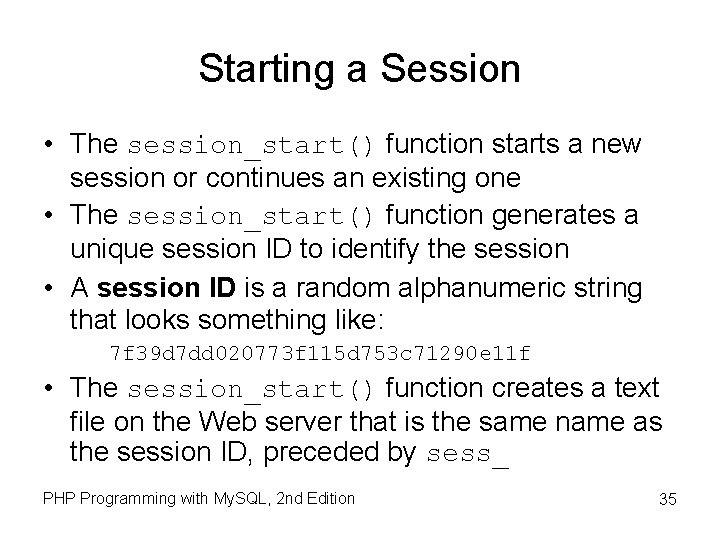
Starting a Session • The session_start() function starts a new session or continues an existing one • The session_start() function generates a unique session ID to identify the session • A session ID is a random alphanumeric string that looks something like: 7 f 39 d 7 dd 020773 f 115 d 753 c 71290 e 11 f • The session_start() function creates a text file on the Web server that is the same name as the session ID, preceded by sess_ PHP Programming with My. SQL, 2 nd Edition 35
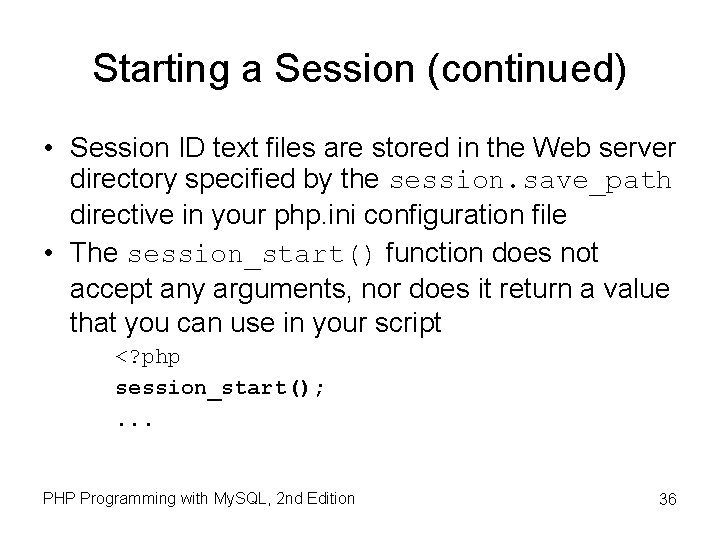
Starting a Session (continued) • Session ID text files are stored in the Web server directory specified by the session. save_path directive in your php. ini configuration file • The session_start() function does not accept any arguments, nor does it return a value that you can use in your script <? php session_start(); . . . PHP Programming with My. SQL, 2 nd Edition 36
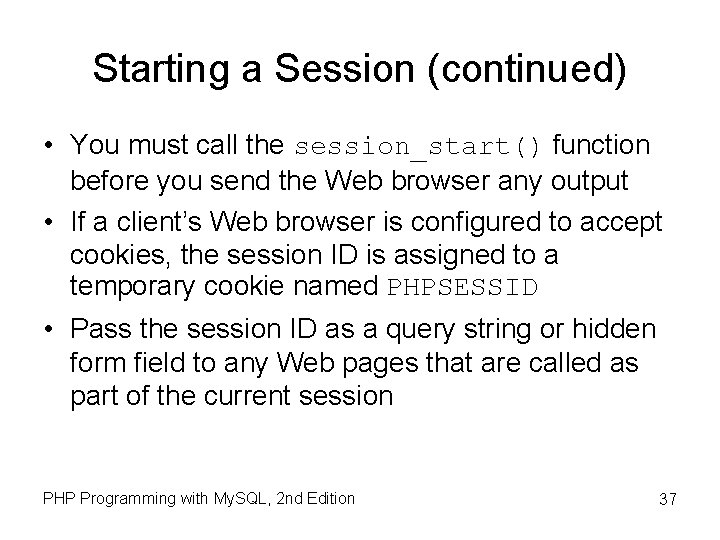
Starting a Session (continued) • You must call the session_start() function before you send the Web browser any output • If a client’s Web browser is configured to accept cookies, the session ID is assigned to a temporary cookie named PHPSESSID • Pass the session ID as a query string or hidden form field to any Web pages that are called as part of the current session PHP Programming with My. SQL, 2 nd Edition 37
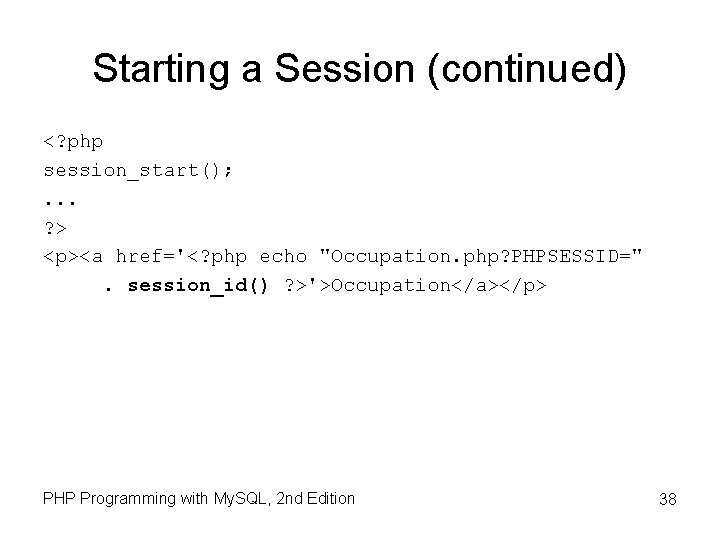
Starting a Session (continued) <? php session_start(); . . . ? > <p><a href='<? php echo "Occupation. php? PHPSESSID=". session_id() ? >'>Occupation</a></p> PHP Programming with My. SQL, 2 nd Edition 38
Working with Session Variables • Session state information is stored in the $_SESSION autoglobal • When the session_start() function is called, PHP either initializes a new $_SESSION autoglobal or retrieves any variables for the current session (based on the session ID) into the $_SESSION autoglobal PHP Programming with My. SQL, 2 nd Edition 39
Working with Session Variables (continued) <? php session_start(); $_SESSION['first. Name'] = "Don"; $_SESSION['last. Name'] = "Gosselin"; $_SESSION['occupation'] = "writer"; ? > <p><a href='<? php echo "Occupation. php? ". session_id() ? >'>Occupation</a></p> PHP Programming with My. SQL, 2 nd Edition 40
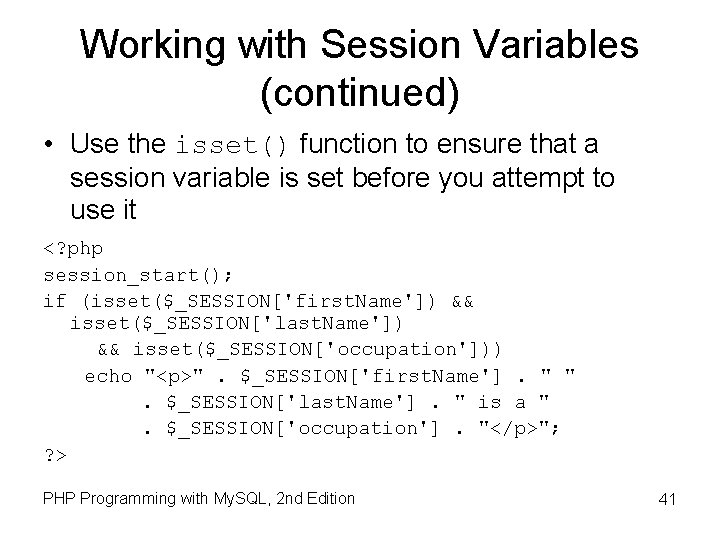
Working with Session Variables (continued) • Use the isset() function to ensure that a session variable is set before you attempt to use it <? php session_start(); if (isset($_SESSION['first. Name']) && isset($_SESSION['last. Name']) && isset($_SESSION['occupation'])) echo "<p>". $_SESSION['first. Name']. " ". $_SESSION['last. Name']. " is a ". $_SESSION['occupation']. "</p>"; ? > PHP Programming with My. SQL, 2 nd Edition 41
Deleting a Session • To delete a session manually, perform the following steps: 1. Execute the session_start() function 2. Use the array() construct to reinitialize the $_SESSION autoglobal 3. Use the session_destroy() function to delete the session PHP Programming with My. SQL, 2 nd Edition 42
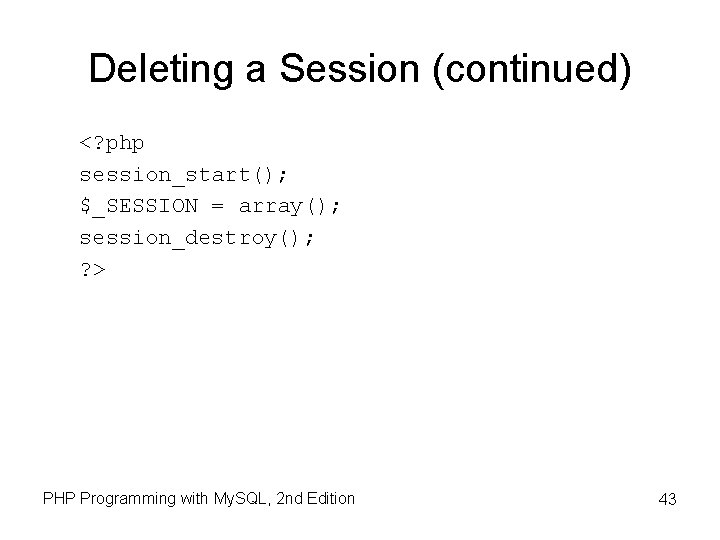
Deleting a Session (continued) <? php session_start(); $_SESSION = array(); session_destroy(); ? > PHP Programming with My. SQL, 2 nd Edition 43
Summary • Information about individual visits to a Web site is called state information. Maintaining state means to store persistent information about Web site visits • To pass form values from one PHP script to another, you can store the values in hidden form fields, which are submitted along with other types of form fields PHP Programming with My. SQL, 2 nd Edition 44
Summary (continued) • One way to preserve information following a user’s visit to a Web page is to append a query string to the end of a URL. To pass information from one Web page to another using a query string, add a question mark (? ) immediately after a URL, followed by the query string containing the information you want to preserve in name/value pairs. PHP Programming with My. SQL, 2 nd Edition 45
Summary (continued) • Cookies, also called magic cookies, are small pieces of information about a user that are stored by a Web server in text files on the user’s computer. Cookies can be temporary or persistent. – Temporary cookies remain available only for the current browser session – Persistent cookies remain available beyond the current browser session and are stored in a text file on a client computer PHP Programming with My. SQL, 2 nd Edition 46
Summary (continued) • You use the setcookie() function to create cookies in PHP. You must call the setcookie() function before you send the Web browser any output, including white space, HTML elements, or output from the echo or print statements. • Cookies created with only the name and value arguments of the setcookie() function are temporary cookies, because they are available for only the current browser session PHP Programming with My. SQL, 2 nd Edition 47
Summary (continued) • For a cookie to persist beyond the current browser session, you must use the expires argument with the setcookie() function • The path argument of the setcookie() function determines the availability of a cookie to other Web pages on a server • The secure argument of the setcookie() function indicates that a cookie can only be transmitted across a secure Internet connection using HTTPS or another security protocol PHP Programming with My. SQL, 2 nd Edition 48
Summary (continued) • To delete a persistent cookie before the time elapses in the assigned expires argument, assign a new expiration value to a time in the past and clearing the value. You do this by subtracting any number of seconds from the time() function and setting the value of the cookie to the empty string. PHP Programming with My. SQL, 2 nd Edition 49
Summary (continued) • Sessions refer to periods of activity when a PHP script stores state information on a Web server. When you start a new session, the session_start() function generates a unique session ID to identify the session. If a client’s Web browser is configured to accept cookies, the session ID is assigned to a temporary cookie named PHPSESSID. PHP Programming with My. SQL, 2 nd Edition 50
Summary (continued) • You must call the session_start() function before you send the Web browser any output, including white space, HTML elements, or output from the echo or print statements • You store session state information in the $_SESSION[] autoglobal PHP Programming with My. SQL, 2 nd Edition 51
Summary (continued) • To delete a session, execute the session_start() function, use the array[] construct to reinitialize the $_SESSION[] autoglobal and call the session_destroy() function PHP Programming with My. SQL, 2 nd Edition 52