Chapter 6 Loops Read Section 6 1 Roxana
- Slides: 9
Chapter 6: Loops Read Section 6. 1 Roxana Gheorghiu Wednesday, March 16, 2011
Outline ü General information about loops ü Do While Loop ü Do Until Loop CS 4: Chaper 6 3/16/11
Loops (def. ) One of the most important structure in any programming languages Used to repeat a sequence of statements a number of times Inside of the loop, for each iteration, the sequence of statements is NOT changing. Each loop has a loop variable that should be part of the loop condition The value of the loop variable(s) and other variables are changed at each iteration. CS 4: Chaper 6 3/16/11
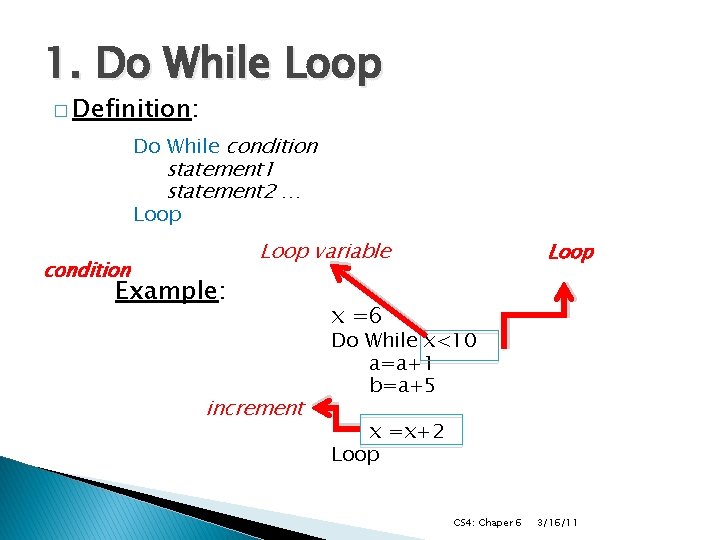
1. Do While Loop � Definition: Do While condition statement 1 statement 2 … Loop condition Loop variable Example: increment Loop x =6 Do While x<10 a=a+1 b=a+5 x =x+2 Loop CS 4: Chaper 6 3/16/11
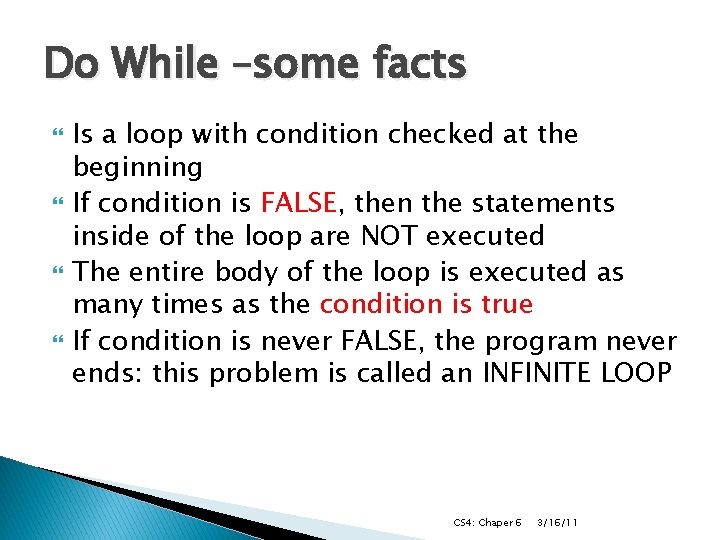
Do While –some facts Is a loop with condition checked at the beginning If condition is FALSE, then the statements inside of the loop are NOT executed The entire body of the loop is executed as many times as the condition is true If condition is never FALSE, the program never ends: this problem is called an INFINITE LOOP CS 4: Chaper 6 3/16/11
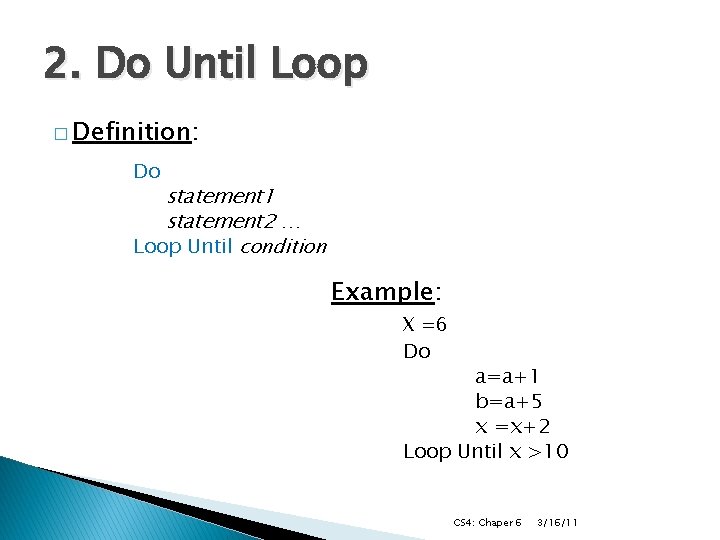
2. Do Until Loop � Definition: Do statement 1 statement 2 … Loop Until condition Example: X =6 Do a=a+1 b=a+5 x =x+2 Loop Until x >10 CS 4: Chaper 6 3/16/11
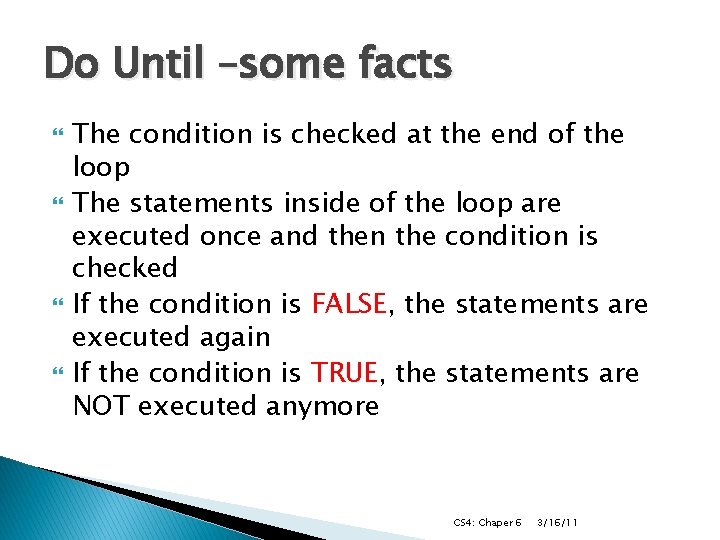
Do Until –some facts The condition is checked at the end of the loop The statements inside of the loop are executed once and then the condition is checked If the condition is FALSE, the statements are executed again If the condition is TRUE, the statements are NOT executed anymore CS 4: Chaper 6 3/16/11
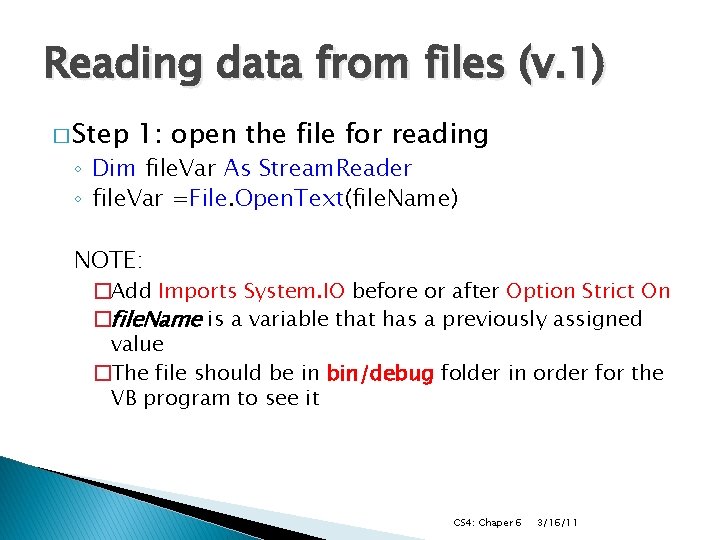
Reading data from files (v. 1) � Step 1: open the file for reading ◦ Dim file. Var As Stream. Reader ◦ file. Var =File. Open. Text(file. Name) NOTE: �Add Imports System. IO before or after Option Strict On �file. Name is a variable that has a previously assigned value �The file should be in bin/debug folder in order for the VB program to see it CS 4: Chaper 6 3/16/11
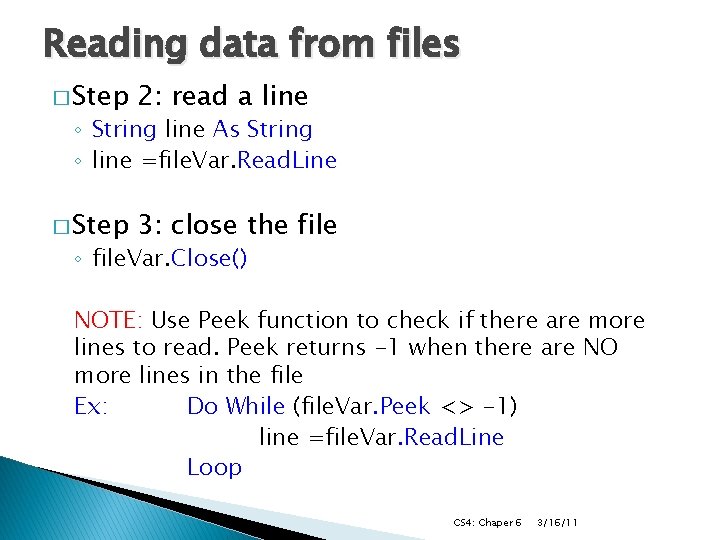
Reading data from files � Step 2: read a line � Step 3: close the file ◦ String line As String ◦ line =file. Var. Read. Line ◦ file. Var. Close() NOTE: Use Peek function to check if there are more lines to read. Peek returns -1 when there are NO more lines in the file Ex: Do While (file. Var. Peek <> -1) line =file. Var. Read. Line Loop CS 4: Chaper 6 3/16/11