Chapter 2 Introduction to C Starting Out with

- Slides: 47
Chapter 2: Introduction to C++ Starting Out with C++ Early Objects Ninth Edition by Tony Gaddis, Judy Walters, and Godfrey Muganda Copyright © 2017, 2014 Pearson Education, Inc.
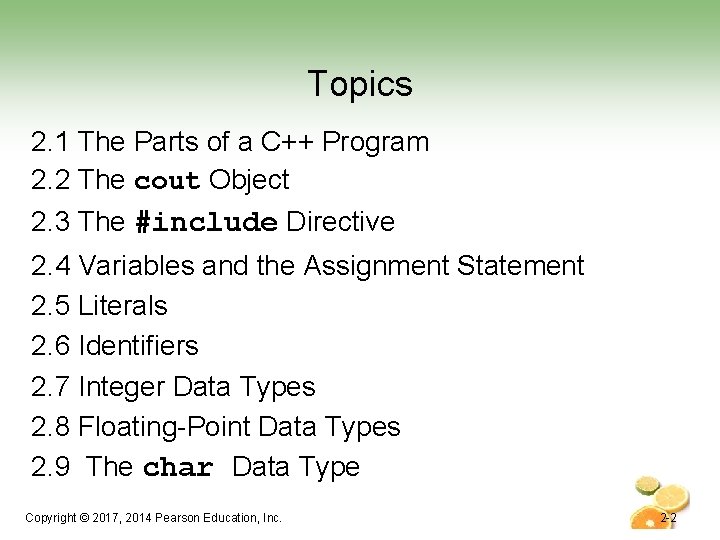
Topics 2. 1 The Parts of a C++ Program 2. 2 The cout Object 2. 3 The #include Directive 2. 4 Variables and the Assignment Statement 2. 5 Literals 2. 6 Identifiers 2. 7 Integer Data Types 2. 8 Floating-Point Data Types 2. 9 The char Data Type Copyright © 2017, 2014 Pearson Education, Inc. 2 -2
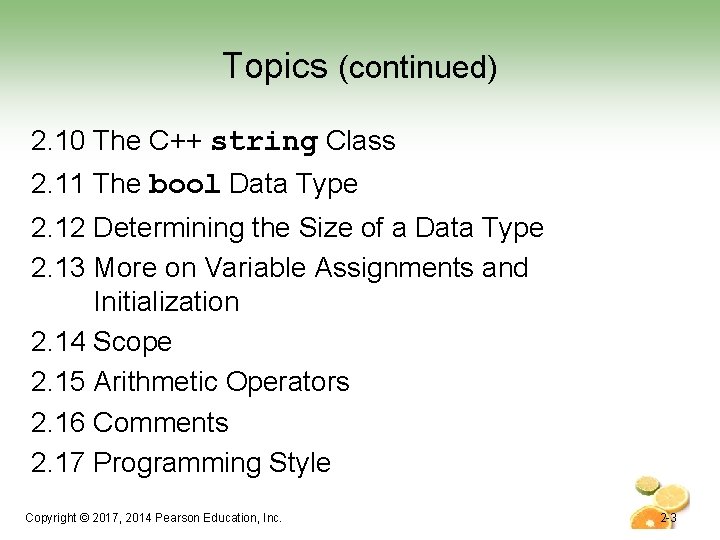
Topics (continued) 2. 10 The C++ string Class 2. 11 The bool Data Type 2. 12 Determining the Size of a Data Type 2. 13 More on Variable Assignments and Initialization 2. 14 Scope 2. 15 Arithmetic Operators 2. 16 Comments 2. 17 Programming Style Copyright © 2017, 2014 Pearson Education, Inc. 2 -3
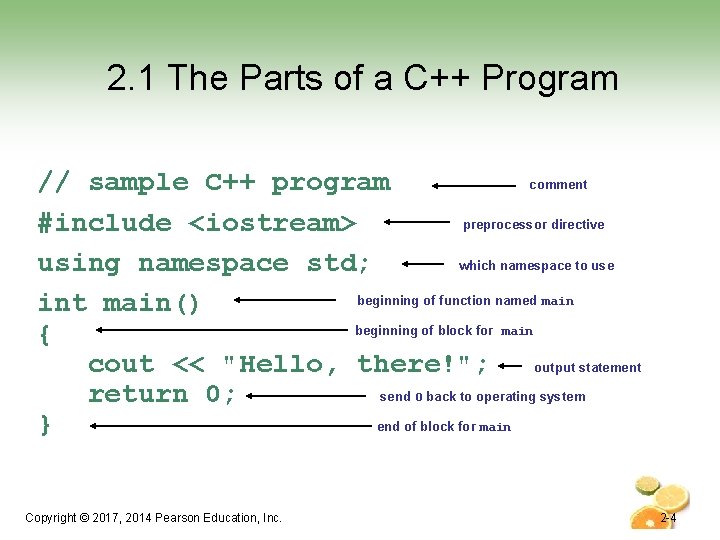
2. 1 The Parts of a C++ Program comment // sample C++ program preprocessor directive #include <iostream> which namespace to use using namespace std; beginning of function named main int main() beginning of block for main { output statement cout << "Hello, there!"; send 0 back to operating system return 0; end of block for main } Copyright © 2017, 2014 Pearson Education, Inc. 2 -4
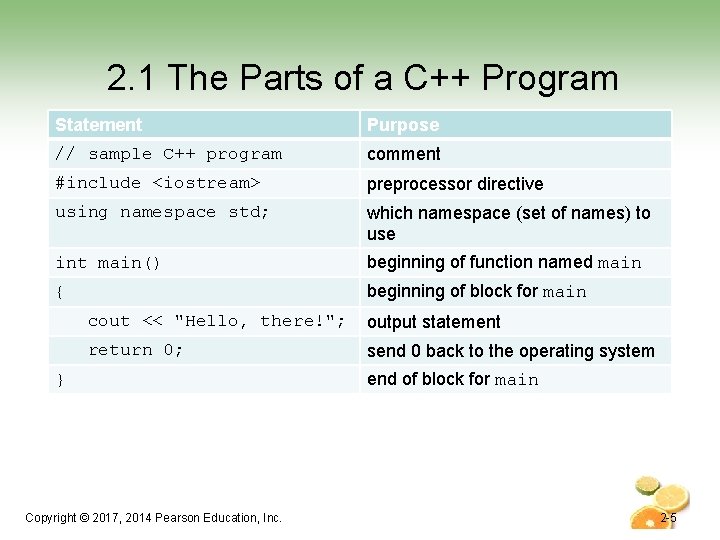
2. 1 The Parts of a C++ Program Statement Purpose // sample C++ program comment #include <iostream> preprocessor directive using namespace std; which namespace (set of names) to use int main() beginning of function named main { beginning of block for main cout << "Hello, there!"; output statement return 0; send 0 back to the operating system } Copyright © 2017, 2014 Pearson Education, Inc. end of block for main 2 -5
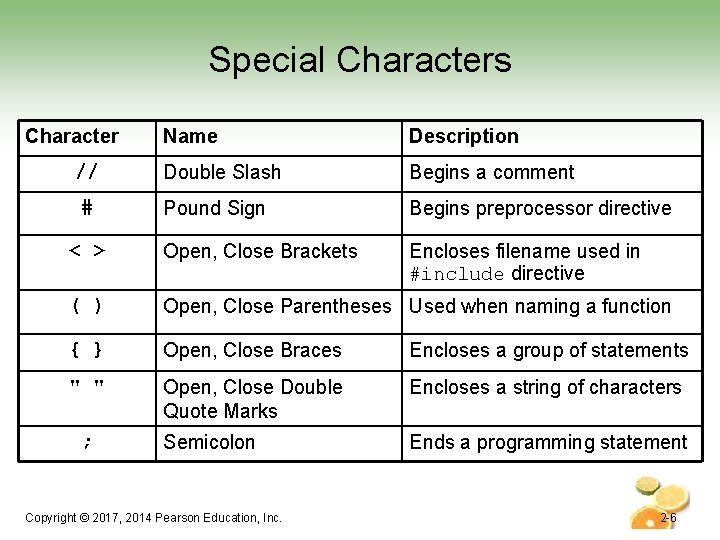
Special Characters Character Name Description Double Slash Begins a comment Pound Sign Begins preprocessor directive < > Open, Close Brackets Encloses filename used in #include directive ( ) Open, Close Parentheses Used when naming a function { } Open, Close Braces Encloses a group of statements " " Open, Close Double Quote Marks Encloses a string of characters Semicolon Ends a programming statement // # ; Copyright © 2017, 2014 Pearson Education, Inc. 2 -6
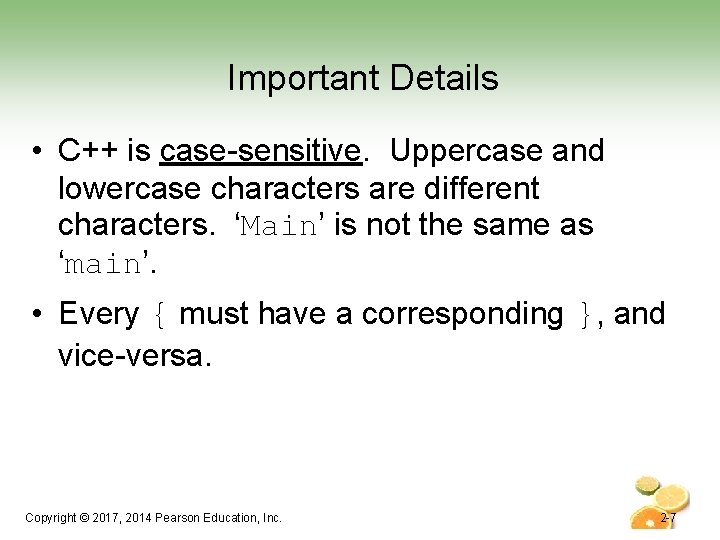
Important Details • C++ is case-sensitive. Uppercase and lowercase characters are different characters. ‘Main’ is not the same as ‘main’. • Every { must have a corresponding }, and vice-versa. Copyright © 2017, 2014 Pearson Education, Inc. 2 -7
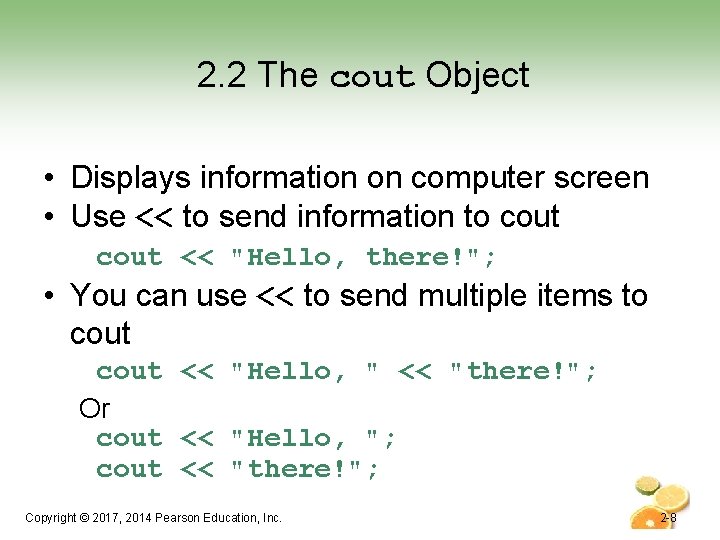
2. 2 The cout Object • Displays information on computer screen • Use << to send information to cout << "Hello, there!"; • You can use << to send multiple items to cout << "Hello, " << "there!"; Or cout << "Hello, "; cout << "there!"; Copyright © 2017, 2014 Pearson Education, Inc. 2 -8
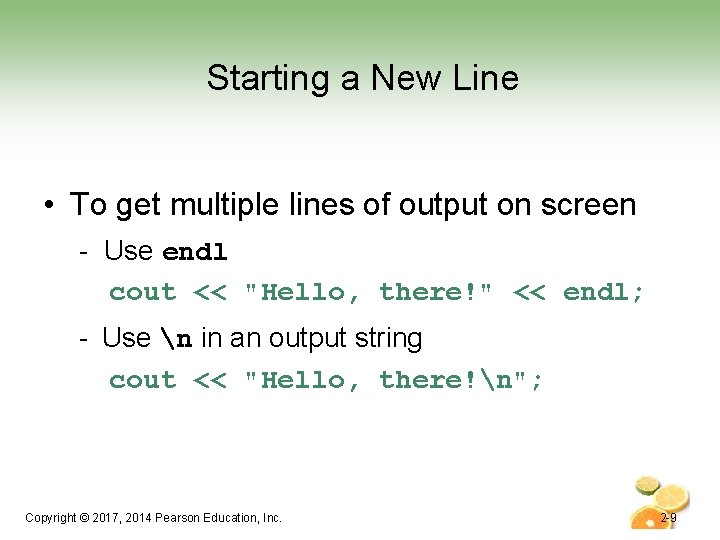
Starting a New Line • To get multiple lines of output on screen - Use endl cout << "Hello, there!" << endl; - Use n in an output string cout << "Hello, there!n"; Copyright © 2017, 2014 Pearson Education, Inc. 2 -9
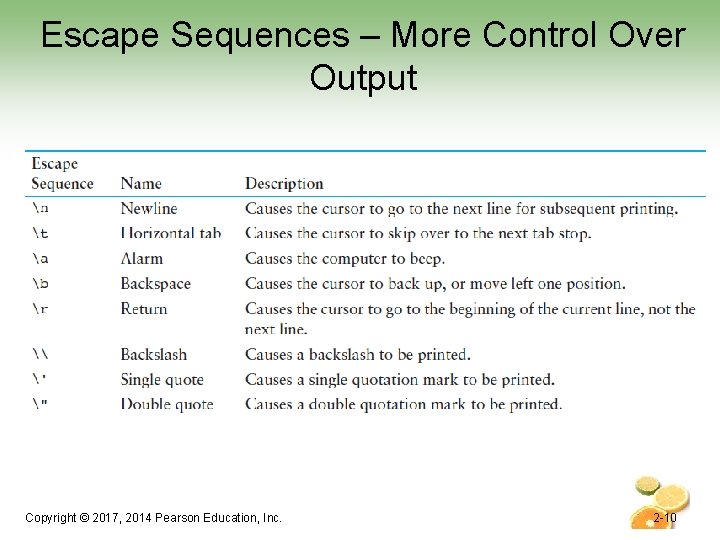
Escape Sequences – More Control Over Output Copyright © 2017, 2014 Pearson Education, Inc. 2 -10
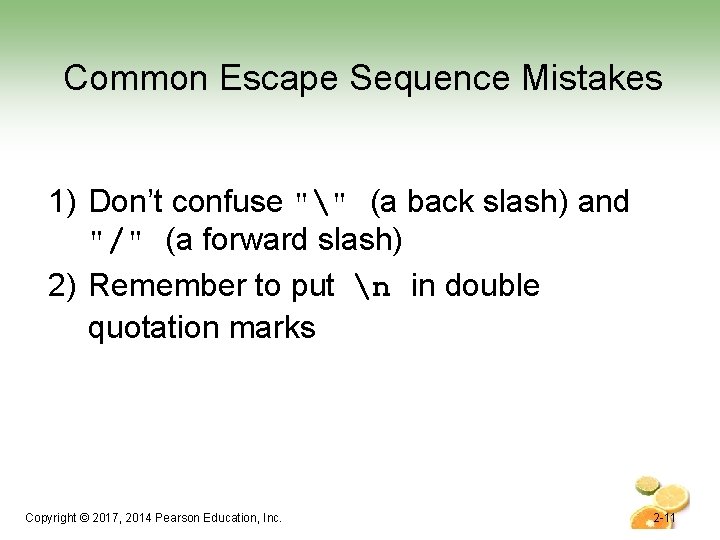
Common Escape Sequence Mistakes 1) Don’t confuse "" (a back slash) and "/" (a forward slash) 2) Remember to put n in double quotation marks Copyright © 2017, 2014 Pearson Education, Inc. 2 -11
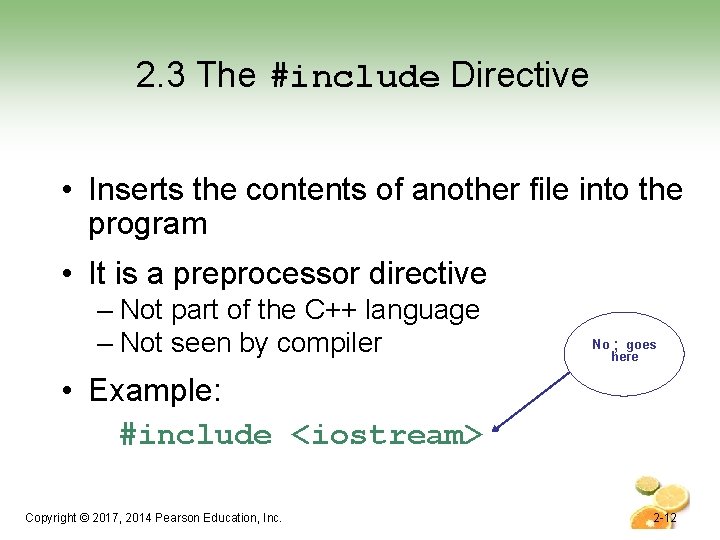
2. 3 The #include Directive • Inserts the contents of another file into the program • It is a preprocessor directive – Not part of the C++ language – Not seen by compiler No ; goes here • Example: #include <iostream> Copyright © 2017, 2014 Pearson Education, Inc. 2 -12
2. 4 Variables and the Assignment Statement A Variable • Is used to refer to a location in memory where a value can be stored. • An assignment statement is used to store a value. • The value that is stored can be changed, i. e. , it can “vary”. • You must define the variable (indicate the name and the type of value that it can hold) before you can use it to store a value. Copyright © 2017, 2014 Pearson Education, Inc. 2 -13
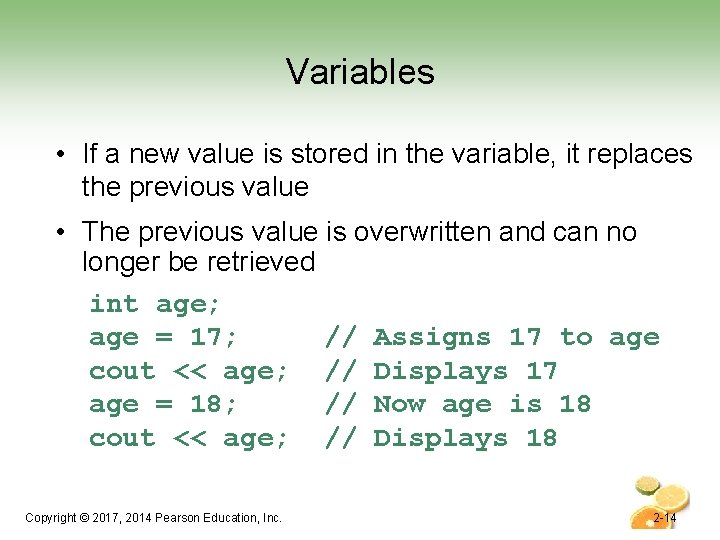
Variables • If a new value is stored in the variable, it replaces the previous value • The previous value is overwritten and can no longer be retrieved int age; age = 17; // Assigns 17 to age cout << age; // Displays 17 age = 18; // Now age is 18 cout << age; // Displays 18 Copyright © 2017, 2014 Pearson Education, Inc. 2 -14
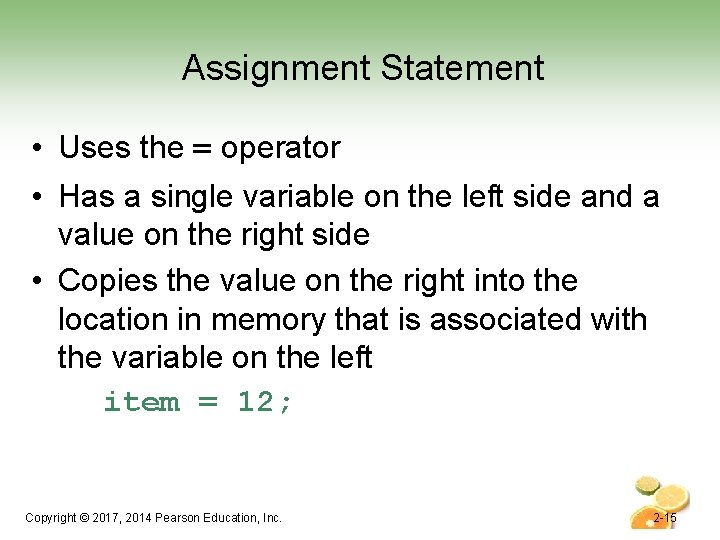
Assignment Statement • Uses the = operator • Has a single variable on the left side and a value on the right side • Copies the value on the right into the location in memory that is associated with the variable on the left item = 12; Copyright © 2017, 2014 Pearson Education, Inc. 2 -15
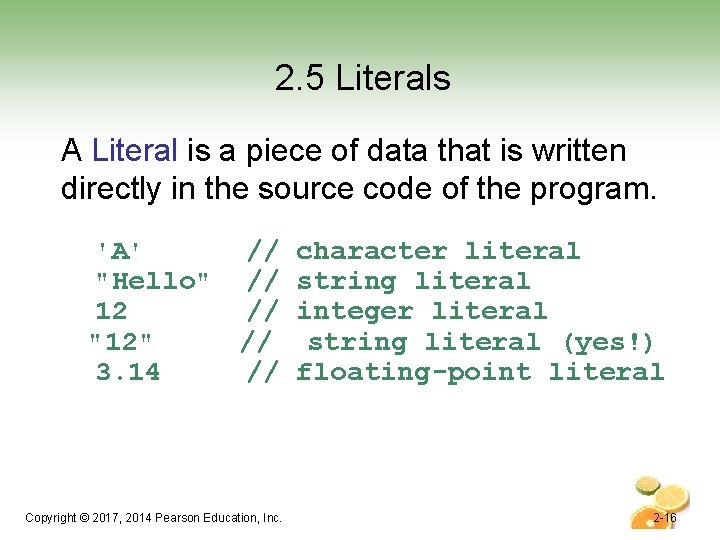
2. 5 Literals A Literal is a piece of data that is written directly in the source code of the program. 'A' // character literal "Hello" // string literal 12 // integer literal "12" // string literal (yes!) 3. 14 // floating-point literal Copyright © 2017, 2014 Pearson Education, Inc. 2 -16
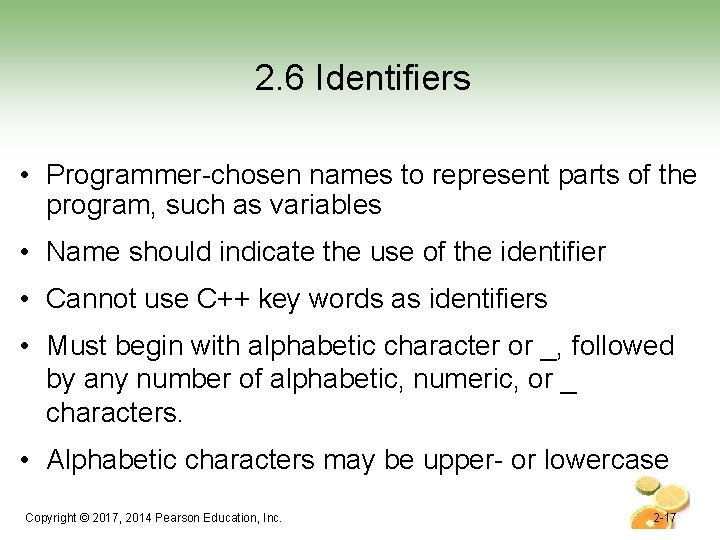
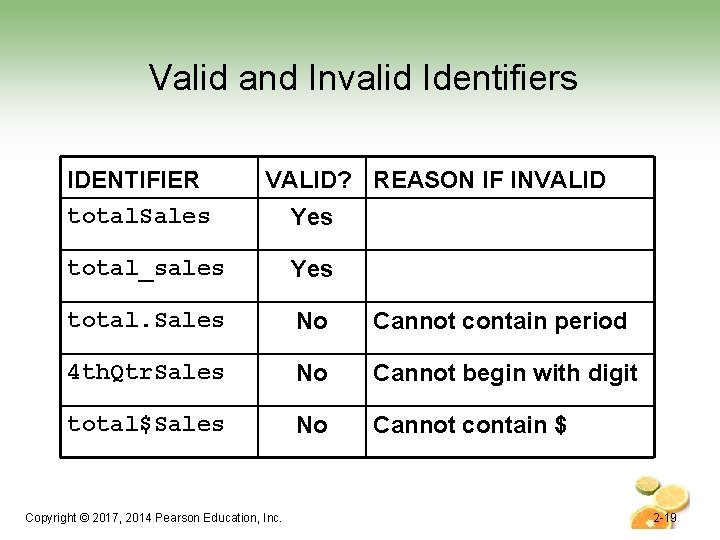
2. 6 Identifiers • Programmer-chosen names to represent parts of the program, such as variables • Name should indicate the use of the identifier • Cannot use C++ key words as identifiers • Must begin with alphabetic character or _, followed by any number of alphabetic, numeric, or _ characters. • Alphabetic characters may be upper- or lowercase Copyright © 2017, 2014 Pearson Education, Inc. 2 -17
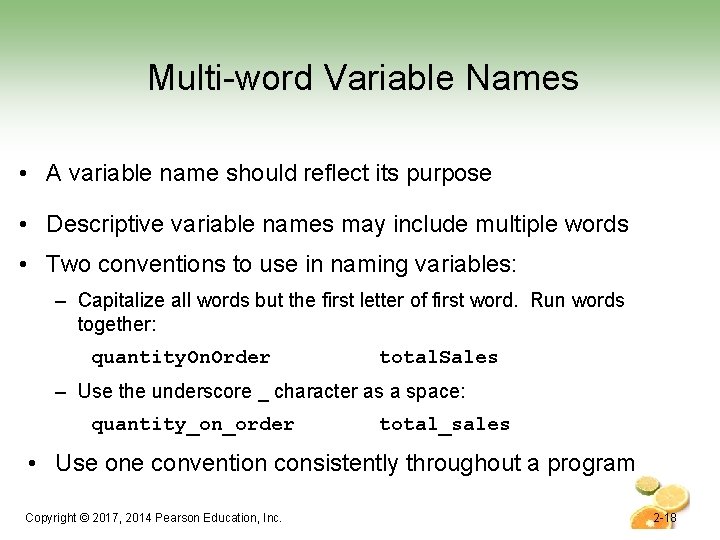
Multi-word Variable Names • A variable name should reflect its purpose • Descriptive variable names may include multiple words • Two conventions to use in naming variables: – Capitalize all words but the first letter of first word. Run words together: quantity. On. Order total. Sales – Use the underscore _ character as a space: quantity_on_order total_sales • Use one convention consistently throughout a program Copyright © 2017, 2014 Pearson Education, Inc. 2 -18
Valid and Invalid Identifiers IDENTIFIER total. Sales VALID? REASON IF INVALID Yes total_sales Yes total. Sales No Cannot contain period 4 th. Qtr. Sales No Cannot begin with digit total$Sales No Cannot contain $ Copyright © 2017, 2014 Pearson Education, Inc. 2 -19
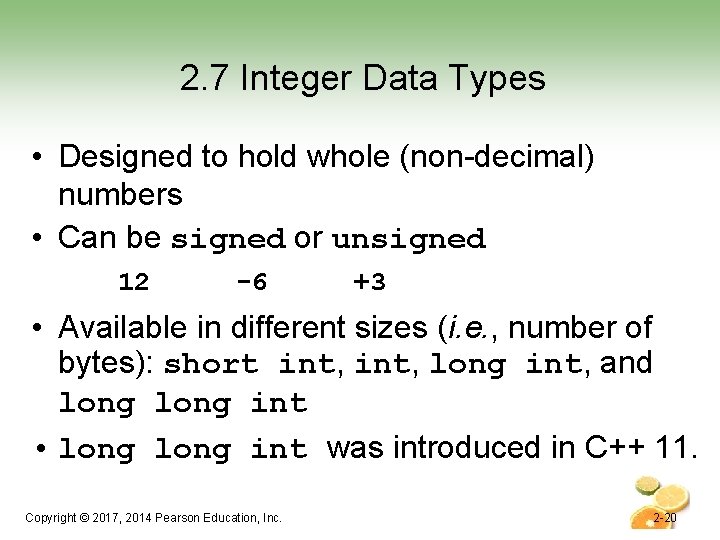
2. 7 Integer Data Types • Designed to hold whole (non-decimal) numbers • Can be signed or unsigned 12 -6 +3 • Available in different sizes (i. e. , number of bytes): short int, long int, and long int • long int was introduced in C++ 11. Copyright © 2017, 2014 Pearson Education, Inc. 2 -20
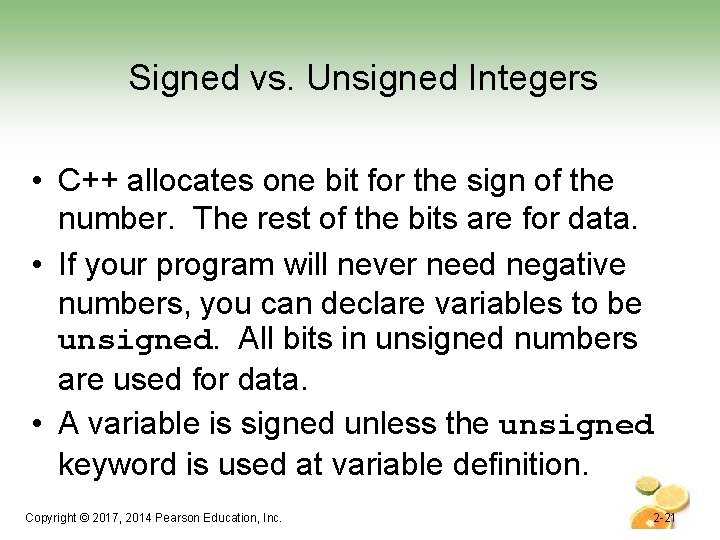
Signed vs. Unsigned Integers • C++ allocates one bit for the sign of the number. The rest of the bits are for data. • If your program will never need negative numbers, you can declare variables to be unsigned. All bits in unsigned numbers are used for data. • A variable is signed unless the unsigned keyword is used at variable definition. Copyright © 2017, 2014 Pearson Education, Inc. 2 -21
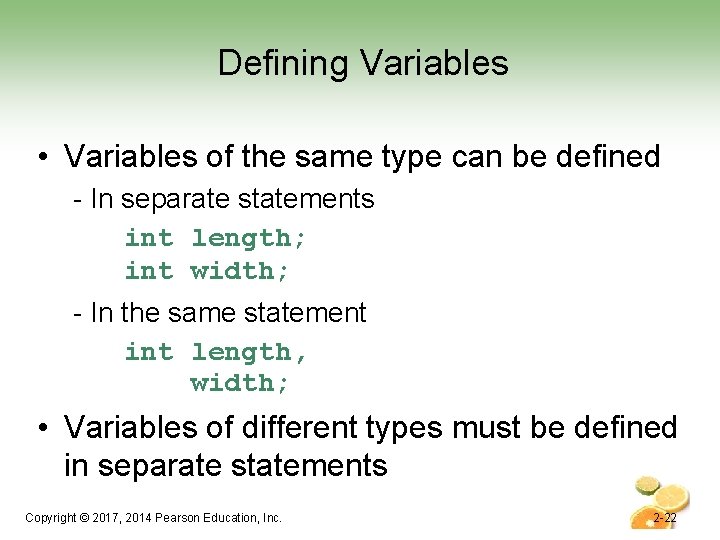
Defining Variables • Variables of the same type can be defined - In separate statements int length; int width; - In the same statement int length, width; • Variables of different types must be defined in separate statements Copyright © 2017, 2014 Pearson Education, Inc. 2 -22
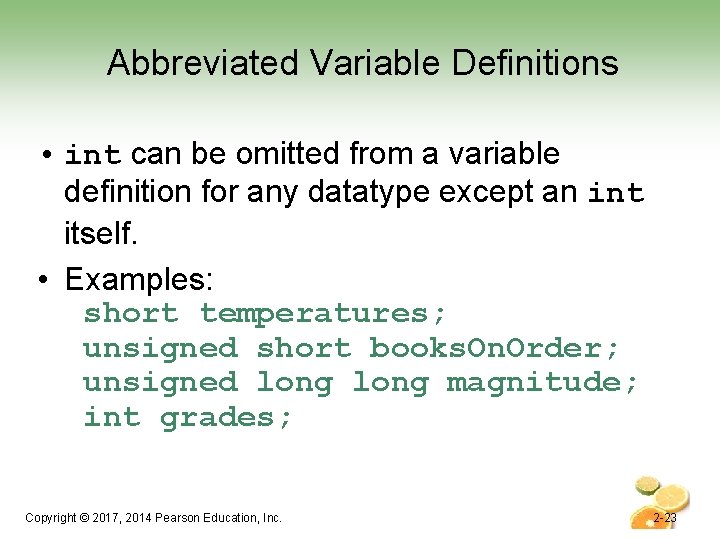
Abbreviated Variable Definitions • int can be omitted from a variable definition for any datatype except an int itself. • Examples: short temperatures; unsigned short books. On. Order; unsigned long magnitude; int grades; Copyright © 2017, 2014 Pearson Education, Inc. 2 -23
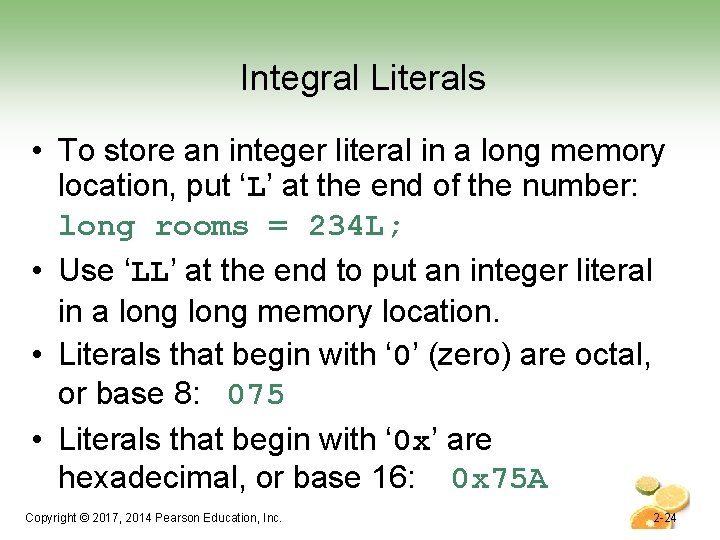
Integral Literals • To store an integer literal in a long memory location, put ‘L’ at the end of the number: long rooms = 234 L; • Use ‘LL’ at the end to put an integer literal in a long memory location. • Literals that begin with ‘ 0’ (zero) are octal, or base 8: 075 • Literals that begin with ‘ 0 x’ are hexadecimal, or base 16: 0 x 75 A Copyright © 2017, 2014 Pearson Education, Inc. 2 -24
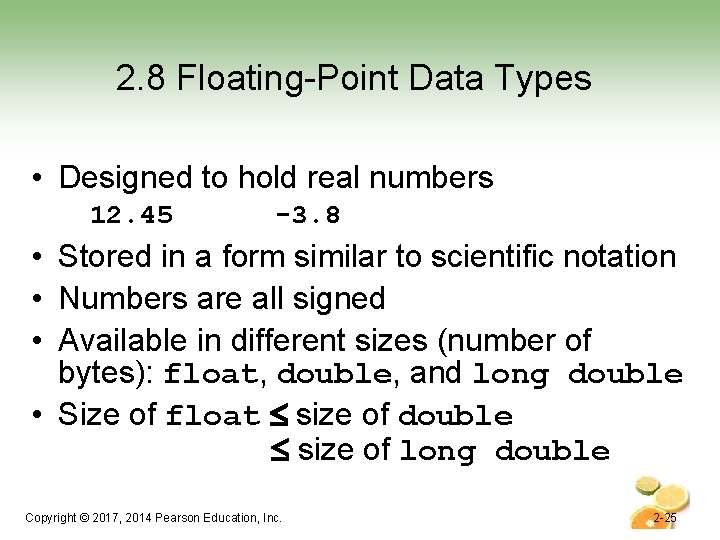
2. 8 Floating-Point Data Types • Designed to hold real numbers 12. 45 -3. 8 • Stored in a form similar to scientific notation • Numbers are all signed • Available in different sizes (number of bytes): float, double, and long double • Size of float size of double size of long double Copyright © 2017, 2014 Pearson Education, Inc. 2 -25
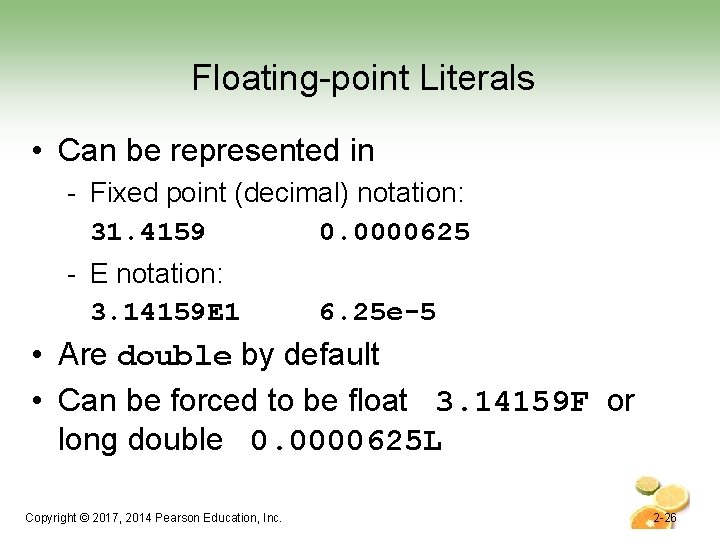
Floating-point Literals • Can be represented in - Fixed point (decimal) notation: 31. 4159 0. 0000625 - E notation: 3. 14159 E 1 6. 25 e-5 • Are double by default • Can be forced to be float 3. 14159 F or long double 0. 0000625 L Copyright © 2017, 2014 Pearson Education, Inc. 2 -26
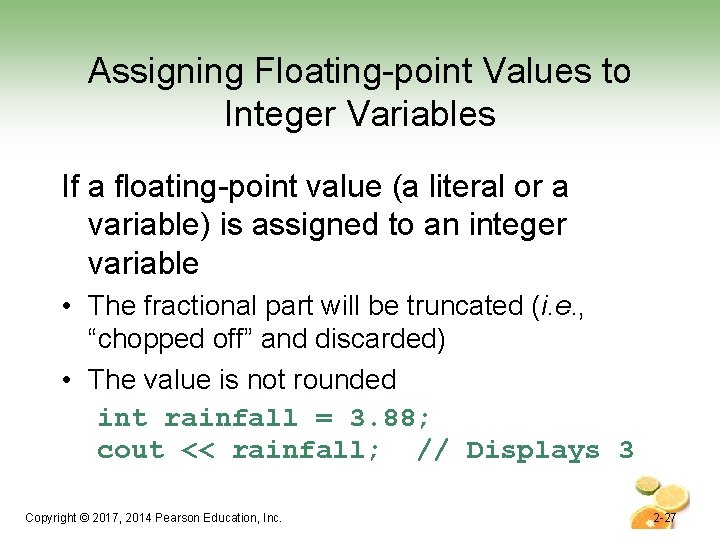
Assigning Floating-point Values to Integer Variables If a floating-point value (a literal or a variable) is assigned to an integer variable • The fractional part will be truncated (i. e. , “chopped off” and discarded) • The value is not rounded int rainfall = 3. 88; cout << rainfall; // Displays 3 Copyright © 2017, 2014 Pearson Education, Inc. 2 -27
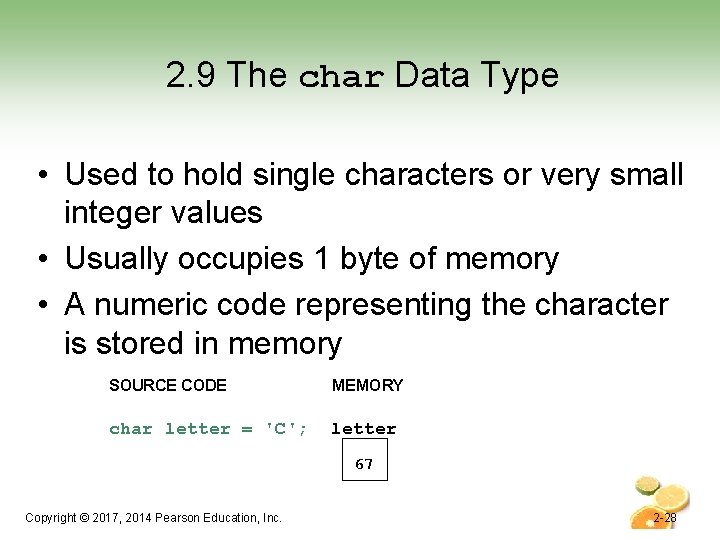
2. 9 The char Data Type • Used to hold single characters or very small integer values • Usually occupies 1 byte of memory • A numeric code representing the character is stored in memory SOURCE CODE MEMORY char letter = 'C'; letter 67 Copyright © 2017, 2014 Pearson Education, Inc. 2 -28
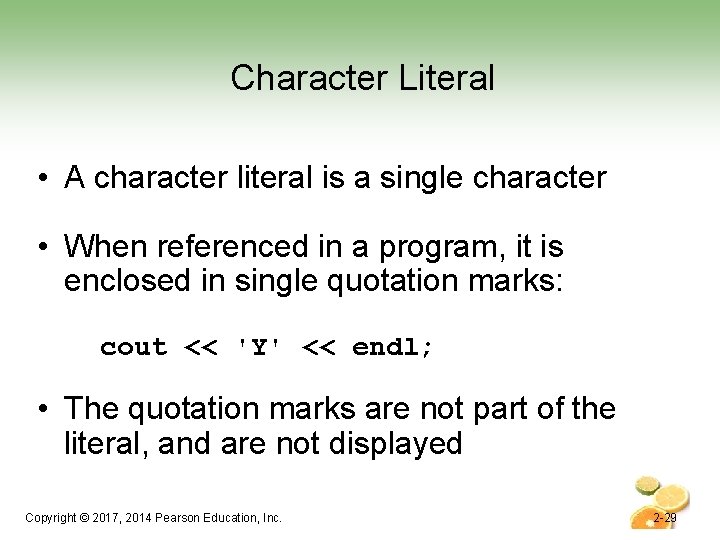
Character Literal • A character literal is a single character • When referenced in a program, it is enclosed in single quotation marks: cout << 'Y' << endl; • The quotation marks are not part of the literal, and are not displayed Copyright © 2017, 2014 Pearson Education, Inc. 2 -29
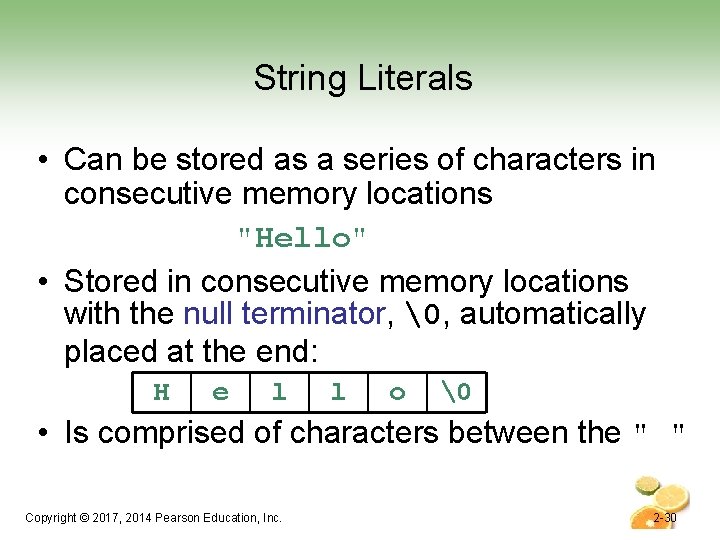
String Literals • Can be stored as a series of characters in consecutive memory locations "Hello" • Stored in consecutive memory locations with the null terminator, , automatically placed at the end: H e l l o • Is comprised of characters between the " " Copyright © 2017, 2014 Pearson Education, Inc. 2 -30
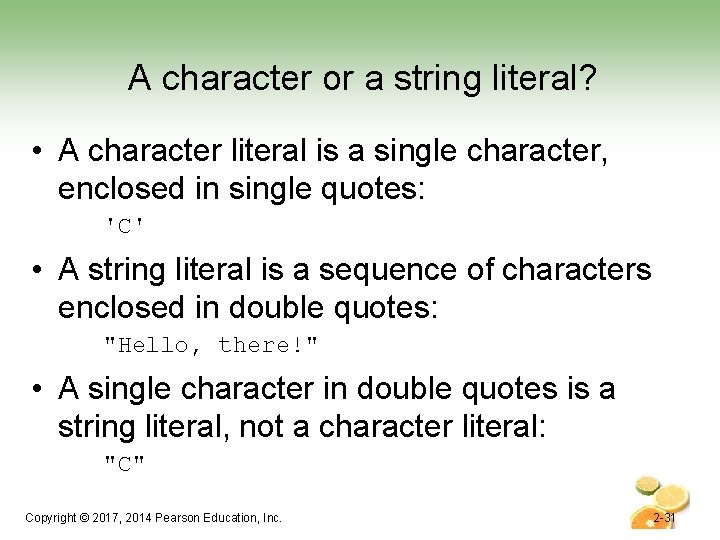
A character or a string literal? • A character literal is a single character, enclosed in single quotes: 'C' • A string literal is a sequence of characters enclosed in double quotes: "Hello, there!" • A single character in double quotes is a string literal, not a character literal: "C" Copyright © 2017, 2014 Pearson Education, Inc. 2 -31
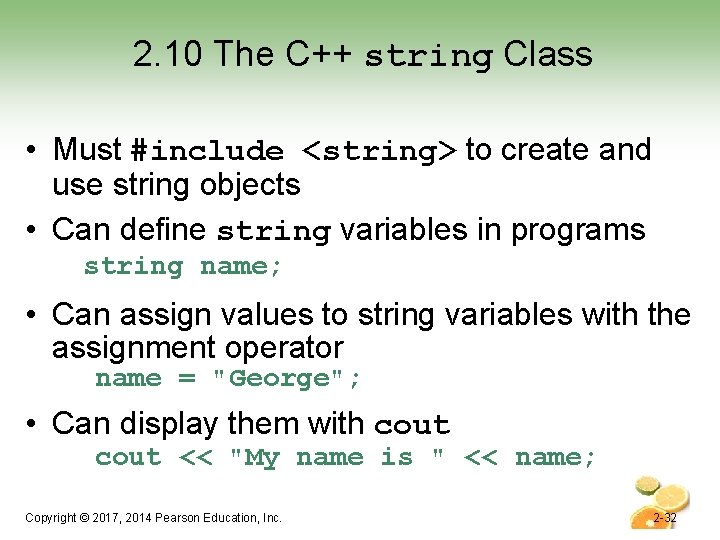
2. 10 The C++ string Class • Must #include <string> to create and use string objects • Can define string variables in programs string name; • Can assign values to string variables with the assignment operator name = "George"; • Can display them with cout << "My name is " << name; Copyright © 2017, 2014 Pearson Education, Inc. 2 -32
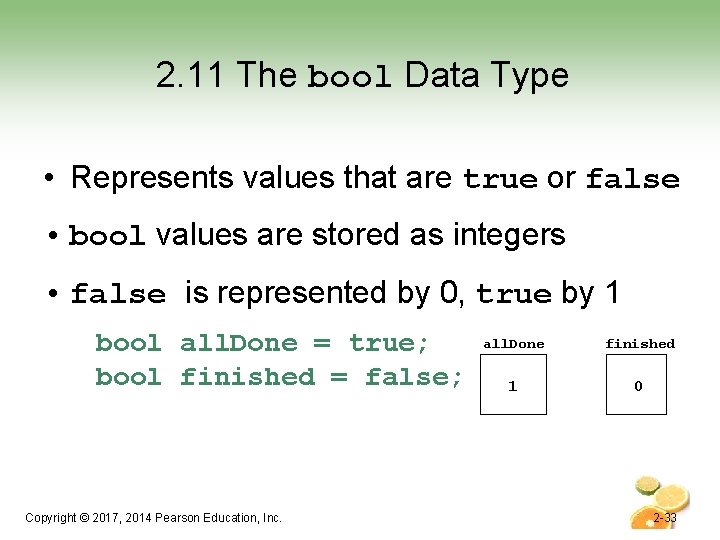
2. 11 The bool Data Type • Represents values that are true or false • bool values are stored as integers • false is represented by 0, true by 1 bool all. Done = true; bool finished = false; Copyright © 2017, 2014 Pearson Education, Inc. all. Done finished 1 0 2 -33
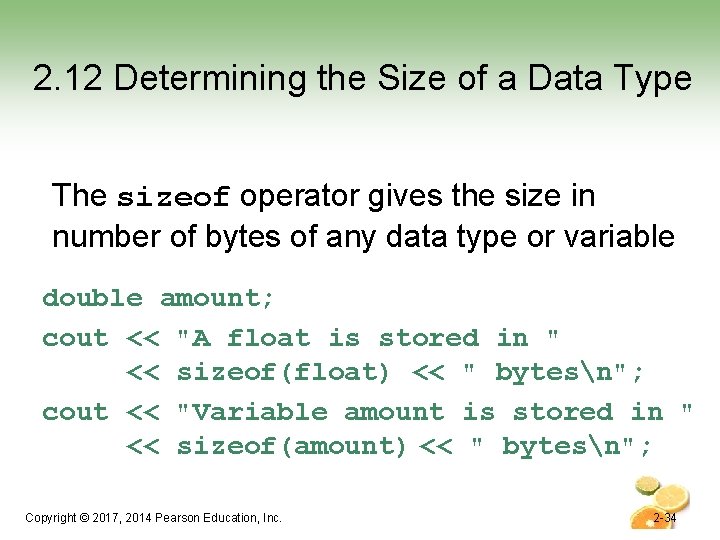
2. 12 Determining the Size of a Data Type The sizeof operator gives the size in number of bytes of any data type or variable double amount; cout << "A float is stored in " << sizeof(float) << " bytesn"; cout << "Variable amount is stored in " << sizeof(amount) << " bytesn"; Copyright © 2017, 2014 Pearson Education, Inc. 2 -34
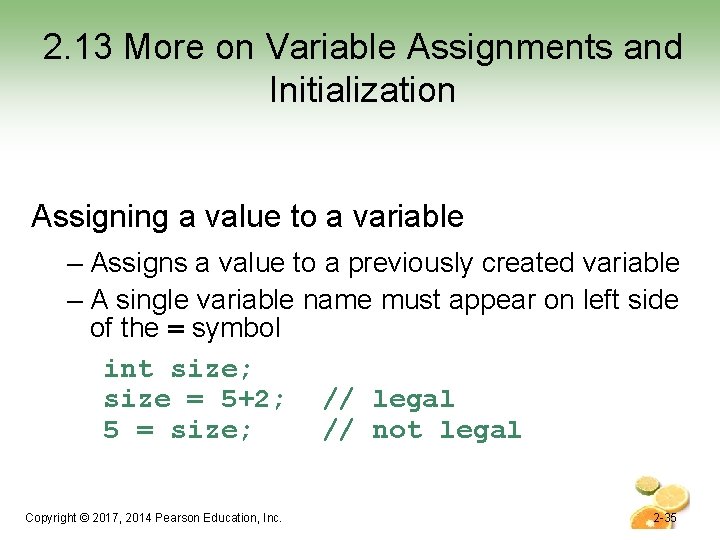
2. 13 More on Variable Assignments and Initialization Assigning a value to a variable – Assigns a value to a previously created variable – A single variable name must appear on left side of the = symbol int size; size = 5+2; // legal 5 = size; // not legal Copyright © 2017, 2014 Pearson Education, Inc. 2 -35
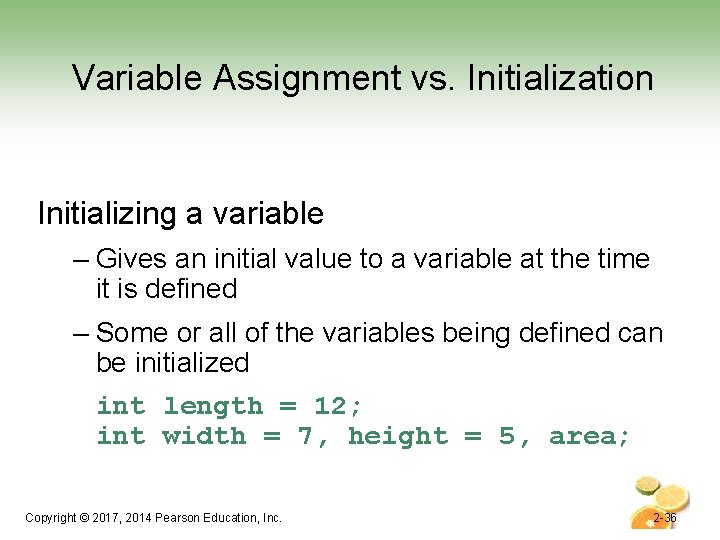
Variable Assignment vs. Initialization Initializing a variable – Gives an initial value to a variable at the time it is defined – Some or all of the variables being defined can be initialized int length = 12; int width = 7, height = 5, area; Copyright © 2017, 2014 Pearson Education, Inc. 2 -36
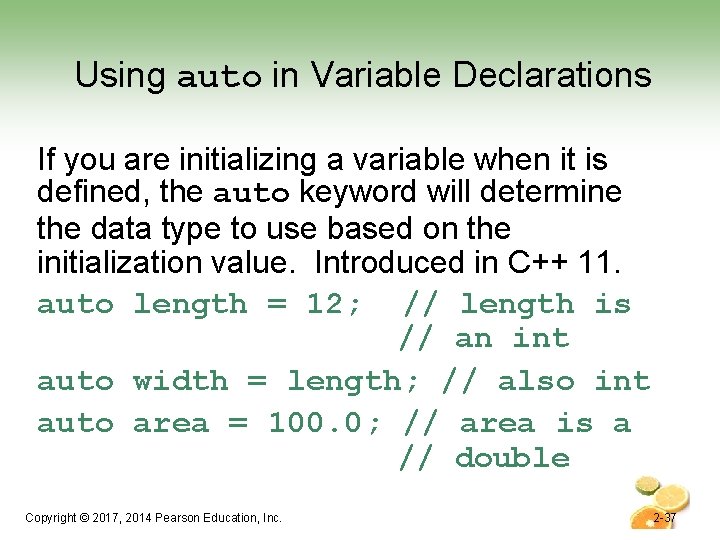
Using auto in Variable Declarations If you are initializing a variable when it is defined, the auto keyword will determine the data type to use based on the initialization value. Introduced in C++ 11. auto length = 12; // length is // an int auto width = length; // also int auto area = 100. 0; // area is a // double Copyright © 2017, 2014 Pearson Education, Inc. 2 -37
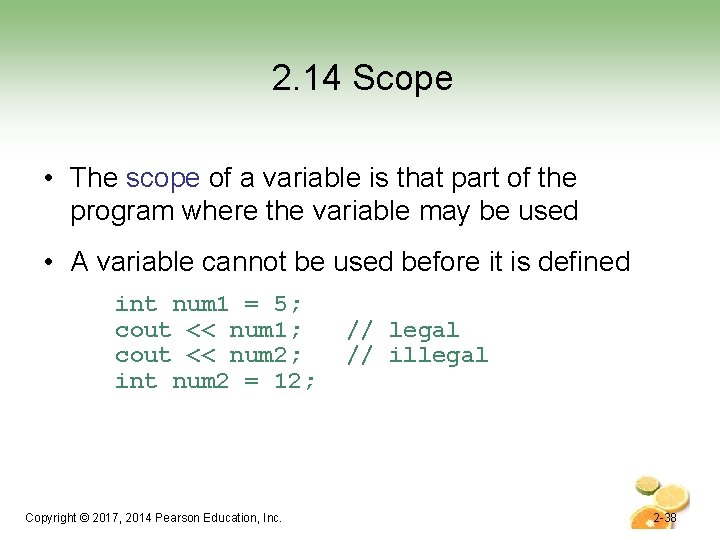
2. 14 Scope • The scope of a variable is that part of the program where the variable may be used • A variable cannot be used before it is defined int num 1 = 5; cout << num 1; cout << num 2; int num 2 = 12; Copyright © 2017, 2014 Pearson Education, Inc. // legal // illegal 2 -38
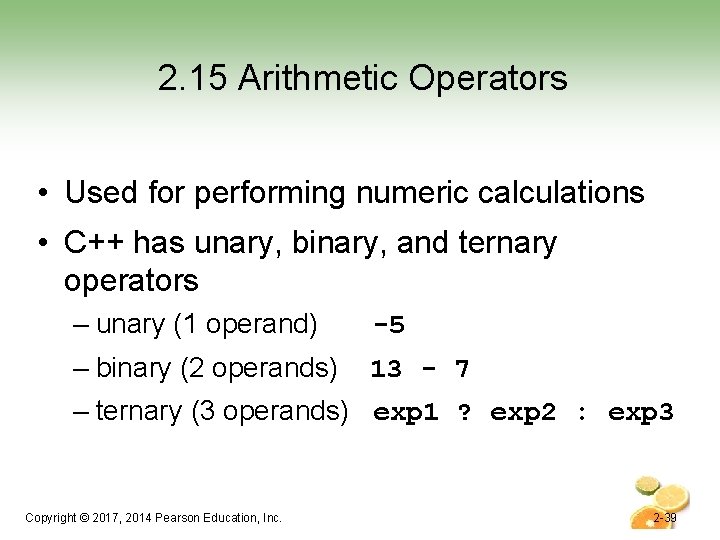
2. 15 Arithmetic Operators • Used for performing numeric calculations • C++ has unary, binary, and ternary operators – unary (1 operand) -5 – binary (2 operands) 13 - 7 – ternary (3 operands) exp 1 ? exp 2 : exp 3 Copyright © 2017, 2014 Pearson Education, Inc. 2 -39
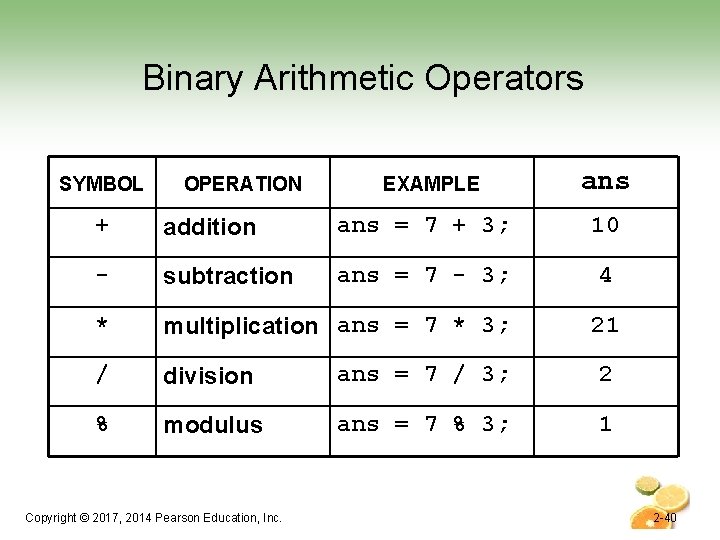
Binary Arithmetic Operators SYMBOL OPERATION EXAMPLE ans + addition ans = 7 + 3; 10 - subtraction ans = 7 - 3; 4 * multiplication ans = 7 * 3; 21 / division ans = 7 / 3; 2 % modulus ans = 7 % 3; 1 Copyright © 2017, 2014 Pearson Education, Inc. 2 -40
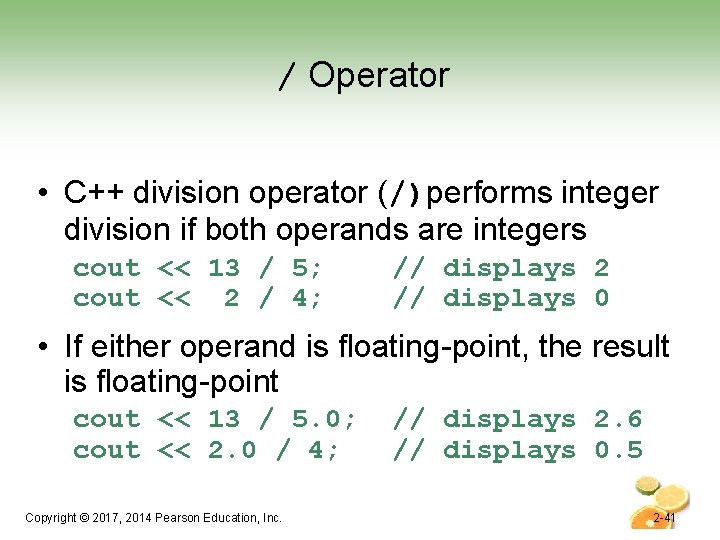
/ Operator • C++ division operator (/)performs integer division if both operands are integers cout << 13 / 5; cout << 2 / 4; // displays 2 // displays 0 • If either operand is floating-point, the result is floating-point cout << 13 / 5. 0; cout << 2. 0 / 4; Copyright © 2017, 2014 Pearson Education, Inc. // displays 2. 6 // displays 0. 5 2 -41
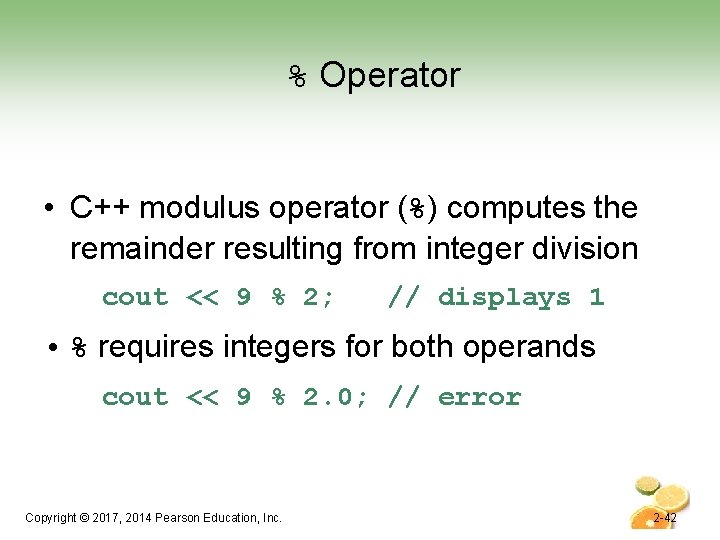
% Operator • C++ modulus operator (%) computes the remainder resulting from integer division cout << 9 % 2; // displays 1 • % requires integers for both operands cout << 9 % 2. 0; // error Copyright © 2017, 2014 Pearson Education, Inc. 2 -42
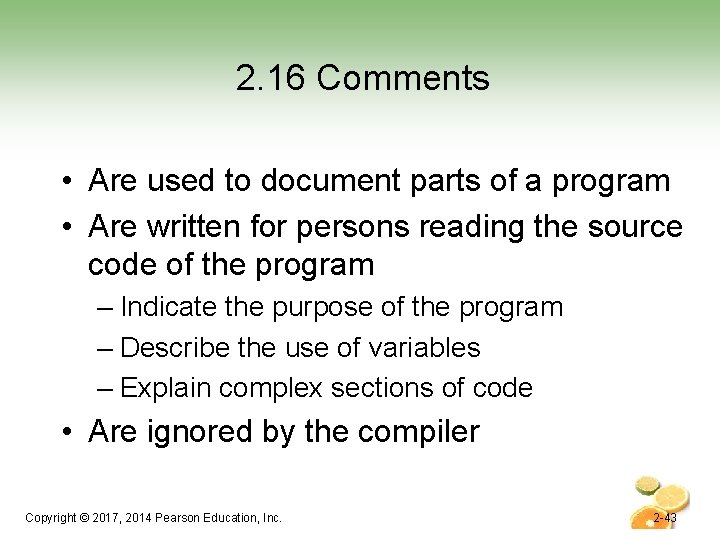
2. 16 Comments • Are used to document parts of a program • Are written for persons reading the source code of the program – Indicate the purpose of the program – Describe the use of variables – Explain complex sections of code • Are ignored by the compiler Copyright © 2017, 2014 Pearson Education, Inc. 2 -43
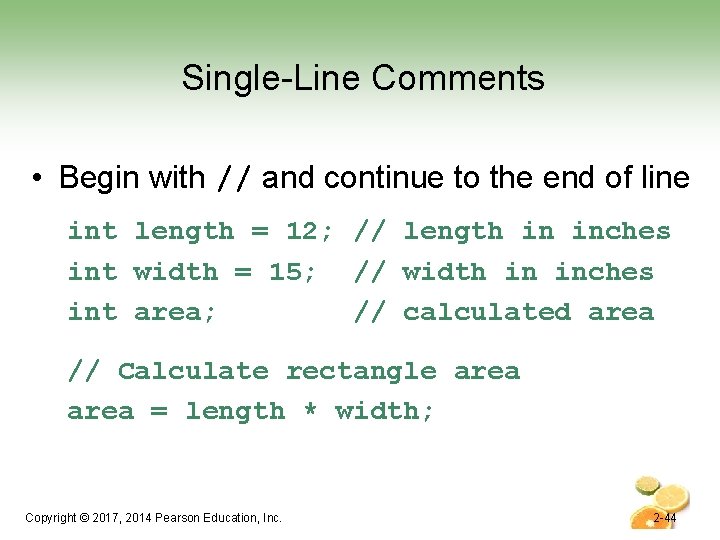
Single-Line Comments • Begin with // and continue to the end of line int length = 12; // length in inches int width = 15; // width in inches int area; // calculated area // Calculate rectangle area = length * width; Copyright © 2017, 2014 Pearson Education, Inc. 2 -44
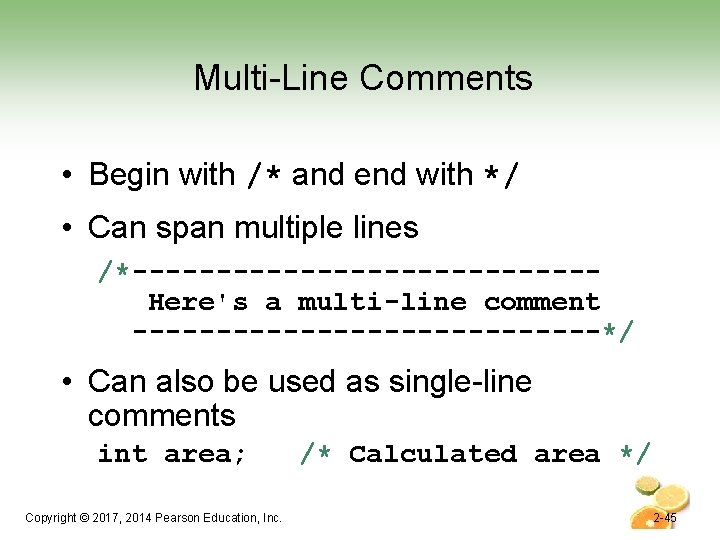
Multi-Line Comments • Begin with /* and end with */ • Can span multiple lines /*--------------Here's a multi-line comment --------------*/ • Can also be used as single-line comments int area; Copyright © 2017, 2014 Pearson Education, Inc. /* Calculated area */ 2 -45
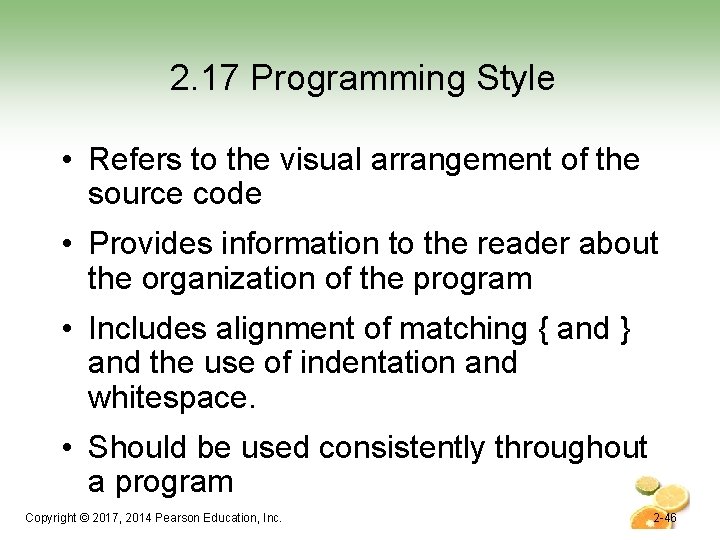
2. 17 Programming Style • Refers to the visual arrangement of the source code • Provides information to the reader about the organization of the program • Includes alignment of matching { and } and the use of indentation and whitespace. • Should be used consistently throughout a program Copyright © 2017, 2014 Pearson Education, Inc. 2 -46
Chapter 2: Introduction to C++ Starting Out with C++ Early Objects Ninth Edition by Tony Gaddis, Judy Walters, and Godfrey Muganda Copyright © 2017, 2014 Pearson Education, Inc.