Chapter 12 gawk Yes it sounds funny In

![gawk con’t • Syntax: gawk [options] [program] [file-list] gawk [options] –f program-file [file-list] •](https://slidetodoc.com/presentation_image_h/a14c2c5dc4acf42d036f526787d6c159/image-4.jpg "gawk con’t • Syntax: gawk [options] [program] [file-list] gawk [options] –f program-file [file-list] •")
![Pattern examples • $1 ~ /^[A-Z]/ – Matches records where first field starts with](https://slidetodoc.com/presentation_image_h/a14c2c5dc4acf42d036f526787d6c159/image-10.jpg "Pattern examples • $1 ~ /^[A-Z]/ – Matches records where first field starts with")
![Associative Arrays • gawk ‘ {manuf[$1]++} END {for(name in manuf) print name, manuf[name]}’](https://slidetodoc.com/presentation_image_h/a14c2c5dc4acf42d036f526787d6c159/image-22.jpg "Associative Arrays • gawk ‘ {manuf[$1]++} END {for(name in manuf) print name, manuf[name]}’")
- Slides: 24
Chapter 12: gawk Yes it sounds funny
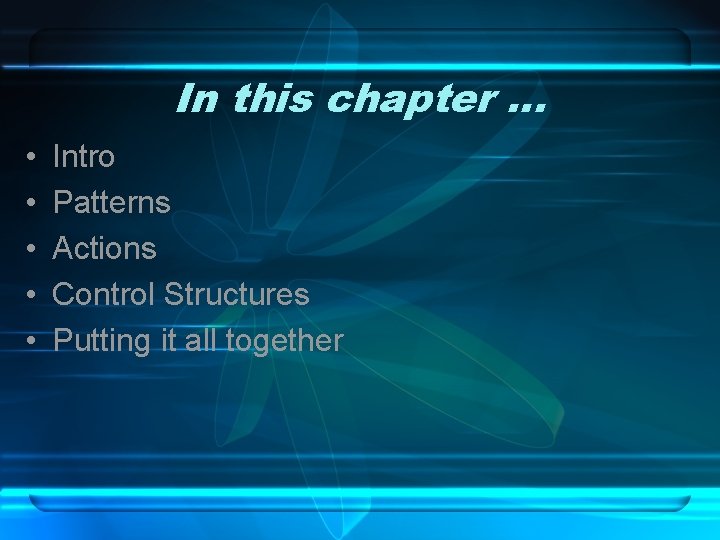
In this chapter … • • • Intro Patterns Actions Control Structures Putting it all together
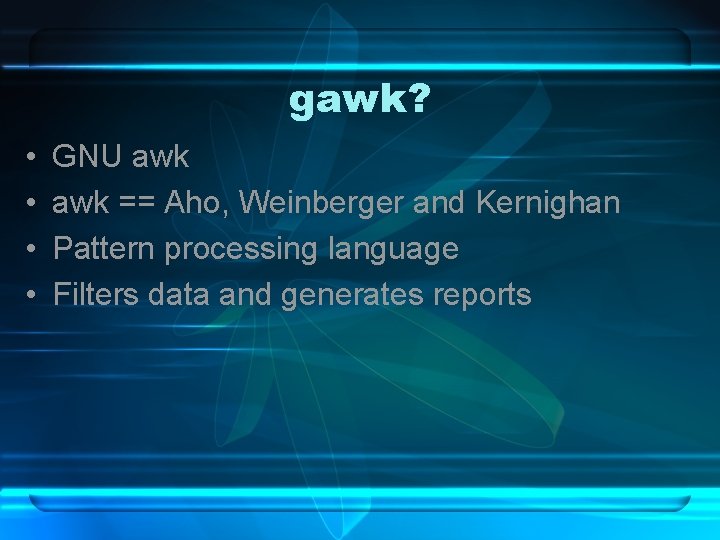
gawk? • • GNU awk == Aho, Weinberger and Kernighan Pattern processing language Filters data and generates reports
gawk con’t • Syntax: gawk [options] [program] [file-list] gawk [options] –f program-file [file-list] • Essentially, program is a list of things to pattern match, and then a list of actions to perform • Can either be on the command line or in a file
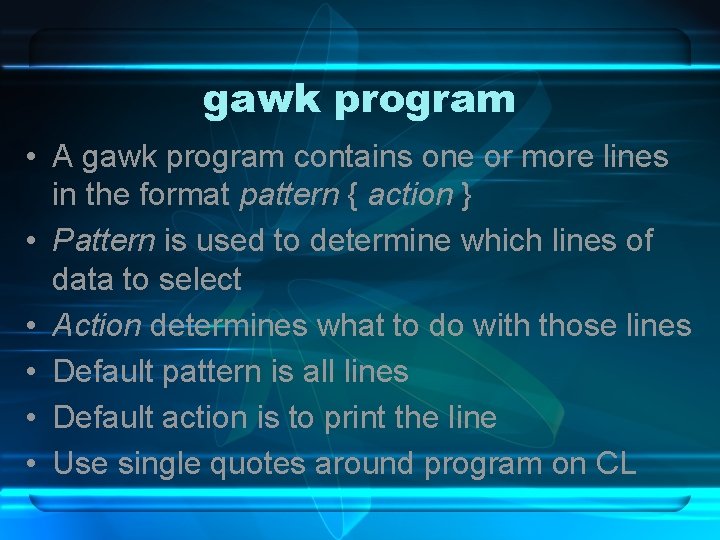
gawk program • A gawk program contains one or more lines in the format pattern { action } • Pattern is used to determine which lines of data to select • Action determines what to do with those lines • Default pattern is all lines • Default action is to print the line • Use single quotes around program on CL
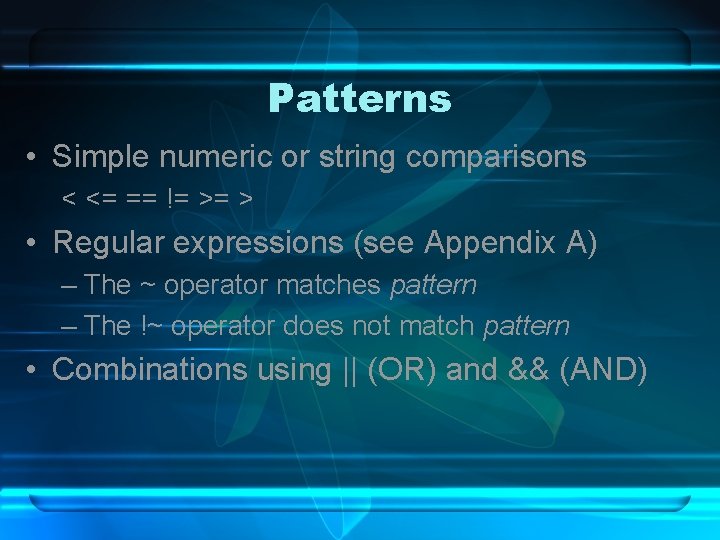
Patterns • Simple numeric or string comparisons < <= == != >= > • Regular expressions (see Appendix A) – The ~ operator matches pattern – The !~ operator does not match pattern • Combinations using || (OR) and && (AND)
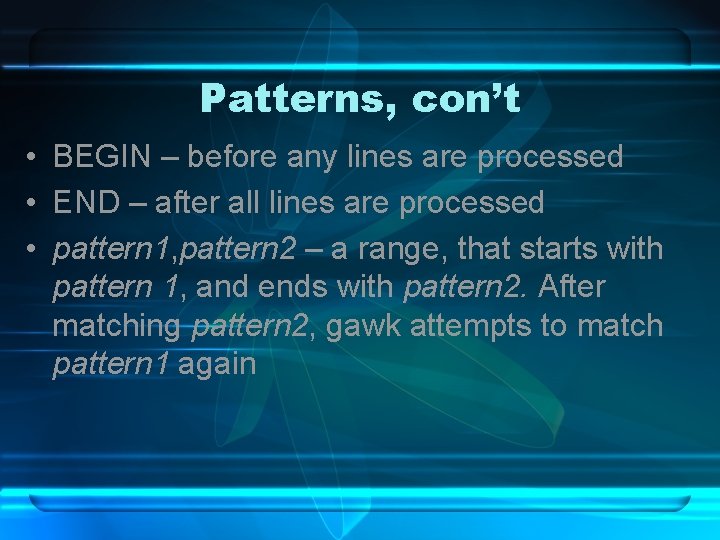
Patterns, con’t • BEGIN – before any lines are processed • END – after all lines are processed • pattern 1, pattern 2 – a range, that starts with pattern 1, and ends with pattern 2. After matching pattern 2, gawk attempts to match pattern 1 again
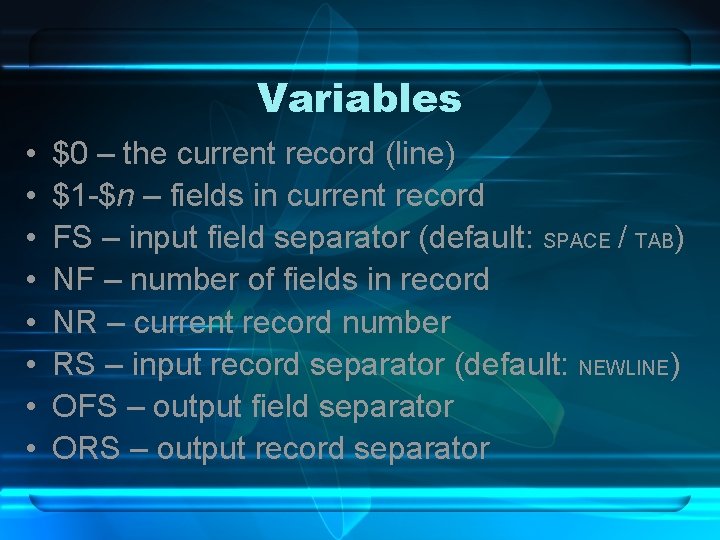
Variables • • $0 – the current record (line) $1 -$n – fields in current record FS – input field separator (default: SPACE / TAB) NF – number of fields in record NR – current record number RS – input record separator (default: NEWLINE) OFS – output field separator ORS – output record separator
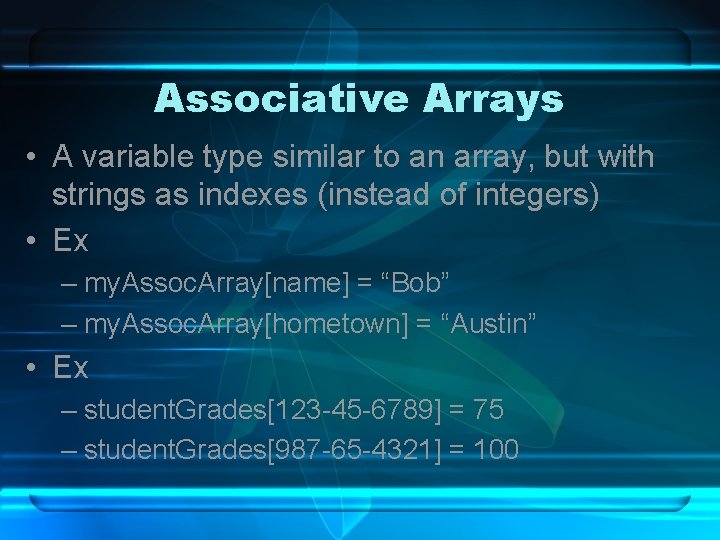
Associative Arrays • A variable type similar to an array, but with strings as indexes (instead of integers) • Ex – my. Assoc. Array[name] = “Bob” – my. Assoc. Array[hometown] = “Austin” • Ex – student. Grades[123 -45 -6789] = 75 – student. Grades[987 -65 -4321] = 100
Pattern examples • $1 ~ /^[A-Z]/ – Matches records where first field starts with a capital letter • $3 <= $5 – Matches records where third field is less than or equal to the fifth field • $2 > 5000 && $1 !~ /exempt/ – Matches records where second field is greater than 5000 and first field is not exempt
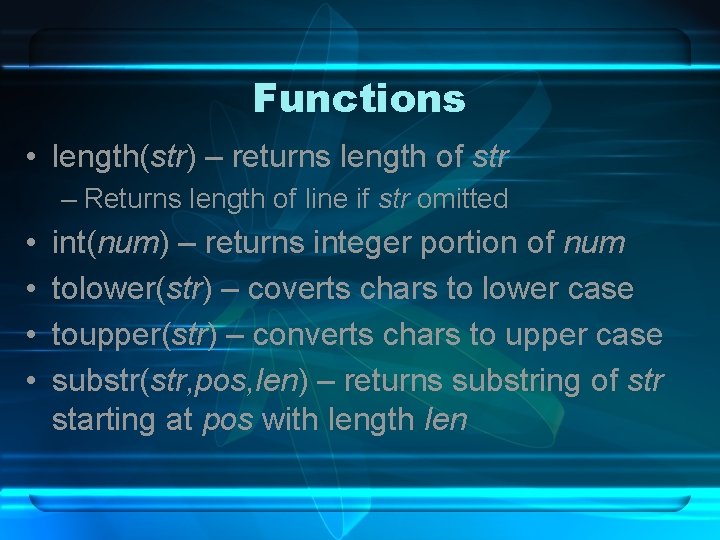
Functions • length(str) – returns length of str – Returns length of line if str omitted • • int(num) – returns integer portion of num tolower(str) – coverts chars to lower case toupper(str) – converts chars to upper case substr(str, pos, len) – returns substring of str starting at pos with length len
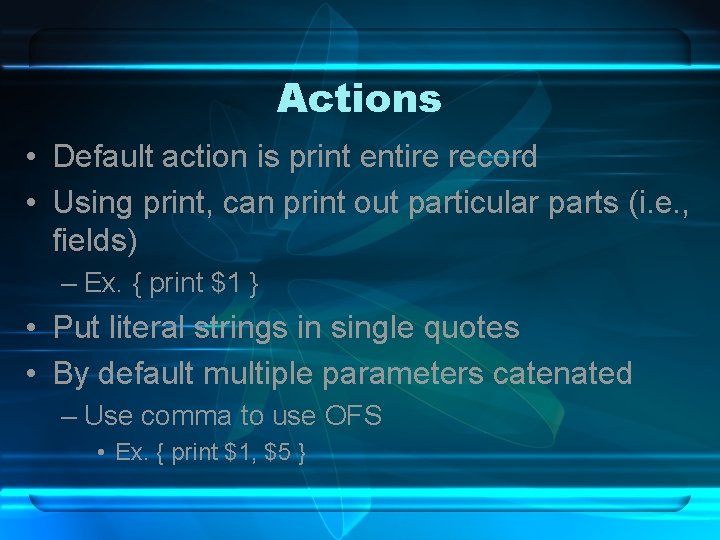
Actions • Default action is print entire record • Using print, can print out particular parts (i. e. , fields) – Ex. { print $1 } • Put literal strings in single quotes • By default multiple parameters catenated – Use comma to use OFS • Ex. { print $1, $5 }
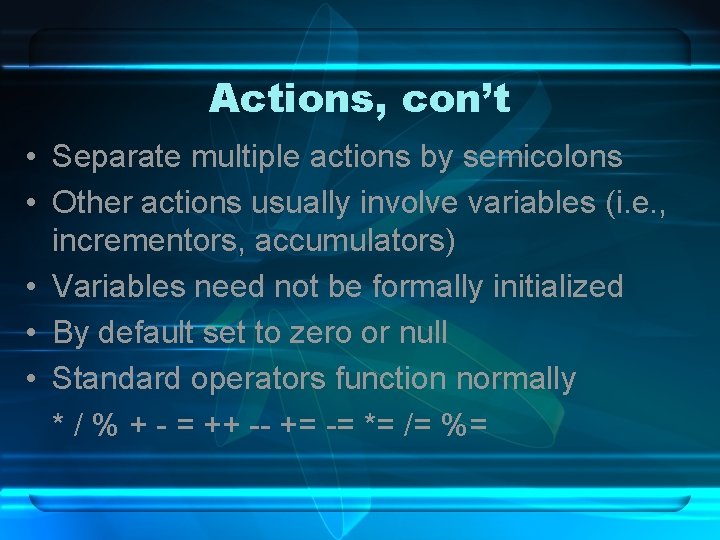
Actions, con’t • Separate multiple actions by semicolons • Other actions usually involve variables (i. e. , incrementors, accumulators) • Variables need not be formally initialized • By default set to zero or null • Standard operators function normally * / % + - = ++ -- += -= *= /= %=
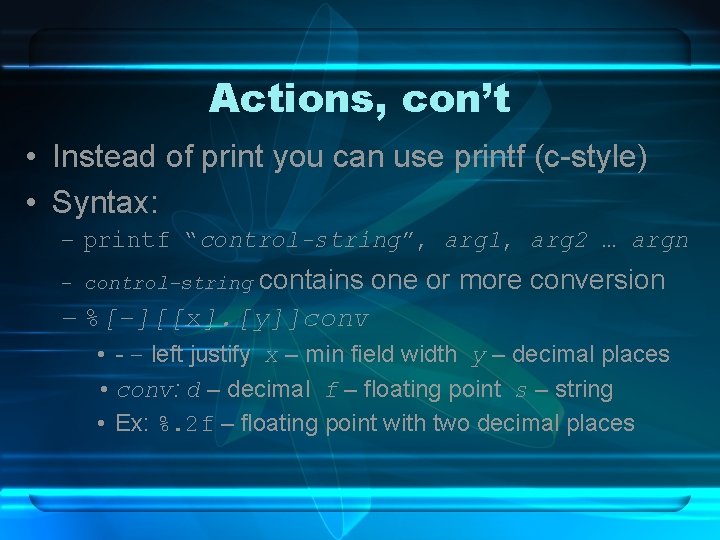
Actions, con’t • Instead of print you can use printf (c-style) • Syntax: – printf “control-string”, arg 1, arg 2 … argn contains one or more conversion – %[-][[x]. [y]]conv – control-string • - – left justify x – min field width y – decimal places • conv: d – decimal f – floating point s – string • Ex: %. 2 f – floating point with two decimal places
Control Structures • gawk programs can utilize several control structures • Can use if-else, while, for, break and continue • All are C-style in syntax (what did the K in gawk stand for? )
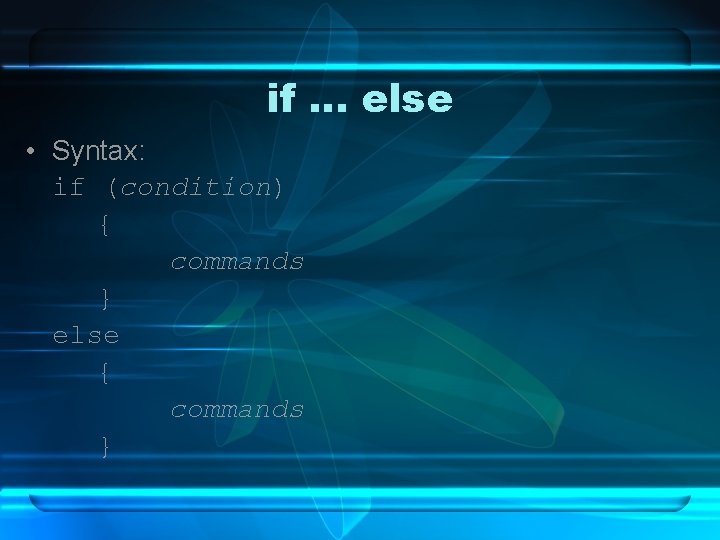
if … else • Syntax: if (condition) { commands } else { commands }
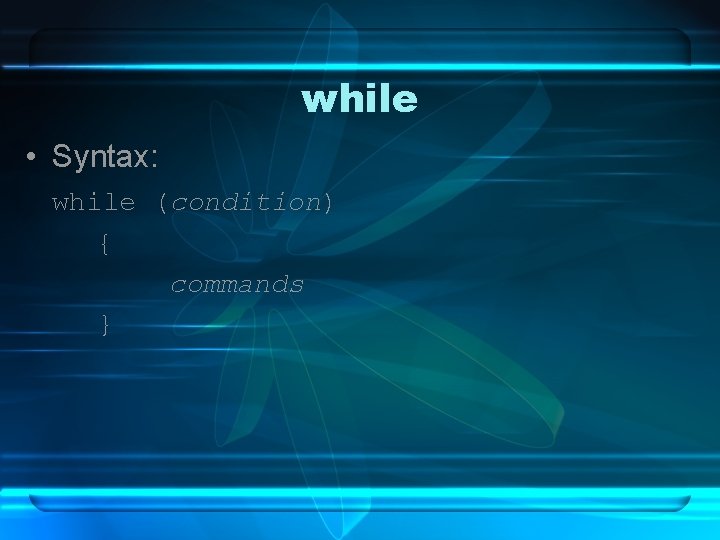
while • Syntax: while (condition) { commands }
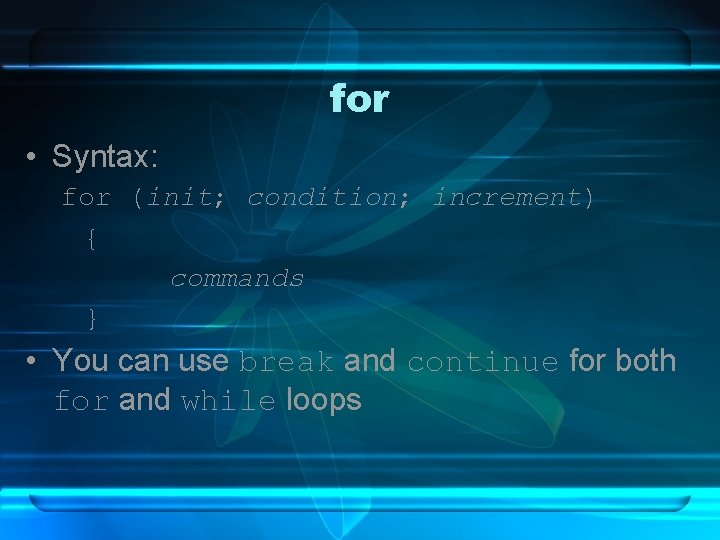
for • Syntax: for (init; condition; increment) { commands } • You can use break and continue for both for and while loops
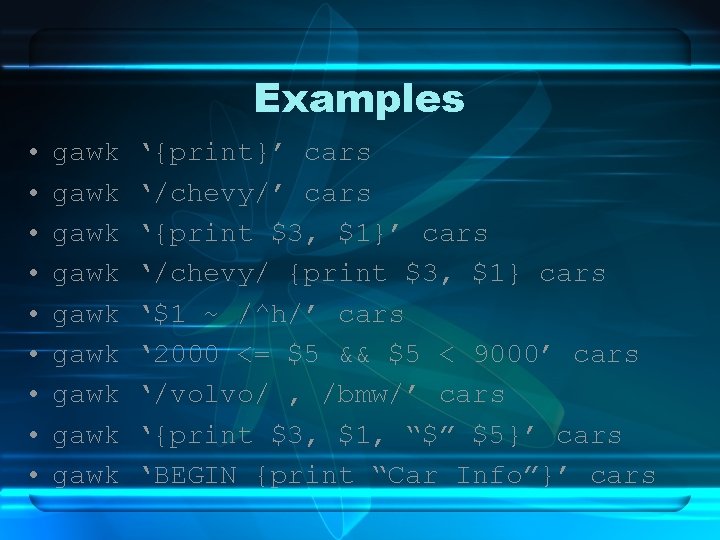
Examples • • • gawk gawk gawk ‘{print}’ cars ‘/chevy/’ cars ‘{print $3, $1}’ cars ‘/chevy/ {print $3, $1} cars ‘$1 ~ /^h/’ cars ‘ 2000 <= $5 && $5 < 9000’ cars ‘/volvo/ , /bmw/’ cars ‘{print $3, $1, “$” $5}’ cars ‘BEGIN {print “Car Info”}’ cars
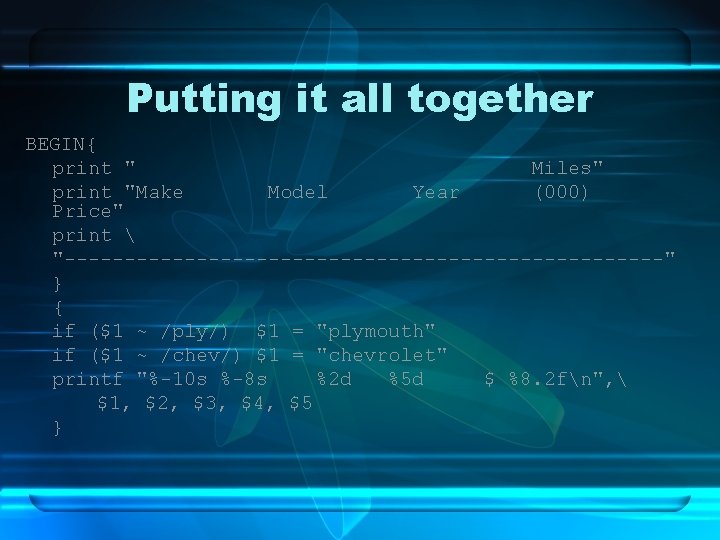
Putting it all together BEGIN{ print " Miles" print "Make Model Year (000) Price" print "-------------------------" } { if ($1 ~ /ply/) $1 = "plymouth" if ($1 ~ /chev/) $1 = "chevrolet" printf "%-10 s %-8 s %2 d %5 d $ %8. 2 fn", $1, $2, $3, $4, $5 }
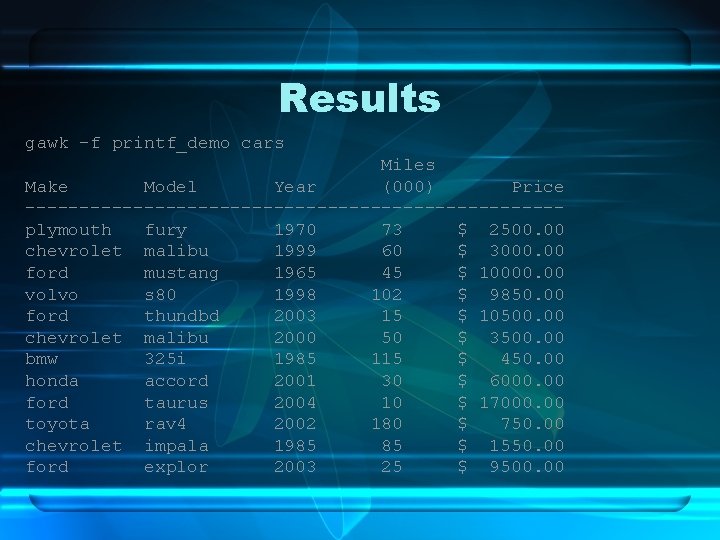
Results gawk -f printf_demo cars Miles Make Model Year (000) Price -------------------------plymouth fury 1970 73 $ 2500. 00 chevrolet malibu 1999 60 $ 3000. 00 ford mustang 1965 45 $ 10000. 00 volvo s 80 1998 102 $ 9850. 00 ford thundbd 2003 15 $ 10500. 00 chevrolet malibu 2000 50 $ 3500. 00 bmw 325 i 1985 115 $ 450. 00 honda accord 2001 30 $ 6000. 00 ford taurus 2004 10 $ 17000. 00 toyota rav 4 2002 180 $ 750. 00 chevrolet impala 1985 85 $ 1550. 00 ford explor 2003 25 $ 9500. 00
Associative Arrays • gawk ‘ {manuf[$1]++} END {for(name in manuf) print name, manuf[name]}’ cars | sort • bmw 1 chevy 3 ford 4 honda 1 plym 1 toyota 1 volvo 1
Standalone Scripts • Alternative to issuing gawk –f at command line • Just like making a shell script – first line defines what runs script • #!/bin/gawk –f • Then begin your patterns/actions
Advanced gawk • getline - allows you to manually pull lines from input – Useful if you need to loop through data • Coprocess – direct input or output through a second process, using |& operator • Coprocess can be network based using /inet/tcp/0/URL