Azure Caas and Storage Practical Data Driven Configuration
- Slides: 20
Azure, Caas and Storage Practical Data Driven Configuration as a Service with Azure Storage Copyright © 2016 Monza Clound, LLC
Agenda • Who we are, Monza Cloud, LLC. • Note: We’re not here to read MSDN articles / code snippets to you. We’re here to demonstrate production code techniques and share lessons learned • How we use Caa. S (Configuration as a Service) with database driven configuration repositories • Quick introduction to Az. Studio, our cloud APIs and Tools • Demonstrate the basic steps to work with storage using MSDE code • Practical Demonstrations : • • Caa. S at work – Shortcuts and environments explained Blob storage creation, routing, and testing Queue creation, routing and testing. Demo Big. Item Table Storage creation, routing and testing. Demo Big. Item • Closing statement • Q&A, reference to resources
Monza Cloud, LLC • Founded in 2015 • Team worked for several years on various Azure projects before forming company • We specialize in rapid development of Saa. S offerings that take advantage of our Azure framework • We’re not a big “move this VM” or “Modify this existing app” team, we’re here to write your apps in the cloud for the cloud • Extensive experience deploying “internet of things” solutions
What is Caa. S • It is a web service that examines the client’s DNS information and optional attributes to determine it’s config information • It delivers either a JSON master configuration file or a database connection string to the configuration database • Caa. S can be considered the “bootstrap” for our environments • Configuration manager then brokers the config information to the rest of the code
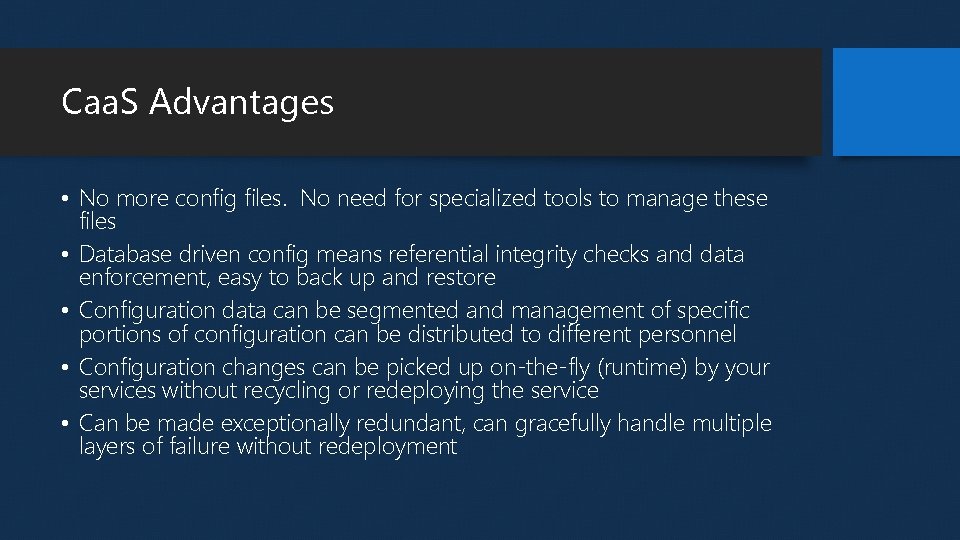
Caa. S Advantages • No more config files. No need for specialized tools to manage these files • Database driven config means referential integrity checks and data enforcement, easy to back up and restore • Configuration data can be segmented and management of specific portions of configuration can be distributed to different personnel • Configuration changes can be picked up on-the-fly (runtime) by your services without recycling or redeploying the service • Can be made exceptionally redundant, can gracefully handle multiple layers of failure without redeployment
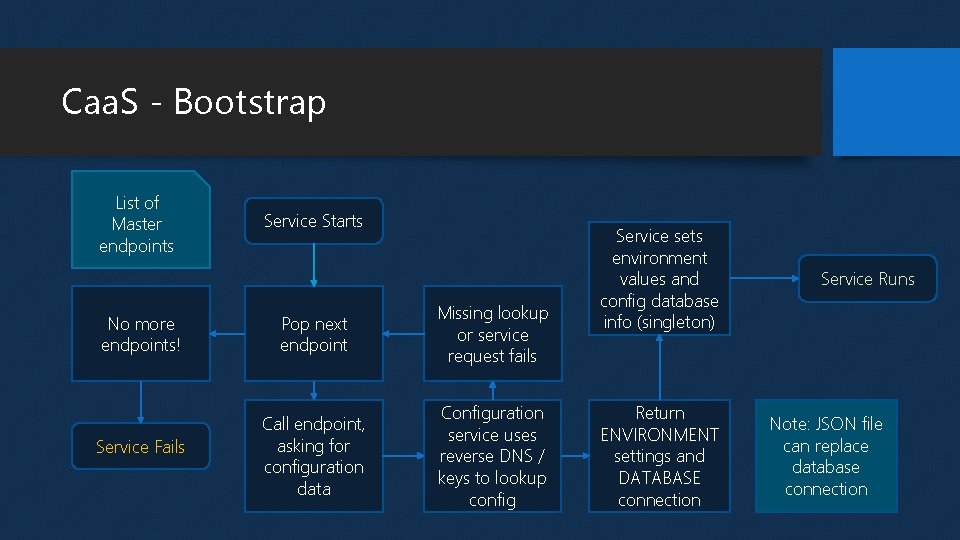
Caa. S - Bootstrap List of Master endpoints No more endpoints! Service Fails Service Starts Pop next endpoint Missing lookup or service request fails Call endpoint, asking for configuration data Configuration service uses reverse DNS / keys to lookup config Service sets environment values and config database info (singleton) Return ENVIRONMENT settings and DATABASE connection Service Runs Note: JSON file can replace database connection
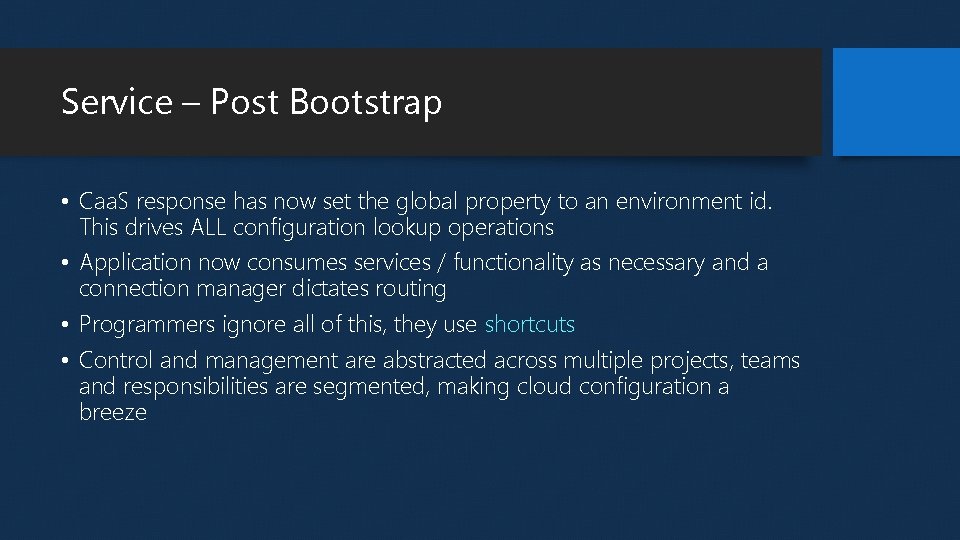
Service – Post Bootstrap • Caa. S response has now set the global property to an environment id. This drives ALL configuration lookup operations • Application now consumes services / functionality as necessary and a connection manager dictates routing • Programmers ignore all of this, they use shortcuts • Control and management are abstracted across multiple projects, teams and responsibilities are segmented, making cloud configuration a breeze
Az. Studio : Quick Overview • For today’s demos we’re using our the Monza Cloud product suite for Azure, Az. Studio • Az. Studio C# API’s == JQuery or Angular in the Java. Script world • Az. Studio == Visual toolset used by programmers and Dev. Ops • If you’re developing in Azure you WILL develop something like this in your environment. Either using a collection of tools / scripts or something consolidated like our product • You will use these patterns and codify them in your organization in order to survive the rapid decomposition of resources in a Saa. S / Paas Environment
Common Pattern in Azure Storage • Create your storage account • Use connection string to connect to account, preserving this connection reference in memory (singleton pattern) • Get a reference to the storage type (blob, queue, table storage). Keep that reference in memory as well • Get a reference to the specific resource (container, queue client , table client). Yes, preserve the reference for future operations • Perform actions. Usingleton patterns will speed up subsequent steps dramatically. Using “infrequent refresh” techniques will allow you to update the above information without recycling roles
Big. Item • Before we go to practical demos, let’s talk about overcoming limitations in Queues and Table Storage • Both systems have a maximum item size (64 K and 1 MB) • The work around to this is to synchronize additional information in a blob storage container • The trick to this work around is abstracting the mechanics of this extension out so developers are not constantly having to be aware of this arrangement • Our solution is called “Big. Item” and we’ll demonstrate it during our practical demos
Topic #1: Blobs • Blobs are any binary (file) data you want to store in the cloud • Blobs are stored in a container in a storage account • Containers can be set public (with or without browsing) or private. Most errors occur with containers that are private and you want public access • Blob performance depends on many things, size and how you access will effect performance the most • SAS (Shared Access Service) allows you to grant limited-time access to a file on a private container • CORS is now available at the storage account level, allows you to publish web services / scripts to storage containers
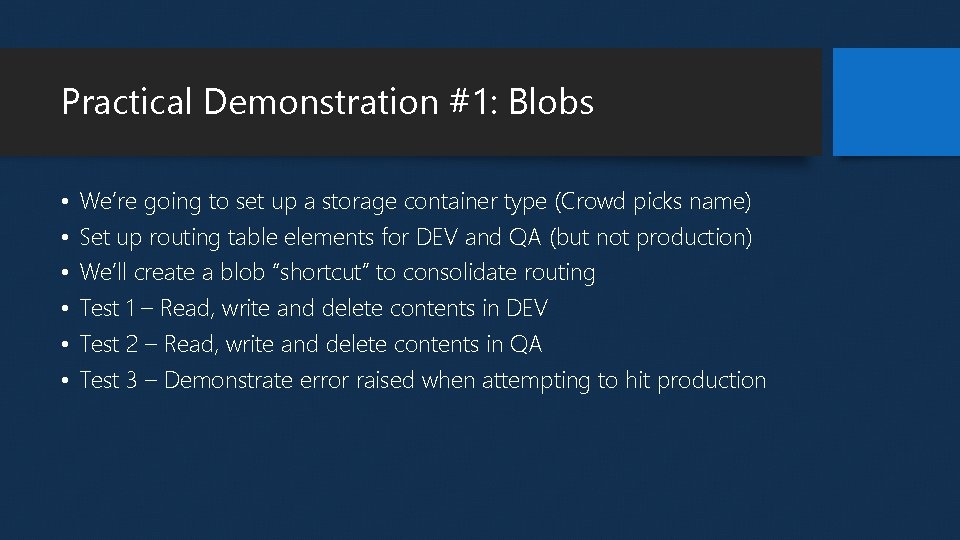
Practical Demonstration #1: Blobs • • • We’re going to set up a storage container type (Crowd picks name) Set up routing table elements for DEV and QA (but not production) We’ll create a blob “shortcut” to consolidate routing Test 1 – Read, write and delete contents in DEV Test 2 – Read, write and delete contents in QA Test 3 – Demonstrate error raised when attempting to hit production
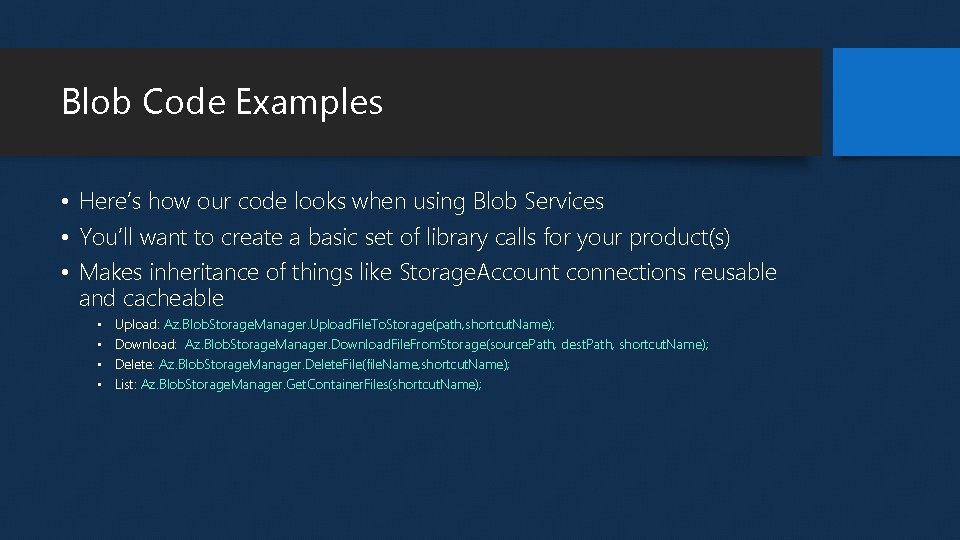
Blob Code Examples • Here’s how our code looks when using Blob Services • You’ll want to create a basic set of library calls for your product(s) • Makes inheritance of things like Storage. Account connections reusable and cacheable • • Upload: Az. Blob. Storage. Manager. Upload. File. To. Storage(path, shortcut. Name); Download: Az. Blob. Storage. Manager. Download. File. From. Storage(source. Path, dest. Path, shortcut. Name); Delete: Az. Blob. Storage. Manager. Delete. File(file. Name, shortcut. Name); List: Az. Blob. Storage. Manager. Get. Container. Files(shortcut. Name);
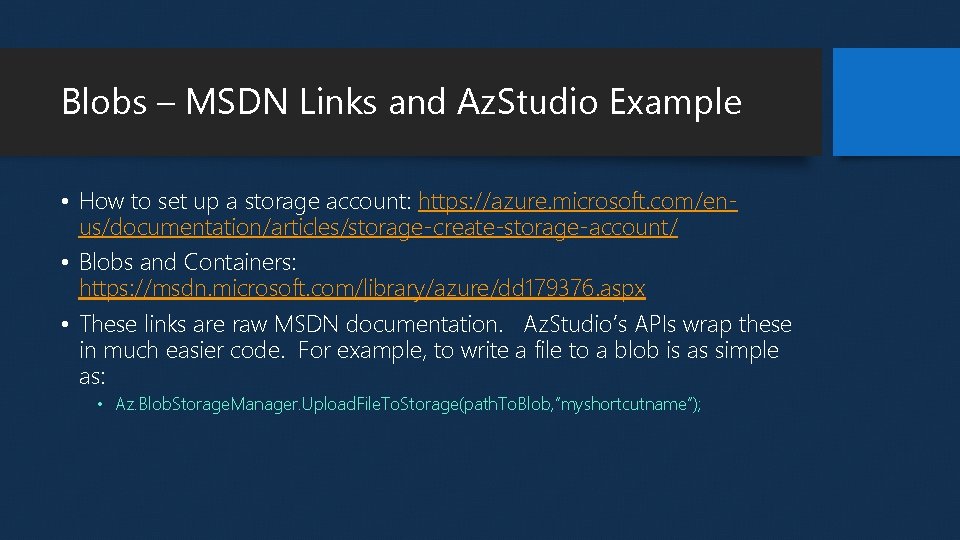
Blobs – MSDN Links and Az. Studio Example • How to set up a storage account: https: //azure. microsoft. com/enus/documentation/articles/storage-create-storage-account/ • Blobs and Containers: https: //msdn. microsoft. com/library/azure/dd 179376. aspx • These links are raw MSDN documentation. Az. Studio’s APIs wrap these in much easier code. For example, to write a file to a blob is as simple as: • Az. Blob. Storage. Manager. Upload. File. To. Storage(path. To. Blob, ”myshortcutname”);
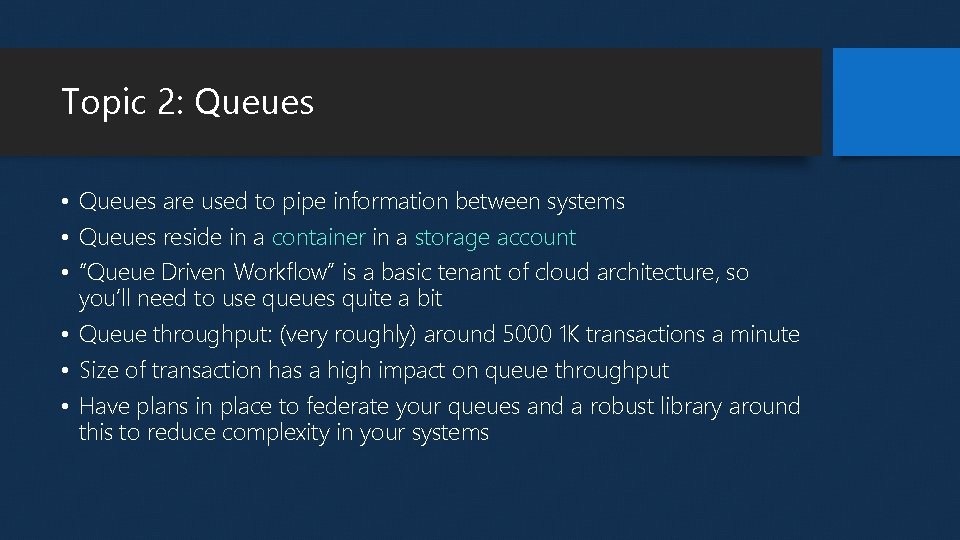
Topic 2: Queues • Queues are used to pipe information between systems • Queues reside in a container in a storage account • “Queue Driven Workflow” is a basic tenant of cloud architecture, so you’ll need to use queues quite a bit • Queue throughput: (very roughly) around 5000 1 K transactions a minute • Size of transaction has a high impact on queue throughput • Have plans in place to federate your queues and a robust library around this to reduce complexity in your systems
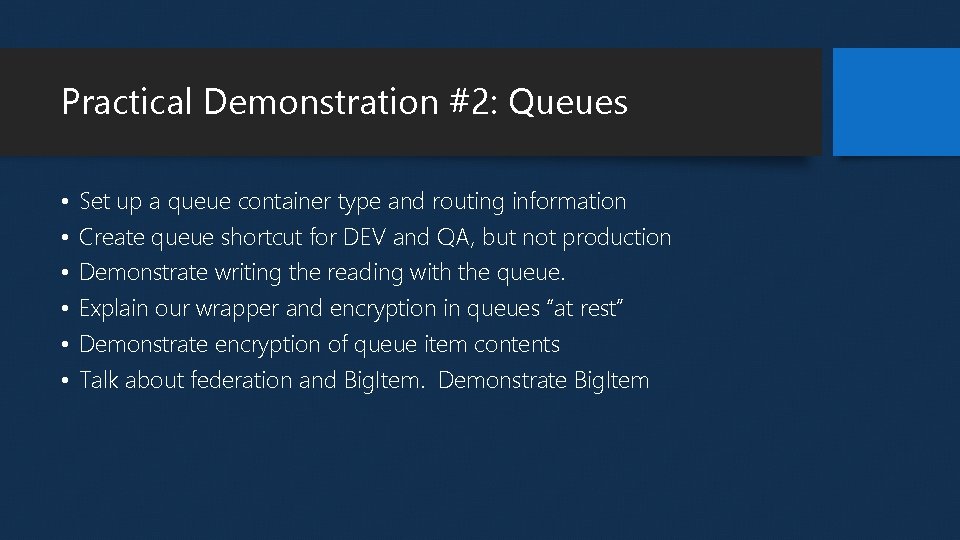
Practical Demonstration #2: Queues • • • Set up a queue container type and routing information Create queue shortcut for DEV and QA, but not production Demonstrate writing the reading with the queue. Explain our wrapper and encryption in queues “at rest” Demonstrate encryption of queue item contents Talk about federation and Big. Item. Demonstrate Big. Item
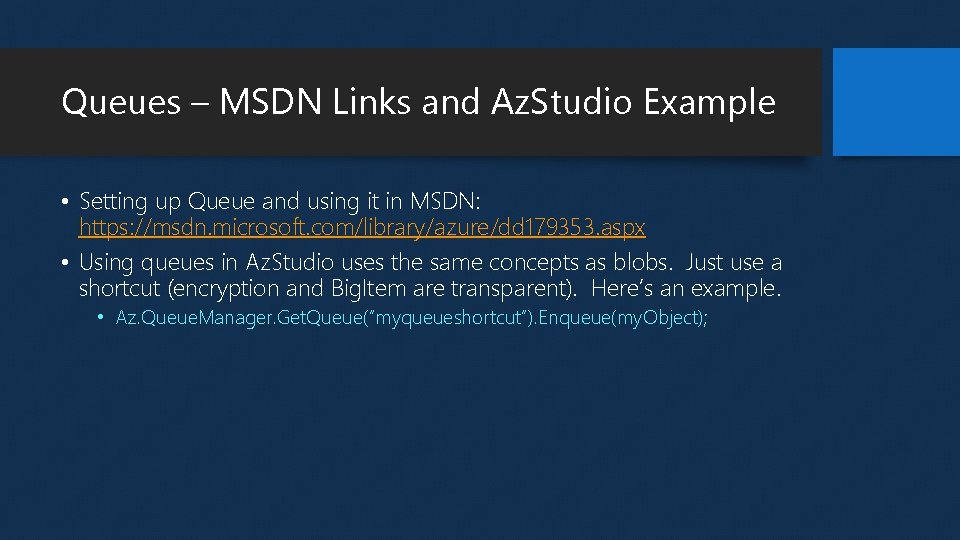
Queues – MSDN Links and Az. Studio Example • Setting up Queue and using it in MSDN: https: //msdn. microsoft. com/library/azure/dd 179353. aspx • Using queues in Az. Studio uses the same concepts as blobs. Just use a shortcut (encryption and Big. Item are transparent). Here’s an example. • Az. Queue. Manager. Get. Queue(“myqueueshortcut”). Enqueue(my. Object);
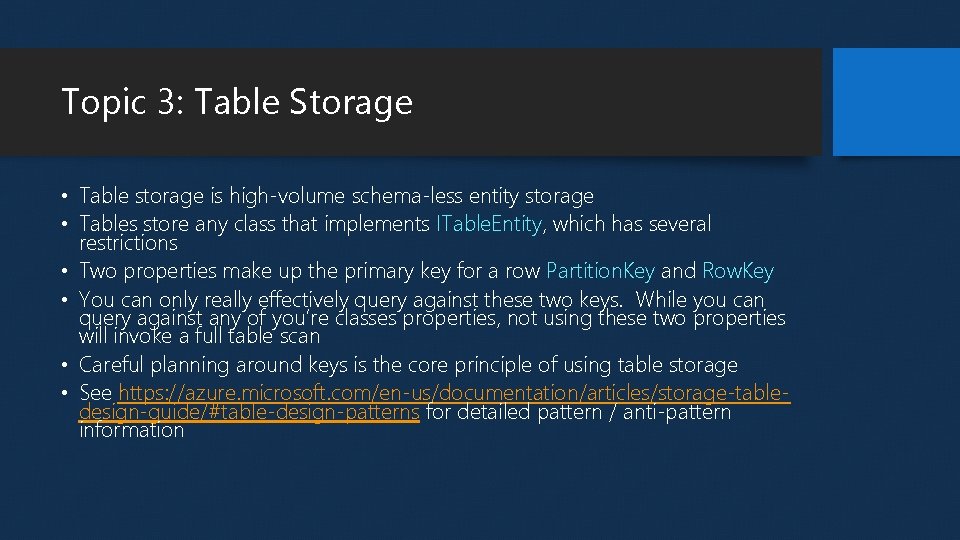
Topic 3: Table Storage • Table storage is high-volume schema-less entity storage • Tables store any class that implements ITable. Entity, which has several restrictions • Two properties make up the primary key for a row Partition. Key and Row. Key • You can only really effectively query against these two keys. While you can query against any of you’re classes properties, not using these two properties will invoke a full table scan • Careful planning around keys is the core principle of using table storage • See https: //azure. microsoft. com/en-us/documentation/articles/storage-tabledesign-guide/#table-design-patterns for detailed pattern / anti-pattern information
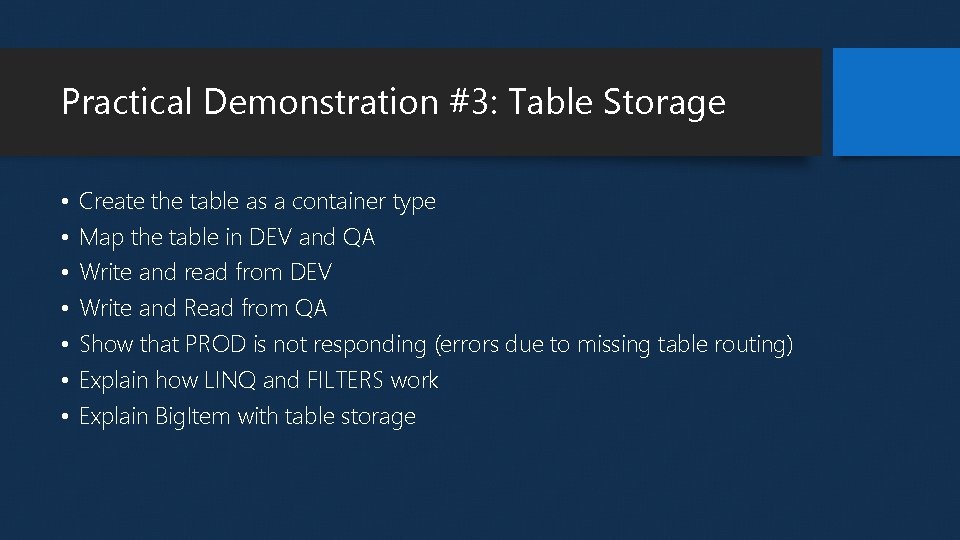
Practical Demonstration #3: Table Storage • • Create the table as a container type Map the table in DEV and QA Write and read from DEV Write and Read from QA Show that PROD is not responding (errors due to missing table routing) Explain how LINQ and FILTERS work Explain Big. Item with table storage
Conclusion • You’re cloud development and deployment can get overly complicated with configuration files • Even with specialized scripts and tools the files just don’t lend themselves to clean segmentation and security practices • The tools and techniques demonstrated tonight should give you ideas about your own efforts • Often overlooked is having these tools enforces practices, which help you overcome business culture issues • Now we’ll open up to Q&A