Administration and IT National 3 National 4 and
- Slides: 27
Administration and IT (National 3, National 4 and National 5) Communication in Administration N 4/5 Admin and IT – 3: Communication in Administrators © BEST Ltd
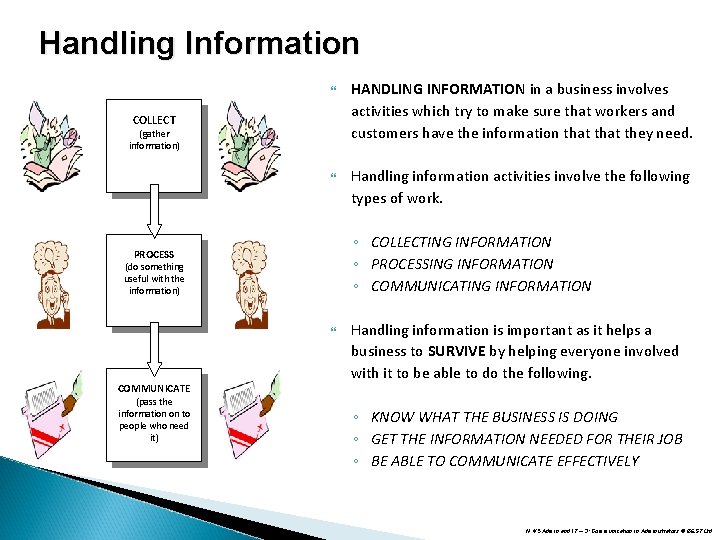
Handling Information HANDLING INFORMATION in a business involves activities which try to make sure that workers and customers have the information that they need. Handling information activities involve the following types of work. COLLECT (gather information) ◦ COLLECTING INFORMATION ◦ PROCESSING INFORMATION ◦ COMMUNICATING INFORMATION PROCESS (do something useful with the information) COMMUNICATE (pass the information on to people who need it) Handling information is important as it helps a business to SURVIVE by helping everyone involved with it to be able to do the following. ◦ KNOW WHAT THE BUSINESS IS DOING ◦ GET THE INFORMATION NEEDED FOR THEIR JOB ◦ BE ABLE TO COMMUNICATE EFFECTIVELY N 4/5 Admin and IT – 3: Communication in Administrators © BEST Ltd
Information Technology (IT) In most modern businesses, handling information is usually involves the use of INFORMATION TECHNOLOGY (IT). Common pieces of IT HARDWARE and SOFTWARE that are used to help handle information can be seen below. ◦ ◦ ◦ ◦ INTRANET (or NETWORK) THE INTERNET ELECTRONIC DIARY E-MAIL DESK TOP PUBLISHING PRESENTATION SOFTWARE EMERGING TECHNOLOGIES N 4/5 Admin and IT – 3: Communication in Administrators © BEST Ltd
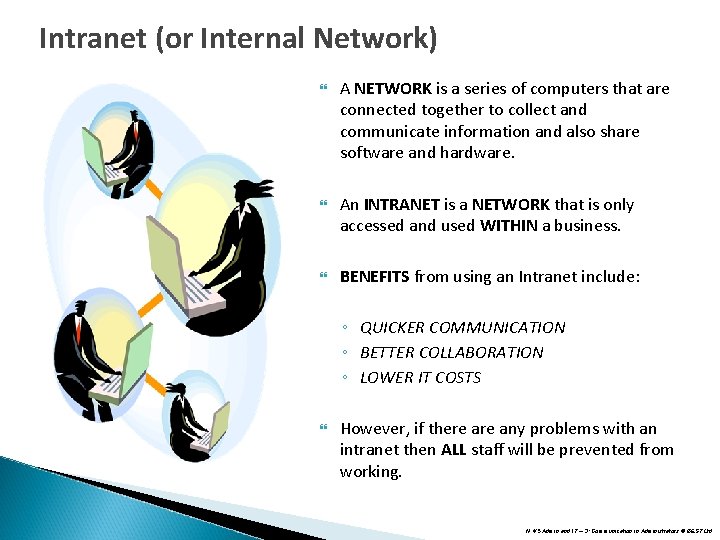
Intranet (or Internal Network) A NETWORK is a series of computers that are connected together to collect and communicate information and also share software and hardware. An INTRANET is a NETWORK that is only accessed and used WITHIN a business. BENEFITS from using an Intranet include: ◦ QUICKER COMMUNICATION ◦ BETTER COLLABORATION ◦ LOWER IT COSTS However, if there any problems with an intranet then ALL staff will be prevented from working. N 4/5 Admin and IT – 3: Communication in Administrators © BEST Ltd
The Internet The INTERNET is a WORLDWIDE NETWORK made up of large, powerful computer systems (known as SERVERS). Connection to the INTERNET requires the following IT hardware and software. ◦ ◦ ◦ CONNECTION DEVICE BROWSER SOFTWARE COMMUNICATION LINK MODEM INTERNET SERVICE PROVIDER (ISP) As long as a user has all of the required IT for an Internet connection, they can join this network from anywhere in the world. N 4/5 Admin and IT – 3: Communication in Administrators © BEST Ltd
The World Wide Web (or WWW or the Web) The World Wide Web is a service on the Internet which stores millions of MULTIMEDIA documents (known as WEB PAGES). A group of connected and linked web pages is known as a WEB SITE. People are keen to use access the Internet so that they can use web pages for the following reasons. ◦ ◦ ◦ MULTIMEDIA IS INTERESTING INFORMATION AVAILABLE ON ANY TOPIC INFORMATION IS USUALLY UP TO DATE AVAILABLE 24/7 INFORMATION CAN BE DOWNLOADED INFORMATION CAN BE COPIED Some business websites also have E- COMMERCE features to allow people to find out about products and buy them. N 4/5 Admin and IT – 3: Communication in Administrators © BEST Ltd
Managing Information from the Web Internet users can find web pages with specific information that they want to through any of the following methods. ◦ ◦ ◦ UNIFORM RESOURCE LOCATOR (URL) HYPERLINK SEARCH ENGINE HISTORY FAVOURITES Users should check that web pages they use are RELIABLE and RELEVANT to prevent the following problems. ◦ ◦ POOR WORK FROM POOR INFORMATION THEFT FRAUD VIRUSES N 4/5 Admin and IT – 3: Communication in Administrators © BEST Ltd
Electronic Diary (or E-Diary) An ELECTRONIC DIARY is a piece of IT software which can be used to manage APPOINTMENTS. The main BENEFITS from using an e-diary are: ◦ ◦ ◦ ◦ REMINDERS RECURRENCES SHARED ACCESS INVITES EASE OF EDITING USE OF FIND FUNCTIONS SUMMARY PRINTOUTS SECURITY N 4/5 Admin and IT – 3: Communication in Administrators © BEST Ltd
Electronic Mail (or E-Mail) E-MAIL software (or MAILBOX) allows messages to be sent between linked computer systems through the use of E-MAIL ADDRESSES. E-mail messages can contain any mixture of text, graphics and ATTACHMENTS. The main BENEFITS from using an e-mail are: ◦ ◦ ◦ ◦ ◦ LOW COSTS SPEED OF COMMUNICATION FLEXIBILITY OF ATTACHMENTS FORWARDING and REPLY FEATURES ADDRESS BOOKS and DISTRIBUTION LISTS URGENT, DELIVERY and READ MARKERS SIGNATURES OUT OF OFFICE REPLIES ORGANISED and SECURE STORAGE E-mail can also have the following DRAWBACKS. ◦ SPAM and PHISHING ◦ VIRUSES N 4/5 Admin and IT – 3: Communication in Administrators © BEST Ltd
Desk Top Publishing (DTP) Software Desk top publishing (DTP) software is used to create high quality text and graphic based documents. The main BENEFITS from using DTP are: ◦ ◦ ◦ EDITING FEATURES FORMATTING FEATURES USE OF COMPLEX LAYOUTS USE OF TABLES USE OF TEMPLATES CORPORATE IMAGE N 4/5 Admin and IT – 3: Communication in Administrators © BEST Ltd
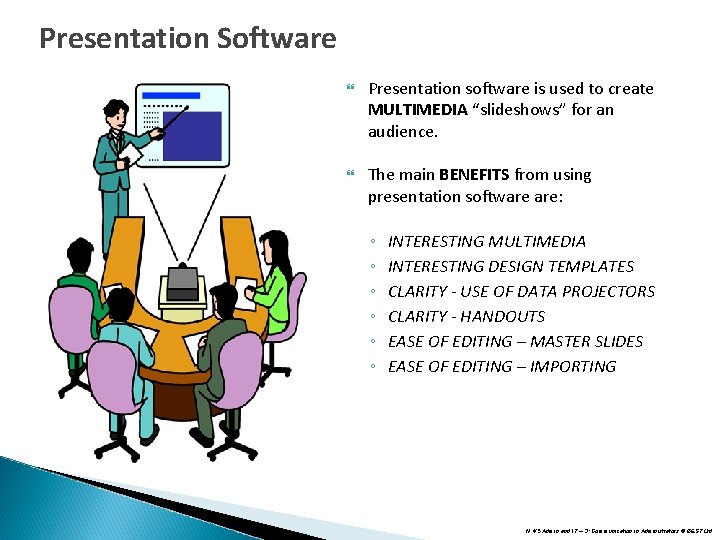
Presentation Software Presentation software is used to create MULTIMEDIA “slideshows” for an audience. The main BENEFITS from using presentation software are: ◦ ◦ ◦ INTERESTING MULTIMEDIA INTERESTING DESIGN TEMPLATES CLARITY - USE OF DATA PROJECTORS CLARITY - HANDOUTS EASE OF EDITING – MASTER SLIDES EASE OF EDITING – IMPORTING N 4/5 Admin and IT – 3: Communication in Administrators © BEST Ltd
Emerging Technologies Emerging technologies are new pieces of IT hardware and software that have become available for collecting and communicating information. Examples include: ◦ ◦ ◦ ◦ INTERNET TELEPHONY VIDEOCONFERENCE SMART PHONES BLOGS WIKIS PODCASTS VIDEO HOSTING INSTANT MESSAGING CHAT FORUMS SOCIAL MEDIA PLATFORMS CLOUD COMPUTING SCREEN CASTING ONLINE SURVEYS VIRTUAL LEARNING ENVIRONMENTS N 4/5 Admin and IT – 3: Communication in Administrators © BEST Ltd
Internet Telephony This is the process of sending a voice conversation over the internet or intranet. Advantages are that the calls are free so long distance calls can be made without the normal high cost. Not as reliable as normal phone conversation (power cuts can affect it) and it is also difficult to make emergency calls due to it being difficult to locate people using this service. Quality is also decreased if there is any lag in the line (this shows by the persons voice disappearing for spells during the conversation) Examples include Sky. PE. N 4/5 Admin and IT – 3: Communication in Administrators © BEST Ltd
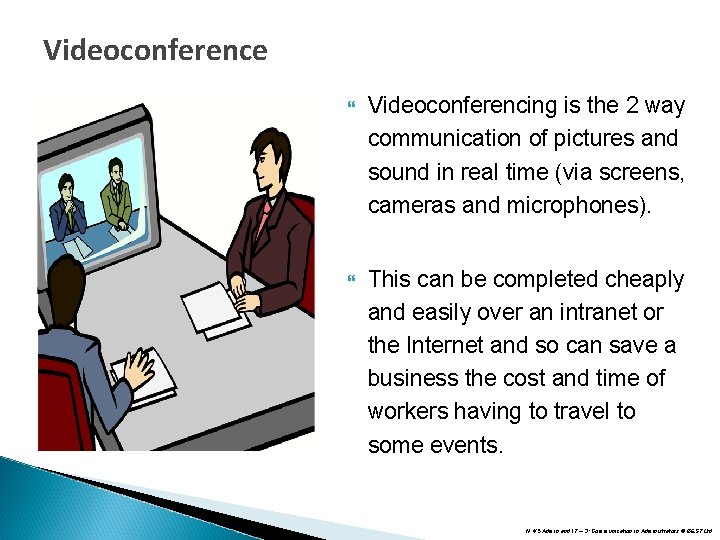
Videoconference Videoconferencing is the 2 way communication of pictures and sound in real time (via screens, cameras and microphones). This can be completed cheaply and easily over an intranet or the Internet and so can save a business the cost and time of workers having to travel to some events. N 4/5 Admin and IT – 3: Communication in Administrators © BEST Ltd
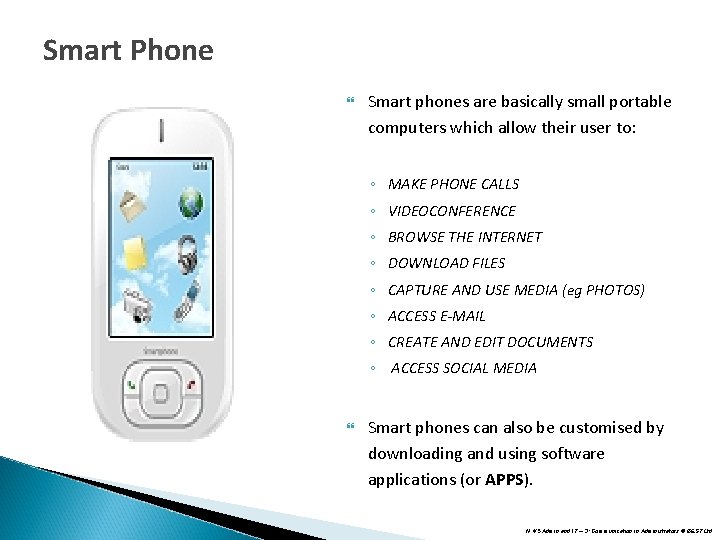
Smart Phone Smart phones are basically small portable computers which allow their user to: ◦ MAKE PHONE CALLS ◦ VIDEOCONFERENCE ◦ BROWSE THE INTERNET ◦ DOWNLOAD FILES ◦ CAPTURE AND USE MEDIA (eg PHOTOS) ◦ ACCESS E-MAIL ◦ CREATE AND EDIT DOCUMENTS ◦ ACCESS SOCIAL MEDIA Smart phones can also be customised by downloading and using software applications (or APPS). N 4/5 Admin and IT – 3: Communication in Administrators © BEST Ltd
Blog Special website which is basically an online diary or news story. Can host a number of different files (sound, video and images) and allow other people to comment on the posts. Users can subscribe to a blog and receive the latest posts on their desktop. Examples of sites include Blogger. N 4/5 Admin and IT – 3: Communication in Administrators © BEST Ltd
Wiki A special type of website that allows users to add to or edit information already on the site. Main example is the online encyclopedia Wikipedia. Drawback is that since anyone can edit a page articles can be subject to vandalism. N 4/5 Admin and IT – 3: Communication in Administrators © BEST Ltd
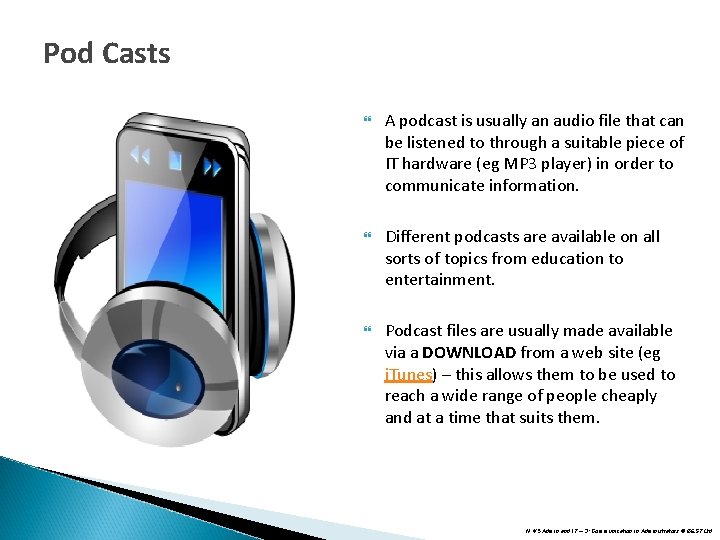
Pod Casts A podcast is usually an audio file that can be listened to through a suitable piece of IT hardware (eg MP 3 player) in order to communicate information. Different podcasts are available on all sorts of topics from education to entertainment. Podcast files are usually made available via a DOWNLOAD from a web site (eg i. Tunes) – this allows them to be used to reach a wide range of people cheaply and at a time that suits them. N 4/5 Admin and IT – 3: Communication in Administrators © BEST Ltd
Video Hosting Special websites that allow users to share their digital videos and pictures. Can allow users to store and access videos for information (eg learning how to do something) or advertising the business to a large audience. Examples of this would include You. Tube. N 4/5 Admin and IT – 3: Communication in Administrators © BEST Ltd
Instant Messaging allows users to start a new PRIVATE “live” text based chat with one or more people of their choice. This requires an intranet or Internet connection. As well as sending text messages, some of these programs also allow users to use attachments, video and voice messaging. Examples include Windows Live Messenger BBM, and Yahoo Messenger. N 4/5 Admin and IT – 3: Communication in Administrators © BEST Ltd
Chat facilities (or CHAT ROOMS) allow Internet users to join and contribute to a “live” PUBLIC discussion about a topic. Chat conversations appear as a series of constantly updated text based messages from users. To use a chat room, a user will have to create an account and an ID and then go to the chat room that has the conversation that they are interested in joining. Since anyone can create a chat account by giving details which may or may not be true, it’s important that users follow given rules and guidelines that will help them use chat rooms safely. N 4/5 Admin and IT – 3: Communication in Administrators © BEST Ltd
Forums (or Newsgroups) Forums are Internet based information and discussion groups about specific topics. They differ from chat rooms in that they are not REAL‑TIME. Users can usually look at the information in a forum but to contribute to it they will normally have to create an account and ID for it. N 4/5 Admin and IT – 3: Communication in Administrators © BEST Ltd
Social Media Platform SOCIAL MEDIA refers to Internet based IT which allows “SOCIETIES" of people to link up and communicate with each other – eg blogs, wikis, podcasts, video sharing, instant messaging, chat rooms and forums. A SOCIAL NETWORK PLATFORM (eg Facebook) lets a user create an account and ID that will allow them to combine the use of several pieces of social media IT in the one place. Businesses will often have their own social network platform accounts in order to encourage instant two-way communication with staff and customers, and for advertising. N 4/5 Admin and IT – 3: Communication in Administrators © BEST Ltd
Cloud Computing Cloud computing services allow users to store their applications and files in a secure area of the Internet. These applications and files can then be easily kept up to date in this single location and accessed by users from anywhere that has an Internet connection. Cloud computing saves businesses the time and effort of downloading, installing and keeping software and files up-to-date in multiple locations. It also provides convenience for users as they can access cloud resources from any device that can be connected to the Internet rather than specific pieces of hardware alone. N 4/5 Admin and IT – 3: Communication in Administrators © BEST Ltd
Screen Casting Screen casting software is used to make a video file recording of screen movements and instructions that are carried out in a piece of software. This can be helpful for users who are creating presentations or instructional web pages that need an actual demonstration of how to use IT software. N 4/5 Admin and IT – 3: Communication in Administrators © BEST Ltd
Online Surveys Online survey tools make it easy to create questionnaires and polls on websites, social media platform, intranet, etc. These surveys can be useful for gathering customer service information for a business in order to help it improve. They are often seen to be better than manual surveys because they can cheaply and conveniently reach a wide audience and they also calculate the questionnaire results quickly and automatically. N 4/5 Admin and IT – 3: Communication in Administrators © BEST Ltd
Virtual Learning Environments (VLE) A VIRTUAL LEARNING ENVIRONMENT (VLE) is an intranet or Internet based system that provides educational access to courses, grades, assessments, and other class tools (eg podcasts). It also provides a social space where students and teacher can interact through newsgroups, chat, instant messaging, video conference or screen casting. Virtual learning environments are designed to provide users with flexibility in their education and better learning. For businesses, a VLE is useful because it can reduce the amount of time and money spent providing courses to staff. N 4/5 Admin and IT – 3: Communication in Administrators © BEST Ltd