5 1 MIT App Inventor Google Chrome http

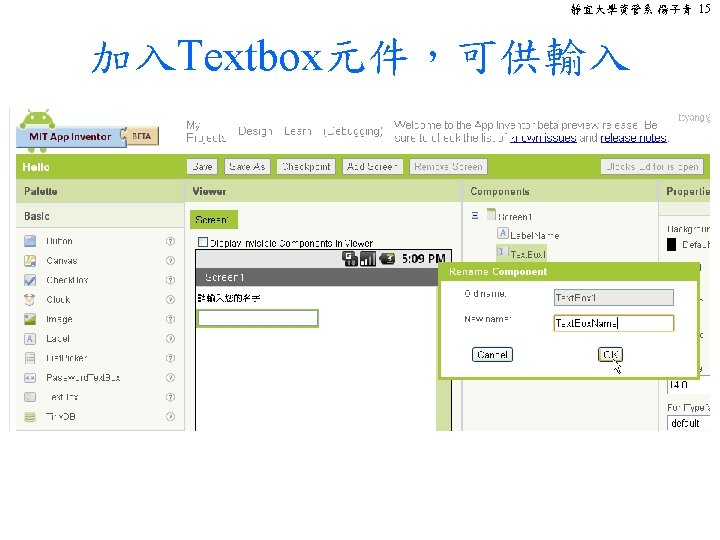
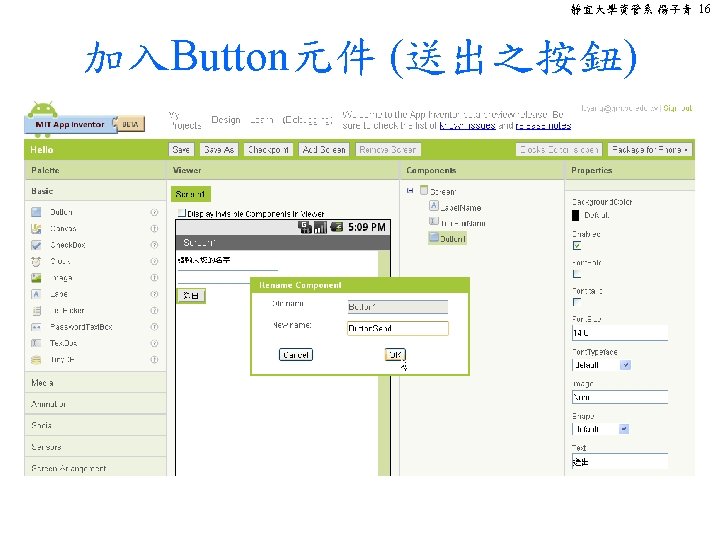
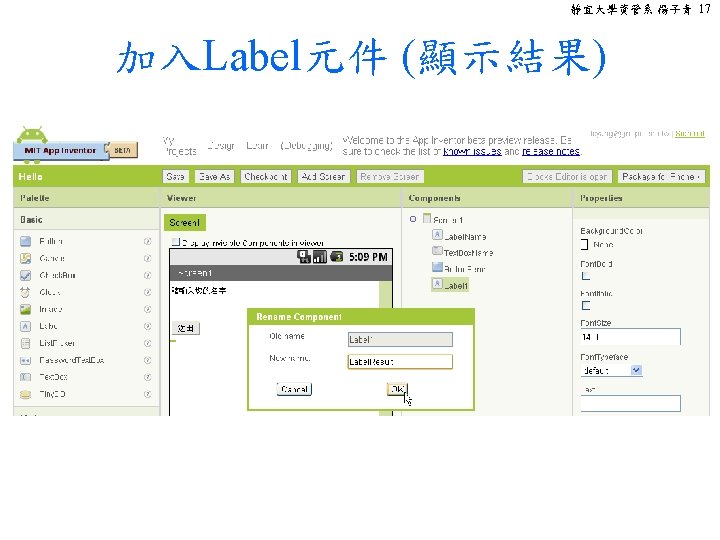
- Slides: 28
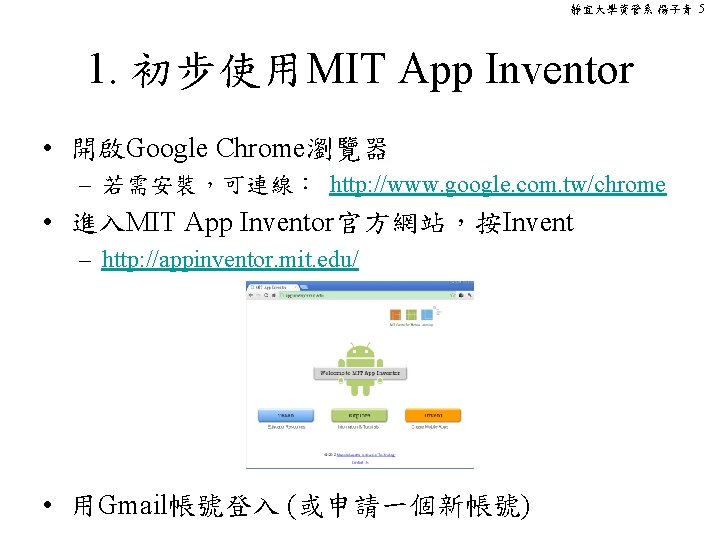
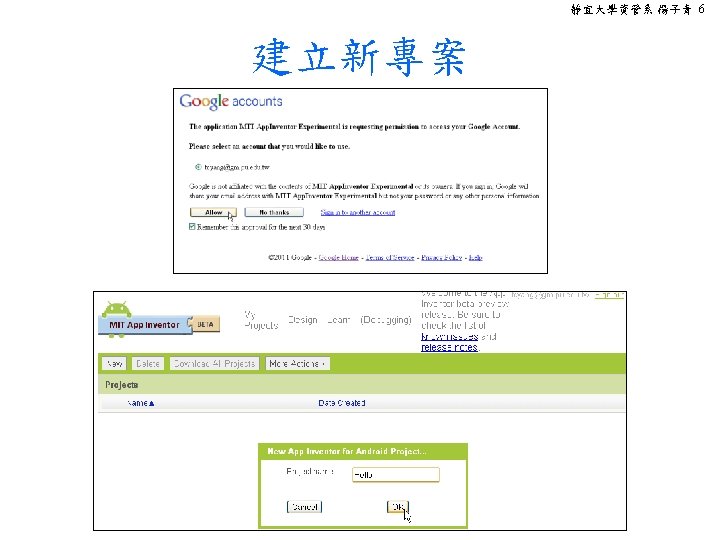
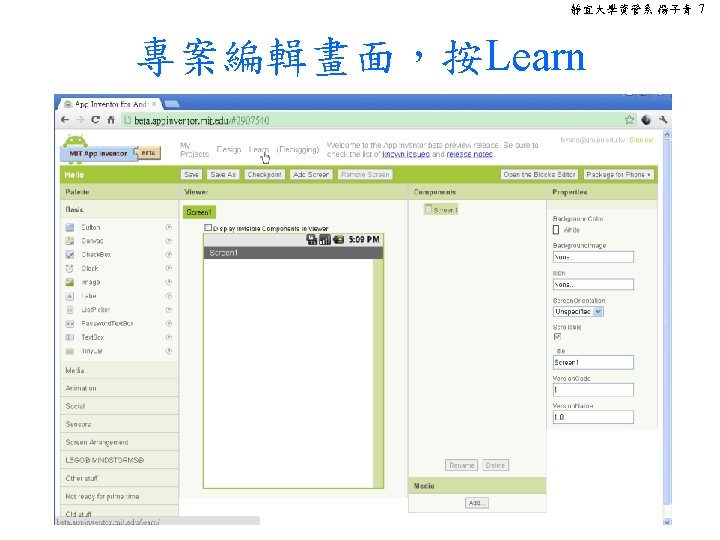
靜宜大學資管系 楊子青 5 1. 初步使用MIT App Inventor • 開啟Google Chrome瀏覽器 – 若需安裝,可連線: http: //www. google. com. tw/chrome • 進入MIT App Inventor官方網站,按Invent – http: //appinventor. mit. edu/ • 用Gmail帳號登入 (或申請一個新帳號)
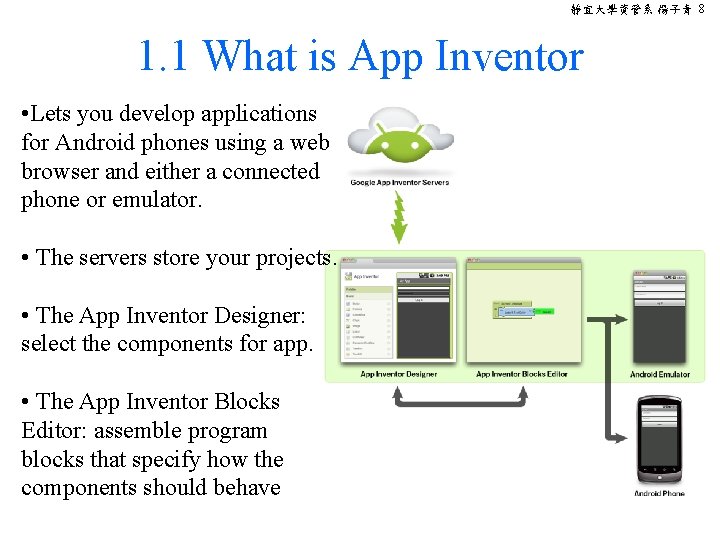
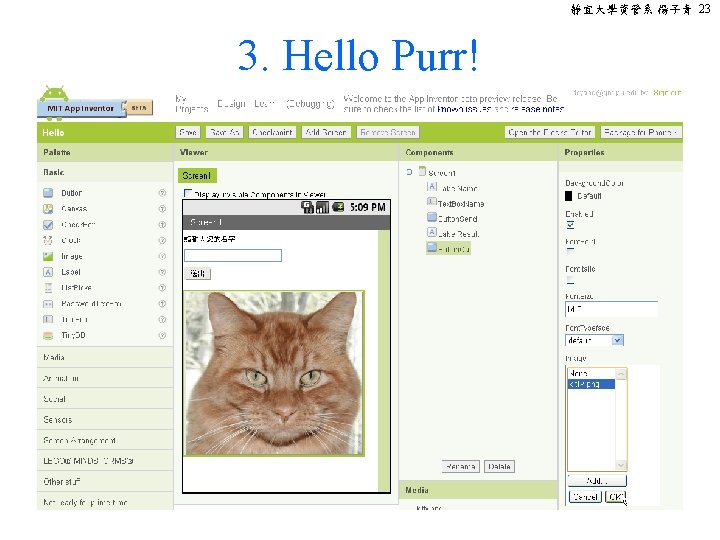
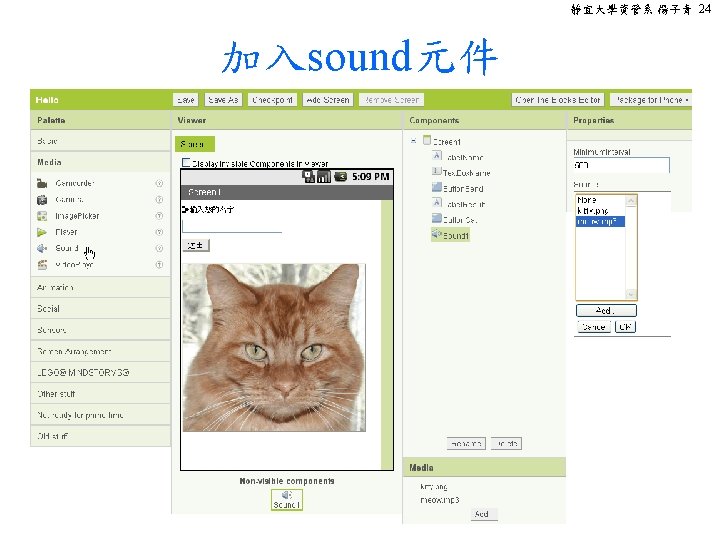
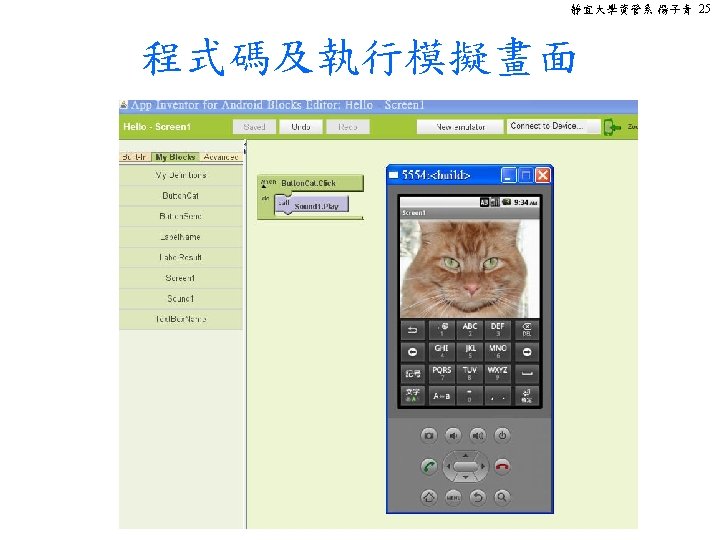
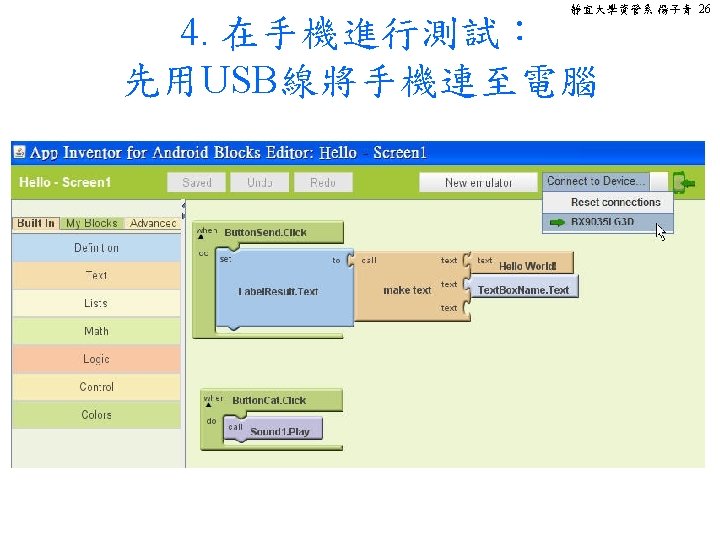
靜宜大學資管系 楊子青 8 1. 1 What is App Inventor • Lets you develop applications for Android phones using a web browser and either a connected phone or emulator. • The servers store your projects. • The App Inventor Designer: select the components for app. • The App Inventor Blocks Editor: assemble program blocks that specify how the components should behave
靜宜大學資管系 楊子青 9 1. 2 Setup: System requirements • Computer and operating system – Windows: Windows XP, Windows Vista, Windows 7 – GNU/Linux: Ubuntu 8+, Debian 5+ – Macintosh (with Intel processor): Mac OS X 10. 5, 10. 6 • Browser – – Google Chrome 4. 0 or higher Microsoft Internet Explorer 7 or higher Mozilla Firefox 3. 6 or higher Apple Safari 5. 0 or higher
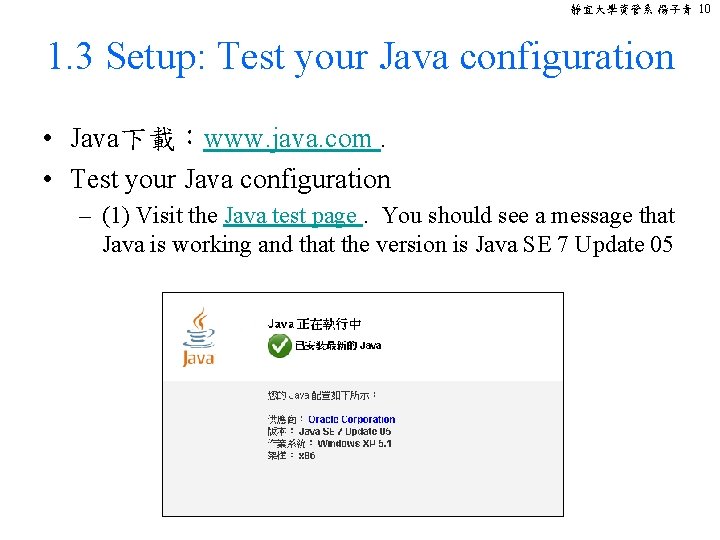
靜宜大學資管系 楊子青 10 1. 3 Setup: Test your Java configuration • Java下載:www. java. com. • Test your Java configuration – (1) Visit the Java test page. You should see a message that Java is working and that the version is Java SE 7 Update 05
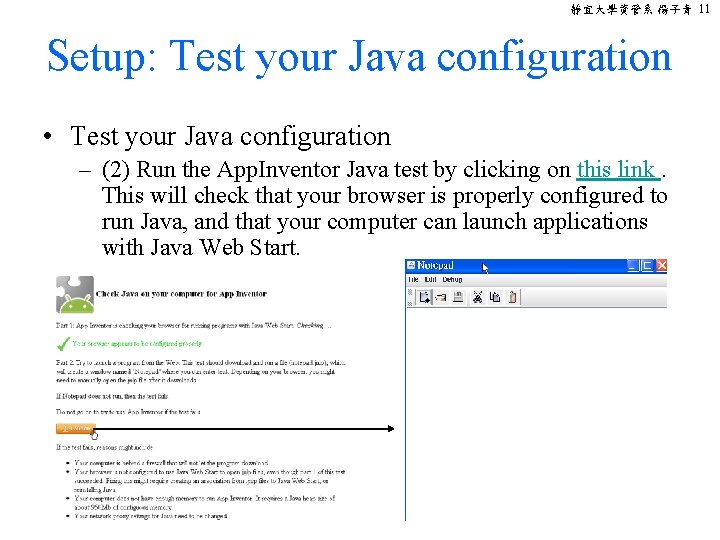
靜宜大學資管系 楊子青 11 Setup: Test your Java configuration • Test your Java configuration – (2) Run the App. Inventor Java test by clicking on this link. This will check that your browser is properly configured to run Java, and that your computer can launch applications with Java Web Start.
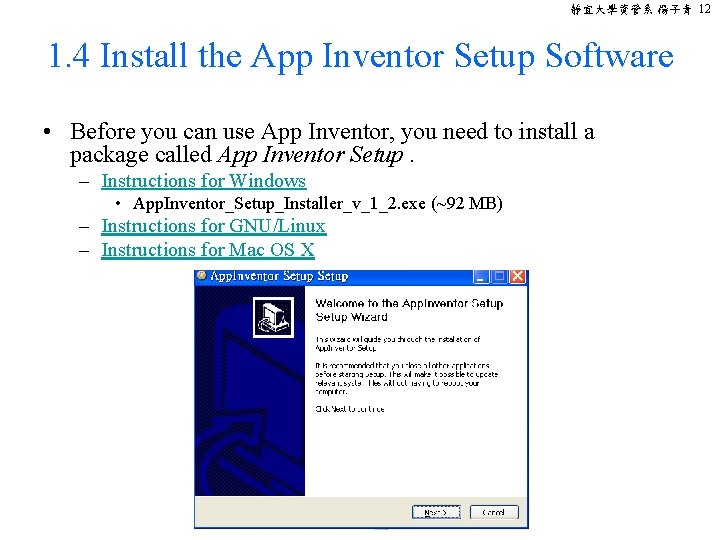
靜宜大學資管系 楊子青 12 1. 4 Install the App Inventor Setup Software • Before you can use App Inventor, you need to install a package called App Inventor Setup. – Instructions for Windows • App. Inventor_Setup_Installer_v_1_2. exe (~92 MB) – Instructions for GNU/Linux – Instructions for Mac OS X
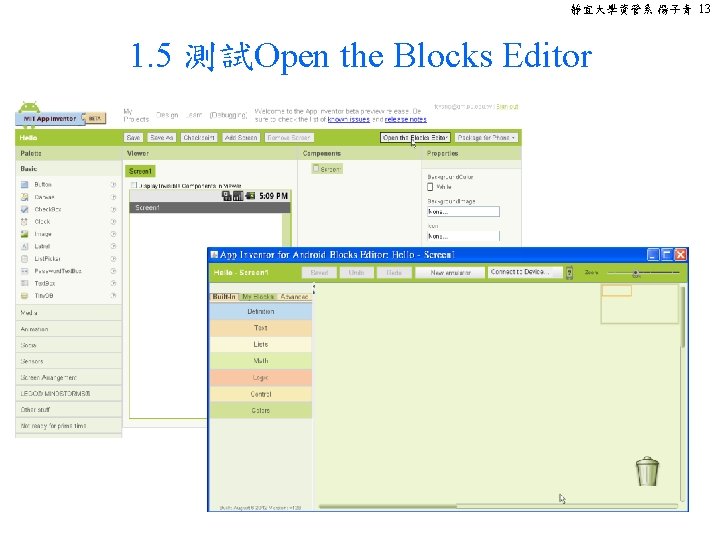
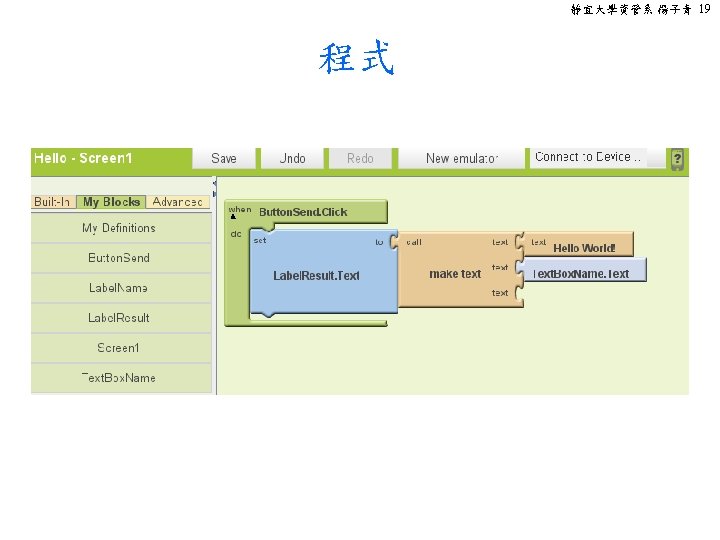
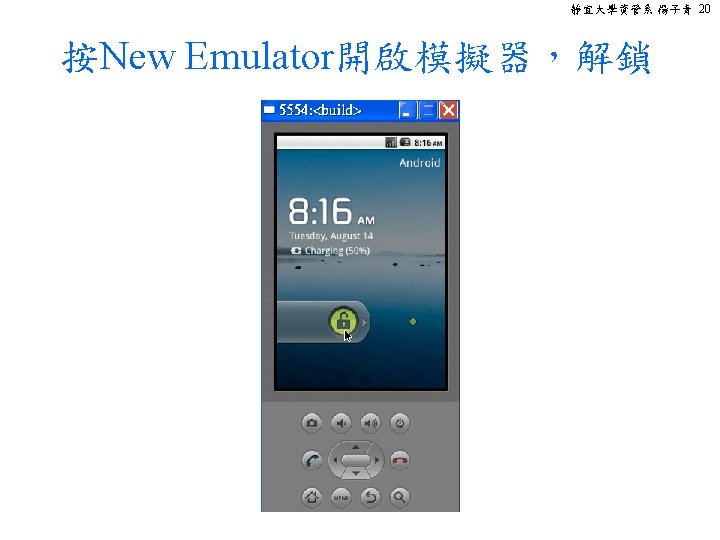
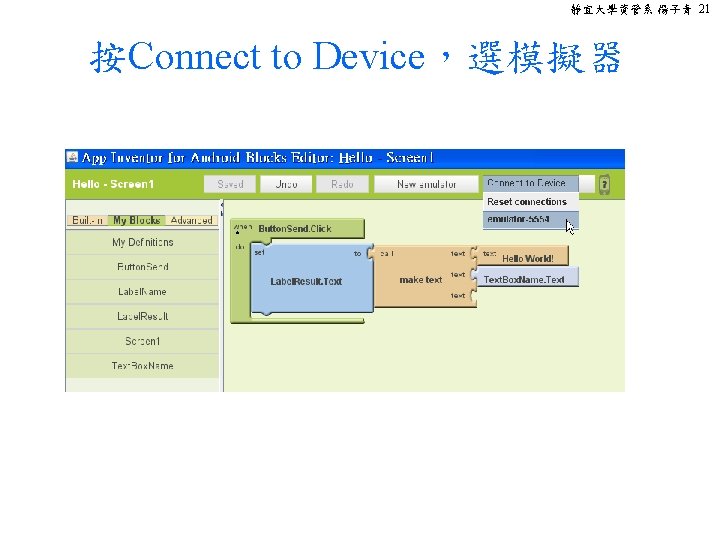
靜宜大學資管系 楊子青 13 1. 5 測試Open the Blocks Editor
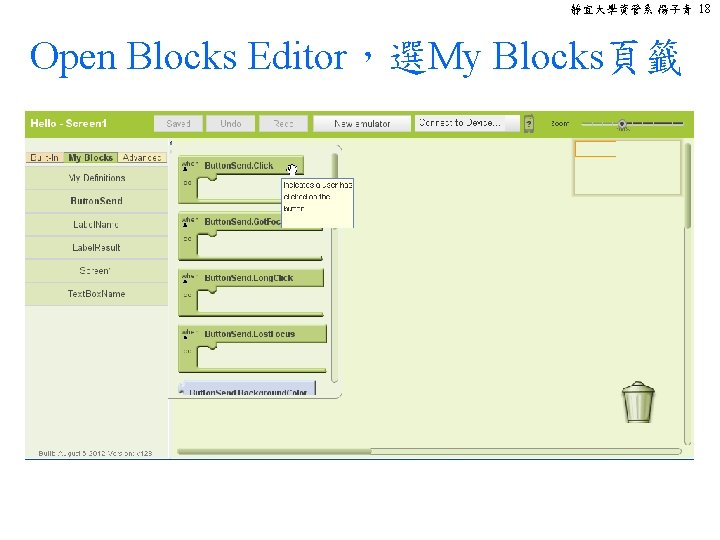
靜宜大學資管系 楊子青 18 Open Blocks Editor,選My Blocks頁籤