Working with Array in Stata Vivien W Chen

- Slides: 11
Working with Array in Stata Vivien W. Chen Izumi Mori
Do you … • Write repetitive programs for a set of variables or data files? • Use longitudinal data that repeat the same data management for multiple years? • Want to reduce the chance of coding errors due to repeated programming?
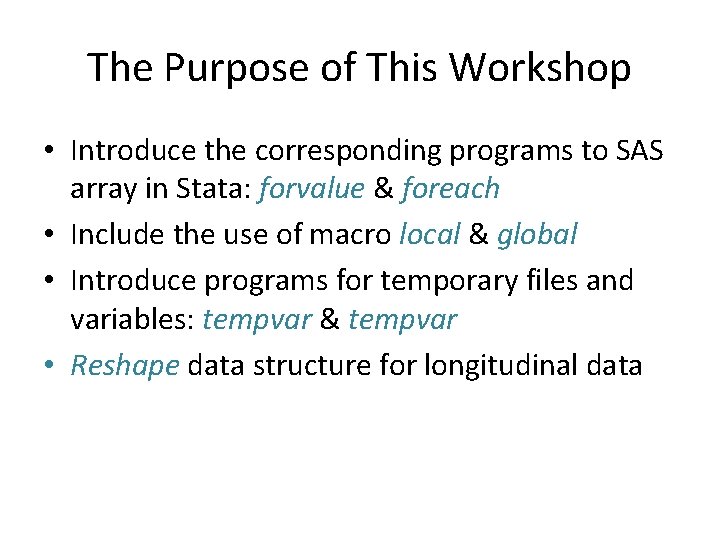
The Purpose of This Workshop • Introduce the corresponding programs to SAS array in Stata: forvalue & foreach • Include the use of macro local & global • Introduce programs for temporary files and variables: tempvar & tempvar • Reshape data structure for longitudinal data
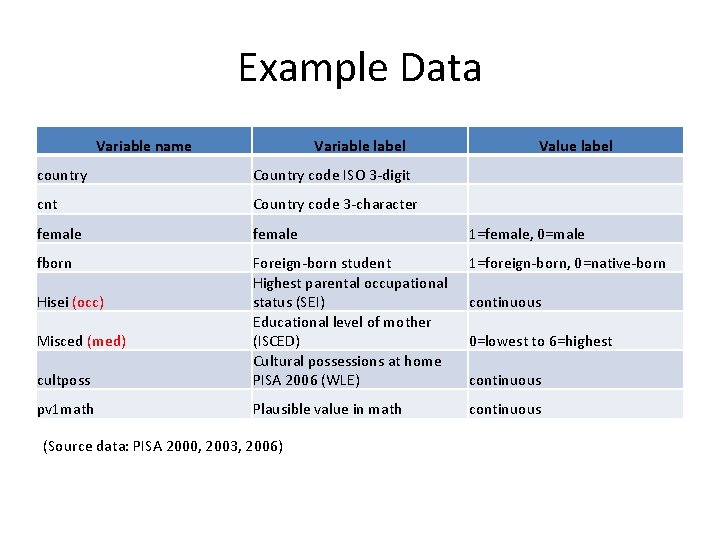
Example Data Variable name Variable label Value label country Country code ISO 3 -digit cnt Country code 3 -character female 1=female, 0=male fborn 1=foreign-born, 0=native-born cultposs Foreign-born student Highest parental occupational status (SEI) Educational level of mother (ISCED) Cultural possessions at home PISA 2006 (WLE) pv 1 math Plausible value in math continuous Hisei (occ) Misced (med) (Source data: PISA 2000, 2003, 2006) continuous 0=lowest to 6=highest continuous
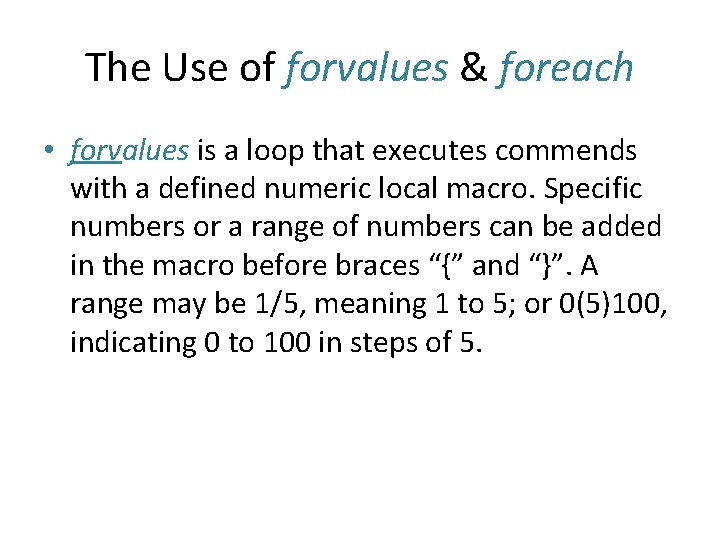
The Use of forvalues & foreach • forvalues is a loop that executes commends with a defined numeric local macro. Specific numbers or a range of numbers can be added in the macro before braces “{” and “}”. A range may be 1/5, meaning 1 to 5; or 0(5)100, indicating 0 to 100 in steps of 5.
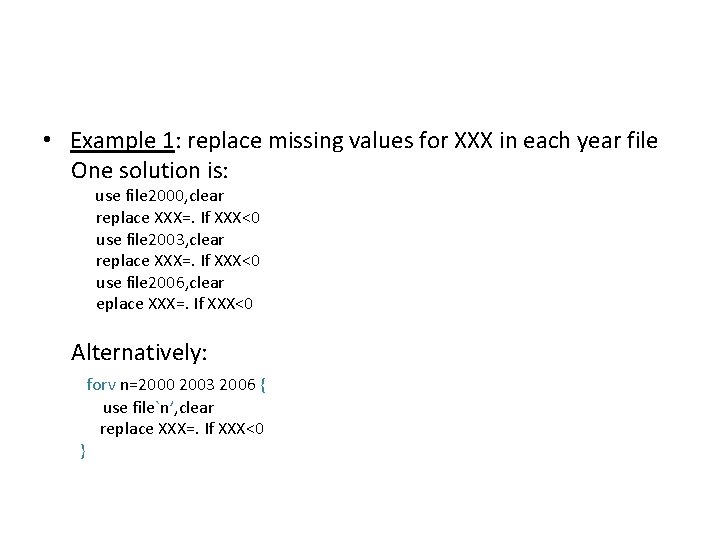
• Example 1: replace missing values for XXX in each year file One solution is: use file 2000, clear replace XXX=. If XXX<0 use file 2003, clear replace XXX=. If XXX<0 use file 2006, clear eplace XXX=. If XXX<0 Alternatively: } forv n=2000 2003 2006 { use file`n’, clear replace XXX=. If XXX<0
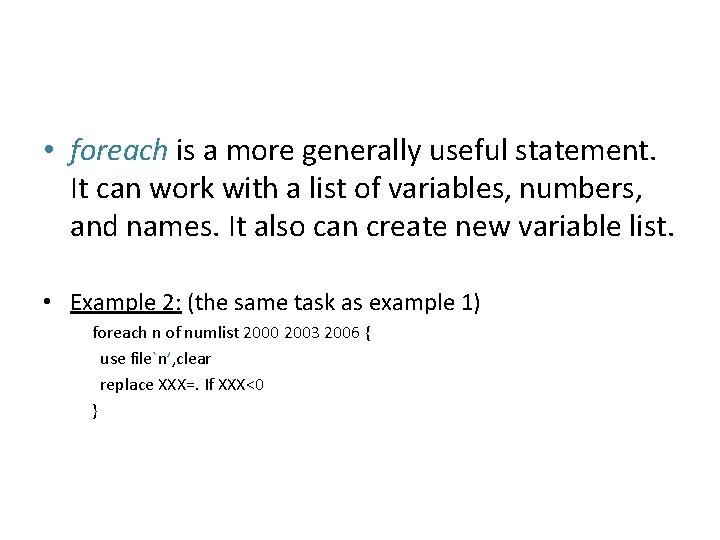
• foreach is a more generally useful statement. It can work with a list of variables, numbers, and names. It also can create new variable list. • Example 2: (the same task as example 1) foreach n of numlist 2000 2003 2006 { use file`n’, clear replace XXX=. If XXX<0 }
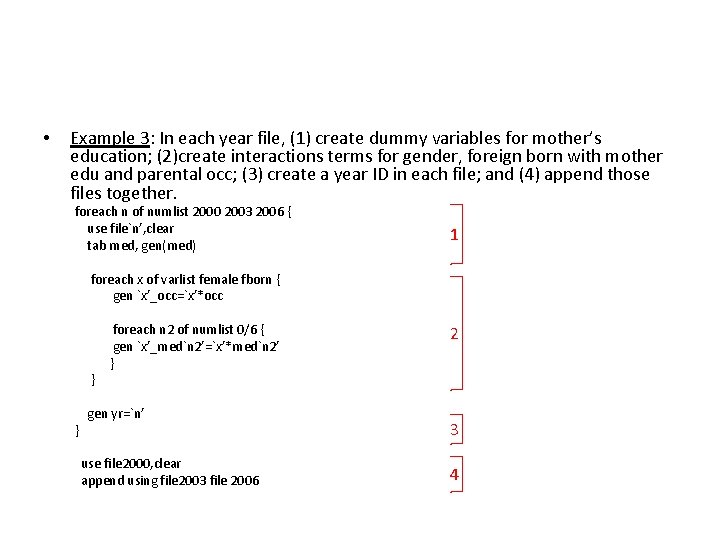
• Example 3: In each year file, (1) create dummy variables for mother’s education; (2)create interactions terms for gender, foreign born with mother edu and parental occ; (3) create a year ID in each file; and (4) append those files together. foreach n of numlist 2000 2003 2006 { use file`n’, clear tab med, gen(med) 1 foreach x of varlist female fborn { gen `x’_occ=`x’*occ } } foreach n 2 of numlist 0/6 { gen `x’_med`n 2’=`x’*med`n 2’ } gen yr=`n’ use file 2000, clear append using file 2003 file 2006 2 3 4
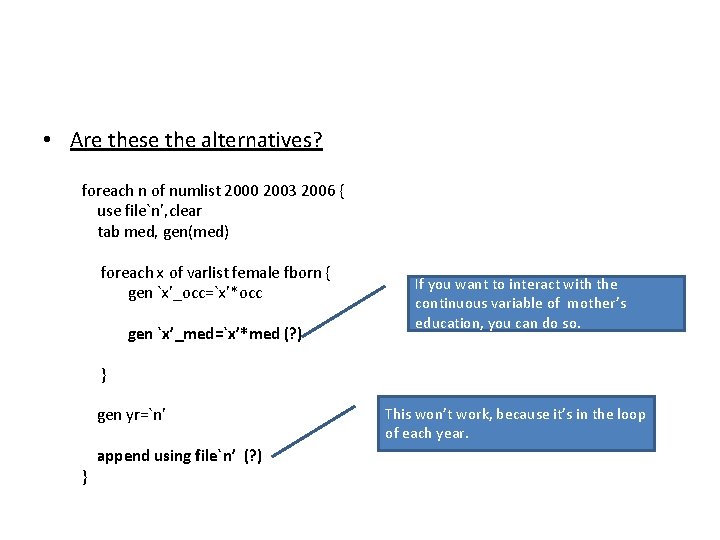
• Are these the alternatives? foreach n of numlist 2000 2003 2006 { use file`n’, clear tab med, gen(med) foreach x of varlist female fborn { gen `x’_occ=`x’*occ gen `x’_med=`x’*med (? ) If you want to interact with the continuous variable of mother’s education, you can do so. } gen yr=`n’ } append using file`n’ (? ) This won’t work, because it’s in the loop of each year.
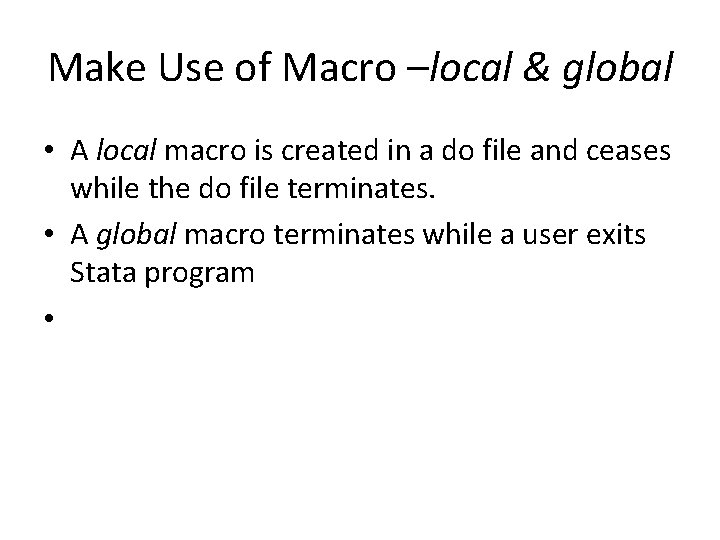
Make Use of Macro –local & global • A local macro is created in a do file and ceases while the do file terminates. • A global macro terminates while a user exits Stata program •
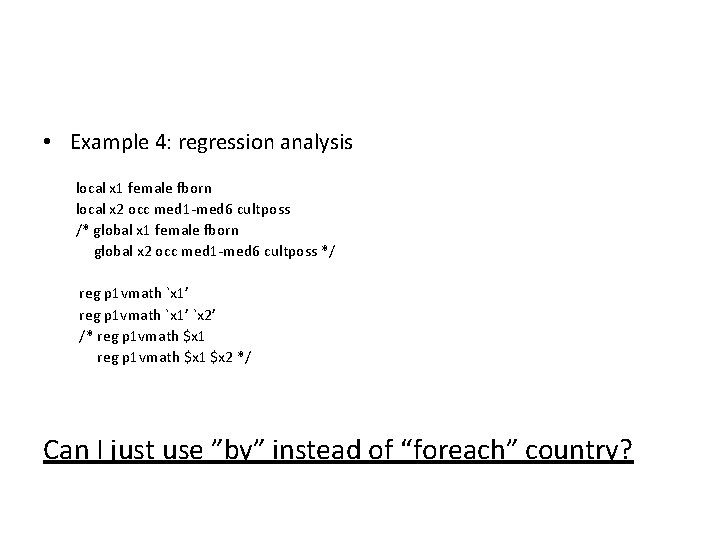
• Example 4: regression analysis local x 1 female fborn local x 2 occ med 1 -med 6 cultposs /* global x 1 female fborn global x 2 occ med 1 -med 6 cultposs */ reg p 1 vmath `x 1’ `x 2’ /* reg p 1 vmath $x 1 $x 2 */ Can I just use ”by” instead of “foreach” country?