Why R Free Powerful addon packages Online help
![Vectors Select an element of your vector (x = 1, 3, 5, 7): x[2]](https://slidetodoc.com/presentation_image/1b5d35e6d1180adad5c7162174dc452f/image-11.jpg "Vectors Select an element of your vector (x = 1, 3, 5, 7): x[2]")
- Slides: 25
Why R? • Free • Powerful (add-on packages) • Online help from statistical community • Code-based (can build programs) • Publication-quality graphics
Why not? • Time to learn code • Very simple statistics may be faster with “point-and-click” software (e. g. Statistica, JMP)
Why generalized linear models (GLMs)? Most ecological data FAIL these two assumptions of parametric statistics: • Variance is independent of mean (“homoscedasticity”) • Data are normally distributed
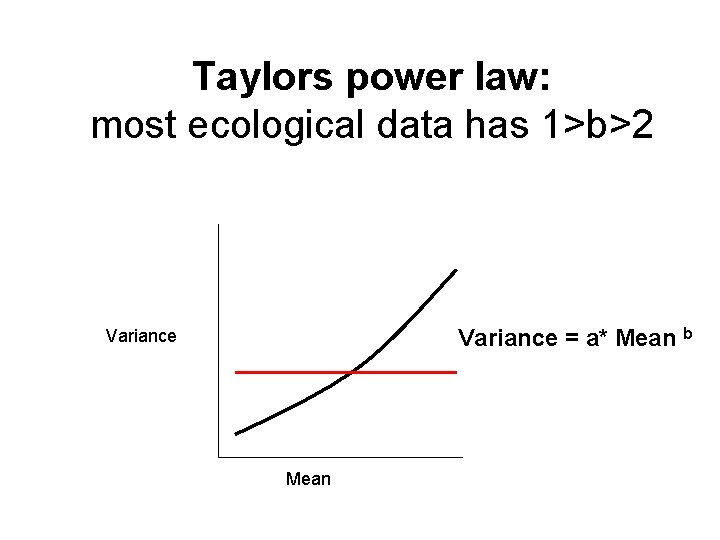
Taylors power law: most ecological data has 1>b>2 Variance = a* Mean b Variance Mean
Many types of ecological data are expected to be non-normal • Count data are expected to be Poisson Examples: population size, species richness • Binary (0, 1) data are expected to be binomial Examples: survivorship, species presence
Workshop in R & GLMs Session 1: Basic commands + linear models Session 2: Testing parametric assumptions Session 3: How generalized linear models work Session 4: Model simplification and overdispersion
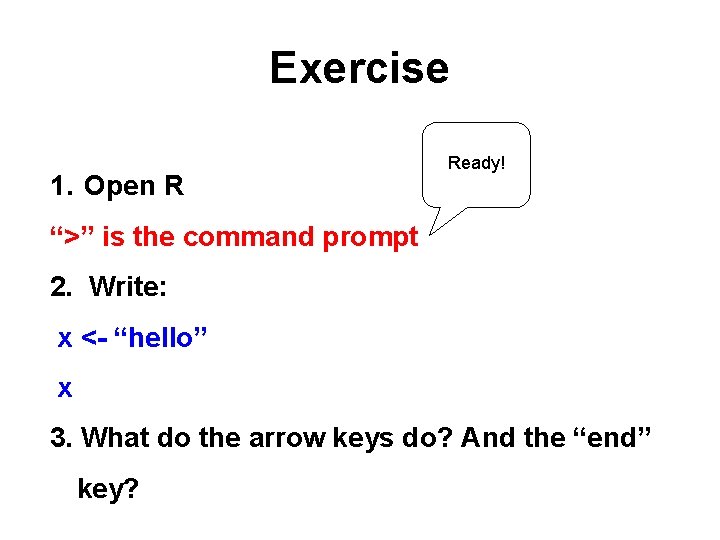
Exercise 1. Open R Ready! “>” is the command prompt 2. Write: x <- “hello” x 3. What do the arrow keys do? And the “end” key?
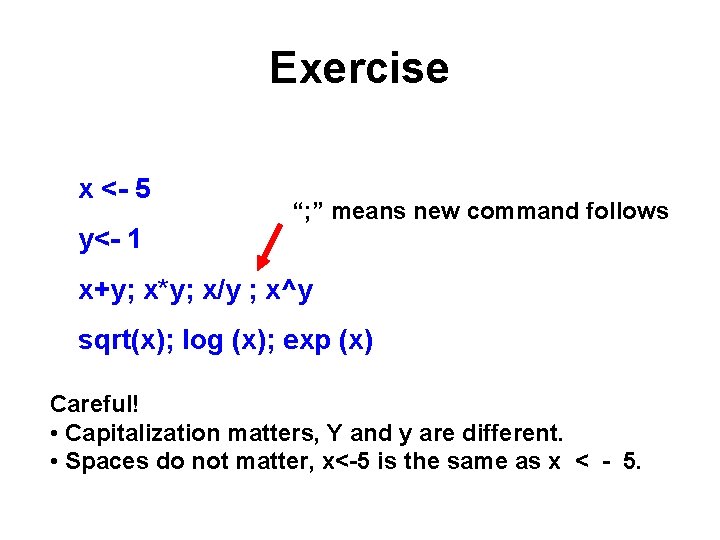
Exercise x <- 5 y<- 1 “; ” means new command follows x+y; x*y; x/y ; x^y sqrt(x); log (x); exp (x) Careful! • Capitalization matters, Y and y are different. • Spaces do not matter, x<-5 is the same as x < - 5.
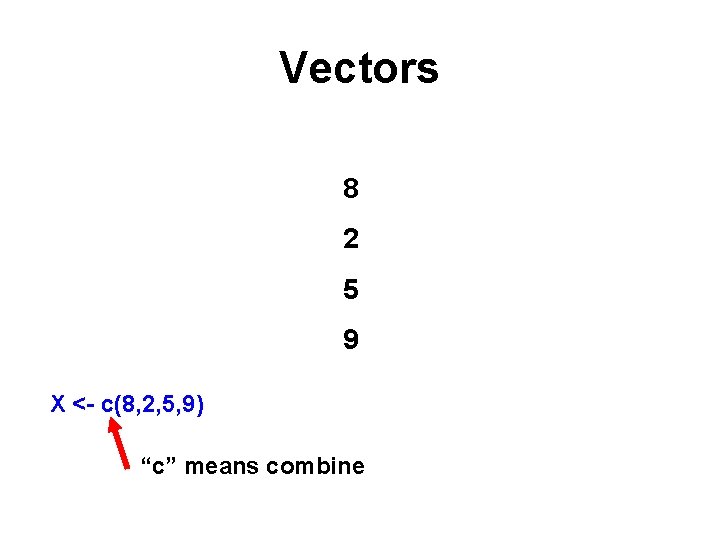
Vectors 8 2 5 9 X <- c(8, 2, 5, 9) “c” means combine
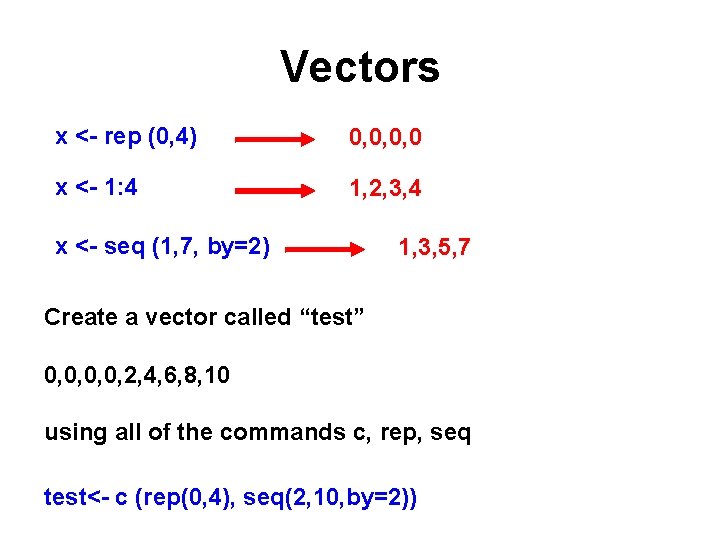
Vectors x <- rep (0, 4) 0, 0, 0, 0 x <- 1: 4 1, 2, 3, 4 x <- seq (1, 7, by=2) 1, 3, 5, 7 Create a vector called “test” 0, 0, 2, 4, 6, 8, 10 using all of the commands c, rep, seq test<- c (rep(0, 4), seq(2, 10, by=2))
Vectors Select an element of your vector (x = 1, 3, 5, 7): x[2] 3 x[c(1, 3)] 1, 5 x[2: 4] 3, 5, 7 Change an element of your vector (x = 1, 3, 5, 7): x[1] <- 9 ; x 9, 3, 5, 7
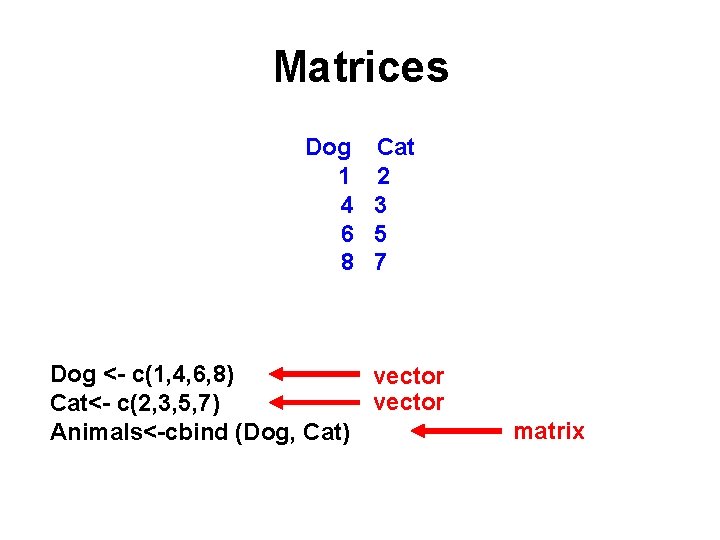
Matrices Dog 1 4 6 8 Cat 2 3 5 7 Dog <- c(1, 4, 6, 8) vector Cat<- c(2, 3, 5, 7) Animals<-cbind (Dog, Cat) matrix
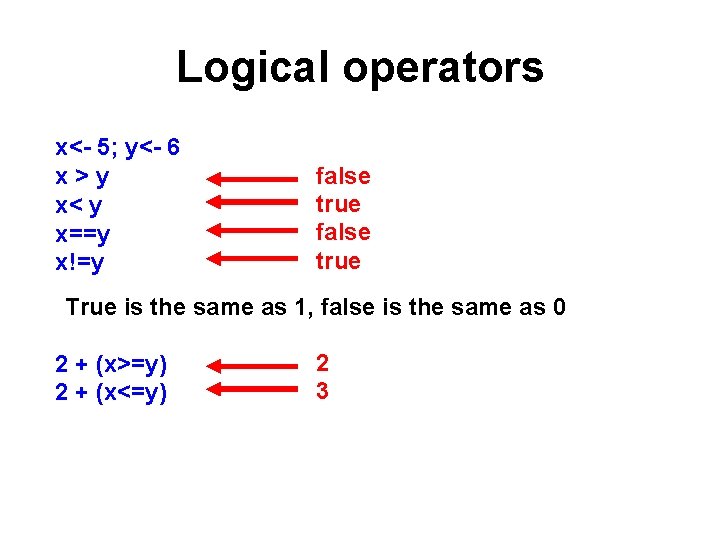
Logical operators x<- 5; y<- 6 x>y x< y x==y x!=y false true True is the same as 1, false is the same as 0 2 + (x>=y) 2 + (x<=y) 2 3
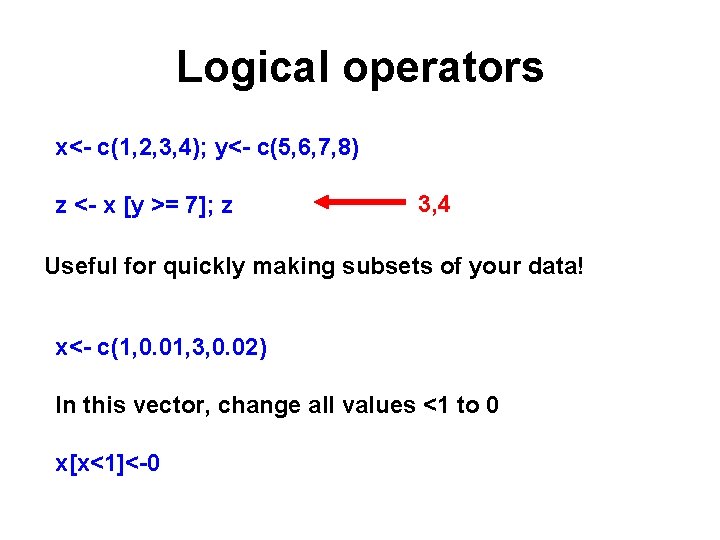
Logical operators x<- c(1, 2, 3, 4); y<- c(5, 6, 7, 8) z <- x [y >= 7]; z 3, 4 Useful for quickly making subsets of your data! x<- c(1, 0. 01, 3, 0. 02) In this vector, change all values <1 to 0 x[x<1]<-0
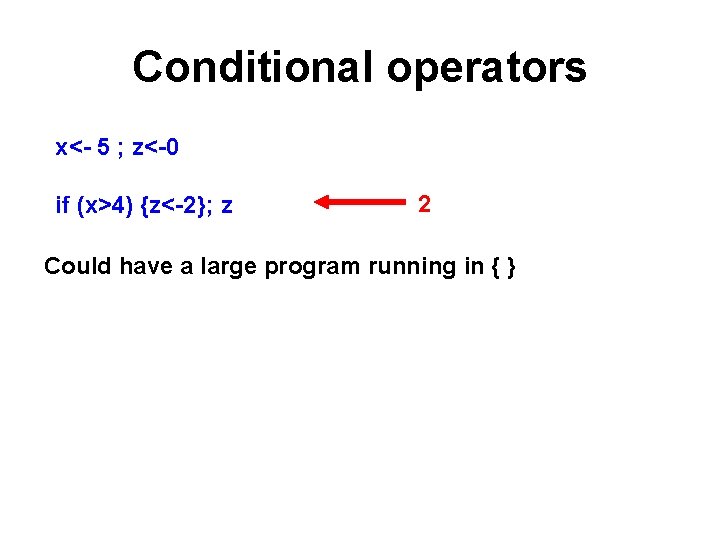
Conditional operators x<- 5 ; z<-0 if (x>4) {z<-2}; z 2 Could have a large program running in { }
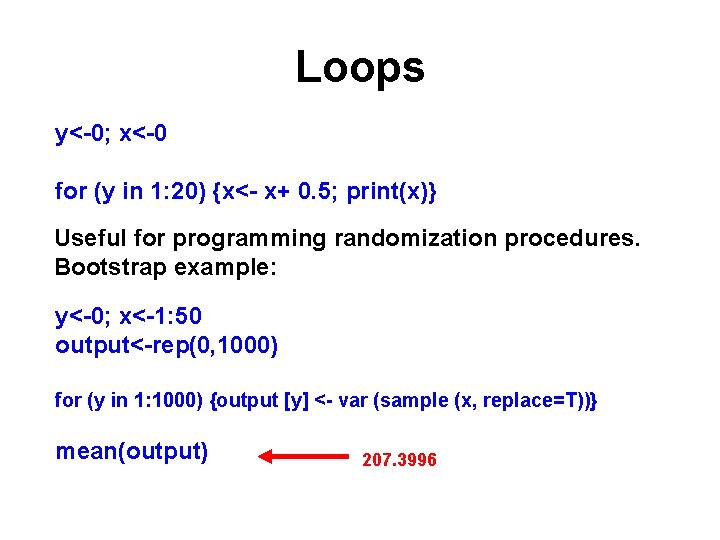
Loops y<-0; x<-0 for (y in 1: 20) {x<- x+ 0. 5; print(x)} Useful for programming randomization procedures. Bootstrap example: y<-0; x<-1: 50 output<-rep(0, 1000) for (y in 1: 1000) {output [y] <- var (sample (x, replace=T))} mean(output) 207. 3996
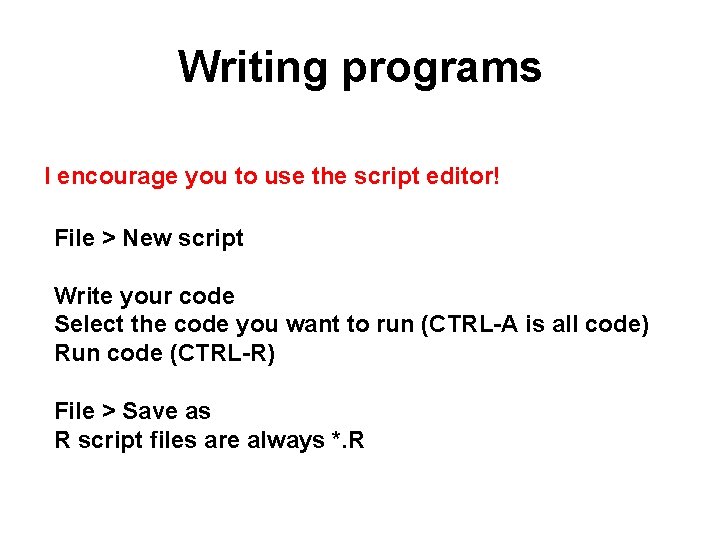
Writing programs I encourage you to use the script editor! File > New script Write your code Select the code you want to run (CTRL-A is all code) Run code (CTRL-R) File > Save as R script files are always *. R
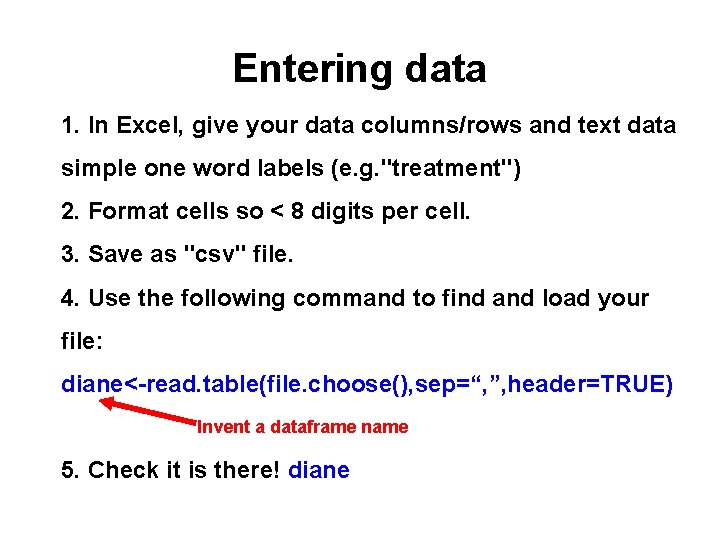
Entering data 1. In Excel, give your data columns/rows and text data simple one word labels (e. g. "treatment") 2. Format cells so < 8 digits per cell. 3. Save as "csv" file. 4. Use the following command to find and load your file: diane<-read. table(file. choose(), sep=“, ”, header=TRUE) Invent a dataframe name 5. Check it is there! diane
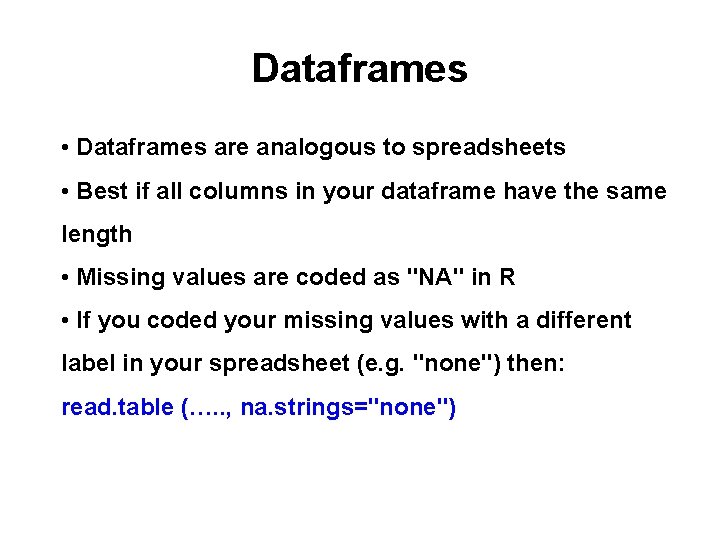
Dataframes • Dataframes are analogous to spreadsheets • Best if all columns in your dataframe have the same length • Missing values are coded as "NA" in R • If you coded your missing values with a different label in your spreadsheet (e. g. "none") then: read. table (…. . , na. strings="none")
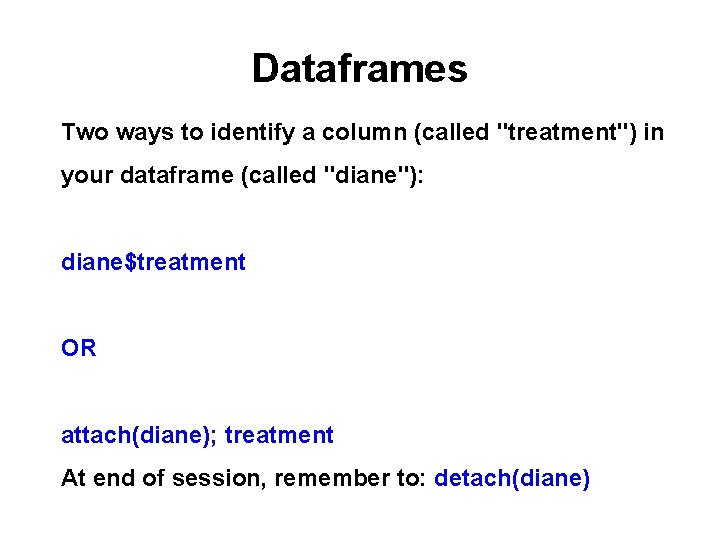
Dataframes Two ways to identify a column (called "treatment") in your dataframe (called "diane"): diane$treatment OR attach(diane); treatment At end of session, remember to: detach(diane)
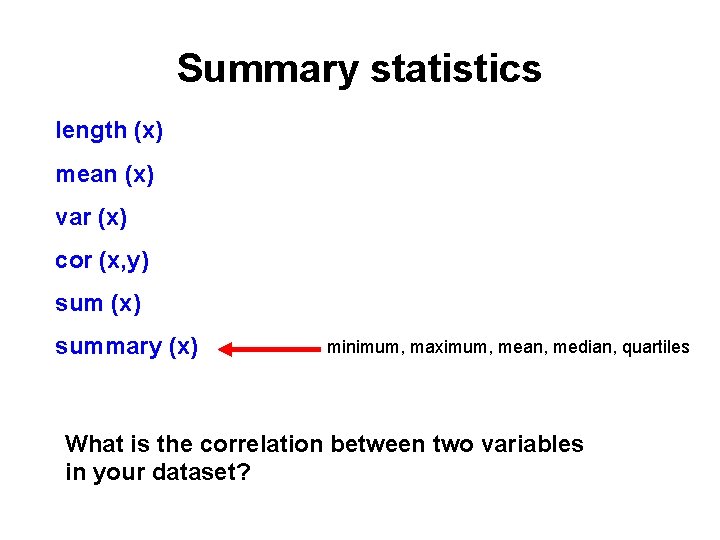
Summary statistics length (x) mean (x) var (x) cor (x, y) sum (x) summary (x) minimum, maximum, mean, median, quartiles What is the correlation between two variables in your dataset?
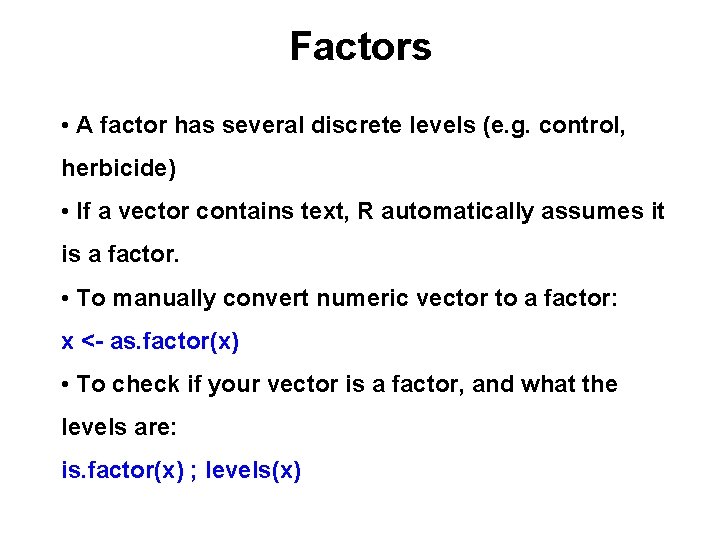
Factors • A factor has several discrete levels (e. g. control, herbicide) • If a vector contains text, R automatically assumes it is a factor. • To manually convert numeric vector to a factor: x <- as. factor(x) • To check if your vector is a factor, and what the levels are: is. factor(x) ; levels(x)
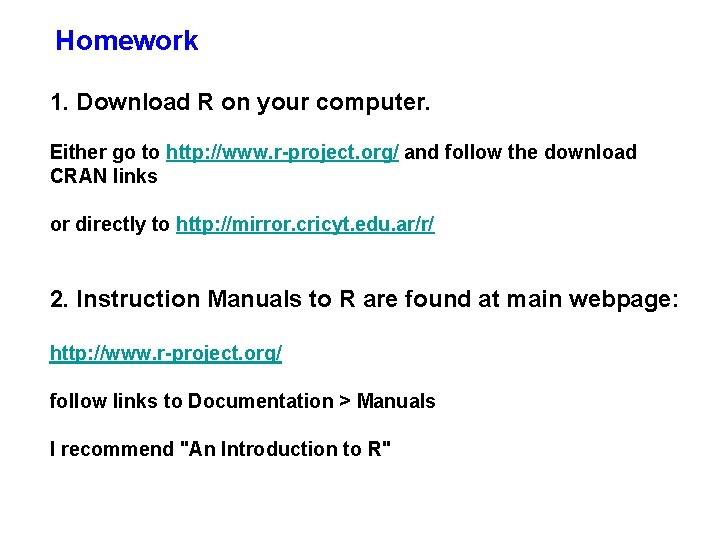
Homework 1. Download R on your computer. Either go to http: //www. r-project. org/ and follow the download CRAN links or directly to http: //mirror. cricyt. edu. ar/r/ 2. Instruction Manuals to R are found at main webpage: http: //www. r-project. org/ follow links to Documentation > Manuals I recommend "An Introduction to R"
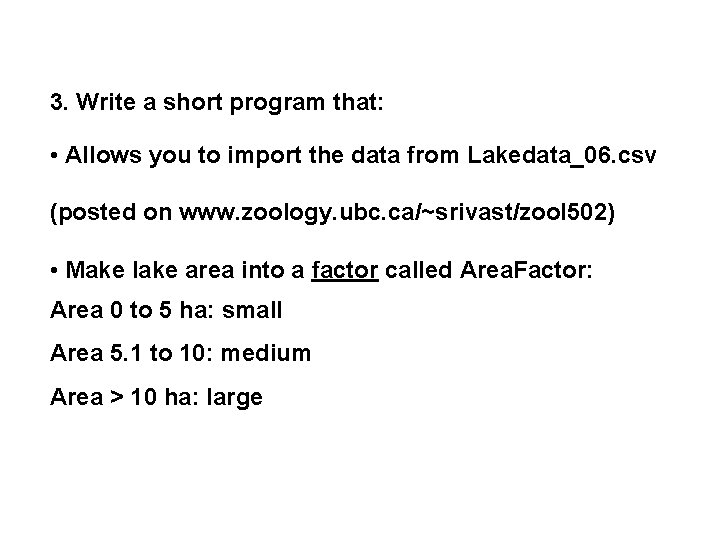
3. Write a short program that: • Allows you to import the data from Lakedata_06. csv (posted on www. zoology. ubc. ca/~srivast/zool 502) • Make lake area into a factor called Area. Factor: Area 0 to 5 ha: small Area 5. 1 to 10: medium Area > 10 ha: large
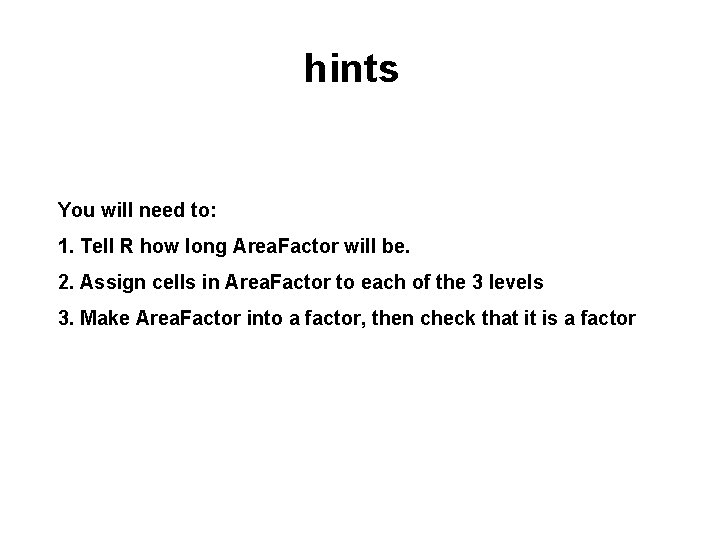
hints You will need to: 1. Tell R how long Area. Factor will be. 2. Assign cells in Area. Factor to each of the 3 levels 3. Make Area. Factor into a factor, then check that it is a factor