
Welcome to Physics 2210 Physics for Scientists and
- Slides: 16
Welcome to Physics 2210 Physics for Scientists and Engineers I Anthony Pantziris Your required course material: 1. Online Access to Flip. It. Physics www. flipitphysics. com 2. Online Access to web. Assign https: //www. webassign. net/utah/login. html Slide 1
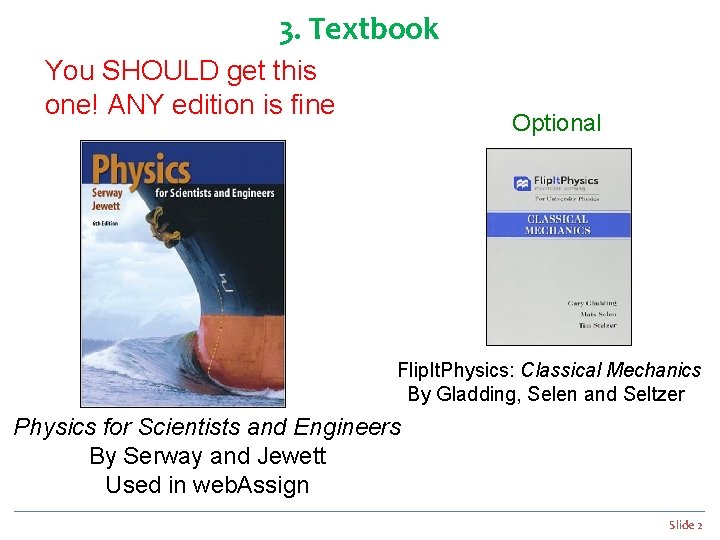
3. Textbook You SHOULD get this one! ANY edition is fine Optional Flip. It. Physics: Classical Mechanics By Gladding, Selen and Seltzer Physics for Scientists and Engineers By Serway and Jewett Used in web. Assign Slide 2
Contact Information § Instructor Anthony Pantziris: fast email 2210 physics@gmail. com , office: JFB-B 2 (also app@physics. utah. edu ) § Course Coordinator Mary Ann Woolf: woolf@physics. utah. edu , JFB 205 § Course Marshal Su Kong Chong: sukong. chong@utah. edu § Discussion TAs Jaspal Bola, jaspal. iisc@gmail. com Ren-Bo Wang, renbo. wang@utah. edu Flo Doval, florencedoval@gmail. com Shuwan Liu, shuwan. liu@utah. edu Rajesh Malla, malla. rajesh 1993@gmail. com § Web. Assign Guru Doug Baird: doug. baird@utah. edu Slide 3
Course Websites § Main course website: http: //www. physics. utah. edu/~woolf/2210_tony. html Schedule, links, syllabus, solutions to exams, exam reviews, old exams, etc. All info that is not in this presentation is at this site! § Flip. It. Physics website: http: //www. flipitphysics. com Prelectures, Checkpoints Course calendar § Web. Assign website: https: //www. webassign. net/utah/login. html Homework Assignments (from: Physics for Scientists and Engineers, by Serway and Jewett, 6 th edition). Grade-book for HW and Exams, Solutions to homework assignments, Announcements. Slide 4
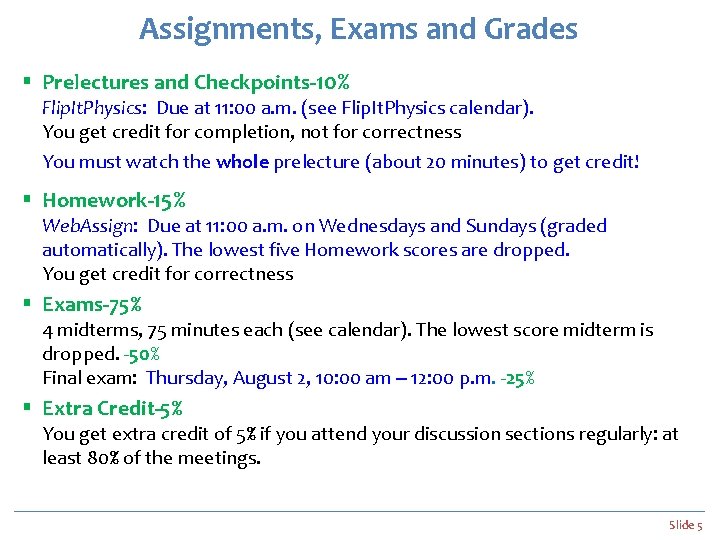
Assignments, Exams and Grades § Prelectures and Checkpoints-10% Flip. It. Physics: Due at 11: 00 a. m. (see Flip. It. Physics calendar). You get credit for completion, not for correctness You must watch the whole prelecture (about 20 minutes) to get credit! § Homework-15% Web. Assign: Due at 11: 00 a. m. on Wednesdays and Sundays (graded automatically). The lowest five Homework scores are dropped. You get credit for correctness § Exams-75% 4 midterms, 75 minutes each (see calendar). The lowest score midterm is dropped. -50% Final exam: Thursday, August 2, 10: 00 am – 12: 00 p. m. -25% § Extra Credit-5% You get extra credit of 5% if you attend your discussion sections regularly: at least 80% of the meetings. Slide 5
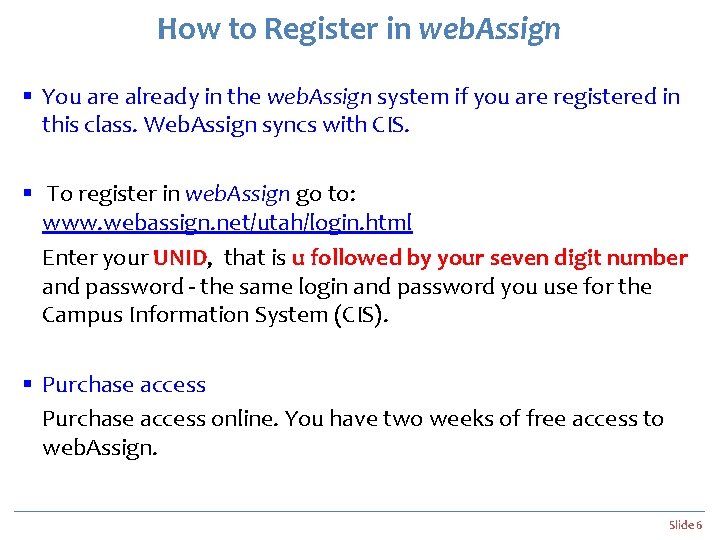
How to Register in web. Assign § You are already in the web. Assign system if you are registered in this class. Web. Assign syncs with CIS. § To register in web. Assign go to: www. webassign. net/utah/login. html Enter your UNID, that is u followed by your seven digit number and password - the same login and password you use for the Campus Information System (CIS). § Purchase access online. You have two weeks of free access to web. Assign. Slide 6
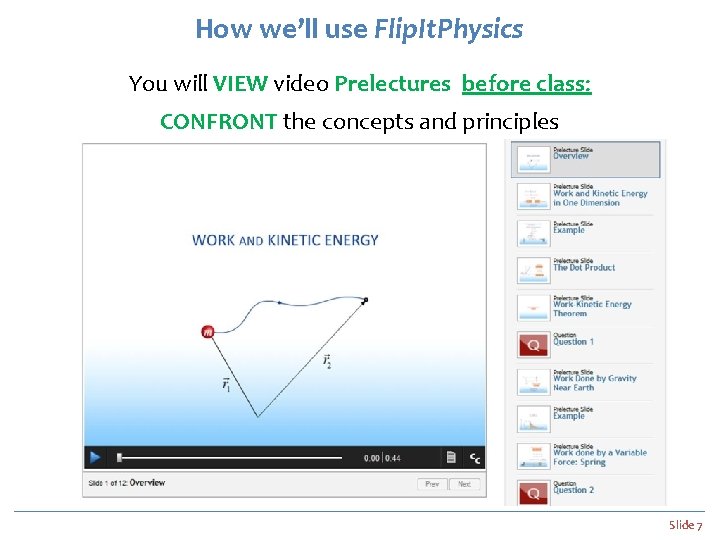
How we’ll use Flip. It. Physics You will VIEW video Prelectures before class: CONFRONT the concepts and principles Slide 7
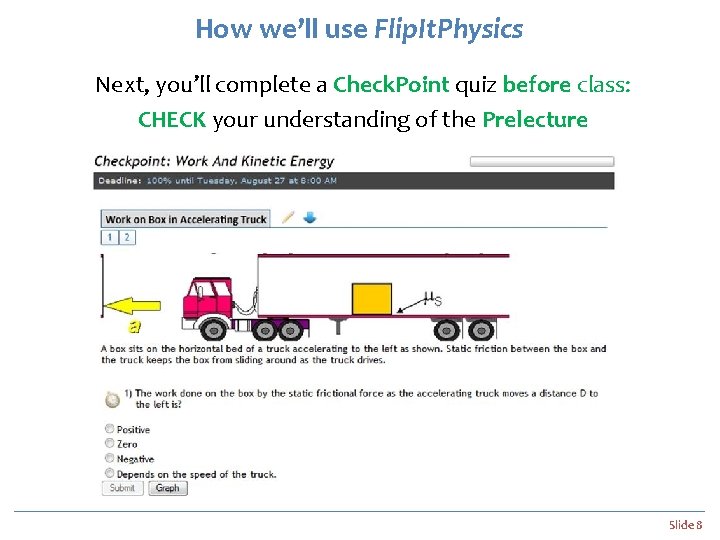
How we’ll use Flip. It. Physics Next, you’ll complete a Check. Point quiz before class: CHECK your understanding of the Prelecture Slide 8
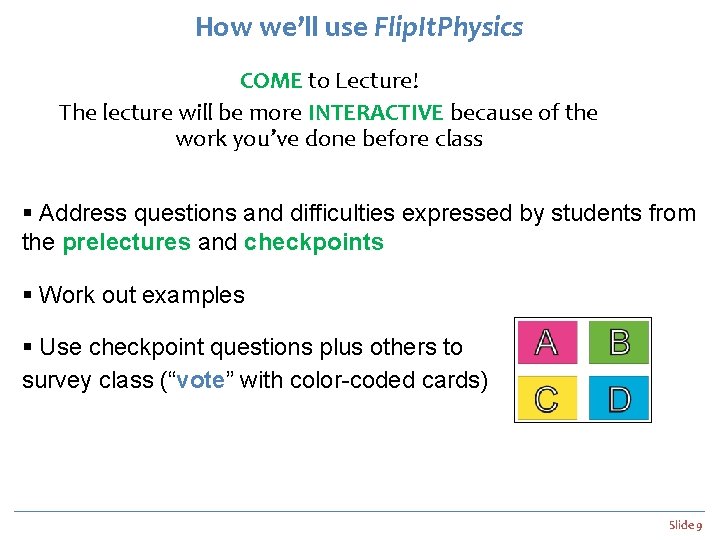
How we’ll use Flip. It. Physics COME to Lecture! The lecture will be more INTERACTIVE because of the work you’ve done before class § Address questions and difficulties expressed by students from the prelectures and checkpoints § Work out examples § Use checkpoint questions plus others to survey class (“vote” with color-coded cards) Slide 9
How to Register in Flip. It. Physics § Create a Flip. It. Physics account Go to www. flipitphysics. com Enter your personal information and email address § Join my course using the course access key UU_M_S 18 You can get access and get credit for your work. Make sure your unique identifier is set to be your UNID, that is u followed by your seven digit number. You can get 30 days of free access to my course. § Purchase access online Slide 10
How you can do well in this course You should spend at least 3 hours on prelectures and homework for every lecture! 1. MAKE A GOOD EFFORT ON THE ONLINE ACTIVITIES. The last Check. Point question is optional and is called “Lecture Thoughts. ” I will study these before class and adjust the lecture accordingly. 2. PARTICIPATE IN LECTURE. You will learn more (and have more fun) from an active setting in which you participate with the instructor and your peers to probe your understanding of the fundamental principles. 3. DO THE HOMEWORK THE RIGHT WAY!!! To truly understand physics you must practice solving problems. Work on the homework on your own as far as possible. Then go to your discussion section, to learn techniques on how to solve problems and ask for hints that will help you finish your assignment. If you still need help, go to the help lab. Peer instruction is very much encouraged. Slide 11
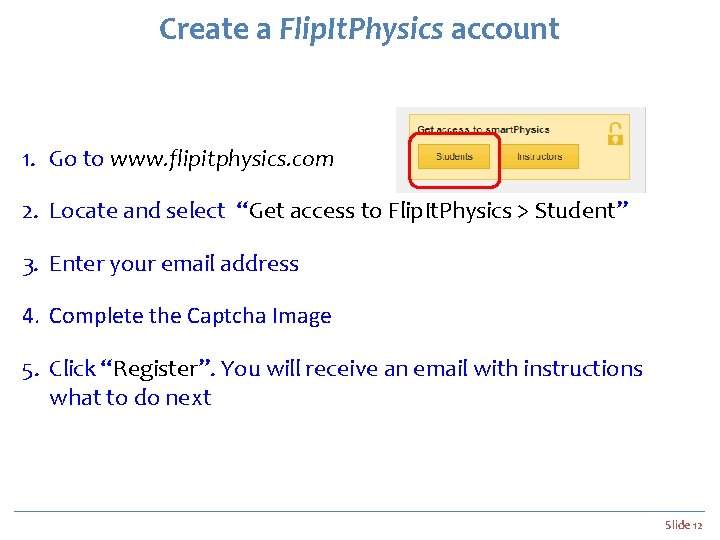
Create a Flip. It. Physics account 1. Go to www. flipitphysics. com 2. Locate and select “Get access to Flip. It. Physics > Student” 3. Enter your email address 4. Complete the Captcha Image 5. Click “Register”. You will receive an email with instructions what to do next Slide 12
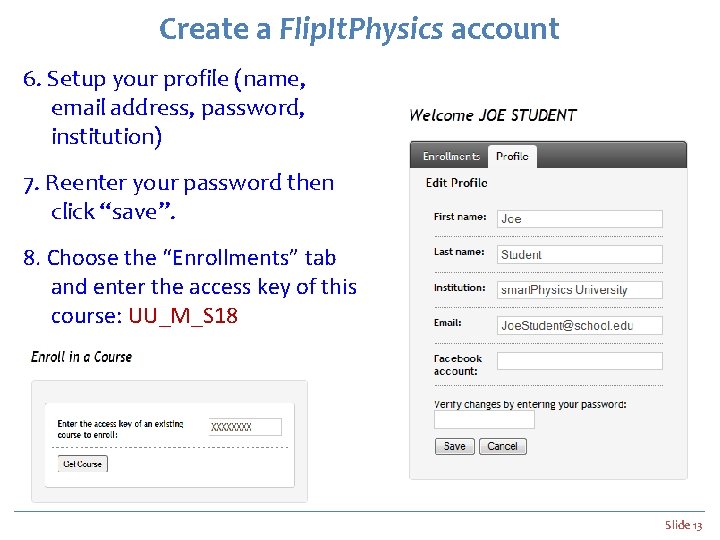
Create a Flip. It. Physics account 6. Setup your profile (name, email address, password, institution) 7. Reenter your password then click “save”. 8. Choose the “Enrollments” tab and enter the access key of this course: UU_M_S 18 Slide 13
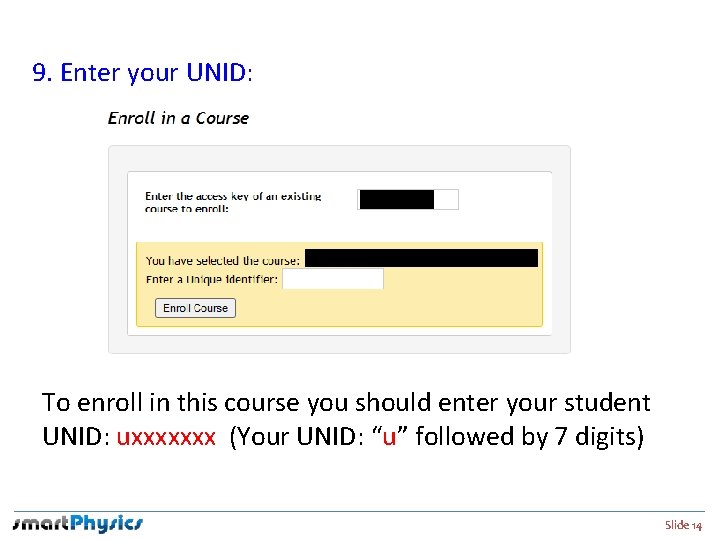
Enroll in this course 9. Enter your UNID: To enroll in this course you should enter your student UNID: uxxxxxxx (Your UNID: “u” followed by 7 digits) Slide 14
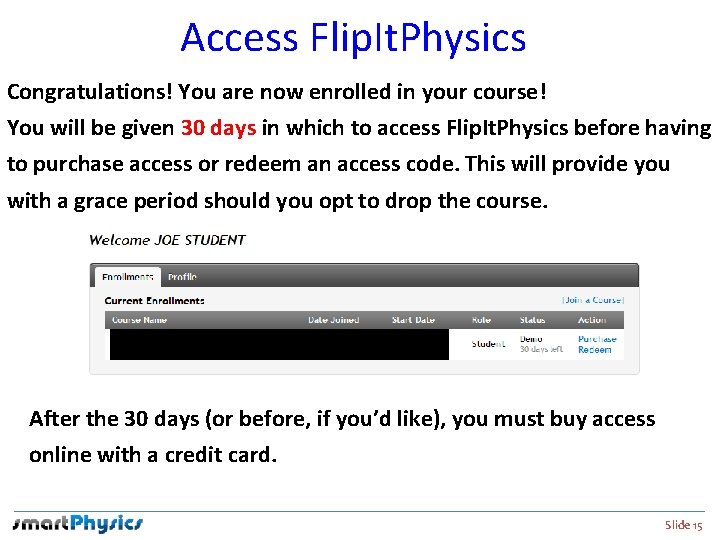
Access Flip. It. Physics Congratulations! You are now enrolled in your course! You will be given 30 days in which to access Flip. It. Physics before having to purchase access or redeem an access code. This will provide you with a grace period should you opt to drop the course. After the 30 days (or before, if you’d like), you must buy access online with a credit card. Slide 15
Need live help? The Flip. It. Physics technical support team is ready and able to help you and is available 7 days a week by phone and email. techsupport@bfwpub. com Slide 16