Unit 4 Chapter 1 Arrays Introduction to Array
![Declaring Array Variables • data. Type[] array. Ref. Var; • data. Type array. Ref.](https://slidetodoc.com/presentation_image_h/14970da115aef10263eb9e0c87fa991b/image-5.jpg "Declaring Array Variables • data. Type[] array. Ref. Var; • data. Type array. Ref.")
![for loop: Example public class Test. Array { public static void main(String[] args) {](https://slidetodoc.com/presentation_image_h/14970da115aef10263eb9e0c87fa991b/image-6.jpg "for loop: Example public class Test. Array { public static void main(String[] args) {")
![• Instantiation of an Array in java • array. Ref. Var=new datatype[size];](https://slidetodoc.com/presentation_image_h/14970da115aef10263eb9e0c87fa991b/image-9.jpg "• Instantiation of an Array in java • array. Ref. Var=new datatype[size];")
![class Testarray{ public static void main(String args[]) { int a[]=new int[5]; //declaration and instantiation](https://slidetodoc.com/presentation_image_h/14970da115aef10263eb9e0c87fa991b/image-10.jpg "class Testarray{ public static void main(String args[]) { int a[]=new int[5]; //declaration and instantiation")
![Passing Array to method in java class Testarray 2 { static void minimum(int arr[])](https://slidetodoc.com/presentation_image_h/14970da115aef10263eb9e0c87fa991b/image-11.jpg "Passing Array to method in java class Testarray 2 { static void minimum(int arr[])")
![Multidimensional array in java • • data. Type[][] array. Ref. Var; (or) data. Type](https://slidetodoc.com/presentation_image_h/14970da115aef10263eb9e0c87fa991b/image-12.jpg "Multidimensional array in java • • data. Type[][] array. Ref. Var; (or) data. Type")
![• int[][] arr=new int[3][3]; //3 row and 3 column Example to initialize Multidimensional](https://slidetodoc.com/presentation_image_h/14970da115aef10263eb9e0c87fa991b/image-13.jpg "• int[][] arr=new int[3][3]; //3 row and 3 column Example to initialize Multidimensional")
![class Testarray 3 { public static void main(String args[]) { int arr[][]={{1, 2, 3},](https://slidetodoc.com/presentation_image_h/14970da115aef10263eb9e0c87fa991b/image-14.jpg "class Testarray 3 { public static void main(String args[]) { int arr[][]={{1, 2, 3},")
![Copying a java array class Test. Array. Copy. Demo { public static void main(String[]](https://slidetodoc.com/presentation_image_h/14970da115aef10263eb9e0c87fa991b/image-15.jpg "Copying a java array class Test. Array. Copy. Demo { public static void main(String[]")
![import java. util. *; class Test. Vector 1 { public static void main(String args[])](https://slidetodoc.com/presentation_image_h/14970da115aef10263eb9e0c87fa991b/image-22.jpg "import java. util. *; class Test. Vector 1 { public static void main(String args[])")
- Slides: 25
Unit 4 – Chapter 1 Arrays
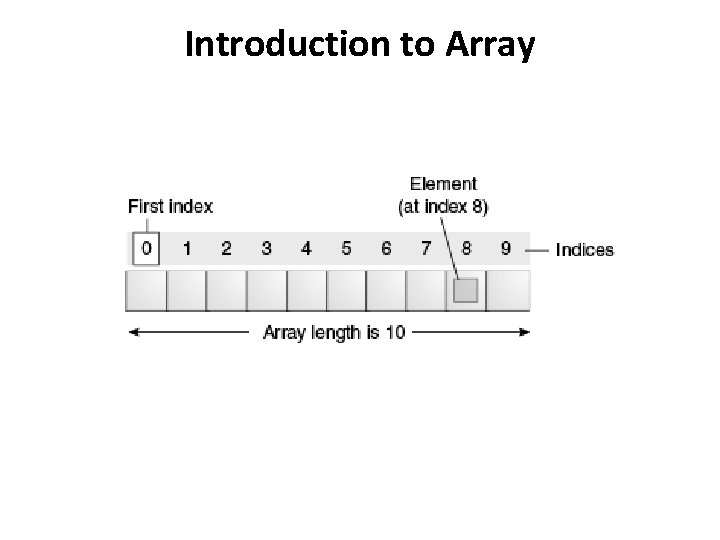
Introduction to Array
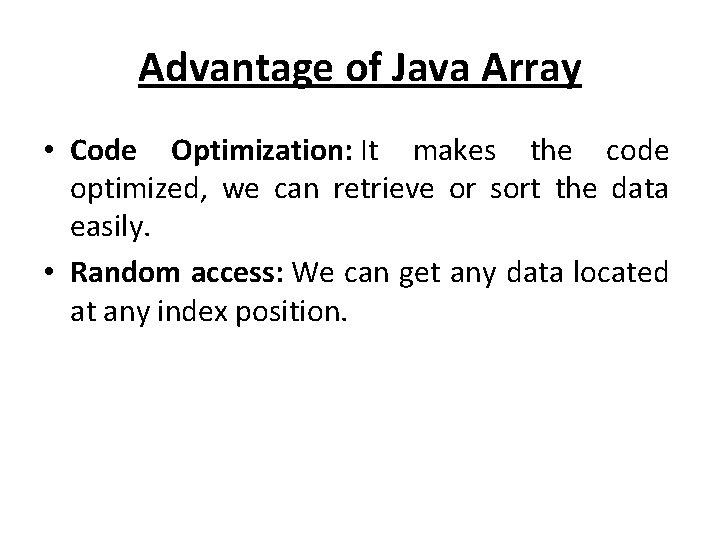
Advantage of Java Array • Code Optimization: It makes the code optimized, we can retrieve or sort the data easily. • Random access: We can get any data located at any index position.
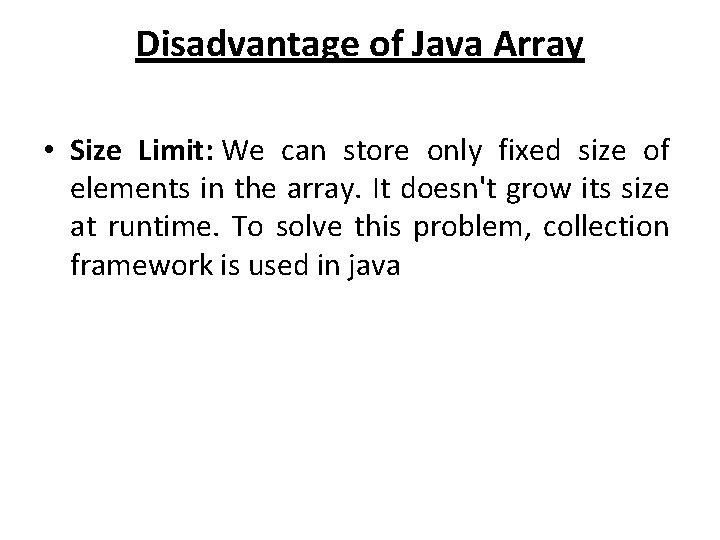
Disadvantage of Java Array • Size Limit: We can store only fixed size of elements in the array. It doesn't grow its size at runtime. To solve this problem, collection framework is used in java
Declaring Array Variables • data. Type[] array. Ref. Var; • data. Type array. Ref. Var[]; • array. Ref. Var = new data. Type[array. Size];
for loop: Example public class Test. Array { public static void main(String[] args) { double[] my. List = {1. 9, 2. 9, 3. 4, 3. 5}; for (int i = 0; i < my. List. length; i++) { System. out. println(my. List[i] + " "); } double total = 0; for (int i = 0; i < my. List. length; i++) { total += my. List[i]; } System. out. println("Total is " + total); double max = my. List[0]; for (int i = 1; i < my. List. length; i++) { if (my. List[i] > max) max = my. List[i]; } System. out. println("Max is " + max); }}
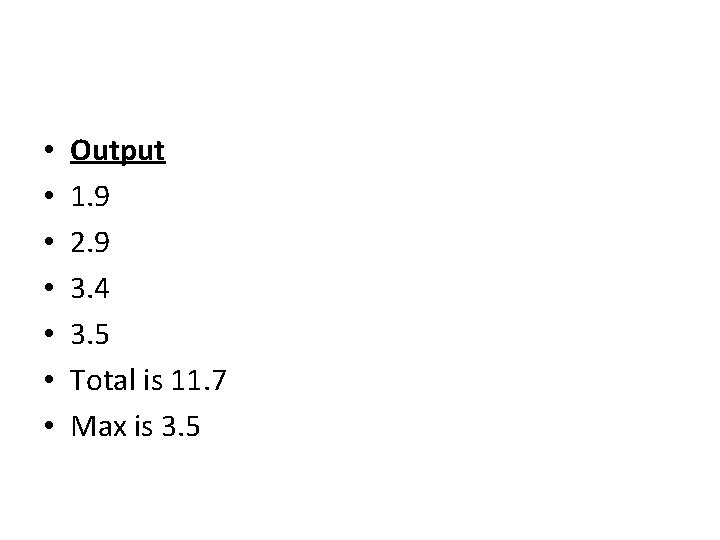
• • Output 1. 9 2. 9 3. 4 3. 5 Total is 11. 7 Max is 3. 5
Types of Array in java • Single Dimensional Array in java • • Syntax to Declare an Array in java data. Type[] arr; (or) data. Type []arr; (or) data. Type arr[];
• Instantiation of an Array in java • array. Ref. Var=new datatype[size];
class Testarray{ public static void main(String args[]) { int a[]=new int[5]; //declaration and instantiation a[0]=10; //initialization a[1]=20; a[2]=70; a[3]=40; a[4]=50; for(int i=0; i<a. length; i++) System. out. println(a[i]); }} Output: 10 20 70 40 50
Passing Array to method in java class Testarray 2 { static void minimum(int arr[]) { int min=arr[0]; for(int i=1; i<arr. length; i++) if(min>arr[i]) min=arr[i]; System. out. println(min); } public static void main(String args[]) { int arr[]={33, 3, 4, 5}; minimum(arr); //passing array to method }} Output: 3
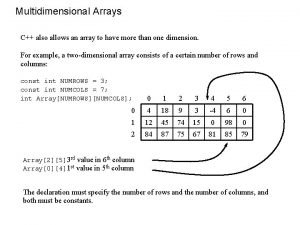
Multidimensional array in java • • data. Type[][] array. Ref. Var; (or) data. Type [][]array. Ref. Var; (or) data. Type array. Ref. Var[][]; (or) data. Type []array. Ref. Var[];
• int[][] arr=new int[3][3]; //3 row and 3 column Example to initialize Multidimensional Array in java • arr[0][0]=1; • arr[0][1]=2; • arr[0][2]=3; • arr[1][0]=4; • arr[1][1]=5; • arr[1][2]=6; • arr[2][0]=7; • arr[2][1]=8; • arr[2][2]=9;
class Testarray 3 { public static void main(String args[]) { int arr[][]={{1, 2, 3}, {2, 4, 5}, {4, 4, 5}}; for(int i=0; i<3; i++) { for(int j=0; j<3; j++) { System. out. print(arr[i][j]+" "); } System. out. println(); } }} Output: 1 2 3 2 4 5 4 4 5
Copying a java array class Test. Array. Copy. Demo { public static void main(String[] args) { char[] copy. From = { 'd', 'e', 'c', 'a', 'f', 'e', 'i', 'n', 'a', 't', 'e', 'd' }; char[] copy. To = new char[7]; System. arraycopy(copy. From, 2, copy. To, 0, 7); System. out. println(new String(copy. To)); } } Output: caffein
Java Enum • Enum in java is a data type that contains fixed set of constants. • It can be used for days of the week (SUNDAY, MONDAY, TUESDAY, WEDNESDAY, THURSDAY, FRIDAY and SATURDAY) , directions (NORTH, SOUTH, EAST and WEST) etc. The java enum constants are static and final implicitly. It is available from JDK 1. 5. • Java Enums can be thought of as classes that have fixed set of constants.
Points to remember for Java Enum enum improves type safety enum can be easily used in switch enum can be traversed enum can have fields, constructors and methods • enum may implement many interfaces but cannot extend any class because it internally extends Enum class • •
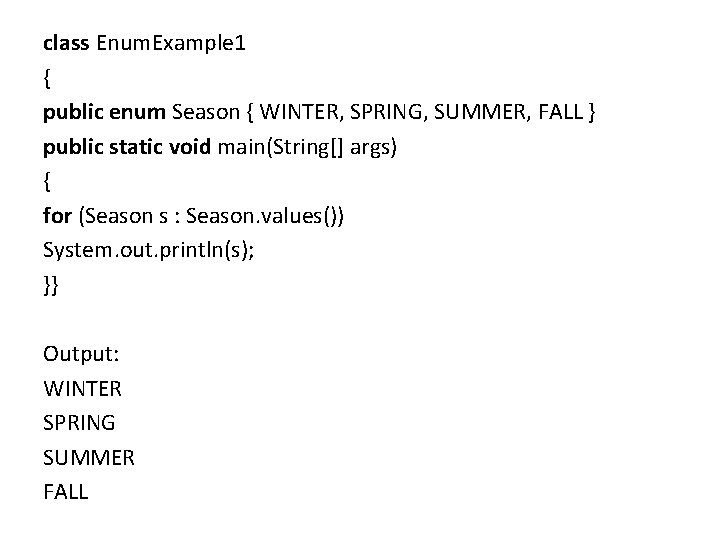
class Enum. Example 1 { public enum Season { WINTER, SPRING, SUMMER, FALL } public static void main(String[] args) { for (Season s : Season. values()) System. out. println(s); }} Output: WINTER SPRING SUMMER FALL
Introduction to Vectors • Vector implements a dynamic array. • Vector is synchronized. • Vector contains many legacy methods that are not part of the collections framework.
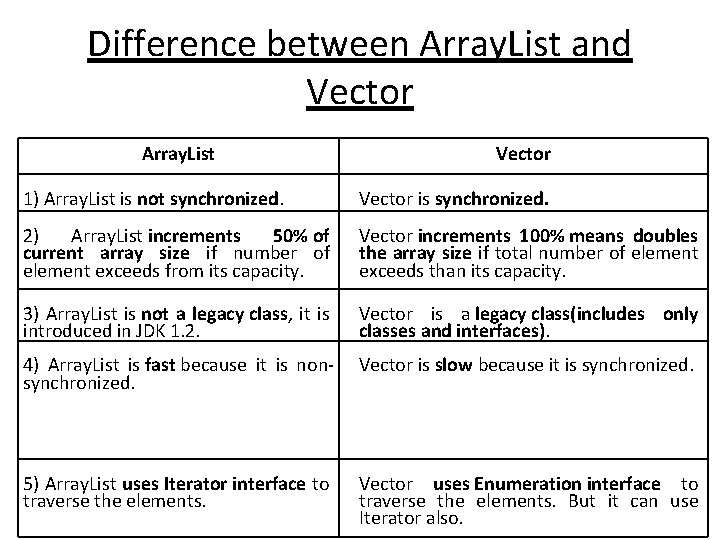
Difference between Array. List and Vector Array. List Vector 1) Array. List is not synchronized. Vector is synchronized. 2) Array. List increments 50% of current array size if number of element exceeds from its capacity. Vector increments 100% means doubles the array size if total number of element exceeds than its capacity. 3) Array. List is not a legacy class, it is introduced in JDK 1. 2. Vector is a legacy class(includes only classes and interfaces). 4) Array. List is fast because it is nonsynchronized. Vector is slow because it is synchronized. 5) Array. List uses Iterator interface to traverse the elements. Vector uses Enumeration interface to traverse the elements. But it can use Iterator also.
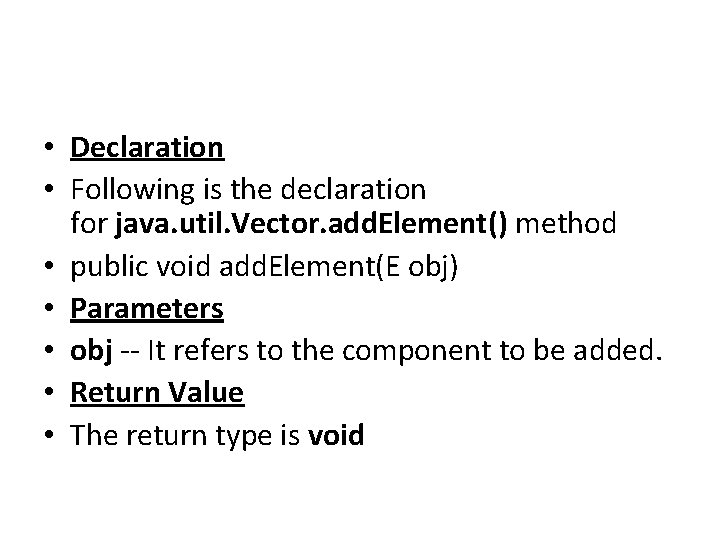
• Declaration • Following is the declaration for java. util. Vector. add. Element() method • public void add. Element(E obj) • Parameters • obj -- It refers to the component to be added. • Return Value • The return type is void
import java. util. *; class Test. Vector 1 { public static void main(String args[]) { Vector<String> v=new Vector<String>(); //creating vector v. add("umesh"); //method of Collection v. add. Element("irfan"); //method of Vector v. add. Element("kumar"); //traversing elements using Enumeration e=v. elements(); while(e. has. More. Elements()) { System. out. println(e. next. Element()); } } } • Output: umesh irfan kumar
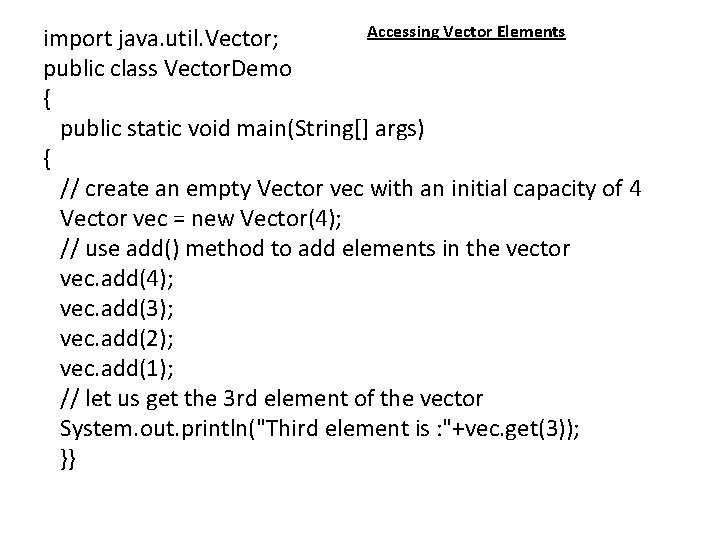
Accessing Vector Elements import java. util. Vector; public class Vector. Demo { public static void main(String[] args) { // create an empty Vector vec with an initial capacity of 4 Vector vec = new Vector(4); // use add() method to add elements in the vector vec. add(4); vec. add(3); vec. add(2); vec. add(1); // let us get the 3 rd element of the vector System. out. println("Third element is : "+vec. get(3)); }}
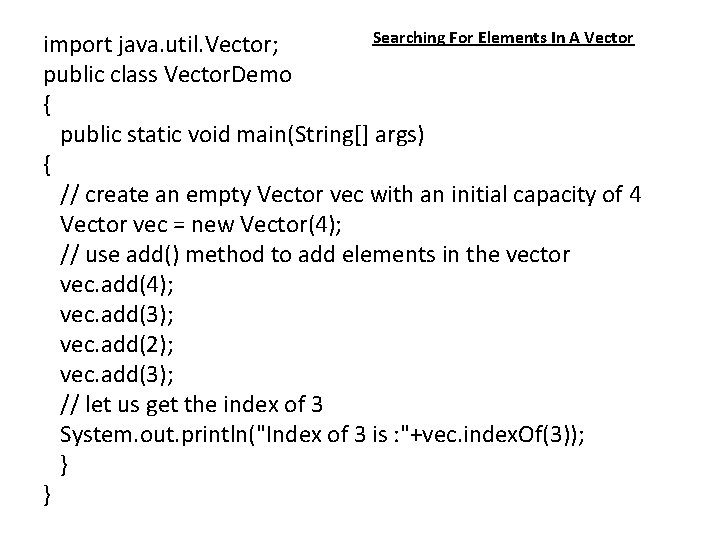
Searching For Elements In A Vector import java. util. Vector; public class Vector. Demo { public static void main(String[] args) { // create an empty Vector vec with an initial capacity of 4 Vector vec = new Vector(4); // use add() method to add elements in the vector vec. add(4); vec. add(3); vec. add(2); vec. add(3); // let us get the index of 3 System. out. println("Index of 3 is : "+vec. index. Of(3)); } }
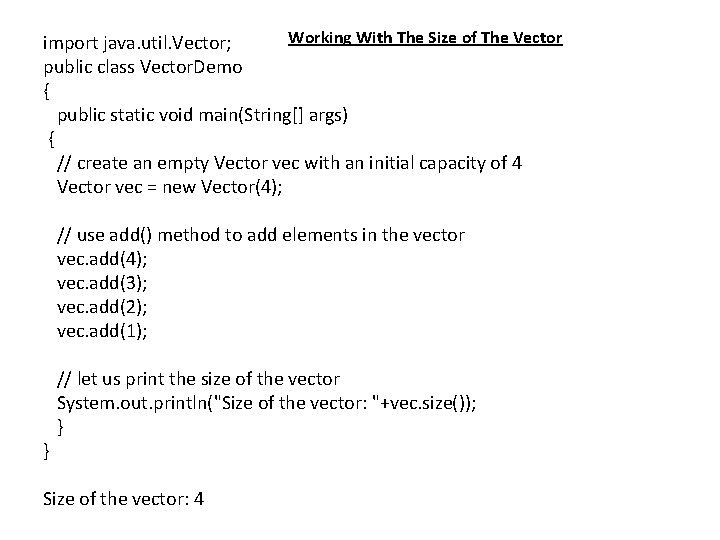
Working With The Size of The Vector import java. util. Vector; public class Vector. Demo { public static void main(String[] args) { // create an empty Vector vec with an initial capacity of 4 Vector vec = new Vector(4); // use add() method to add elements in the vector vec. add(4); vec. add(3); vec. add(2); vec. add(1); // let us print the size of the vector System. out. println("Size of the vector: "+vec. size()); } } Size of the vector: 4