THE UNIVERSITY OF NEW MEXICO NEW FACULTY ORIENTATION
- Slides: 15
THE UNIVERSITY OF NEW MEXICO NEW FACULTY ORIENTATION Fall 2014 Office of the Registrar - registrar. unm. edu - 505. 277. 8900
What we’re going to cover … � � � � NFO FERPA (briefly) Deadlines my. unm. edu and Lobo. Web Class Lists: dropping and emailing students Registration overrides Grade entry Resources to help you Office of the Registrar - registrar. unm. edu - 505. 277. 8900 2
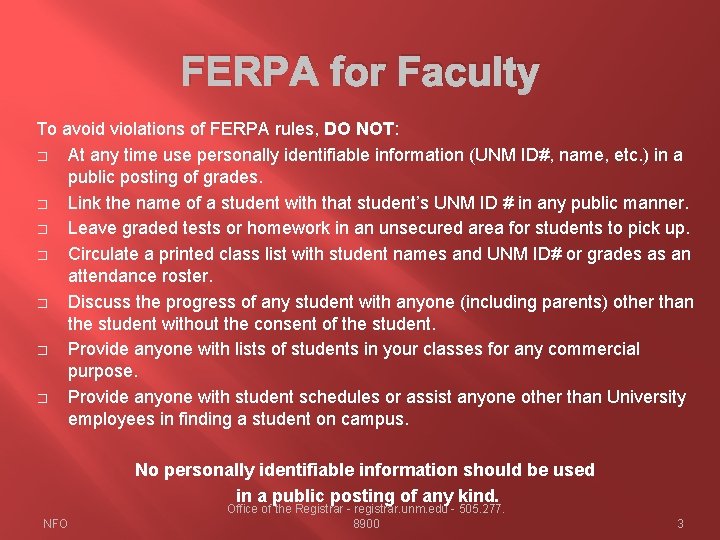
FERPA for Faculty To avoid violations of FERPA rules, DO NOT: � At any time use personally identifiable information (UNM ID#, name, etc. ) in a public posting of grades. � Link the name of a student with that student’s UNM ID # in any public manner. � Leave graded tests or homework in an unsecured area for students to pick up. � Circulate a printed class list with student names and UNM ID# or grades as an attendance roster. � Discuss the progress of any student with anyone (including parents) other than the student without the consent of the student. � Provide anyone with lists of students in your classes for any commercial purpose. � Provide anyone with student schedules or assist anyone other than University employees in finding a student on campus. No personally identifiable information should be used in a public posting of any kind. NFO Office of the Registrar - registrar. unm. edu - 505. 277. 8900 3
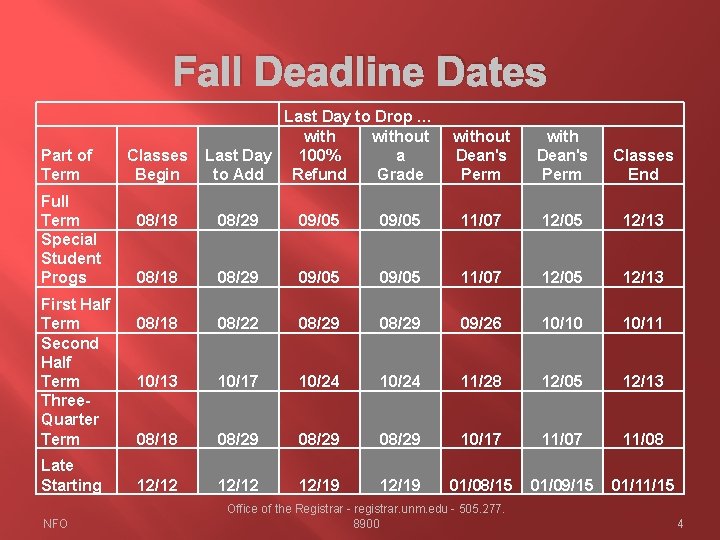
Fall Deadline Dates Part of Term Full Term Special Student Progs First Half Term Second Half Term Three. Quarter Term Late Starting NFO Last Day to Drop … without a Classes Last Day 100% Begin to Add Refund Grade without Dean's Perm with Dean's Perm Classes End 08/18 08/29 09/05 11/07 12/05 12/13 08/18 08/22 08/29 09/26 10/10 10/11 10/13 10/17 10/24 11/28 12/05 12/13 08/18 08/29 10/17 11/08 12/12 12/19 01/08/15 01/09/15 01/11/15 Office of the Registrar - registrar. unm. edu - 505. 277. 8900 4
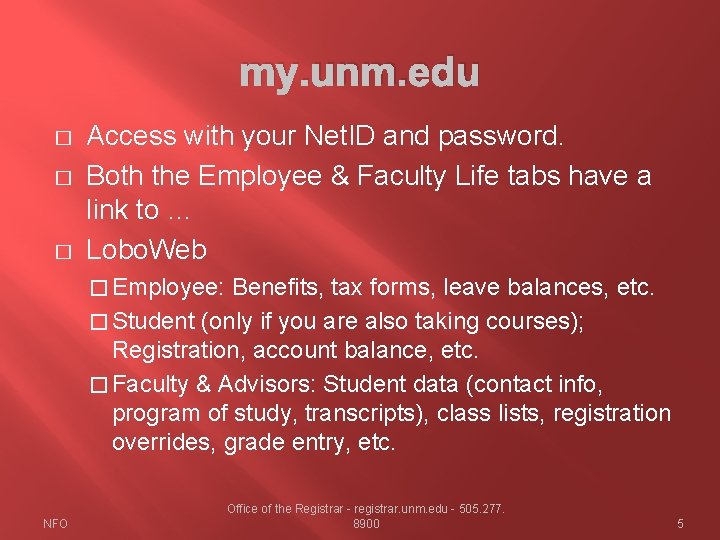
my. unm. edu � � � Access with your Net. ID and password. Both the Employee & Faculty Life tabs have a link to … Lobo. Web � Employee: Benefits, tax forms, leave balances, etc. � Student (only if you are also taking courses); Registration, account balance, etc. � Faculty & Advisors: Student data (contact info, program of study, transcripts), class lists, registration overrides, grade entry, etc. NFO Office of the Registrar - registrar. unm. edu - 505. 277. 8900 5
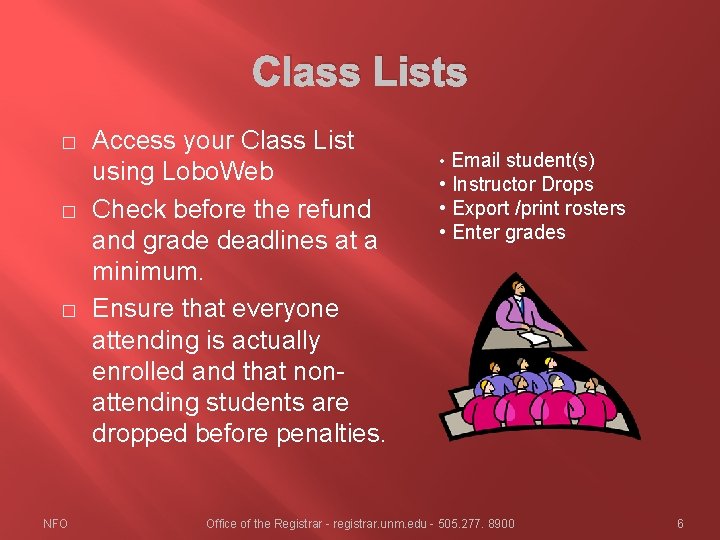
Class Lists � � � NFO Access your Class List using Lobo. Web Check before the refund and grade deadlines at a minimum. Ensure that everyone attending is actually enrolled and that nonattending students are dropped before penalties. • Email student(s) • Instructor Drops • Export /print rosters • Enter grades Office of the Registrar - registrar. unm. edu - 505. 277. 8900 6
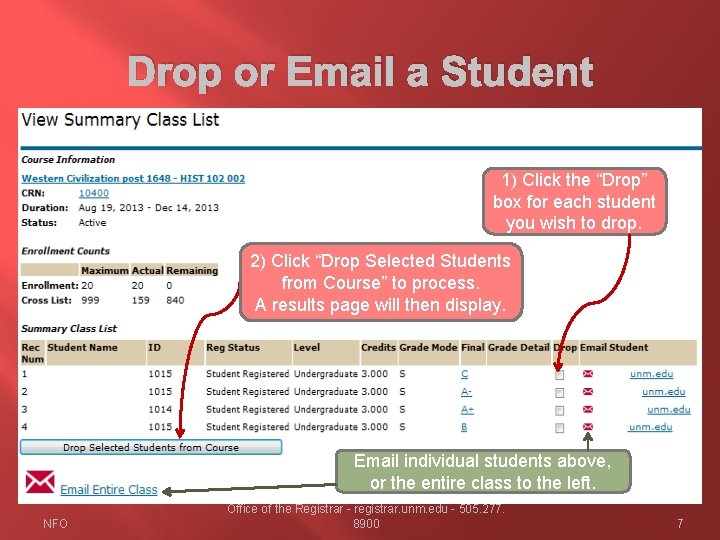
Drop or Email a Student 1) Click the “Drop” box for each student you wish to drop. 2) Click “Drop Selected Students from Course” to process. A results page will then display. Email individual students above, or the entire class to the left. NFO Office of the Registrar - registrar. unm. edu - 505. 277. 8900 7
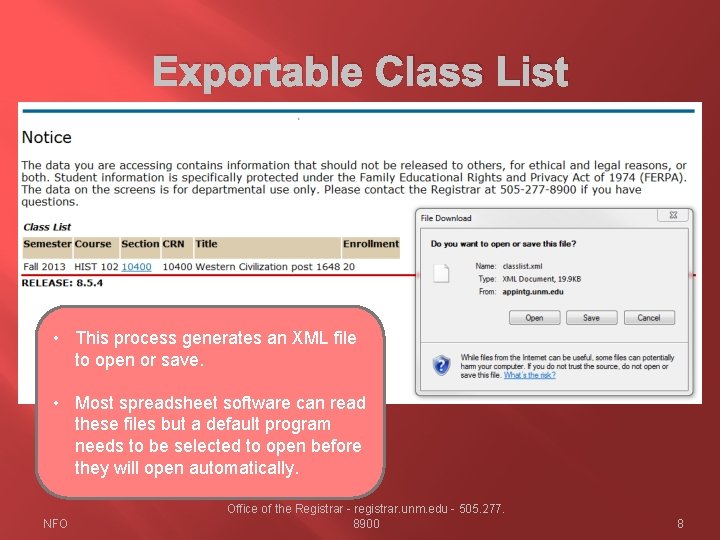
Exportable Class List • This process generates an XML file to open or save. • Most spreadsheet software can read these files but a default program needs to be selected to open before they will open automatically. NFO Office of the Registrar - registrar. unm. edu - 505. 277. 8900 8
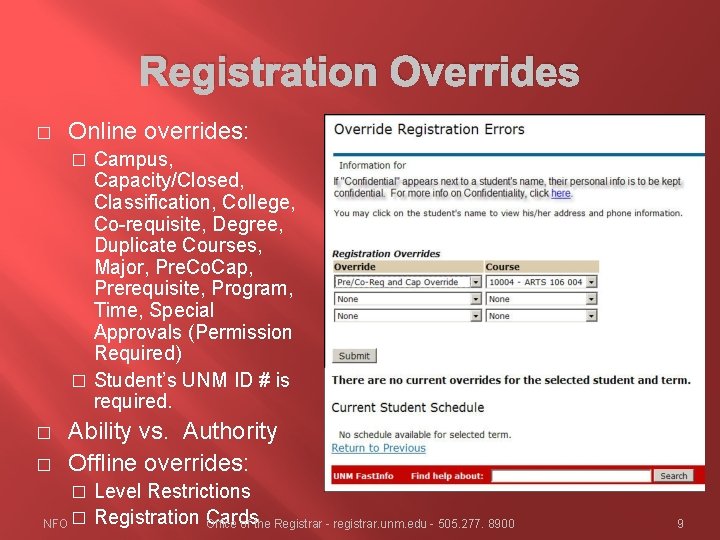
Registration Overrides � Online overrides: Campus, Capacity/Closed, Classification, College, Co-requisite, Degree, Duplicate Courses, Major, Pre. Co. Cap, Prerequisite, Program, Time, Special Approvals (Permission Required) � Student’s UNM ID # is required. � � � Ability vs. Authority Offline overrides: Level Restrictions NFO � Registration Cards Office of the Registrar - registrar. unm. edu - 505. 277. 8900 � 9
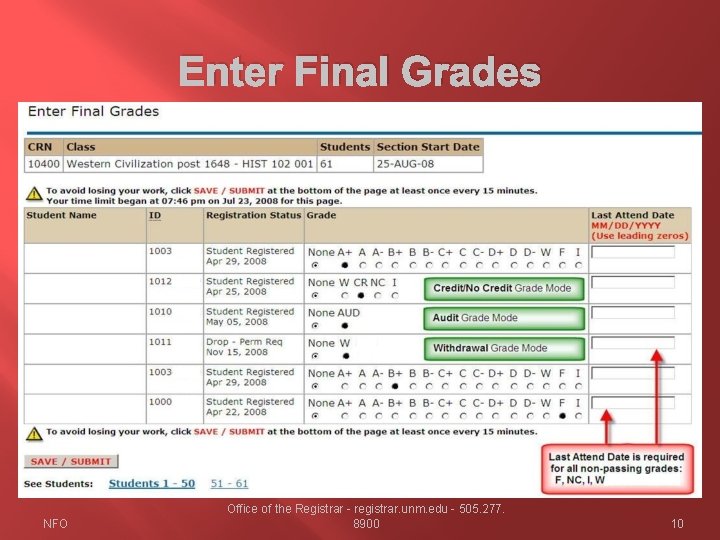
Enter Final Grades NFO Office of the Registrar - registrar. unm. edu - 505. 277. 8900 10
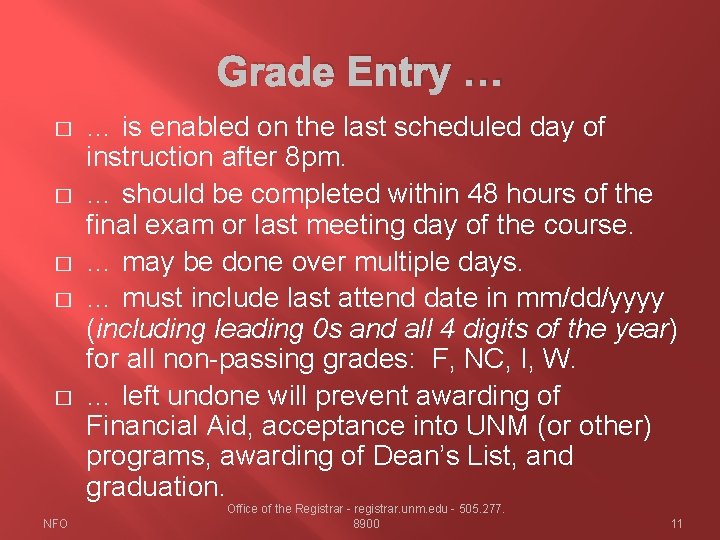
Grade Entry … � � � NFO … is enabled on the last scheduled day of instruction after 8 pm. … should be completed within 48 hours of the final exam or last meeting day of the course. … may be done over multiple days. … must include last attend date in mm/dd/yyyy (including leading 0 s and all 4 digits of the year) for all non-passing grades: F, NC, I, W. … left undone will prevent awarding of Financial Aid, acceptance into UNM (or other) programs, awarding of Dean’s List, and graduation. Office of the Registrar - registrar. unm. edu - 505. 277. 8900 11
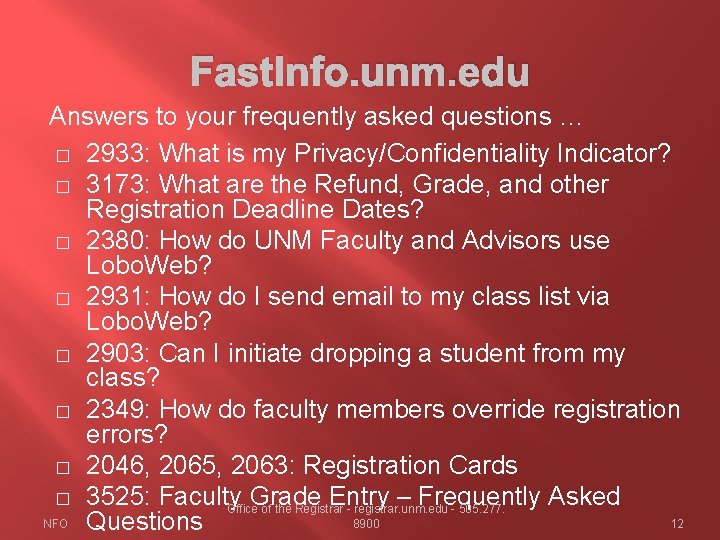
Fast. Info. unm. edu Answers to your frequently asked questions … � 2933: What is my Privacy/Confidentiality Indicator? � 3173: What are the Refund, Grade, and other Registration Deadline Dates? � 2380: How do UNM Faculty and Advisors use Lobo. Web? � 2931: How do I send email to my class list via Lobo. Web? � 2903: Can I initiate dropping a student from my class? � 2349: How do faculty members override registration errors? � 2046, 2065, 2063: Registration Cards � 3525: Faculty Grade Entry – Frequently Asked Office of the Registrar - registrar. unm. edu - 505. 277. NFO Questions 8900 12
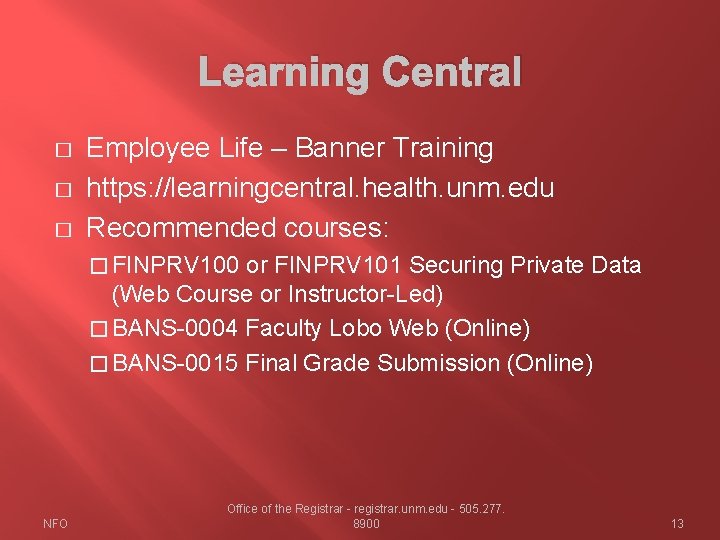
Learning Central � � � Employee Life – Banner Training https: //learningcentral. health. unm. edu Recommended courses: � FINPRV 100 or FINPRV 101 Securing Private Data (Web Course or Instructor-Led) � BANS-0004 Faculty Lobo Web (Online) � BANS-0015 Final Grade Submission (Online) NFO Office of the Registrar - registrar. unm. edu - 505. 277. 8900 13
Office of the Registrar MSC 11 6325 Student Success and Support Center 505. 277. 8900 Registrar. unm. edu NFO 14
Questions? Thank you for your time and attention Alec Reber Associate Registrar areber@unm. edu 505. 277. 6331 NFO 15