T Trimpe 2005 http sciencespot net The Mighty



- Slides: 43
T. Trimpe 2005 http: //sciencespot. net/
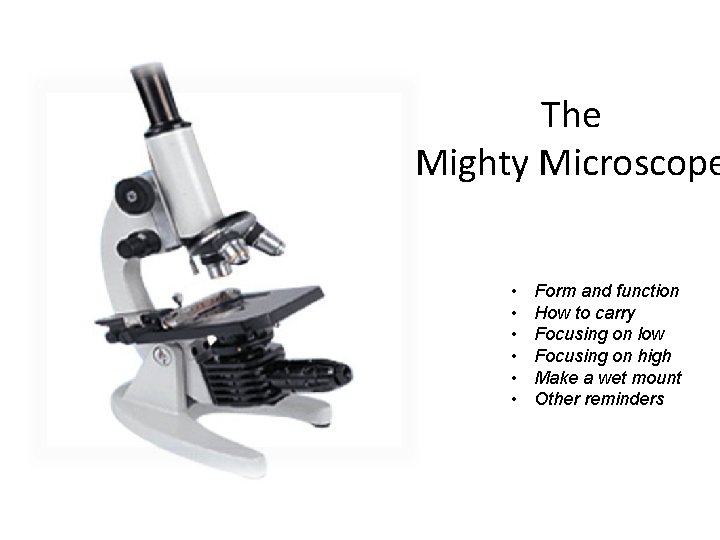
The Mighty Microscope • • • Form and function How to carry Focusing on low Focusing on high Make a wet mount Other reminders
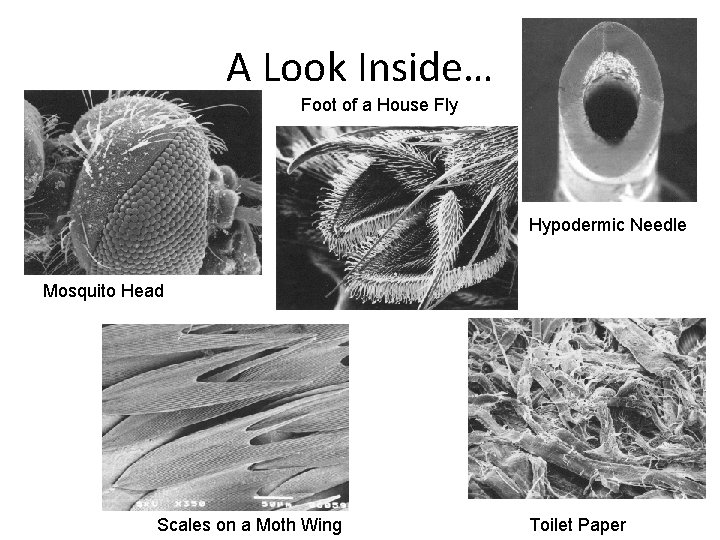
A Look Inside… Foot of a House Fly Hypodermic Needle Mosquito Head Scales on a Moth Wing Toilet Paper
Microscope Brainpop
Virtual Tour of the Microscope • Introduce you to the parts of a microscope and the procedures for proper use • Why would we start microscope studies using an online microscope? • As you work through the packet, label the parts of the microscope and identify the function of Parts A-D • Crossword Puzzle
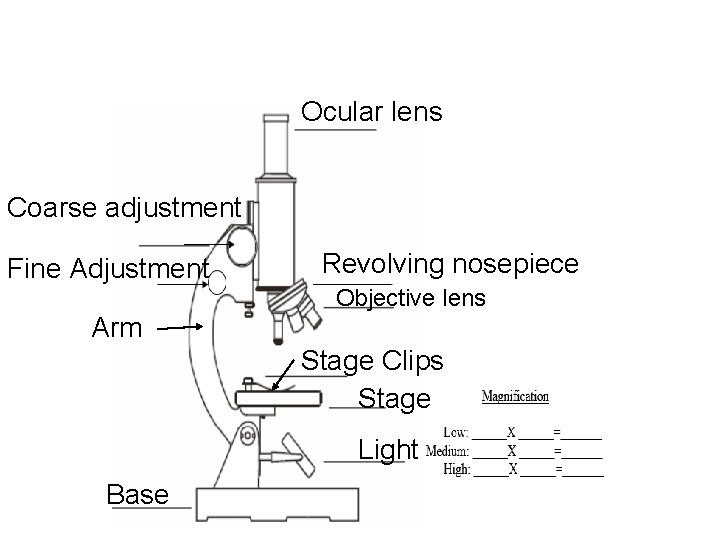
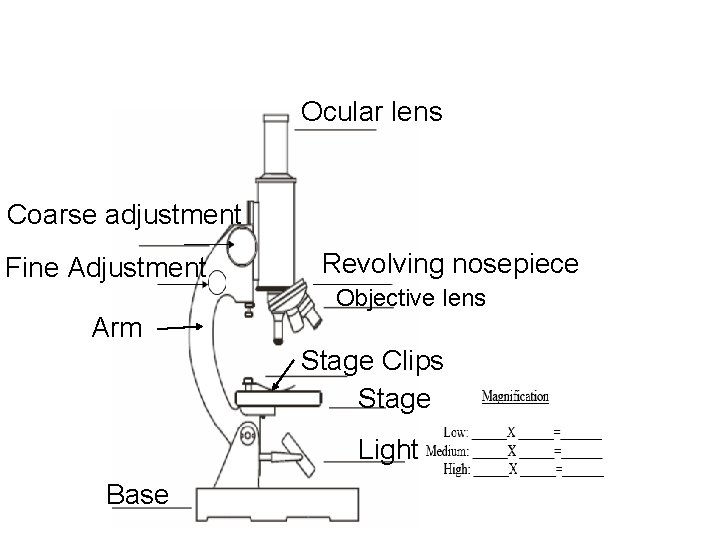
Ocular lens Coarse adjustment Fine Adjustment Revolving nosepiece Objective lens Arm Stage Clips Stage Light Base
Ocular lens Coarse adjustment Fine Adjustment Revolving nosepiece Objective lens Arm Stage Clips Stage Light Base
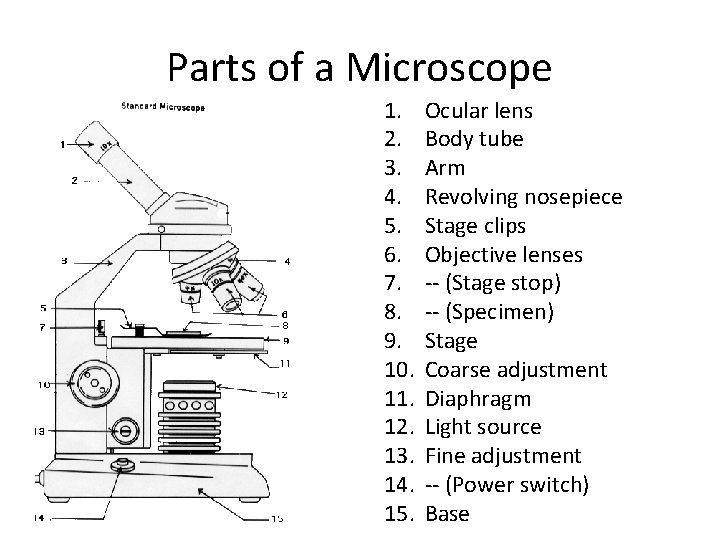
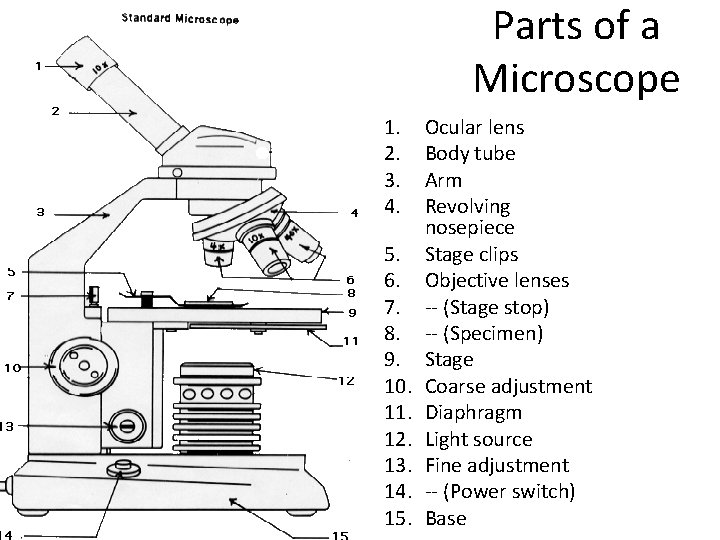
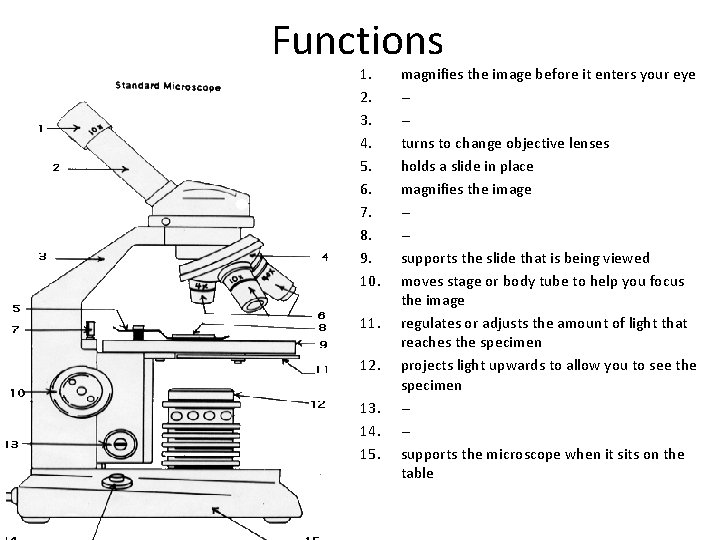
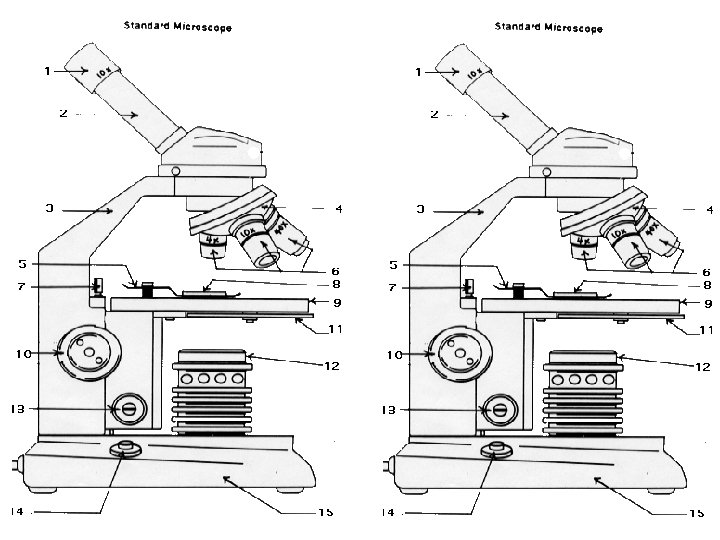
Parts of a Microscope 1. 2. 3. 4. 5. 6. 7. 8. 9. 10. 11. 12. 13. 14. 15. Ocular lens Body tube Arm Revolving nosepiece Stage clips Objective lenses -- (Stage stop) -- (Specimen) Stage Coarse adjustment Diaphragm Light source Fine adjustment -- (Power switch) Base
Parts of a Microscope 1. 2. 3. 4. 5. 6. 7. 8. 9. 10. 11. 12. 13. 14. 15. Ocular lens Body tube Arm Revolving nosepiece Stage clips Objective lenses -- (Stage stop) -- (Specimen) Stage Coarse adjustment Diaphragm Light source Fine adjustment -- (Power switch) Base
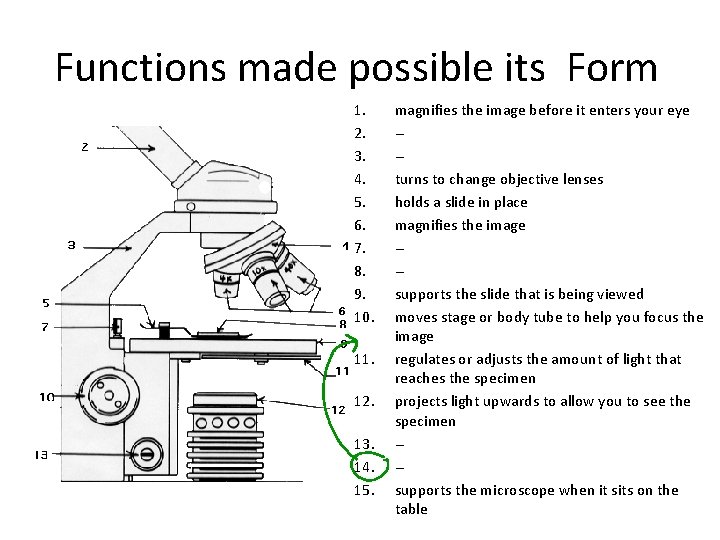
Functions made possible its Form 1. 2. 3. 4. 5. 6. 7. 8. 9. 10. 11. 12. 13. 14. 15. magnifies the image before it enters your eye --turns to change objective lenses holds a slide in place magnifies the image --supports the slide that is being viewed moves stage or body tube to help you focus the image regulates or adjusts the amount of light that reaches the specimen projects light upwards to allow you to see the specimen --supports the microscope when it sits on the table
Functions 1. 2. 3. 4. 5. 6. 7. 8. 9. 10. 11. 12. 13. 14. 15. magnifies the image before it enters your eye --turns to change objective lenses holds a slide in place magnifies the image --supports the slide that is being viewed moves stage or body tube to help you focus the image regulates or adjusts the amount of light that reaches the specimen projects light upwards to allow you to see the specimen --supports the microscope when it sits on the table
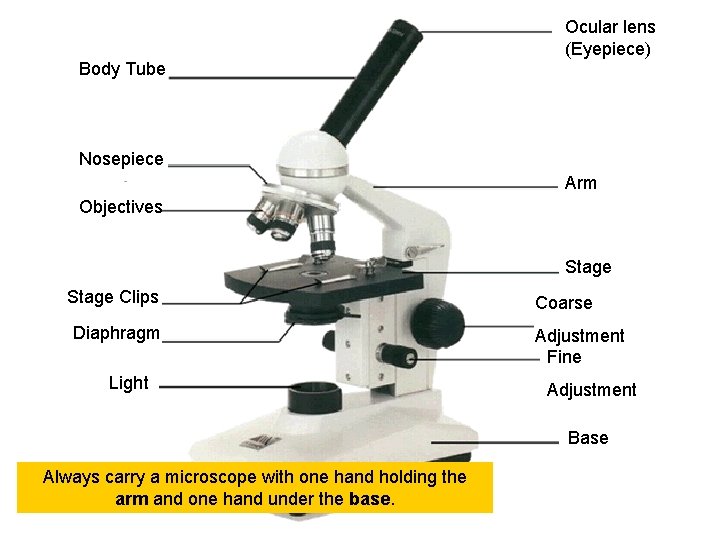
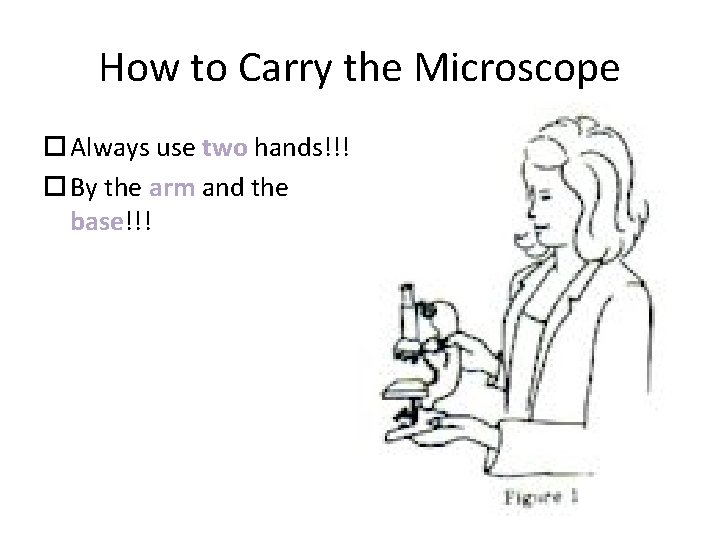
Ocular lens (Eyepiece) Body Tube Nosepiece Arm Objectives Stage Clips Diaphragm Light Coarse Adjustment Fine Adjustment Base Always carry a microscope with one hand holding the arm and one hand under the base.
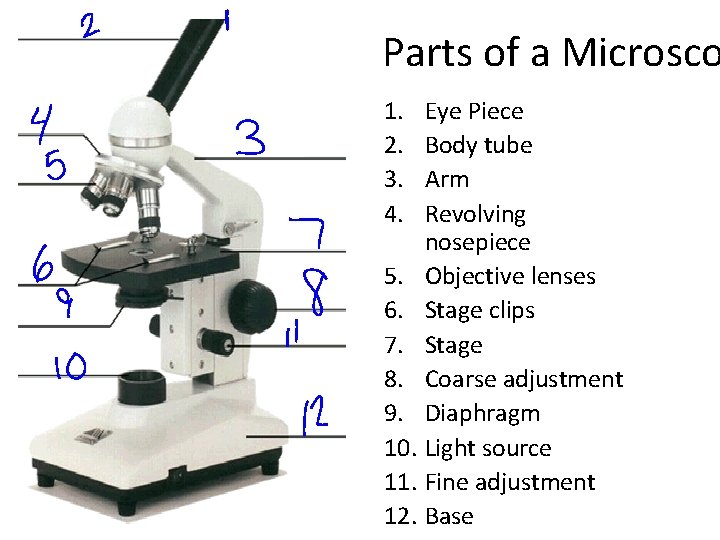
Parts of a Microsco 1. 2. 3. 4. Eye Piece Body tube Arm Revolving nosepiece 5. Objective lenses 6. Stage clips 7. Stage 8. Coarse adjustment 9. Diaphragm 10. Light source 11. Fine adjustment 12. Base
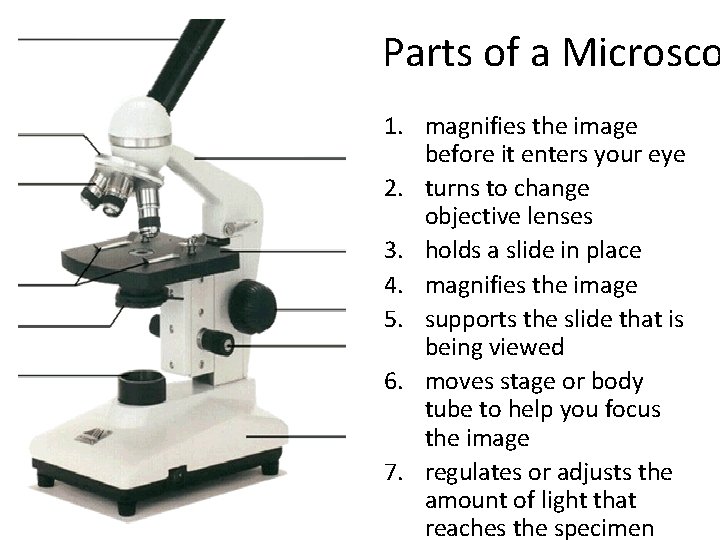
Parts of a Microsco 1. magnifies the image before it enters your eye 2. turns to change objective lenses 3. holds a slide in place 4. magnifies the image 5. supports the slide that is being viewed 6. moves stage or body tube to help you focus the image 7. regulates or adjusts the amount of light that reaches the specimen
How to Carry the Microscope Always use two hands!!! By the arm and the base!!!
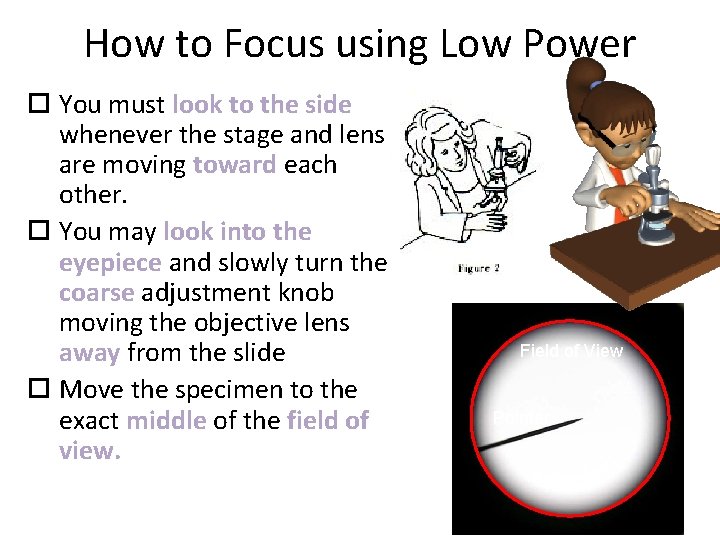
How to Focus using Low Power You must look to the side whenever the stage and lens are moving toward each other. You may look into the eyepiece and slowly turn the coarse adjustment knob moving the objective lens away from the slide Move the specimen to the exact middle of the field of view. Field of View Pointer
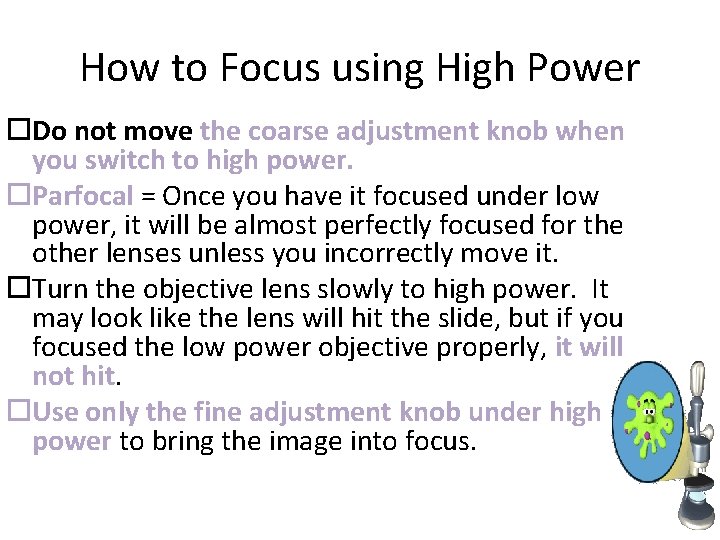
How to Focus using High Power Do not move the coarse adjustment knob when you switch to high power. Parfocal = Once you have it focused under low power, it will be almost perfectly focused for the other lenses unless you incorrectly move it. Turn the objective lens slowly to high power. It may look like the lens will hit the slide, but if you focused the low power objective properly, it will not hit. Use only the fine adjustment knob under high power to bring the image into focus.
• Focusing a Microscope Video
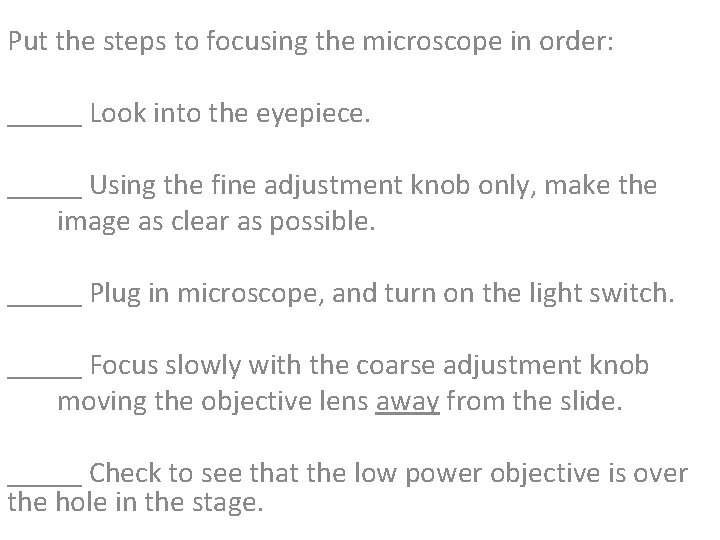
Put the steps to focusing the microscope in order: _____ Look into the eyepiece. _____ Using the fine adjustment knob only, make the image as clear as possible. _____ Plug in microscope, and turn on the light switch. _____ Focus slowly with the coarse adjustment knob moving the objective lens away from the slide. _____ Check to see that the low power objective is over the hole in the stage.
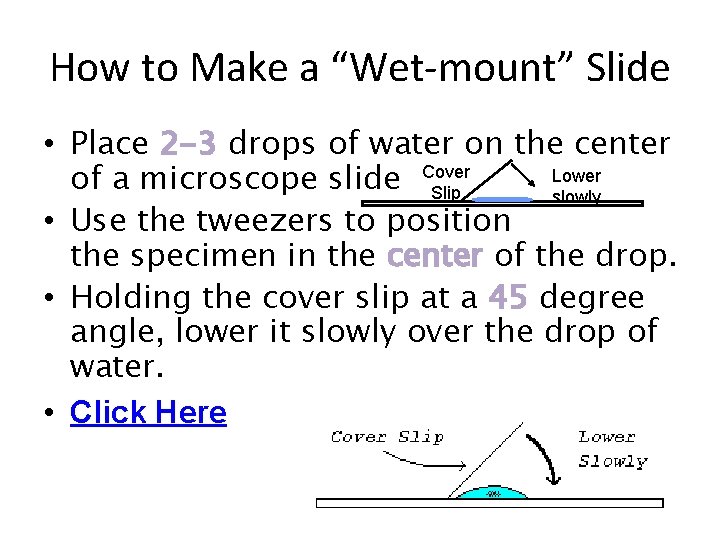
How to Make a “Wet-mount” Slide • Place 2 -3 drops of water on the center Lower of a microscope slide Cover Slip slowly • Use the tweezers to position the specimen in the center of the drop. • Holding the cover slip at a 45 degree angle, lower it slowly over the drop of water. • Click Here
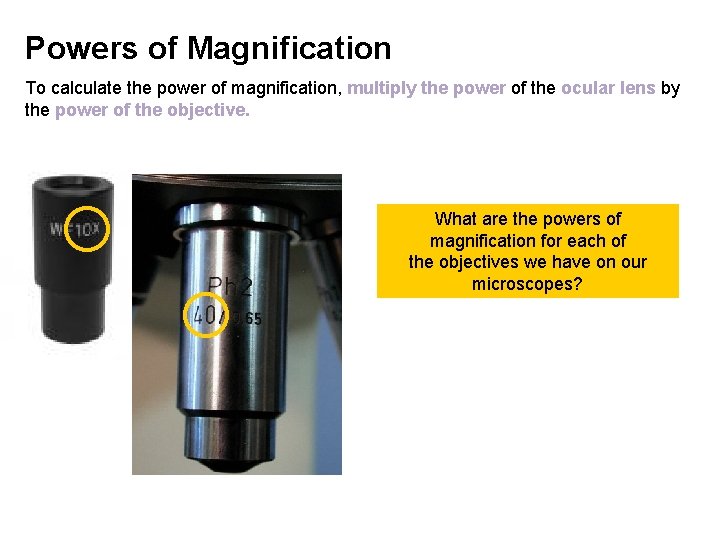
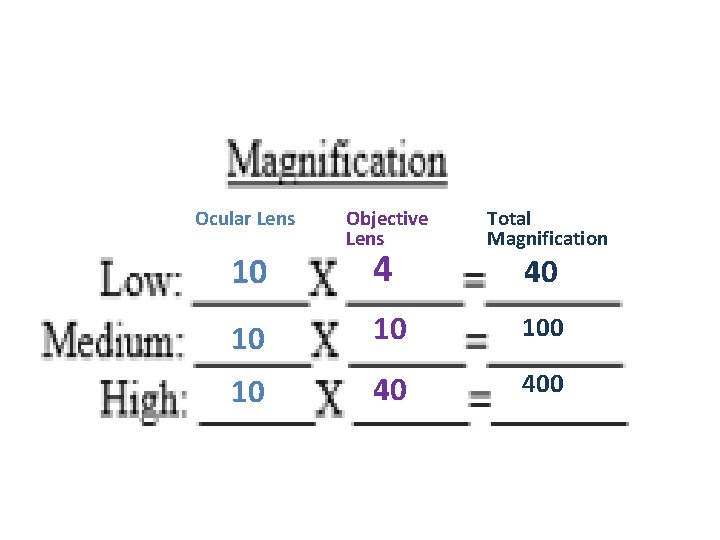
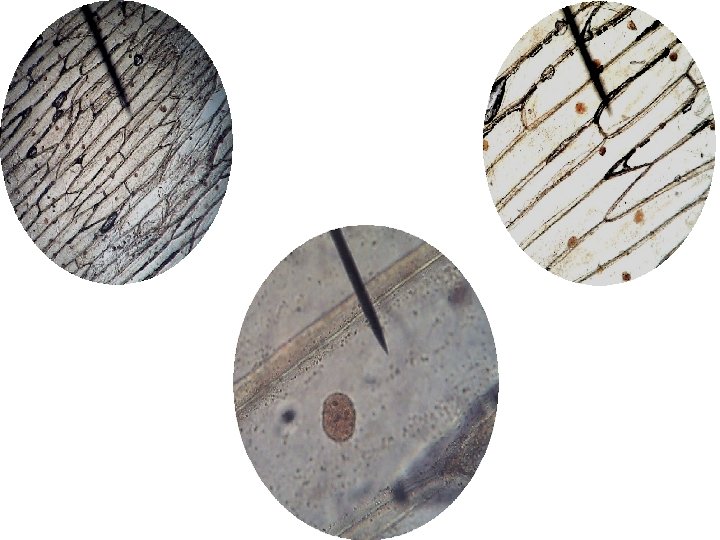
Powers of Magnification To calculate the power of magnification, multiply the power of the ocular lens by the power of the objective. What are the powers of magnification for each of the objectives we have on our microscopes?
Ocular Lens Objective Lens Total Magnification 10 10 10 40 400 10 4 40
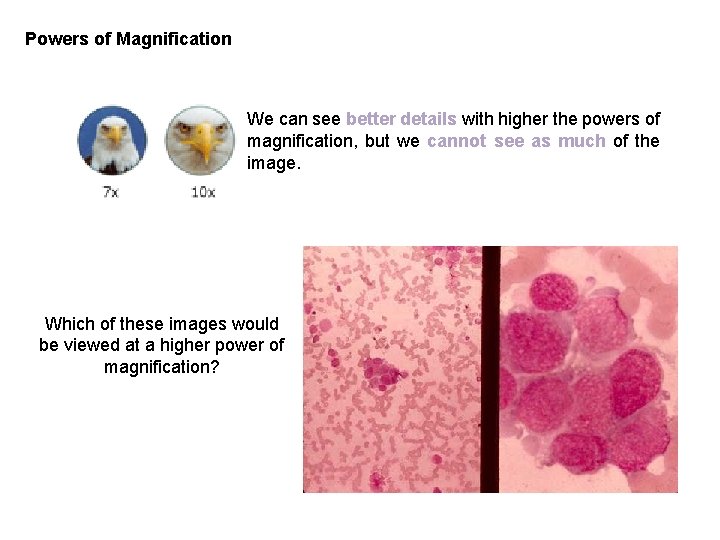
Powers of Magnification We can see better details with higher the powers of magnification, but we cannot see as much of the image. Which of these images would be viewed at a higher power of magnification?
Other Reminders • Do not touch the glass part of the lenses. Use only special lens paper to clean the lenses. • Clean up: click the low power lens into position, remove the slide, and turn light off. • Cover your microscope when not in use.
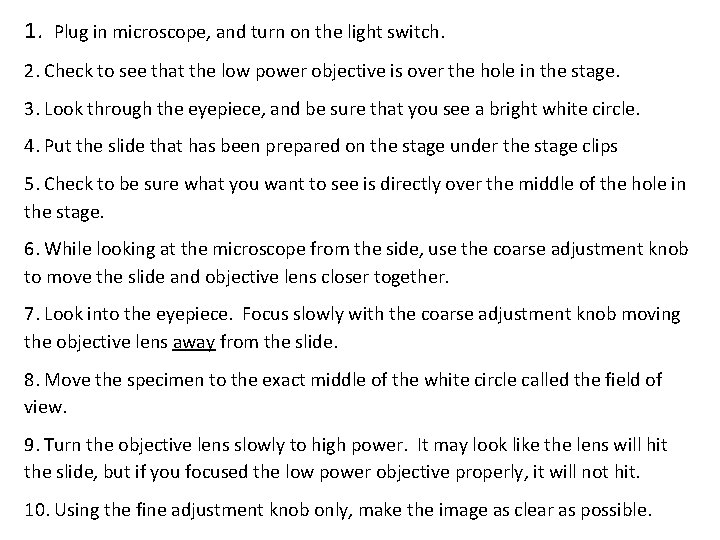
1. Plug in microscope, and turn on the light switch. 2. Check to see that the low power objective is over the hole in the stage. 3. Look through the eyepiece, and be sure that you see a bright white circle. 4. Put the slide that has been prepared on the stage under the stage clips 5. Check to be sure what you want to see is directly over the middle of the hole in the stage. 6. While looking at the microscope from the side, use the coarse adjustment knob to move the slide and objective lens closer together. 7. Look into the eyepiece. Focus slowly with the coarse adjustment knob moving the objective lens away from the slide. 8. Move the specimen to the exact middle of the white circle called the field of view. 9. Turn the objective lens slowly to high power. It may look like the lens will hit the slide, but if you focused the low power objective properly, it will not hit. 10. Using the fine adjustment knob only, make the image as clear as possible.
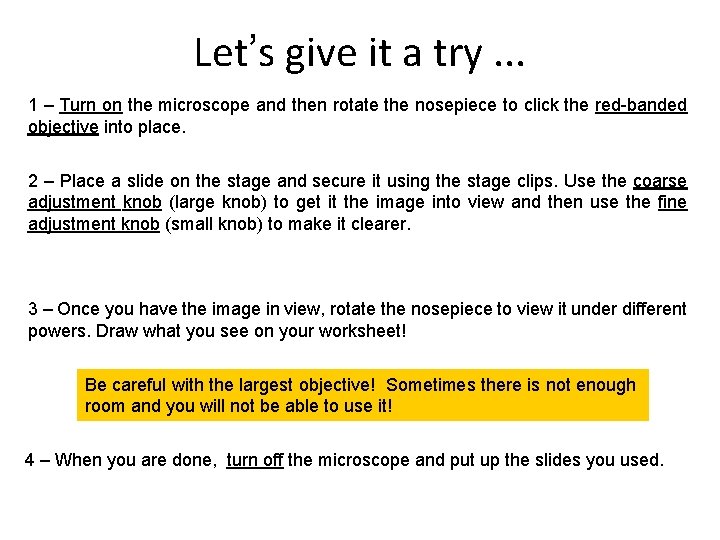
Let’s give it a try. . . 1 – Turn on the microscope and then rotate the nosepiece to click the red-banded objective into place. 2 – Place a slide on the stage and secure it using the stage clips. Use the coarse adjustment knob (large knob) to get it the image into view and then use the fine adjustment knob (small knob) to make it clearer. 3 – Once you have the image in view, rotate the nosepiece to view it under different powers. Draw what you see on your worksheet! Be careful with the largest objective! Sometimes there is not enough room and you will not be able to use it! 4 – When you are done, turn off the microscope and put up the slides you used.
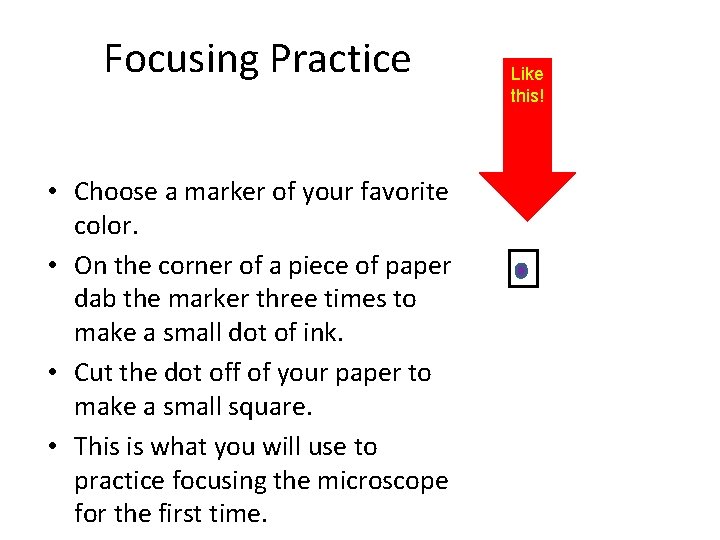
Focusing Practice • Choose a marker of your favorite color. • On the corner of a piece of paper dab the marker three times to make a small dot of ink. • Cut the dot off of your paper to make a small square. • This is what you will use to practice focusing the microscope for the first time. Like this!
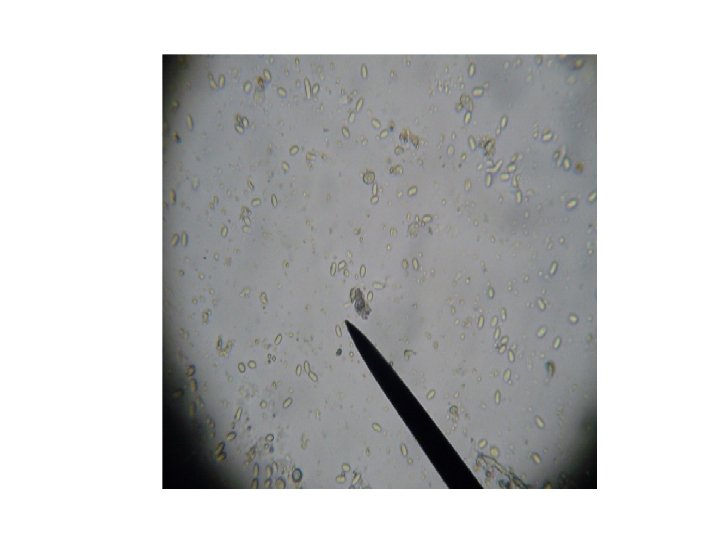
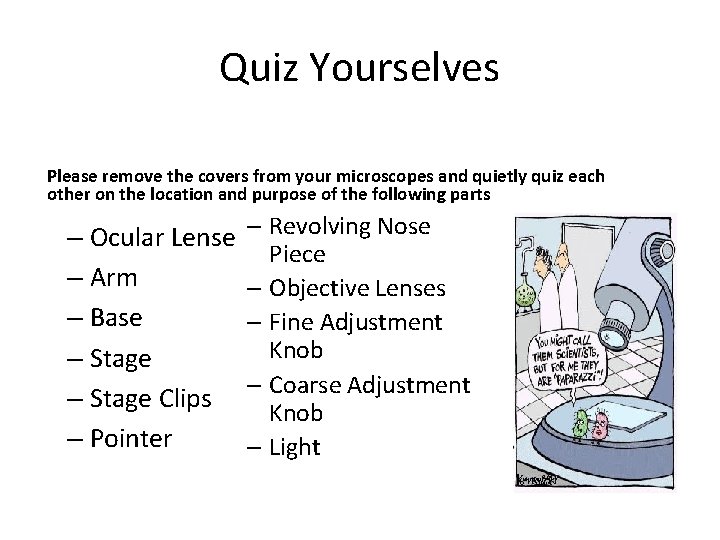
Quiz Yourselves Please remove the covers from your microscopes and quietly quiz each other on the location and purpose of the following parts – Ocular Lense – Arm – Base – Stage Clips – Pointer – Revolving Nose Piece – Objective Lenses – Fine Adjustment Knob – Coarse Adjustment Knob – Light
#1
#2
#3
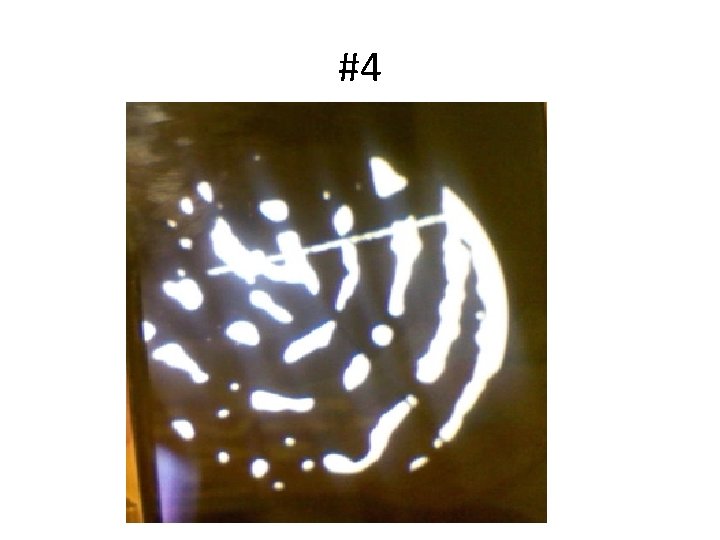
#4
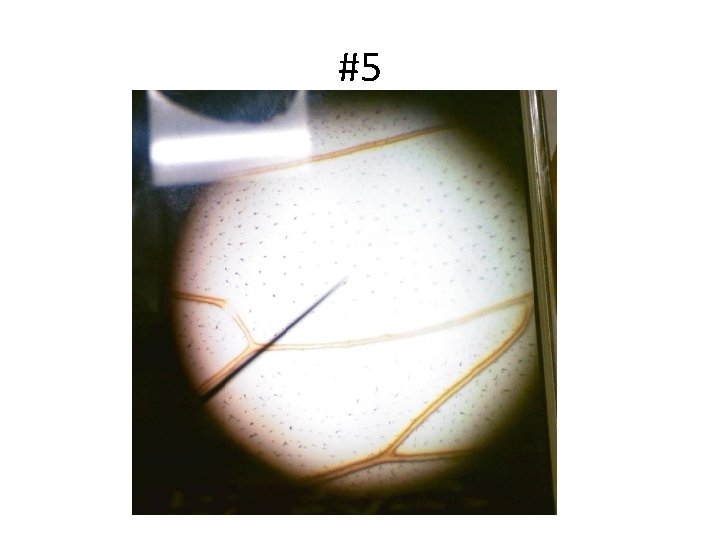
#5
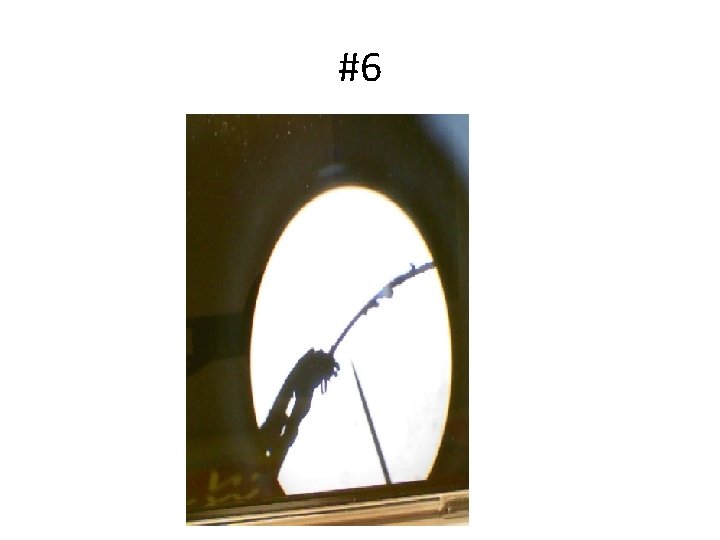
#6
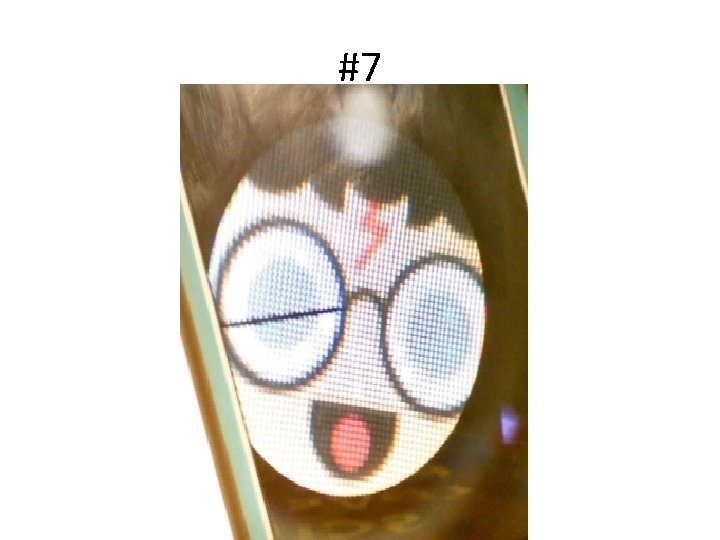
#7
#8
#9
#10
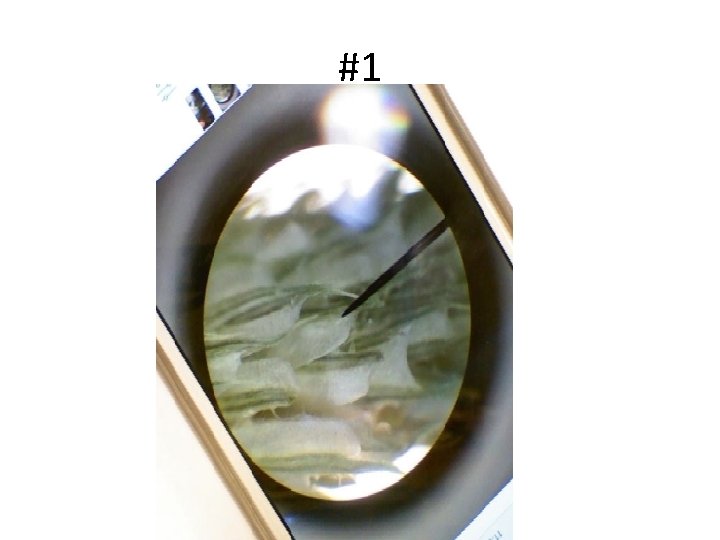
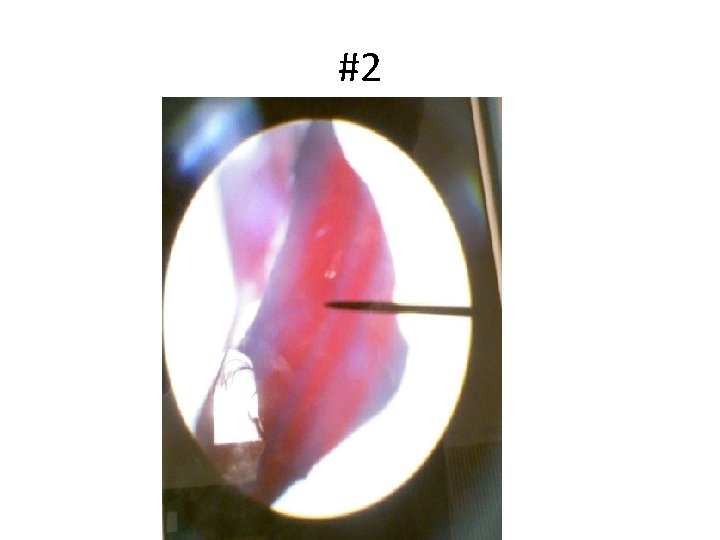
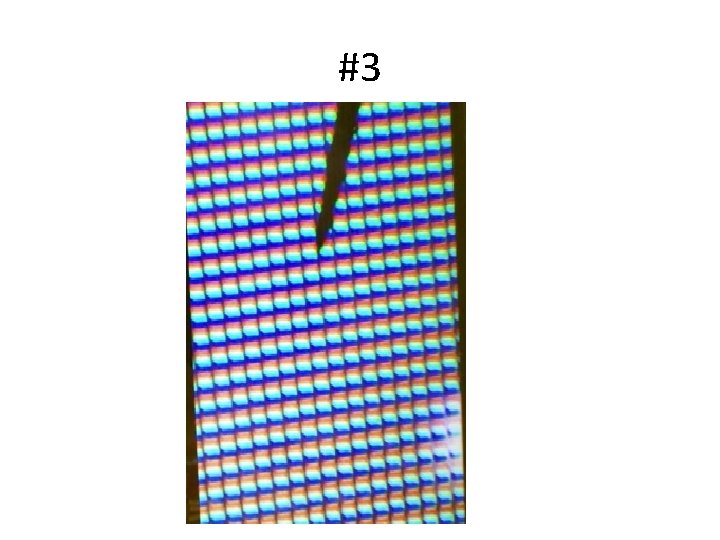
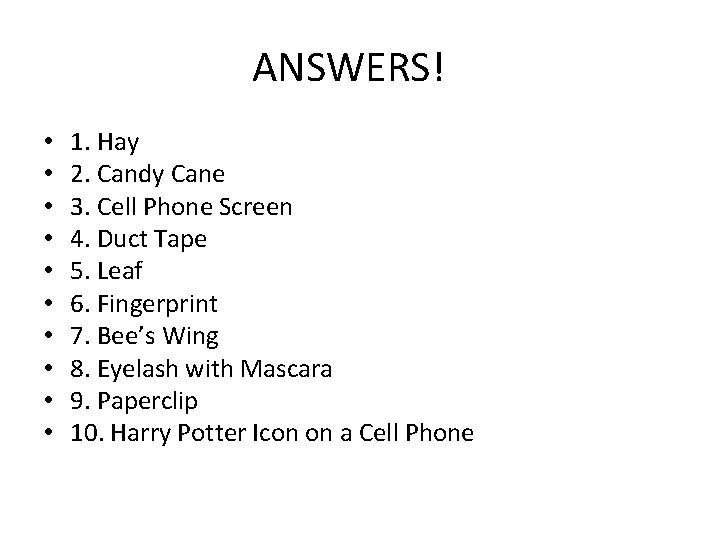
ANSWERS! • • • 1. Hay 2. Candy Cane 3. Cell Phone Screen 4. Duct Tape 5. Leaf 6. Fingerprint 7. Bee’s Wing 8. Eyelash with Mascara 9. Paperclip 10. Harry Potter Icon on a Cell Phone